

- Category Productivity
- Developer Microsoft
- Available on PC
- OS Windows 10 version 19041.0 or higher
- languages English (United States)
Introducing Microsoft Designer for Windows: A Fresh Take on Creative Design
Microsoft Designer for Windows stands out as a versatile AI-powered graphic design tool aimed at simplifying complex design tasks. With its seamless integration into the Windows ecosystem, it promises to empower users—from casual creators to seasoned professionals—by making visual content creation more intuitive and efficient.
Developer and Core Features
Developed by Microsoft Corporation, this application taps into Microsoft's robust AI infrastructure to deliver cutting-edge features. Its main highlights include intelligent design suggestions that adapt to user inputs, an extensive library of templates and assets, and real-time collaboration capabilities. These features are tailored to streamline the creative process and reduce the typical cognitive load associated with design projects.
Vivid Beginnings: Bright Ideas Made Simple
Imagine being handed a blank canvas and a rush of inspiration—yet feeling overwhelmed by the possibilities. Microsoft Designer acts like a friendly co-creator, guiding you with AI-driven suggestions that translate your vague ideas into polished visuals. Whether you're crafting a social media post, a presentation slide, or a marketing banner, this app is like having a professional designer at your fingertips, ready to brainstorm and refine your concept with effortless flair. Its user-centric approach turns complex design workflows into approachable, even enjoyable, tasks.
The Core of Creativity: Deep Dive into Features
1. Intelligent Design Assistance
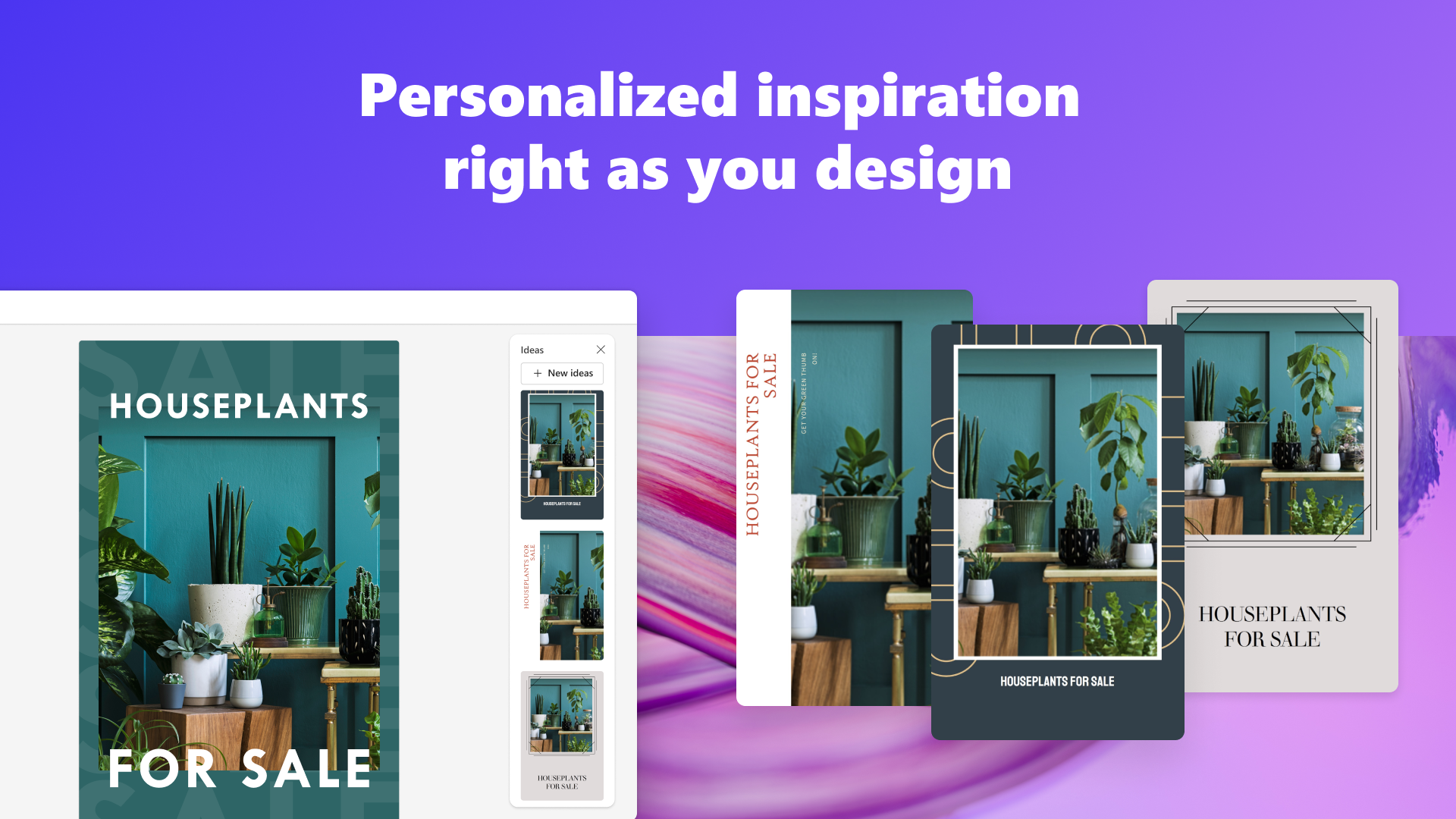
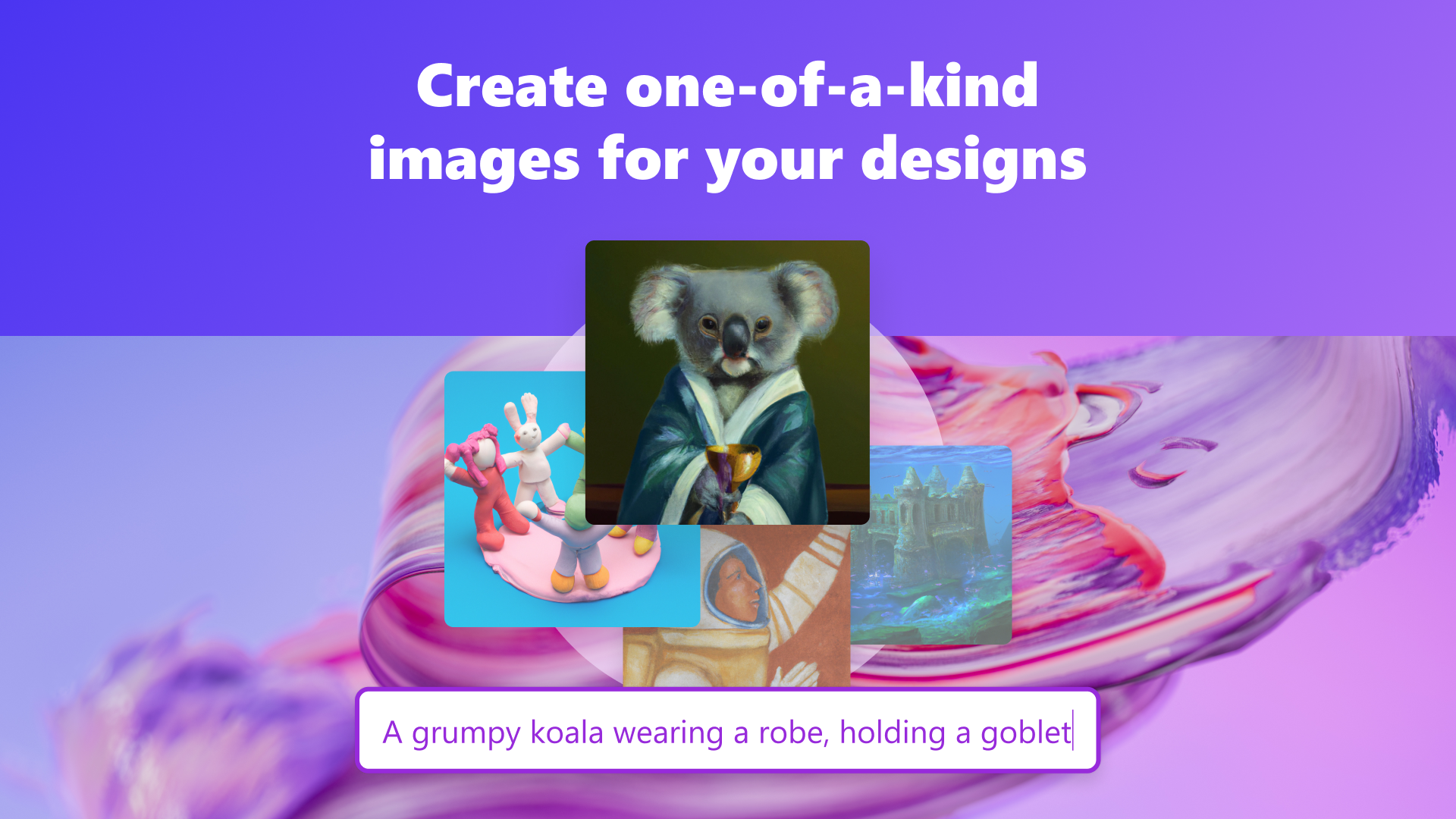
This is the heart of Microsoft Designer's standout appeal. Powered by advanced AI, the app analyzes your input—be it text prompts, sketches, or initial layouts—and offers tailored design suggestions. For example, if you describe the mood or theme you want, the AI proposes color schemes, font choices, and layout arrangements that match your vision. This feature significantly reduces the time spent on trial-and-error, allowing you to focus on the creative message rather than the technicalities.
2. Extensive Template and Asset Library
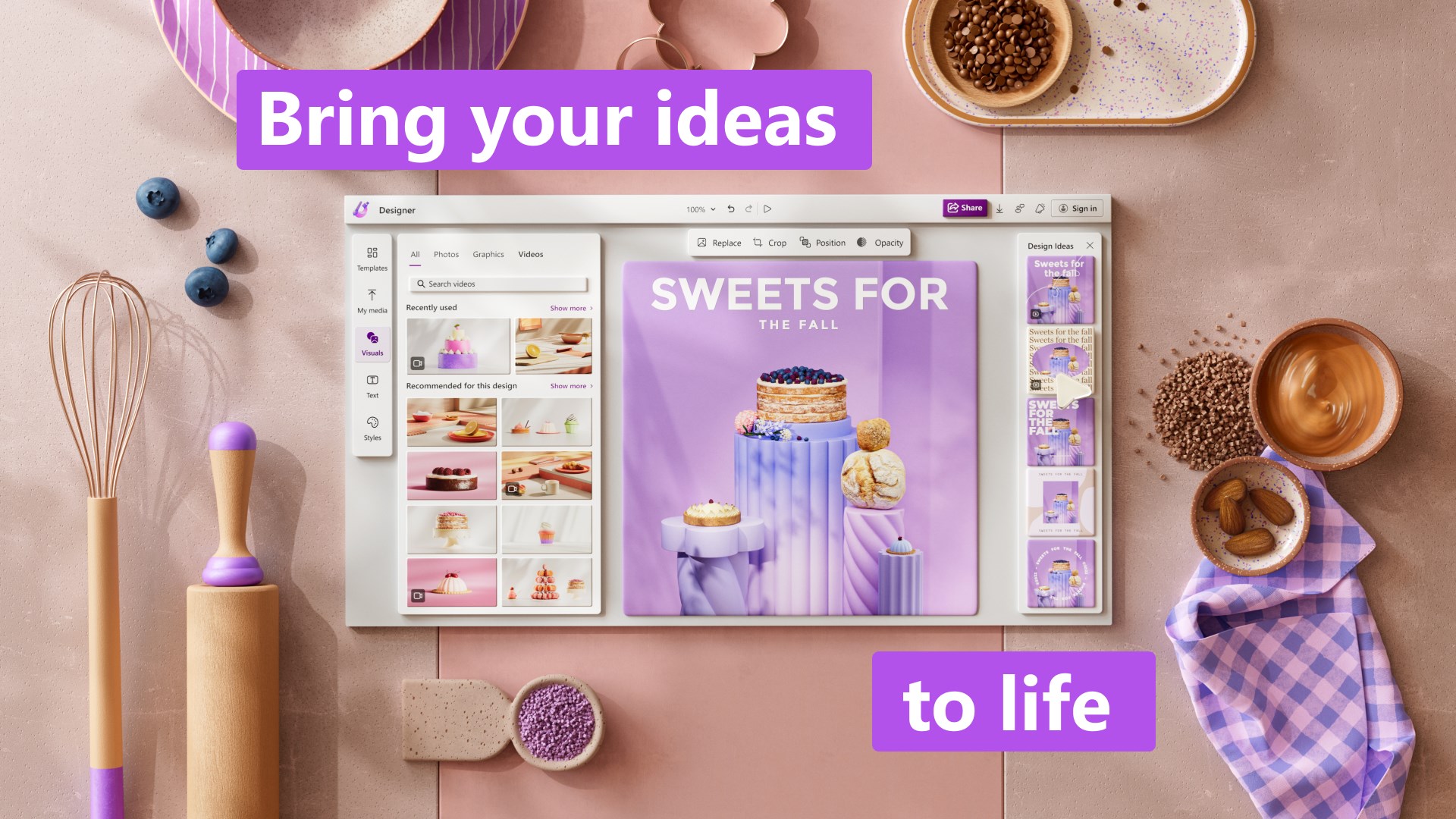
Designing from scratch can be daunting; thus, Designer provides a rich collection of templates categorized by purpose—social media, presentations, invitations, and more. These templates are highly customizable, enabling quick adaptation while maintaining a consistent professional look. The integrated assets—icons, images, and fonts—further streamline the workflow, ensuring that users have everything they need within reach, like a well-stocked art studio.
3. Effortless Collaboration and Export
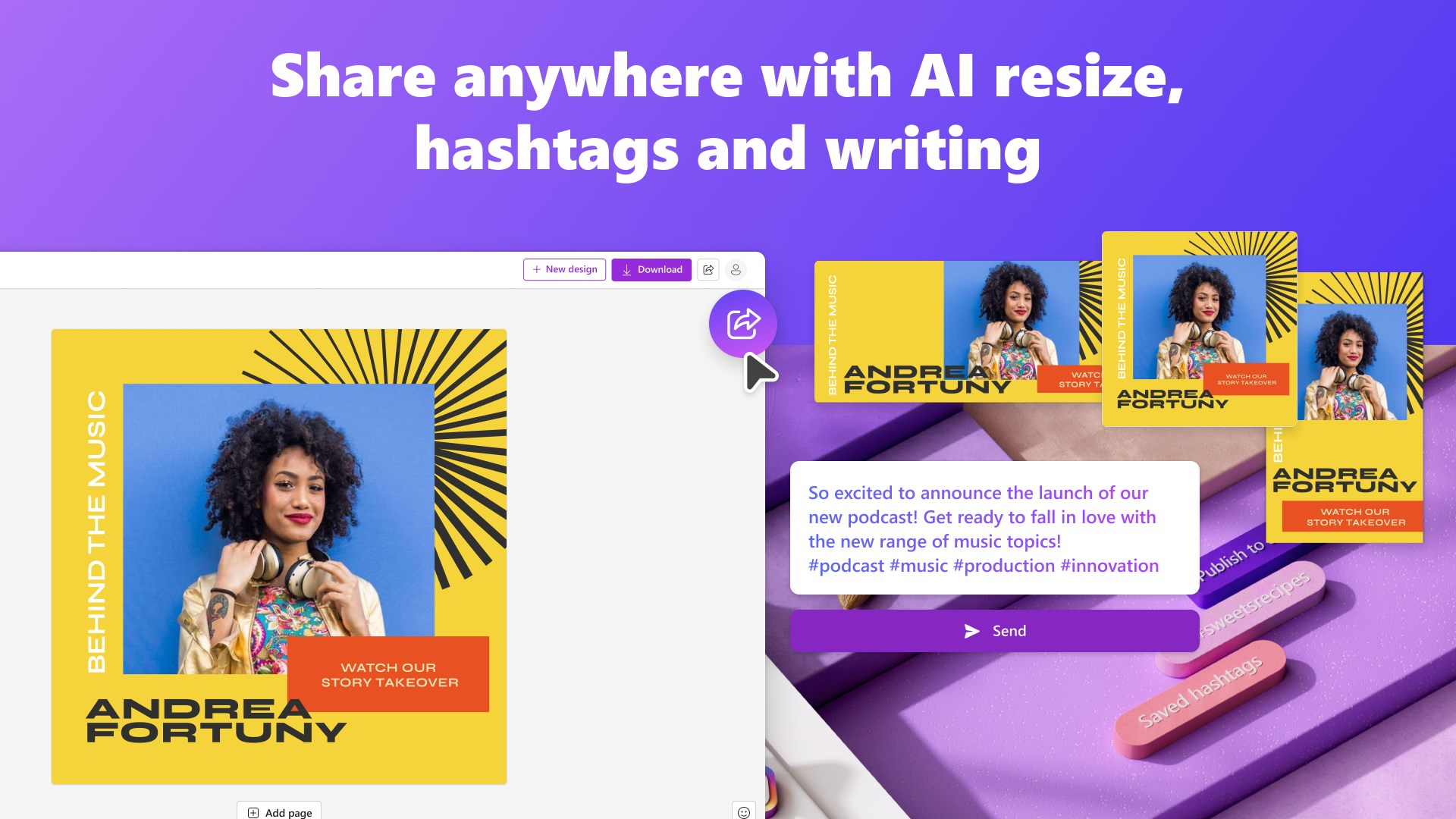
In today's interconnected world, collaboration is key. Microsoft Designer simplifies this with real-time sharing options and straightforward export formats. You can invite colleagues or friends to review your work directly within the app, facilitating seamless feedback loops. When your masterpiece is finalized, exporting to various formats—JPEG, PNG, PDF—preserves quality and easy sharing, making it suitable for both digital and print outputs.
User Experience: Interface, Performance, and Learning Curve
The application's interface is clean, modern, and inviting—think of stepping into a well-organized art studio with plenty of natural light. Navigating through tools is intuitive; even those new to design software find themselves creating polished visuals after just a few minutes of familiarization. Performance remains smooth across typical hardware, with minimal lag during complex edits, thanks to optimized AI processing. The learning curve is gentle, owing largely to the app's guided suggestions and pre-made templates, making it accessible for users with various skill levels.
Differentiation and Unique Advantages
Compared to other productivity or design apps, Microsoft Designer's remarkable strength lies in its workflow integration efficiency. Unlike standalone graphic tools that demand significant manual setup and feature navigation, Designer emphasizes reducing cognitive load by providing contextually relevant suggestions and streamlined asset management. Its AI assistance acts like a second brain, taking away the hard mental work of decision-making, leaving users free to focus on their creative intent. This balance between intelligent automation and user control allows for faster turnaround times without sacrificing quality—a true differentiator in today's fast-paced digital environment.
Final Thoughts and Recommendations
I would recommend Microsoft Designer for users looking for a lightweight yet capable design tool that integrates seamlessly with the Windows environment. It's ideal for small business owners, content creators, educators, or anyone who wants to craft compelling visuals without becoming overwhelmed by feature-rich, complex software. While it may not replace high-end design suites for specialized professionals, its simplicity, AI-driven assistance, and workflow efficiency make it a strong contender for everyday creative needs. For those who prioritize ease of use and integration, this app is well worth a try.
Pros
- Intuitive User Interface
- Wide Range of Templates
- Seamless Integration with Microsoft Ecosystem
- AI-Powered Design Assistance
- Regular Updates and Improvements
Cons
- Limited Customization Options
- Requires Stable Internet Connection
- Performance Issues on Lower-End Devices
- Occasional Learning Curve
- Limited Export Format Options











