
- Category Simulation
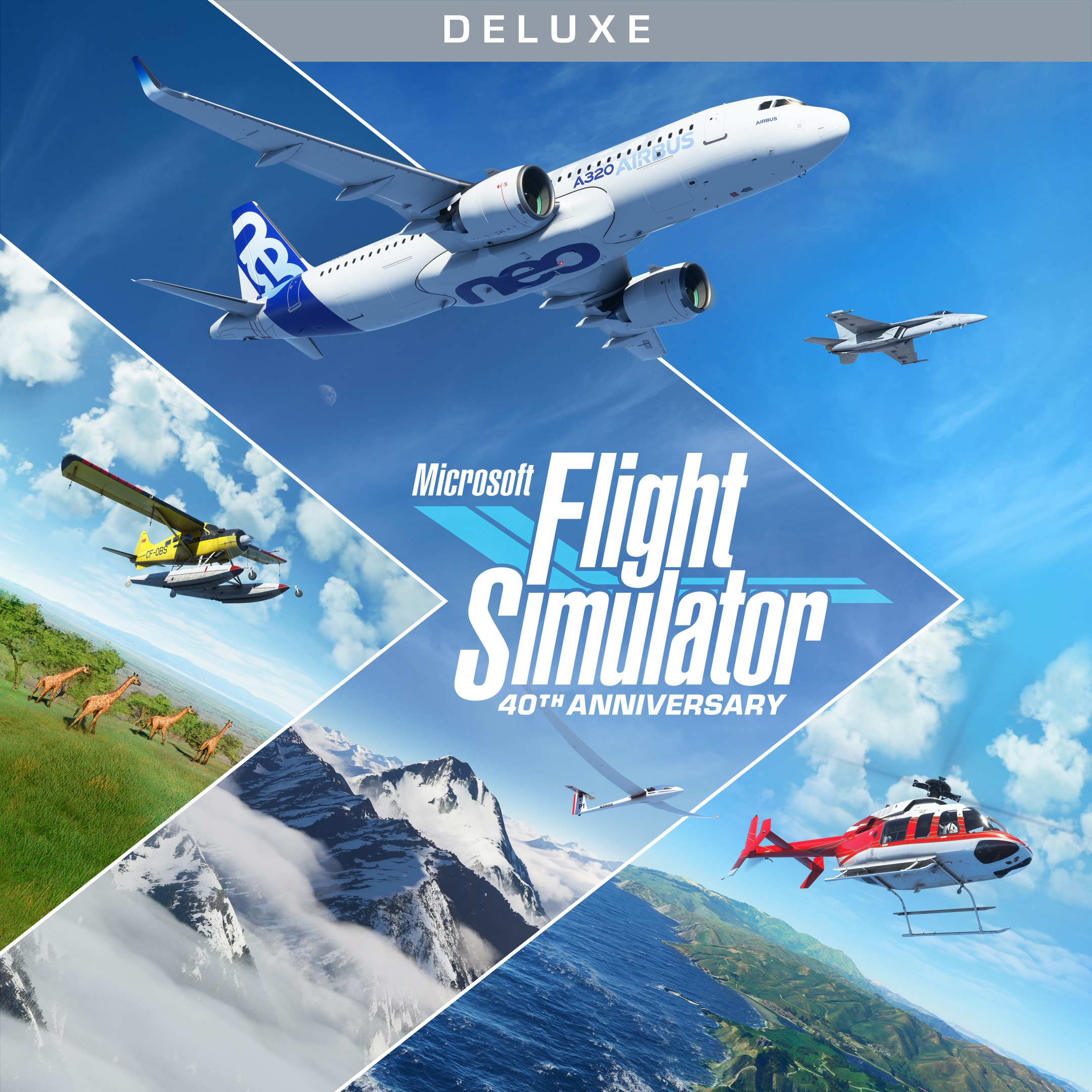
Introducing Microsoft Flight Simulator (2020) Deluxe 40th Anniversary Edition
This highly detailed simulation offers aviation enthusiasts and casual flyers alike an immersive journey into the skies, combining stunning visuals with authentic flying mechanics. Whether you're a seasoned pilot or a curious newcomer, this edition delivers a comprehensive experience that celebrates four decades of flight simulation innovation.
An Overview of the Core Features
Unmatched Visual Realism and Global Scenery
This version leverages satellite imagery and advanced rendering to create a breathtaking, hyper-realistic depiction of our planet. From the bustling cityscapes of New York to the serene fjords of Norway, the world is virtually yours to explore with incredible detail and accuracy. Dynamic weather systems and real-time environmental data further enhance immersion, making each flight unique and lively.
Authentic Flying Mechanics and Physics
The simulator boasts sophisticated flight models that mimic real aircraft behavior, providing a flying experience that feels both challenging and rewarding. From the nuanced handling of different aircraft to authentic instrument and control systems, it caters to users seeking realism. The physics engine considers wind, turbulence, and weight distribution, making every takeoff and landing a mini-lesson in aerodynamics.
Rich Training and Learning Features
This edition includes comprehensive tutorials, cockpit walkthroughs, and structured missions that ease beginners into flight. For veterans, advanced scenarios test skills and knowledge, fostering a deeper understanding of aviation principles. The app's realistic navigation and procedures offer transferable skills that could inspire career paths or hobbyist pursuits in aviation.
User Experience: Navigating the Skies with Ease and Joy
The interface of Microsoft Flight Simulator is sleek yet intuitive, akin to stepping into a cockpit where controls are logically arranged and accessible. The main menu presents options seamlessly, allowing users to jump into solo flights, multiplayer sessions, or training modules effortlessly. The visuals are rendered smoothly even on high settings, with commendable performance considering the complexity of the scenes.
Learning curve is gentle for newcomers thanks to interactive tutorials, but mastering the intricacies of different aircraft requires practice—much like learning to pilot a real plane. Controls are customizable, accommodating various hardware setups from traditional keyboard and mouse to full flight sticks or VR headsets, which significantly enhances the feeling of immersion.
What Sets It Apart from Other Flight Simulators
While many simulators claim realism, Microsoft Flight Simulator distinguishes itself through its integration of real-world data and stunning environmental rendering, creating an experience that is as visually captivating as it is technically impressive. Its detailed physics engine ensures that aircraft respond genuinely to pilot inputs and environmental influences, setting a high bar for authenticity.
Furthermore, its focus on educational value is notable—learners can transfer skills to real-world aviation contexts, thanks to detailed instrument simulations and procedural accuracy. This makes it not just a game but a potential stepping stone for aspiring pilots. Its global coverage and ongoing updates keep the experience fresh and continuously engaging, unlike some competitors that rely more on scripted scenarios or limited geography.
Recommendation and Usage Tips
I would say this simulator is highly recommended for aviation enthusiasts, students of aeronautics, or anyone looking to experience the thrill of flying with a high degree of realism. Beginners should start with the guided tutorials to grasp basic controls, then gradually explore more complex aircraft and scenarios. For more immersive sessions, pairing the game with a quality flight stick or VR headset can transform your experience into something truly breathtaking.
Given its demanding graphical requirements, ensure your system is adequately equipped for optimal performance. Whether you're seeking a relaxing scenic flight or an intense training session, this edition offers a comprehensive platform that captures the wonder of flight with remarkable fidelity.
Pros
- Stunning Graphics and Realistic Visuals
- Comprehensive Aircraft Selection
- Extensive Global Map and Landmarks
- Advanced Flight Physics and Controls
- Regular Updates and Content Additions
Cons
- High System Requirements
- Large Installation Size
- Occasional Performance Issues
- Learning Curve for Beginners
- Limited Multiplayer Interaction Early On











