


- Category Business
- Available on PC
- OS Windows 10 version 19041.0 or higher
- languages English (United States)
Introducing Microsoft Forms for Windows: Your Seamless Survey and Quiz Companion
Microsoft Forms for Windows is a versatile application designed to streamline the creation and sharing of surveys, quizzes, and feedback forms directly from your desktop. With its integration into the Microsoft ecosystem, it promises an efficient and user-friendly experience suitable for both individual and organizational needs.
Developed by Microsoft Corporation
As a product from the tech giant Microsoft, this app benefits from the company's extensive cloud infrastructure and commitment to seamless productivity solutions. Its development team focuses on providing intuitive tools that enhance collaboration and data collection.
Main Features at a Glance
- Intuitive form creation with customizable templates
- Real-time data collection and response analysis
- Integration with Microsoft 365 tools like Excel and Teams
- Collaborative editing and sharing capabilities
Engaging and User-Friendly Interface
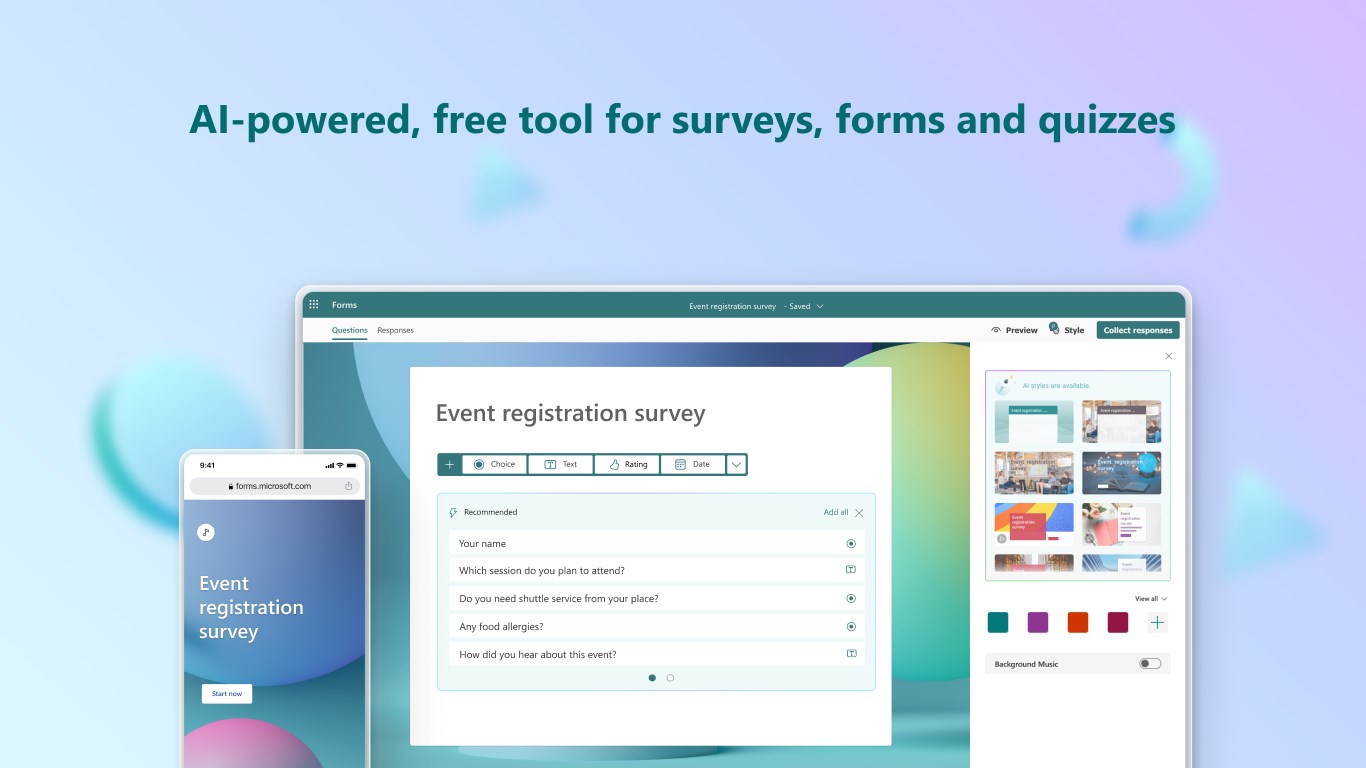
Stepping into Microsoft Forms for Windows feels somewhat like entering a well-organized digital workshop — clean, intuitive, and inviting. The interface employs a modern design language, with a sidebar menu that makes navigation a breeze. Creating a new form or quiz is as simple as dragging and dropping elements onto the canvas, making the process accessible even for first-time users. The responsiveness of the UI ensures that your interactions are smooth, with minimal lag or clutter, which is crucial in maintaining focus when designing detailed forms.
Core Functionality That Empowers Productivity
1. Customizable Form and Quiz Builder
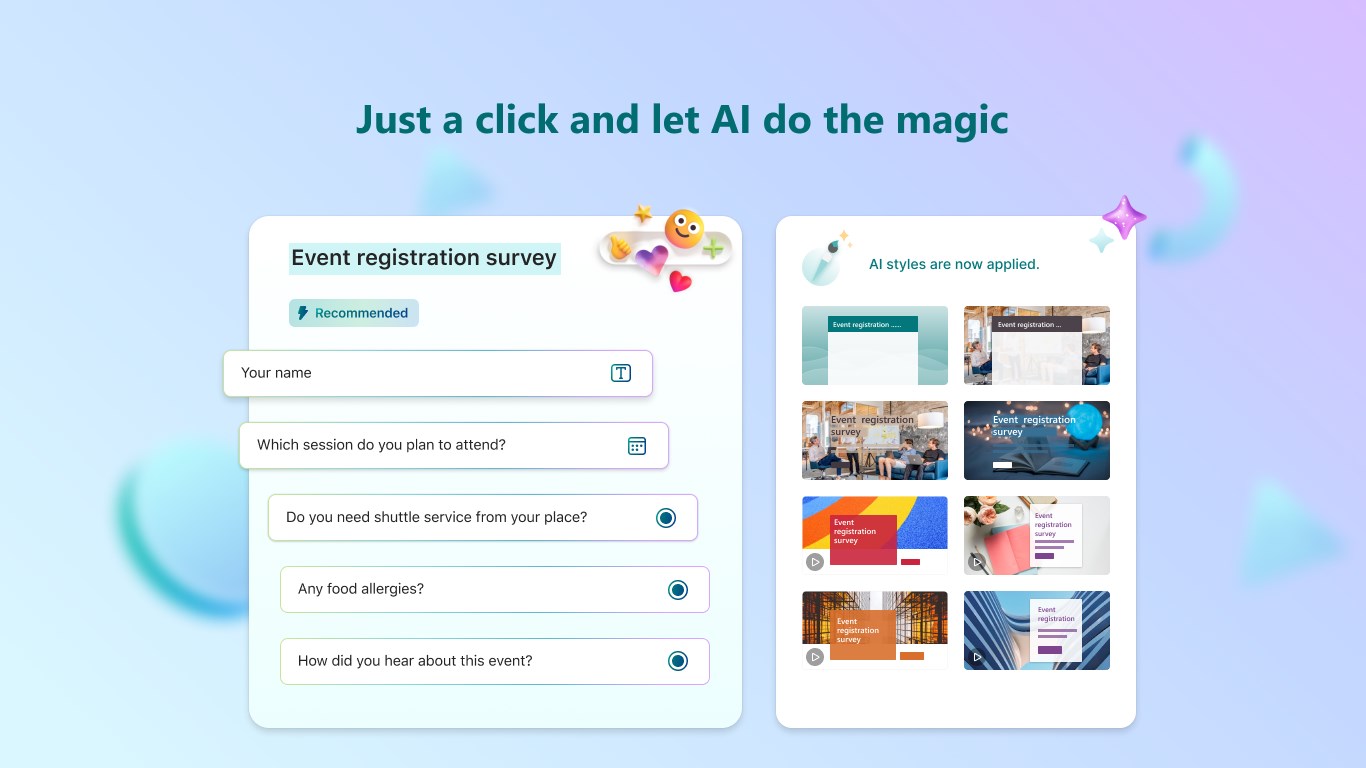
The heart of Microsoft Forms is its form builder, which offers a treasure trove of question types — multiple choice, text responses, ratings, dates, and more. The real magic lies in the pre-made templates that help users jumpstart their projects. Whether you're gathering event feedback or conducting an educational quiz, the customizable options accommodate various needs seamlessly. The drag-and-drop interface simplifies the setup, encouraging creativity without overwhelming complexity.
2. Dynamic Data Analysis & Collaboration
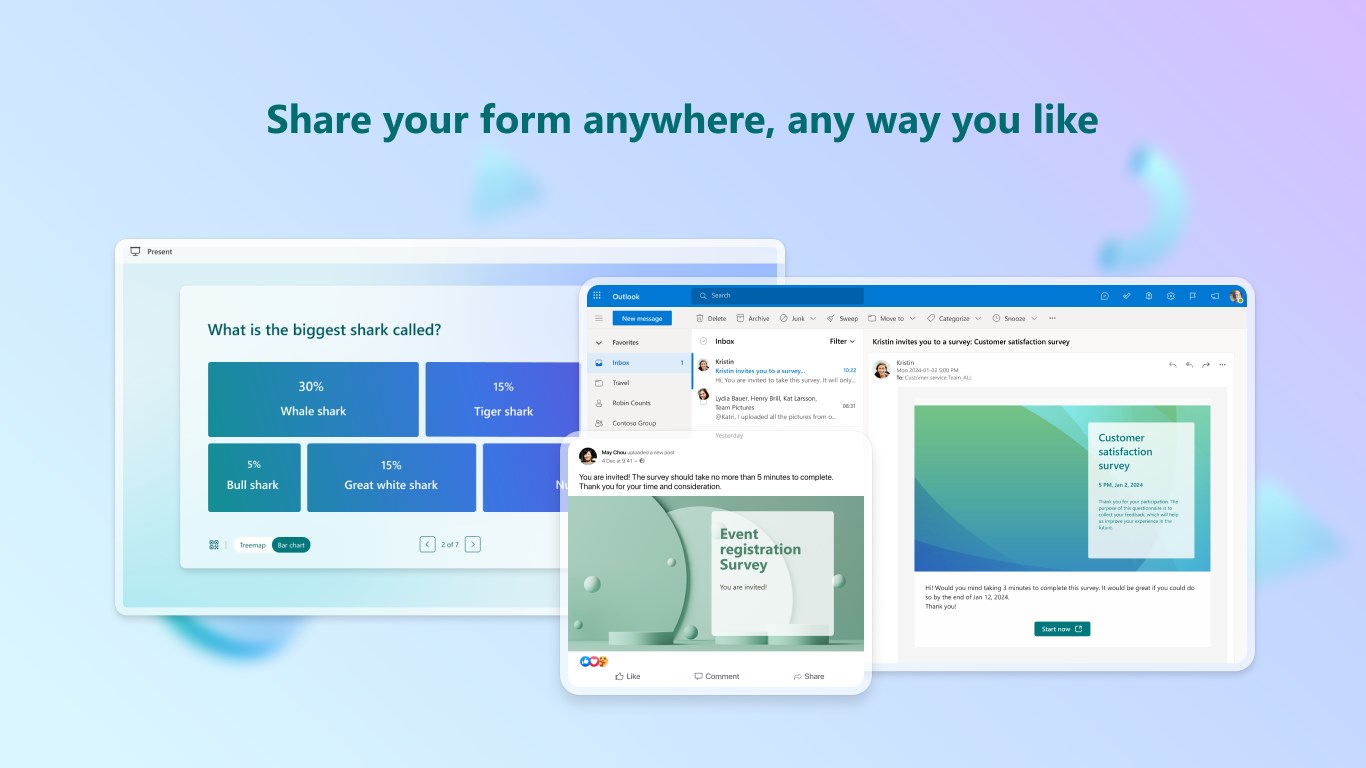
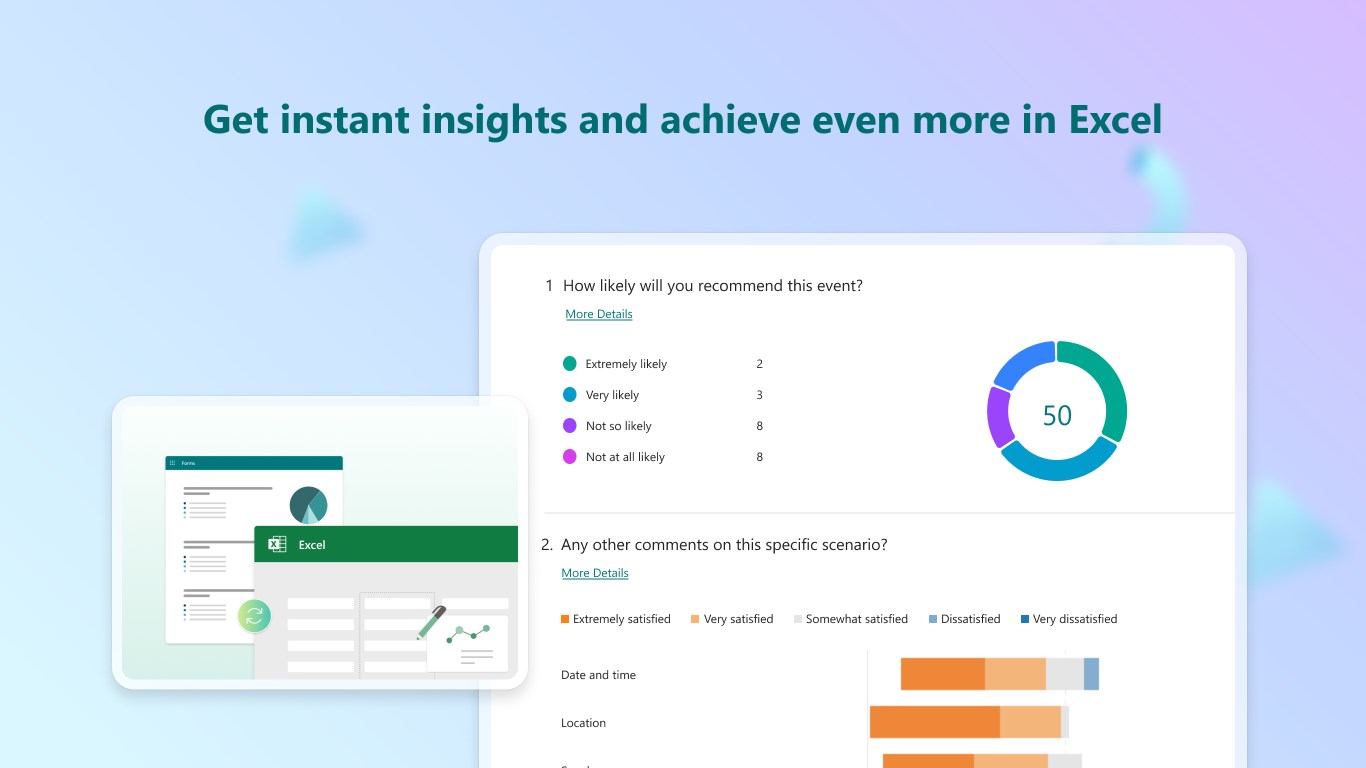
Once responses roll in, analyzing data becomes as straightforward as flipping a switch. Built-in charts and summaries provide instant insights without external tools. Additionally, the app's collaboration features stand out: multiple users can edit forms simultaneously, akin to a shared document, fostering teamwork. Integration with Microsoft 365 apps, especially Excel, enables exporting data for deeper analysis or presentation. The ability to share forms via links, QR codes, or embed options makes dissemination flexible and efficient, perfect for reaching different audiences across multiple channels.
Enhancing User Experience and Setting It Apart
From a user experience perspective, Microsoft Forms for Windows shines with its minimal learning curve. Power users appreciate how it integrates smoothly into their existing workflow, especially within the Microsoft ecosystem. The interface remains uncluttered and intuitive, even for complex forms, making ongoing editing and responses manageable. Compared to similar tools like Google Forms or SurveyMonkey, its standout feature is the tight-knit collaboration and seamless data integration, especially when working with Excel and Teams — transforming a simple survey into a collaborative project hub. The app's emphasis on organizational synergy makes it ideal for team environments aiming for swift feedback loops and data-driven decision-making.
Final Verdict: A Solid Choice for Collaborative Data Collection
I'd recommend Microsoft Forms for Windows to anyone within the Microsoft universe seeking an efficient, collaborative method to gather insights or conduct assessments. Whether you're a teacher, team leader, or event organizer, this app fits seamlessly into your workflow, enhancing communication and decision-making. For those who prioritize collaboration, real-time responses, and easy integration with existing Microsoft tools, this is undeniably a valuable addition to your productivity toolkit. While it may not boast as many advanced survey logic options as some specialized tools, its simplicity and Microsoft integration make it a compelling choice for everyday forms and quizzes.
Pros
- User-friendly interface
- Seamless integration with Microsoft 365
- Real-time response tracking
- Customizable question types
- Automatic data organization
Cons
- Limited branding options
- Basic analytics features
- Offline access is unavailable
- Limited question branching capabilities
- Respondent anonymity tracking











