

- Category Puzzle & trivia
- Available on PC
- OS Windows 10 version 19041.0 or higher
- languages English (United States), French, German, Italian, Japanese, Portuguese (Brazil), Portuguese (Portugal), Spanish (Spain)
Microsoft Jigsaw for Windows: A Fresh Twist on Classic Puzzle Fun
Microsoft Jigsaw offers a charming and engaging puzzle experience that combines traditional jigsaw gameplay with innovative features, making it a delightful choice for puzzle enthusiasts of all ages.
About the App
Developed by Xbox Game Studios, Microsoft Jigsaw is a digital rendition of the timeless puzzle activity, now enhanced with modern touches and a user-friendly interface. Its main highlights include a vast collection of beautiful images, customizable difficulty levels, and daily challenges that keep players coming back for more. Designed to appeal to casual gamers and puzzle lovers alike, this app provides a relaxing yet stimulating way to pass the time.
Engaging and Colorful Puzzle Experience
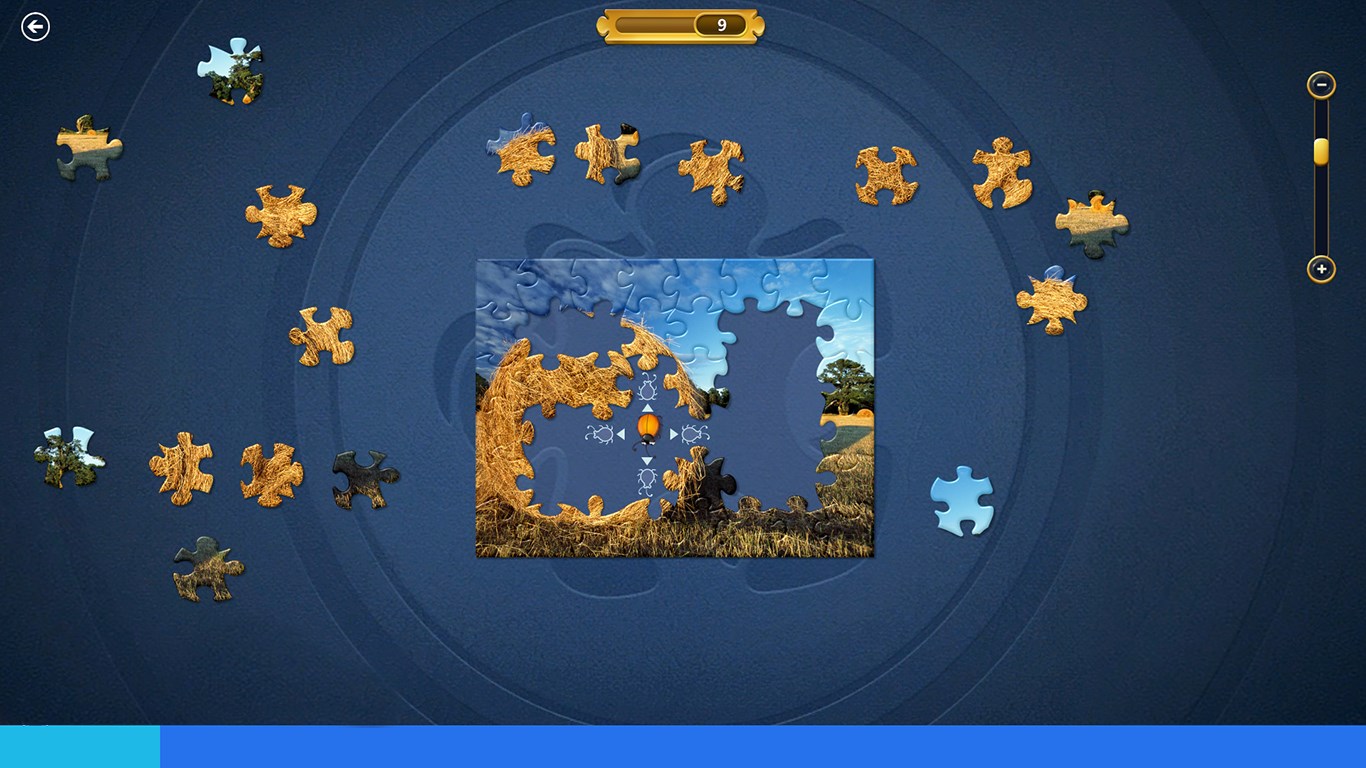
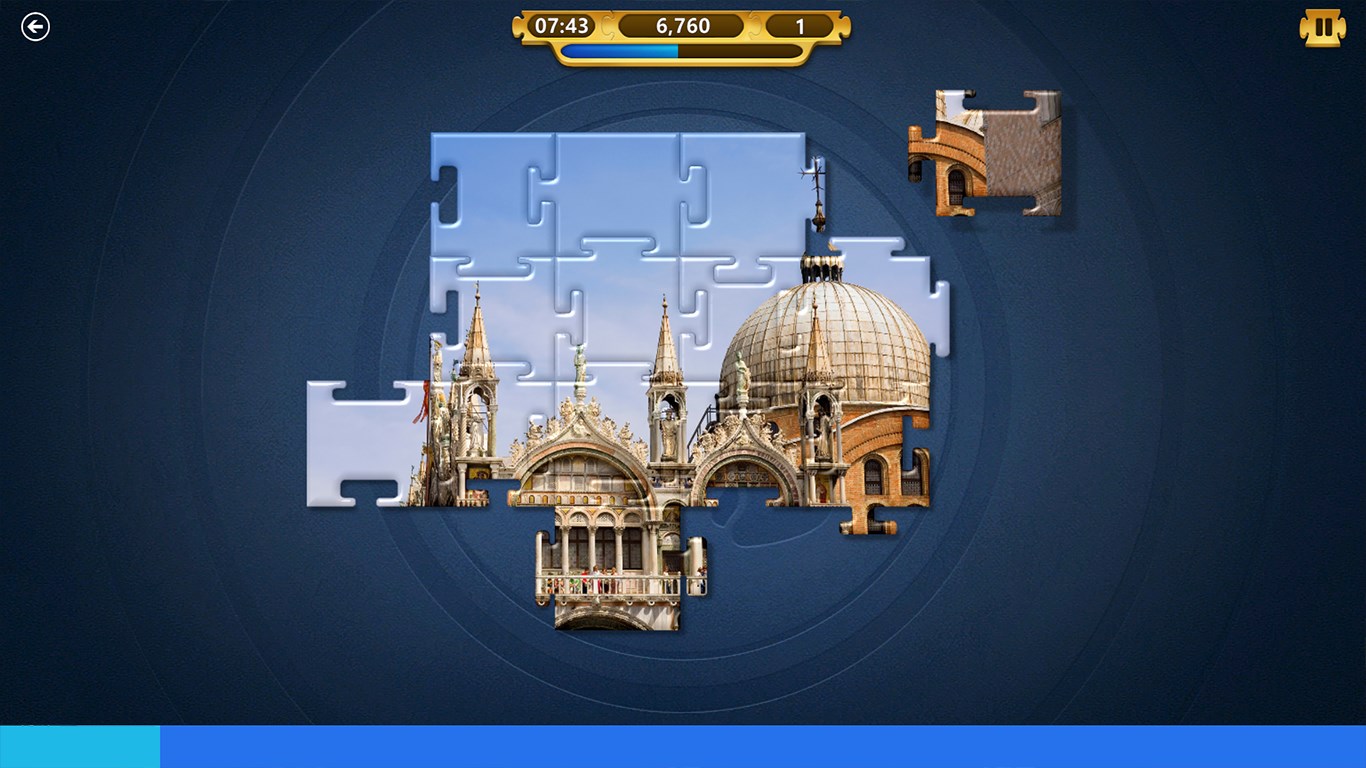
Imagine settling into a cozy corner with a jigsaw puzzle that not only challenges your mind but also fills your space with vibrant artwork—Microsoft Jigsaw makes this a reality. Its user interface feels like a well-curated puzzle box, inviting players to dive in effortlessly. The game balances simplicity and depth, ensuring that both beginners and seasoned puzzlers find satisfaction.
Core Features that Spark Joy
Extensive Puzzle Library
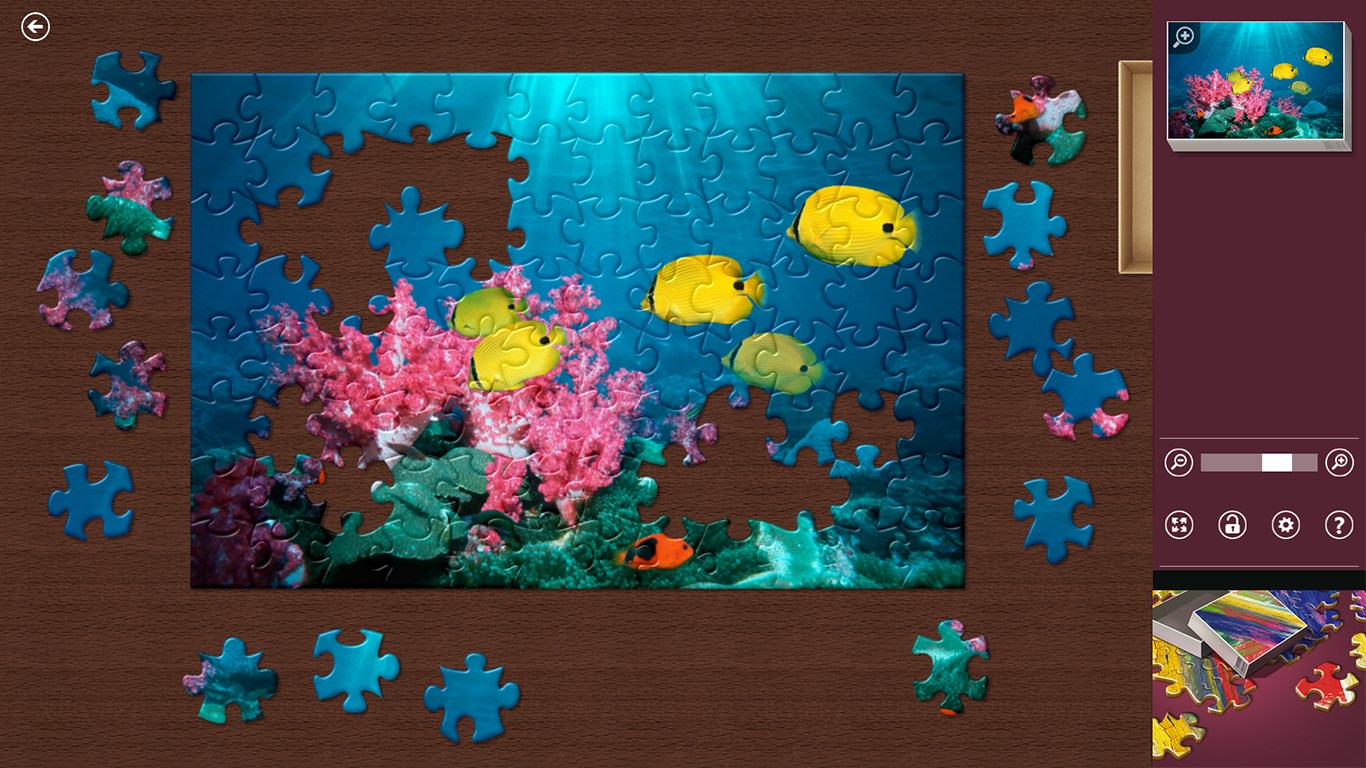
The app boasts a vast array of images spanning landscapes, art, animals, and festive scenes. Whether you prefer calming views or lively holiday images, the variety ensures there's always a new picture to assemble. The puzzles come in multiple piece counts, enabling players to select the difficulty that best matches their skill level or mood, from relaxing 12-piece setups to challenging 200-piece masterpieces.
Customizable Experience & Daily Challenges
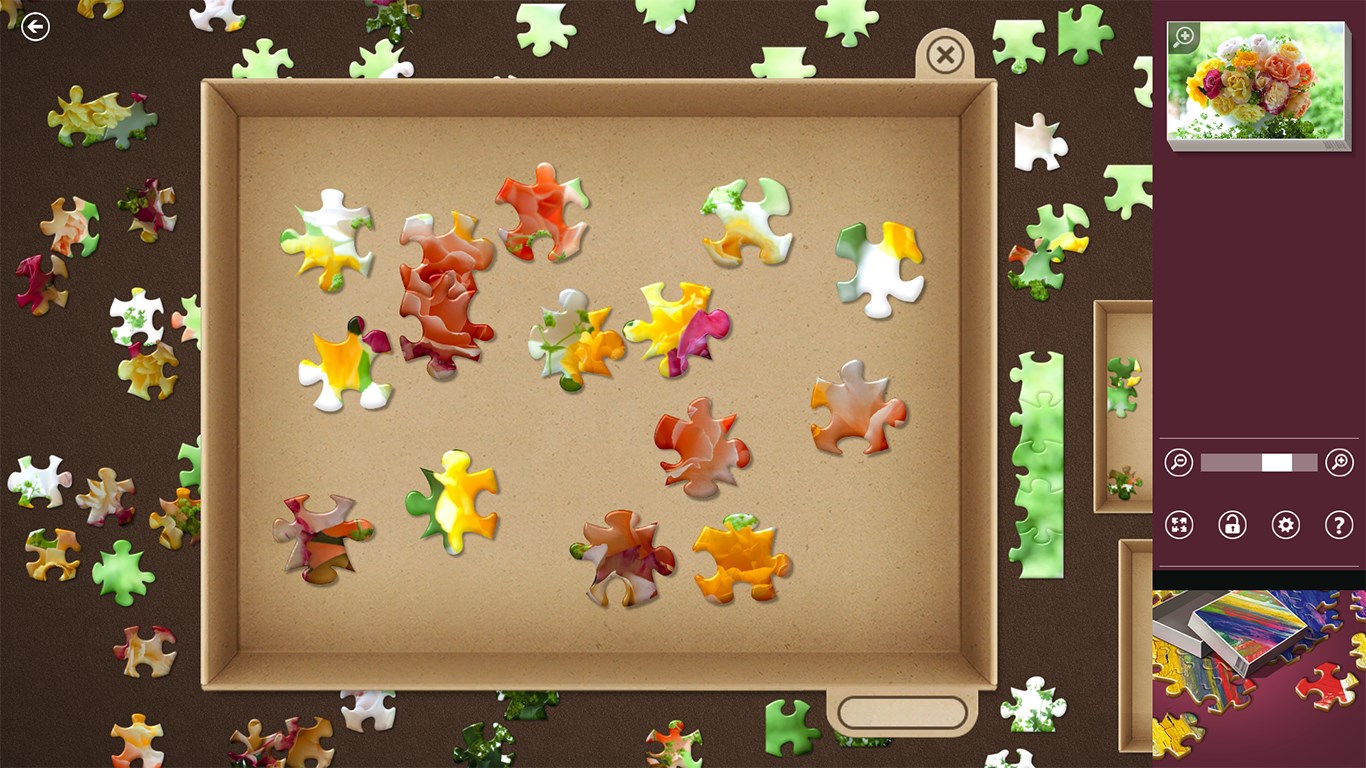
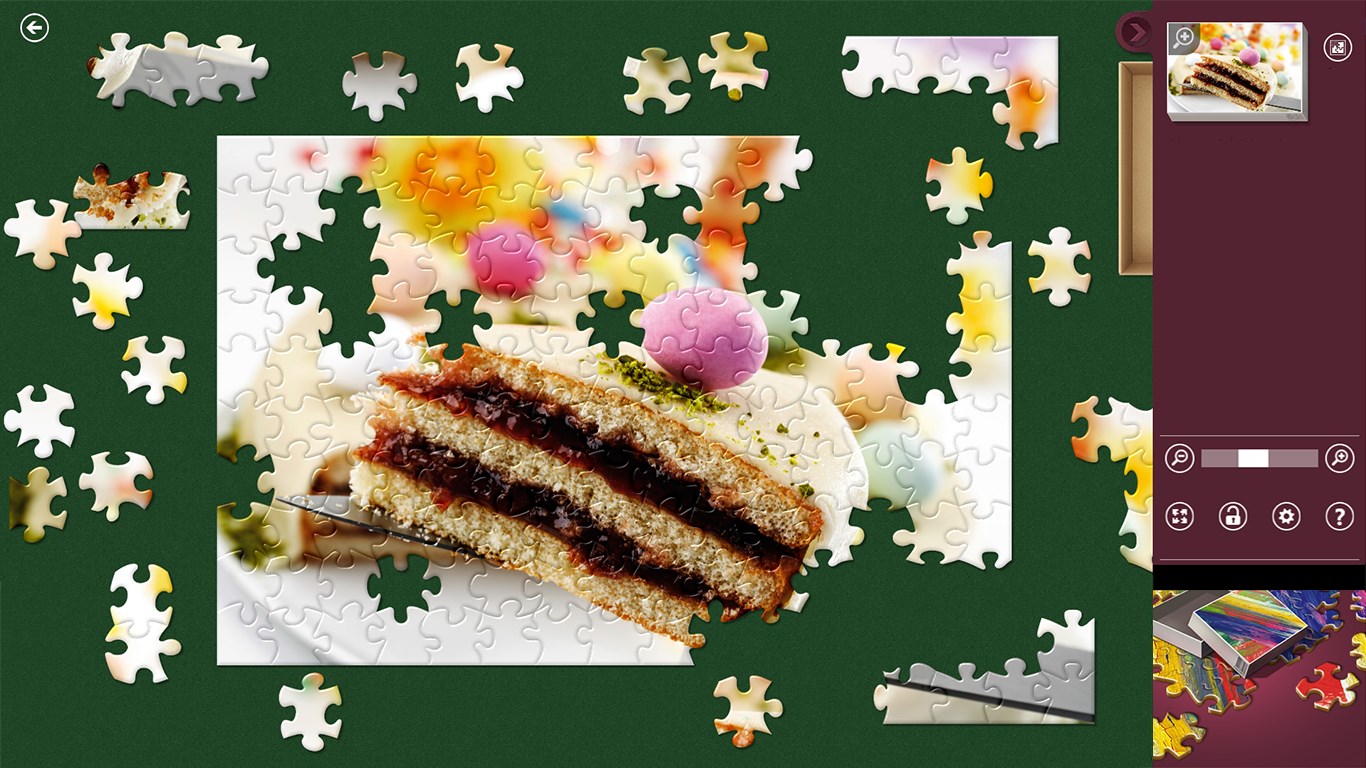
A standout feature is its daily puzzle challenges, which act like a morning coffee boost—something fresh daily to invigorate your puzzle-solving routine. Additionally, users can personalize their gameplay by choosing different backgrounds, adjusting piece shapes, and toggling a ‘snap-to' feature for easier placement—making the experience tailored yet seamless.
Innovative 'Puzzle Pack' Integration
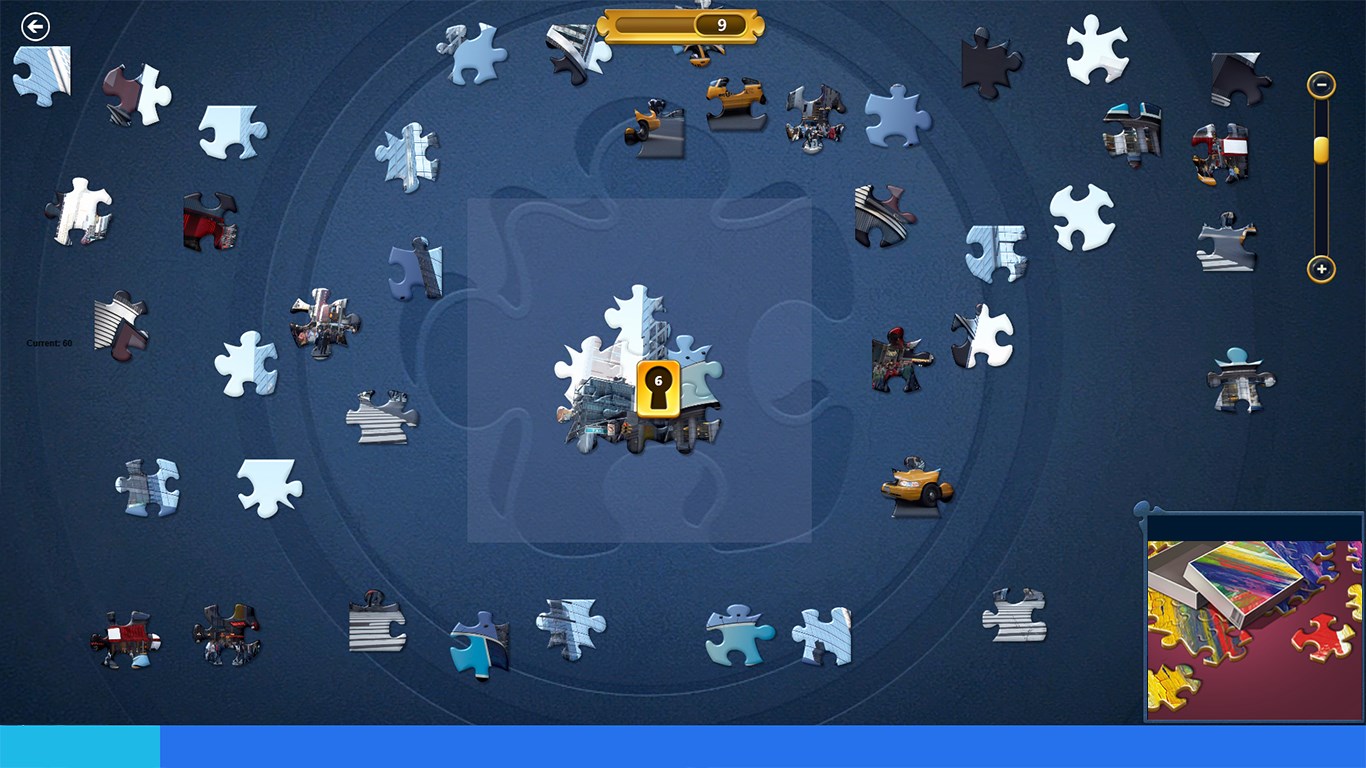
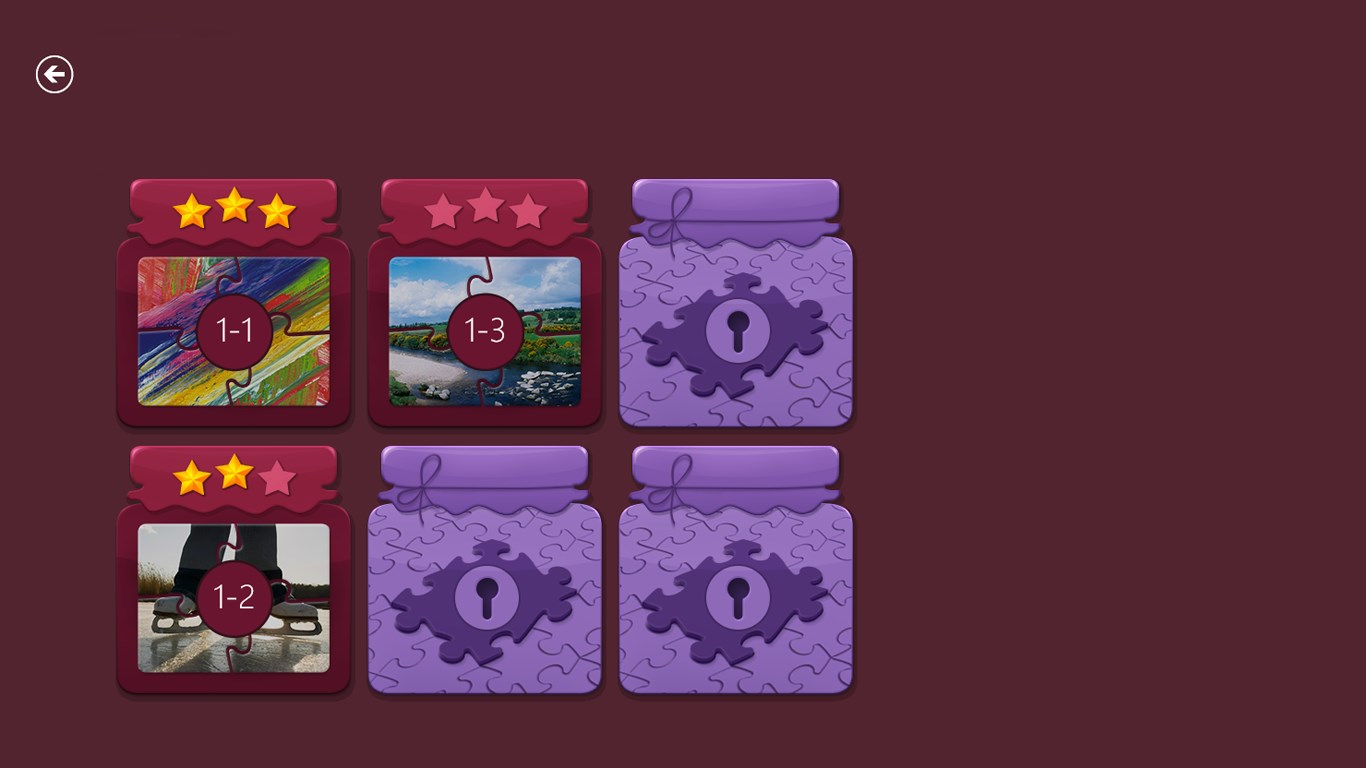
One of the app's most notable distinctions lies in its ‘Puzzle Pack' system, which provides themed collections that can be unlocked or purchased, adding layers of discovery and collection to the experience. This feature transforms puzzles from a mere pastime into a curated journey through artwork, offering a sense of collecting as you complete each set.
User Experience & Interface Design
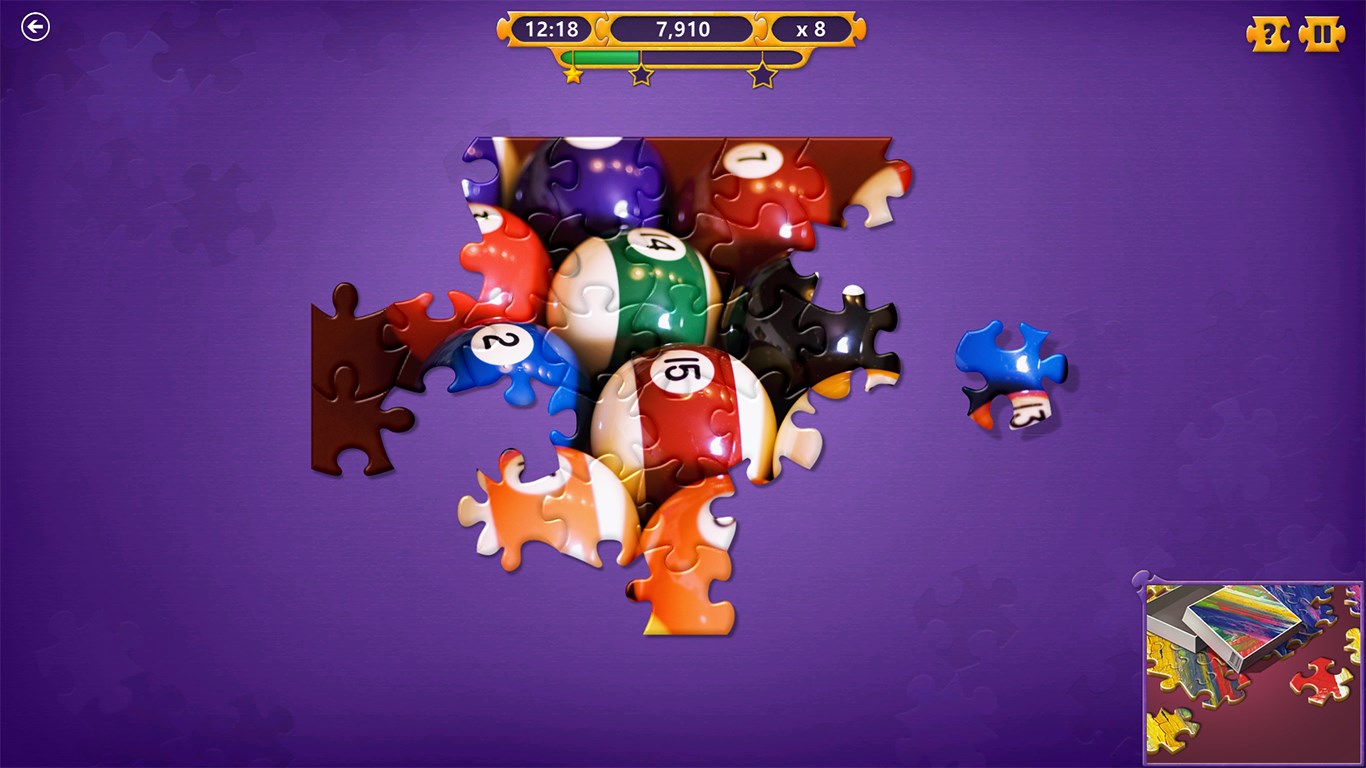
Microsoft Jigsaw's interface feels like flipping through a stylish photo album—clean, intuitive, and soothing. The drag-and-drop mechanics are smooth, with responsive controls that make moving pieces satisfying rather than frustrating. The learning curve is gentle; new players quickly grasp the basics, and nuanced options allow seasoned puzzlers to fine-tune their gameplay. The app's visual clarity and polished animations contribute to an overall feeling of quality and professionalism.
What Sets It Apart From Similar Apps?
Unlike many puzzle apps that focus solely on speed or competition, Microsoft Jigsaw emphasizes a relaxing, meditative experience with its thoughtful design and extensive personalization options. Its integration of themed puzzle packs offers a ‘collector's feel,' encouraging users to complete collections rather than just finish puzzles. Furthermore, its seamless platform compatibility and free access make it an accessible and versatile option for puzzle fans who dislike intrusive ads or paywalls.
Final Verdict and Recommendations
Overall, Microsoft Jigsaw for Windows earns a solid recommend for anyone seeking a stress-free, visually rewarding puzzle experience. Whether you're a casual player looking to unwind or a dedicated puzzler hunting for new challenges, this app delivers a delightful package. Its standout features—particularly the themed puzzle packs and customizable settings—are what truly set it apart in a crowded field. For best experience, I suggest exploring the various difficulty levels and daily challenges to keep the puzzle fun fresh and engaging. So, if you're ready to piece together colorful worlds right from your screen, Microsoft Jigsaw is a choice worth making.
Pros
- User-Friendly Interface
- Innovative Puzzle Mechanics
- Daily Challenges and Rewards
- High-Quality Graphics
- Offline Mode Available
Cons
- Limited Puzzle Diversity
- Occasional App Freezes
- In-App Purchases Encouraged
- Difficulty in Navigating Settings
- Limited Puzzle Difficulty Options











