







- Category Productivity
- Available on PC
- OS Windows 10 version 19042.0 or higher
- Memory 4 GB
- languages Chinese (Simplified), Chinese (Traditional Chinese), Chinese (Traditional), Dutch, English, English (United Kingdom), English (United States), French, French (Canada), German, Italian, Japanese, Korean, Korean , Portuguese, Portuguese (Brazil), Russian, Spanish, Spanish (Mexico), Spanish (Spain), Turkish
Microsoft Journal for Windows: Redefining Digital Note-Taking and Workflow
Microsoft Journal for Windows emerges as a fresh entrant in the productivity arena, aiming to blend the tangibility of traditional notebooks with the versatility of digital tools. Designed to streamline note-taking, enhance creativity, and integrate seamlessly into your daily workflow, this application targets professionals, students, and creative thinkers eager to organize ideas effortlessly and intuitively.
Discovering the Essence: What Is Microsoft Journal?
Developed by Microsoft Corporation, Journal for Windows is a dedicated digital note-taking application tailored specifically for Windows devices, especially those with touch or stylus capabilities. Its core promise revolves around mimicking the natural act of writing on paper while offering the power of digital organization.
- Main Features Highlights:
- Natural handwriting experience with advanced pen recognition capabilities.
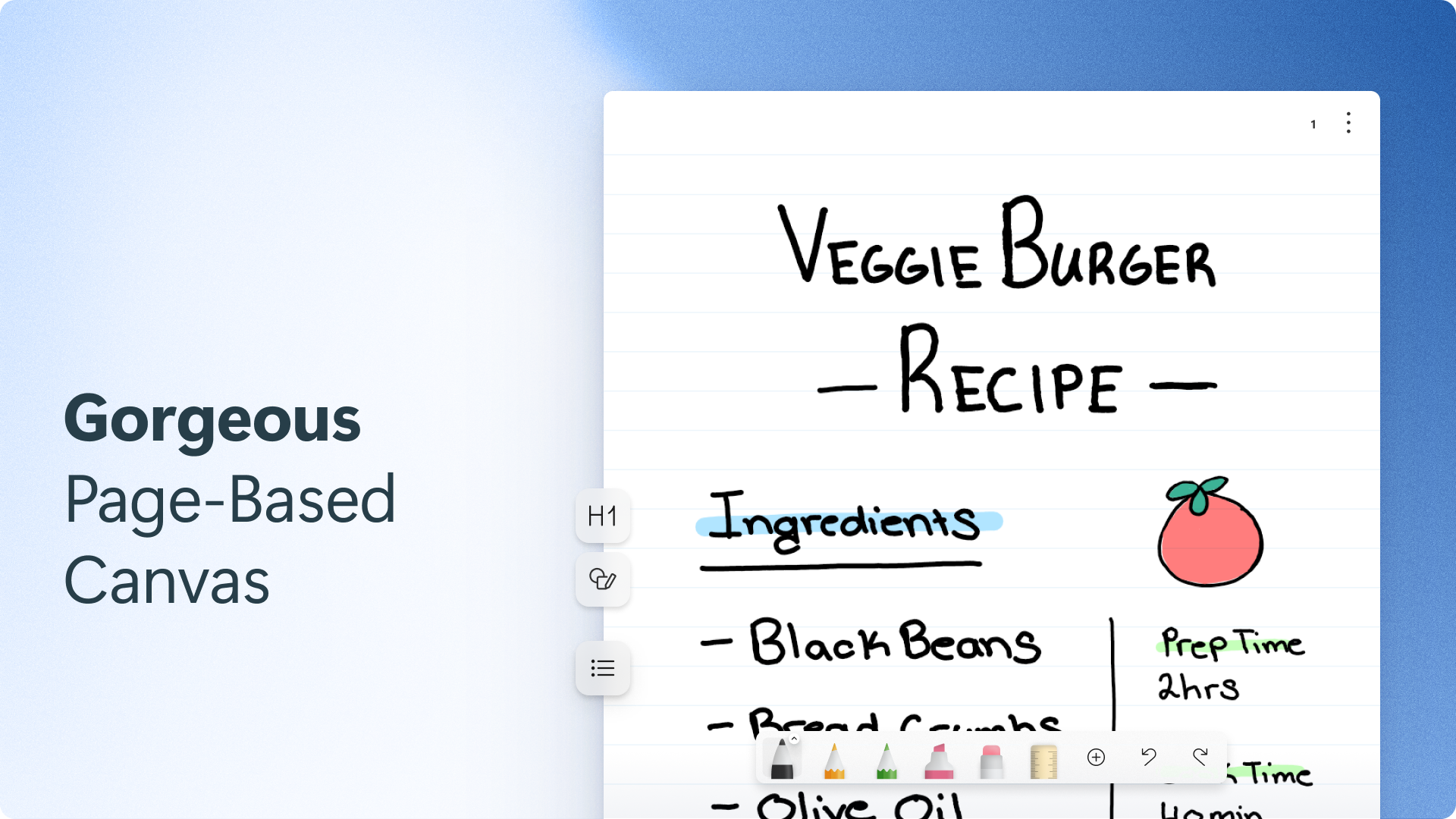
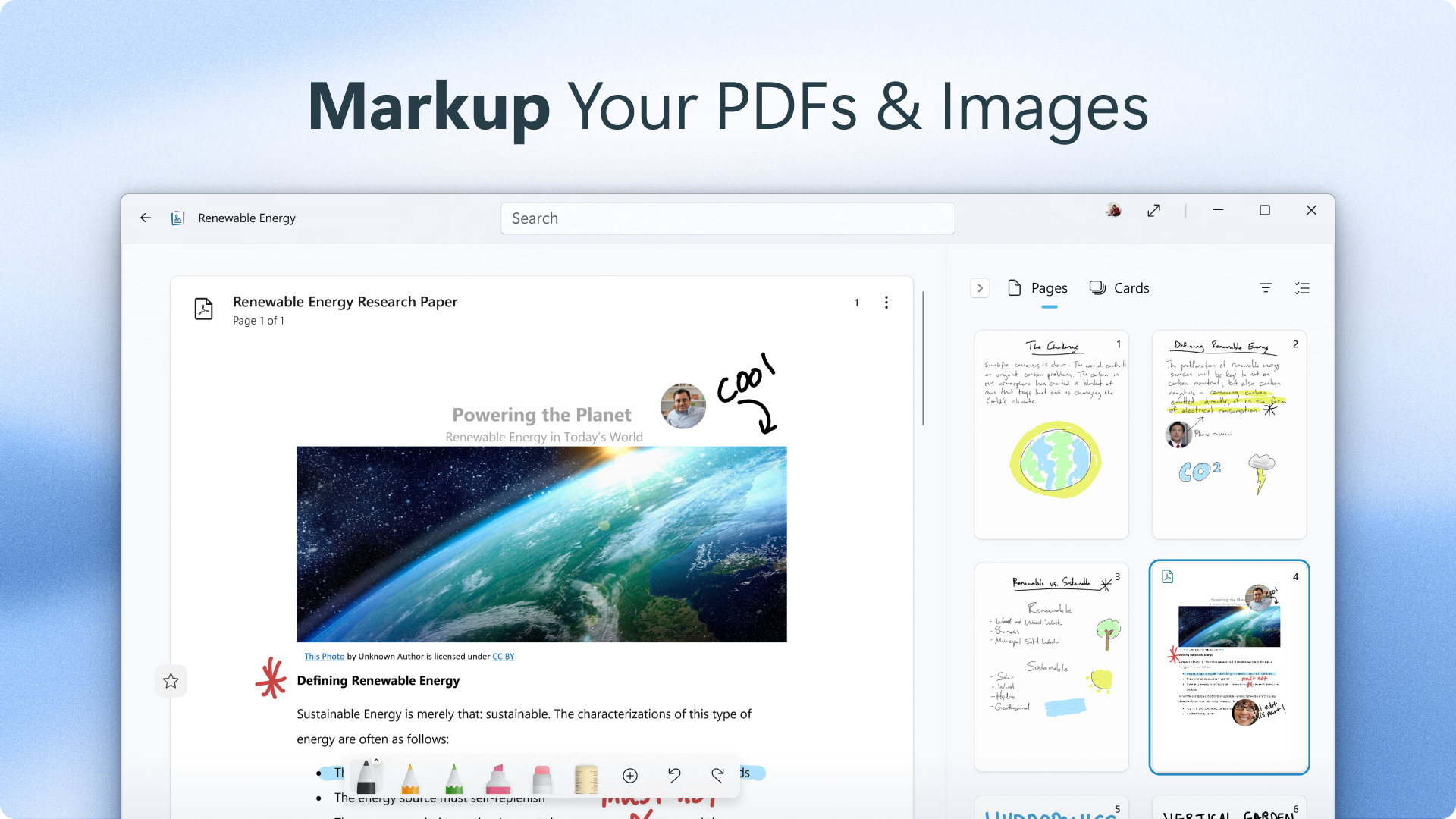
- Flexible page layouts that support sketches, diagrams, and multimedia annotations.
- Deep integration with Windows ecosystem for seamless workflow management.
- Smart sorting and search functions to retrieve notes swiftly.
Its primary users include professionals seeking quick jotting tools during meetings, students taking handwritten notes, and creative individuals who prefer visual sketching on their devices—all benefiting from a fluid, distraction-free environment.
Immersive Experience: Dive into a World of Effortless Creativity
Stepping into Microsoft Journal, you're greeted by an interface that feels as familiar as flipping open a clean, crisp notebook. The design is minimalist, placing your focus on the canvas—whether it's a blank page or a pre-designed template. The app's responsive handwriting experience resembles pen on paper, with minimal lag, creating an inviting atmosphere for jotting down spontaneous ideas or detailed sketches.
Core Functionality: A Closer Look
One of the standout features of Microsoft Journal is its **precision handwriting recognition**. Powered by intelligent algorithms, it transforms scribbled notes into digital text effortlessly, reducing the cognitive load that often plagues complex note-taking tools. This allows users to switch between drawing diagrams and extracting text without missing a beat, creating a dynamic workspace that adapts to your needs.
Another highlight is **multimedia annotation capabilities**. You can embed images, voice recordings, and even web links directly within your notes, making Journal a comprehensive digital workspace. This feature is particularly handy for students or researchers who wish to combine visual data with textual insights seamlessly.
Lastly, Journal's **workflow integration** shines through its synergy with Windows 10 and 11. It connects effortlessly with Microsoft 365 apps, OneDrive, and the Windows clipboard, enabling users to drag, drop, and share content across their ecosystem comfortably. The app's tagging and search functions further streamline the process of organizing and revisiting your notes, turning a cluttered digital drawer into an accessible, efficient knowledge base.
Design, Usability, and Unique Advantages
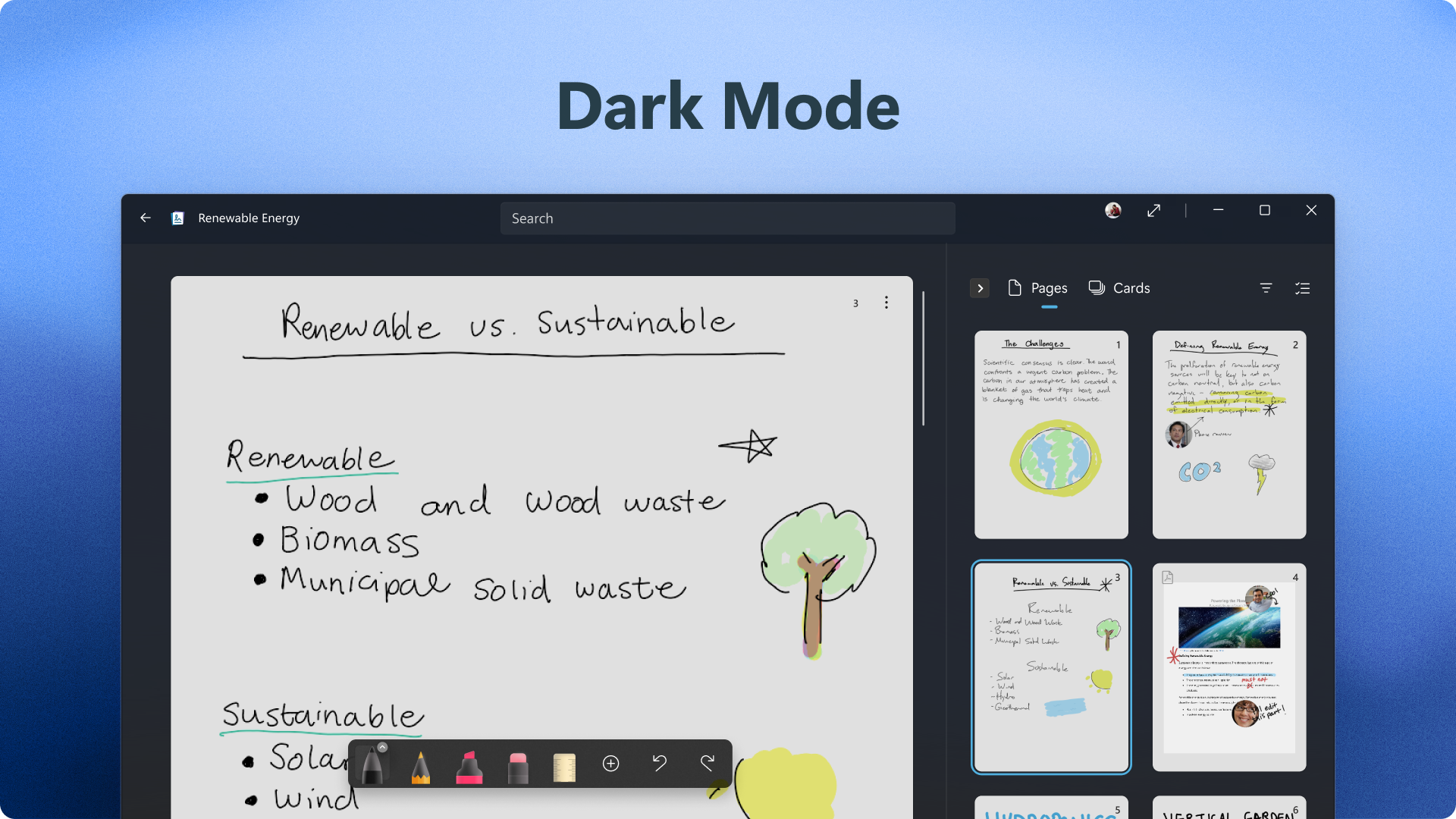
The UI of Microsoft Journal is akin to a well-organized desk—clean, inviting, and designed to minimize distractions. The layout prioritizes a smooth transition from pen to screen, with intuitive tools for pen thickness, color, and erasing, all easily accessible without hunting through menus. The app performs with remarkable fluidity, even when handling detailed sketches or lengthy notes, thanks to optimized processing tailored for Windows devices with stylus support.
For new users, the learning curve is gentle—most features can be grasped with minimal exploration, making it an ideal choice for those who prefer straightforward tools. The emphasis on natural handwriting and integrated workflow reduces the need to switch between multiple apps, lowering cognitive load—a stark contrast to feature-heavy, complex productivity suites.
What truly sets Microsoft Journal apart is its focus on **minimalistic workflow integration coupled with high accuracy of handwriting recognition**. Unlike some competing note apps that package excessive features, Journal prioritizes core note-taking excellence, making the user's workflow more efficient and less cluttered. This tailored simplicity is comparable to having a digital notepad that feels just like your favorite paper-based journal but smarter and more connected.
Final Verdict: To Use or Not to Use?
Overall, Microsoft Journal for Windows is a well-conceived, user-centric note-taking app that excels at providing a natural writing experience without sacrificing productivity. Its ability to integrate seamlessly into the Windows environment, combined with its focus on reducing cognitive load, makes it particularly appealing to those who value simplicity and efficiency.
For individuals who frequently switch between handwritten notes and digital workflows, or those seeking a distraction-free digital notebook, this app deserves strong consideration. While it may not boast an array of bells and whistles, its core strengths lie in delivering a refined, intuitive experience tailored for effective information capture.
I recommend giving Microsoft Journal a try if you prioritize natural handwriting, quick access to organized notes, and streamlined workflow integration—it's a quiet champion for modern note-takers.
Pros
- Intuitive handwriting experience
- Seamless integration with Microsoft ecosystem
- Robust shape and text recognition features
- Customizable pen tools and backgrounds
- Supports multi-page notebooks
Cons
- Limited export options
- Occasional lag during heavy annotation
- Learning curve for new users
- Limited cloud storage options outside Microsoft ecosystem
- Battery consumption during intensive use











