

- Category Productivity
- Developer Microsoft Corporation
- Available on PC, HoloLens
- OS Windows 10 version 19041.0 or higher
- languages Afrikaans, Albanian, Amharic, Arabic, Armenian, Assamese, Azerbaijani, Bangla (India), Basque, Bosnian (Latin, Bosnia and Herzegovina), Bulgarian, Catalan, Chinese (Simplified), Chinese (Traditional), Croatian, Czech, Danish, Dutch, English (United Kingdom), English (United States), Estonian, Filipino, Finnish, French, French (Canada), Galician , Georgian, German, Greek, Gujarati, Hebrew, Hindi, Hungarian, Icelandic, Indonesian, Irish, Italian, Japanese, Kannada, Kazakh, Khmer, Konkani, Korean , Lao, Latvian, Lithuanian, Luxembourgish, Macedonian, Malay, Malayalam, Maltese, Maori, Marathi, Nepali, Norwegian (Bokmål), Odia, Persian, Polish , Portuguese (Brazil), Portuguese (Portugal), Punjabi (India), Quechua, Romanian, Russian, Scottish Gaelic, Serbian, Serbian (Cyrillic, Bosnia and Herzegovina), Serbian (Latin, Serbia), Slovak, Slovenian (Slovenia), Spanish (Mexico), Spanish (Spain), Swedish, Tamil, Tatar, Telugu, Thai, Turkish, Ukrainian, Urdu, Uyghur, Valencian, Vietnamese, Welsh
Microsoft Loop for Windows: Redefining Collaborative Workflow
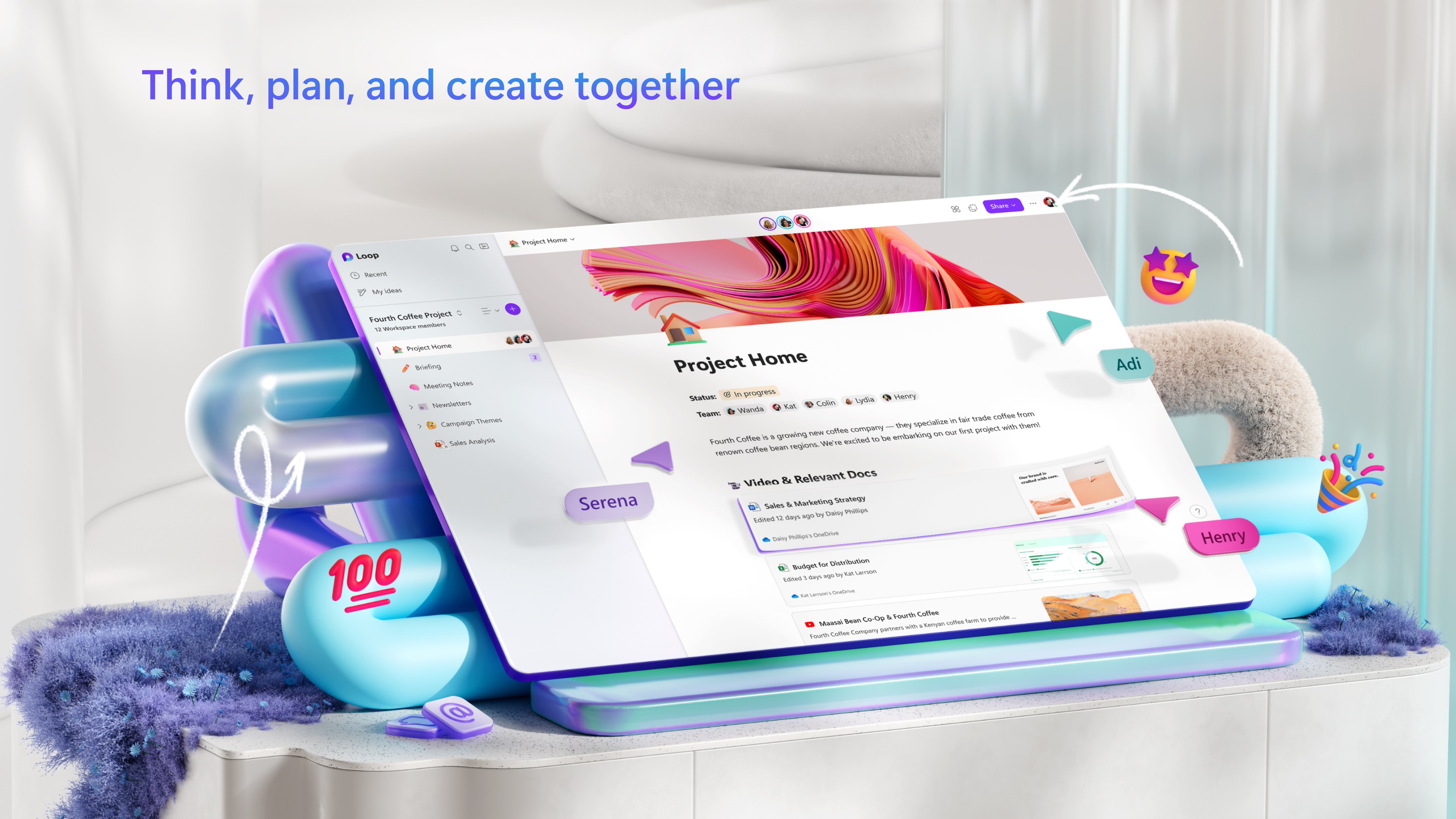
Microsoft Loop for Windows emerges as a fresh, dynamic workspace designed to enhance team collaboration by bringing together notes, tasks, and project ideas seamlessly. It's like having a digital whiteboard that adapts to your team's needs, fueling productivity without the clutter.
Developer and Core Highlights
Developed by the tech giant Microsoft Corporation, Loop integrates with the Microsoft 365 ecosystem to streamline your digital collaboration. Its main features include real-time synchronization across devices, modular components that can be embedded into other Microsoft apps, and an intuitive interface that simplifies complex workflows. The target audience primarily comprises professionals, students, and small teams seeking a more connected and flexible productivity tool.
An Engaging Dive into the Loop Experience
Imagine sitting in a bustling coffee shop, brainstorming ideas on a napkin—then watching those ideas instantly materialize on your device, ready to be fleshed out further. That's the essence of Microsoft Loop. It's designed not just as a note-taking app, but as a fluid canvas where thoughts and tasks evolve organically, making your digital workspace feel less like a rigid structure and more like a conversation.
Core Functionality: Modular Components for a Flexible Workflow
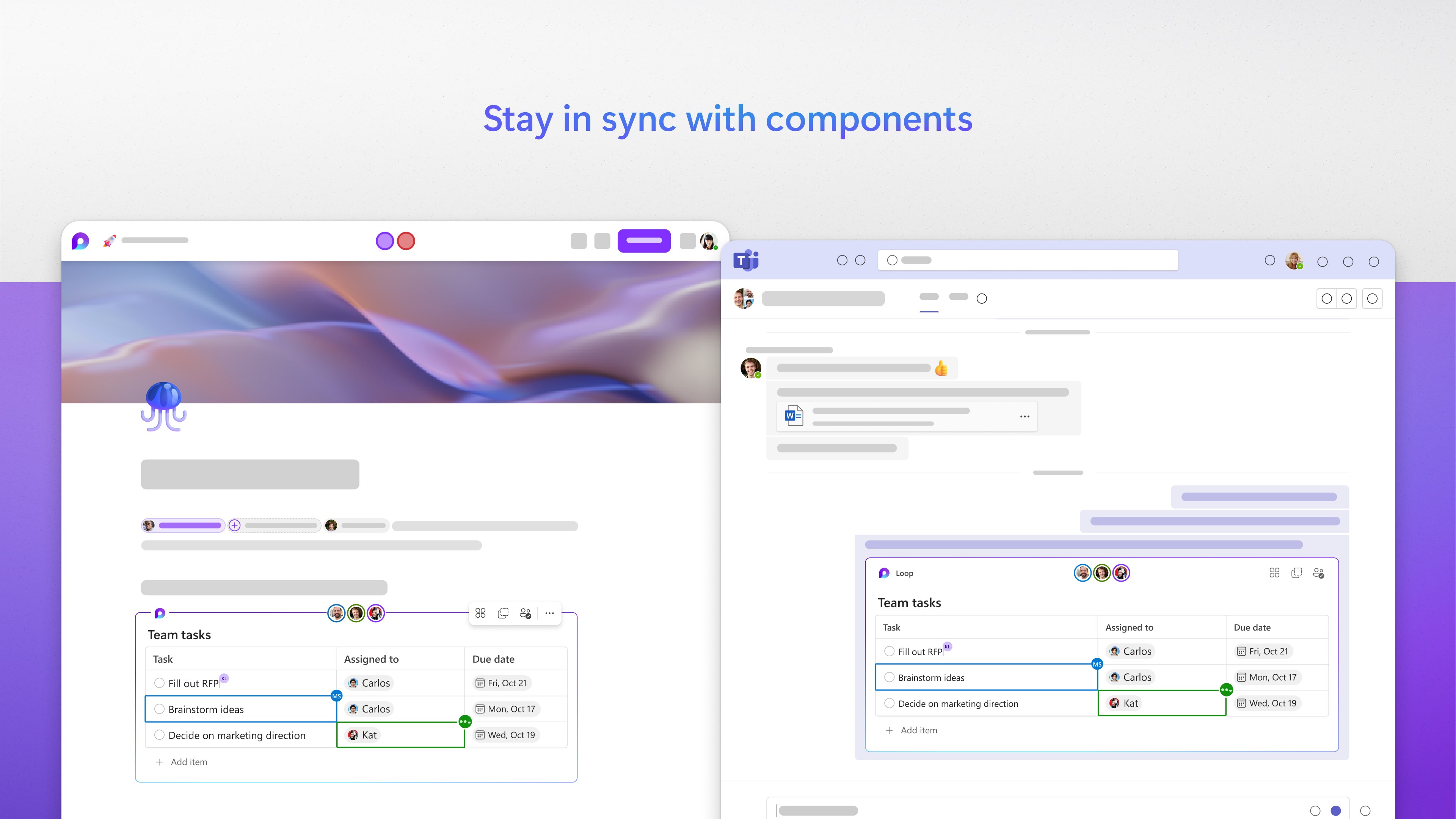
The standout feature of Loop is its modular components—small, reusable building blocks such as lists, tables, or task cards—that can be created once and embedded effortlessly across various apps like Teams, Outlook, or Word. This integration eradicates the silos traditionally found in productivity tools, allowing teams to update a shared task or note from anywhere and see the changes reflected everywhere. It's akin to having a board game where each piece is instantly synced, ensuring all players are always on the same page.
Furthermore, these components are live and interactive. Want to update a project status during a meeting? Just tweak the embedded checklist, and everyone accesses the latest info without refreshing or switching tabs. This level of fluidity significantly cuts down on cognitive load, allowing users to focus on ideas rather than juggling multiple tools.
Intuitive Interface and Seamless User Experience
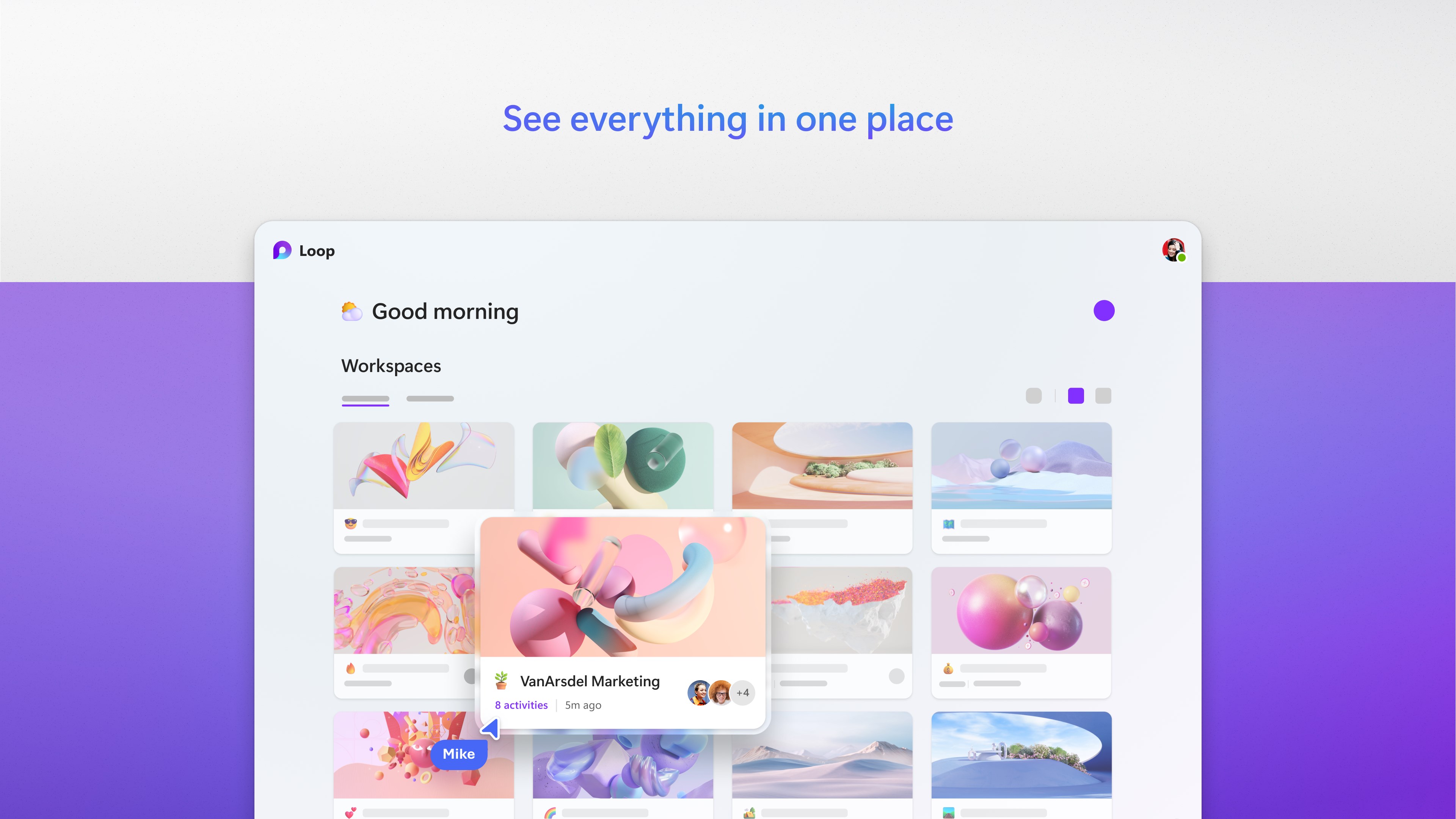
Microsoft Loop boasts a clean, modern interface that invites exploration without overloading the user with options. Navigating the workspace feels like flipping through a well-organized notebook—smooth, logical, and friendly. The responsiveness is impressive, with real-time updates happening almost instantaneously, creating a near-telepathic connection between team members' inputs.
For new users, the learning curve is gently inclined; the metaphors and UI cues guide you naturally toward making the most of the app's features. This simplicity encourages quick adoption, especially for teams already familiar with Microsoft 365's environment. Overall, the app integrates into your digital routine seamlessly—almost like a well-oiled extension of your mind.
What Sets Loop Apart: Workflow Integration and Cognitive Ease
Compared to traditional productivity tools, Loop's key advantage lies in its ability to integrate workflows. Unlike standalone note apps or project trackers, Loop's live components act as anchors that tether various Microsoft apps together, maintaining context while reducing the need to switch between multiple platforms. This results in a dramatic reduction of cognitive load; users no longer need to remember which app contains certain information or risk outdated data circulating.
Moreover, its design cleverly balances feature richness with simplicity. Instead of overwhelming users with myriad settings and options, Loop emphasizes intelligent connectivity and ease of use. The app's minimalistic approach makes complex, multi-step workflows feel straightforward—almost like a well-orchestrated symphony where each instrument plays its part effortlessly, creating harmony without chaos.
Final Recommendation and Usage Advice
Microsoft Loop for Windows earns a solid recommendation for teams and individuals looking to elevate their collaborative gaming field. If your work involves frequent note-sharing, project tracking, or cross-application workflows within the Microsoft ecosystem, Loop can become an invaluable part of your toolkit. Its strength in reducing cognitive load and enhancing workflow fluidity makes it especially suitable for today's fast-paced, multitasking environments.
However, for users heavily reliant on non-Microsoft tools or those seeking extensive customization, Loop might still have some gaps. It's best used as a complementary companion to your existing suite, rather than a complete replacement.
In conclusion, Microsoft Loop provides a refreshingly coherent space where ideas, notes, and tasks coalesce naturally—a digital workspace designed to work smarter, not harder. For those craving a more connected, less cluttered way to collaborate, Loop is well worth exploring.
Pros
- Real-time collaboration
- Seamless integration with Microsoft 365
- Flexible modular components
- Intuitive interface
- Cloud-based accessibility
Cons
- Limited offline functionality
- Occasional sync delays
- Learning curve for new users
- Limited offline editing options
- Feature set still evolving











