
- Category Personalization
- Developer Xbox Game Studios
- Available on PC
- OS Windows 10 version 18362.0 or higher
- languages English (United States)
An Entertaining Way to Personalize Your Windows Mahjong Experience
If you're a fan of Mahjong and enjoy giving your desktop a fresh, stylish look, Microsoft Mahjong Theme Collection for Windows offers a delightful blend of classic tile game aesthetics and personalized themes. Developed by Xbox Game Studios and published by Microsoft Studios, this app transforms your Mahjong gameplay with eye-catching visuals, catering especially to those who love customizing their digital environment.
A Closer Look: Developing the Perfect Fusion of Fun and Style
Microsoft Mahjong Theme Collection isn't just about pretty pictures; it's a thoughtfully designed application that elevates your Mahjong experience to a new level. The development team behind this app, Xbox Game Studios, has crafted a platform where aesthetic appeal meets functional simplicity, making it easy for users to explore themed environments while enjoying their favorite game. The main highlights include a diverse range of beautifully curated themes, seamless integration with the existing Mahjong game, and easy-to-navigate customization features designed for users of all levels.
Stunning Visual Variability and Theme Diversity
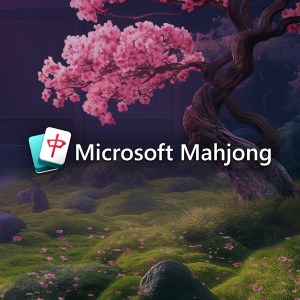
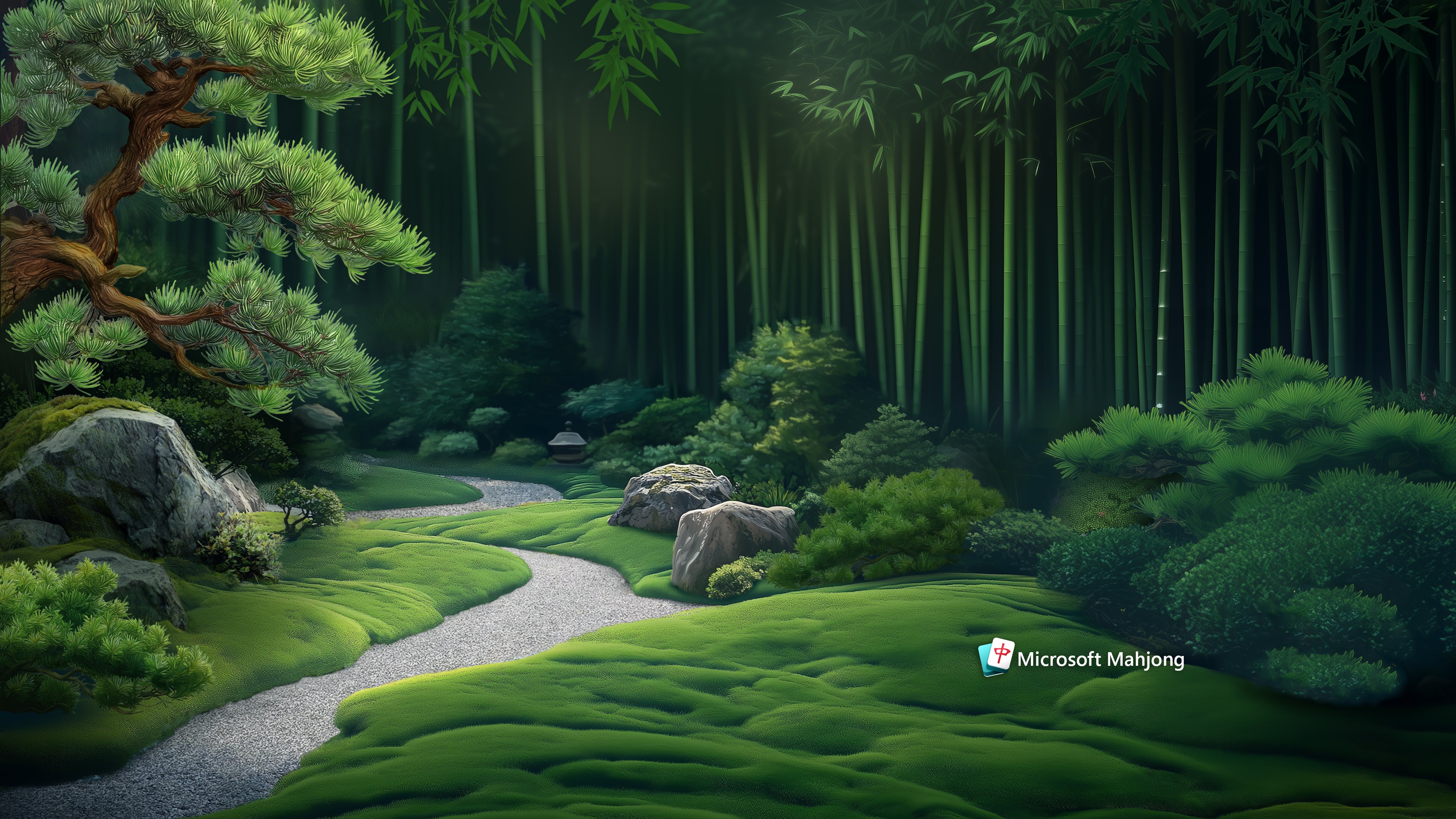
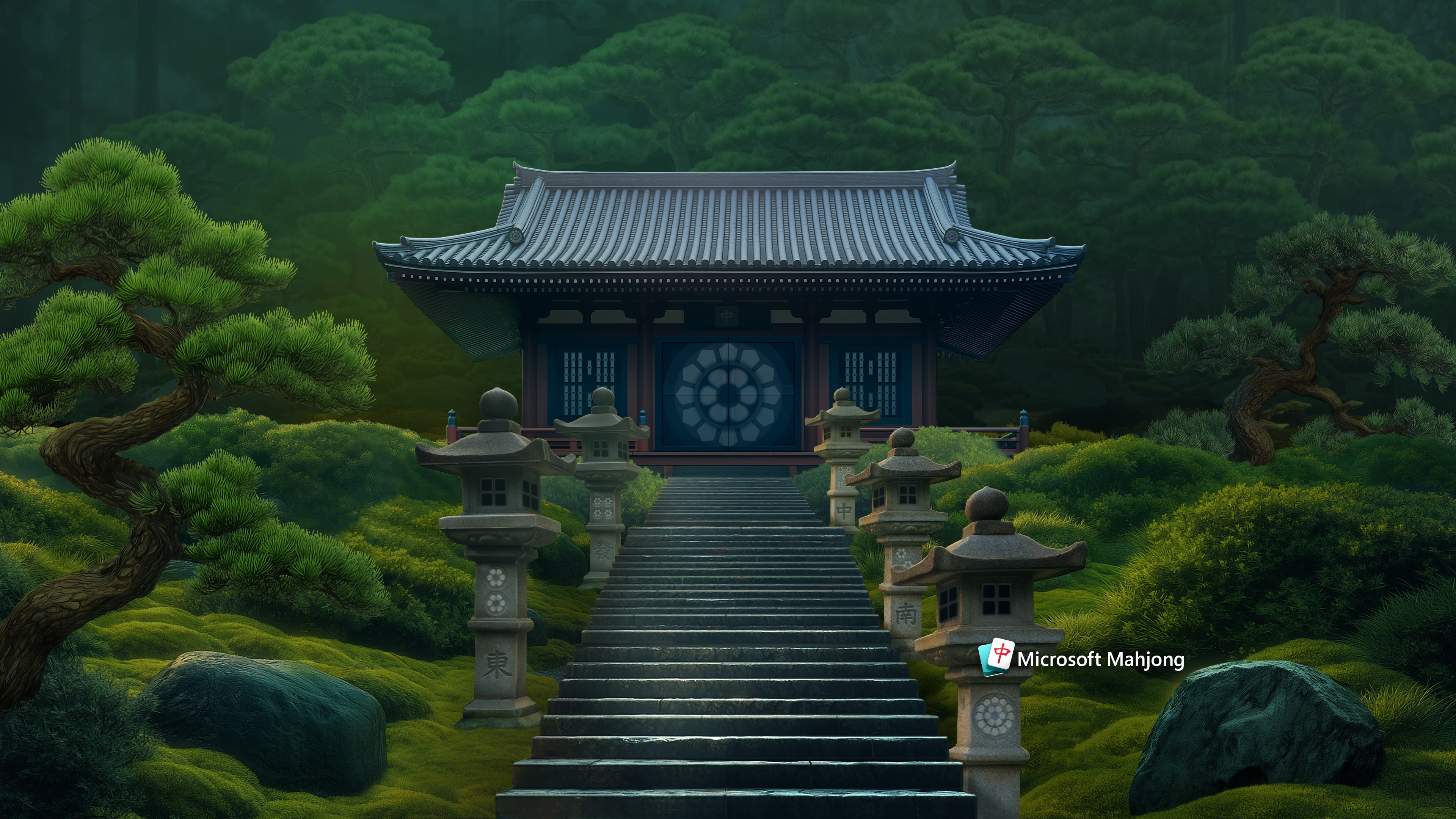
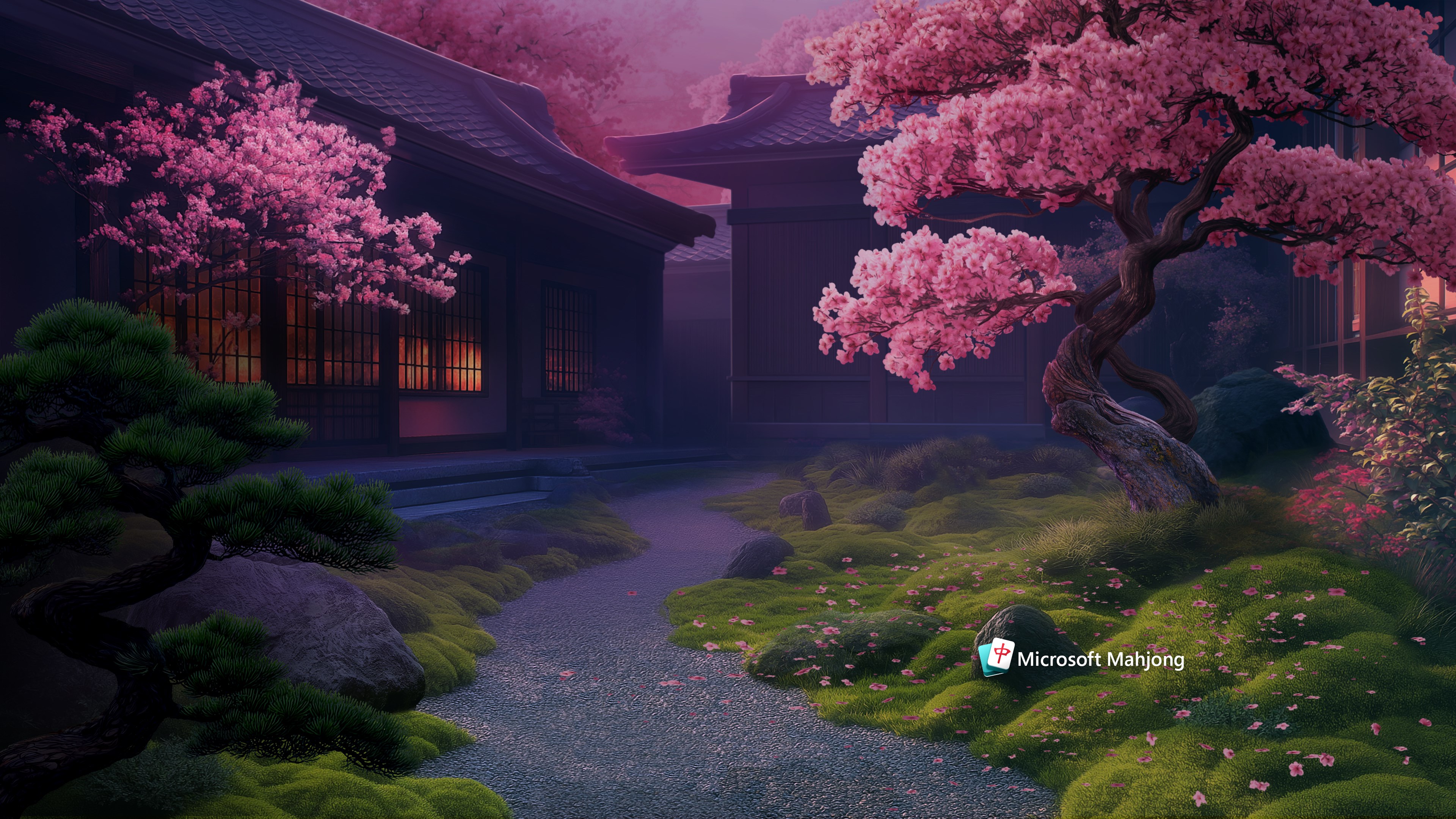
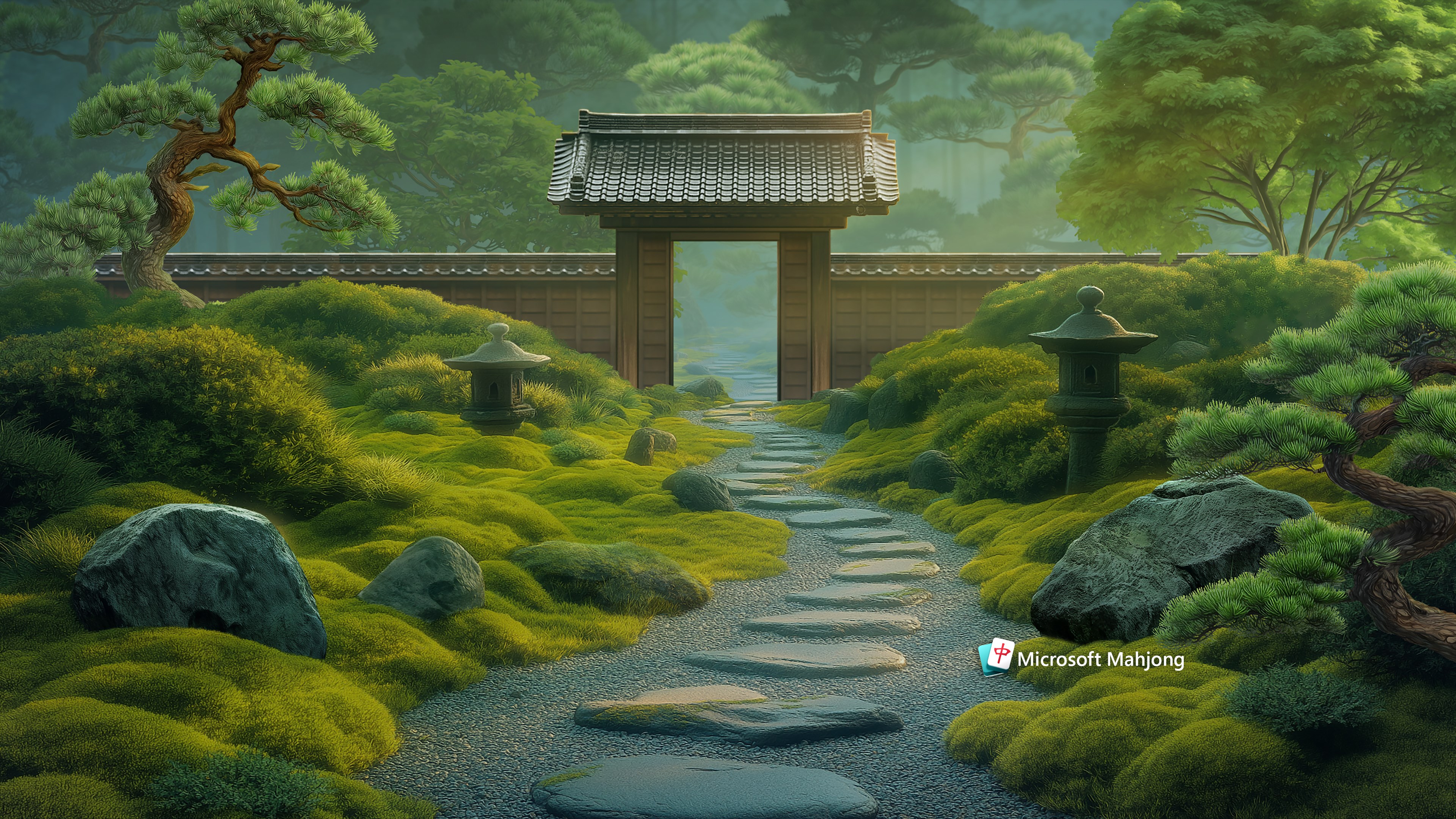
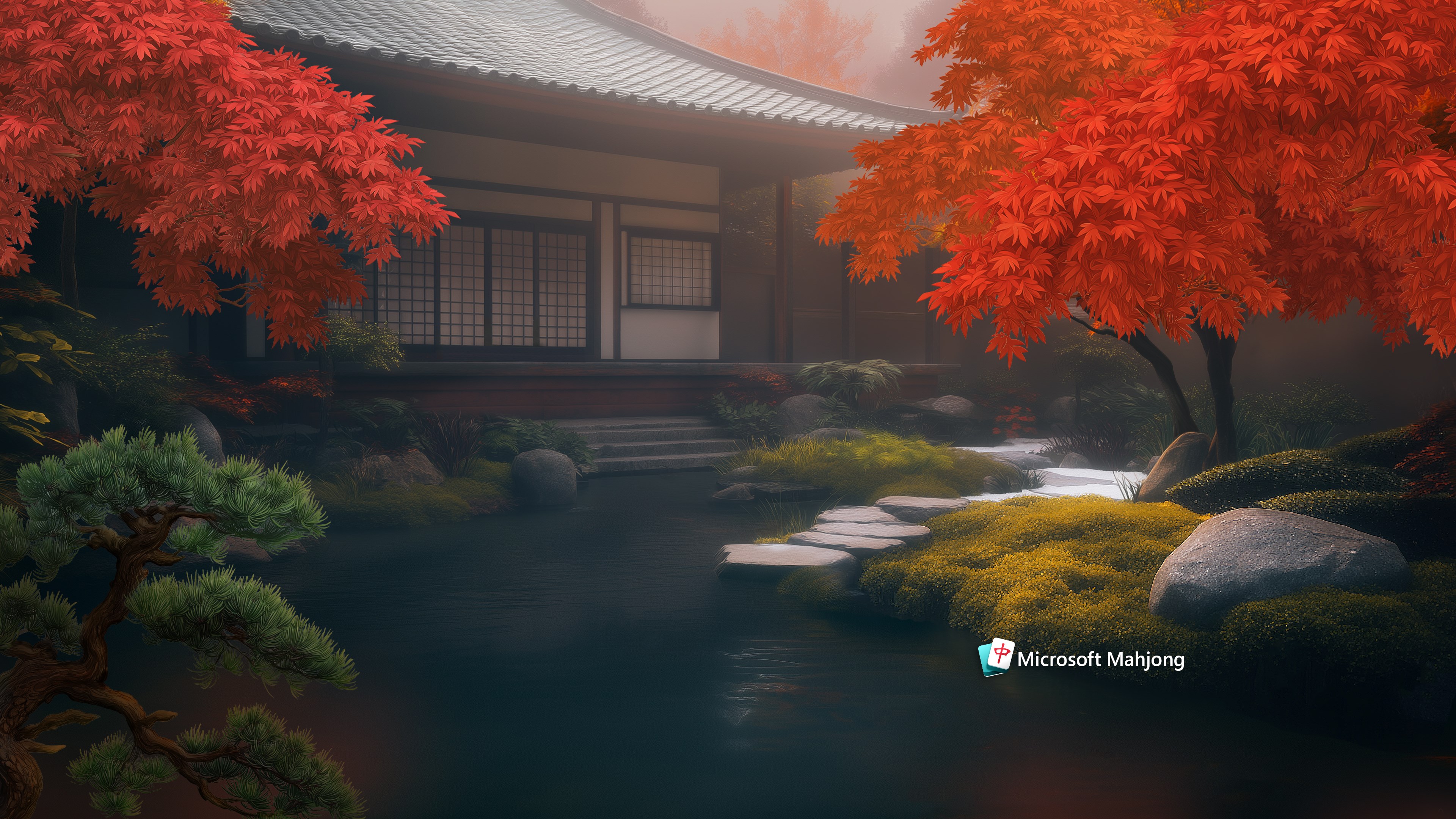
The standout feature of this app is its extensive collection of themes—think of it as a wardrobe full of stylish outfits for your Mahjong tiles and game interface. From serene lakesides to bustling cityscapes, each theme is crafted with meticulous attention to detail, providing a fresh look every time you play. Unlike generic wallpapers or static skins, these themes dynamically enhance the visual experience, making each game session feel like opening a new chapter in a vibrant storybook. This variety not only keeps the game engaging but also allows users to match their mood or seasonal festivities effortlessly.
Intuitive User Interface and Smooth Performance
Trying to customize your game should be a breeze, and thankfully, this app shines here. The interface is sleek and user-friendly; locating themes and applying changes takes just a few clicks—think of it as flipping through channels on a remote control without any fuss. During gameplay, transitions are seamless, with no noticeable lag or stutter, thanks to optimized performance. The learning curve is minimal, making it inviting for new players, while providing enough depth to satisfy seasoned Mahjong enthusiasts seeking a personalized touch. The design's simplicity ensures you spend more time enjoying the game rather than fiddling with settings.
Unique Customization Options and Theme Compatibility
What truly sets this collection apart from similar personalization apps is its focus on theme compatibility and customization options. Unlike apps offering random wallpapers or static skins, Microsoft Mahjong Theme Collection allows for extensive theme variety that integrates smoothly with the app's core interface. Users can switch themes easily, preview how each looks in real-time, and even revert to the default style without hassle. This level of flexibility offers a tailored experience that feels both sophisticated and effortless, setting it apart from other apps that provide limited or static personalization choices.
Recommendation and Usage Tips
If you're someone who loves playing Mahjong and enjoys giving your digital space a personalized flair, this app is a highly recommended addition to your Windows setup. It's especially suitable for users who appreciate seamless design, a broad selection of themes, and straightforward customization. Whether you want a calm, minimalist background or a lively, vibrant look, Microsoft Mahjong Theme Collection makes it easy to switch without disrupting your gameplay flow.
For optimal experience, explore the variety of themes available, and don't hesitate to mix and match with different settings to find your perfect aesthetic. It's ideal for casual players seeking a more engaging visual environment, as well as Mahjong aficionados who want their game to reflect their personal style.
In summary, this app provides a tasteful and user-centric approach to game personalization, leveraging its rich theme library and smooth performance to enhance your Mahjong adventures. It's a charming, practical tool—less of a distraction, more of a delightful enhancement—worthy of a spot on your Windows device.
Pros
- Visually appealing themes
- Smooth performance
- Easy customization
- Regular theme updates
- User-friendly interface
Cons
- Limited free themes
- Occasional UI glitches
- Lack of theme previews
- Inconsistent update frequency
- Limited customization options beyond themes











