

- Category Puzzle & trivia
- Developer Xbox Game Studios
- Available on PC, Surface Hub
- OS Windows 10 version 19041.0 or higher
- DirectX Version 10
- languages English (United States)
A Classic Game with a Fresh Twist: Microsoft Minesweeper for Windows
Microsoft Minesweeper for Windows offers a timeless puzzle experience with modern design improvements, making it a delightful choice for both nostalgic players and newcomers alike.
Clean, Intuitive Design and Smooth User Experience
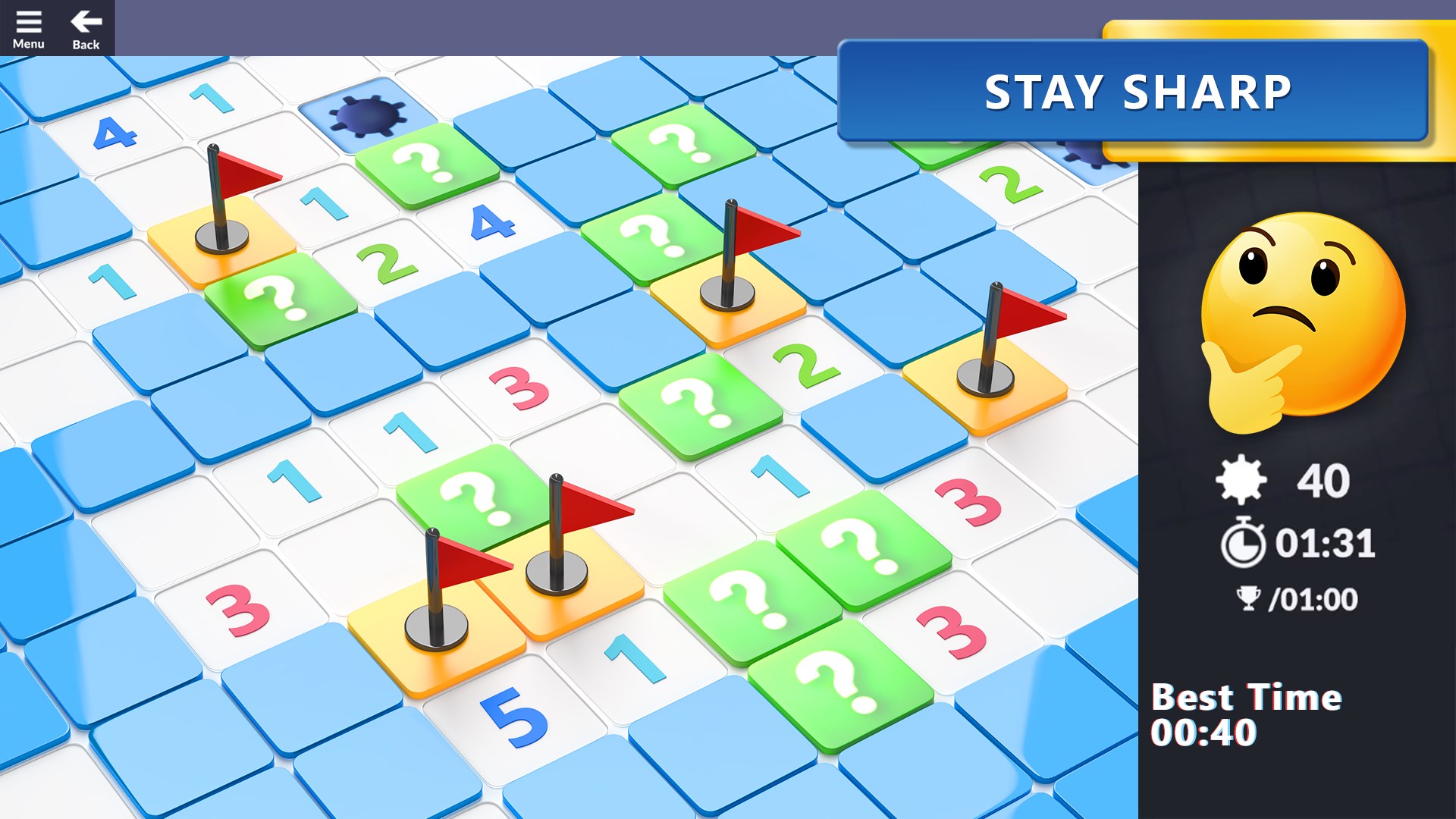
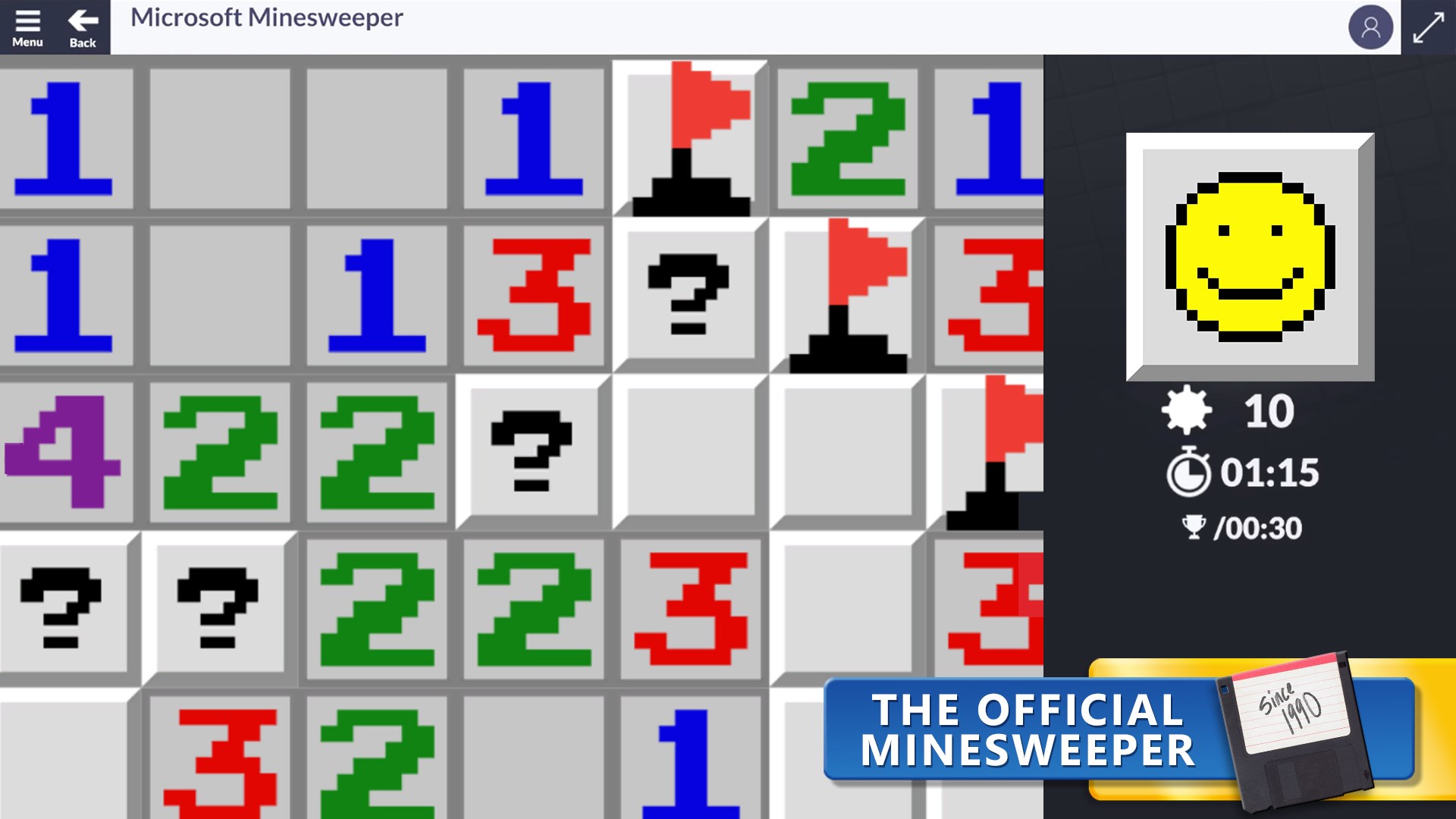
From the moment you launch the game, the interface welcomes you with a clean, minimalist layout that echoes the familiar Minesweeper grid, yet feels refreshed and contemporary. The controls are straightforward—click, flag, or mark—mirroring the classic gameplay but with polished responsiveness that ensures every move feels immediate and satisfying. Navigating through settings, tutorials, or even adjusting difficulty levels is seamless, thanks to the thoughtfully organized menu system. The game runs smoothly across various systems, with minimal lag or glitches, providing a fluid experience even during complex, high-stakes minesweeper puzzles.
Core Features: Fun, Challenge, and Flexibility
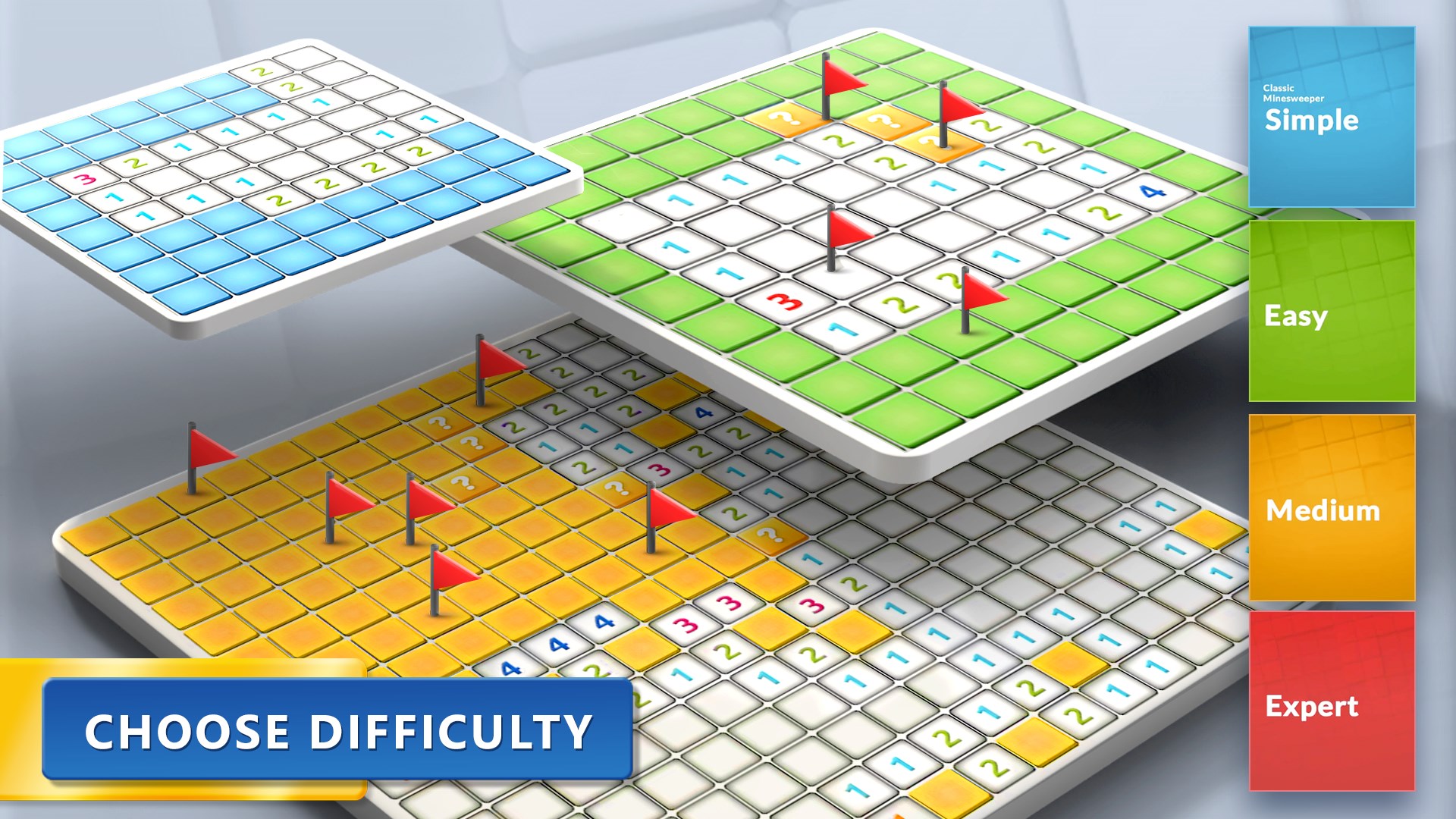
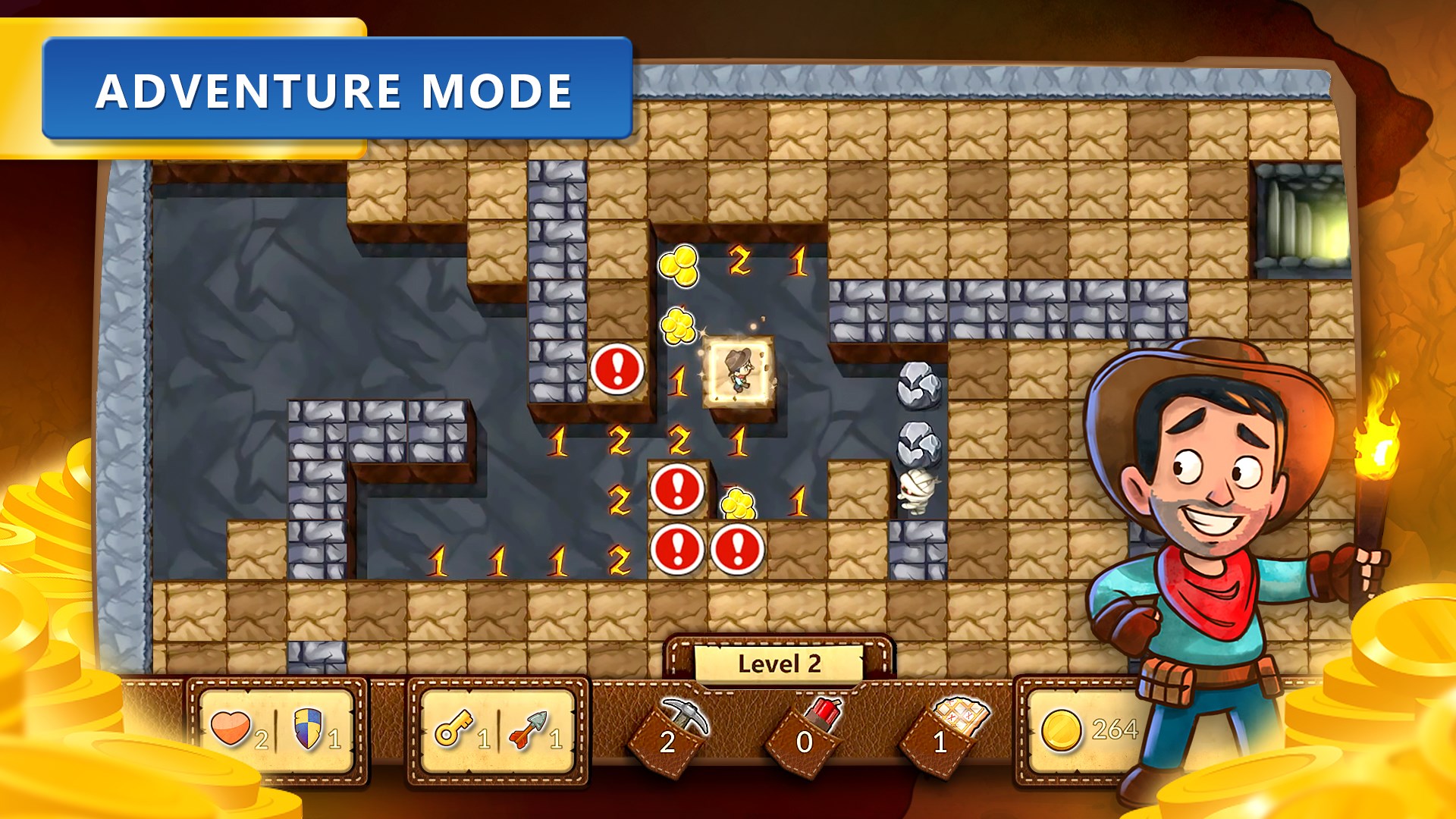
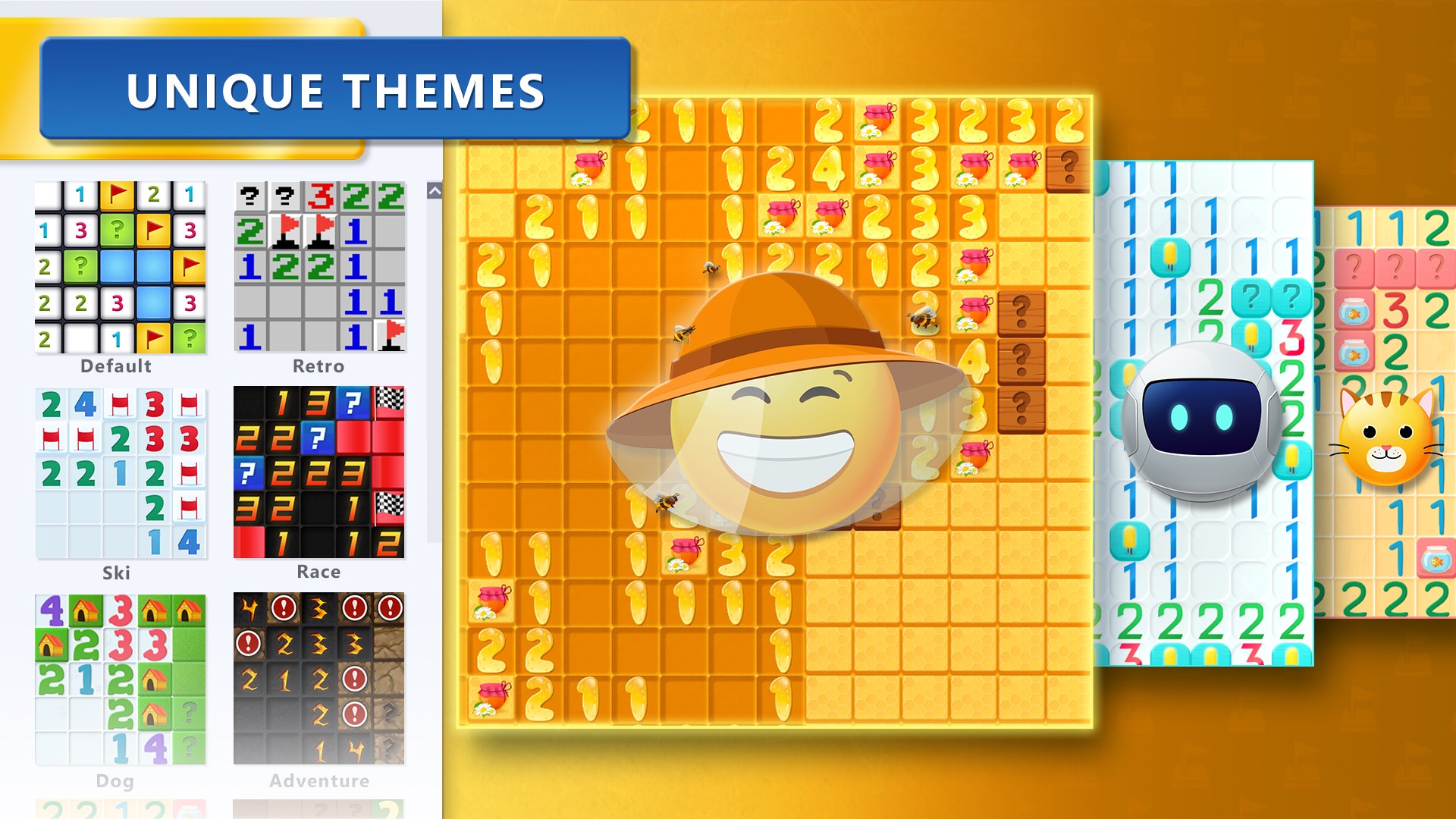
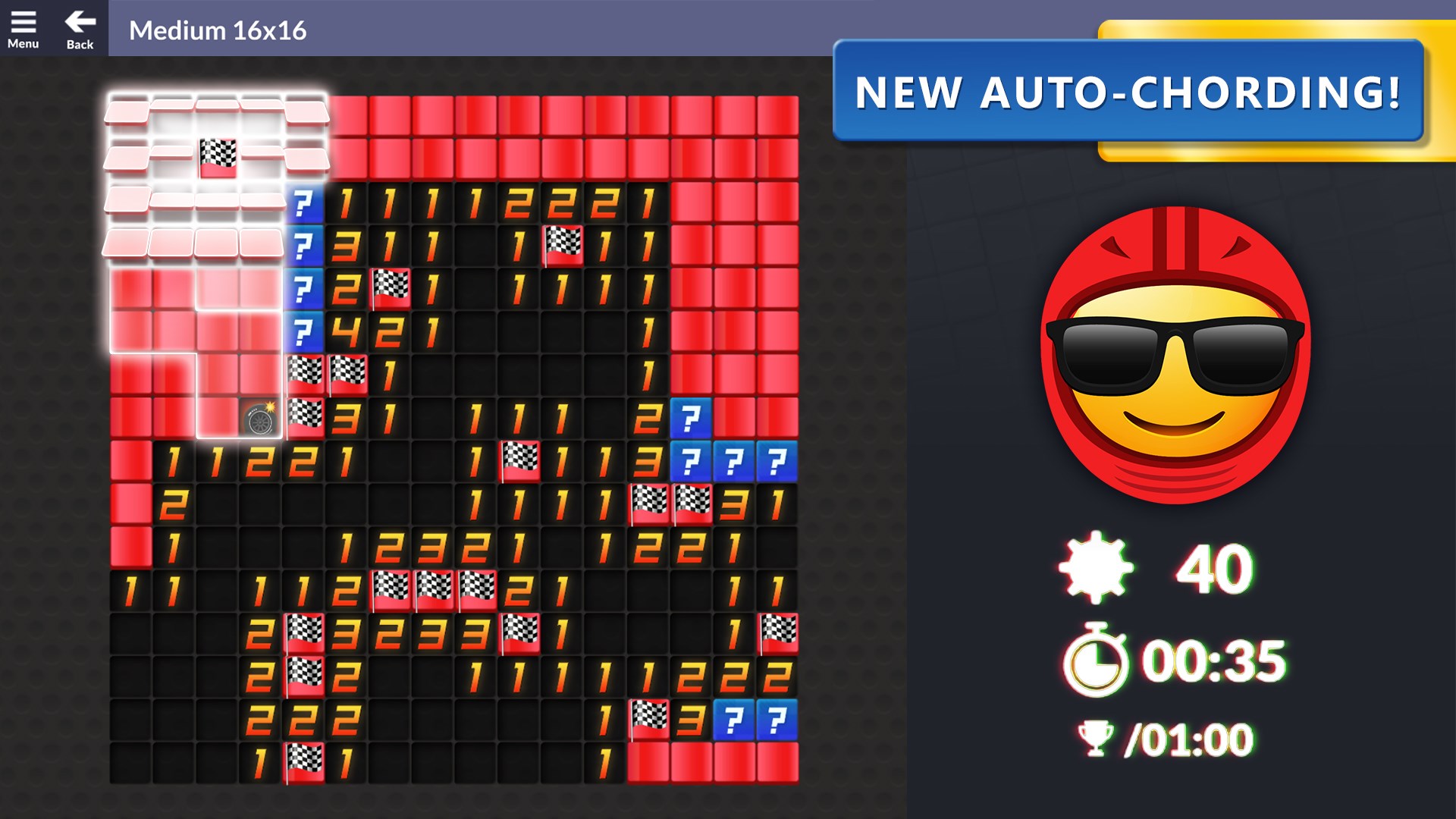
One of the standout aspects of this version is its customizable difficulty settings, ranging from easy beginner levels to expert modes that challenge even seasoned players. The "Smart Hints" feature is another highlight, offering helpful suggestions that can aid learning or provide a gentle nudge when you're stuck—think of it as your friendly game buddy whispering advice. Additionally, the game includes a variety of visual themes and sound effects, allowing players to personalize their experience—imagine playing on a vintage board or a sleek modern interface, tailored to your mood. The inclusion of a statistics tracker is particularly useful for those aiming to improve their skills or compete with friends, adding a layer of motivation to beat your best time or fewer mines flagged.
What Sets It Apart From Other Puzzle Games?
Unlike many contemporary puzzle and trivia apps, Microsoft Minesweeper retains its core challenge—the delicate balance of logic and luck—while incorporating modern conveniences like undo options, color themes, and performance optimizations. Its greatest strength lies in the user-friendly onboarding for newcomers, without sacrificing depth for experienced players seeking strategic complexity. It also benefits from the Microsoft ecosystem integration, allowing seamless gameplay across Windows devices, with cloud saves and progress tracking that keep your achievements synchronized. Moreover, its minimalist aesthetic combined with smooth animations offers a calming yet stimulating environment, setting it apart from more cluttered or overly flashy puzzle titles.
Final Verdict and Recommendations
Microsoft Minesweeper for Windows is a highly recommended choice for puzzle enthusiasts, casual players, or anyone looking to exercise their logical reasoning in a relaxing digital setting. Its intuitive interface, customizable options, and thoughtful features elevate it above many free alternatives, offering a balanced mix of simplicity and challenge. Whether you're revisiting a childhood classic or discovering Minesweeper for the first time, this app delivers a solid, enjoyable experience that's easy to pick up yet hard to put down. For best results, try it on a quiet afternoon when you're looking for a mental refresh, or during short breaks to keep your problem-solving skills sharp—it's like a mental workout that's both fun and rewarding.
Pros
- Intuitive Gameplay
- Visually Clean Interface
- Smooth Performance
- Customizable Themes
- Offline Accessibility
Cons
- Limited Difficulty Modes
- Basic Sound Effects
- Limited Tutorial Guidance
- No Advanced Customization Options
- Lack of Leaderboards or Sharing Features











