

- Category Security
- Available on PC
- OS Windows 10 version 19042.0 or higher
- languages Chinese (Simplified), Chinese (Traditional), English (United States), Hindi, Japanese, Korean
Microsoft PC Manager for Windows: A Comprehensive Tool to Keep Your PC in Top Shape
Imagine having a versatile digital handyman that not only tidies up your cluttered workspace but also boosts your PC's speed and security—all wrapped into one intuitive app. That's what Microsoft PC Manager aims to be, a go-to utility designed to help users maintain optimal performance with ease and confidence.
What's Behind the Curtain: Basic Info
Developed by Microsoft Corporation, this app positions itself as a streamlined PC health management tool tailored for Windows users. Its core strengths lie in system cleaning, performance optimization, and security reinforcement, making it suitable for a broad range of users—from tech newbies to seasoned professionals who want a reliable, all-in-one PC management solution.
- Major Features Highlights:
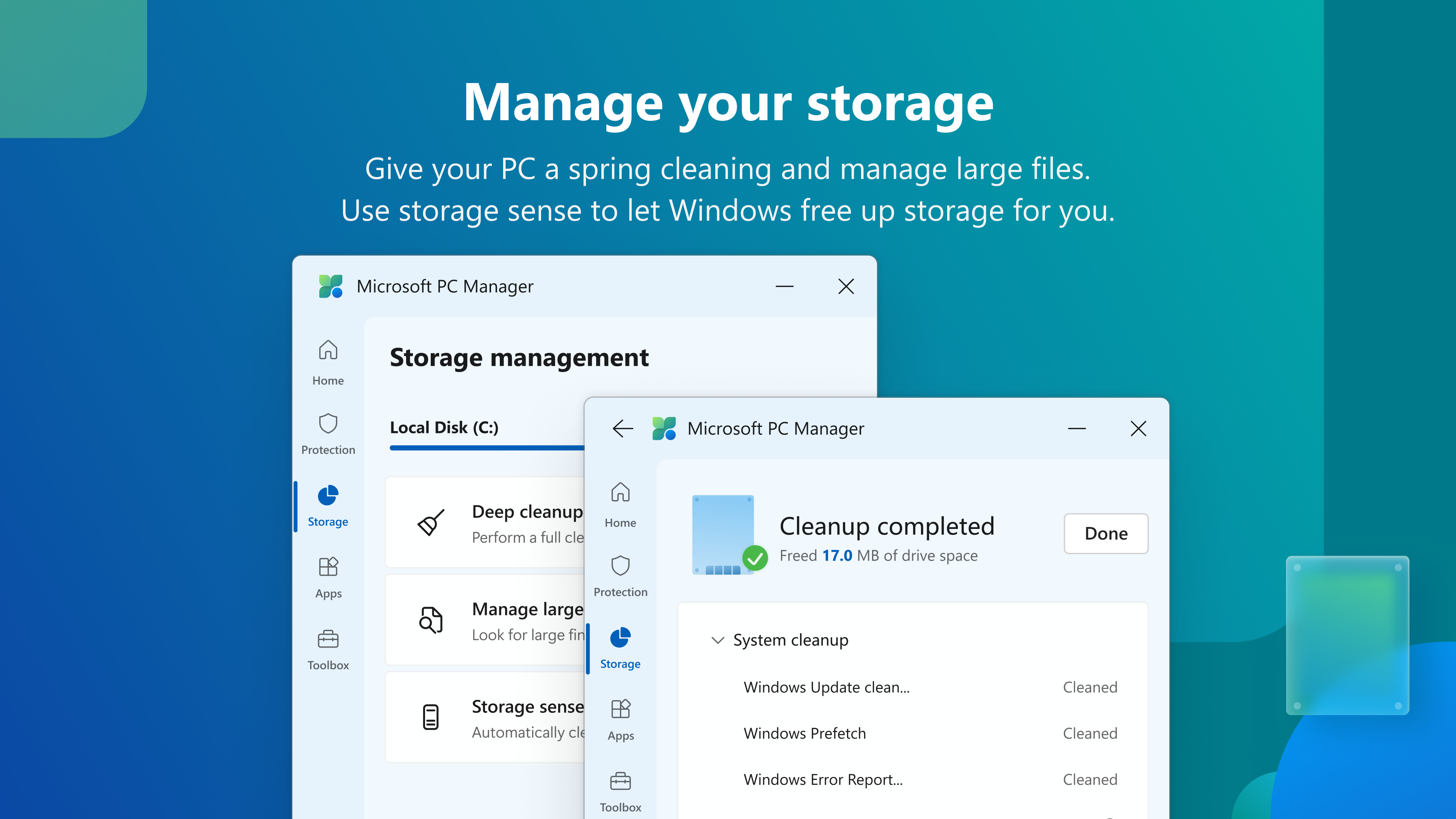
- System Cleanup & Junk Removal: Effortlessly frees up disk space by identifying unnecessary files, helping your PC run faster and more efficiently.
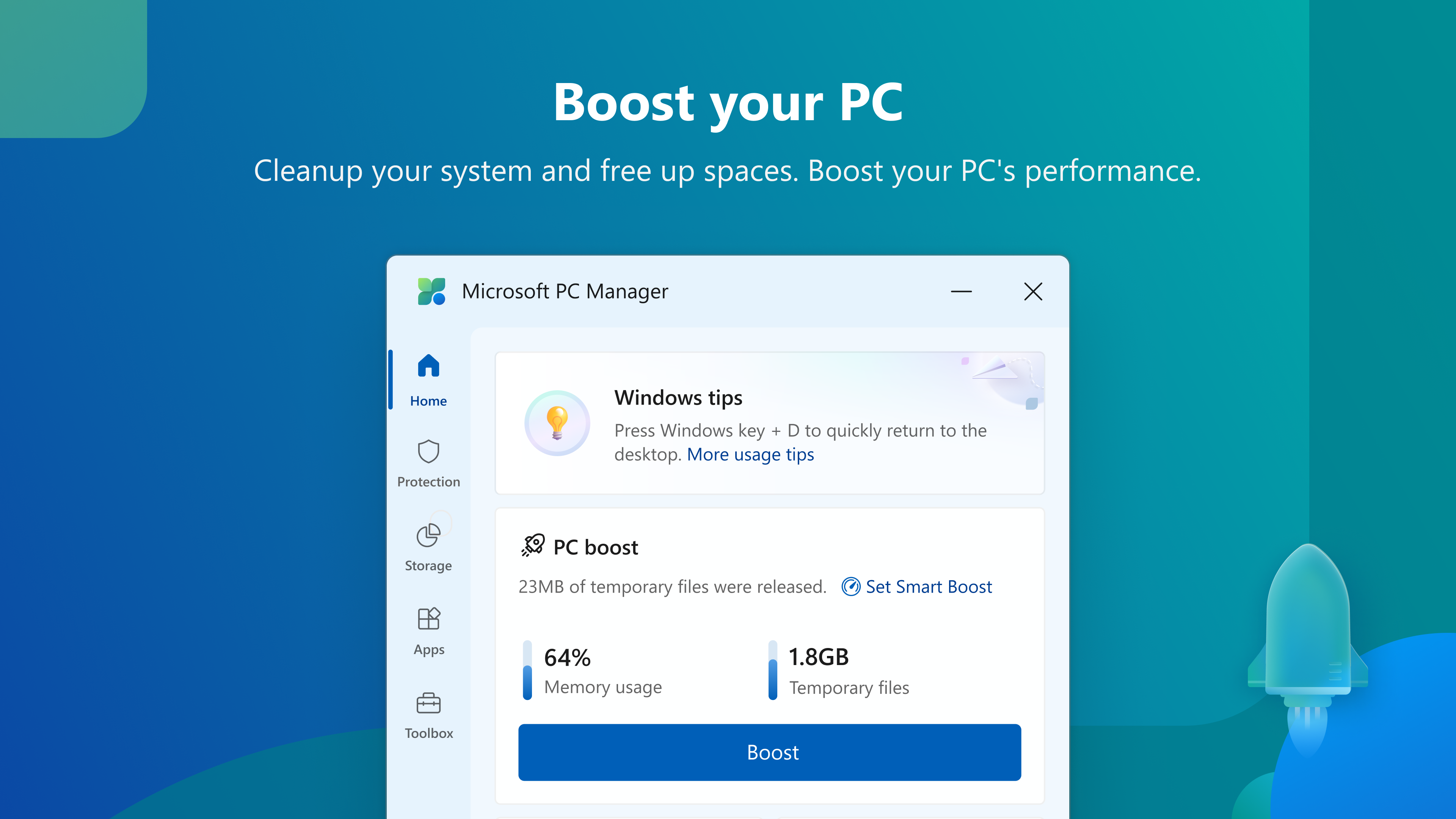
- Performance Boost & Optimization: Offers tools to manage startup items, background processes, and optimize system settings for peak performance.
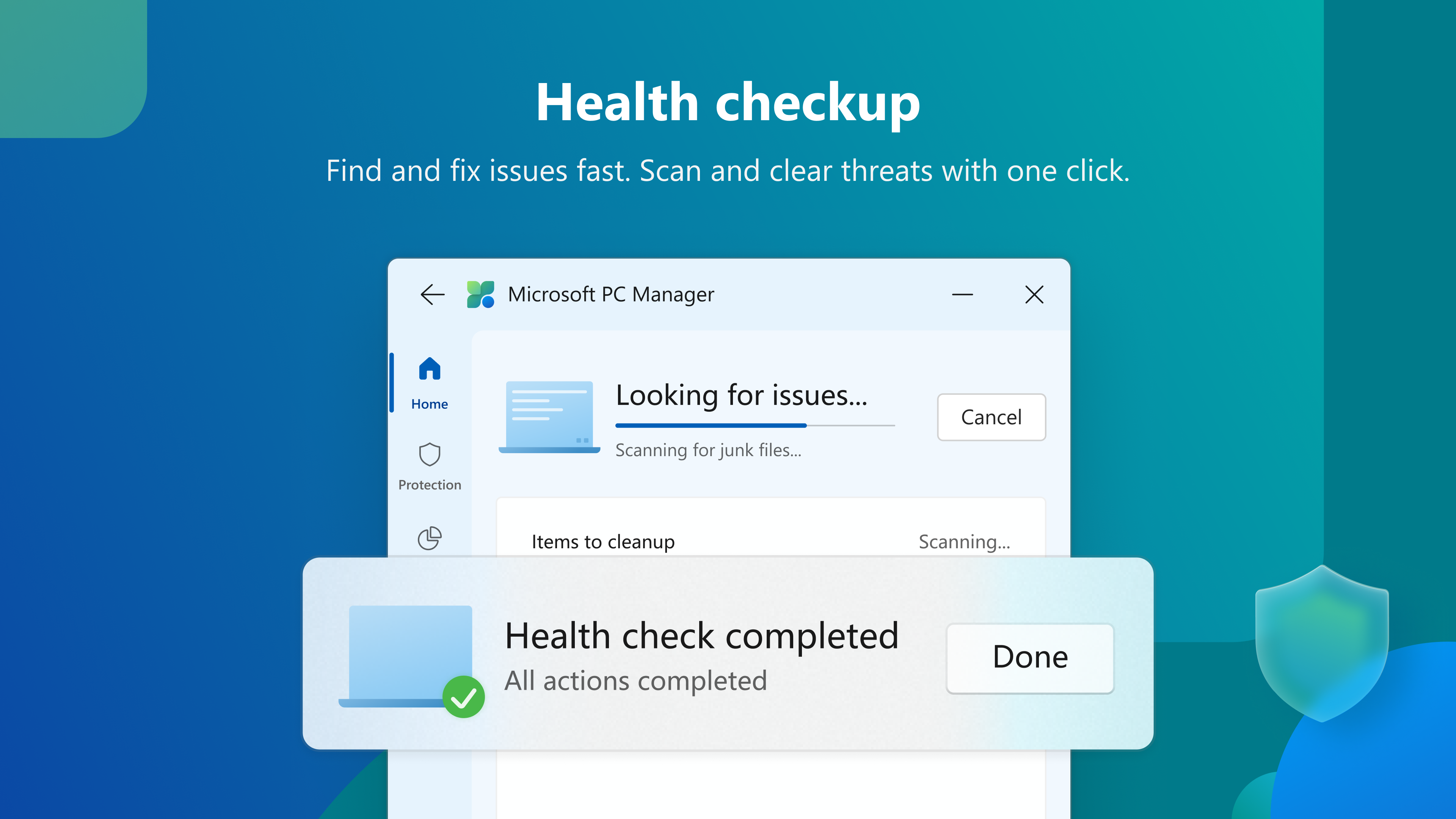
- Security & Privacy Tools: Basic malware scans and privacy controls keep your data safe without the complexity of dedicated antivirus software.
Targeted primarily at everyday Windows users looking for a simple but powerful app to maintain their PCs, Microsoft PC Manager bridges the gap between basic system tools and more advanced utilities often found in professional suites.
Getting Under the Hood: An In-Depth Review
An Engaging Start with a Friendly Approach
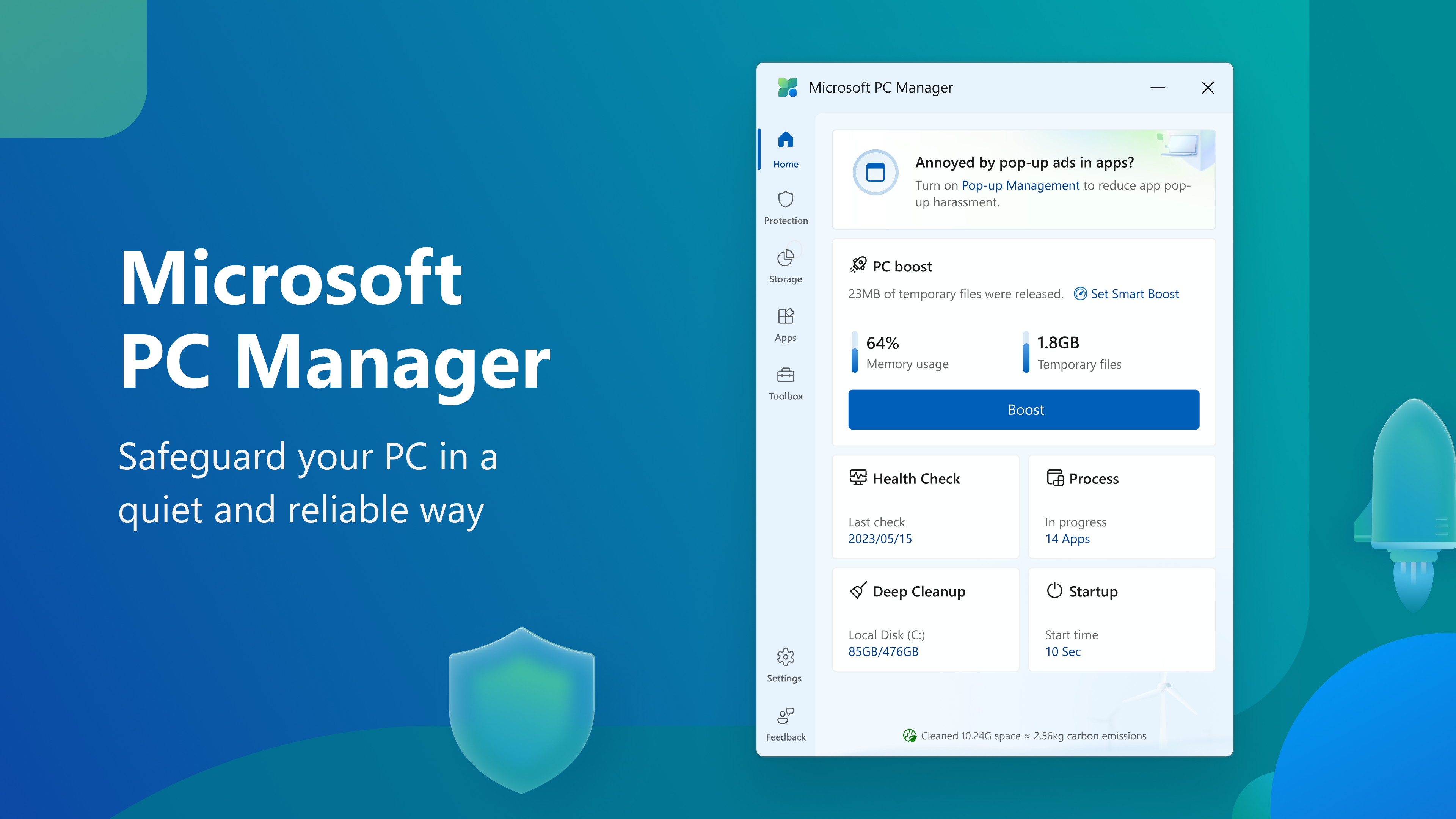
Imagine your PC as a busy city—clogged streets, cluttered neighborhoods, and traffic jams slow everything down. Microsoft PC Manager is like a diligent traffic controller, efficiently clearing obstructions, optimizing routes, and ensuring your digital city runs smoothly. The app greets you with a clean, uncluttered interface that's welcoming for first-time users, much like entering a well-organized tool shed ready for action.
Core Functionality Breakdown
- System Cleaning Made Simple: The “Cleanup” module scans your PC for unnecessary files—temp files, cache, leftover logs—that occupy precious space. The process is straightforward and quick, akin to tidying up a cluttered desk, leaving your system lean and tidy. The app also intelligently suggests files that can be safely removed, reducing the risk of accidental deletions.
- Performance Optimization at Your Fingertips: With features like Startup Management and Background App Control, users can disable unnecessary programs that slow boot times or hog resources. Think of it as turning off unused appliances in your home to save energy. The interface displays a clear overview of resource consumption, making it easy for users to decide what to keep running or pause for better speed.
- Security & Privacy Safeguards: While not a full-fledged antivirus, the app offers quick malware scans and privacy settings controls, like a friendly neighborhood watch that helps keep unwanted intruders out. It prompts users when suspicious activities are detected, fostering a sense of security without overwhelming complexity.
User Experience: Interface, Flow, and Learning Curve
The design of Microsoft PC Manager exhibits a minimalist style—icons and menus are intuitive, reducing the learning curve to almost zero. Navigating between modules feels seamless, much like turning pages in a well-loved book. Operations are swift, with quick scan times and immediate feedback, giving users confidence in the app's responsiveness. Even those with minimal tech experience will find the app approachable, as guidance prompts and straightforward options minimize any potential confusion.
Standing Out Among Similar Tools
Compared to standalone third-party security applications, Microsoft PC Manager's standout feature is its seamless integration within the Windows ecosystem, ensuring compatibility and stability. Unlike many security apps that focus solely on protection, PC Manager offers a holistic approach—combining cleaning, performance tuning, and basic security in one package. Its ‘One-Click Optimization' feature is particularly notable, allowing users to perform multiple maintenance tasks with a single action, saving time and effort. Additionally, its frequent updates and integration with Windows security features ensure that users benefit from ongoing improvements without extra installation hassle.
Final Verdict: To Use or Not to Use?
In summary, Microsoft PC Manager is a dependable and user-friendly utility suitable for everyday PC maintenance. Its standout features—particularly in cleaning and performance optimization—make it a compelling choice for users seeking an all-in-one solution without the bloat of complex programs. While it may not replace full-fledged security suites, it serves as a handy add-on to keep your Windows device running smoothly and safely. I recommend giving it a try, especially if you prefer a light, integrated app that simplifies PC care without sacrificing functionality.
Pros
- Intuitive user interface
- Comprehensive system cleanup tools
- Real-time system monitoring
- Security features
- Lightweight and fast
Cons
- Limited advanced customization options
- Occasional false positives in malware scans
- Some features lack detailed explanations
- Limited integration with other system utilities
- Initial setup may require internet connection










