

- Category Developer tools
- Available on PC
- OS Windows 10 version 0.0 or higher
- Keyboard Integrated Keyboard
- Mouse Integrated Mouse
- languages Chinese (Simplified), Chinese (Traditional Chinese), English, Czech, Dutch, French, Portuguese, Portuguese (Brazil), German, Hungarian, Italian, Japanese, Korean, Polish, Russian, Spanish, Turkish
Microsoft PowerToys for Windows: Elevating Your Productivity Game
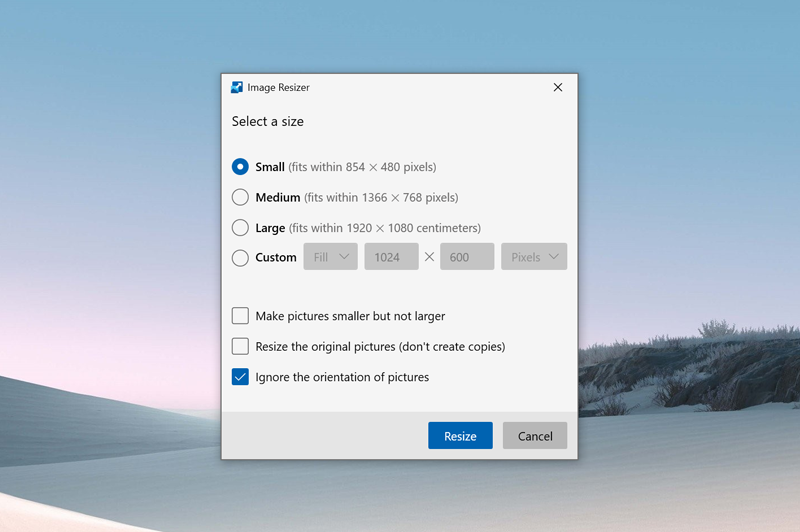
Designed as a toolkit to streamline and customize Windows experience, Microsoft PowerToys offers a suite of utilities aimed at power users seeking efficiency and personalization. Developed by Microsoft Corporation, this free application unlocks a new level of control over your Windows environment, making it more adaptable to your workflow.
Core Features That Make PowerToys Stand Out
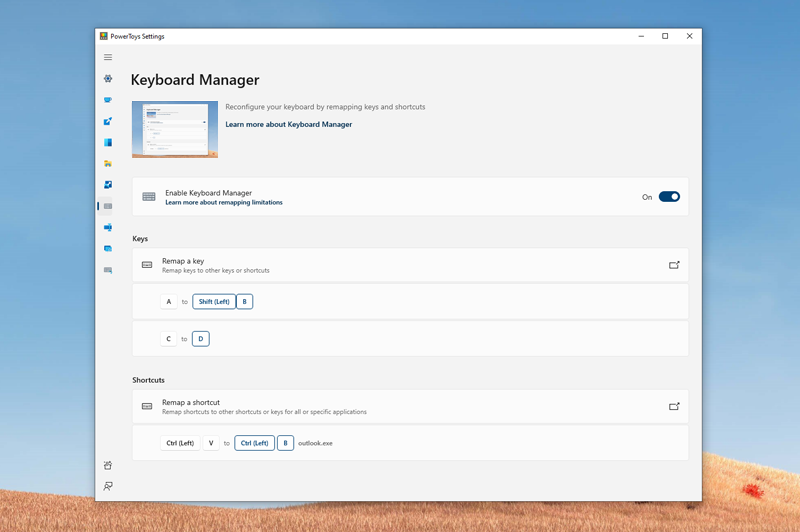
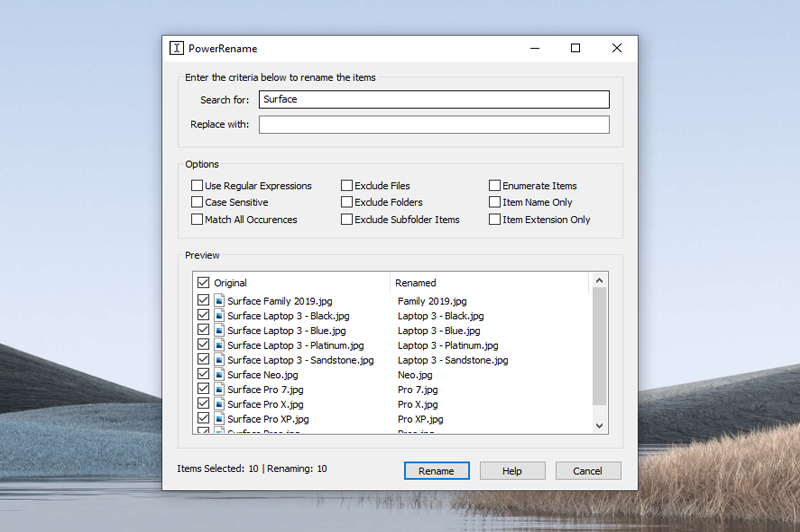
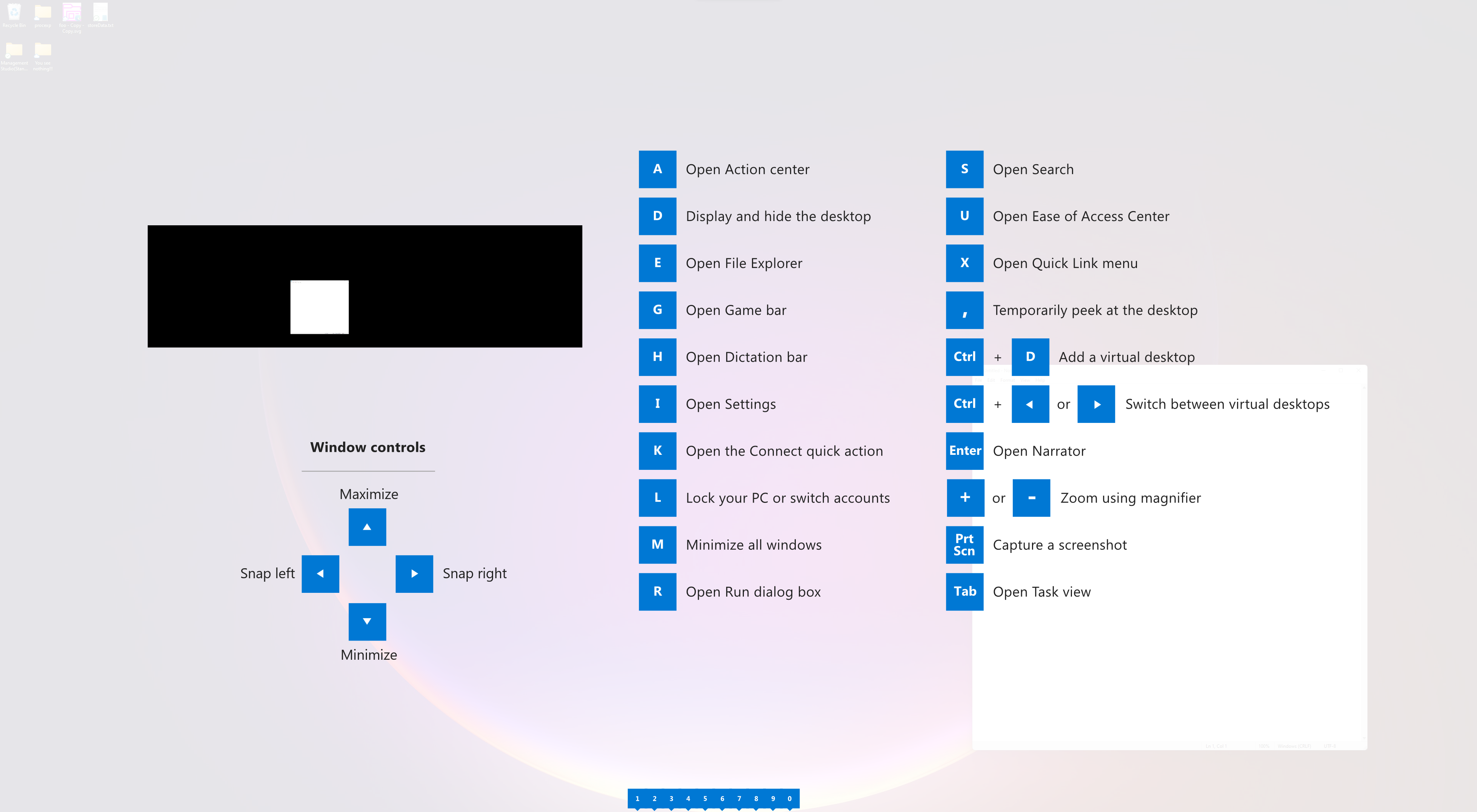
At its heart, PowerToys packs a punch with features like FancyZones, PowerRename, and Keyboard Manager—each designed to solve common frustrations with elegant solutions. FancyZones, for instance, transforms your ultrawide monitor into a customizable grid for window snapping, akin to having an invisible grid paper for your desktop. PowerRename simplifies bulk renaming with robust pattern matching, saving you hours of manual effort. Meanwhile, Keyboard Manager allows you to remap keys and shortcuts, turning your keyboard into a tailored command center.
Experience: Seamless, Intuitive, and Powerfully Personal
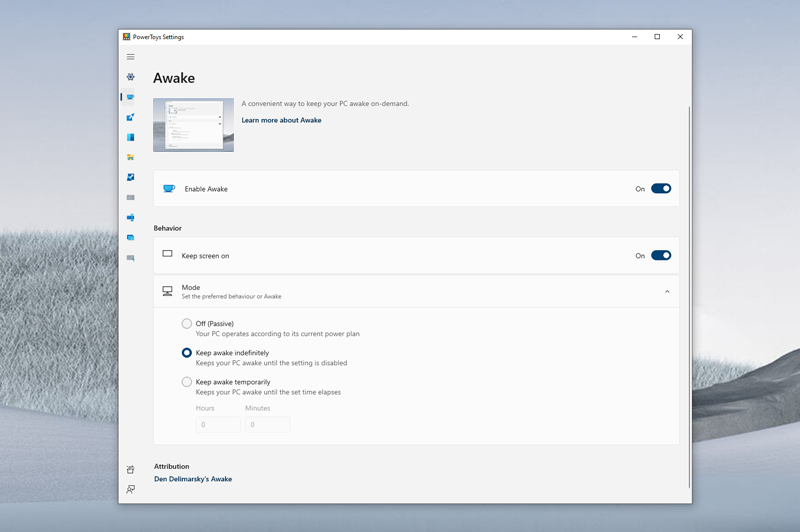
Opening PowerToys feels like entering a well-organized workshop—clean, straightforward, with a friendly interface that greets you with its clarity. The design leans into usability: icons are familiar, options are logically grouped, and the learning curve is gentle enough for novices yet deep enough for experts who love fine-tuning. Whether you're dragging windows into FancyZones or remapping keys, the transition is fluid—and the responsiveness of the utilities ensures you hardly notice the mechanics; you just focus on getting work done.
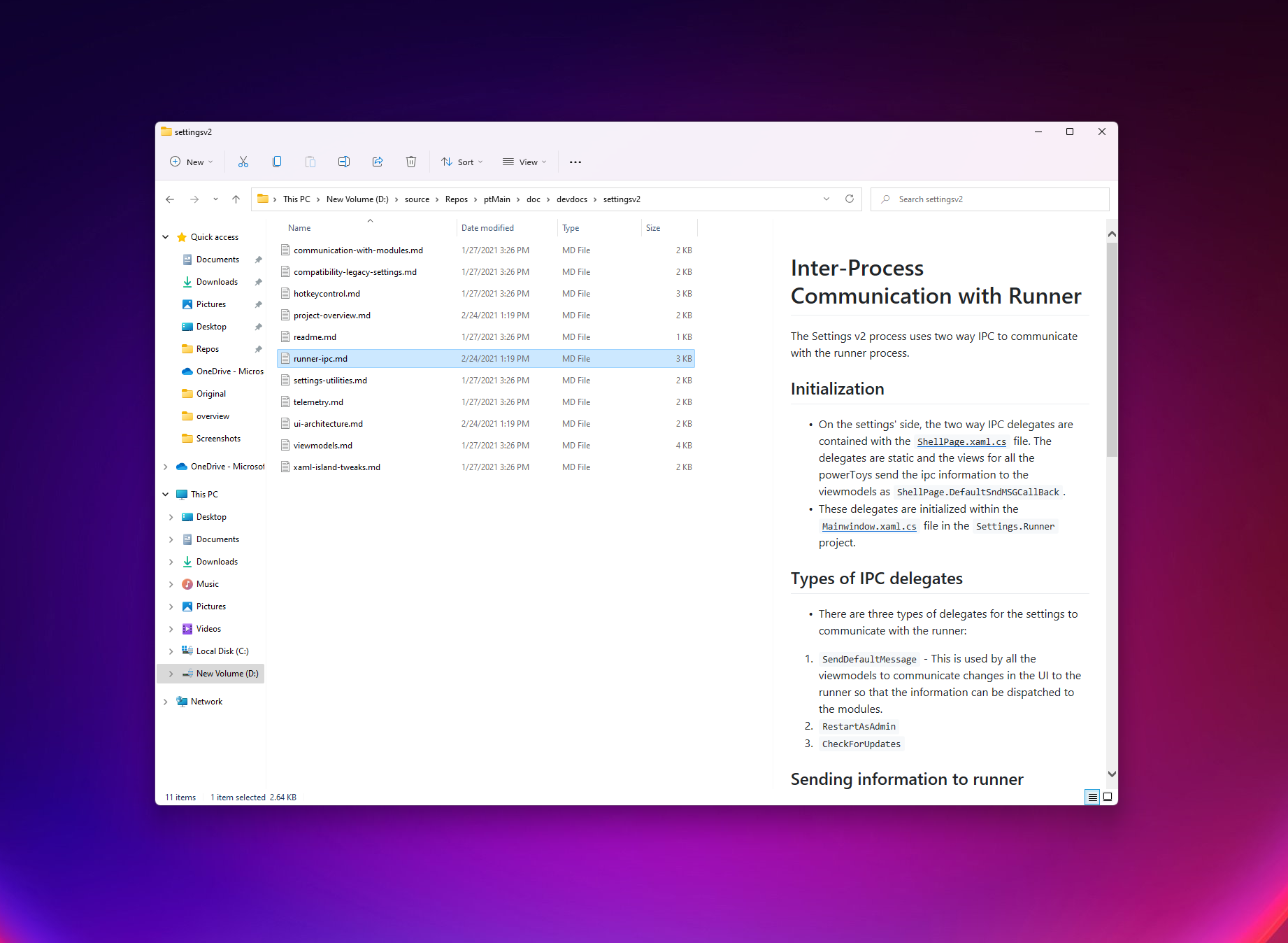
Compared to other developer tools, PowerToys shines with its integration quality and versatility. Unlike standalone utilities that require multiple apps running in the background, PowerToys offers a centralized hub for customization that feels cohesive. Its ability to extend Windows with simple, yet powerful, utilities distinguishes it from more bulky or less integrated options.
One particularly noteworthy feature is FancyZones, which elevates window management by allowing you to create custom zones on your workspace—imagine turning your screen into a multi-section canvas where windows snap precisely into place, boosting multitasking productivity dramatically. This feature alone can transform a chaotic desktop into a well-oiled workspace, especially for those juggling multiple apps simultaneously.
Recommendation and Usage Suggestions
Overall, I highly recommend PowerToys to Windows enthusiasts, developers, and anyone looking to fine-tune their desktop environment. It's particularly beneficial for users who frequently work with multiple windows or require personalized workflows. Due to its intuitive interface and powerful features, even newcomers can quickly get up to speed, while power users will find endless ways to optimize their setup. However, as with any advanced customization tool, it's wise to explore features gradually to avoid accidental misconfigurations.
If you crave a more efficient and tailored Windows experience, PowerToys is a tool worth adding to your digital toolkit. Think of it as a helpful assistant, quietly working behind the scenes to streamline your tasks, so you can focus on what truly matters—your work and creativity. Give it a try, and discover how small tweaks can deliver significant productivity boosts.
Pros
- PowerRename simplifies bulk renaming tasks
- FancyZones offers customizable window management
- Keyboard shortcuts Boost productivity
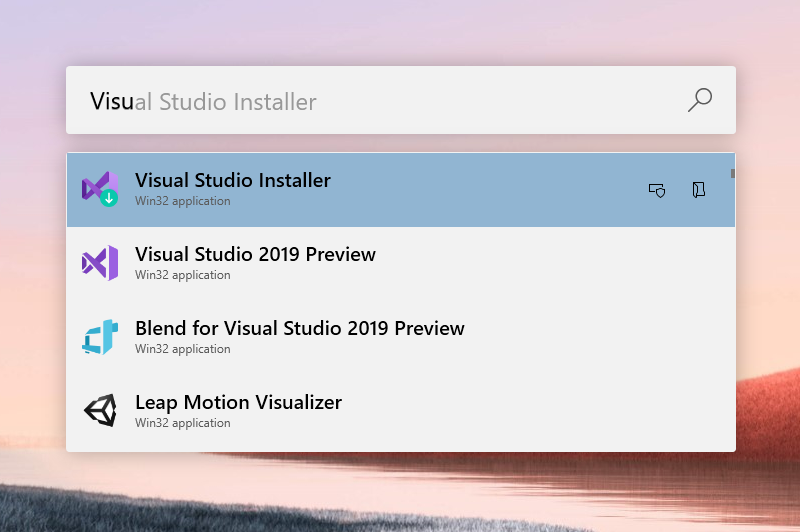
- PowerToys Run accelerates app launching
- PowerToys is open-source, fostering community contributions
Cons
- Some features, like FancyZones, may have a learning curve
- Occasional stability issues reported in recent updates
- Limited documentation for certain advanced features
- Requires administrative privileges to install and run certain modules
- Some features may consume additional system resources










