


- Category Card & board
- Available on PC
- OS Windows 10 version 19041.0 or higher
- Keyboard Not specified
- Mouse Not specified
- languages Afrikaans, Albanian, Amharic, Arabic, Azerbaijani, Basque, Bulgarian, Catalan, Chinese (Simplified), Chinese (Traditional), Chinese (Traditional, Hong Kong SAR), Croatian, Czech, Danish, Dutch, English (United Kingdom), English (United States), Estonian, Filipino, Finnish, French, French (Canada), Galician , German, Greek, Hebrew, Hindi, Hungarian, Icelandic, Indonesian, Italian, Japanese, Kannada, Kazakh, Khmer, Korean , Latvian, Lithuanian, Macedonian, Malay, Malayalam, Norwegian (Bokmål), Persian, Polish , Portuguese (Brazil), Portuguese (Portugal), Romanian, Russian, Serbian (Latin, Serbia), Slovak, Slovenian (Slovenia), Spanish (Mexico), Spanish (Spain), Swedish, Tamil, Telugu, Thai, Turkish, Ukrainian, Vietnamese
Microsoft Solitaire Collection for Windows: A Modern Spin on a Classic Card Game
Microsoft Solitaire Collection transforms a timeless puzzle into a polished digital experience, combining nostalgia with modern convenience for both casual players and dedicated solvers alike.
About the App: Classic Solitaire, Reimagined
Developed by Xbox Game Studios, Microsoft Solitaire Collection offers a comprehensive suite of the most popular solitaire card games—all in one sleek package. Its main highlights include seamless gameplay, daily challenges, and a user-friendly interface that appeals broadly to Windows users seeking both relaxation and mental stimulation.
- Targeted at casual gamers, desk workers, students, and solitaire enthusiasts seeking convenient entertainment and mental exercise on their devices.
- Core features include a variety of classic solitaire variants, daily challenges to keep the game fresh, and customizable themes for a personalized experience.
A Fresh Take on a Classic: An Entertaining Start
Picture yourself settling into a cozy nook at a coffee shop, with your screen displaying a familiar solitaire tableau—only now, it's smoother, visually appealing, and tailored to fit your mood. Microsoft Solitaire Collection effortlessly blends the charm of traditional card games with the convenience of modern technology. Whether you're looking to unwind for a few minutes or challenge your strategic skills, this app offers a compelling blend of simplicity and sophistication.
Sleek Interface and User Experience: Easy on the Eyes and Fingers
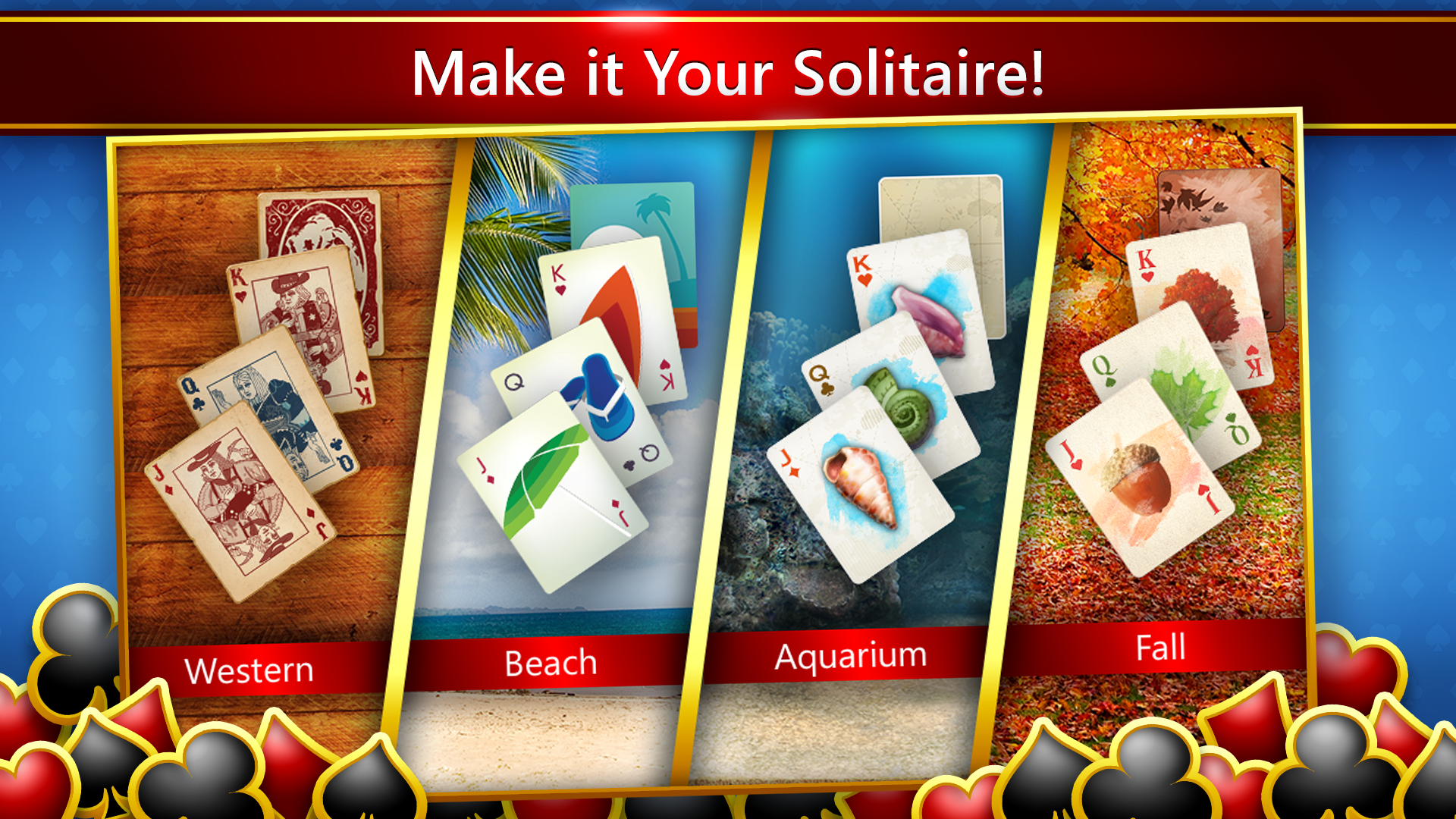
The app boasts a crisp, intuitive interface that welcomes users with vibrant card designs and unobtrusive menus. Navigating through different game modes feels as effortless as shuffling a deck—swipes and clicks respond immediately, with no noticeable lag or stutter. The learning curve is gentle, making it accessible for first-time players, yet it offers enough depth for seasoned card enthusiasts aiming to master their strategies. Customizable themes and backgrounds further enhance aesthetic appeal, enabling players to create their perfect gaming ambiance.
Core Functionalities: More Than Just a Card Deck
Variety of Solitaire Games
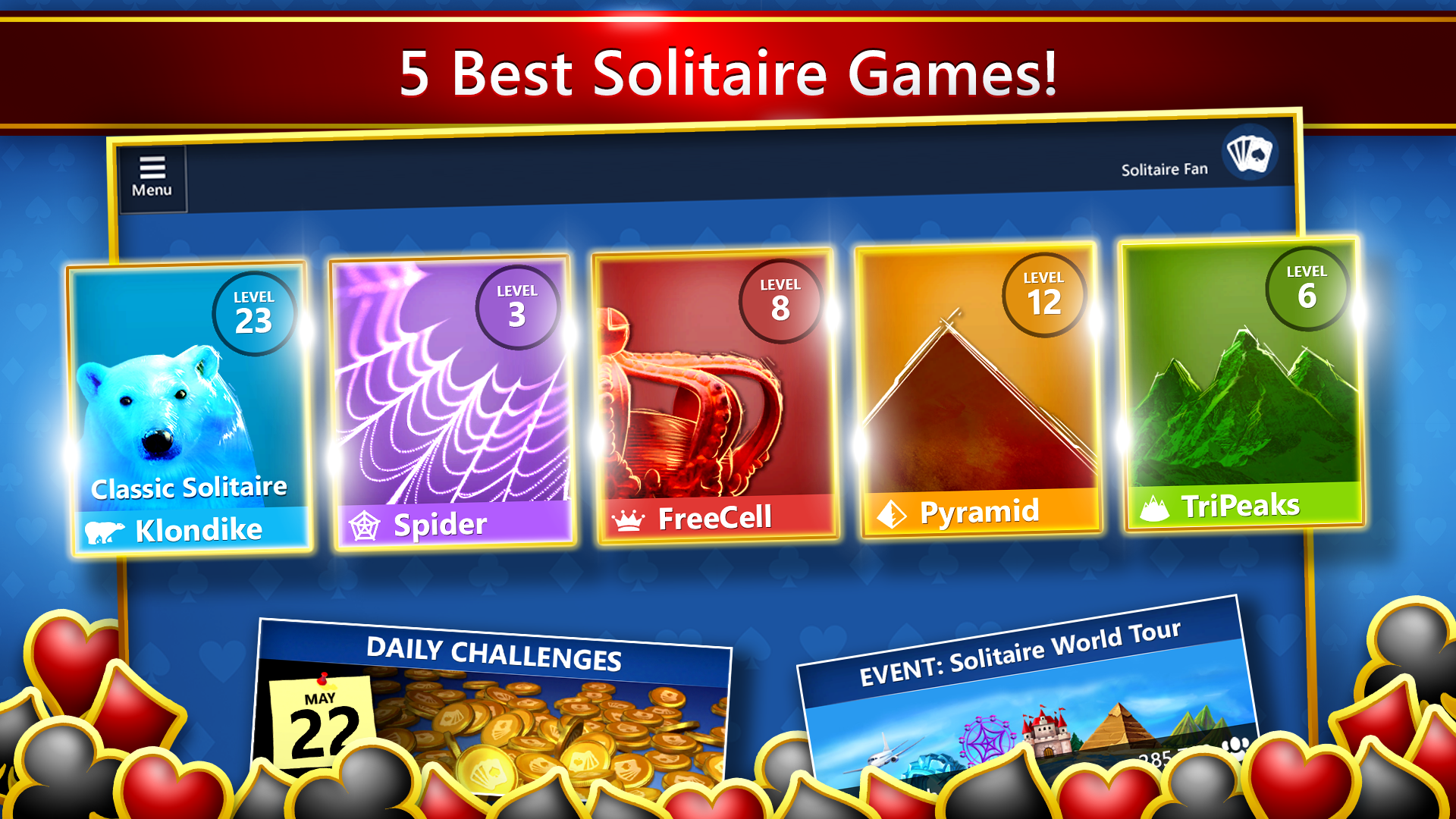
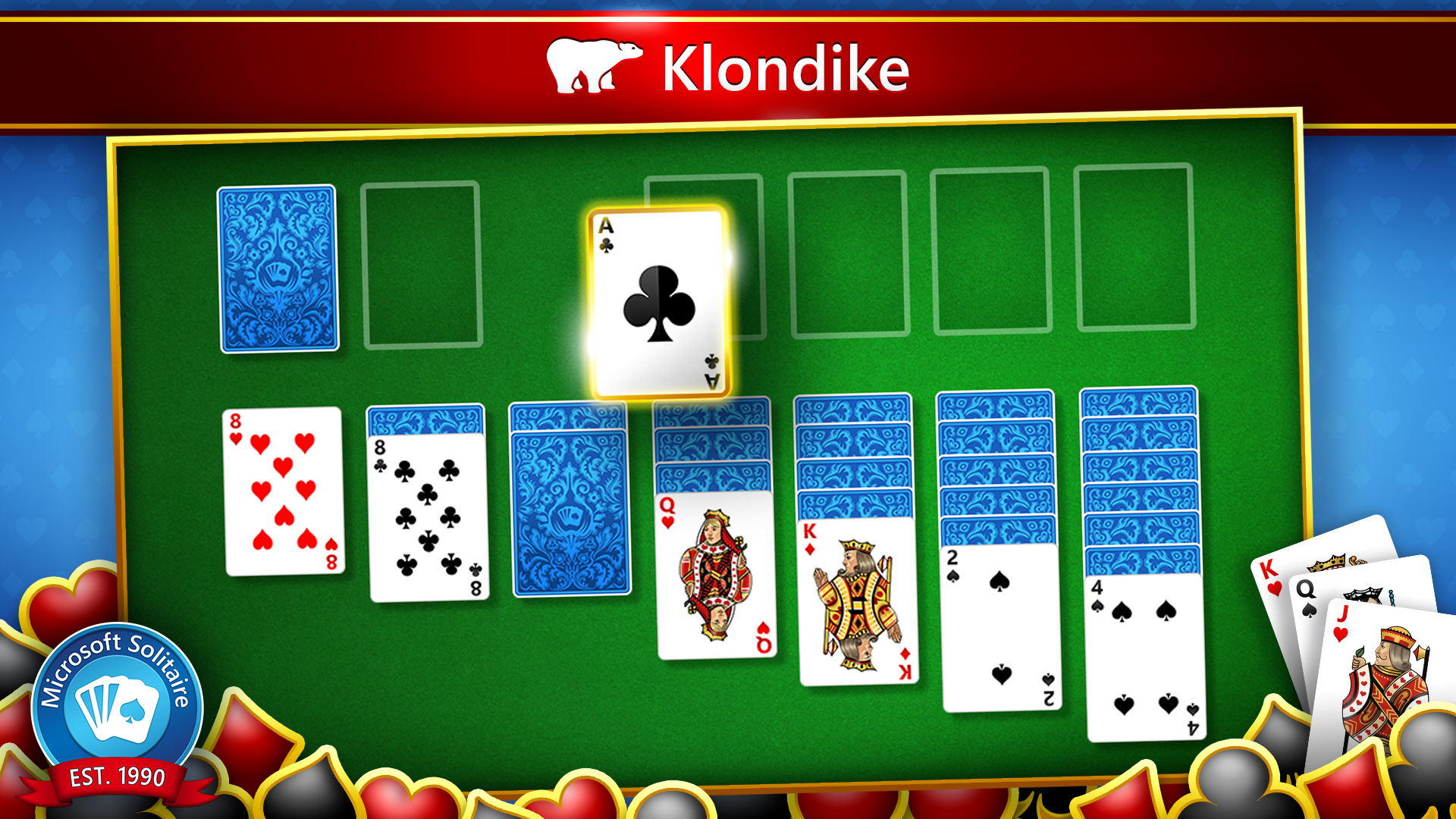
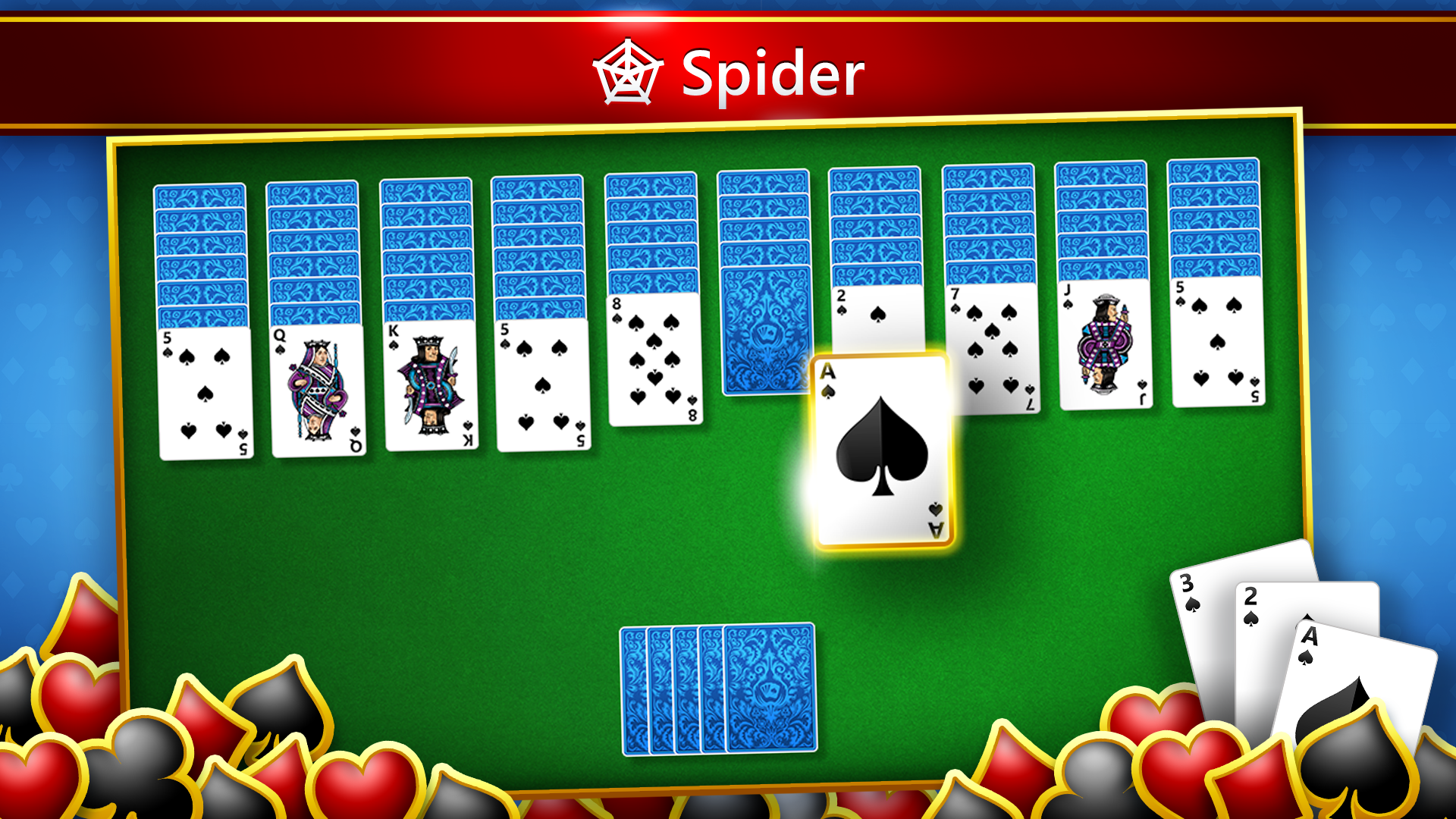
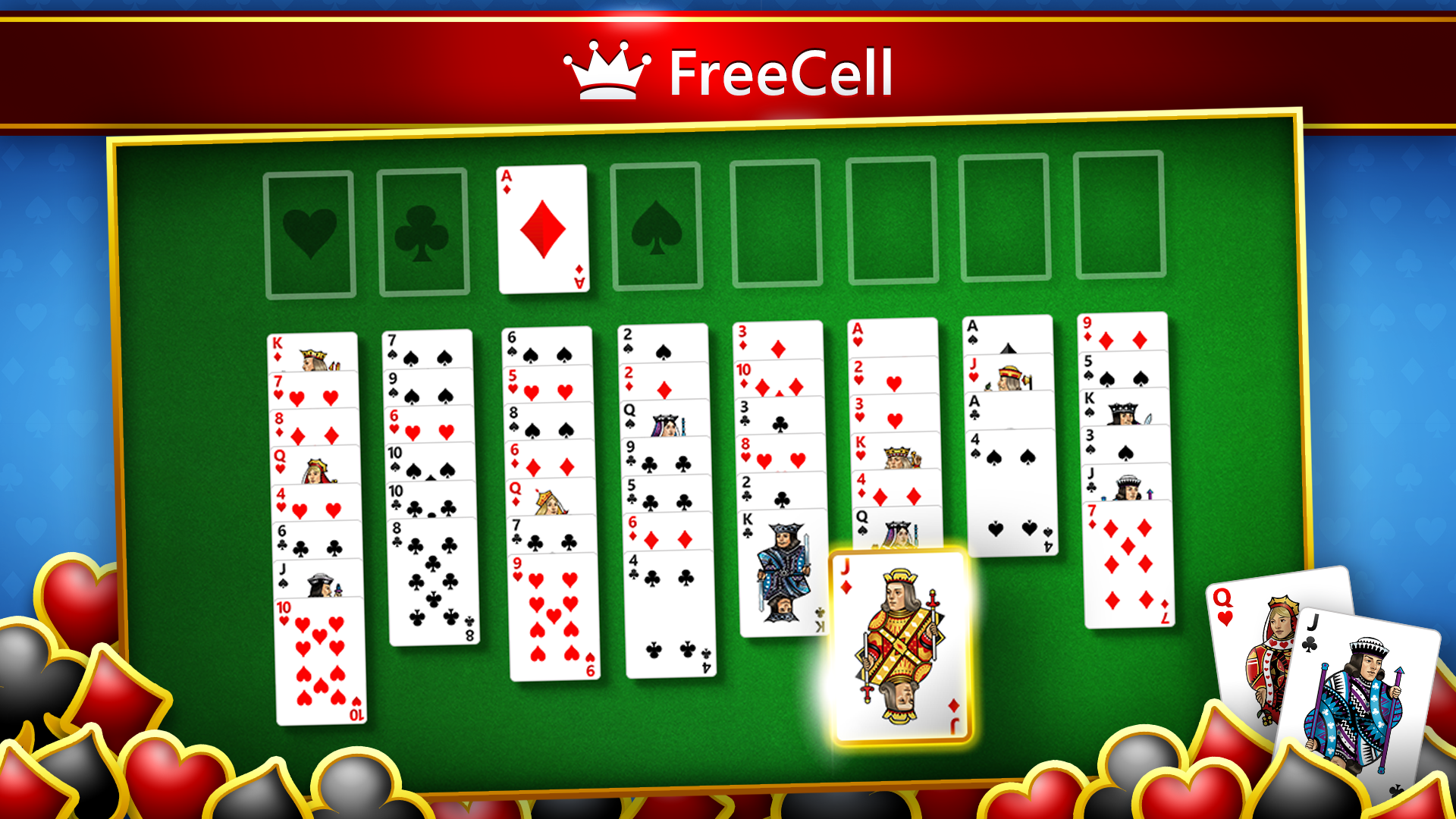
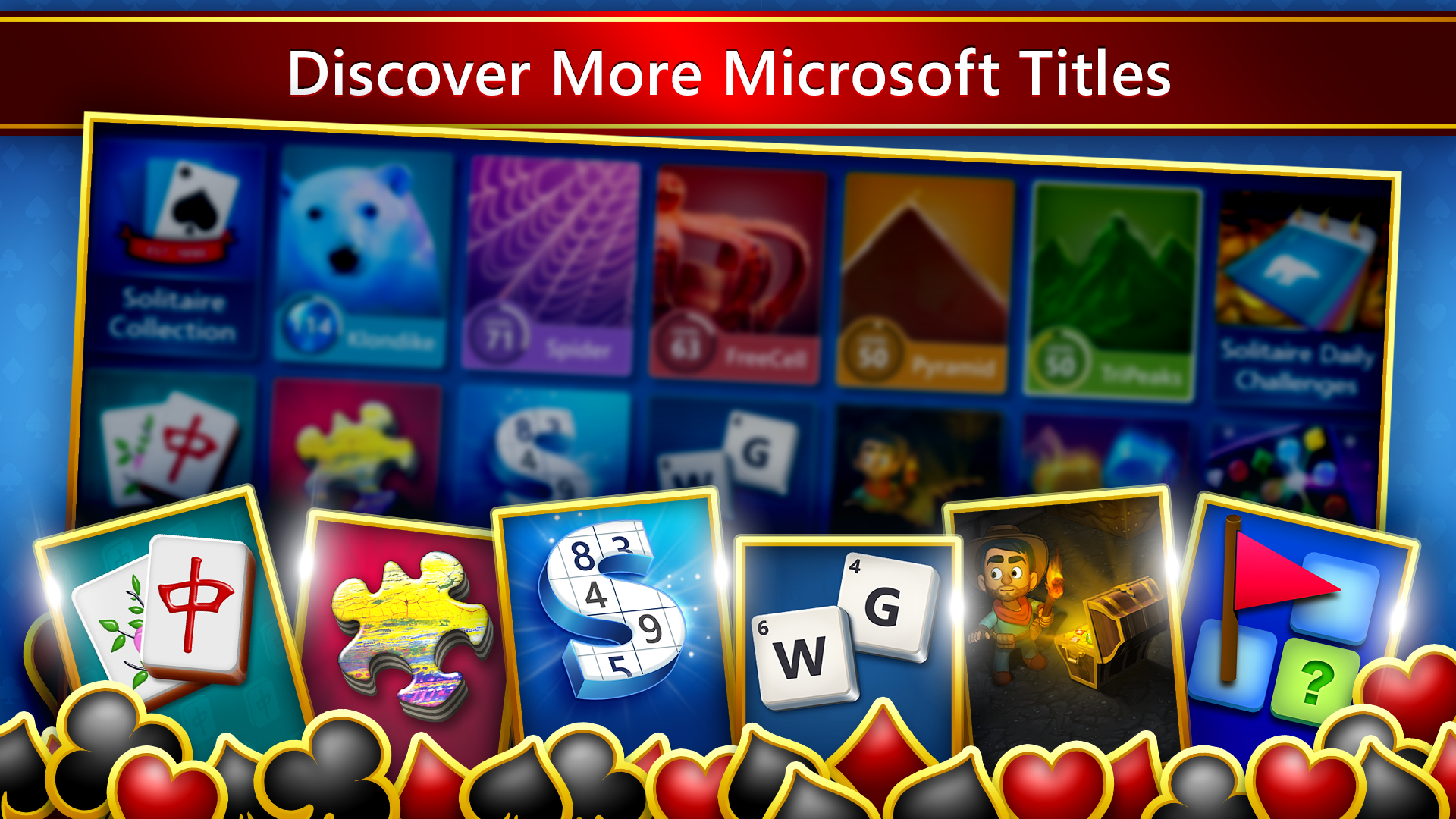
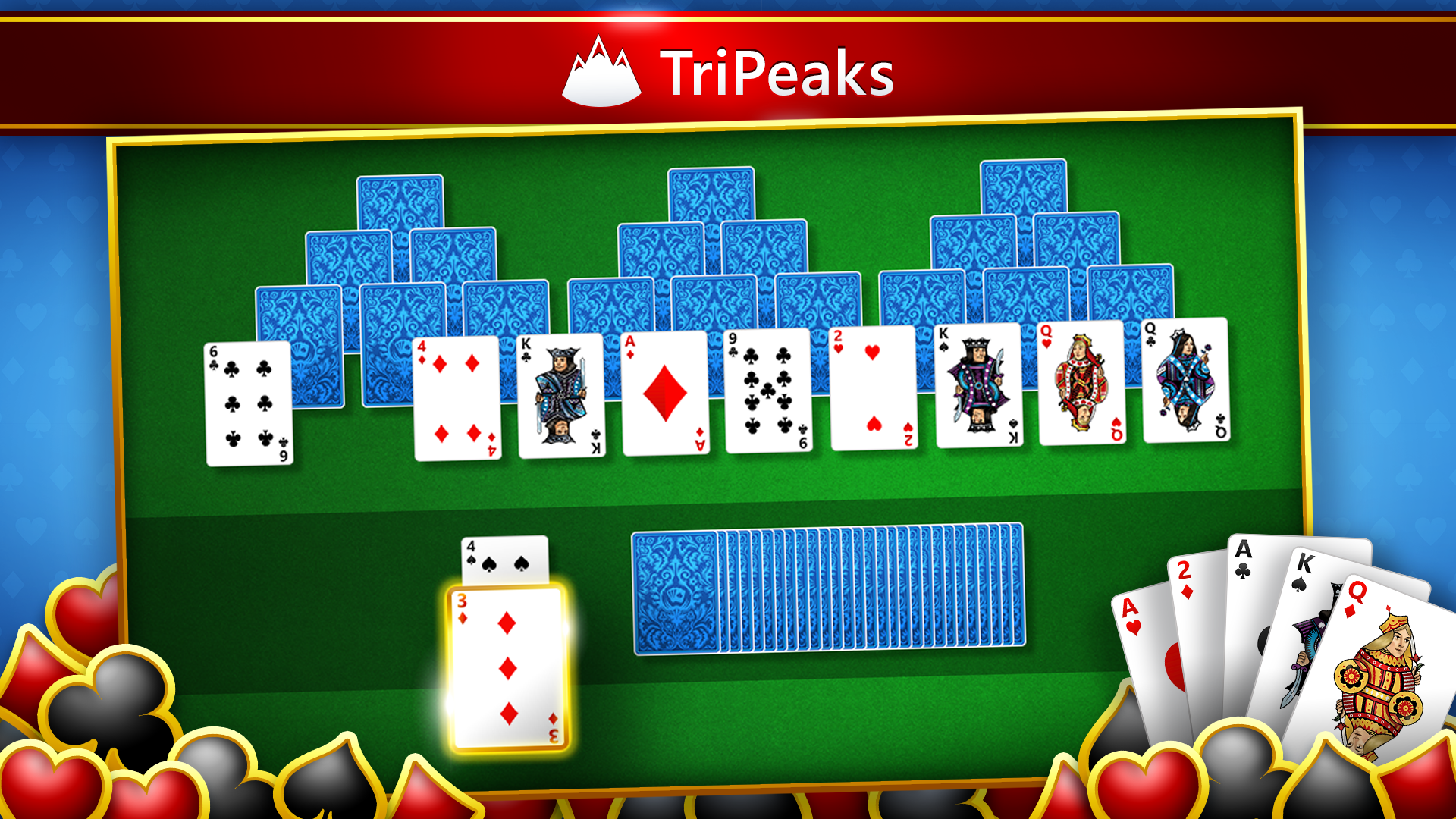
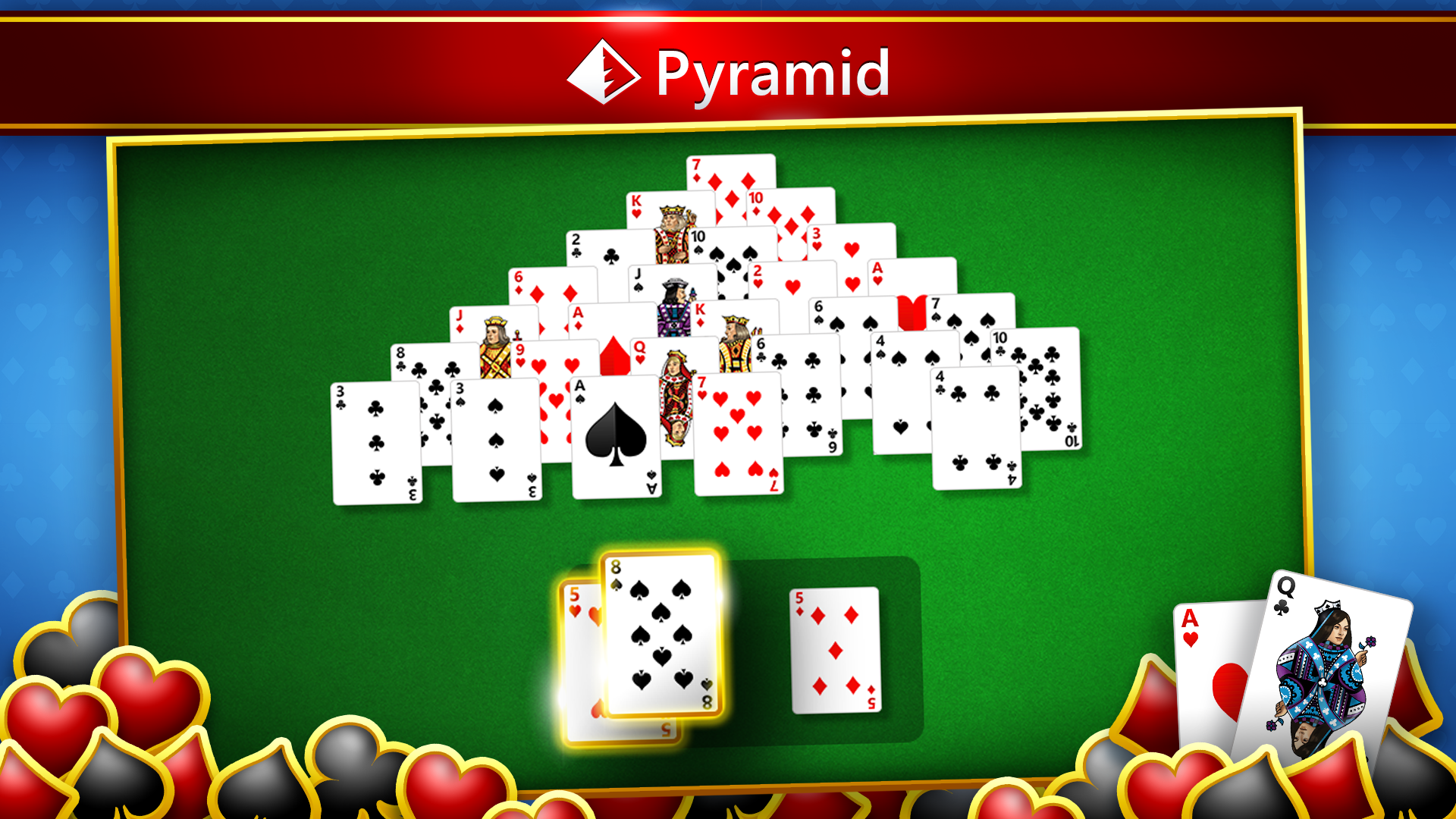
The collection includes the beloved classics—Klondike, Spider, FreeCell, Pyramid, and TriPeaks—each with their own unique gameplay mechanics. This diversity ensures players can shift gears and try different challenges, keeping boredom at bay. The ability to switch seamlessly between variants adds a layer of flexibility that stands out among similar apps.
Daily Challenges and Achievements
One of the standout features is the daily challenge system, which motivates players to return regularly. Completing daily tasks earns points and unlocks achievements, fostering a sense of progress and accomplishment akin to a friendly competition. It's a clever way to keep engagement high without overwhelming new users—just enough incentive to sharpen your skills and return for more.
Personalization and Accessibility
Customization options allow users to select different themes, background images, and card styles. Accessibility features such as adjustable difficulty, hints, and undo options cater to players of varying skill levels and disabilities. This focus on inclusivity makes the app not just fun but considerate of diverse user needs.
How it Stands Out: The Differentiating Factors
Compared to other digital card and board apps, Microsoft Solitaire Collection's integration into the Windows ecosystem gives it a seamless, native feel that's hard to beat. Its continuous update cycle and inclusion of daily challenges set it apart from simpler, static solitaire versions. Additionally, the variety of game types within a single app offers a comprehensive 'all-in-one' solution—no need to juggle multiple apps or games. The special highlight is its intelligent difficulty adjustment and personalized themes—features that cultivate both comfort and challenge in a way few competitors match.
Final Thoughts — To Play or Not to Play?
For anyone seeking a reliable, beautifully crafted solitaire experience, Microsoft Solitaire Collection is a commendable choice. It's not just a game but a sophisticated digital card table that wears its simplicity proudly, layered with enough features to satisfy different moods and skill levels. I recommend it for casual players looking for a quick mental refresh and for those who appreciate a well-designed, approachable puzzle game. Its smooth operation, engaging challenges, and customizable options make it a noteworthy addition to your Windows app collection—worthy of a solid thumbs-up for quality and usability.
Pros
- Extensive variety of solitaire games
- User-friendly interface
- Daily challenges and achievements
- Offline mode support
- Customization options
Cons
- Limited tutorial for beginners
- Ads occasionally interrupt gameplay
- No multiplayer or social features
- Limited customization for game difficulty
- Occasional syncing issues between devices










