




- Category Puzzle & trivia
- Available on PC
- OS Windows 10 version 19041.0 or higher
- DirectX Version 10
- languages English (United States)
Microsoft Sudoku for Windows: A Clean and Engaging Sudoku Experience
If you're a puzzle enthusiast seeking a calming yet challenging mental workout, Microsoft Sudoku for Windows offers a crisp digital environment to sharpen your mind. Designed with simplicity and user engagement in mind, this app provides a delightful way to pass the time while exercising your brain.
About the App: Core Information
This Sudoku app acts as a straightforward digital companion for Sudoku lovers, featuring easy-to-navigate gameplay and multiple difficulty levels. Developed by Xbox Game Studios, it leverages Microsoft's robust design principles to deliver a polished puzzle-solving experience.
- Developer: Xbox Game Studios
- Main Features:
- Multiple difficulty levels catering to beginners and experts alike
- Intuitive, clutter-free interface for seamless gameplay
- Auto-check and hints to assist without overshadowing challenge
- Daily challenges for ongoing engagement and skill-building
- Target Audience: Puzzle enthusiasts of all ages, casual gamers looking for a relaxing activity, and those wanting to improve their logical reasoning skills.
Experience the Puzzle: A Refreshing Digital Brain Game
Imagine curling up with your favorite warm drink on a Sunday afternoon, the world outside melting into a blur as you dive into a Sudoku puzzle that promises hours of engaging mental exercise. Microsoft Sudoku for Windows positions itself as more than just a game; it's a tranquil sanctuary for your mind, blending classic puzzle charm with modern design. Its smooth gameplay invites you to unwind while sharpening your logical thinking, much like a mental yoga session that leaves you refreshed.
Core Features Unpacked: Depth in Simplicity
Elegant Interface and User-Friendly Design
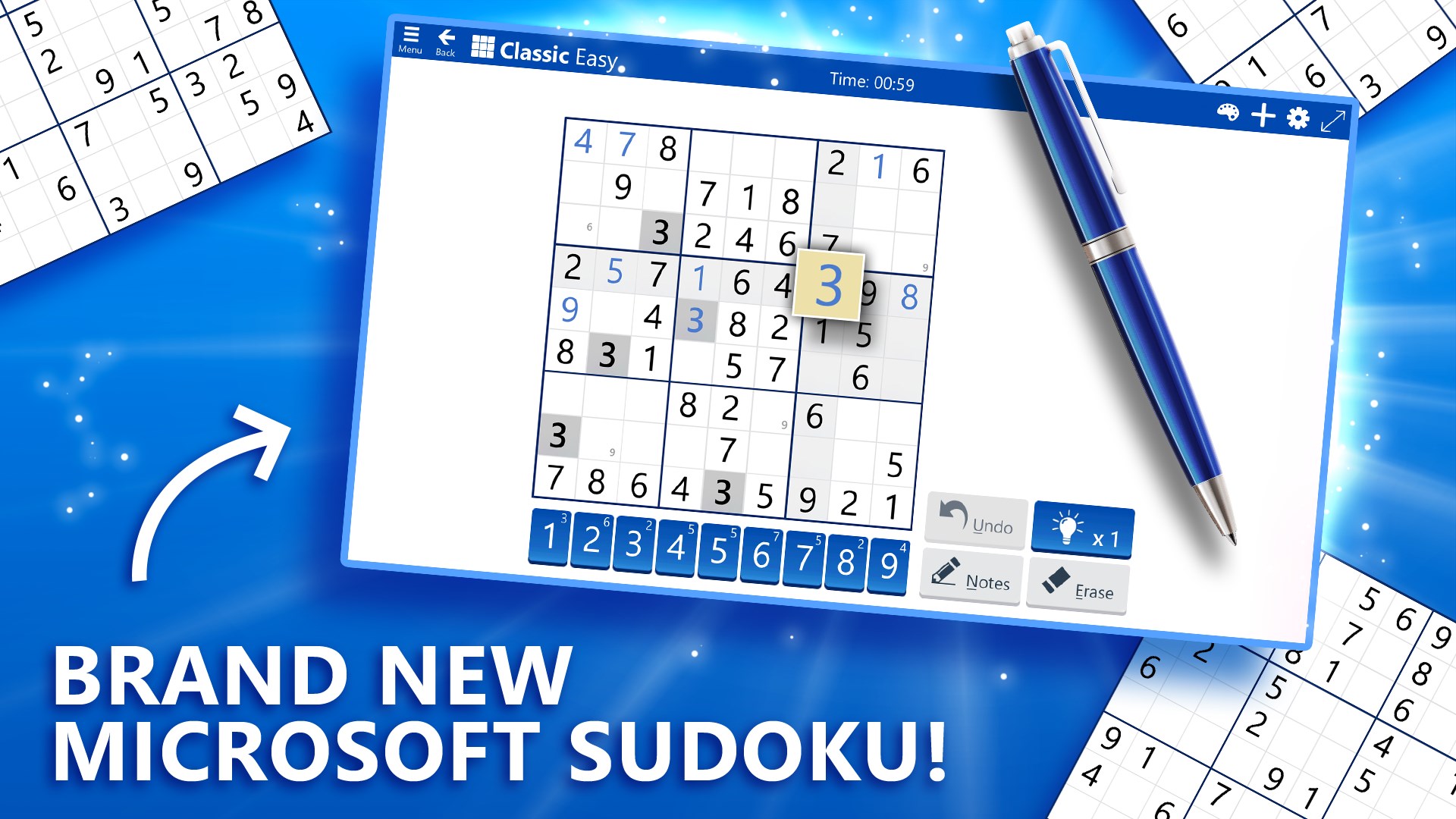
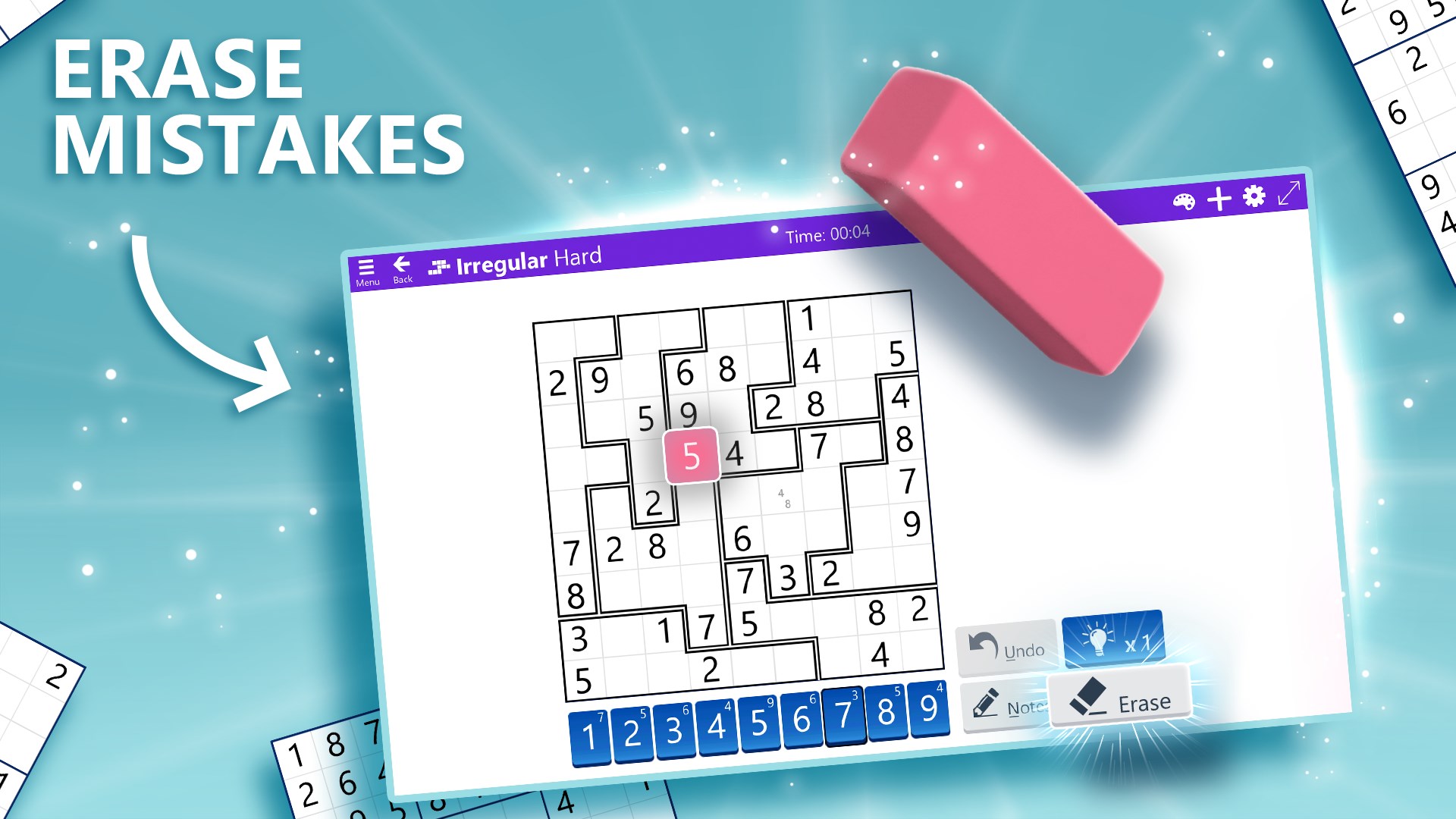
The game's interface is akin to a neatly organized workspace—minimalist yet functional. The clean lines, subtle color schemes, and large, easily tappable cells eliminate distractions, making it easy for both casual players and seasoned Sudoku veterans to focus solely on solving puzzles. Transitioning between difficulty levels or accessing hints is a matter of clicks, demonstrating thoughtfulness in user experience design.
Diverse Difficulty Levels and Daily Challenges
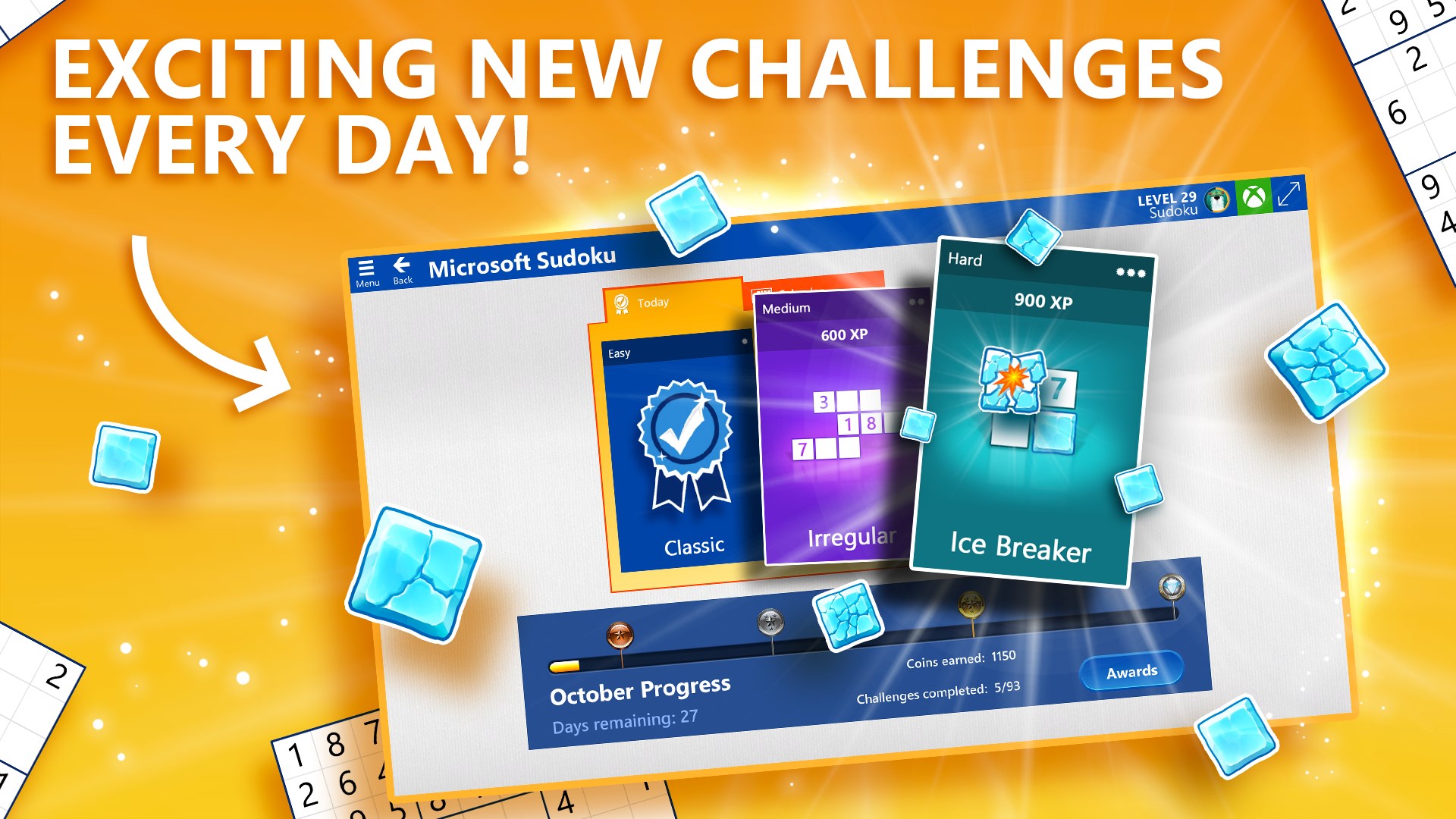
The app caters to a wide spectrum of users through its escalating difficulty options—from gentle warm-up puzzles to fiendish brain teasers. Daily challenges inject a sense of routine, encouraging players to develop a practice habit. The challenges are thoughtfully curated, offering a manageable balance between difficulty and satisfaction, much like a training regimen adapted to one's evolving skill level.
Intelligent Assistance and Learning Curve
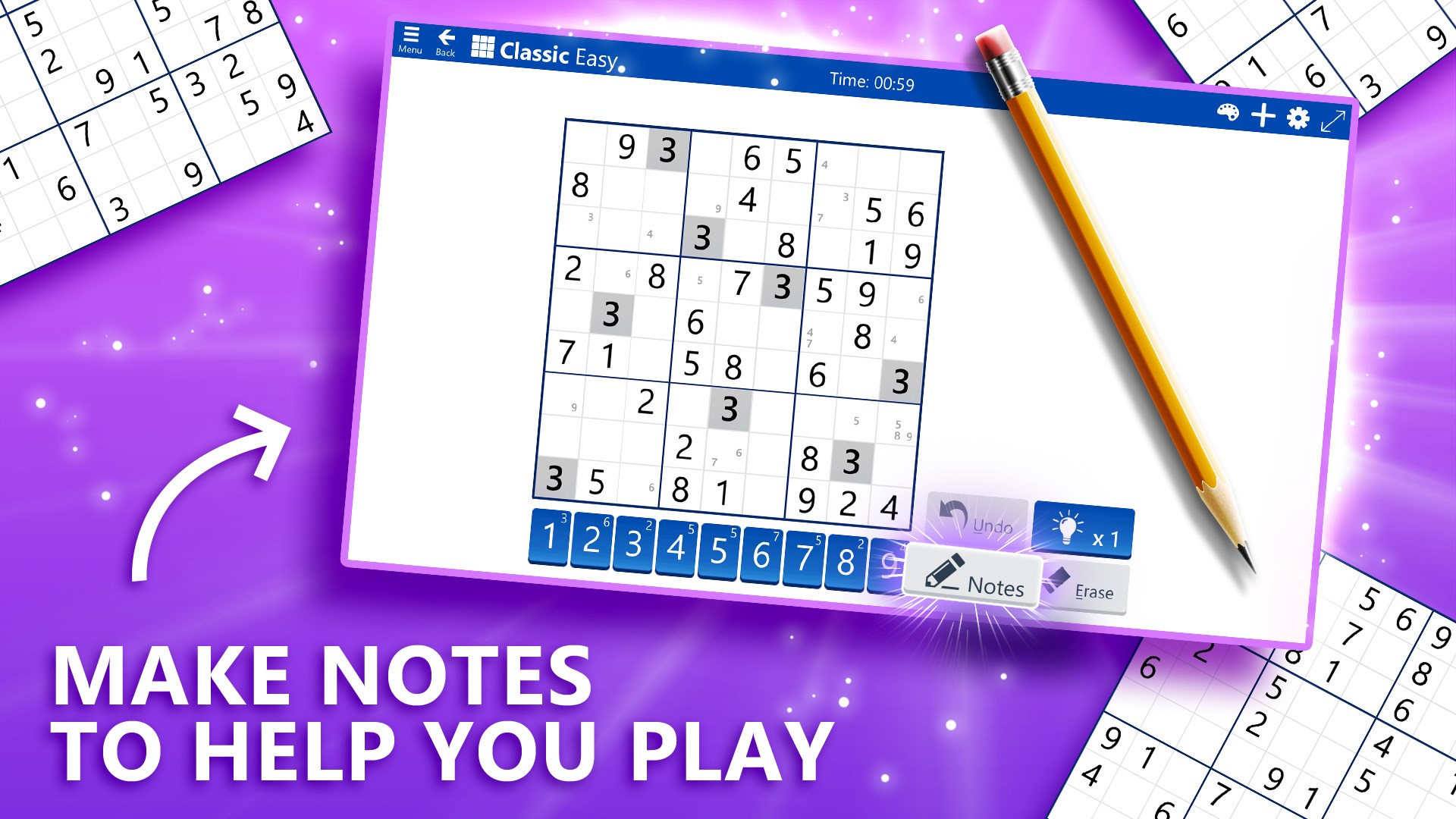
For those new to Sudoku, Microsoft's built-in hints and auto-check features serve as helpful guides—like having a patient tutor by your side. These features ensure the game remains approachable without diminishing the thrill of problem-solving. As your skills improve, you can disable hints and rely solely on your logic, enabling a gradual learning curve that respects your growing prowess.
A Unique Edge: What Sets Microsoft Sudoku Apart
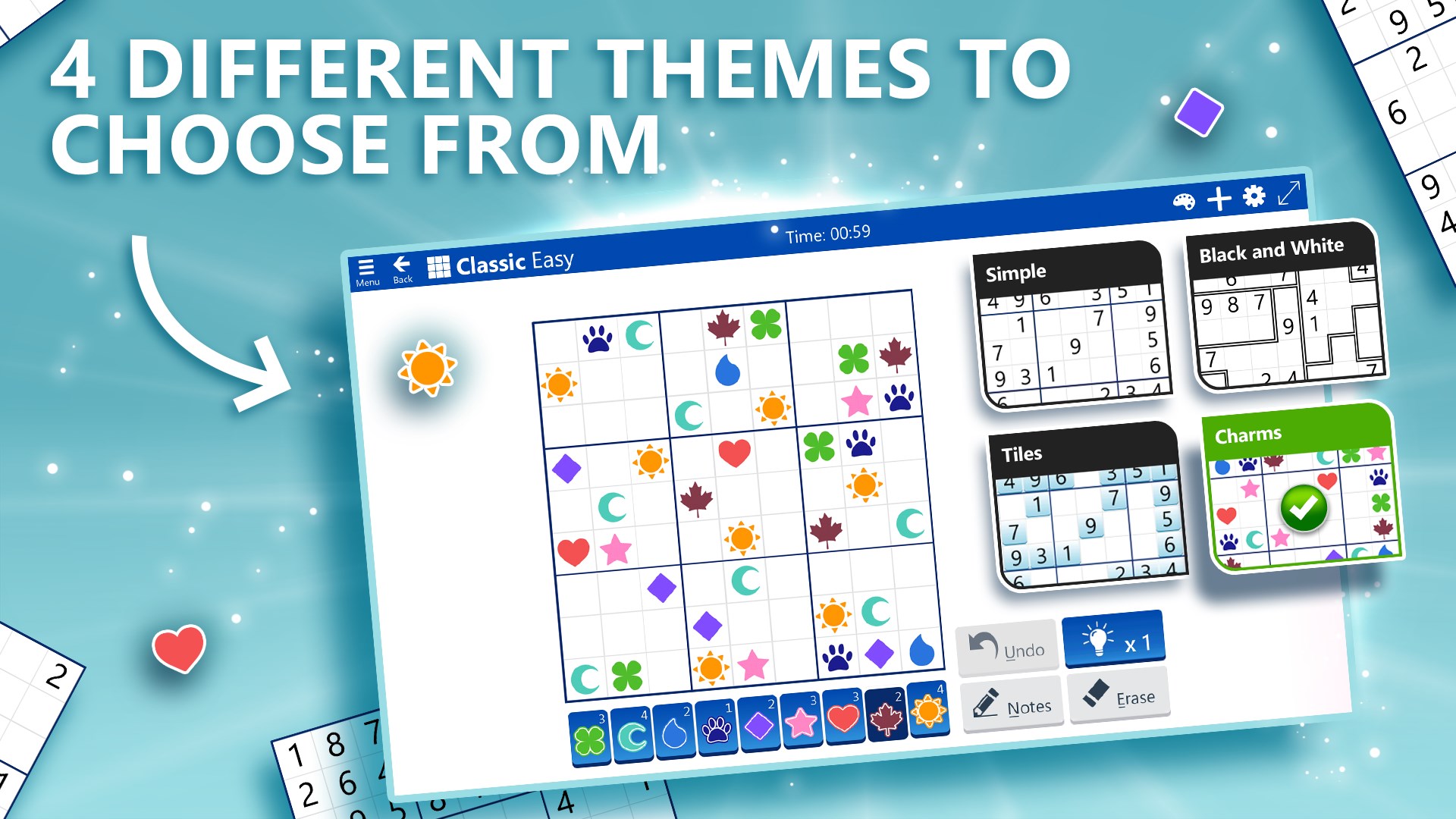
While many puzzle apps boast vibrant themes or extensive lore, Microsoft Sudoku's standout feature is its seamless blend of simplicity and intelligent support. Its auto-check and hint system work unobtrusively, ensuring players retain control while reducing frustration—a balance often overlooked in more casual puzzle apps. Additionally, the daily challenge system fosters consistency and continuous engagement, akin to a mental gym that keeps your brain limber day after day. Its polished, clutter-free interface also makes it more inviting for users seeking a straightforward Sudoku experience rather than a cluttered puzzle jungle.
Would I Recommend It? Usage Tips and Final Verdict
If you appreciate clean design, thoughtful gameplay, and a broad difficulty range, Microsoft Sudoku for Windows is a solid choice. It's particularly recommended for users who prefer a relaxing yet stimulating pastime, or those seeking to improve their logical reasoning over time. For beginners, start with the easy puzzles and utilize hints to build confidence; as you progress, challenge yourself with tougher levels and turn off assistance to fully engage your logical muscles.
Overall, this app earns a respectful nod from puzzle fans as a dependable, well-crafted Sudoku version that respects your intelligence while providing a soothing environment to unwind. Whether you play occasionally or aim to master daily challenges, Microsoft Sudoku promises a calm yet compelling journey through Sudoku landscapes—without the bells and whistles but with all the essentials that make a great puzzle game.
Pros
- Intuitive user interface
- Variety of difficulty levels
- Daily puzzles for continuous engagement
- Helpful hints and solver options
- Progress tracking and achievement system
Cons
- Limited customization options
- No offline mode
- Ads interrupt gameplay occasionally
- Difficulty progression can be inconsistent
- Limited undo options










