

- Category Productivity
- Developer Microsoft Corporation
- Available on PC, Surface Hub
- OS Windows 10 version 15063.0 or higher
- languages Afrikaans, Albanian, Amharic, Arabic, Azerbaijani, Basque, Bosnian (Latin, Bosnia and Herzegovina), Bulgarian, Catalan, Chinese (Simplified), Chinese (Traditional), Croatian, Czech, Danish, Dutch, English (United Kingdom), English (United States), Estonian, Filipino, Finnish, French, French (Canada), Galician , German, Greek, Hebrew, Hindi, Hungarian, Icelandic, Indonesian, Italian, Japanese, Kannada, Kazakh, Khmer, Korean , Latvian, Lithuanian, Macedonian, Malay, Malayalam, Norwegian (Bokmål), Persian, Polish , Portuguese (Brazil), Portuguese (Portugal), Romanian, Russian, Serbian, Serbian (Latin, Serbia), Slovak, Slovenian (Slovenia), Spanish (Mexico), Spanish (Spain), Swedish, Tamil, Telugu, Thai, Turkish, Ukrainian, Vietnamese
Microsoft Whiteboard for Windows: Unlocking Collaborative Creativity
Microsoft Whiteboard for Windows stands out as a versatile digital canvas designed to streamline teamwork, brainstorming, and visual collaboration within the Microsoft ecosystem. Whether you're in a classroom, a corporate meeting, or working remotely, this app offers a dynamic platform to share ideas effortlessly and keep your team on the same page.
Developed by Microsoft for Seamless Integration
Created by the tech giant Microsoft Corporation, Whiteboard leverages the company's extensive experience in productivity tools and cloud services. Its tight integration with Microsoft 365 apps makes it an essential component for users already immersed in the Microsoft environment, providing a cohesive experience across devices and platforms.
Key Features That Spark Creativity
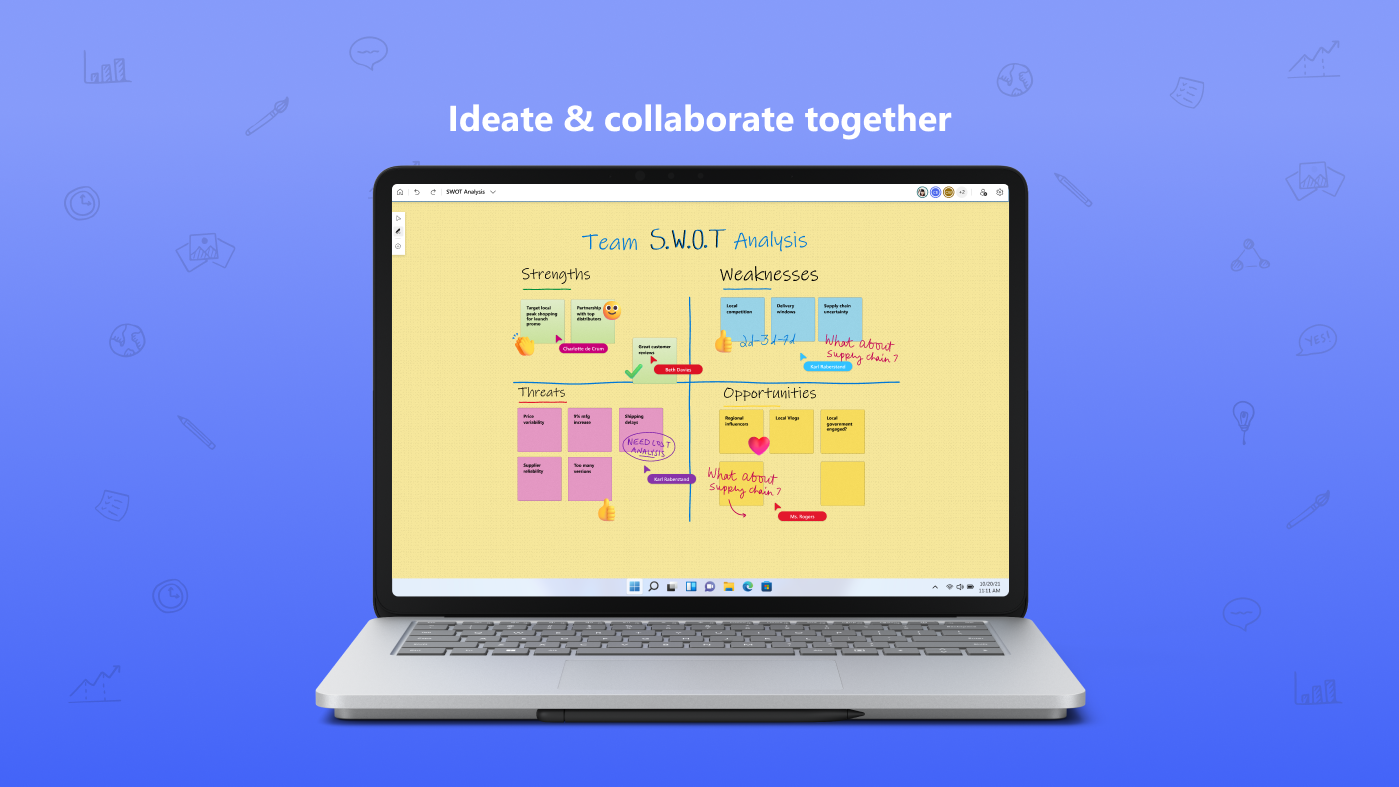
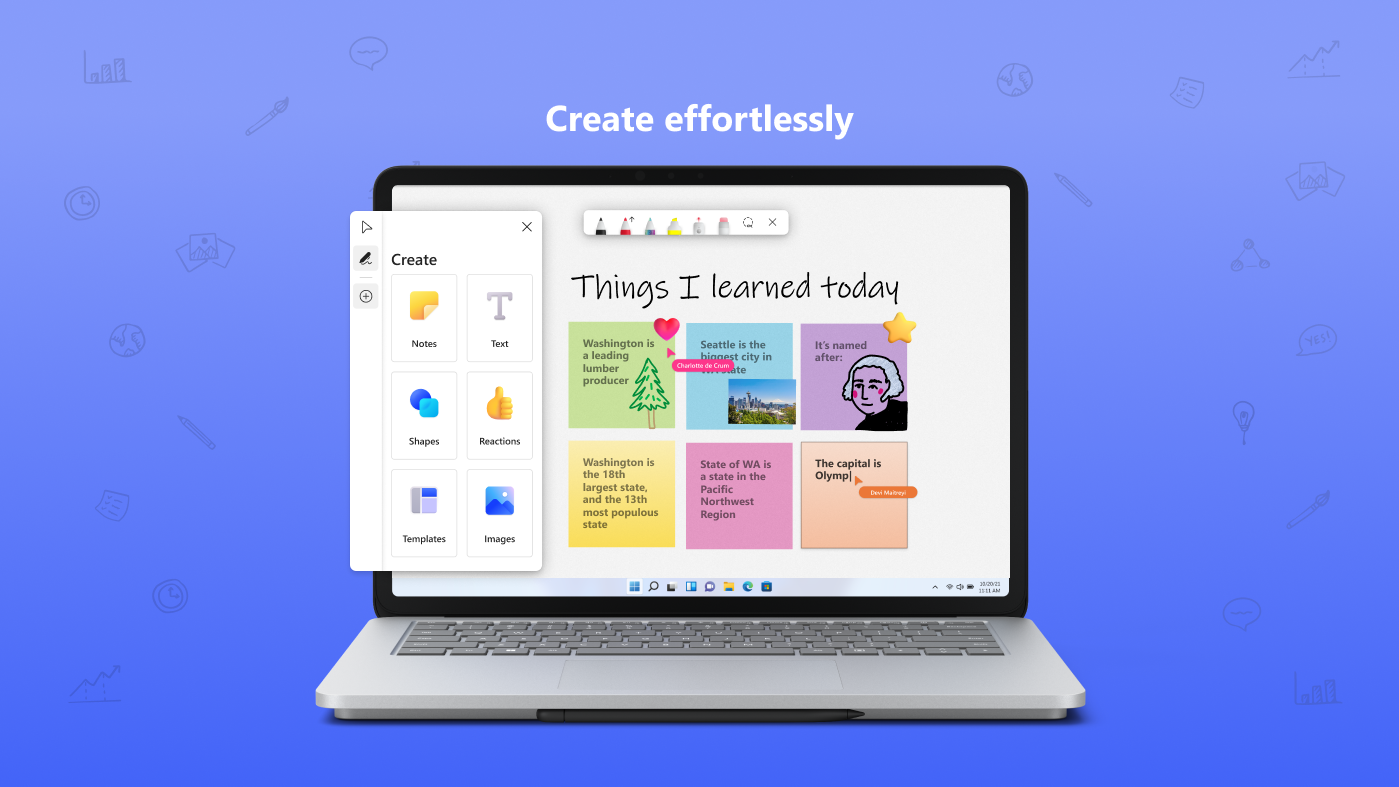
- Infinite Canvas with Smart Collaboration: An endless digital whiteboard allows multiple users to sketch, write, and organize ideas simultaneously, fostering real-time brainstorming without space constraints.
- Intelligent Ink Recognition and Sticky Notes: Converts handwritten notes into digital text, and supports sticky notes that can be moved effortlessly—making ideas more tangible and digestible.
- Sticky Integration with Microsoft 365: Direct embedding of documents, images, and graphs from Word, Excel, PowerPoint, and Outlook simplifies workflows and enhances contextual collaboration.
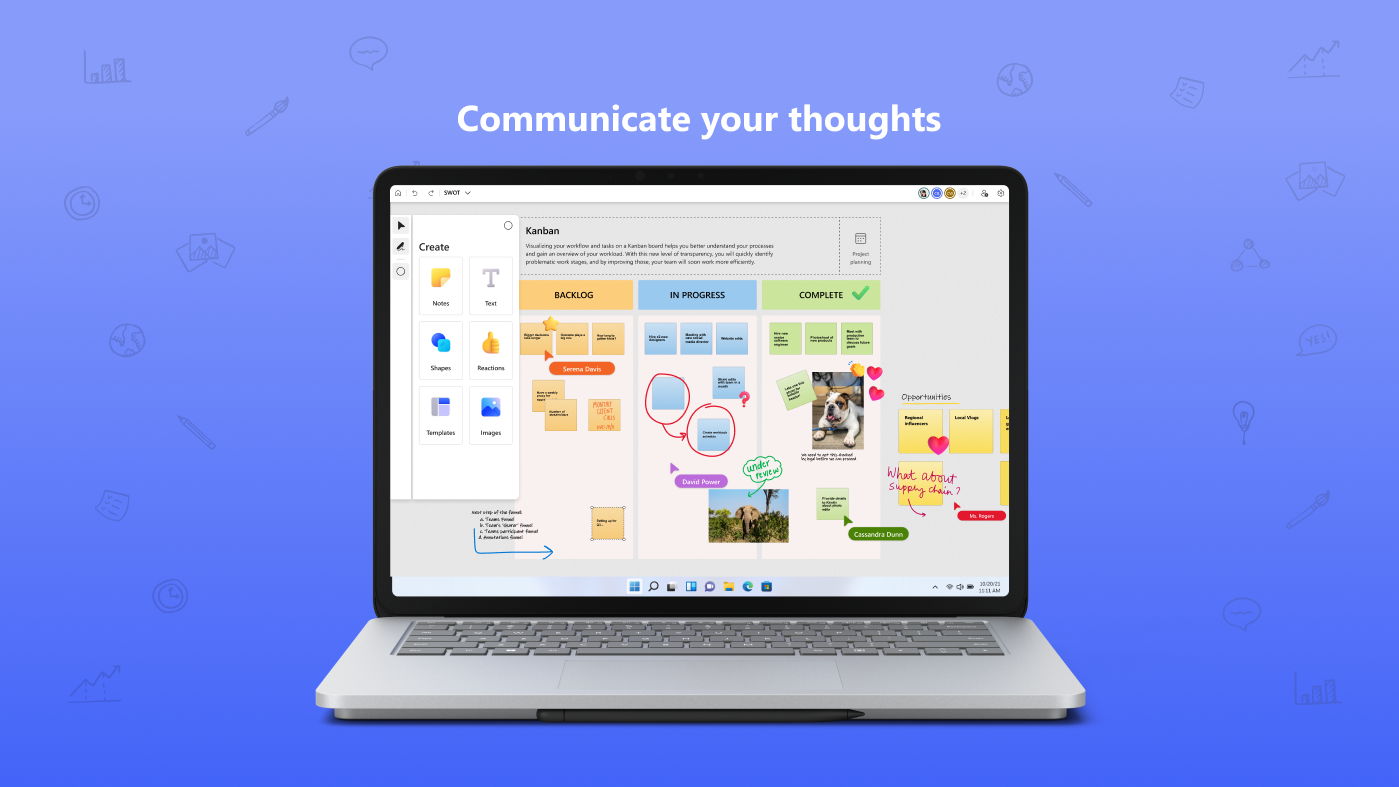
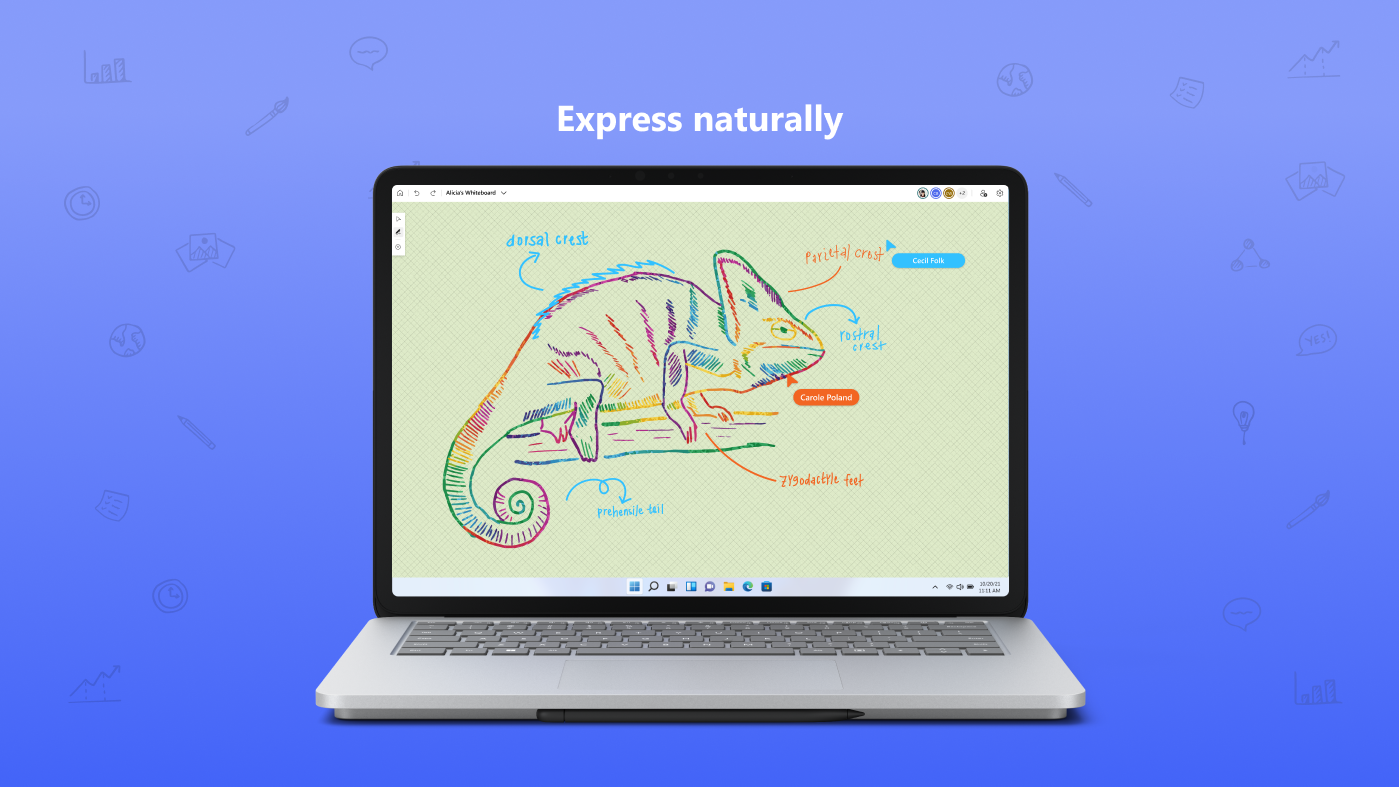
- Built-in Templates and Enjoyable Drawing Tools: Provides various templates for project planning, diagrams, and more, along with easy-to-use pen and highlighter tools suited for both casual sketches and detailed diagrams.
Engaging the User: A Visual and Functional Experience
Imagine stepping into a well-lit studio where ideas are painted onto a vast, invisible wall—this is the essence of Microsoft Whiteboard. The interface is clean, intuitive, and approachable, much like walking into a familiar workshop. Beginners will find the learning curve gentle, thanks to straightforward tool icons and helpful onboarding cues. The app responds swiftly to pen strokes and touch inputs, making drawing and editing feel smooth and natural—as if you're working directly with physical markers on a whiteboard.
Deep Dive Into Core Functionalities
Infinite Canvas & Real-time Collaboration
The most distinctive element of Microsoft Whiteboard is its infinite canvas, which functions like an endless paper sheet, allowing teams to expand their creativity without spatial restrictions. Multiple users can access and modify content simultaneously, with changes appearing in real time—think of it as a shared digital mural where everyone is a contributing artist. This seamless coordination significantly reduces the friction often found in other productivity tools that limit the workspace or require complex sharing procedures.
Smart Ink and Content Integration
One of its standout features is the intelligent ink recognition, which transforms handwritten notes into clean, editable text—saving time and eliminating the frustration of messy handwriting. Paired with the ability to embed documents, images, and data directly from Microsoft 365 apps, the workspace becomes a living, breathing hub of information, reducing cognitive load by keeping relevant materials interconnected without cluttering the canvas. This natural blending of visual and textual data simplifies workflows and guides users through complex ideas effortlessly.
Workflows, Usability, and Unique Differentiators
The app's design minimizes feature overload while maintaining rich functionality, bridging the gap between simplicity and power. Unlike some productivity tools that can overwhelm with options, Microsoft Whiteboard smartly reduces cognitive load by focusing on core collaboration experience—making it feel like a natural extension of your thought process. Its deep integration into Microsoft 365 ensures that users can move fluidly between apps like Teams, Outlook, and PowerPoint, enabling a synchronized workflow that saves time and minimizes context switching.
Compared to standalone whiteboarding solutions, Whiteboard's ecosystem connectivity and real-time multi-user editing stand out, especially in remote or hybrid setups. The ability to instantly embed resources and collaborate on a shared canvas significantly elevates meeting productivity and creative synergy.
Recommendations and Ideal Use Cases
I would recommend Microsoft Whiteboard for teams already embedded in the Microsoft ecosystem—be it education, corporate, or creative environments—who value seamless integration and straightforward collaboration. It's especially beneficial for brainstorming sessions, project planning, and visual data presentations where multiple contributors need to visualize ideas simultaneously.
While not designed for heavy graphic design or detailed illustration, its strength lies in supporting collaborative workflows with minimal fuss. For users seeking a flexible, tightly integrated digital whiteboard experience that reduces unnecessary complexity, this app offers a compelling tool worth exploring.
Final Thoughts: A Practical, Collaborative Canvas
Microsoft Whiteboard for Windows is like a friendly, versatile workshop—the perfect space to sketch out your ideas, share insights, and develop projects with others. Its innovative features—especially the infinite, collaborative canvas and intelligent ink recognition—set it apart from typical productivity apps by focusing on reducing cognitive overload and enhancing workflow efficiency. For teams already working within the Microsoft sphere, this app acts as a natural extension of their tools, transforming scattered ideas into organized, actionable visuals. Whether you're in a classroom or a conference room, it's a robust companion for fostering creativity and effective teamwork.
Pros
- Real-time collaboration
- Intuitive drawing tools
- Integration with Microsoft 365
- Cloud storage support
- Cross-platform availability
Cons
- Limited version history
- Occasional lag with complex drawings
- Offline functionality limited
- Annotation tools could be more advanced
- Learning curve for new users











