

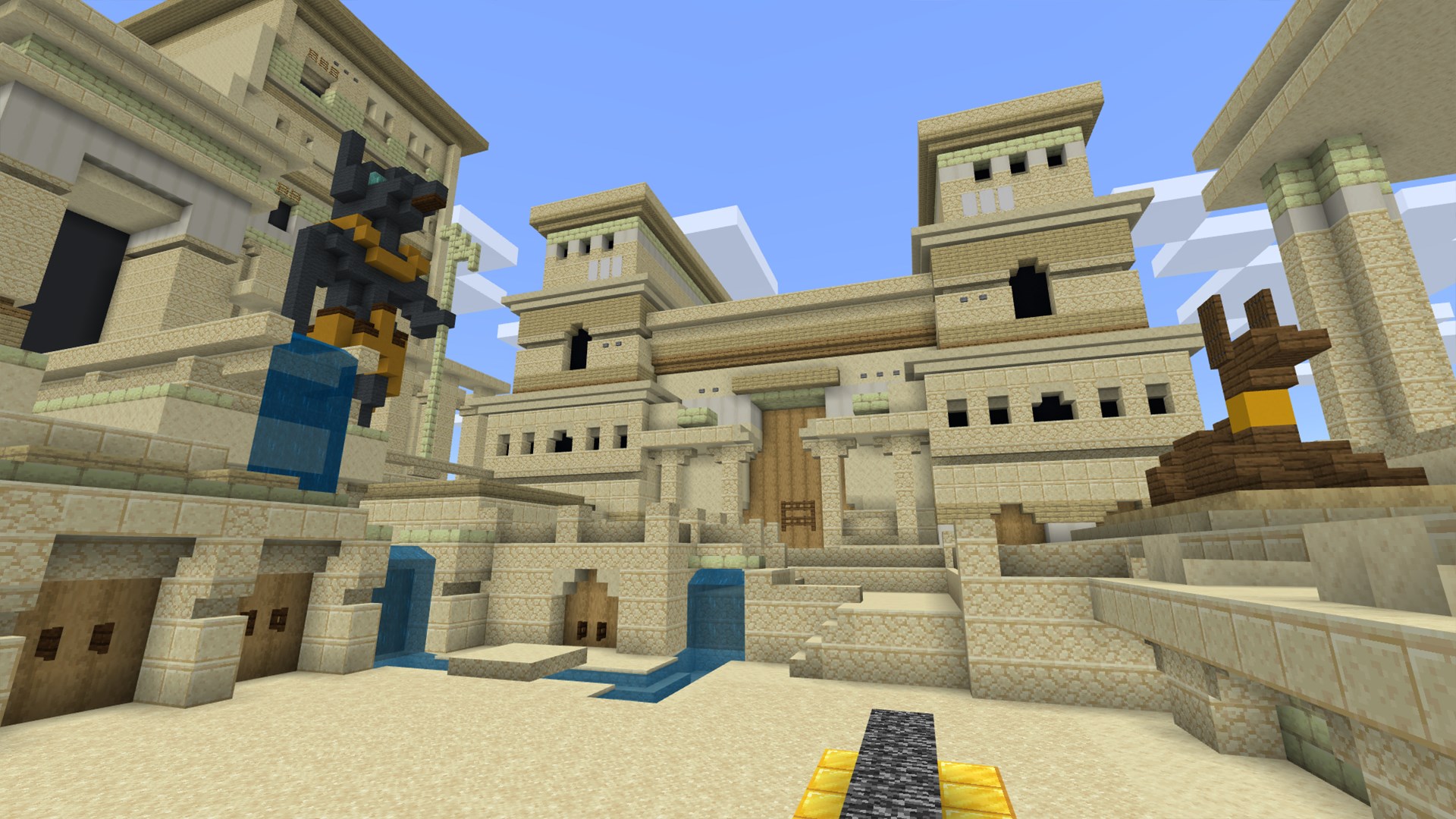
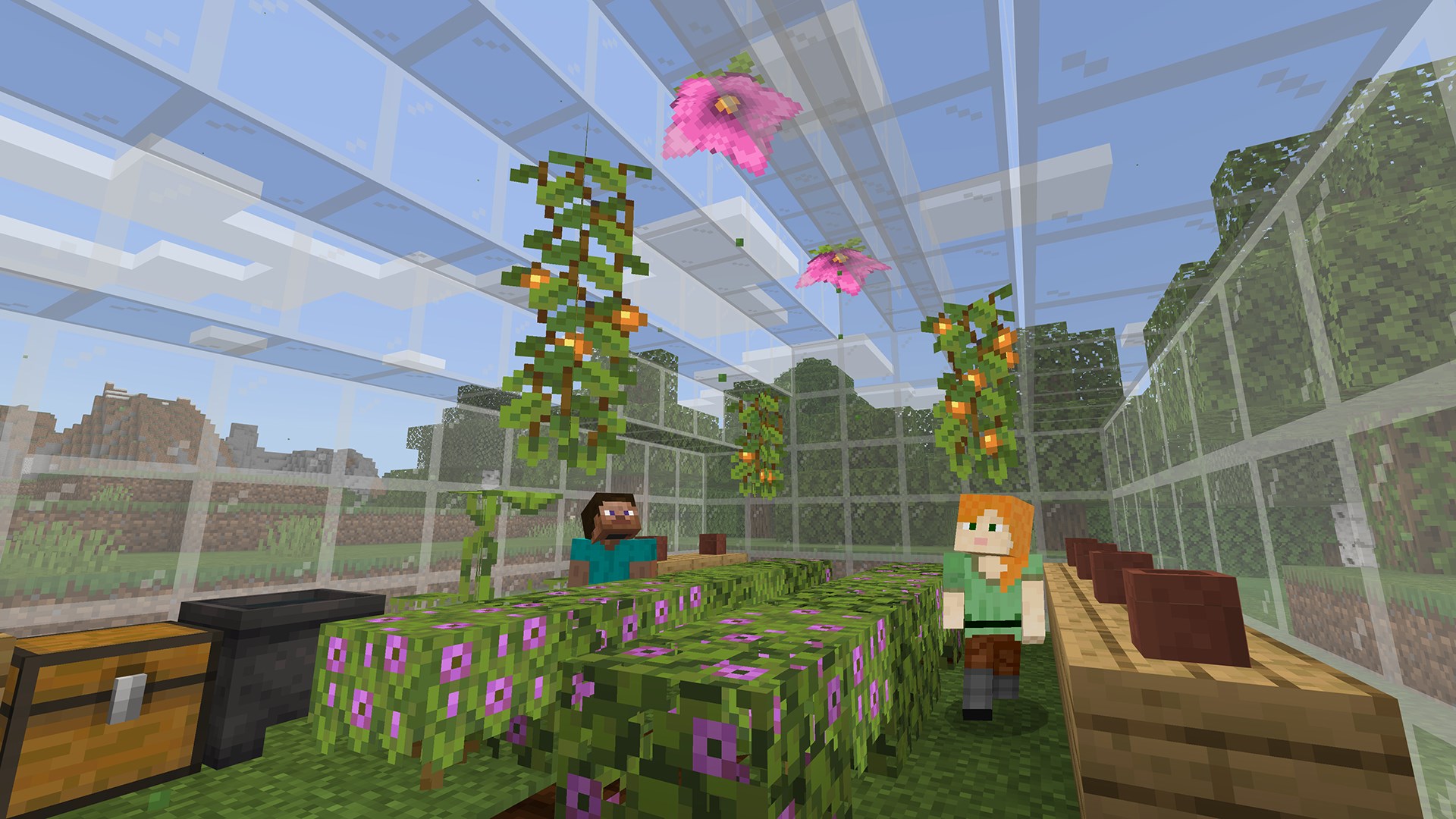
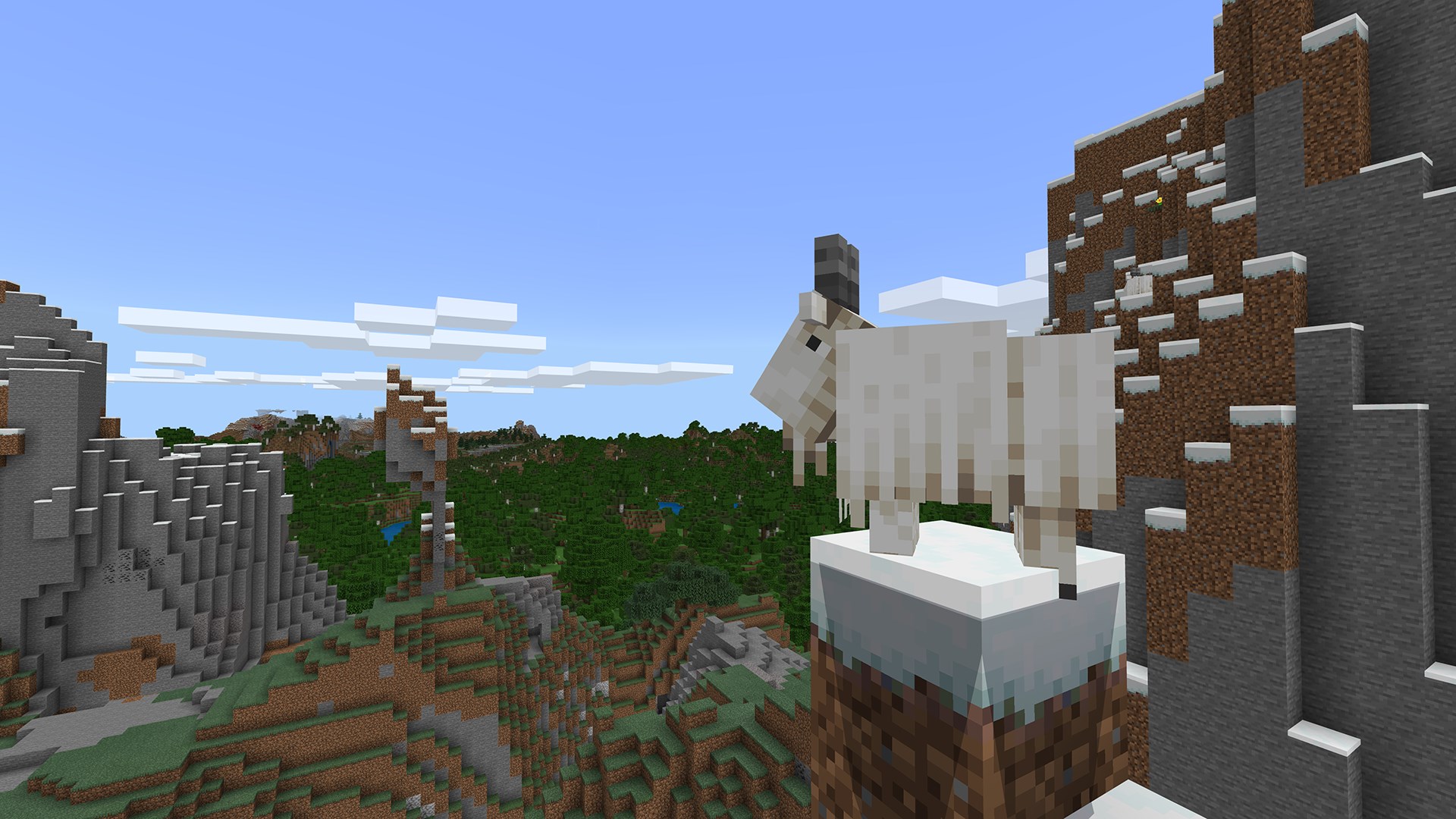
- Category Education
- Developer Mojang/Microsoft Studios
- Available on PC
- OS Windows 10 version 16299.0 or higher
- Keyboard Integrated Keyboard
- Mouse Integrated Mouse
- languages English (United States)
Introducing Minecraft Education for Windows: A Creative Classroom Companion
Minecraft Education for Windows is a versatile, engaging digital platform designed to make learning through play both accessible and inspiring. It transforms the well-loved voxel world into an interactive classroom space, fostering creativity, collaboration, and critical thinking among students of various ages.
Developed by Mojang/Microsoft Studios with a Focus on Learning
Created collaboratively by Mojang and Microsoft Studios, this application leverages the innovative spirit of Minecraft to serve educational purposes. It's part of Microsoft's broader commitment to integrating technology into learning environments, ensuring a seamless experience tailored for classroom settings.
Key Features That Spark Learning Adventures
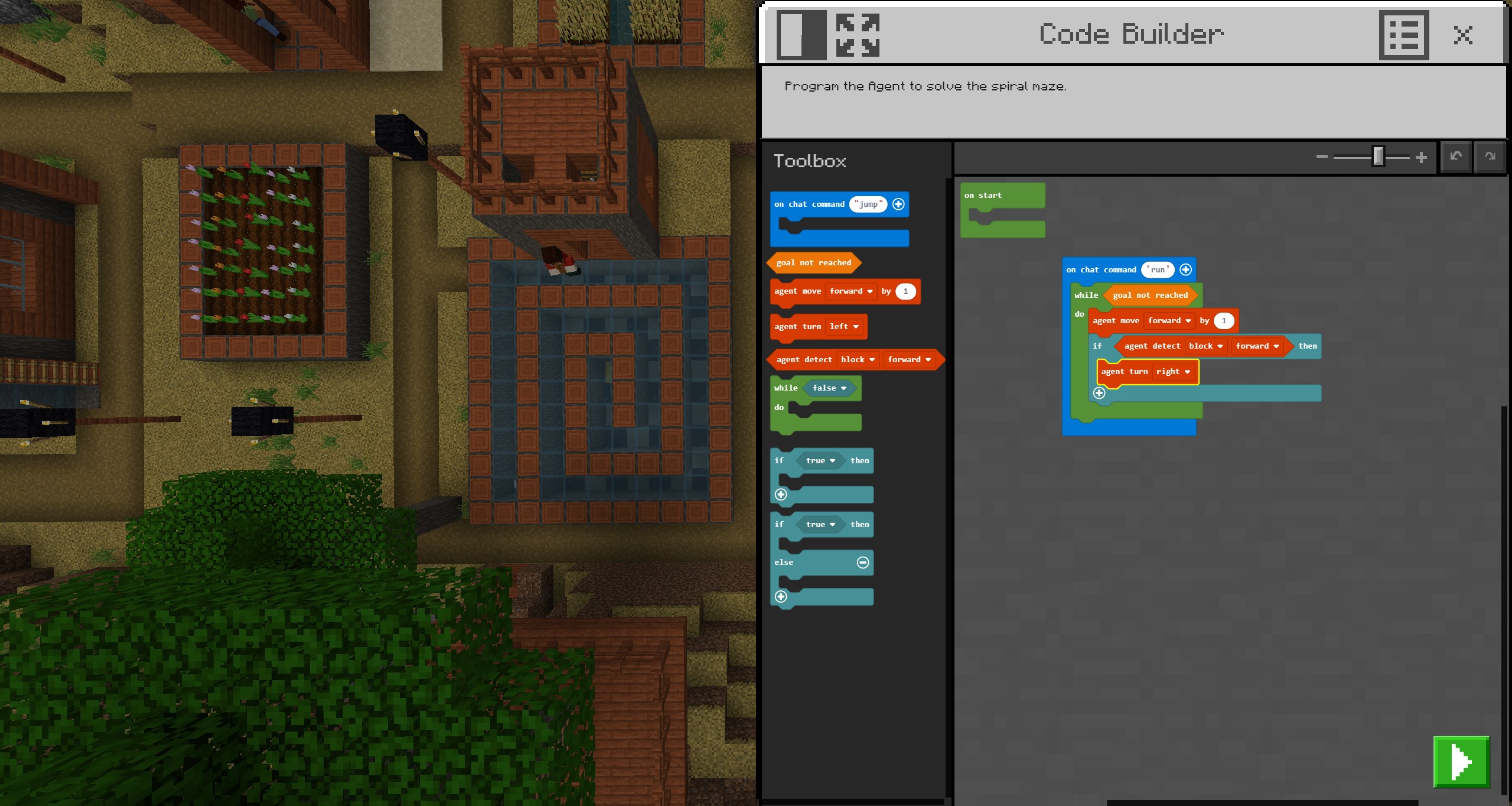
- Structured Educational Content and Resources: Provides pre-made lesson plans, STEM projects, and coding tutorials that educators can effortlessly incorporate into their curriculum.
- Interactive Classroom Environment: Offers tools for teachers to assign challenges, monitor progress, and facilitate collaborative projects within a safe digital sandbox.
- Personalized Learning Paths: Allows students to explore topics at their own pace through customizable worlds and activities, fostering differentiated learning experiences.
- Safe and Controlled Play Space: Includes classroom management features such as content filtering and usage controls to ensure a secure learning environment.
Immersive Learning Through Creativity and Collaboration
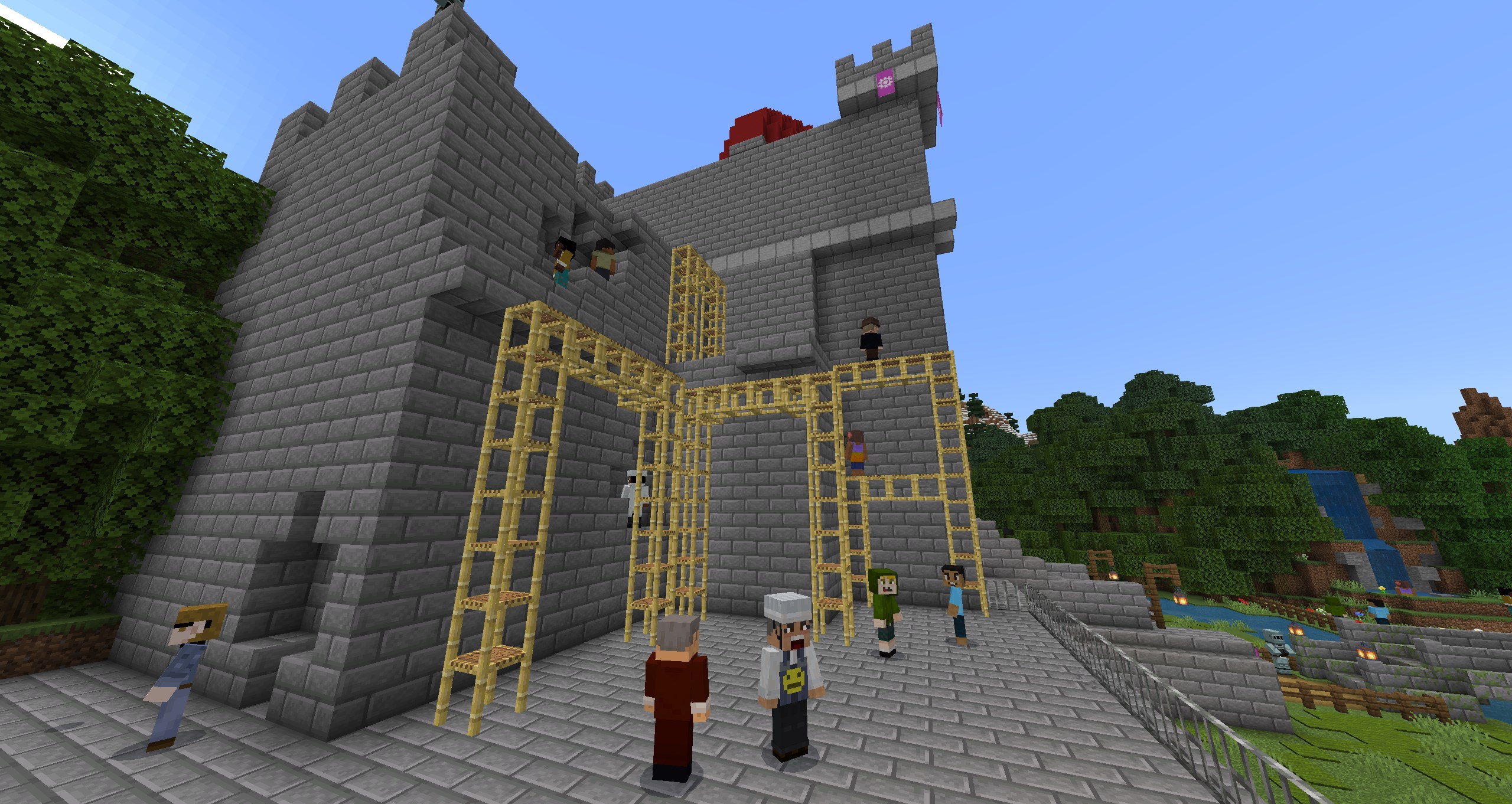
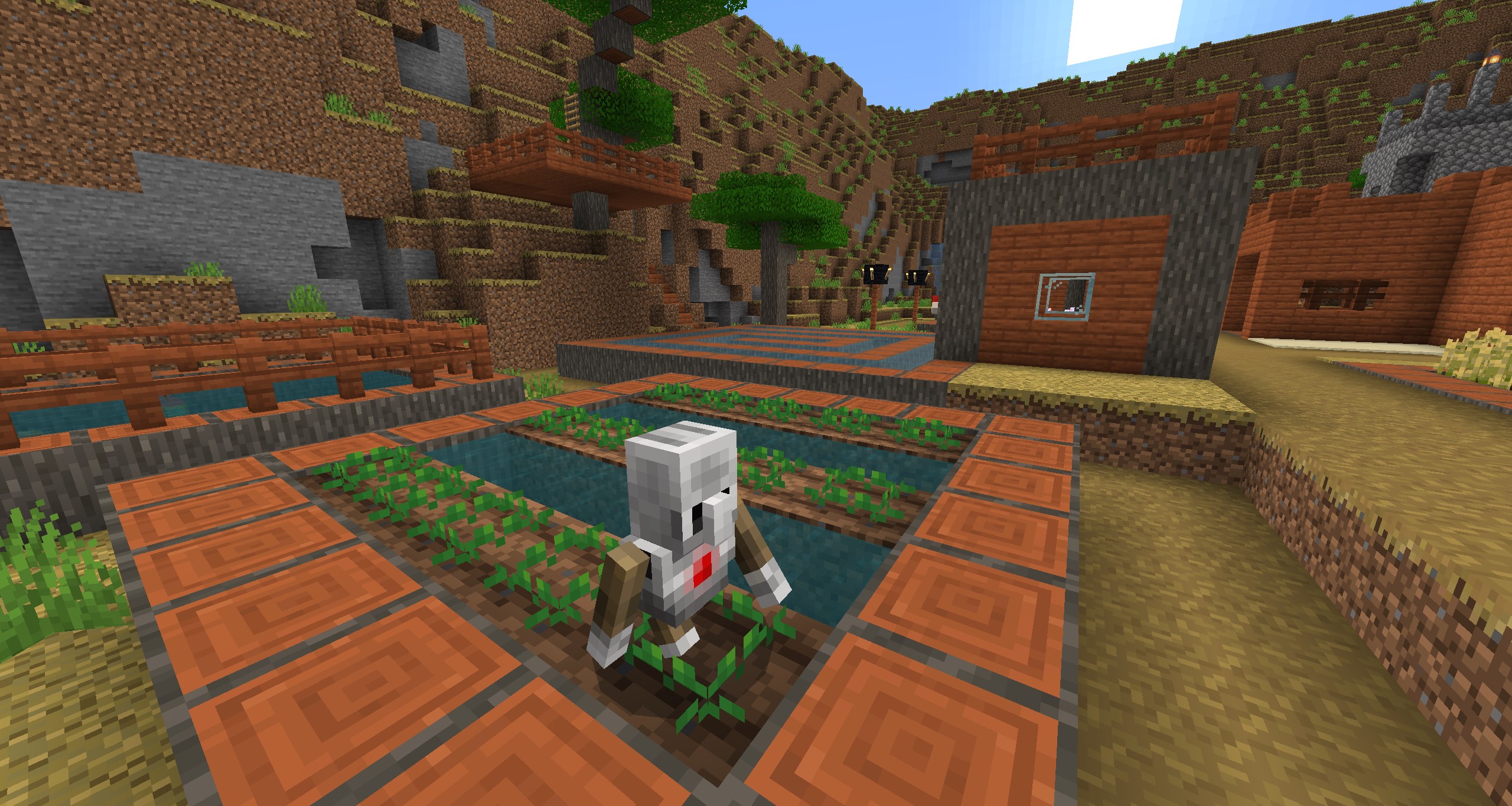
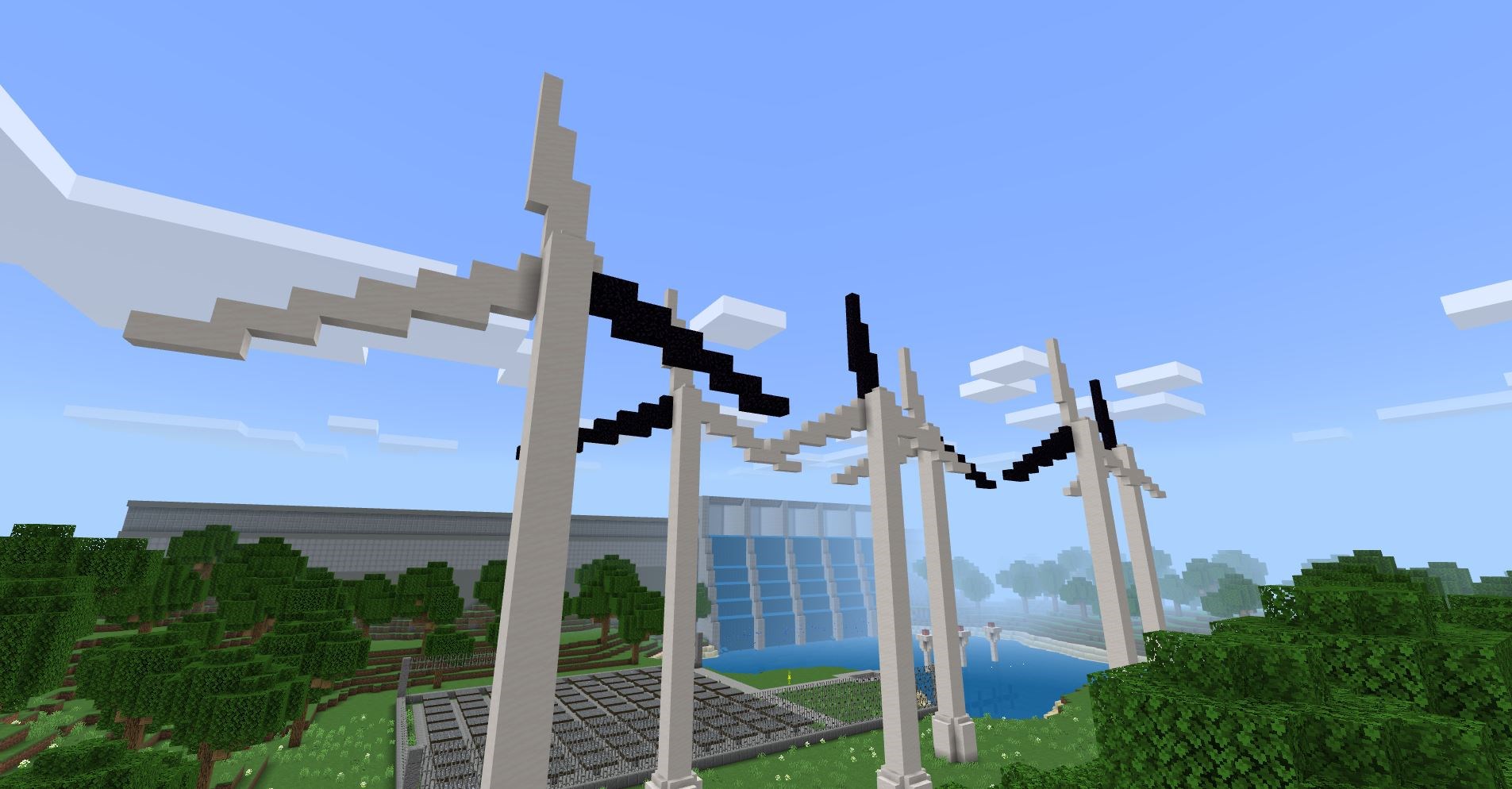
Imagine stepping into a vivid digital universe where every block you place is a building block of knowledge—Minecraft Education becomes that universe for students and educators alike. Its lively and intuitive interface invites users into a pixelated realm filled with endless possibilities, making learning not only informative but also genuinely fun and memorable.
Core Features in Detail
Creative and Educational Content Integration
The platform shines brightest when integrating content-rich lesson plans aligned to curriculum standards. Teachers can choose from a plethora of resources such as science experiments, history reconstructions, and coding adventures, all embedded within the Minecraft world. This seamless blend of education and entertainment enhances student engagement and comprehension, transforming lessons into immersive storylines they help build themselves.
Collaborative Classroom Management Tools
Management capabilities stand out as a significant advantage. Educators can set up multiple classrooms, assign specific tasks, and observe student progress in real time. The multiplayer feature fosters teamwork—students working together to solve puzzles, build structures, or complete quests—mirroring real-world collaborative environments and enhancing social skills.
Personalization and Adaptive Learning
One of the platform's most compelling strengths is its support for personalized learning paths. Students can explore lessons at their own pace, experimenting with different approaches and receiving immediate feedback. This adaptability makes it suitable for a wide range of learners, from beginners to those who crave deeper challenges, ensuring everyone finds their niche within the pixelated universe.
User Experience: Smooth, Intuitive, and Classroom-Friendly
The interface design is both inviting and straightforward, akin to a well-organized game menu that players can navigate with ease. The controls are responsive, ensuring that even younger students can manipulate objects and complete tasks without frustration. Transitioning between different modes, whether editing a world or playing in multiplayer, is seamless—like turning the pages of an interactive storybook.
Learning curve-wise, the app is accessible for beginners but also offers depth for advanced users. Teachers can start with simple lesson integrations and gradually explore more sophisticated customization features as they become familiar with the platform. The overall fluidity and stability of the application enable an uninterrupted learning experience—no lag, no fuss, just smooth sailing on a digital ocean of creativity.
What Sets Minecraft Education Apart?
Compared to other edu-tech platforms, Minecraft Education's standout feature is its ability to combine content accuracy with interactive personalization. Its virtual worlds are not just empty landscapes—they are meticulously designed as hubs of knowledge, with built-in educational scaffolds and real-world relevance. This makes the app a valuable tool for content delivery that feels less like traditional teaching and more like an exploratory adventure.
Moreover, its emphasis on collaborative, student-driven projects turns learning into a social process—peer interactions, group problem-solving, and shared goal-setting foster a sense of community that is unique in the digital education sphere.
Final Recommendations
I would recommend Minecraft Education for Windows especially to educators looking for an innovative way to boost engagement and foster hands-on learning. Its blend of content authority, flexibility, and student-centered design makes it suitable for various teaching scenarios—from STEM labs to creative storytelling sessions. Beginners can start by exploring the built-in lesson plans, while more experienced teachers might develop custom worlds tailored to their curriculum.
Overall, this platform is not just a game, but a powerful educational tool that opens the door to imaginative teaching and active learning—worthy of a place in modern classrooms seeking to blend technology with pedagogy effectively.
Pros
- Engaging educational content
- User-friendly interface for students and teachers
- Strong collaboration features
- Extensive resource library and customizable content
- Cross-platform compatibility and cloud saving
Cons
- Limited offline functionality
- Occasional lag and performance issues on lower-end devices
- Complexity for new users
- Limited customization options for certain lessons
- Occasional bugs or glitches










