

- Category Education
- Developer Mojang/Microsoft Studios
- Available on PC
- OS Windows 10 version 16299.0 or higher
- languages English (United States)
Unlocking Creativity and Learning Through Minecraft Education Preview for Windows
The Minecraft Education Preview for Windows offers an innovative platform designed to blend gaming with educational content, enabling students and teachers to explore, create, and learn in a familiar yet dynamic environment. Developed collaboratively by Mojang Studios and Microsoft Studios, this application aims to revolutionize classroom interactions by integrating Minecraft's engaging mechanics with tailored educational experiences.
A Closer Look at the Developer and Core Highlights
Crafted by the expert team at Mojang Studios in partnership with Microsoft Studios, this app leverages years of gaming innovation combined with Microsoft's educational vision. Its main features include an intuitive interface optimized for classroom use, a vast library of educational resources integrated directly into the game, and tools that facilitate personalized learning pathways. Designed primarily for educators and students from elementary to high school levels, the app strives to foster creativity, collaboration, and critical thinking.
Engaging and Immersive Experience in a Familiar World
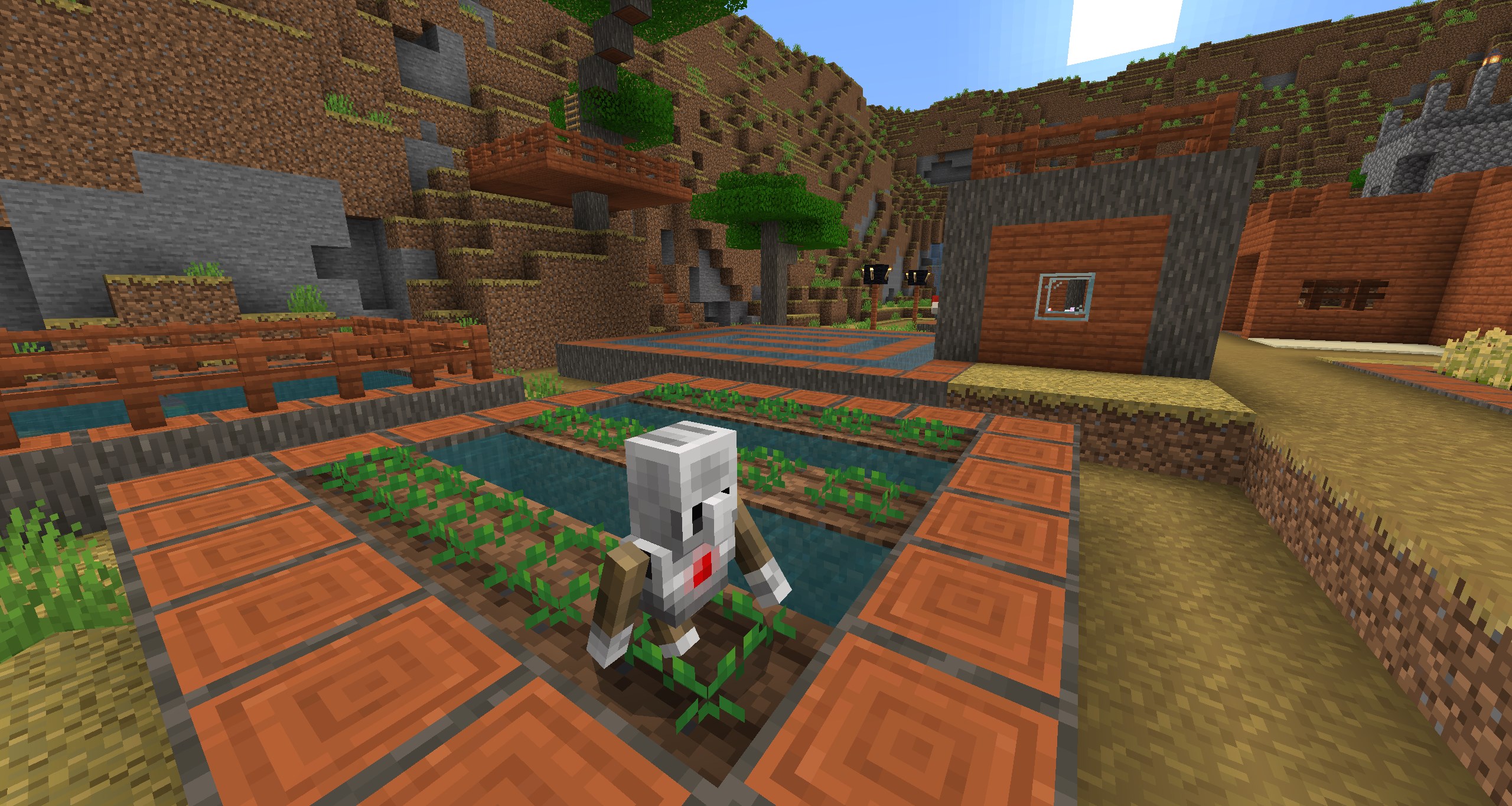
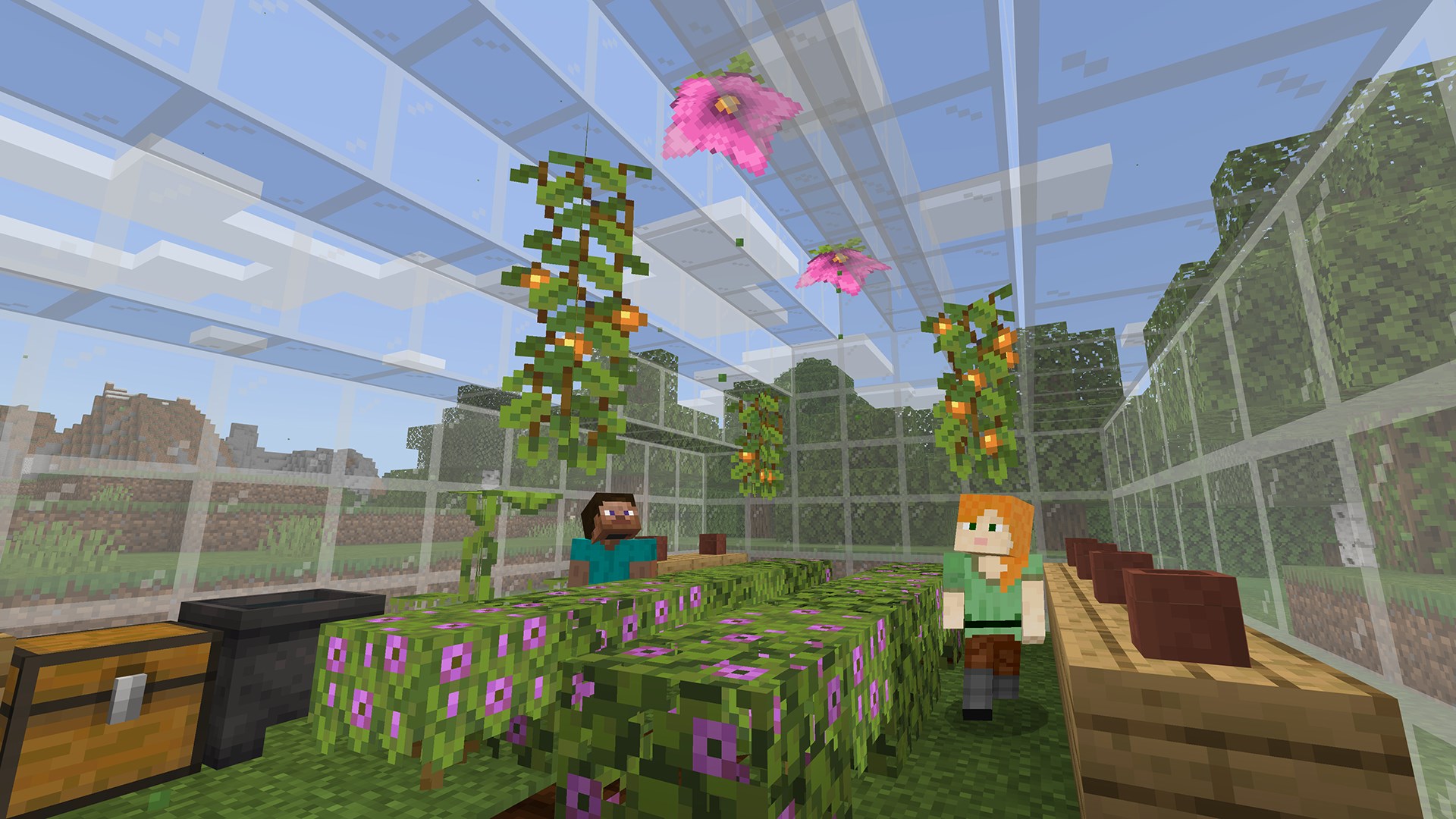
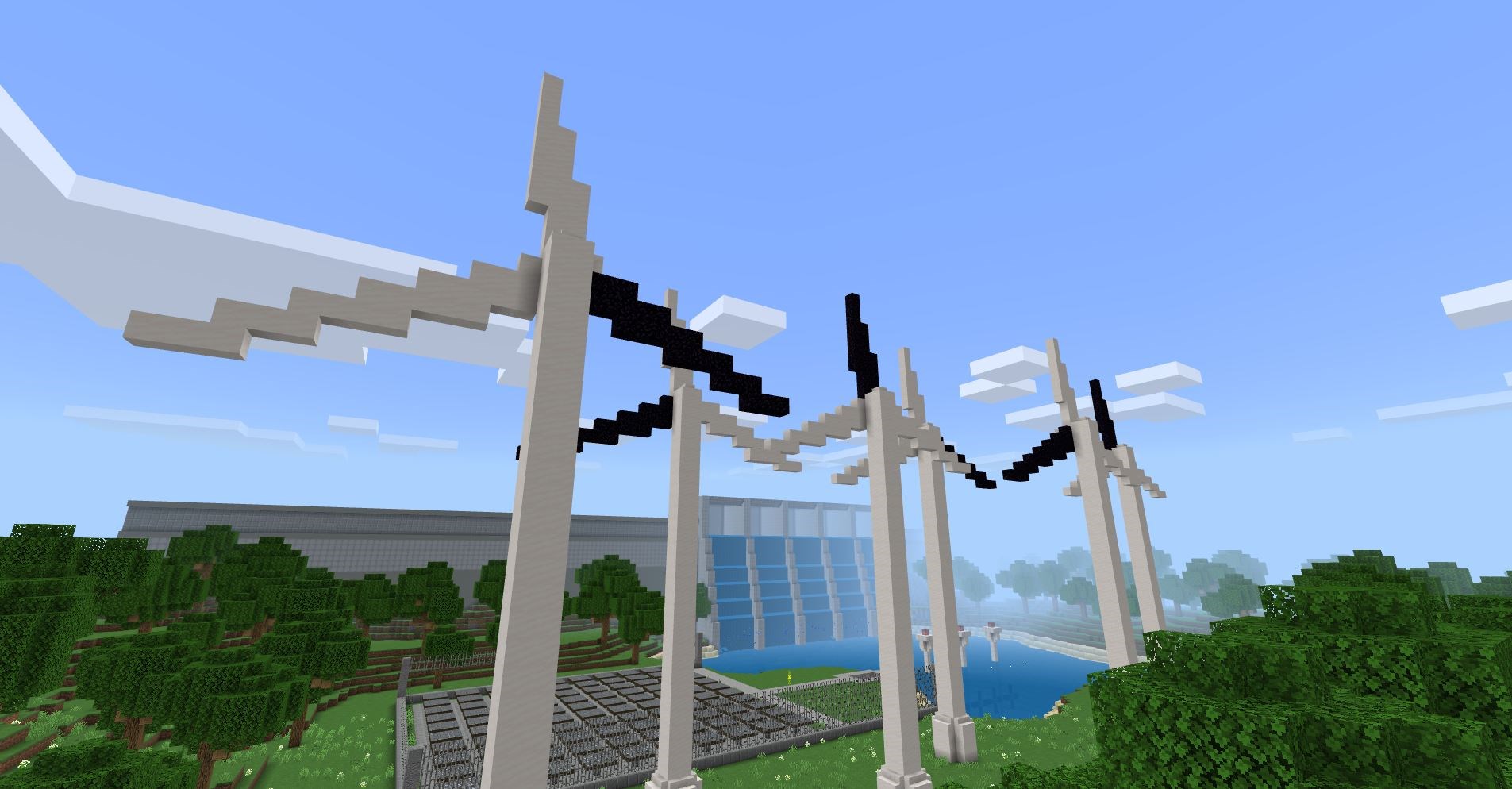
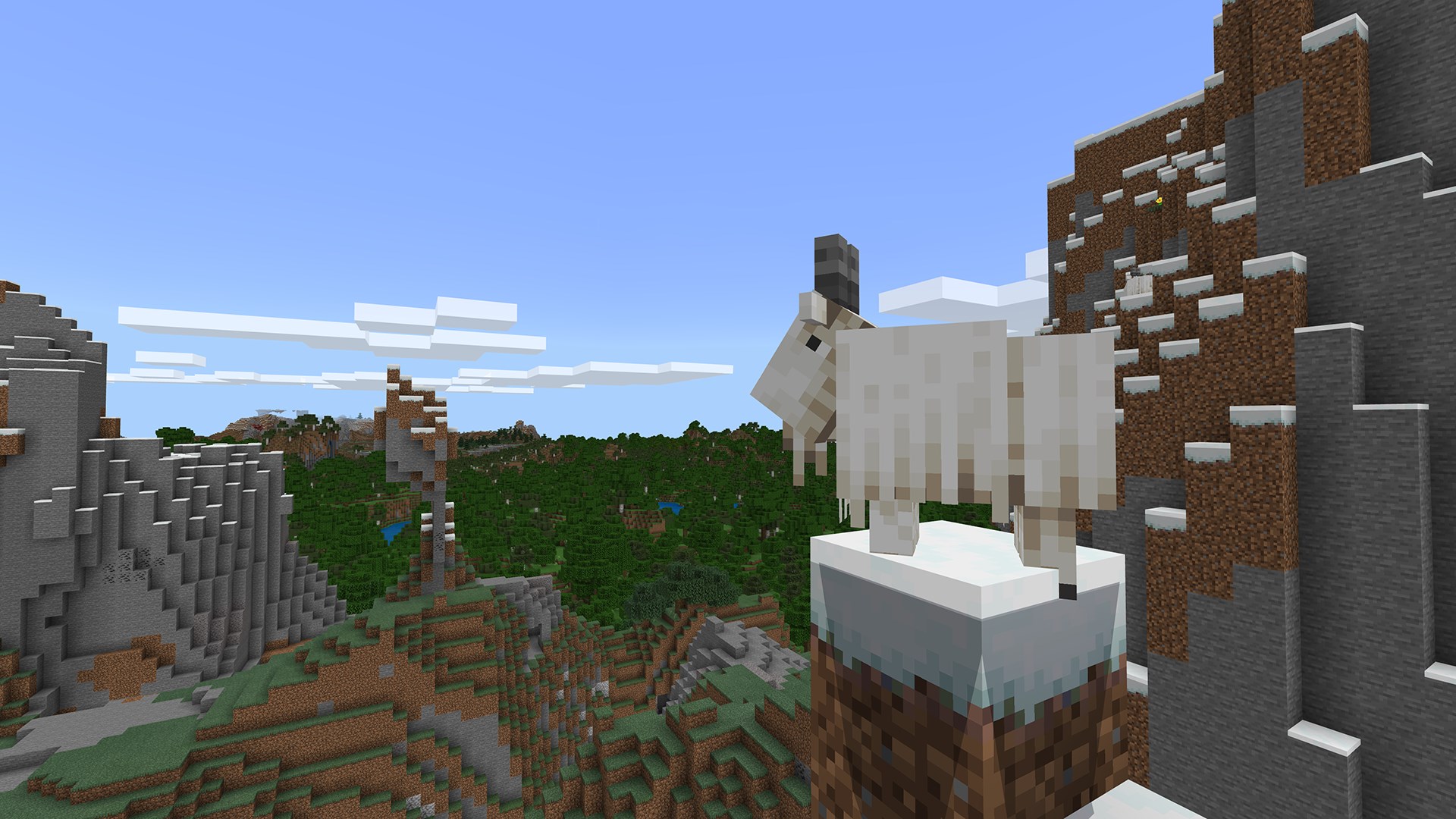
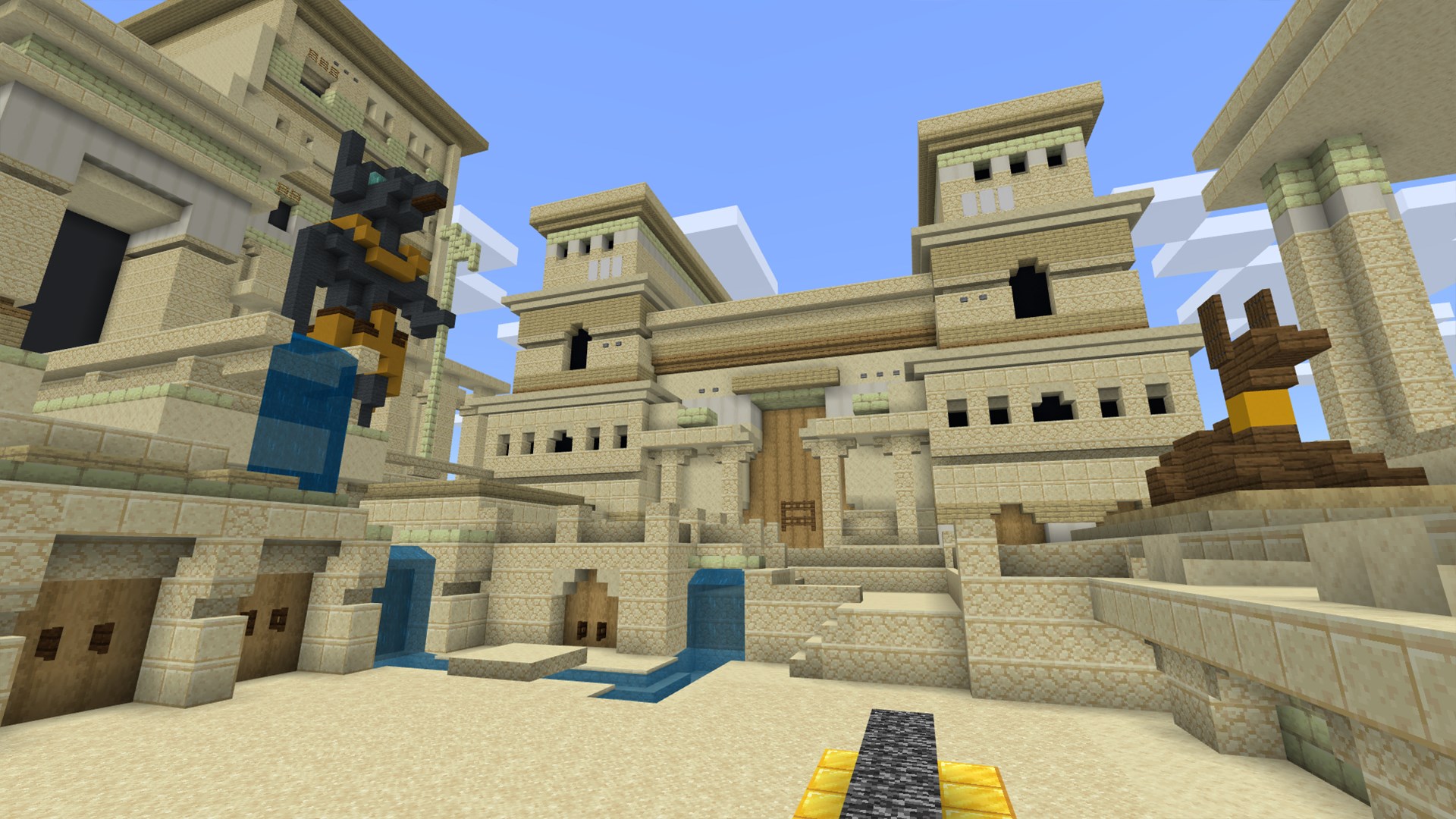
Imagine stepping into a pixelated universe where every block you place sparks a new idea or solution—this is the essence of Minecraft Education Preview. Right from the get-go, the app invites users into a vibrant, colorful world teeming with possibilities. Its interface is clean, friendly, and straightforward, making it easy for new users to navigate without feeling overwhelmed. The design promotes a sense of adventure, akin to opening a new book filled with endless chapters waiting to be written.
Core Features: Bridging Fun and Education
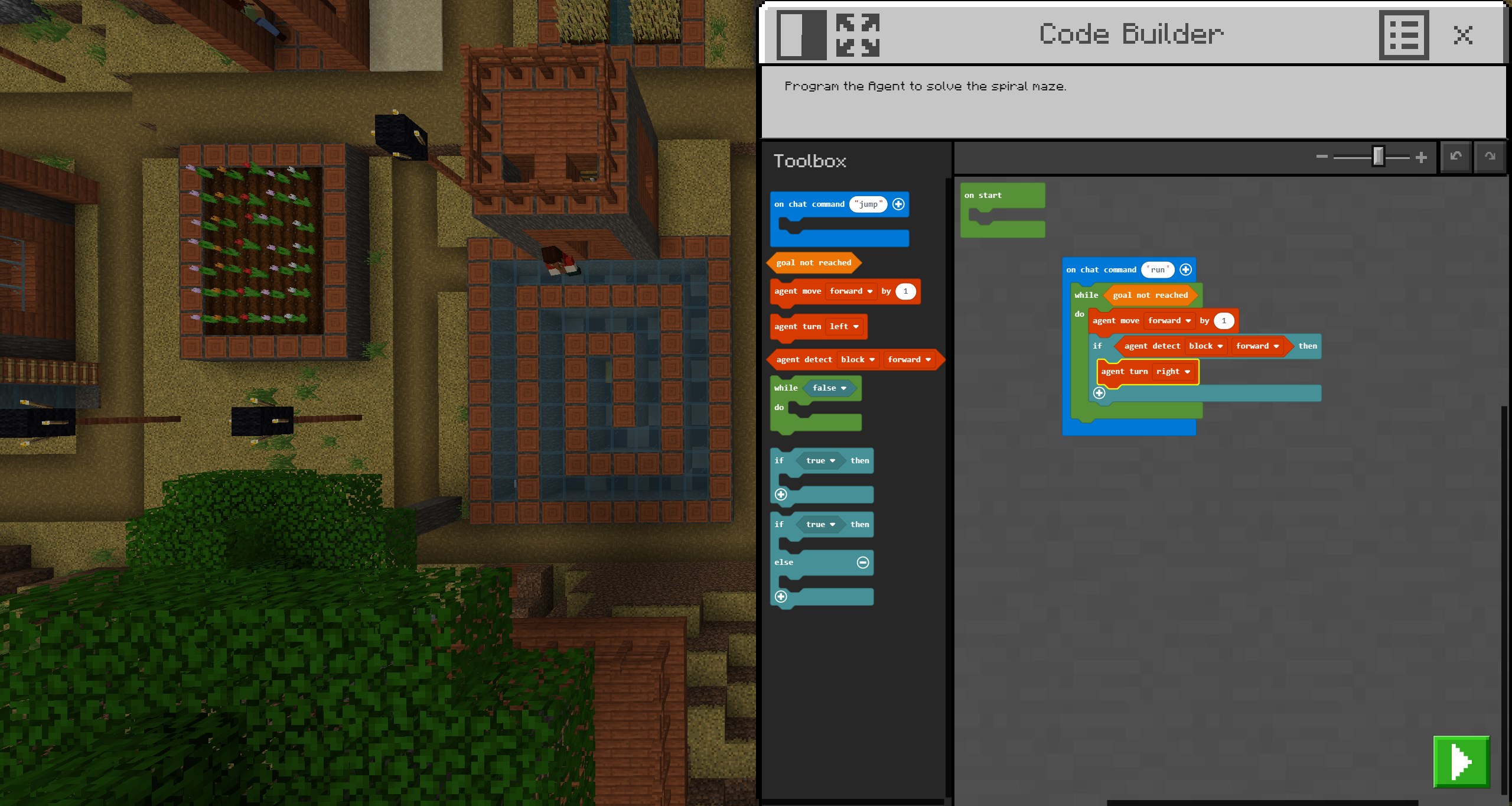
- Educational Content Integration: Unlike traditional game modifications, this app embeds curriculum-specific lessons within the Minecraft universe, allowing teachers to assign missions aligned with standards. For example, students can collaborate on building sustainable cities or solving complex math puzzles, all within the game's environment.
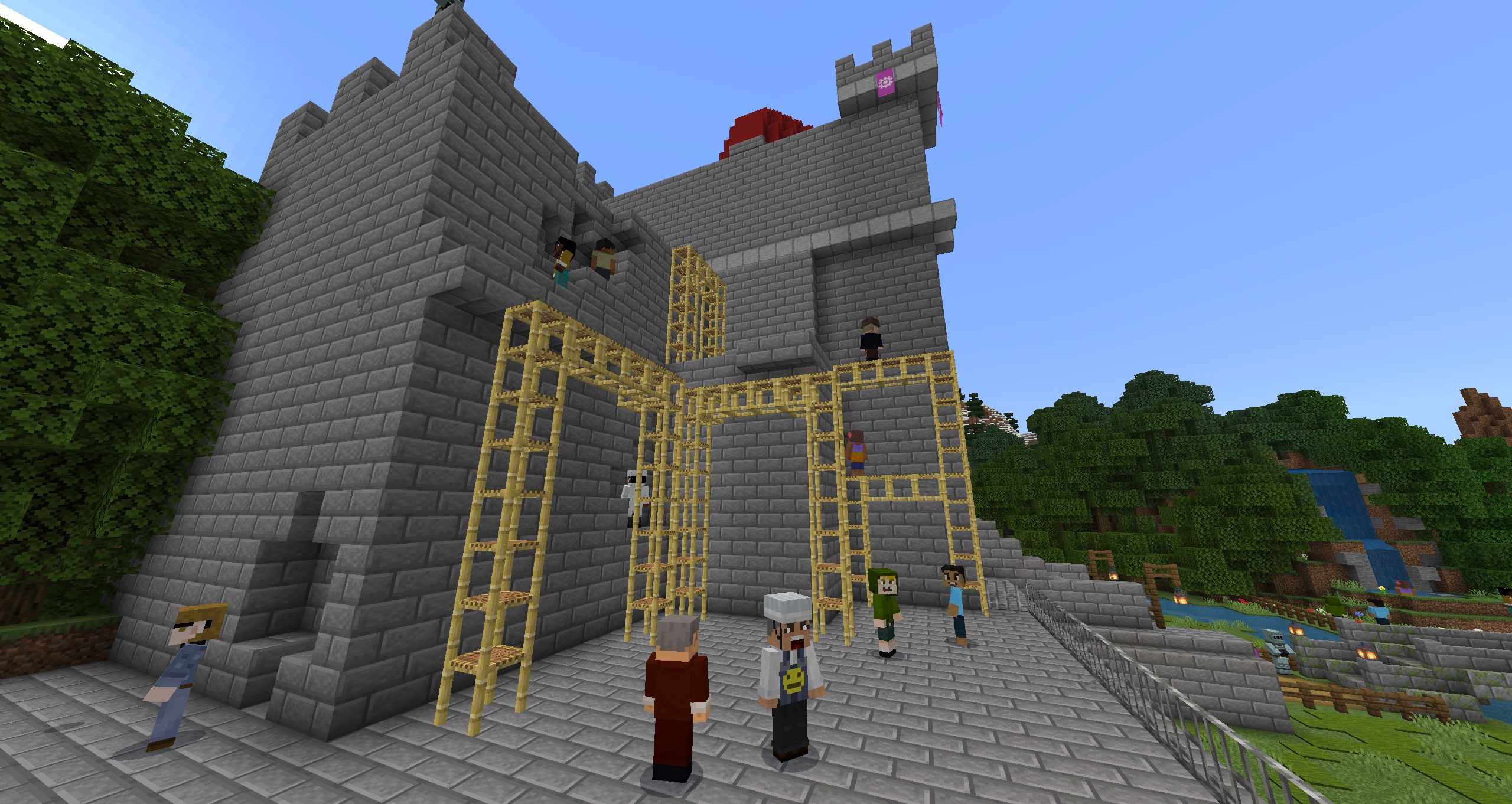
- Creative Collaboration Tools: The platform provides multi-user modes, enabling students to work together in real-time. Features such as shared world editing and chat functions make cooperation seamless and engaging, fostering teamwork skills naturally during gameplay.
- Personalized Learning Paths: What sets this application apart is its emphasis on tailored experiences. Teachers can customize lessons, set achievement checkpoints, and track progress—turning Minecraft into a personalized classroom assistant that adapts to each student's pace and interests.
User Experience: Seamless, Intuitive, and Thoughtfully Designed
The interface strikes a perfect balance between simplicity and depth. Navigating menus feels like flipping through pages of a well-organized textbook—everything is where you'd expect it to be, reducing barriers for first-time users. The app runs smoothly on Windows devices, boasting fluid graphics and responsive controls that keep the focus on learning rather than technical hiccups. Its learning curve is gentle enough for beginners but versatile enough to satisfy advanced users, making it a versatile tool across different age groups and skill levels.
What Makes It Stand Out from Other Educational Apps?
While many educational applications aim to gamify learning, Minecraft Education Preview offers a unique blend: it leverages the authentic Minecraft experience, respected for its content accuracy and expansive universe, to deliver immersive, curriculum-aligned content. Its emphasis on personalized learning paths stands out—teachers can craft bespoke lessons that cater to individual and group needs, guided by in-app progress tracking. Unlike more static platforms, this app promotes active participation, making students not just passive recipients but active creators of their knowledge.
Final Thoughts: A Valuable Tool for Modern Classrooms
Overall, Minecraft Education Preview for Windows is highly recommended for educators and students eager to explore a new frontier of interactive learning. Its core strengths—the integration of reliable educational content and personalized, collaborative experiences—make it a remarkable addition to any classroom toolkit. While it may require some initial familiarization, once set up, it becomes an intuitive, inspiring environment where learning feels like playing. Whether you're aiming to ignite creativity or reinforce curriculum standards, this app offers a thoughtful, engaging solution worth trying.
Pros
- Intuitive Learning Environment
- Rich Educational Content
- Multi-Device Compatibility
- Collaborative Features
- Regular Updates and Previews
Cons
- Performance Slightly Laggy on Lower-End Devices
- Limited Customization Options in Certain Features
- Initial Setup Can Be Complex for Beginners
- Syncing Issues Across Devices Occasionally Occur
- Limited Offline Functionality











