

- Category Classics
- Developer Cole.S
- Available on PC, Mobile, Surface Hub, HoloLens
- OS Windows 10 version 19041.0 or higher
- languages English (United States)
An Introduction to Minesweep for Windows
Imagine revisiting the classic charm of minesweeper, but with a fresh, modern twist—this is exactly what Minesweep for Windows offers. Designed to bring nostalgia while providing a seamless gaming experience, this app stands out as a polished take on the traditional puzzle game. Created by Cole.S, a developer dedicated to delivering user-friendly and engaging apps, Minesweep aims at players who enjoy mental challenges wrapped in a clean interface. Its key features include intuitive gameplay, customizable difficulty levels, and a neat interface that caters both to casual users and seasoned puzzle enthusiasts.
Reviving a Classic with a Modern Edge
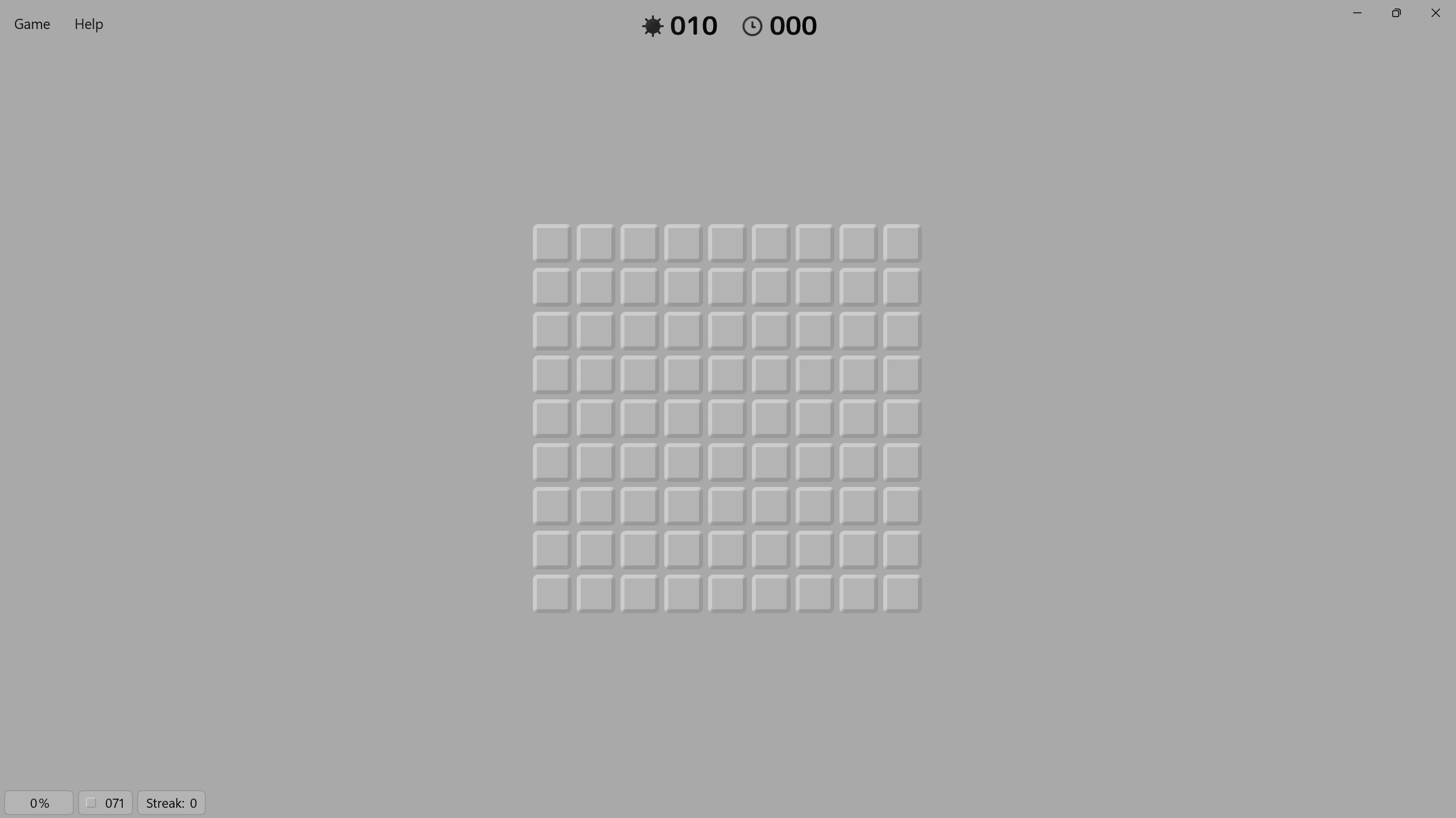
For many, minesweeper is a childhood staple, a simple yet addictive game that tests your logic and nerve. Minesweep for Windows captures this essence beautifully, offering a polished rendition that keeps the core mechanics intact while enhancing the overall user experience. From the moment you launch the app, you're greeted with a sleek, minimalistic design that minimizes distraction, allowing you to focus solely on solving the field of hidden mines. Whether you're taking a quick break or settling into an intense puzzle session, Minesweep's refined interface ensures smooth gameplay that feels both nostalgic and refreshingly contemporary.
User Interface & Experience: A Clear, Smooth Journey
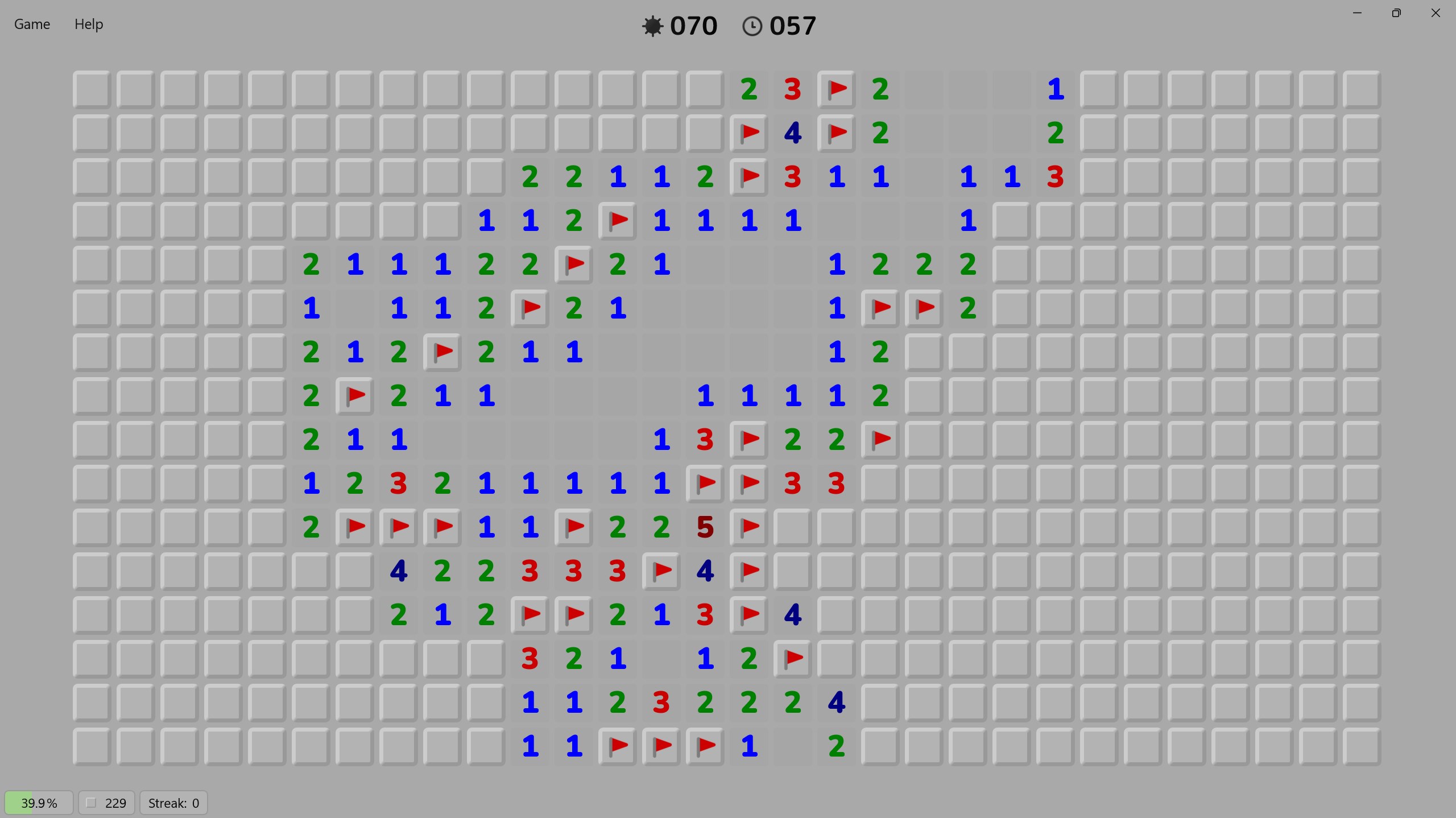
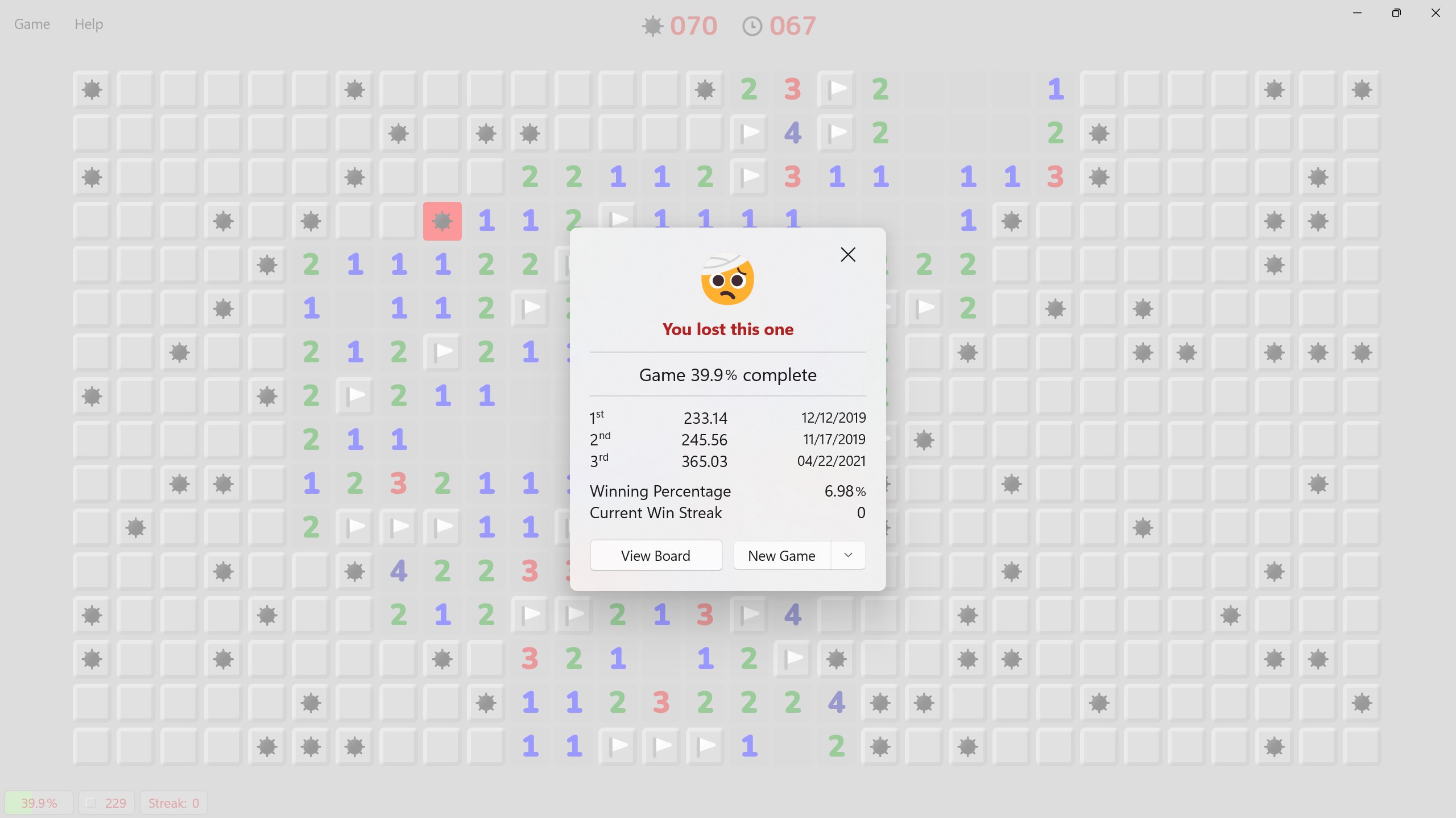
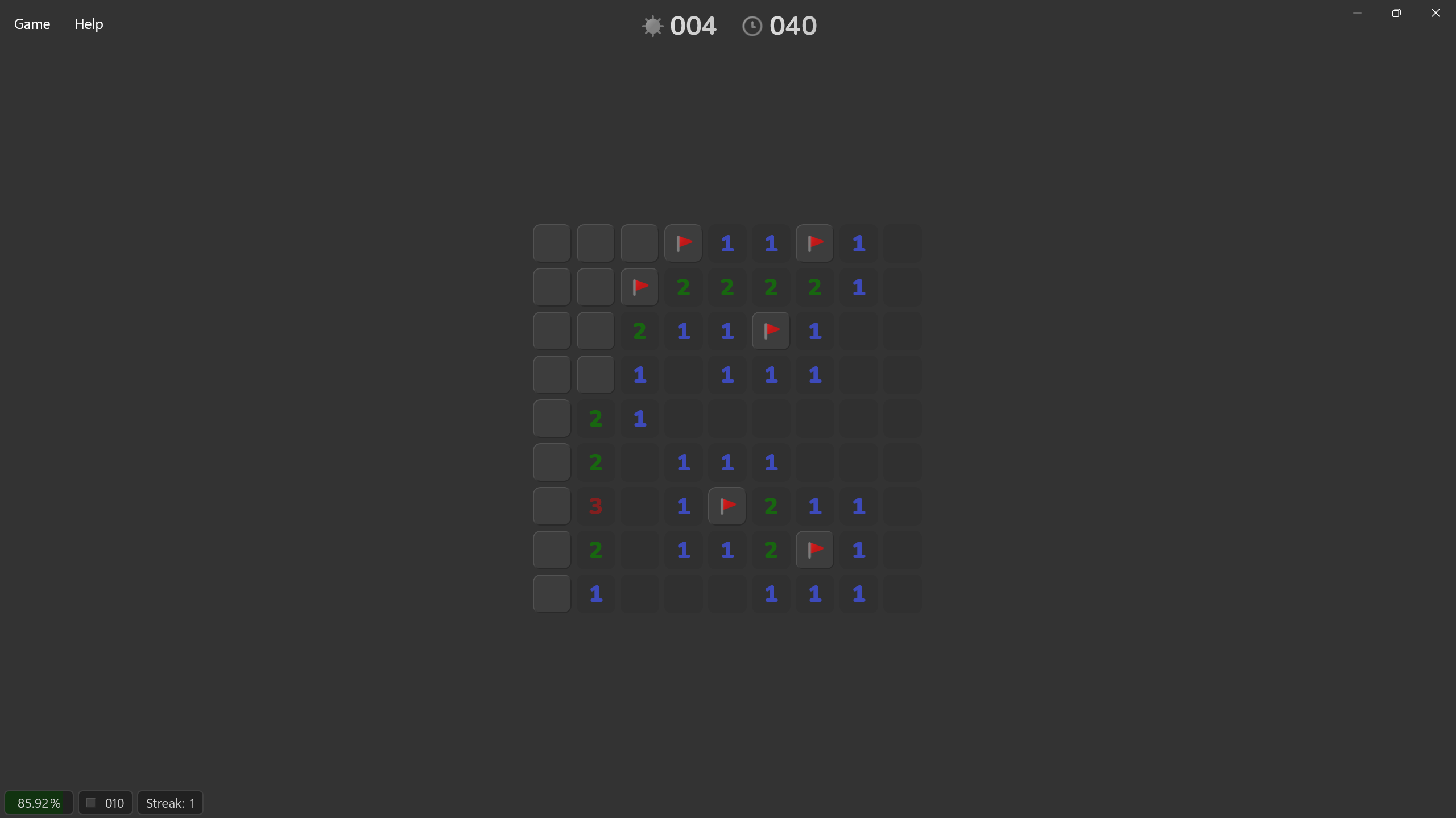
Behind its clean look lies a thoughtfully crafted user experience. Navigation feels natural and responsive, with all controls easily accessible. The game maintains a steady frame rate, even on lower-end hardware, which is a testament to its optimized design. The learning curve is gentle—newcomers can pick up the game swiftly thanks to helpful hints and adjustable difficulty settings, while veterans can set the game to hard mode to challenge their skills. The interface's clarity means you won't get lost in clutter—just a simple grid of covered cells, a few menus, and an easy-to-understand scoring system. This attention to detail makes Minesweep not just a game, but an experience that's accessible yet challenging.
Innovative Features That Make a Difference
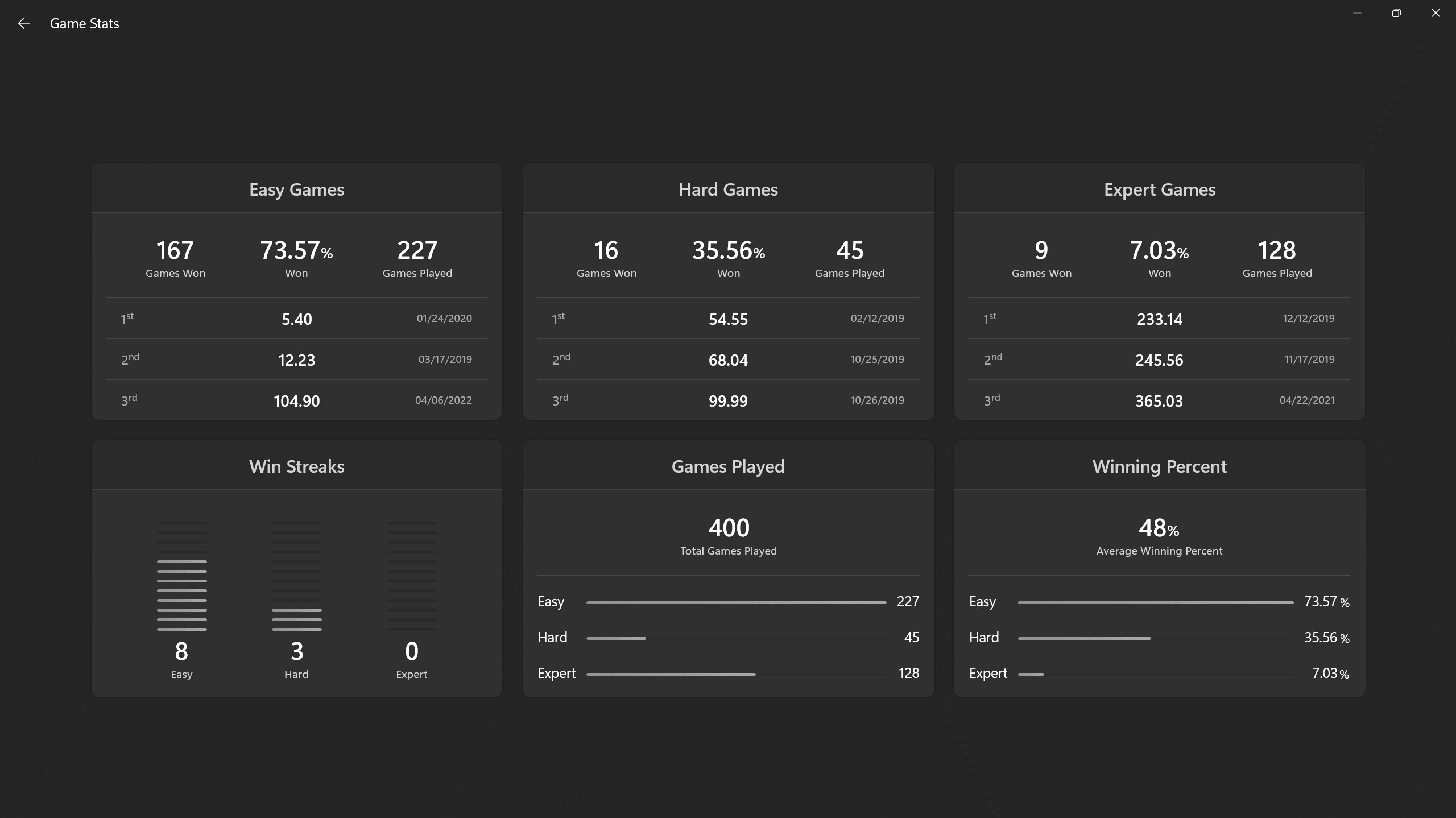
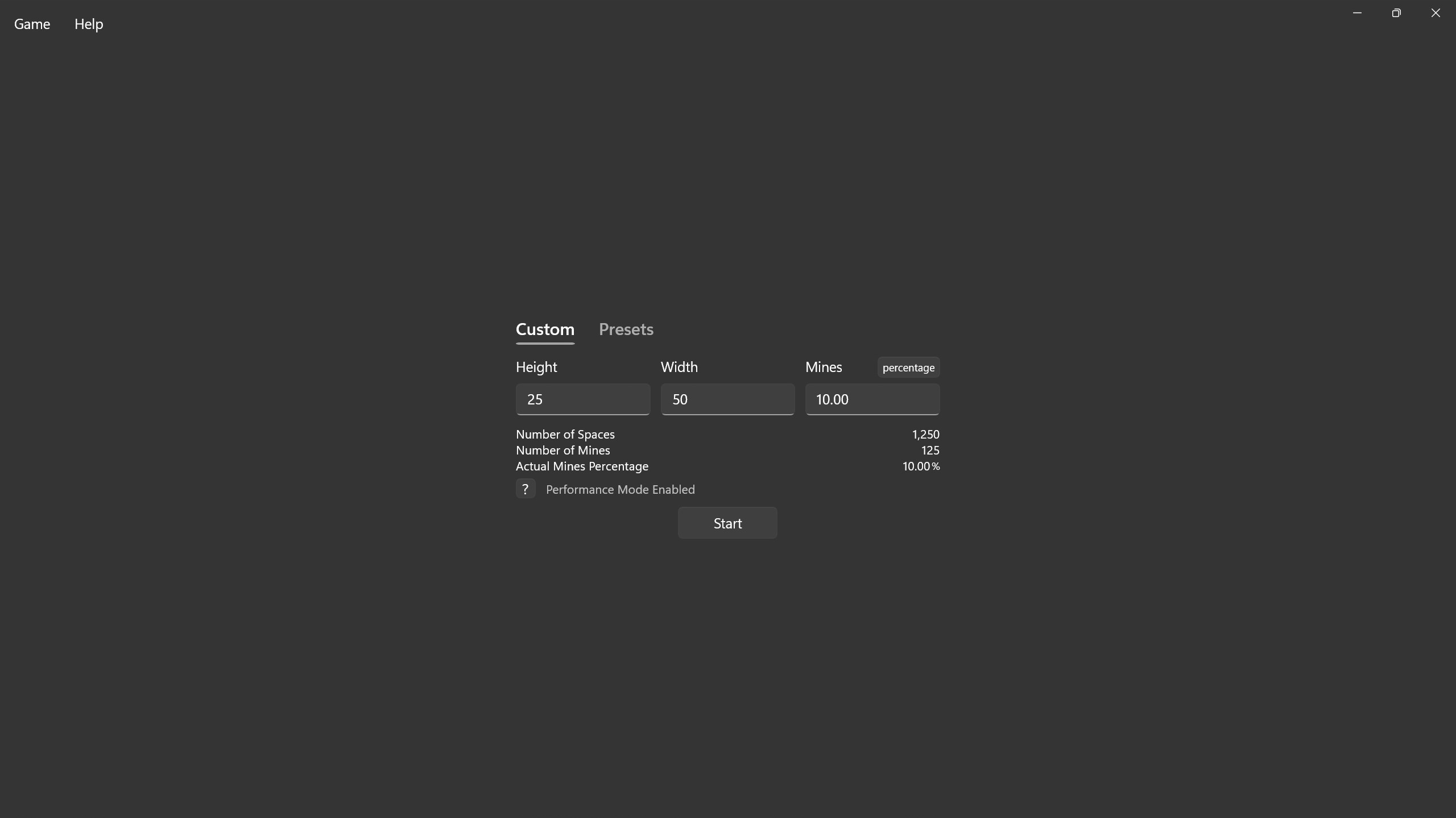
What truly sets Minesweep apart from similar classics is its focus on usability and customization. Its most distinctive feature is a flexible difficulty adjustment system, allowing players to tailor the game to their skill level—be it beginner, intermediate, or expert. This customization is like having a tailor-made puzzle, perfectly suited to your mental prowess. Additionally, the game includes a helpful auto-solve hint system, which is perfect for players learning the ropes or seeking a break without breaking their streak. These features reveal a developer's thoughtful approach—aiming to make Minesweep not just another minesweeper clone, but a more inclusive and user-centric experience.
Final Thoughts: A Solid, Enjoyable Minesweeper Experience
In conclusion, Minesweep for Windows presents a compelling version of a time-honored game. Its clean, modern interface combined with thoughtful core functionalities makes it a standout choice for fans of classic puzzle games and newcomers alike. The game's most notable strengths are its intuitive design and customizable difficulty levels—features that emphasize user engagement and learning. I'd recommend Minesweep to anyone looking for a straightforward yet refined minesweeper experience, especially if you appreciate a game that respects your skill level and offers a smooth, distraction-free environment. Whether you're a casual player seeking quick fun or a dedicated puzzle solver, Minesweep proves to be a worthy companion in the realm of logic games.
Pros
- User-friendly interface
- Classic gameplay with added difficulty levels
- Smooth performance and quick loading times
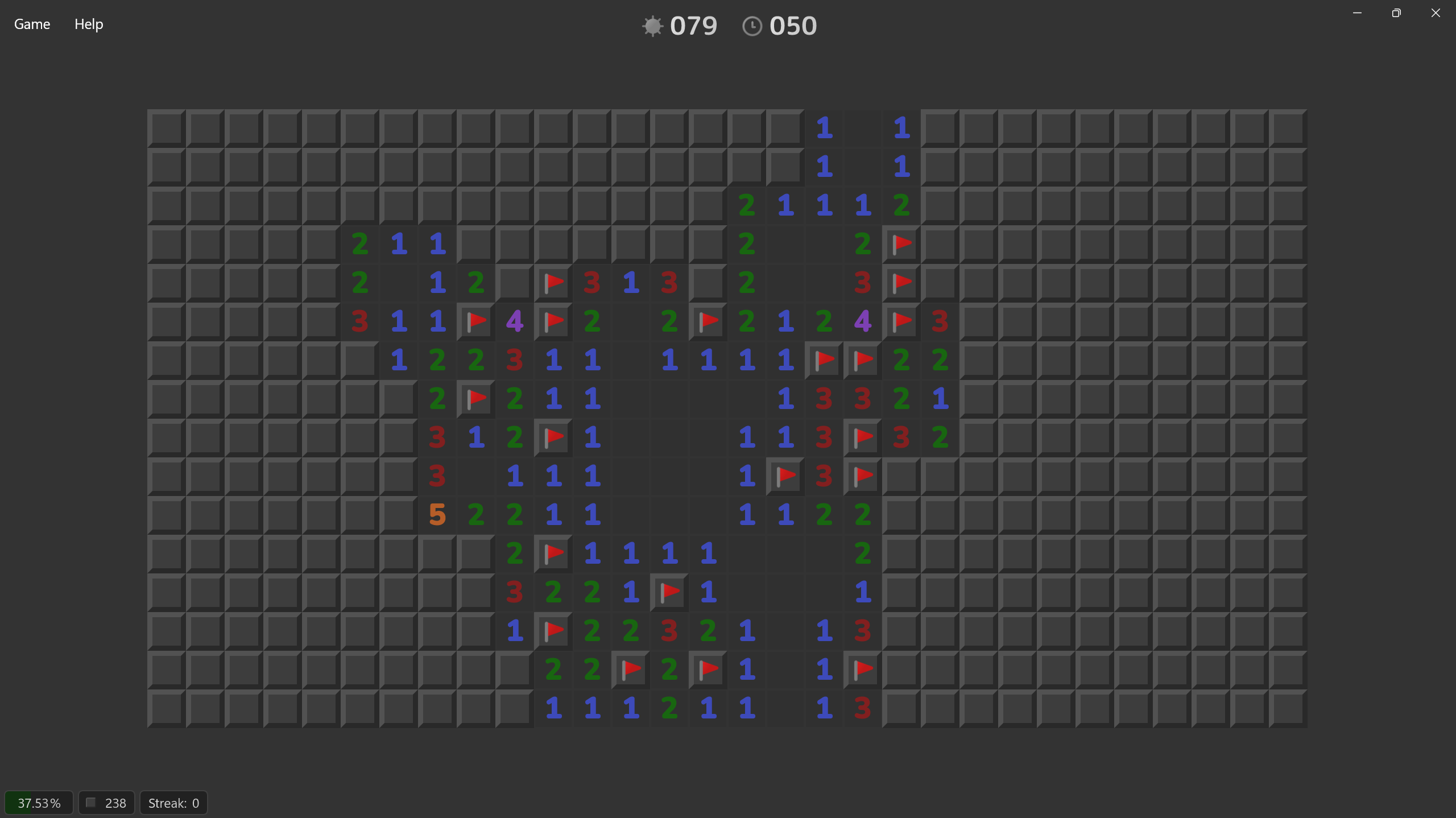
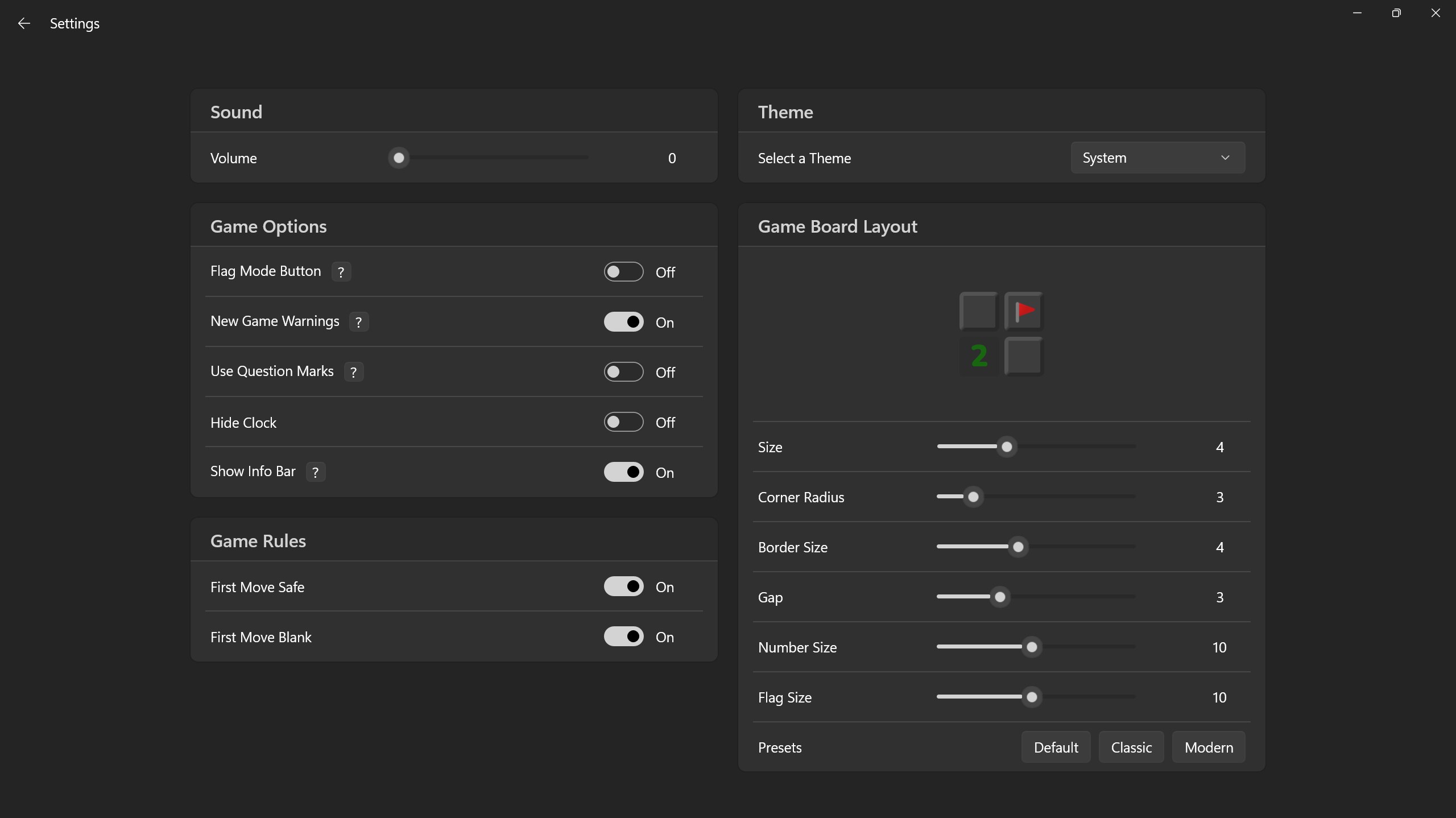
- Customizable themes and board sizes
- Achievements and leaderboards
Cons
- Limited tutorial for new players
- Basic sound effects and visuals
- Lack of hint system
- Limited language options
- No offline mode for certain features











