
- Category Classics
- Available on PC, Mobile, Surface Hub, HoloLens
- OS Windows 10 version 14393.0 or higher
- languages English (United States)
Introducing Minesweeper Classic Challenge for Windows
If you're a fan of classic puzzle games that challenge your wits with a sprinkle of nostalgia, Minesweeper Classic Challenge for Windows offers a fresh yet familiar take on the timeless mine-clearing game. Developed by Bts Music Game, this app aims to deliver a straightforward, engaging experience perfect for both nostalgic players and newcomers alike.
Core Features That Stand Out
1. Authentic Classic Gameplay with a Modern Twist
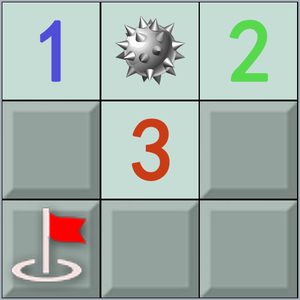
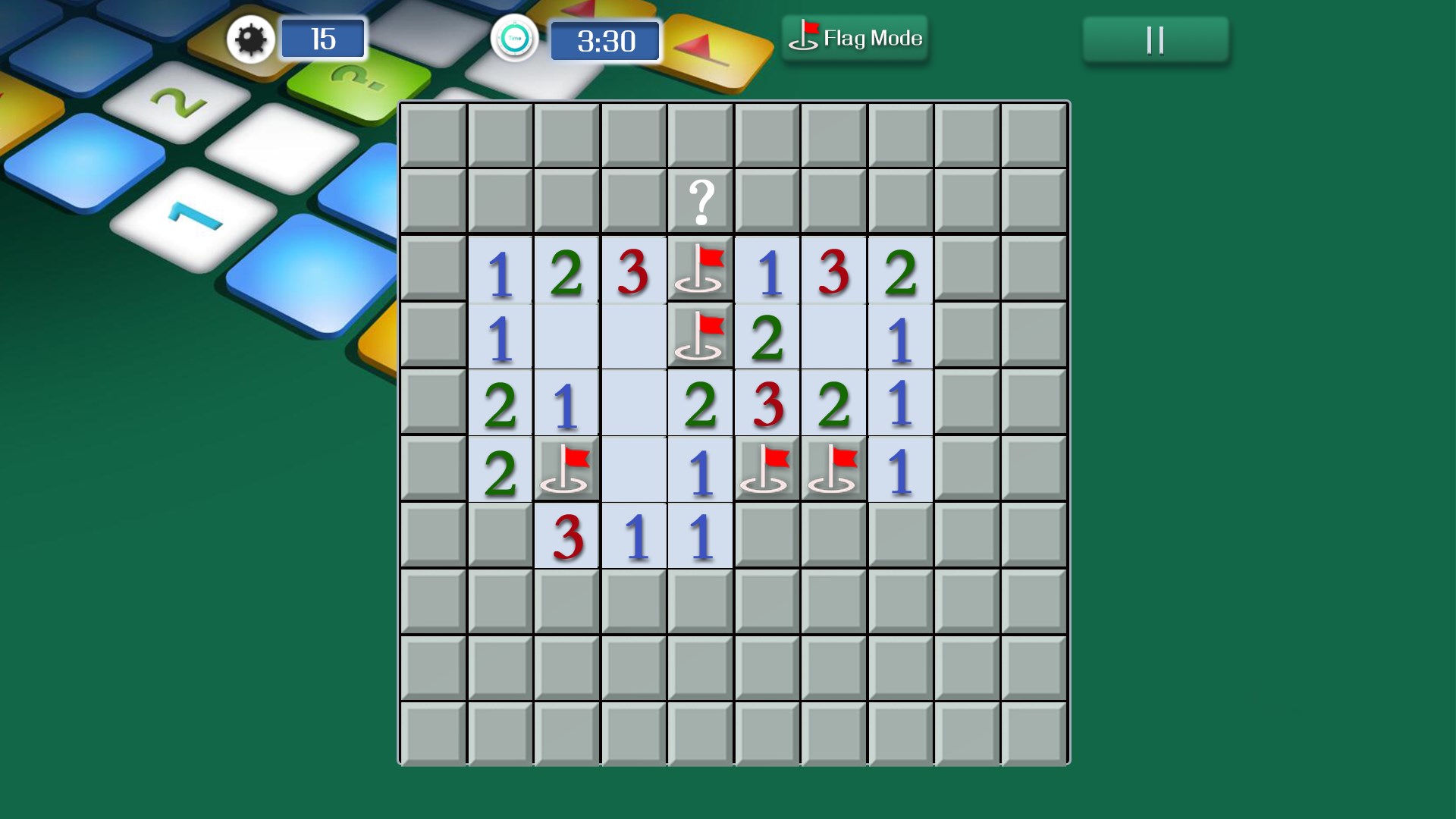
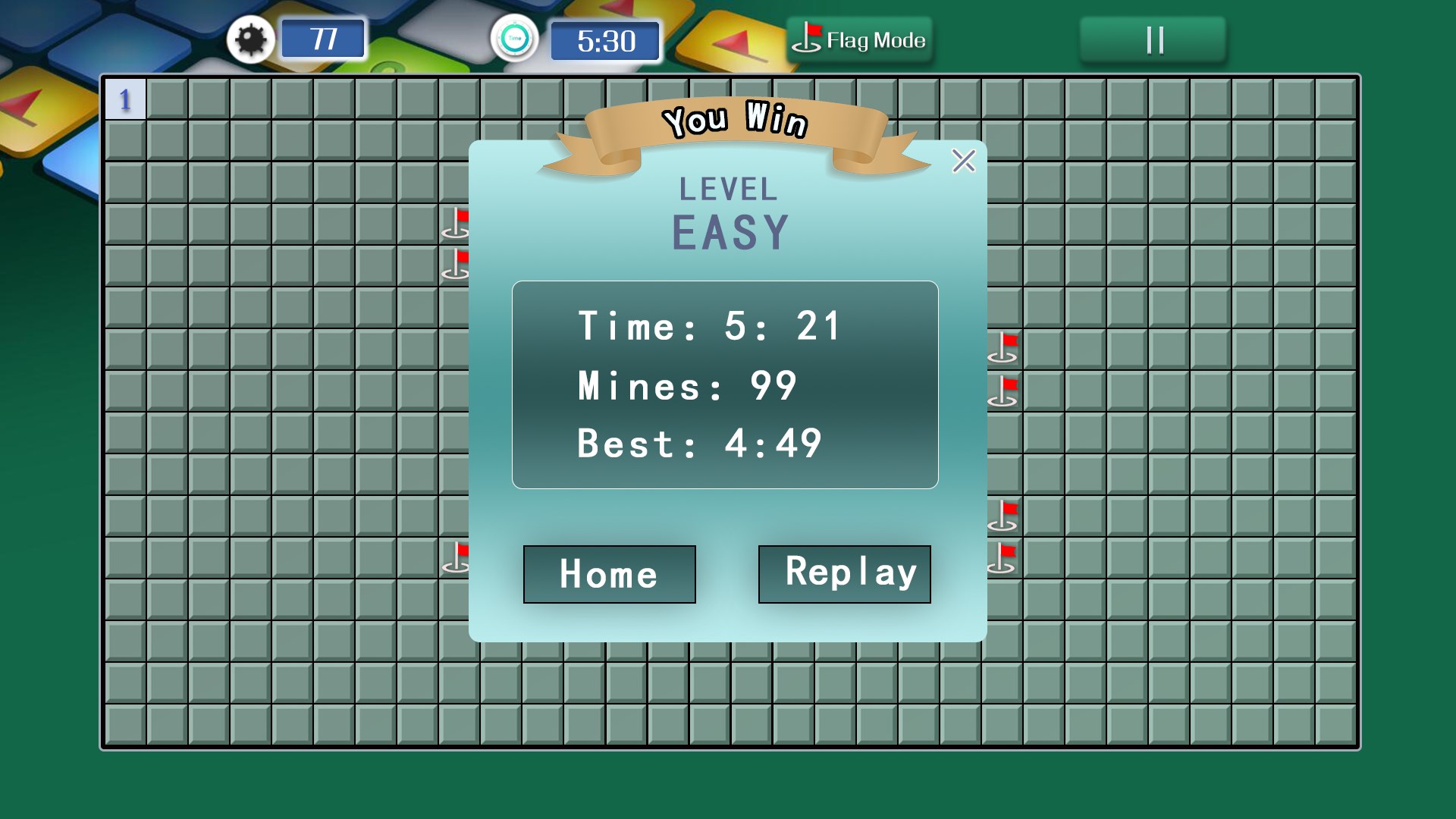
At its core, Minesweeper Classic Challenge preserves the essence of the traditional game—pressing tiles to reveal hidden mines, flagging danger spots, and solving the puzzle without detonating any mines. What makes it engaging is the incorporation of modern interface enhancements and smooth animations that make gameplay fluid and pleasing. The game also offers varying difficulty levels, from beginner to expert, catering to all skill levels.
2. User-Friendly Interface & Customization Options
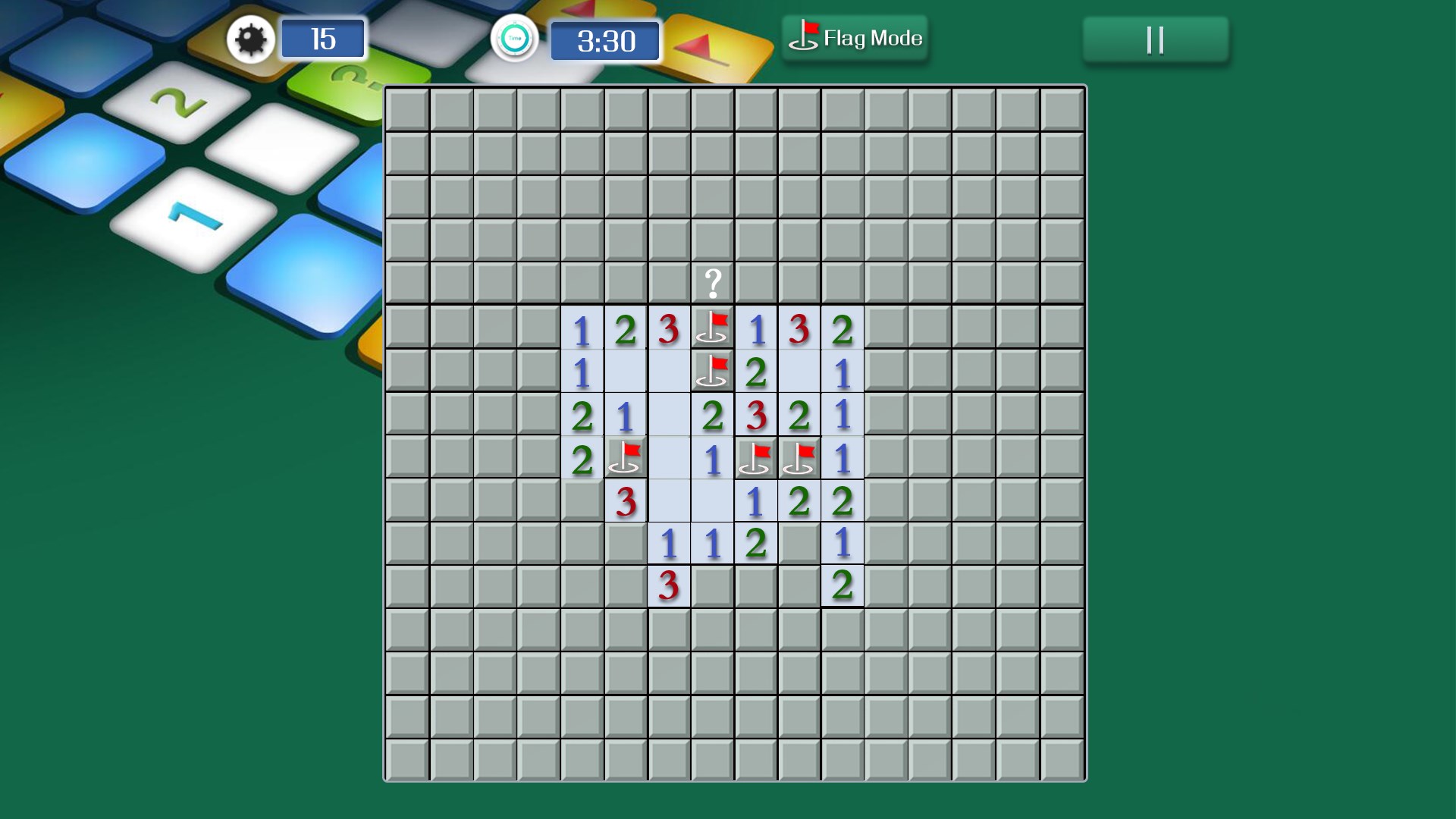
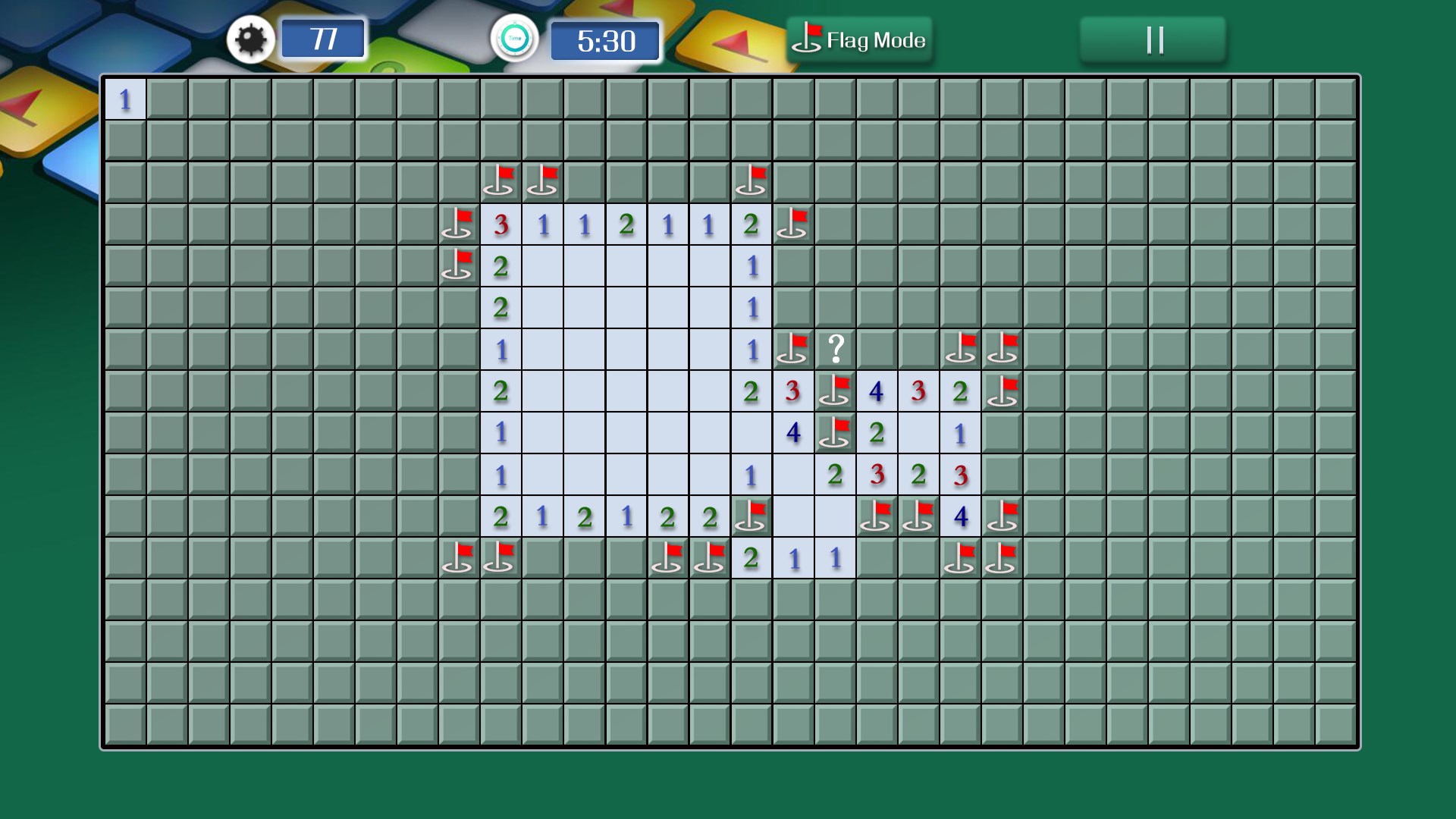
The interface adopts a clean, minimalistic design reminiscent of the classic Windows Minesweeper but with an updated visual language that feels contemporary. Buttons are intuitively placed, and the entire layout facilitates seamless interaction. Users can personalize grid sizes, switch between color themes, and adjust game settings with just a few clicks—making each session tailored to your preferences.
3. Challenging Achievements and Leaderboards
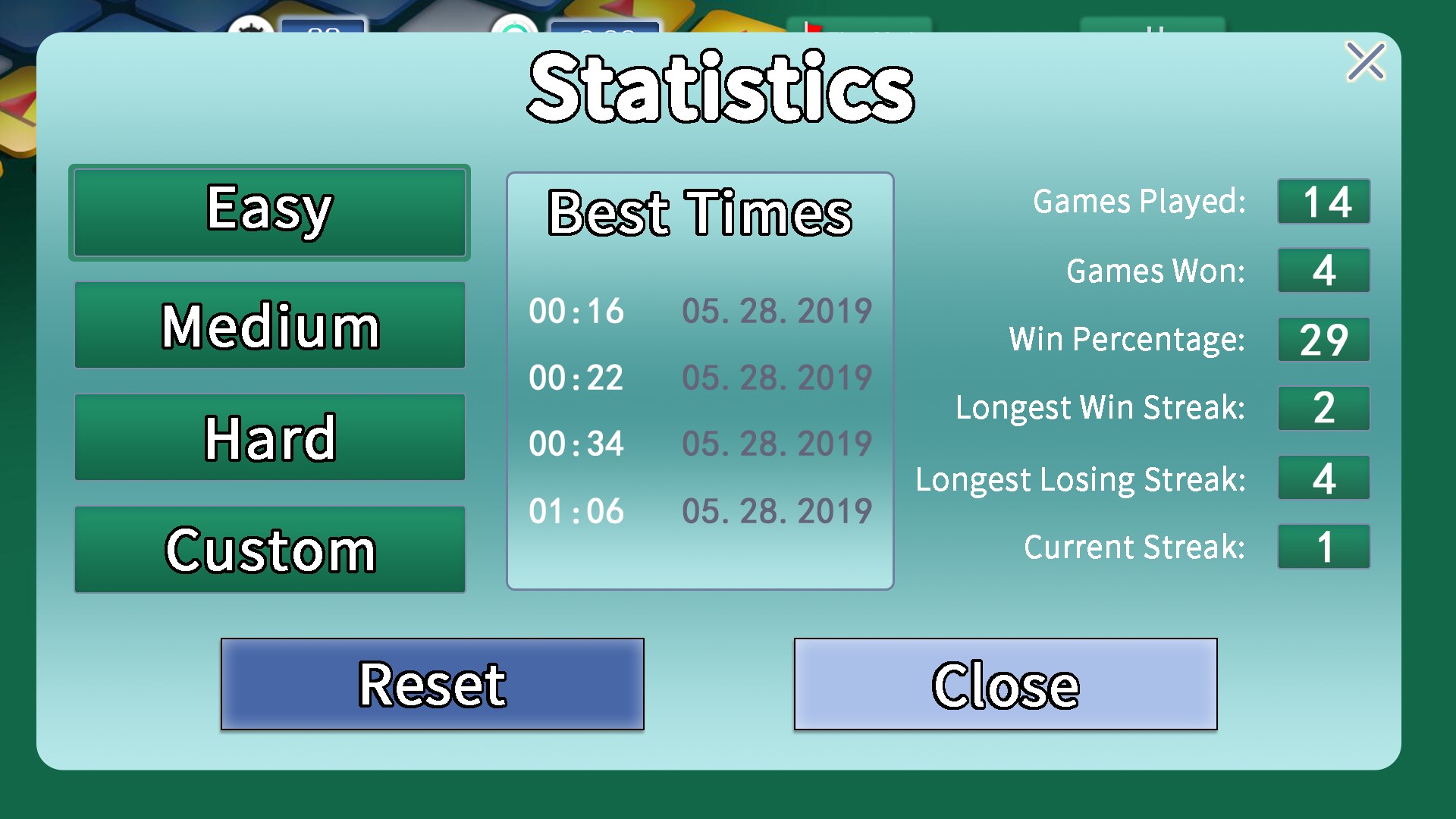
The game encourages replayability through its achievement system, rewarding precision and speed, and integrated leaderboards that let players compete with friends or global players. These added layers of competition give the game a little extra nudge to improve your skills while providing motivation to beat your own records.
Design and User Experience: How Does It Feel?
The visual design of Minesweeper Classic Challenge strikes a fine balance between nostalgia and modern aesthetics. The pixel-art style complemented by subtle animations creates a satisfying visual flow, even on smaller screens. Navigating menus and gameplay feels snappy and intuitive, thanks to efficient coding that keeps the app responsive without lag. The learning curve is gentle—new players can grasp the basic mechanics within minutes, while seasoned users will find subtle intricacies to master.
What Makes This Minesweeper Stand Out?
Unlike many other Minesweeper apps that stick strictly to traditional gameplay, this version emphasizes customization and user engagement. Its standout feature is the flexible difficulty levels combined with visually appealing themes, making it suitable for casual players looking for light fun and seasoned solvers seeking a challenge. Additionally, the smooth animations and clean design make the experience more polished compared to more utilitarian counterparts.
Recommendation and Usage Tips
If you're someone who appreciates classic puzzle games but enjoys a polished interface and extra customization, Minesweeper Classic Challenge is a solid option. It's perfect for casual gaming sessions, commutes, or even quick mental warm-ups. For best experience, try experimenting with different difficulty levels and themes—you might discover new ways to approach the game or simply enjoy enhanced aesthetic pleasure. Given its straightforward design and responsive controls, it's suitable for players of all ages who crave a timeless brain-teasing challenge.
Overall, Minesweeper Classic Challenge for Windows offers a well-structured, engaging, and thoughtfully designed iteration of a beloved classic. Whether you're revisiting fond memories or discovering the thrill for the first time, it provides a balanced blend of simplicity and challenge—making it a recommendable addition to your puzzle game collection.
Pros
- Intuitive interface
- Authentic classic gameplay
- Multiple difficulty levels
- Smooth performance
- Minimal ads and distractions
Cons
- Limited customization options
- Lack of advanced features
- No tutorial or help section
- Limited visual effects
- Occasional minor bugs











