




- Category Classics
- Developer Obumo Games
- Available on PC, Mobile
- OS Windows 10 version 10240.0 or higher
- DirectX Version 10
- Memory 1 GB
- languages Arabic, Bangla (Bangladesh), Chinese (Simplified), Chinese (Traditional, Hong Kong SAR), English (United States), French, German, Hindi, Hungarian, Italian, Japanese, Korean , Polish , Portuguese (Brazil), Russian, Spanish (Spain), Thai, Turkish, Vietnamese
Mini Golf Club for Windows: A Fun-Filled Digital Putting Green
If you're looking to bring the classic game of mini golf into your digital space with a mix of charming visuals and engaging gameplay, Mini Golf Club for Windows offers a delightful experience. It's a casual yet thoughtfully crafted app that invites players of all ages to sink putts and challenge their friends—all from the comfort of their computers.
About the Developer and Core Features
Developed by Obumo Games and published by Zoltán Gubics, Mini Golf Club seeks to replicate the laid-back joy of mini golf with a modern twist. The game's main highlights include intuitive controls, creatively designed courses, and multiplayer functionality, making it a versatile pick for both solo players and social gaming sessions. Its core appeal lies in accessible gameplay combined with subtle depth for those seeking a challenge, appealing mainly to casual gamers, families, and mini golf enthusiasts alike.
Step Into the World of Digital Miniature Golf
Imagine yourself on a breezy summer afternoon, walking onto a beautifully landscaped mini golf course where each hole is a miniature masterpiece—this is the vibe Mini Golf Club expertly captures. With vibrant, cartoon-inspired visuals and satisfying physics, the game turns the simple act of putting into a mini adventure. Whether you're aiming to beat your own scores or compete against friends in real-time, the game offers a playful yet rewarding experience that beckons you to keep swinging for that perfect shot.
User Interface and Design: A Fresh Take on Mini Golf
The UI of Mini Golf Club is clean, colorful, and easy to navigate. The course selection screen resembles a cheerful mini-golf park, inviting players to choose their favorite holes with a tap or click. The visual style employs bright, cartoonish graphics that appeal to a broad demographic, from kids to adults. The interface's responsiveness is impressive, with controls that feel seamless—dragging to aim and flicking to hit the ball—making the gameplay fluid and natural. Moreover, the game's menus are straightforward, reducing any learning curve and allowing players to jump straight into the fun.
Gameplay Mechanics and Player Experience
The core gameplay revolves around precise aim-and-shoot mechanics, simulated through intuitive mouse or keyboard controls. The physics engine provides realistic ball movement, giving players confidence that their shots will behave predictably—crucial for building skill and strategizing. The game also features multiple difficulty levels and diverse course designs, from straightforward greens to intricate holes with ramps and obstacles, ensuring players never get bored. The inclusion of power-ups and special challenges adds a touch of variety that elevates the experience beyond a simple putting game. For newcomers, there's a gentle learning curve—easy to pick up but offering depth for more experienced players aiming for strategic finesse.
Unique Selling Points: What Sets It Apart?
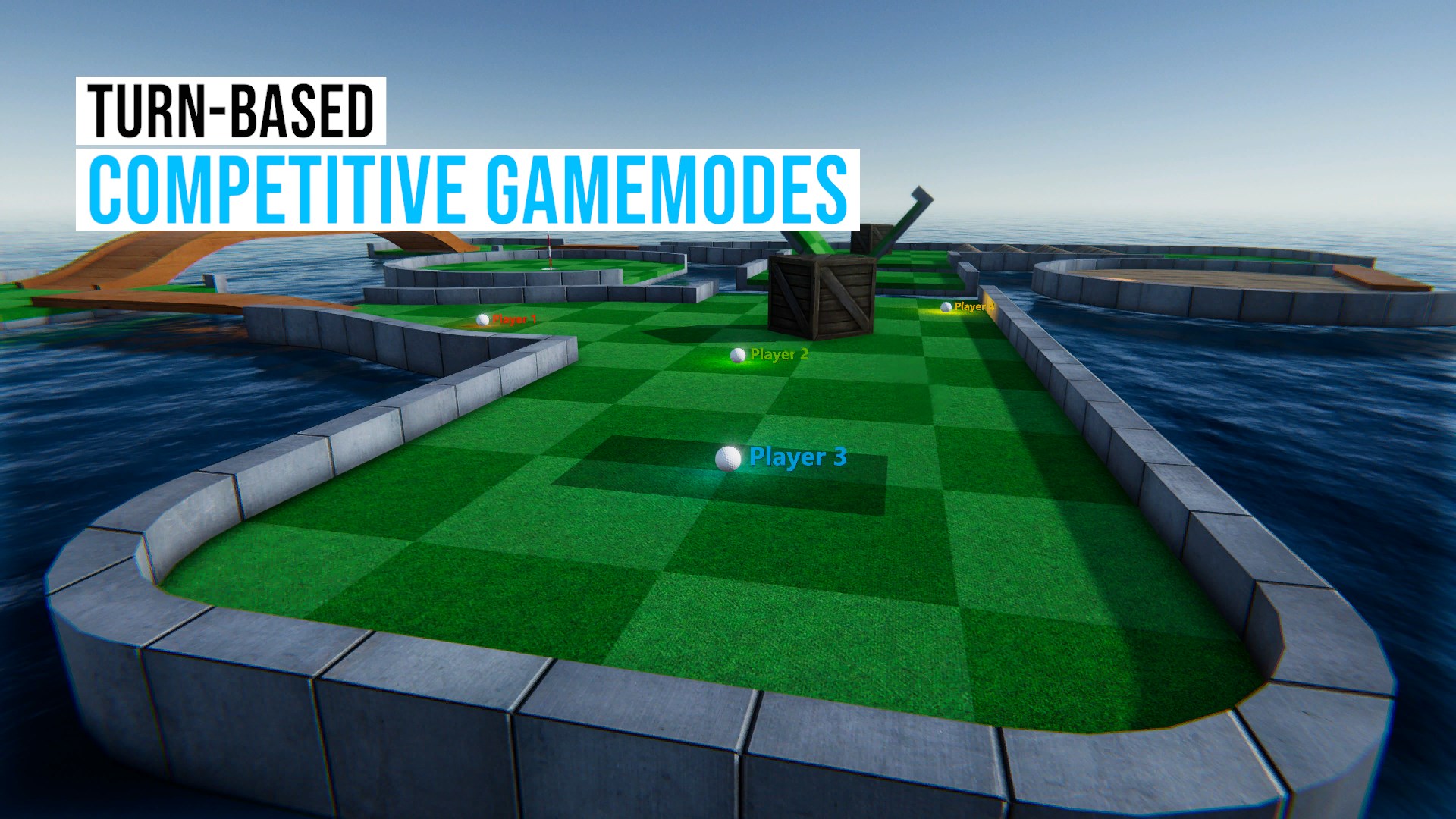
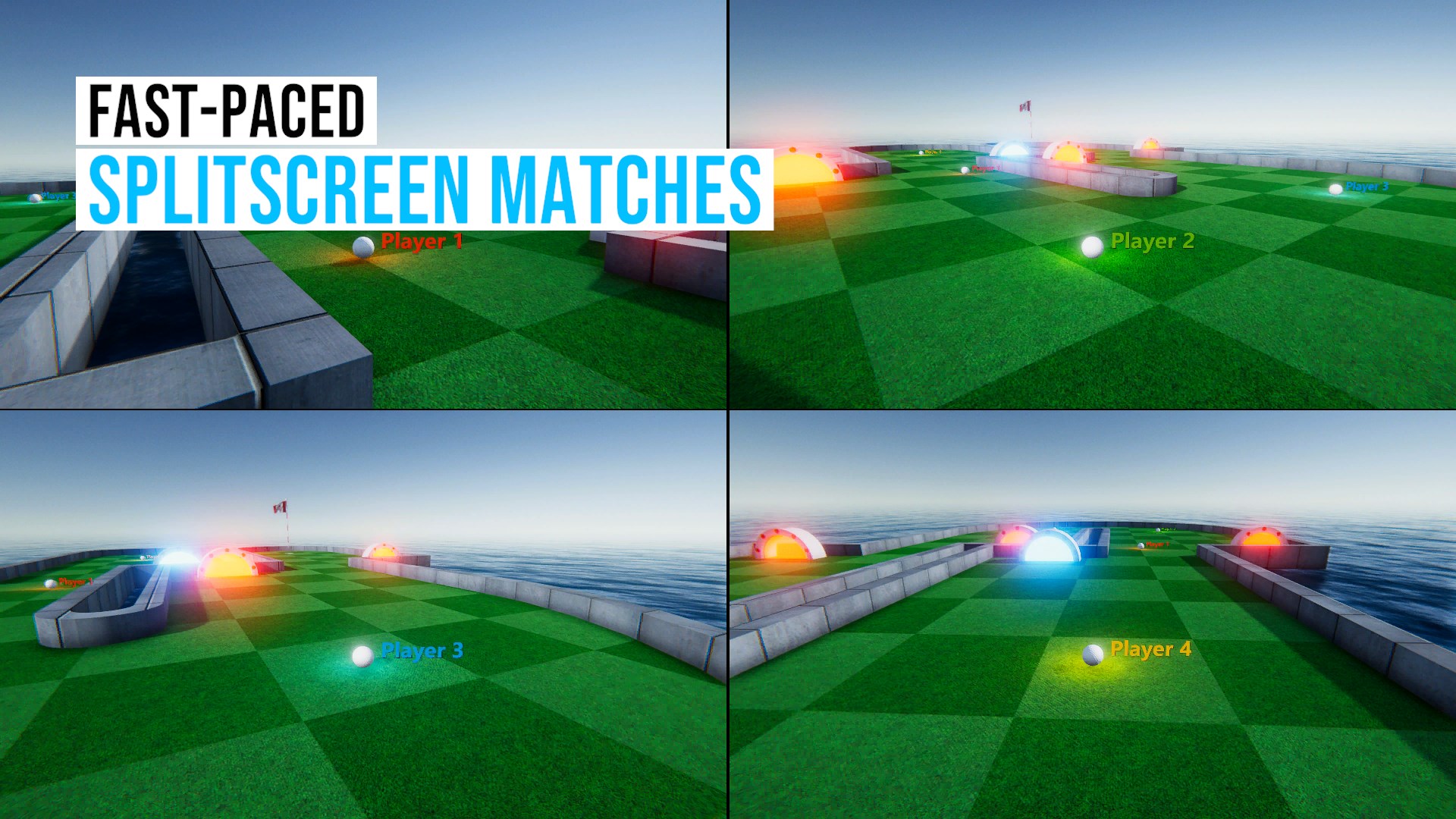
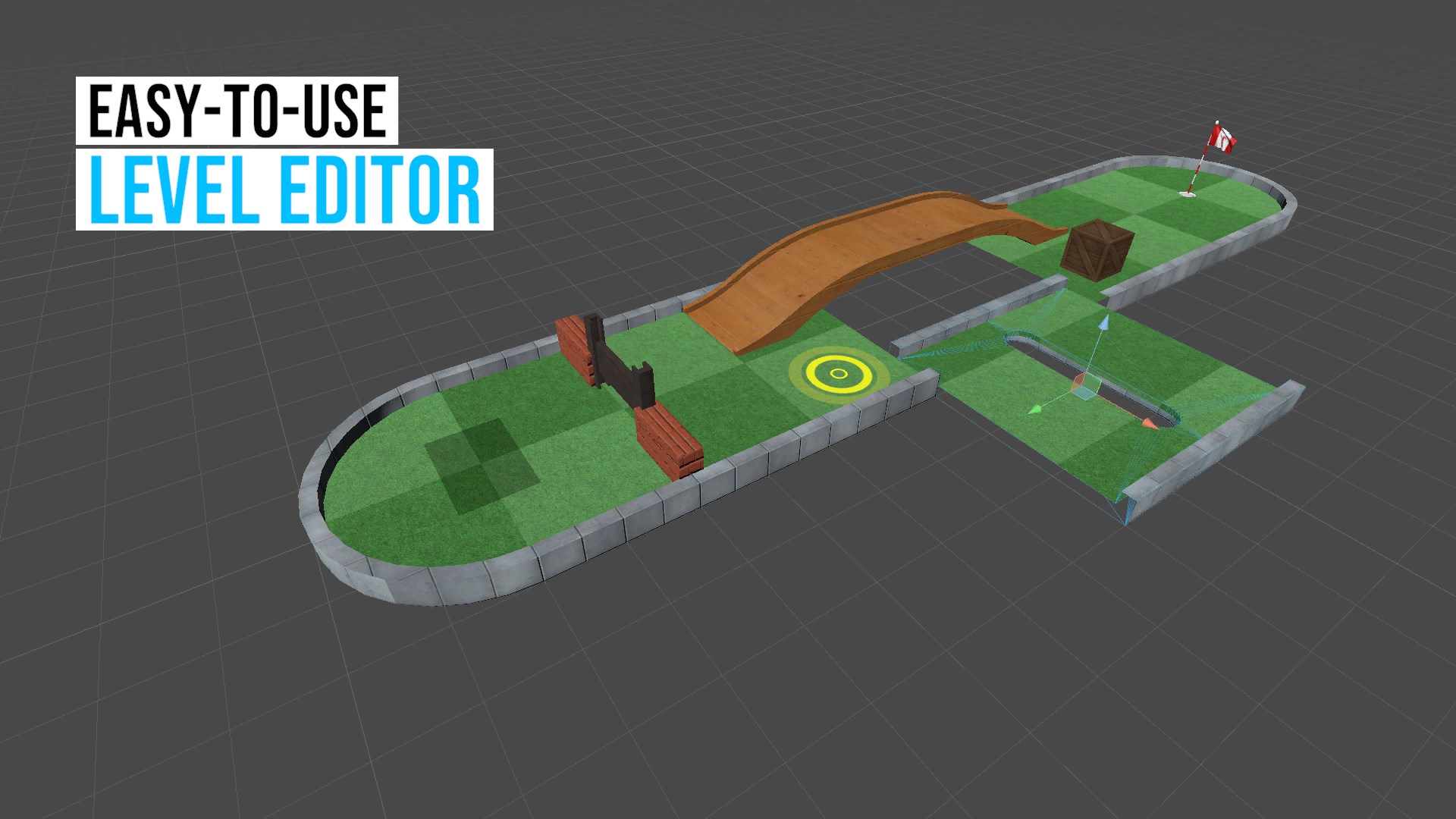
What's truly notable about Mini Golf Club is its multiplayer mode and course customization options. Unlike many basic mini golf apps, this game allows real-time multiplayer battles, making it a social experience akin to competing on the same course as friends. This feature transforms what could be a solitary activity into a shared event, perfect for casual hangouts or family game nights. Additionally, the game offers a modest but creative course editor, empowering players to craft bespoke holes, sharing a personalized miniature golf universe with the community. These features—especially the multiplayer functionality—are standout elements that lend the game a competitive yet friendly edge.
Final Verdict and Recommendations
Overall, Mini Golf Club for Windows is a charming, approachable, and engaging mini golf experience. Its intuitive controls, vibrant visuals, and engaging multiplayer mode make it a recommendable choice for anyone seeking light-hearted fun with friends or family. I'd suggest it particularly for casual gamers or those new to digital mini golf, looking for a relaxed yet satisfying gameplay experience. For players craving complex mechanics or high-end graphics, it might seem modest, but its core strengths lie in accessibility and social interaction. If you enjoy friendly competition and creative customization, this app deserves a place on your desktop as a convenient, entertaining mini golf oasis.
Pros
- Intuitive Controls
- Variety of Courses
- Stunning Graphics
- Multiplayer Mode
- Regular Updates
Cons
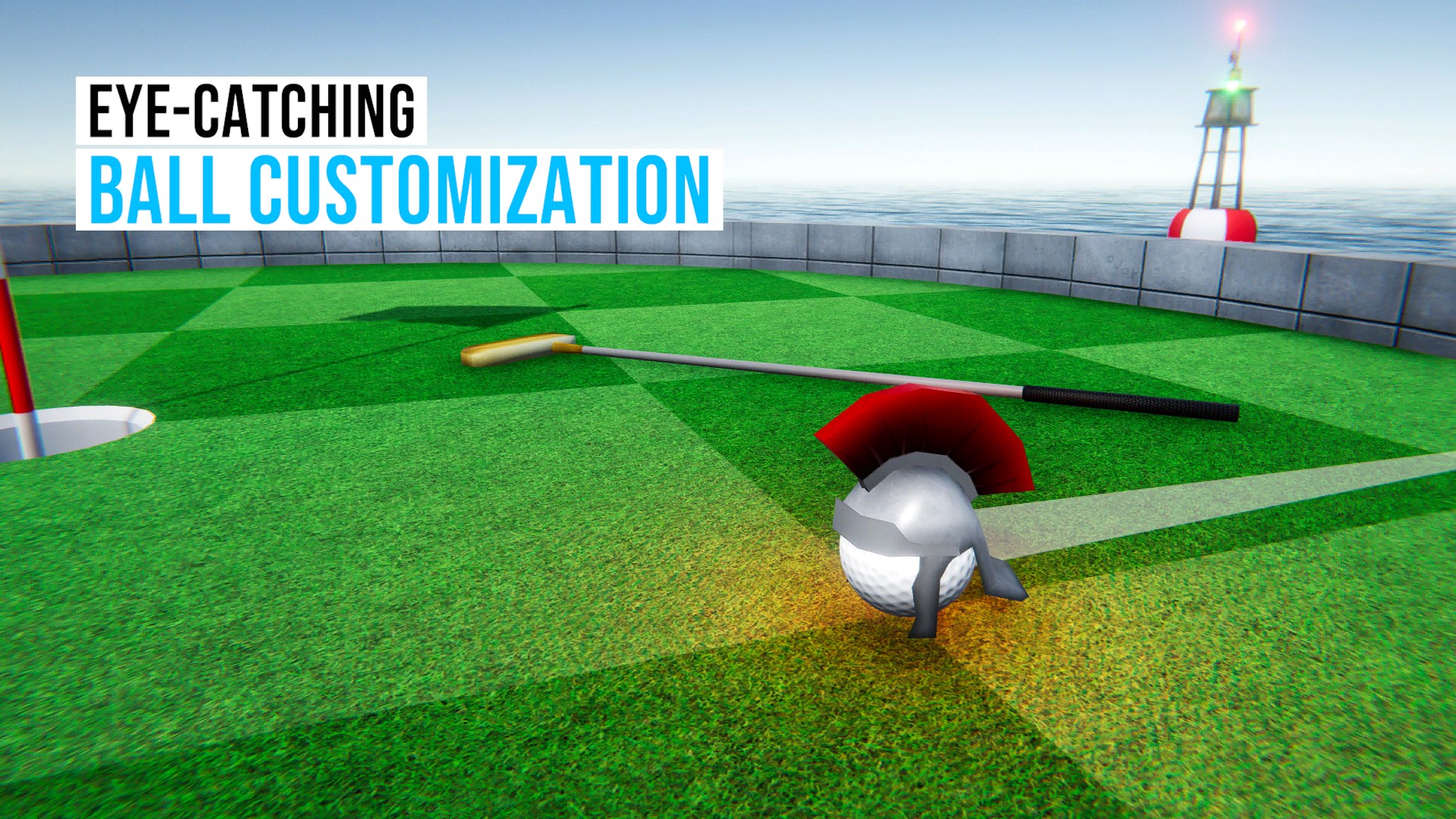
- Limited Customization
- In-App Purchase Pressure
- Occasional Performance Drops
- Limited Offline Mode
- Sound Effects Repetition











