

- Category Productivity
- Developer Microsoft Corporation
- Available on PC
- OS Windows 11 version 22621.0 or higher
- Keyboard Integrated Keyboard
- Mouse Integrated Mouse
- languages Chinese (Simplified), Chinese (Traditional), Danish, Dutch, English (United Kingdom), English (United States), Finnish, French, German, Italian, Japanese, Norwegian (Bokmål), Polish , Portuguese (Brazil), Russian, Spanish (Spain), Swedish
Introduction: Bridging Reality and Productivity
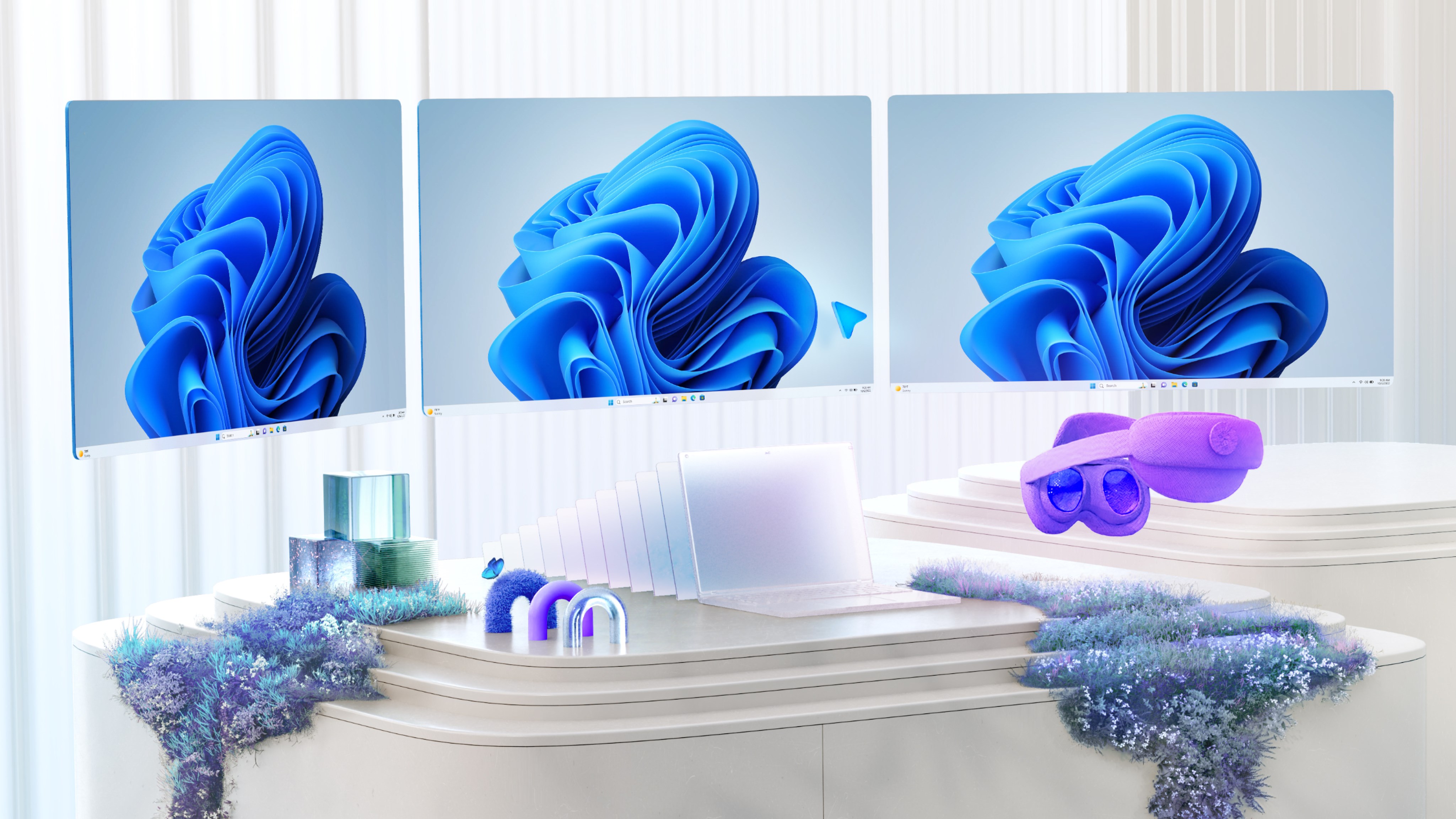
Imagine stepping into a workspace where the boundaries between digital and physical blur seamlessly, empowering you to interact with virtual content as naturally as with real objects. Mixed Reality Link for Windows by Microsoft epitomizes this vision, offering a compelling gateway into augmented work and collaboration. Designed to harness mixed reality (MR) technology, this application transforms how professionals engage with digital information, making workflows more intuitive and immersive.
Core Features That Elevate Your Experience
Seamless MR Integration for Enhanced Productivity
The standout feature of Mixed Reality Link is its ability to integrate MR experiences directly into your Windows environment. Whether you're managing complex data visualizations or collaborating with remote teams, the app overlays virtual content onto your physical space. This bridges the gap between digital data and real-world context, helping users interpret and manipulate information more intuitively. For instance, engineers can visualize 3D models in their actual workspace, reducing the cognitive load of abstracted data and streamlining decision-making processes.
Intuitive Spatial Mapping and Content Interaction
One of the app's remarkable capabilities is its precise spatial mapping, allowing virtual objects to stay anchored in your physical environment. This enables natural interactions—moving, resizing, or pointing—much like handling real-world objects. The interface design leverages familiar gestures and controls, minimizing the learning curve. Users can effortlessly flick through different virtual layers or annotations, making complex workflows feel more tangible and less mentally taxing.
Workflow Efficiency Through Focused Feature Set
Unlike some MR applications burdened with feature bloat, Mixed Reality Link emphasizes streamlined functionality tailored for productivity. It reduces unnecessary complexity by focusing on essential MR interactions, which translates into less cognitive load and quicker mastery. This targeted approach means professionals spend less time figuring out how to use the tool and more time benefiting from its capabilities—effectively enhancing workflow integration. It's like having a meticulously organized toolbox that delivers exactly what you need without distractions.
User Interface and Experience: Friendly, Fluid, and Functional
The interface design strikes a balance between professional minimalism and user-friendly clarity. Clear icons and logical navigation ensure users can access key features without confusion. During testing, transitions between different virtual overlays and spatial arrangements were smooth, with minimal lag, even on mid-range hardware. The learning curve is gentle—new users can quickly become comfortable with core functions, thanks to guided tutorials and intuitive gesture controls. Overall, this creates a frictionless user experience that feels more like exploring a well-designed digital forest than wrestling with a complex machinery.
Differentiation: Why It Stands Out Among Productivity Tools
Most productivity apps focus on document management, communication, or task tracking, often operating within flat 2D interfaces. Mixed Reality Link distinguishes itself by harnessing 3D spatial awareness to reduce mental effort. This means users aren't just clicking through menus; they're manipulating virtual objects within their real space—visualizing, annotating, collaborating—all in a unified environment. This approach significantly reduces cognitive load compared to juggling multiple 2D apps or trying to mentally assemble disparate data points. It's akin to upgrading from reading a map to actually walking through the landscape.
Final Verdict and Recommendations
Considering its focused features and intuitive design, Mixed Reality Link for Windows deserves a strong recommendation for professionals seeking to incorporate MR into their workflows—especially in fields like engineering, design, and remote collaboration. Its unique ability to integrate virtual content seamlessly within physical space sets it apart from conventional productivity tools. However, users should note that optimal performance hinges on hardware compatibility; therefore, a compatible Mixed Reality headset and capable PC are advisable to experience its full potential.
In summary, if you're eager to explore how mixed reality can make your work more immersive and efficient without drowning in unnecessary complexity, Mixed Reality Link is a smart, practical choice that can genuinely enhance your productivity landscape.
Pros
- Intuitive User Interface
- Realistic Mixed Reality Experience
- Wide Compatibility
- Smooth Performance
- Regular Updates
Cons
- Limited Content Library
- High System Requirements
- Occasional Connectivity Issues
- Learning Curve for Advanced Features
- Limited Customization Options











