

- Category Music
- Developer NCH Software
- Available on PC
- OS Windows 10 version 15063.0 or higher
- Mouse Integrated Mouse
- languages English (United States)
MixPad Multitrack Recording Software Express Edition: A Comprehensive Review
MixPad Multitrack Recording Software Express Edition for Windows stands out as a versatile digital audio workstation tailored for budding musicians, podcasters, and audio enthusiasts looking for a straightforward yet powerful multi-track recording experience.
Basic Information: Setting the Stage
Developed and published by NCH Software, MixPad offers an intuitive platform designed to facilitate multitrack recording and mixing without the steep learning curve associated with professional DAWs. Major highlights include ease of use for beginners, high-quality audio processing, and flexible multi-track editing capabilities. Its target audience encompasses amateur musicians, content creators, educators, and small recording studios seeking an accessible yet robust tool for their audio projects.
Engaging Entry: Why MixPad Might Be Your New Studio Partner
Imagine yourself in a cozy home studio, surrounded by your instruments and a laptop packed with new ideas. MixPad comes as your reliable co-creator, ready to help turn your musical dreams into tangible audio tracks. Whether you're laying down guitar riffs or crafting a podcast episode, this software promises a smooth, frustration-free journey from recording to final mix.
Core Functionality: Multitrack Recording and Mixing at Your Fingertips
Multi-Track Recording Made Simple
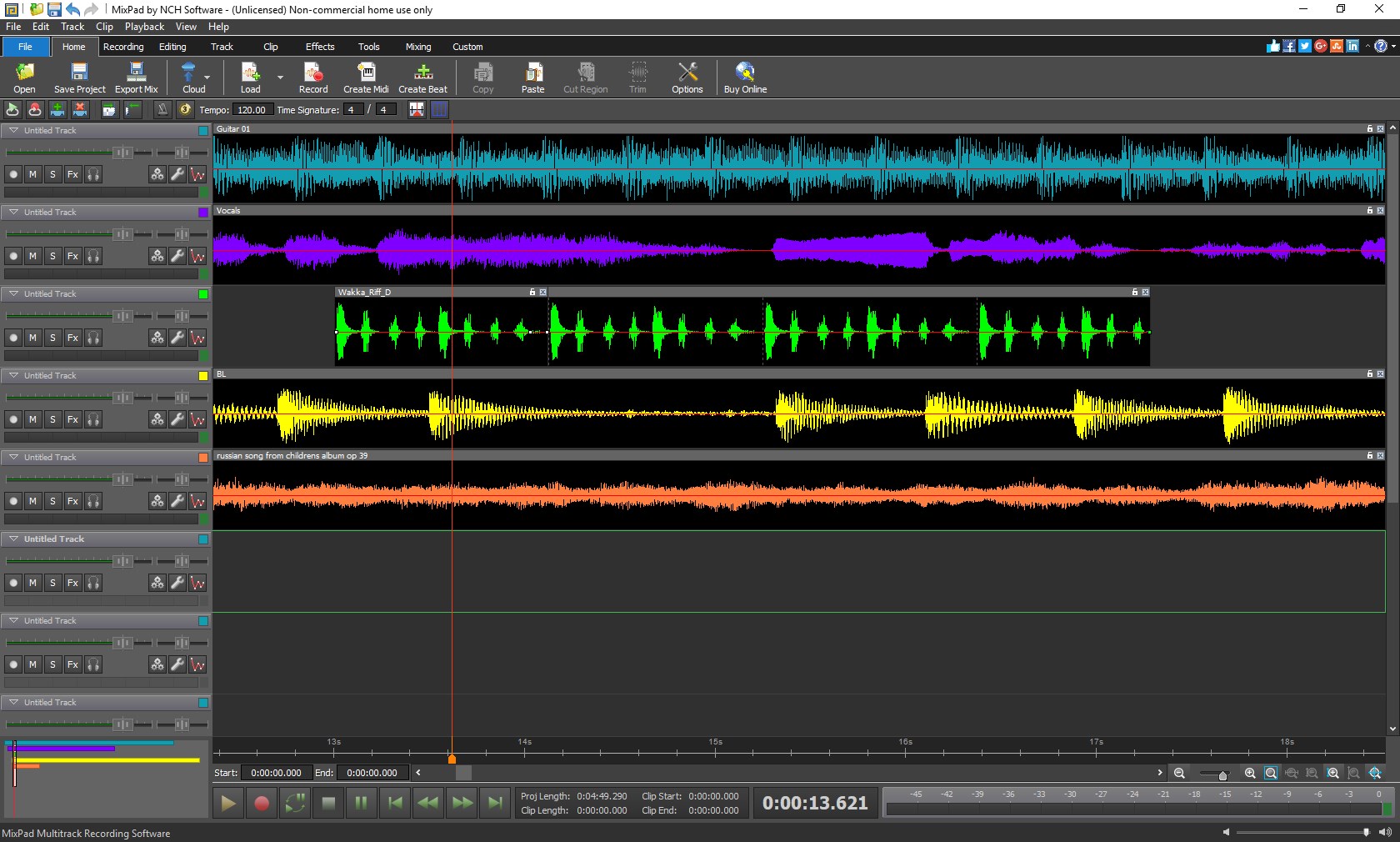
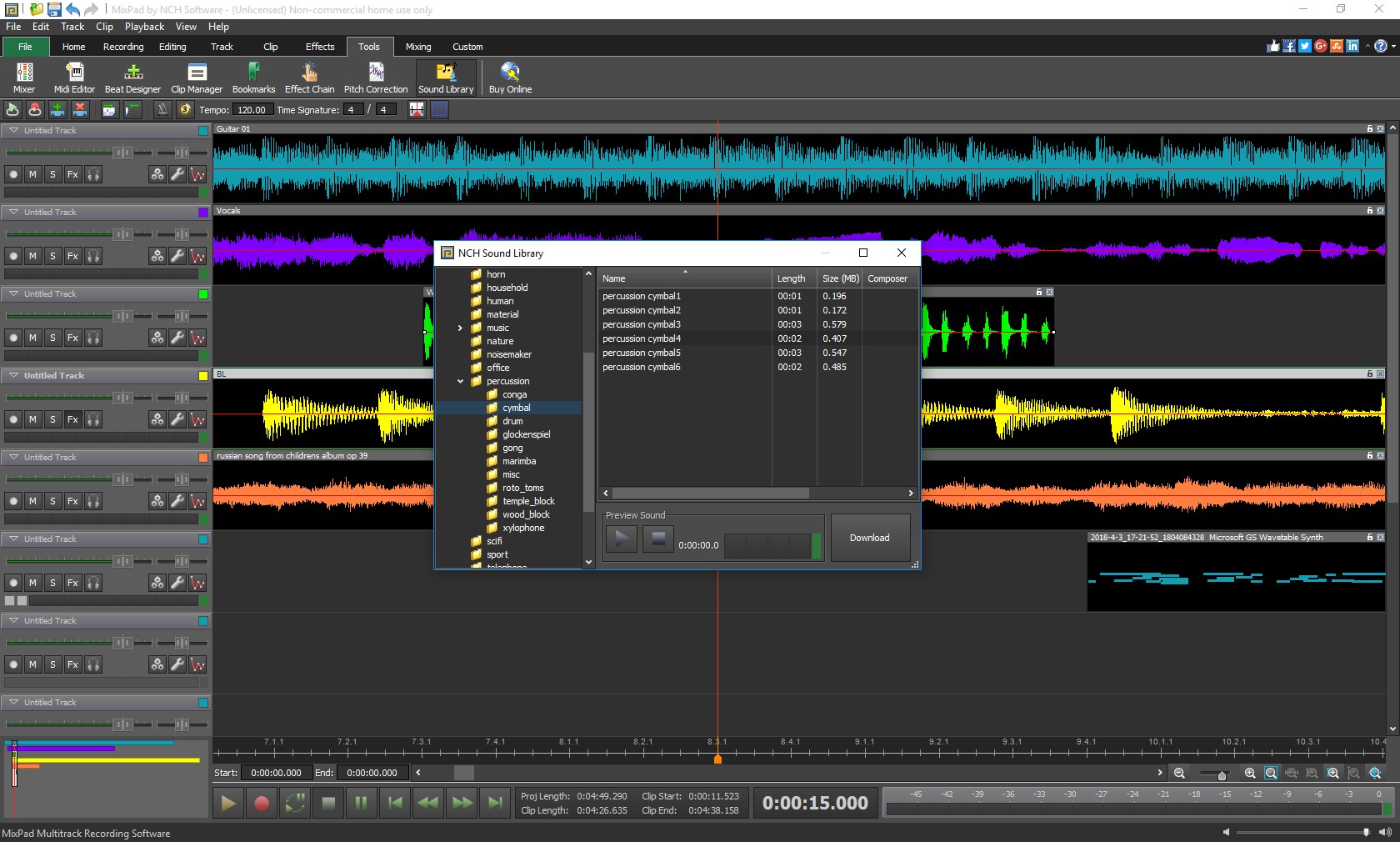
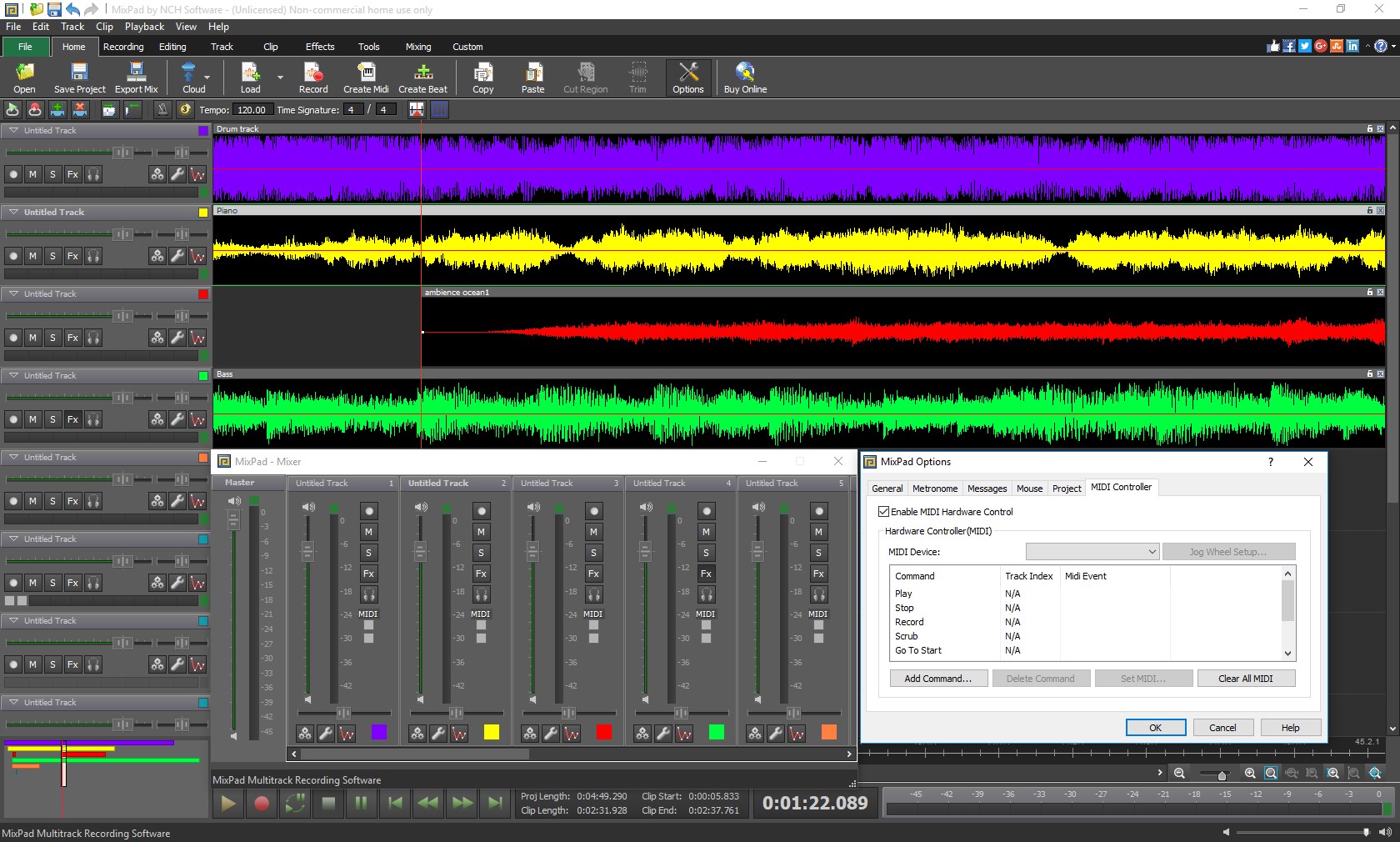
At its core, MixPad excels at enabling users to record multiple tracks simultaneously or sequentially. Its straightforward interface acts like a digital mixing desk—dragging, dropping, and layering sounds feels as natural as assembling a collage. The software supports a variety of audio formats, making it easy to import your favorite samples or export your finished projects with professional quality. For musicians, this means capturing live performances more efficiently; for podcasters, seamlessly editing interview segments becomes second nature.
Powerful Audio Processing Tools
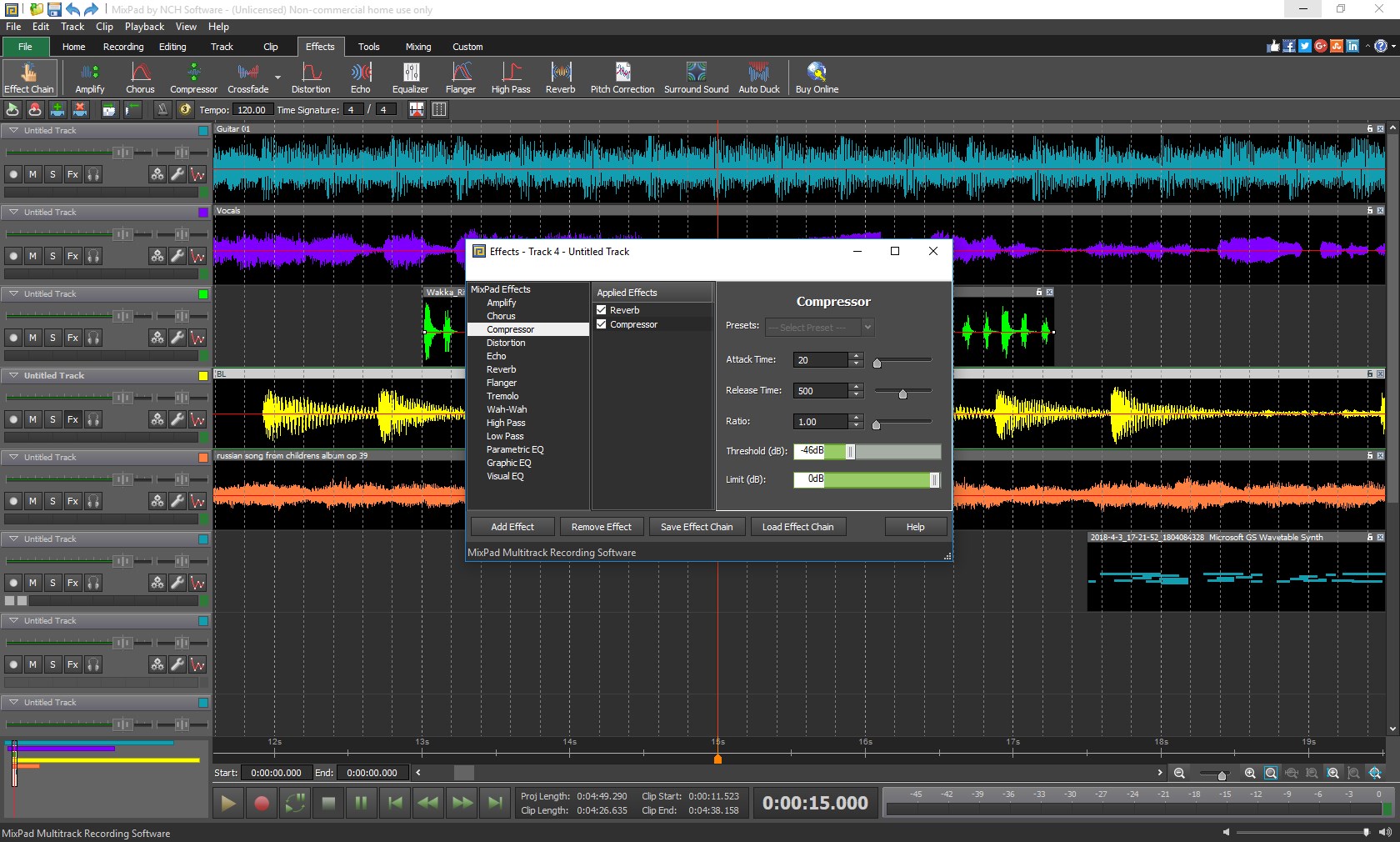
The software boasts an impressive suite of effects and processing options, including equalizers, reverb, compression, and noise reduction. These tools allow for real-time adjustments, giving your tracks polish and clarity. Notably, MixPad's ability to assess and handle test input latency tolerance ensures that your recordings adhere to timing precision—crucial when working with rhythm pattern variety. Its unique features help keep your tracks in sync and maintain a tight rhythm, even if you're juggling complex beats or layered vocals.
User Experience and Design: Friendly, Fluid, and Accessible
From the moment you open MixPad, its interface welcomes you like a friendly workshop. The layout is clean, with color-coded tracks and intuitive controls that reduce clutter and confusion. Operating in this environment feels fluid—the drag-and-drop functionality, combined with swift response times, makes multi-layer editing feel seamless. For beginners, the learning curve is manageable, thanks to clear icons and straightforward menus; experienced users will appreciate the depth of control available. Modeled like a traditional studio but with digital ease, it's a perfect fusion of familiarity and innovation.
Differentiation: Standing Out in the Crowd
Compared to other music applications, MixPad's emphasis on rhythm pattern variety and input latency assessment sets it apart. While many apps focus solely on intuitive recording or effects, MixPad's ability to evaluate test input latency tolerance ensures that grooves stay tight, even with complex rhythmic arrangements. This makes it particularly suitable for genres that demand precise timing—electronic dance music, jazz, or drum-heavy compositions. Such nuanced capabilities allow creators to produce professional-sounding tracks without investing in high-end hardware or advanced knowledge.
Final Verdict: A Solid Choice for Creators at All Levels
For those seeking an accessible yet capable multitrack recorder, MixPad offers a compelling package. Its standout features—particularly the rhythm pattern management and input latency evaluation—highlight its suitability for musicians and producers aiming for precise timing and dynamic arrangements. While it may lack some advanced features of premium DAWs, its user-friendly design and solid performance make it highly recommended for beginners and semi-professionals alike. Based on my experience, I'd suggest giving it a try if you want a reliable, straightforward tool that helps you shape your audio ideas into polished productions.
Pros
- Intuitive Multitrack Interface
- Wide Range of Audio Effects
- Multi-Platform Compatibility
- Real-time Monitoring
- Cost-Effective Solution
Cons
- Limited Export Options
- Basic Editing Features
- Occasional Stability Issues
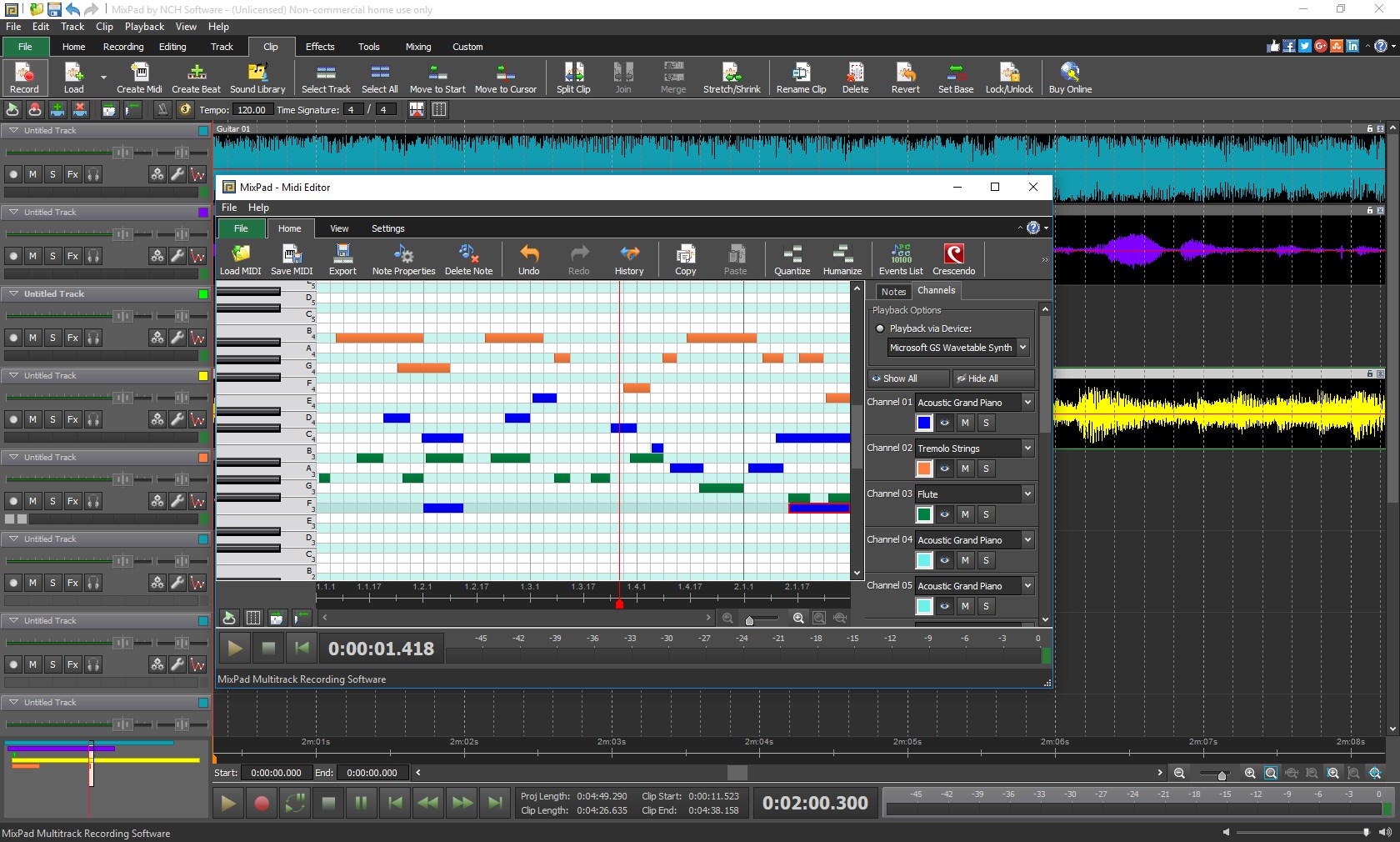
- Limited MIDI Capabilities
- Basic User Support











