

- Category Multimedia design
- Developer Moritz Bunkus et al.
- Available on PC
- OS Windows 10 version 17135.0 or higher
- Keyboard Integrated Keyboard
- Mouse Integrated Mouse
- Memory 1 GB
- languages English (United States)
An Introductory Glance at MKVToolNix for Windows
Imagine having a reliable toolkit that effortlessly handles your MKV video files—merging, splitting, and customizing them with finesse. That's precisely what MKVToolNix for Windows offers: a robust, open-source suite designed to simplify multimedia file manipulation. Developed by Moritz Bunkus and his team, this application stands out in the realm of video processing tools, especially for users who work extensively with Matroska (MKV) containers.
Core Features That Make It Shine
At its heart, MKVToolNix is all about providing a comprehensive set of features tailored for users who need precision and flexibility. Its key functionalities include:
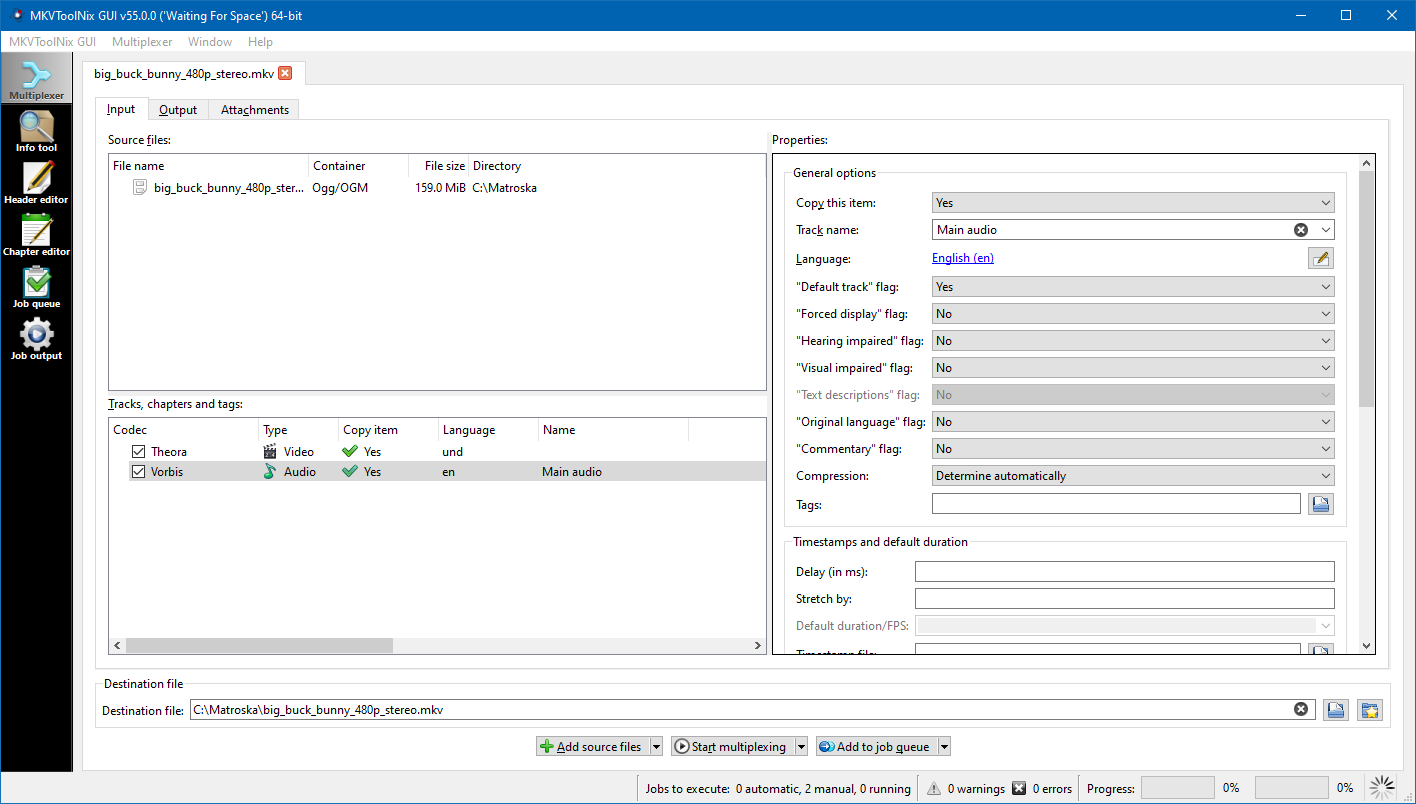
- Advanced MKV File Muxing and Demuxing: Easily combine multiple media elements—video, audio, subtitles—into one MKV file or extract parts for editing or conversion. The process is straightforward yet precise, even for complex files.
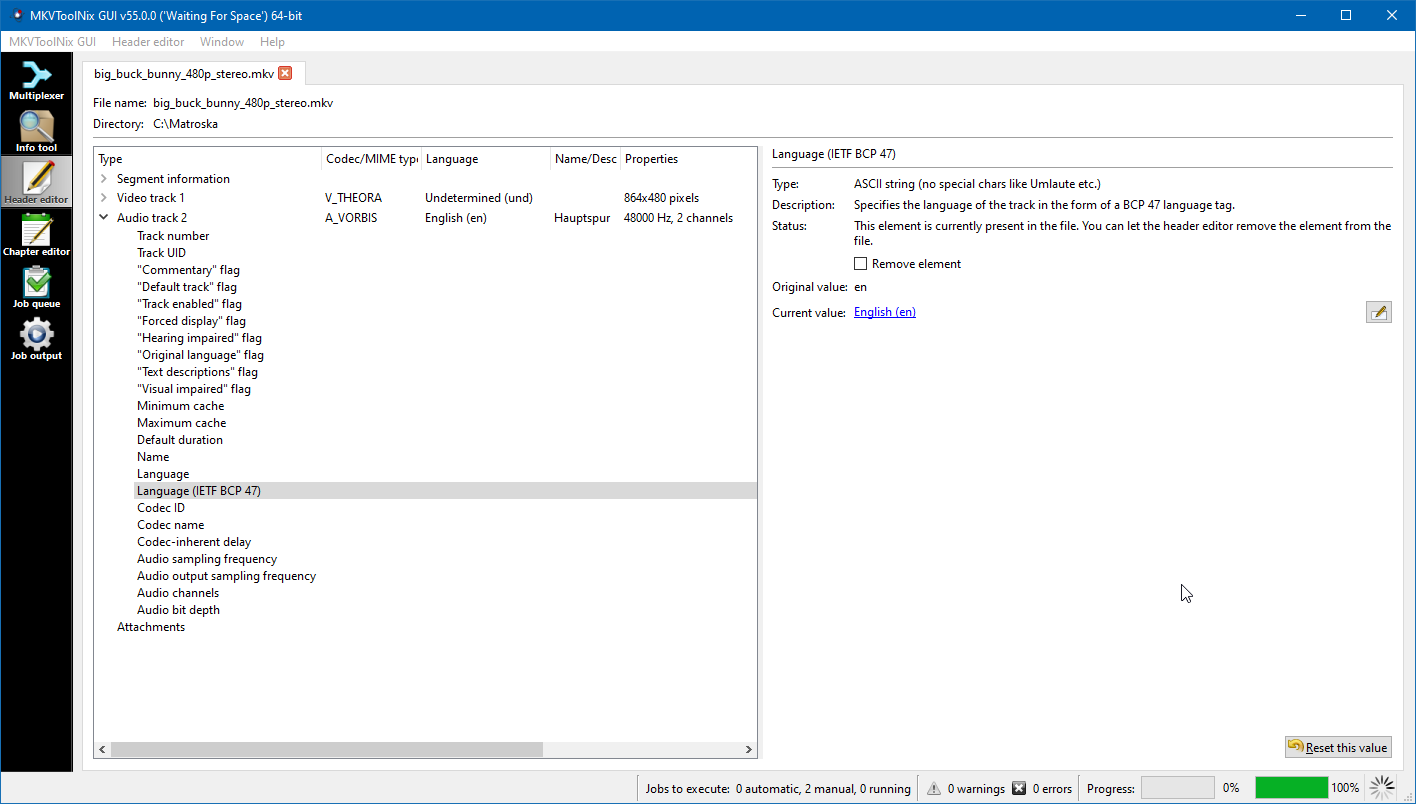
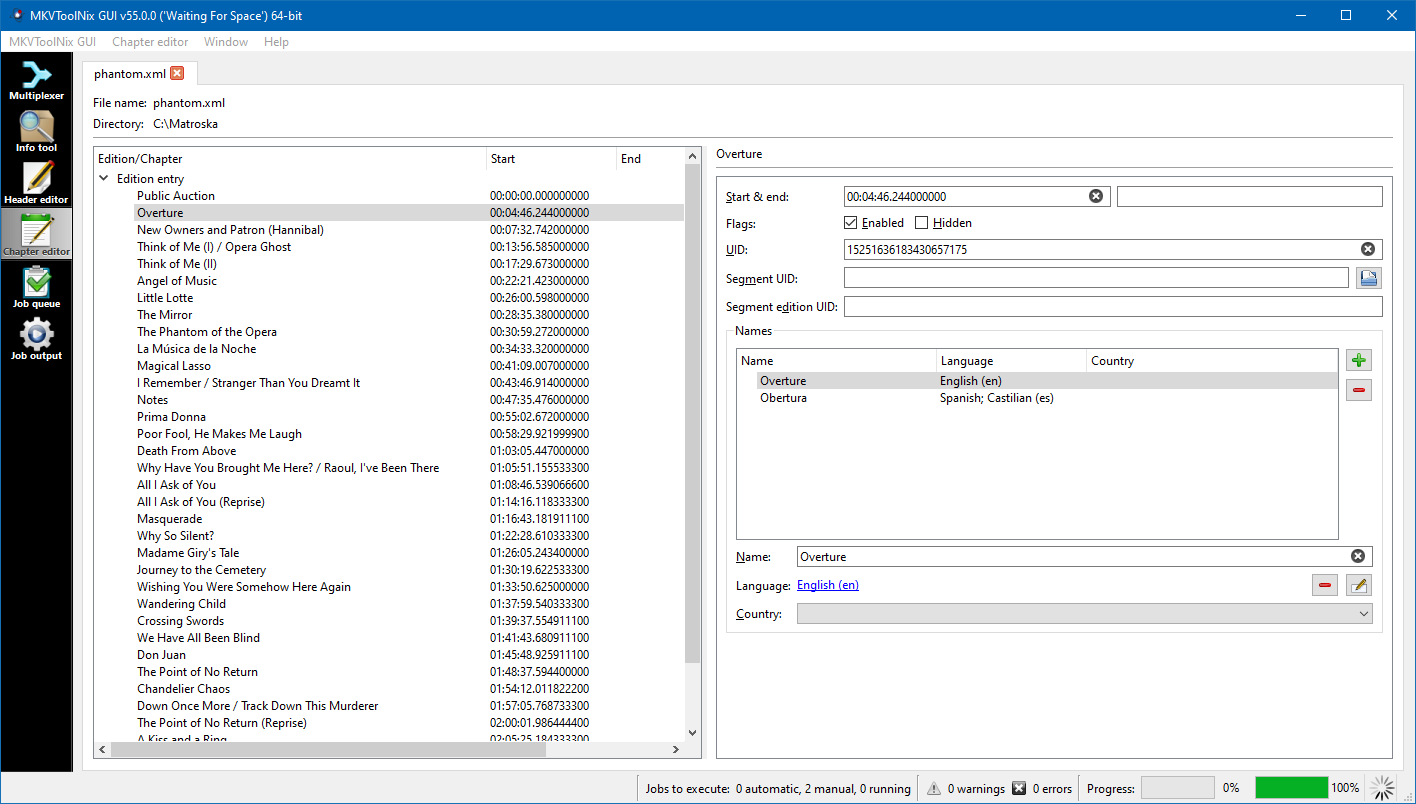
- Chapters and Metadata Management: Create, modify, or organize chapters seamlessly; embed or edit metadata such as titles, language tags, and more. Perfect for creating polished, professional-grade videos.
- Batch Processing Support: Automate repetitive tasks with batch operations, saving time when managing large collections of files—ideal for media librarians and content creators.
- Preview and Editing Controls: Preview tracks and edit properties before finalizing your changes, ensuring your output matches your expectations without guesswork.
Design and User Experience: Friendly Yet Efficient
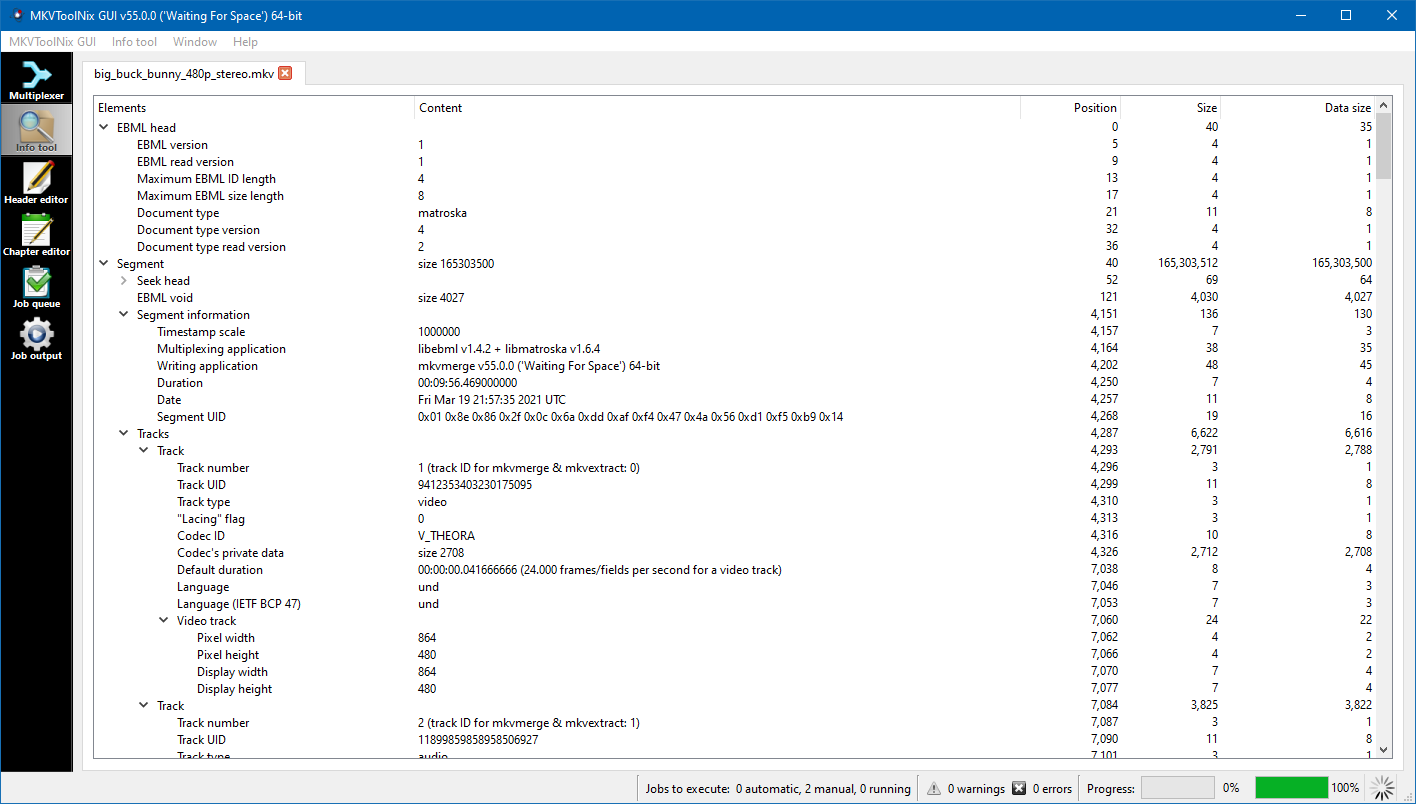
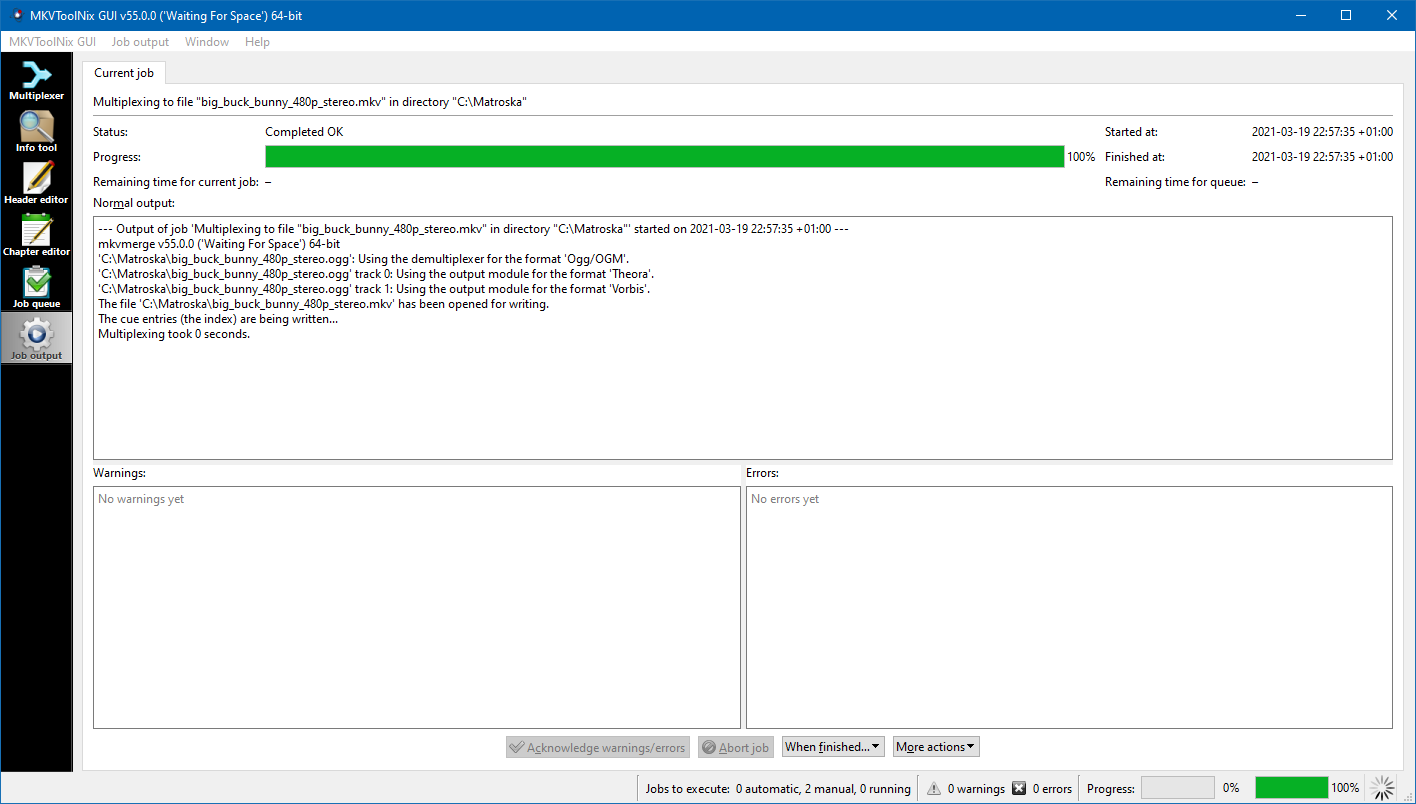
MKVToolNix presents a clean and utilitarian interface—think of it as your well-organized digital workspace, where functions are logically laid out akin to tools in a toolbox. The design favors clarity over flash, making navigation simple even for newcomers. The application responds swiftly to commands, and the drag-and-drop functionality streamlines file handling, reducing the learning curve. While some advanced features require a moment of acclimation, overall, the interface facilitates an intuitive workflow. Users who have previously tried more cluttered editing suites will find MKVToolNix refreshingly straightforward, like shifting from a cluttered workshop to a well-organized craft studio.
Unique Selling Points: Standout Features of MKVToolNix
What sets MKVToolNix apart from other multimedia tools? Two features emerge as particularly compelling:
- Comprehensive MKV Container Management: Unlike many video editors that focus solely on editing or transcoding, MKVToolNix specializes in the nuanced handling of MKV containers. This specialization allows for meticulous control over file components—perfect for users who need to fine-tune their multimedia files without quality loss.
- Batch Processing and Automation Capabilities: Automating tasks is often the distinguishing factor for power users. MKVToolNix's robust command-line and GUI options enable efficient processing of multiple files, transforming what could be a tedious chore into a streamlined operation—akin to having a diligent assistant working silently in the background.
Final Thoughts: To Use or Not to Use
All in all, MKVToolNix for Windows demonstrates a balance of depth and accessibility. Its focused feature set excels where it matters most—precise manipulation of MKV files—without overwhelming users with unnecessary complexities. If you often work with MKV containers, require detailed control over subtitles, chapters, or metadata, this application is a valuable addition to your toolkit. Although it's not intended as a full-fledged video editor, its strengths lie in file management and customization. I would recommend it to media professionals, enthusiasts, or anyone looking for a reliable way to handle MKV files with confidence and precision. For casual users who just need to cut a clip or transcode, other tools might be more user-friendly—but for the meticulous, MKVToolNix is a dependable companion.
Pros
- User-Friendly Interface
- Broad Format Support
- Powerful Merging and Splitting Features
- Advanced Metadata Editing
- Open-Source Nature with Regular Updates
Cons
- Heavy CPU Usage during Processing
- Limited Video Preview Functionality
- Steep Learning Curve for Advanced Features
- Occasional Stability Issues with Large Files
- Lack of Built-in Support for Video Playback










