

- Category Music
- Developer Zubersoft, LLC
- Available on PC, Mobile, Surface Hub, HoloLens
- OS Windows 10 version 17763.0 or higher
- languages Catalan, Chinese (Simplified), Chinese (Traditional Chinese), Czech, Danish, Dutch, English (Belize), English (United States), Finnish, French, German, Greek, Italian, Japanese, Korean, Korean , Norwegian (Bokmål), Polish, Portuguese (Brazil), Romanian, Russian, Slovak, Spanish, Spanish (Spain), Turkish, Ukrainian
An In-Depth Look at MobileSheets for Windows: The Digital Sheet Music Organizer
MobileSheets for Windows by Zubersoft offers a comprehensive solution for musicians seeking a powerful, customizable, and user-friendly digital sheet music management tool, transforming how performers prepare and execute their performances.
Company Behind the Magic
Developed by Zubersoft, LLC, MobileSheets has established itself as a dedicated developer focused on creating professional-grade music management software across multiple platforms, ensuring musicians have reliable tools at their fingertips.
Key Features That Make a Difference
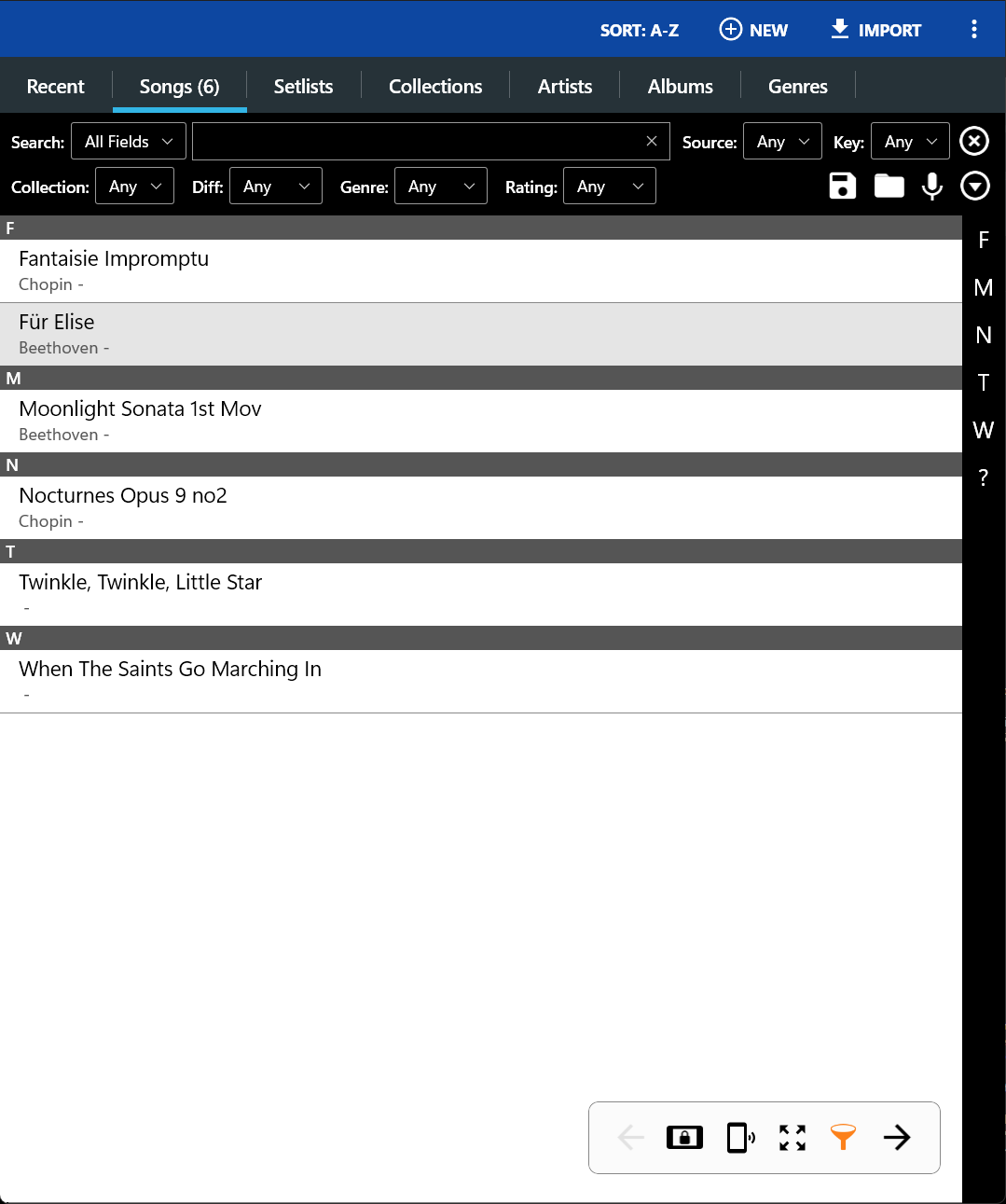
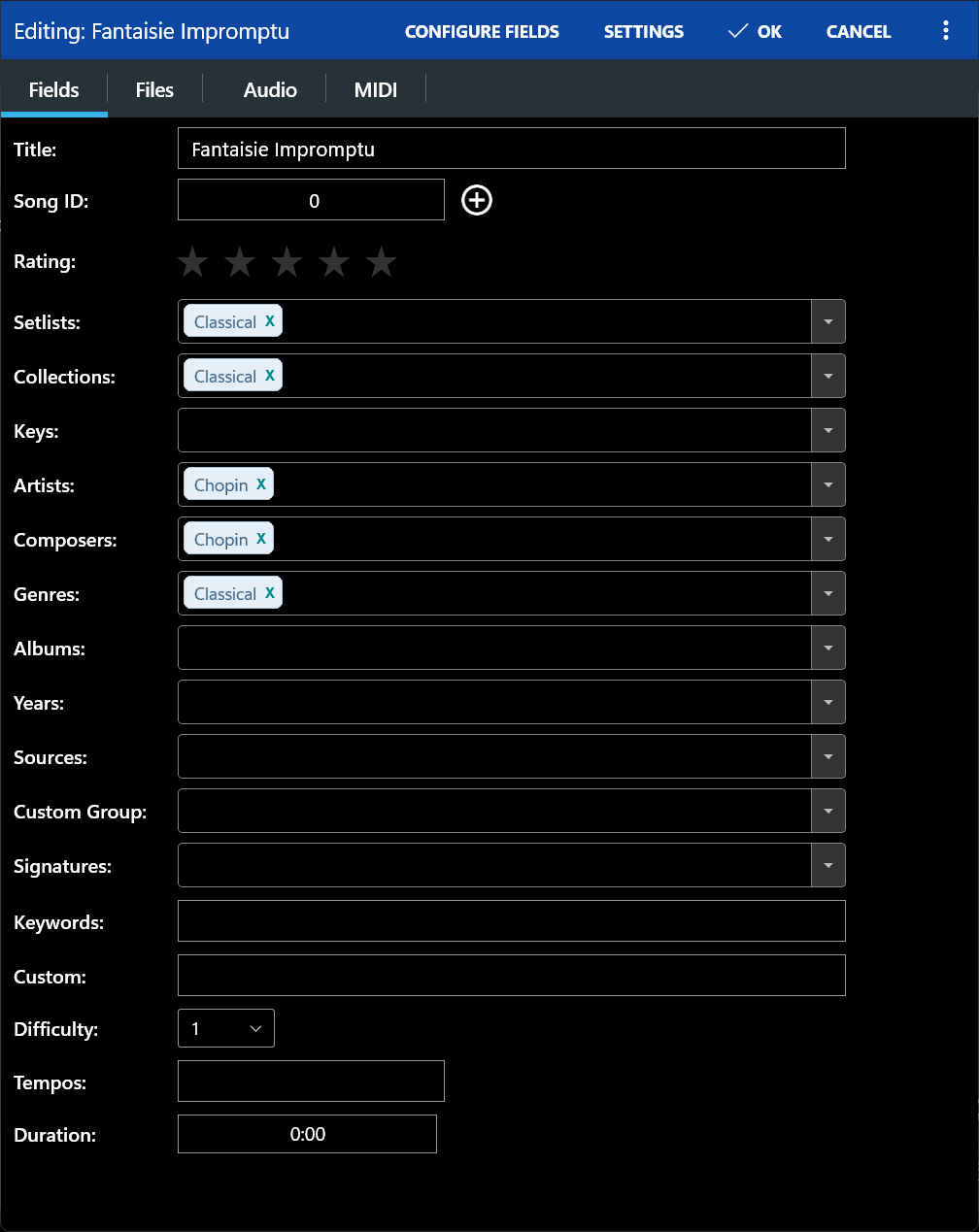
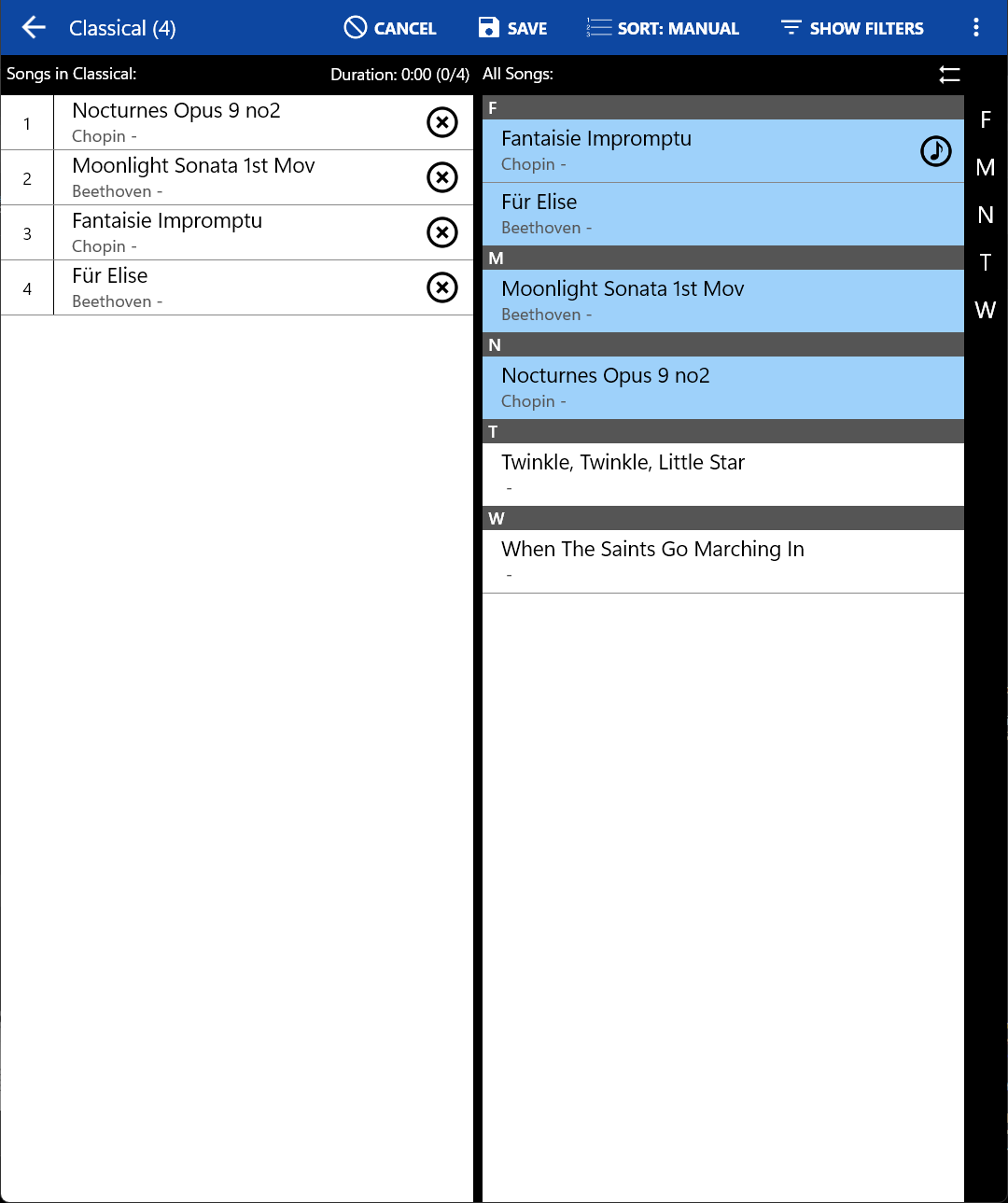
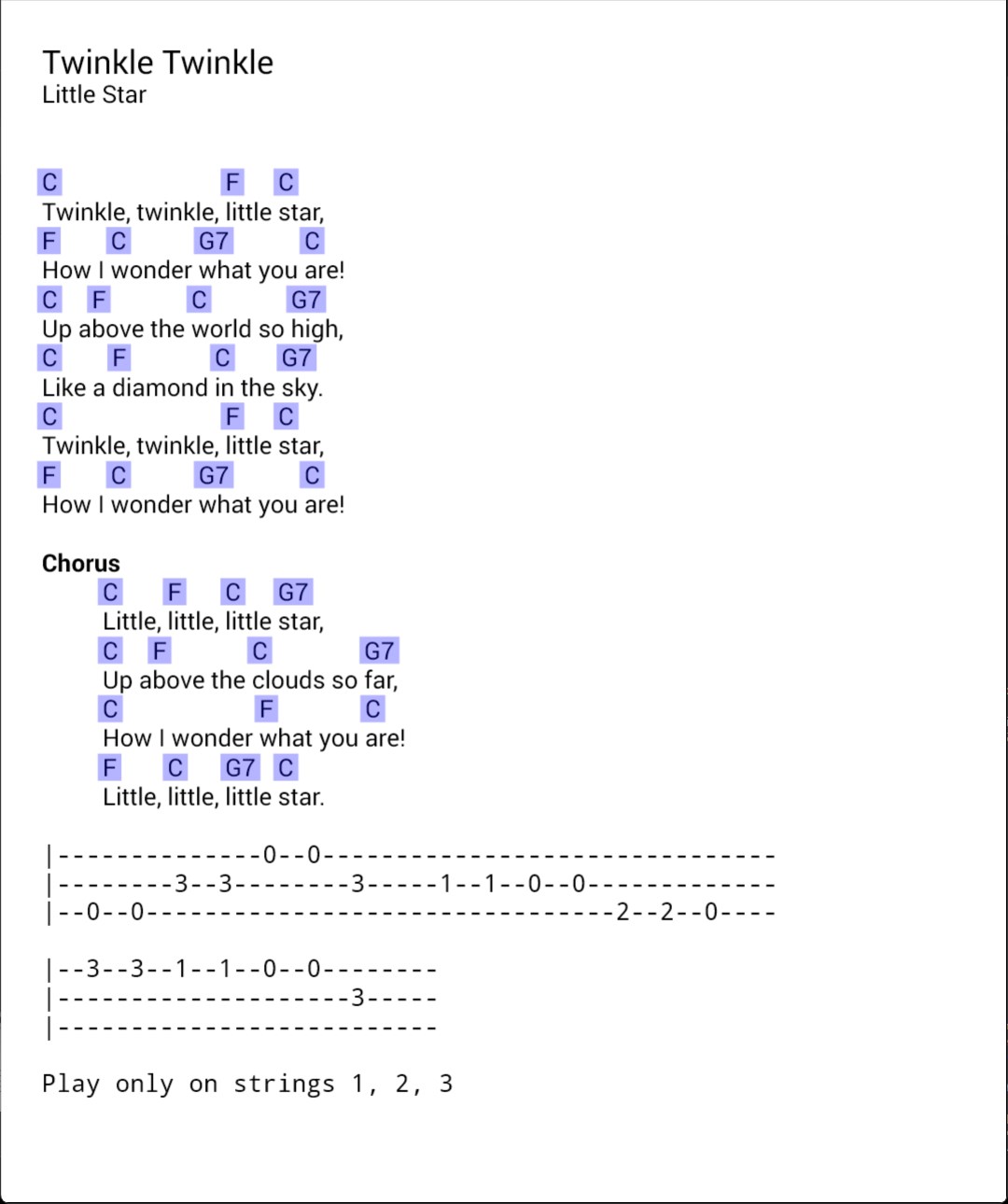
- Extensive Library Management: Organize, categorize, and search large collections of sheet music effortlessly with intuitive tagging and sorting options.
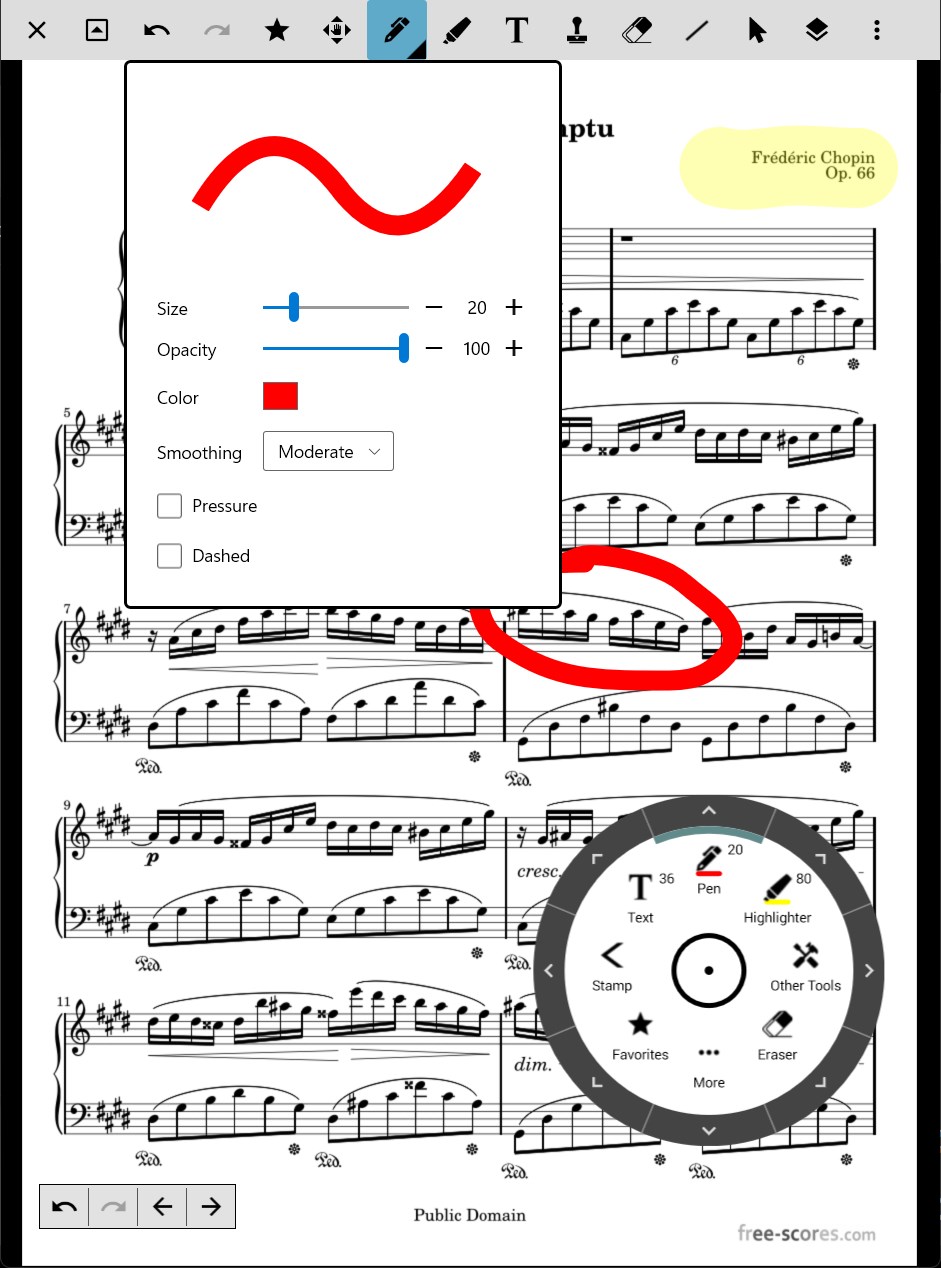
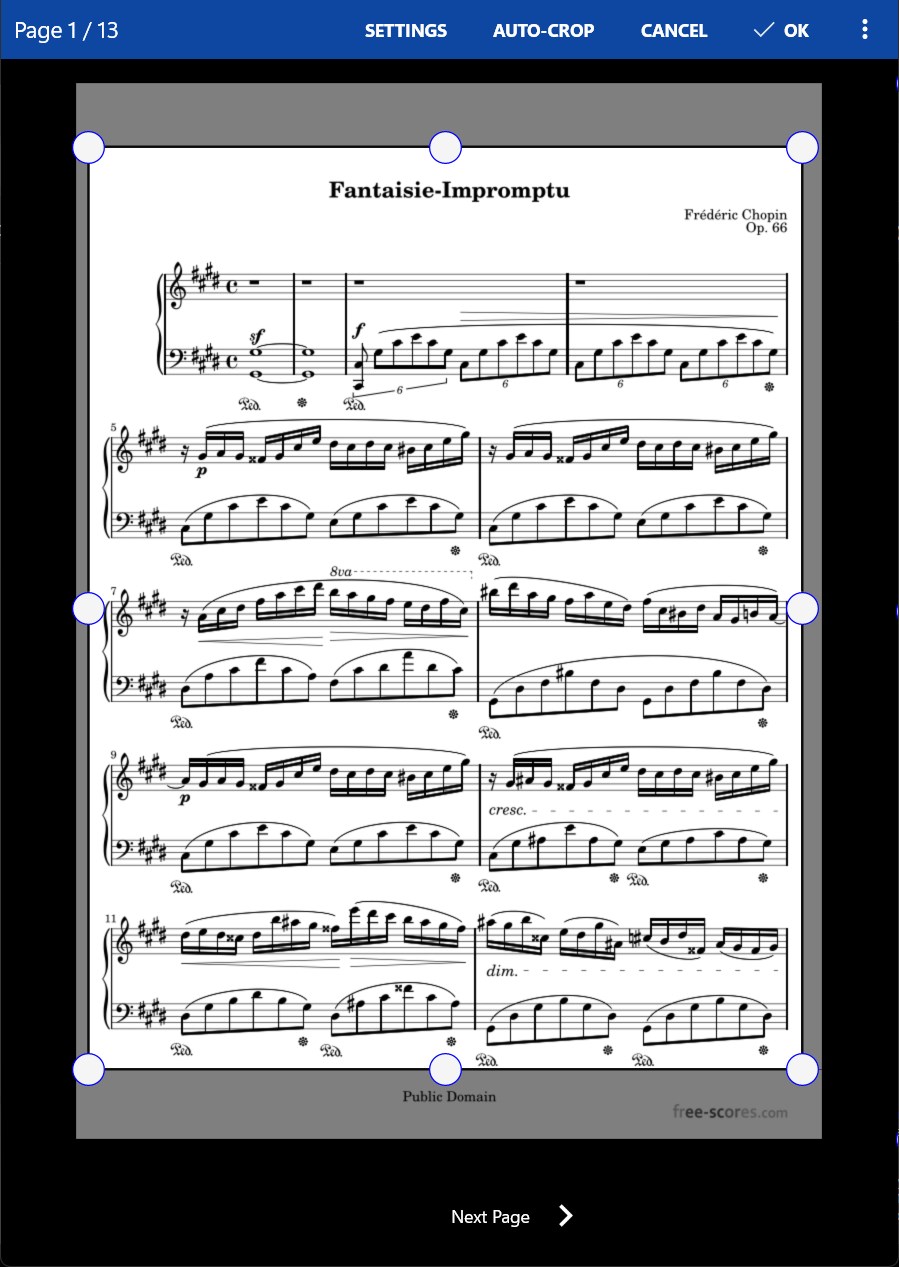
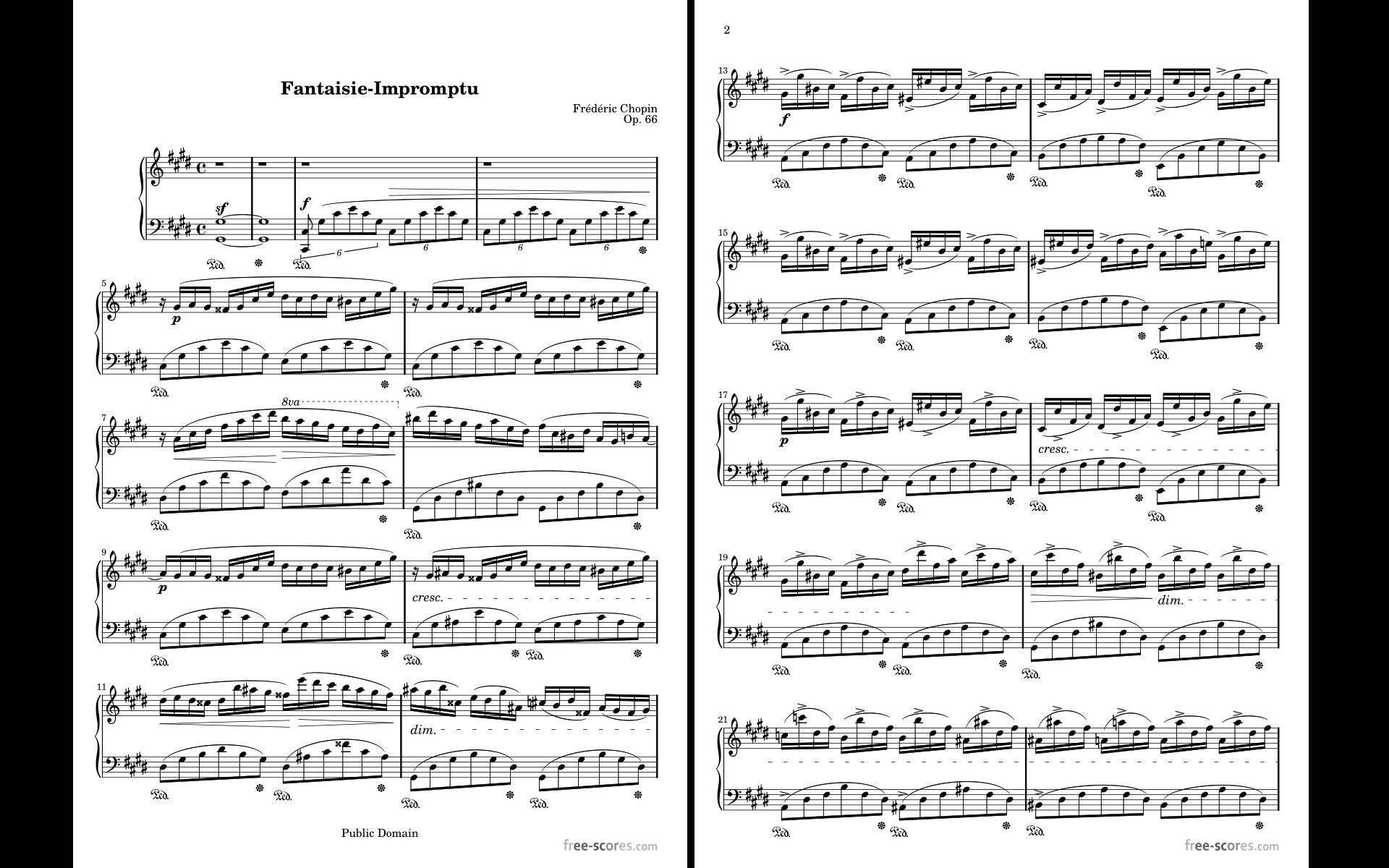
- Extensive Annotation and Markup Tools: Customize your score with highlights, notes, fingerings, and textual remarks, making each sheet uniquely yours.
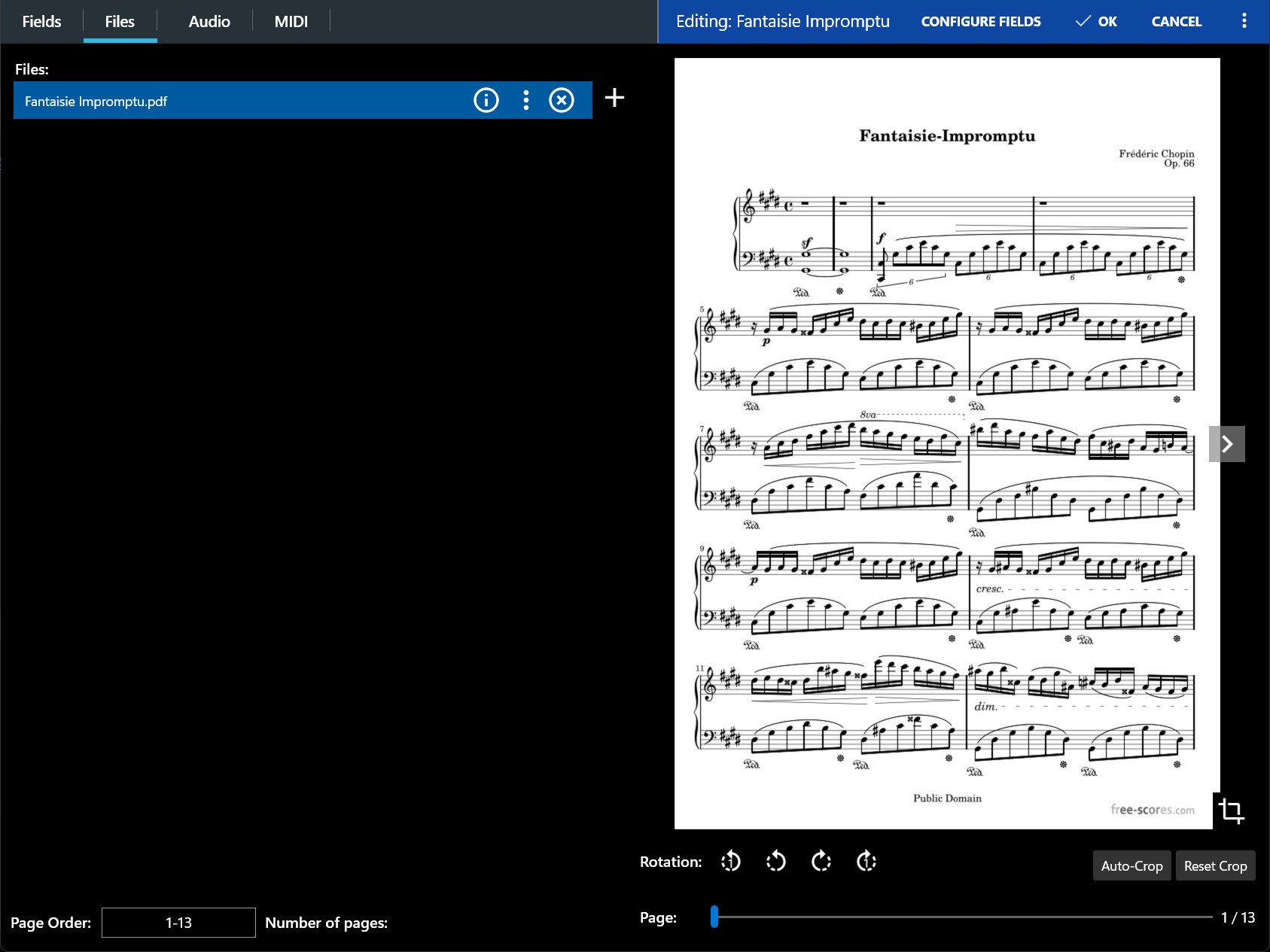
- Flexible Page Handling and Display: Supports various page-turning methods—touch, pedal, or MIDI device—while offering zoom and fit options for comfortable viewing.
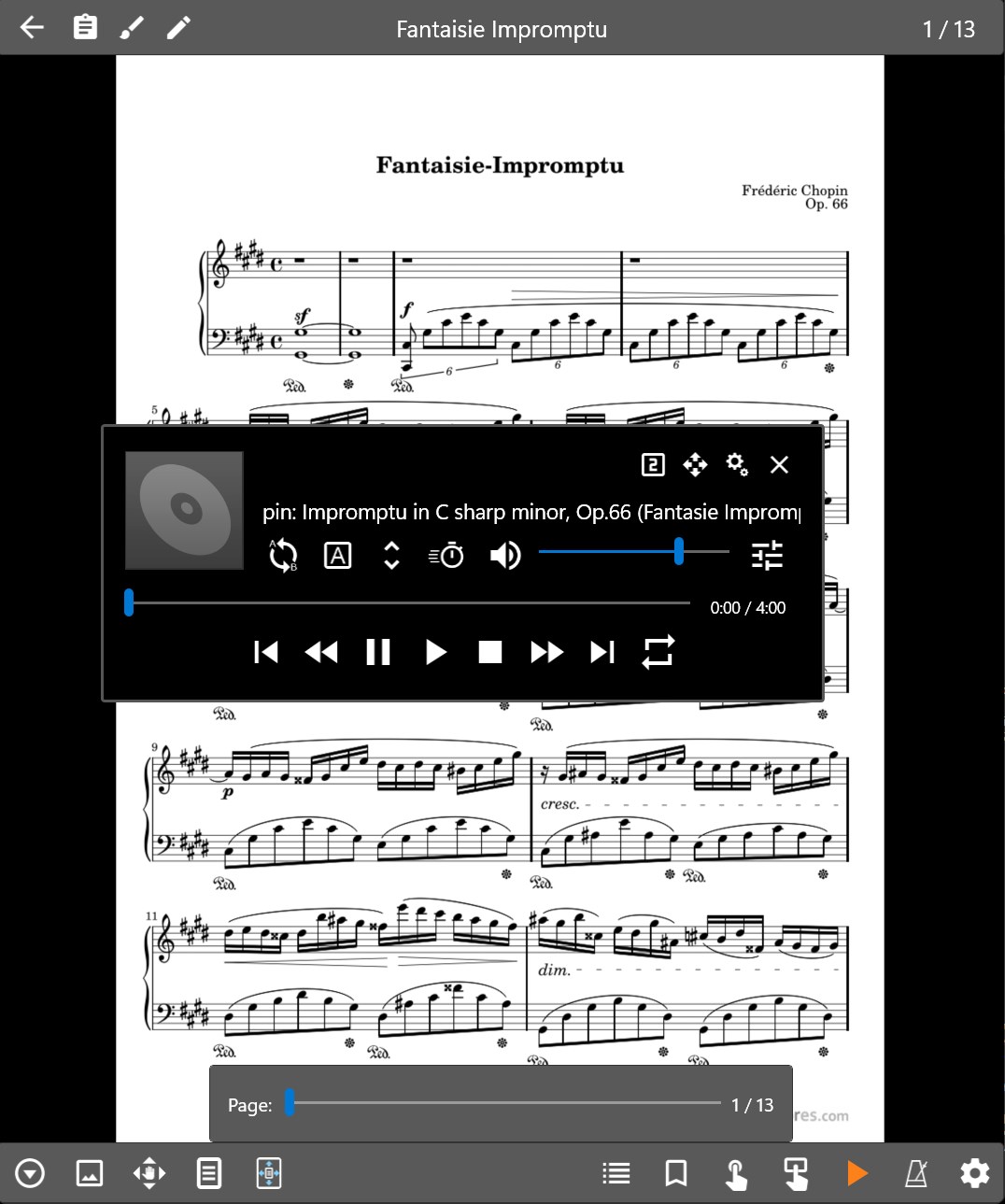
- Advanced Playback and Rhythm Assessment: Unique features such as assessing rhythm pattern variety and tolerating input latency stand out among similar apps.
Immersive User Experience: Navigating the App's Interface
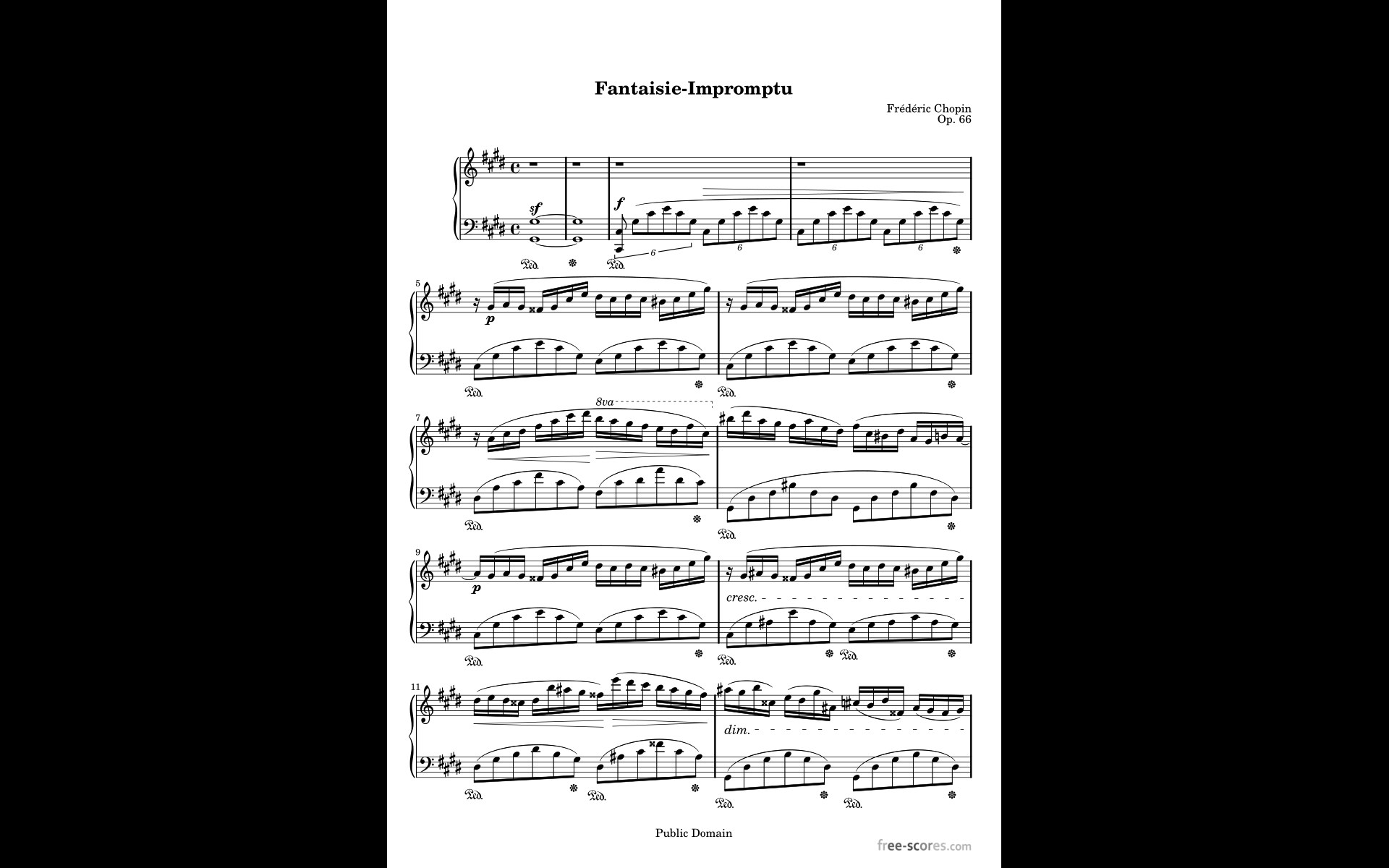
Launching MobileSheets for Windows feels like opening a well-organized music studio. Its interface is clean yet comprehensive, with a sidebar for easy library browsing and a central workspace that displays scores beautifully. Transitioning between scores is smooth, thanks to responsive page-turning and seamless loading times. The learning curve is gentle—while beginners can swiftly grasp basic operations, seasoned musicians will discover advanced features that cater to detailed customization. The app feels like a trusty music assistant, always ready to help during practice or live performances without fuss.
What Sets MobileSheets Apart from the Crowd?
When comparing MobileSheets to other digital sheet music apps, a few distinctive strengths shine through. Its rhythm assessment tools, which evaluate rhythm pattern variety, are particularly noteworthy. These tools enable performers to analyze different rhythmic styles and ensure reliability during live renditions. Additionally, MobileSheets's ability to tolerate input latency means pages and annotations respond swiftly, even amidst less-than-ideal hardware setups, providing a smoother experience than many competitors. Such features make it not just a storage solution but a true performance companion that adapts to the needs of both casual musicians and seasoned professionals.
Final Thoughts and Recommendations
For musicians seeking a robust, versatile digital sheet music management app on Windows, MobileSheets from Zubersoft stands out as a practical and thoughtfully designed choice. Its advanced features, especially rhythm pattern analysis and latency tolerance, are invaluable for ensuring confident performances. Whether you're preparing for a recital, managing large music collections, or experimenting with complex rhythms, this app offers the tools you need in an accessible package. I recommend it to those who value precision, customization, and reliable performance support—it's a solid investment in your musical journey.
Pros
- Intuitive User Interface
- Extensive Song Management Features
- MIDI Compatibility
- Customizable Display Options
- Cloud Integration Support
Cons
- Limited PDF Annotation Features
- Steep Learning Curve for New Users
- Occasional Syncing Delays with Cloud Services
- Battery Consumption Slightly High During Use
- Limited Export Options for Annotations










