
- Category Personal Finance
- Developer iBear LLC
- Available on PC
- OS Windows 10 version 17763.0 or higher
- Keyboard Not specified
- Mouse Not specified
- languages Arabic, Armenian, Chinese (Simplified), Chinese (Traditional Chinese), Chinese (Traditional), Danish, Dutch, English, English (United States), French, German, Hindi, Hungarian, Indonesian, Italian, Japanese, Korean, Korean , Malay, Polish, Portuguese, Portuguese (Brazil), Russian, Slovak, Spanish, Spanish (Spain), Swedish, Thai, Turkish, Ukrainian, Vietnamese
Money Pro for Windows: A Solid Pillar for Personal Finance Management
If you're looking to tame the chaos of personal finances with a tool that offers both clarity and control, Money Pro might just be your new best friend. Designed to bring order to your financial universe, this application combines intuitive interfaces with powerful features, making budgeting and tracking as straightforward as having a friendly conversation with your financial advisor. Let's dive into what makes Money Pro stand out in the crowded landscape of personal finance apps.
Introduction and Developer Insights
Money Pro: Personal Finance for Windows is a comprehensive budgeting and expense tracking app aimed at helping users manage their money efficiently. Developed and published by iBear LLC, a team known for crafting user-centric financial tools, it promises to simplify complex financial data into manageable insights.
The app's main features include customizable budgets, detailed expense tracking, and comprehensive financial reporting—all wrapped in a sleek, user-friendly package. Its target audience spans working professionals, students, families, and anyone keen on monitoring their financial health without the fuss of overly complicated software.
Engaging and Practical Financial Tracking
From the moment you open Money Pro, it's clear that this isn't just another dry ledger; it's a vibrant financial workspace designed with a friendly touch. Imagine a dashboard that greets you like a well-organized accountant, filled with colorful charts and clear categories, all working together to paint a real-time picture of your financial health. Whether you're planning to save up for a big purchase or just keep tabs on daily expenses, Money Pro makes it easy and even a bit enjoyable.
Core Function: Budgeting and Expense Management
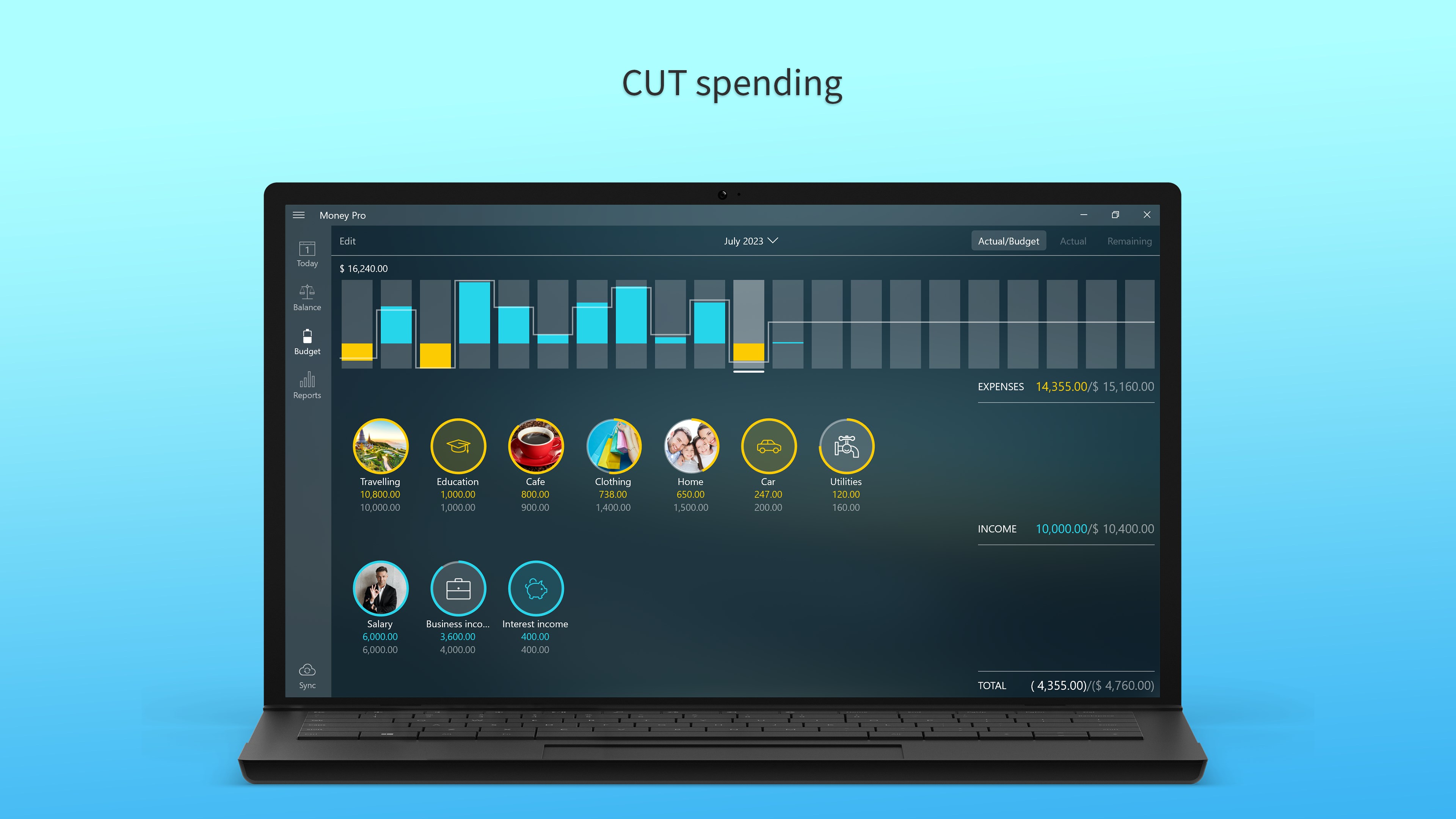
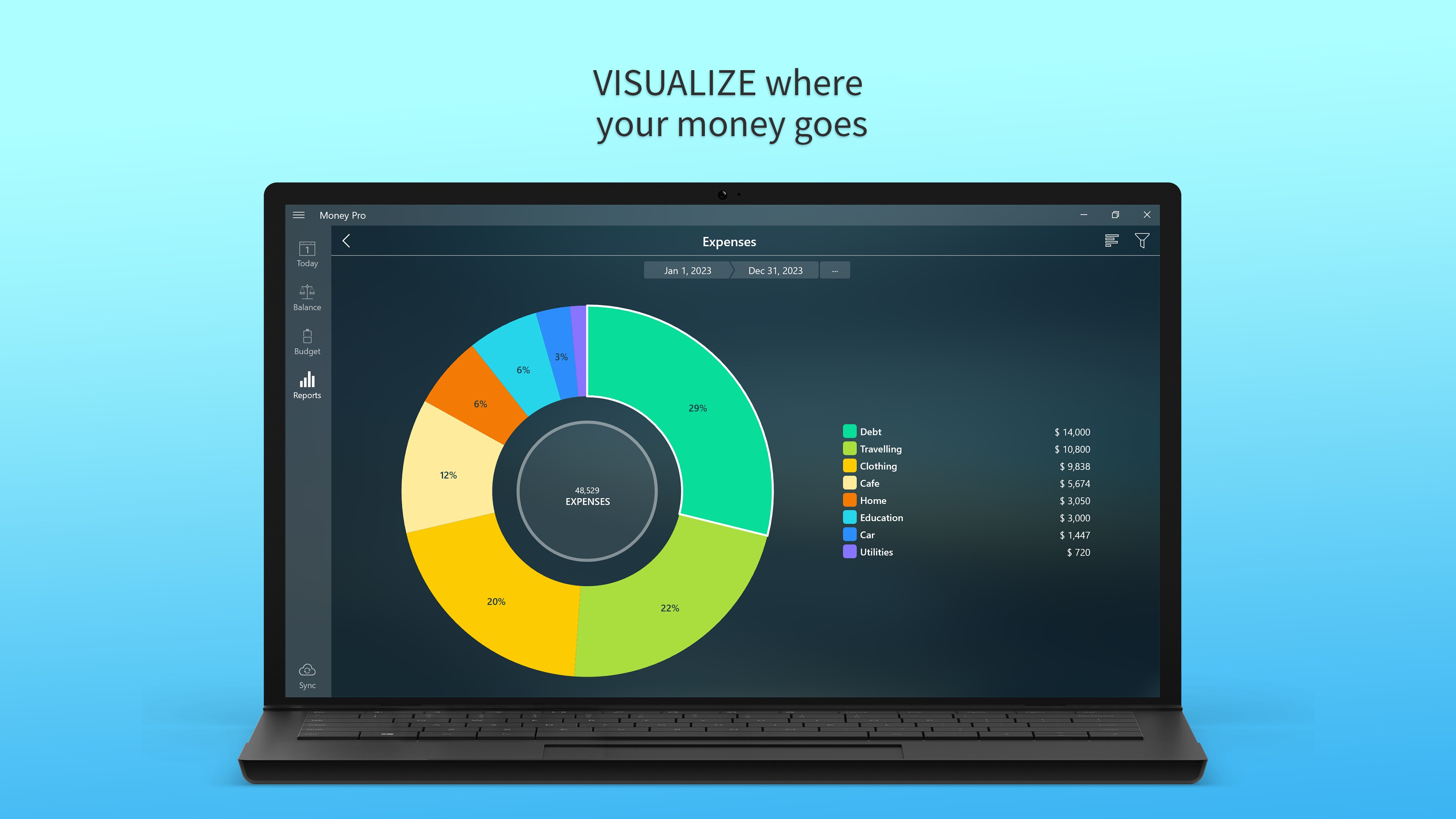
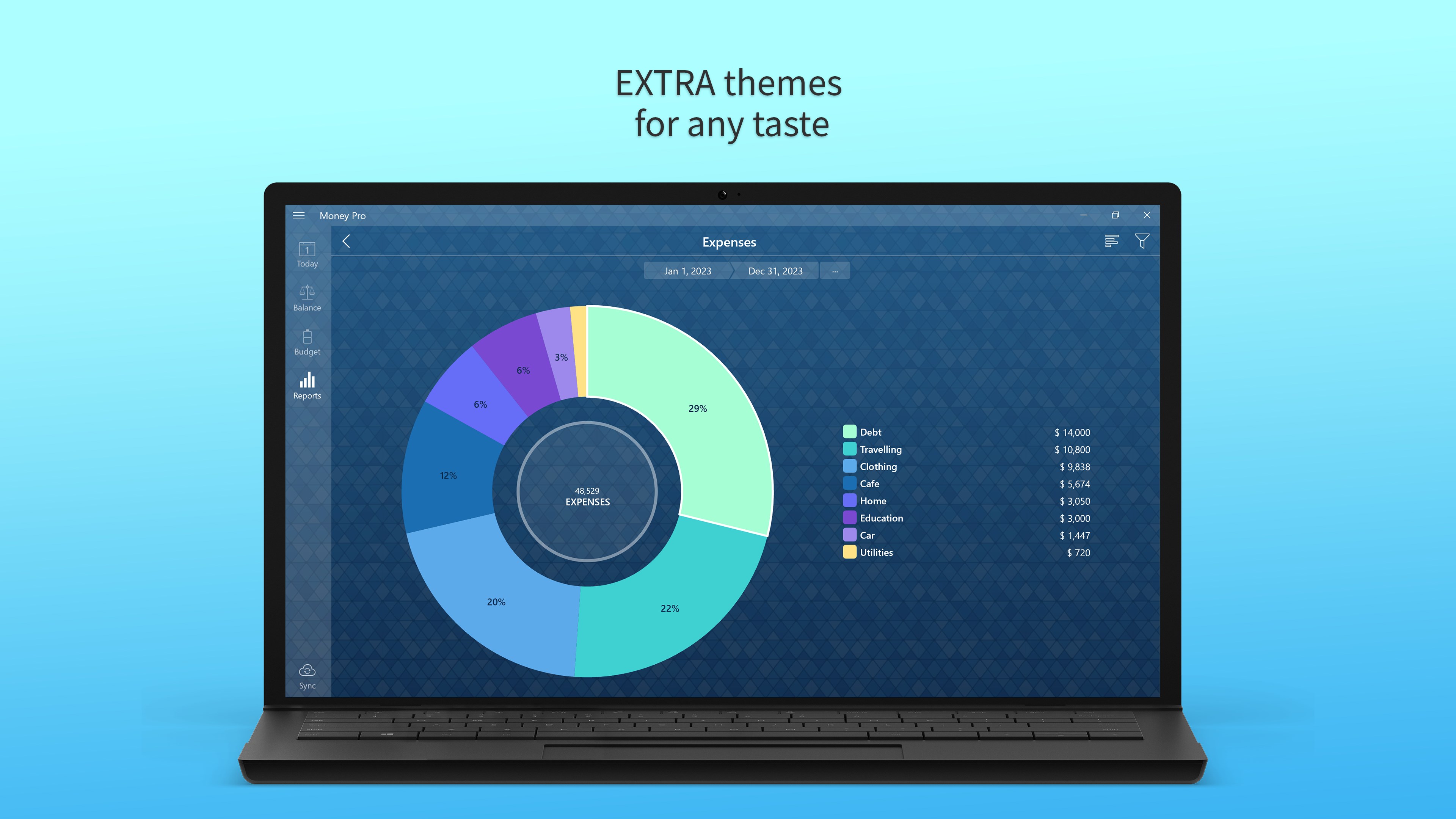
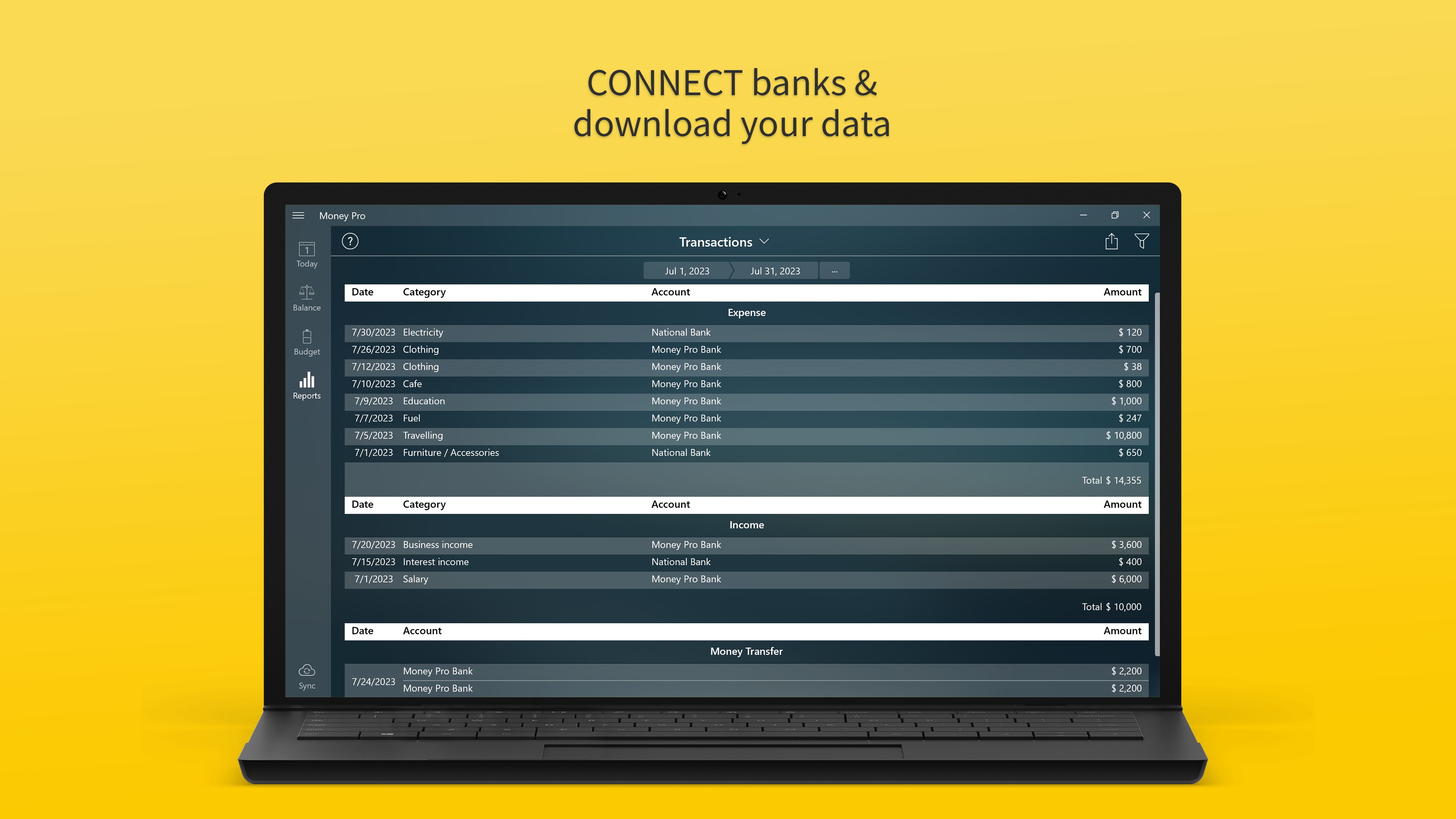
The heart of Money Pro lies in its budgeting capabilities. Setting up a monthly budget is as easy as filling in a form, but what truly impresses is its flexibility. You can create multiple budgets tailored for different purposes—say, groceries, entertainment, or savings goals—and assign spending limits. The app automatically tracks transactions, which can be imported from your bank or entered manually, providing instant updates. The visual breakdown through pie charts offers an intuitive way to see where your money is headed, helping you make informed decisions on the fly.
Core Function: Financial Reports and Analytics
One of the most remarkable features is the comprehensive reporting system. Money Pro transforms raw data into digestible insights—monthly summaries, trend analyses, and forecast charts—acting like a financial compass that guides you through your monetary landscape. For example, if you notice your dining-out expenses are creeping up, the app highlights this pattern, empowering you to adjust your habits accordingly. This analytical depth, combined with straightforward visuals, makes managing finances not just easier but also smarter.
User Experience and Differentiation
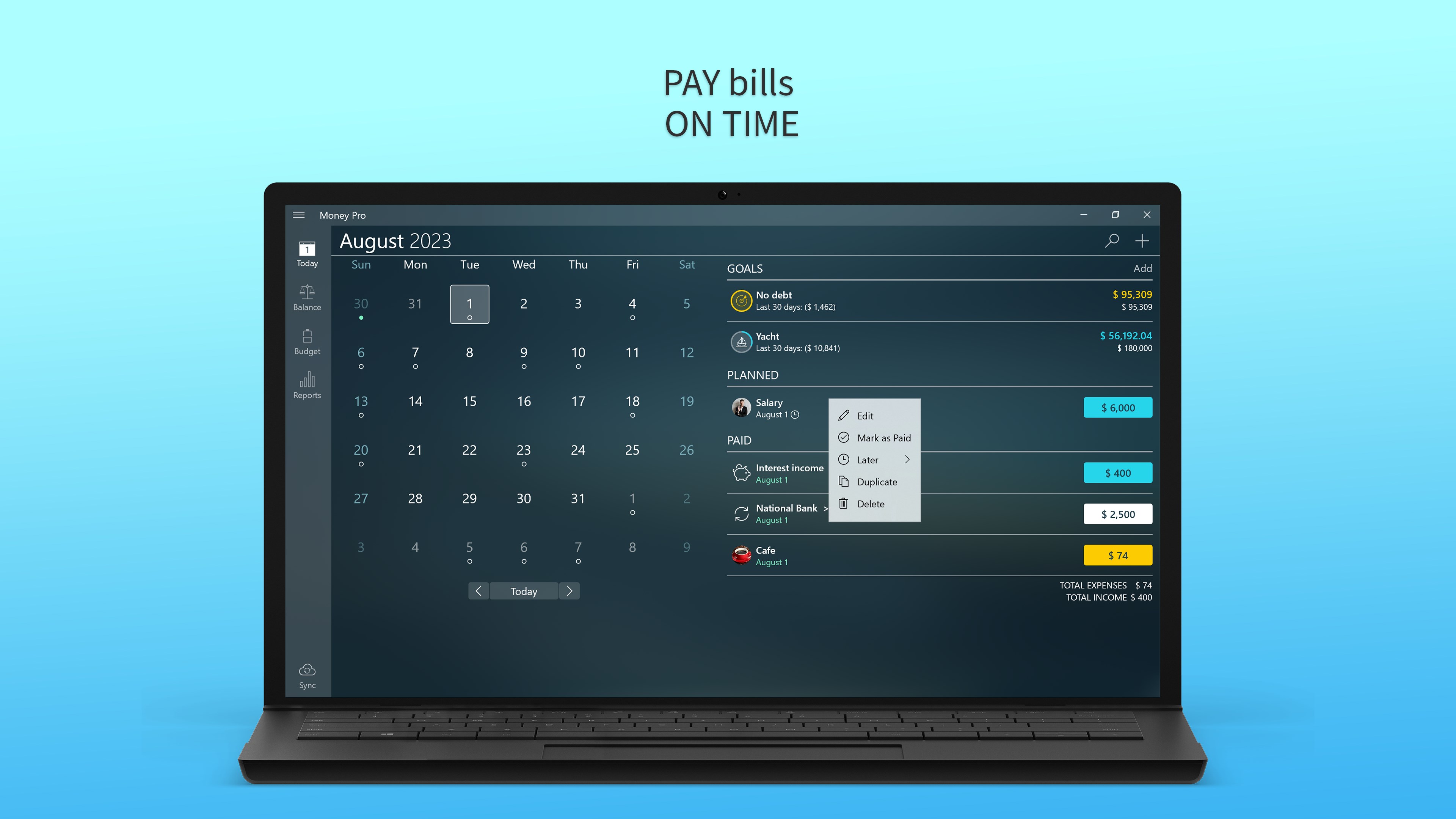
The interface of Money Pro strikes a balance between aesthetic appeal and functionality. Its clean design, with intuitive navigation menus akin to flipping open your favorite planner, reduces the learning curve substantially. The app runs smoothly on Windows, with fast loading times and seamless transaction inputs that feel almost effortless. Advanced features like recurring expense setup or multi-currency support are accessible without overwhelming new users, thanks to helpful hints and a well-organized layout.
What sets Money Pro apart from alternative personal finance applications is its focus on comprehensive yet straightforward financial overview combined with detailed categorization. Unlike some apps that overwhelm users with endless options or hide advanced features behind layers of menus, Money Pro integrates all core functionalities into a user-friendly environment. Its visualization tools and customizable reports are particularly helpful for those who prefer to see the big picture at a glance while retaining the ability to dig into specifics when necessary.
Is Money Pro a Must-Have?
Based on its robust feature set, ease of use, and clear presentation, I would recommend Money Pro to anyone seeking reliable personal finance management on Windows. It's especially suited for users who want a balanced approach—neither too simplistic nor overly complicated. Whether you're a budgeting novice or an experienced spender looking for better insights, this app offers the tools to elevate your financial awareness.
For best results, I suggest starting with basic features and gradually exploring more advanced analytic options as you get comfortable. Its clear interface and practical design make the learning curve gentle, making it suitable for everyday use without feeling overwhelming.
In conclusion, Money Pro stands out with its well-thought-out core functionalities, especially its detailed reporting and flexible budgeting tools, making it a commendable choice in personal finance software. It's like having a reliable financial partner by your side—helping you navigate your money matters with confidence and clarity.
Pros
- Intuitive User Interface
- Robust Budget Planning Tools
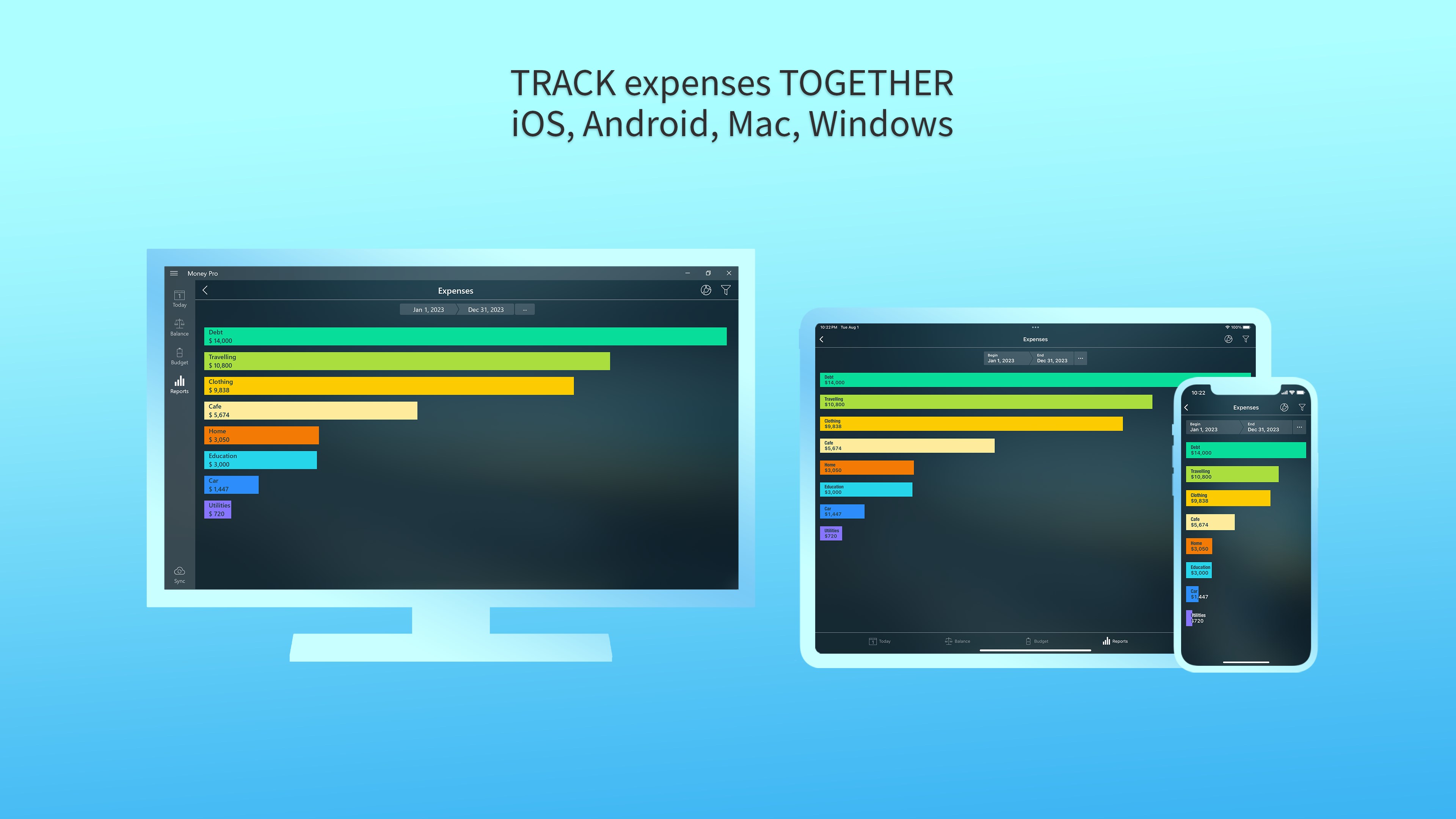
- Synchronization Across Devices
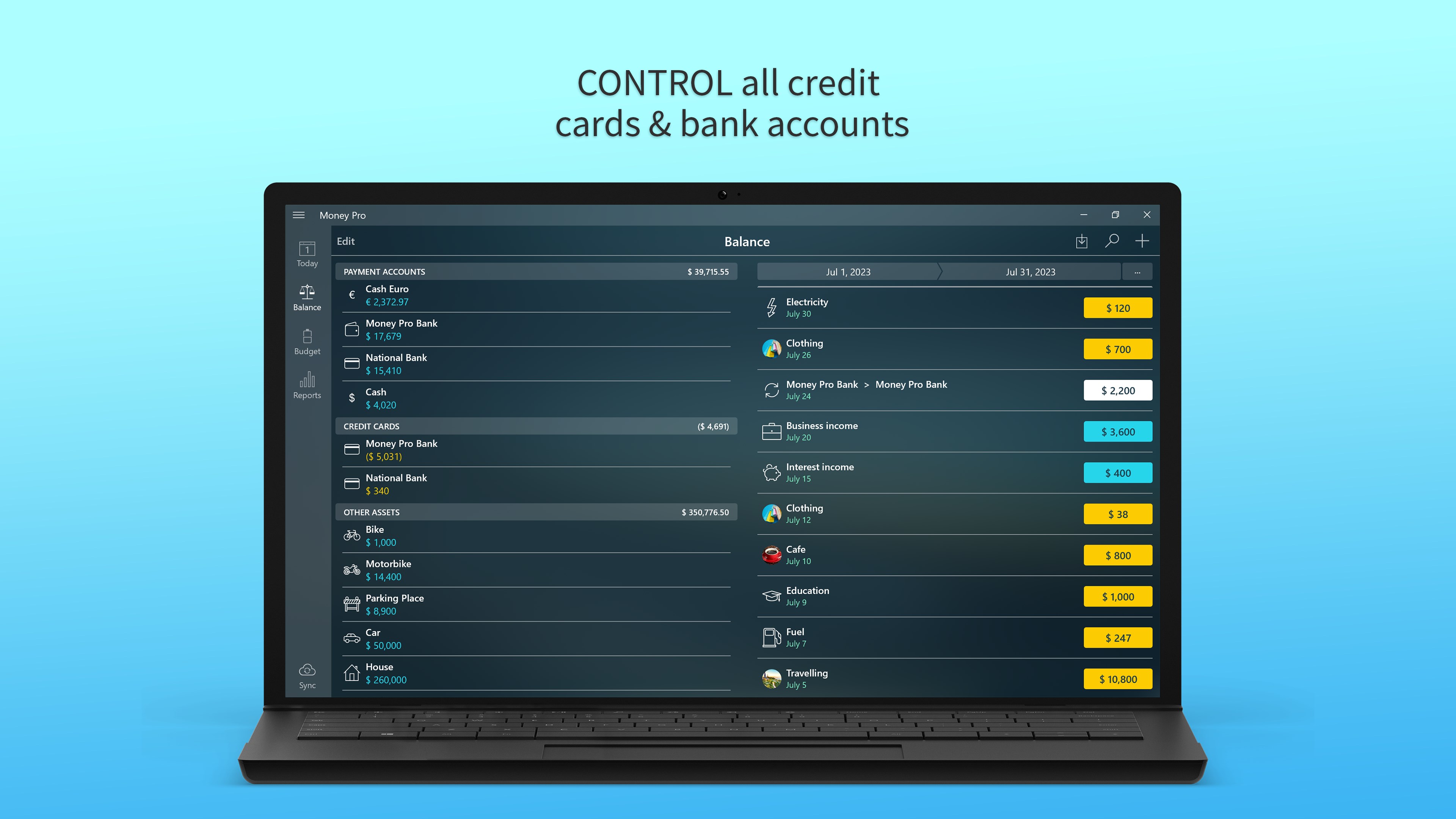
- Comprehensive Expense Tracking
- Useful Reports and Insights
Cons
- Limited Customization Options
- Free Version Has Basic Features Only
- Occasional Sync Delays
- Learning Curve for New Users
- Limited Export Options