
Frequently Asked Questions
How do I start playing Mortal Kombat 11 for the first time?
Download and install the app, then follow the tutorial prompts to learn basic controls and gameplay mechanics for an easy start.
What are Custom Character Variations and how can I create them?
Navigate to 'Customize' in the main menu, select a fighter, and use the options to modify weapons, moves, and appearance for personalized fighters.
Can I modify the controls and customize my gameplay experience?
Yes, go to Settings > Controls to adjust control schemes or enable specific gameplay options for your comfort.
How does the cinematic story mode enhance the gameplay experience?
The story mode offers an engaging narrative with high-quality cutscenes, advancing Mortal Kombat's epic saga over 25 years for immersive gameplay.
What new features are included with the latest graphics engine?
The new graphics engine provides enhanced visuals, detailed fight effects, and immersive environments, making each fight more realistic and vivid.
Are there any in-app purchases or optional paid content?
Yes, you can buy new fighters, skins, or customization options through the store, accessible via Settings > Store.
How can I subscribe or upgrade to premium content?
Go to Settings > Account > Subscriptions to view and manage available premium plans or additional content.
What should I do if the app crashes or encounters errors?
Try restarting your device, updating the app, or reinstalling it. Then, contact support if issues persist via Settings > Help.
Is Mortal Kombat 11 suitable for offline play?
Yes, you can enjoy most single-player modes offline; however, some features like multiplayer require an internet connection.
Can I play multiplayer with friends locally or online?
Yes, the app supports online multiplayer and local co-op modes. Access these features from the main menu under 'Multiplayer'.
You May Like
Totally Accurate Battle Simulator
for Windows
4.7
Killer Instinct: Anniversary Edition
for Windows
4.4
JoJo's Bizarre Adventure: All-Star Battle R
for Windows
4.3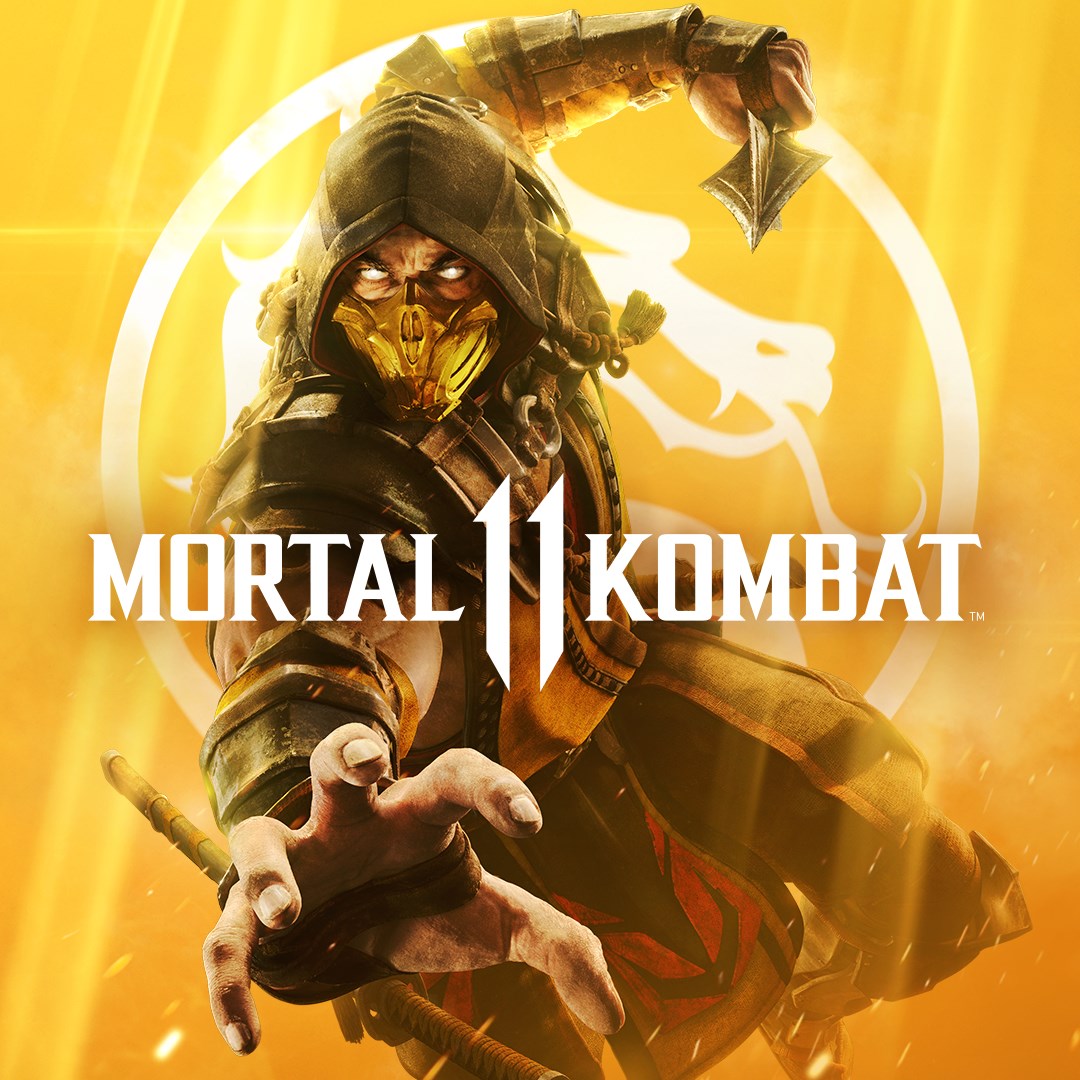
Mortal Kombat 11
for Windows
4.3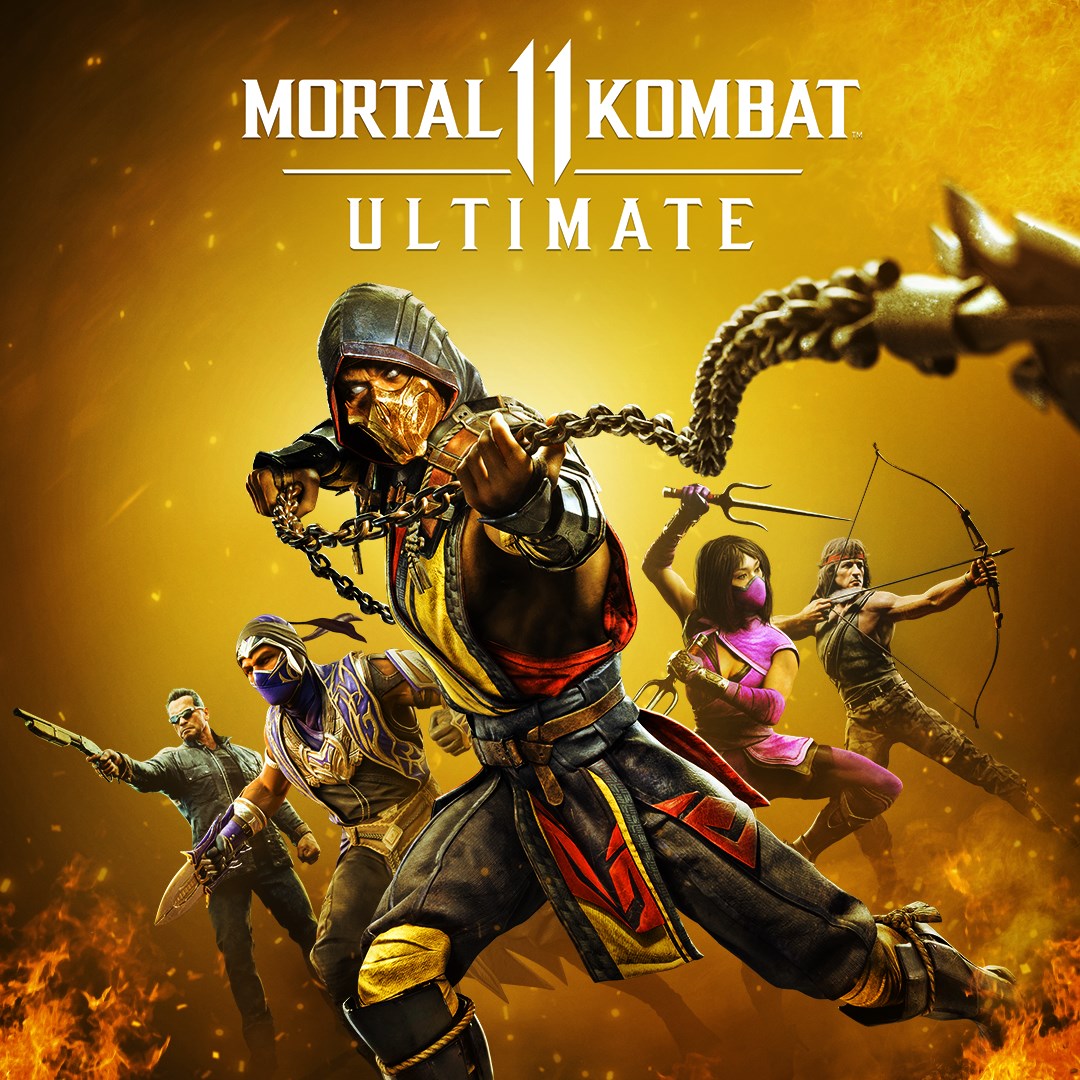
Mortal Kombat 11 Ultimate
for Windows
4.3
Guilty Gear -Strive-
for Windows
4.3
Killer Instinct
for Windows
4.3
Gang Beasts
for Windows
4.3
Injustice™ 2 - Standard Edition
for Windows
3.7
MARVEL VS. CAPCOM: INFINITE
for Windows
3.5
Nickelodeon All-Star Brawl 2
for Windows
3.1
Mortal Kombat™ 1: Definitive Edition
for Windows
2.9