

- Category Photo & video
- Developer Movavi Software
- Available on PC
- OS Windows 10 version 0.0 or higher
- Memory 6 GB
- languages English, German, Italian, French, Spanish, Portuguese, Dutch, Russian, Korean, Japanese, Chinese (Traditional Chinese), Turkish
Introducing Movavi Photo Editor for Windows: A User-Friendly Solution for Creative Photo Enhancements
Movavi Photo Editor for Windows is a versatile and accessible photo editing application designed to cater to both beginners and enthusiasts looking to elevate their images with ease and efficiency.
About the Developer and Core Features
Developed by Movavi Software, a reputable name in multimedia software solutions, this application aims to simplify the editing process while delivering powerful results. Its highlight features include intelligent object removal, an intuitive automatic enhancement tool, and creative filters and effects, making it suitable for various editing needs. The target audience ranges from casual photographers and social media users to small business owners seeking quick and professional-looking edits.
Captivating First Impressions: Turning Photos into Masterpieces
Imagine walking into a room and instantly envisioning how a simple snapshot can transform into a captivating story. That's what Movavi Photo Editor strives to do—turn your everyday photos into visual tales with a friendly and straightforward approach. Its interface welcomes new users without overwhelming, reminiscent of chatting with a knowledgeable friend who just happens to be a professional photographer.
Smart Object Removal: Vanishing Acts Made Simple
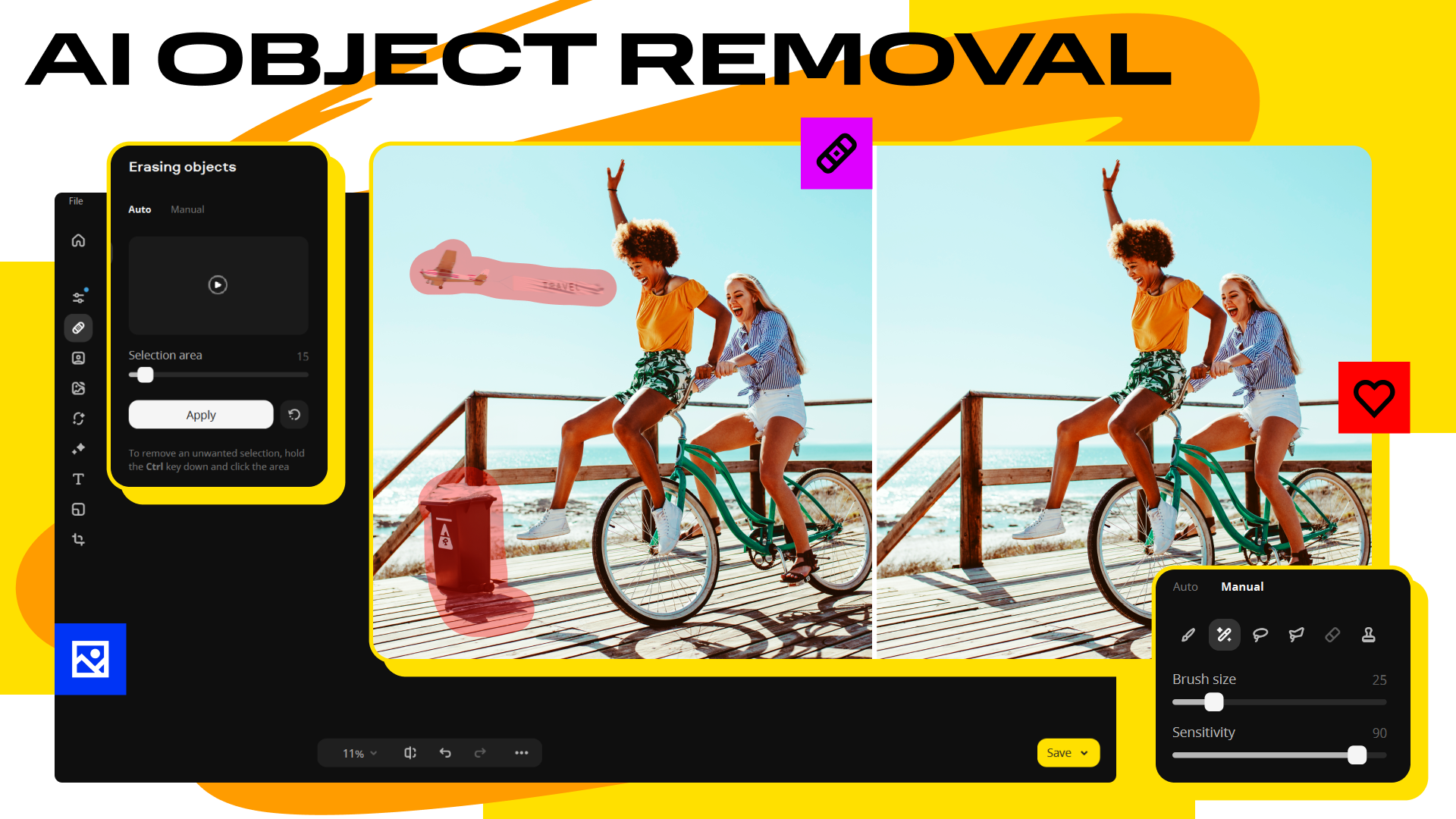
The standout feature of Movavi Photo Editor is its intelligent object removal tool. Whether it's an unsightly passerby, distracting street sign, or stray object ruining your perfect shot, this feature acts like a magic wand. Using AI-driven technology, users can effortlessly select unwanted elements, and the software does the heavy lifting, seamlessly blending the background to give photos a pristine look. Compared to similar tools that might require technical skill or multiple steps, Movavi's approach is quick, intuitive, and surprisingly accurate—making it feel like a personal editing assistant following your every instruction.
Automatic Photo Enhancements: Speed and Precision in Your Corner
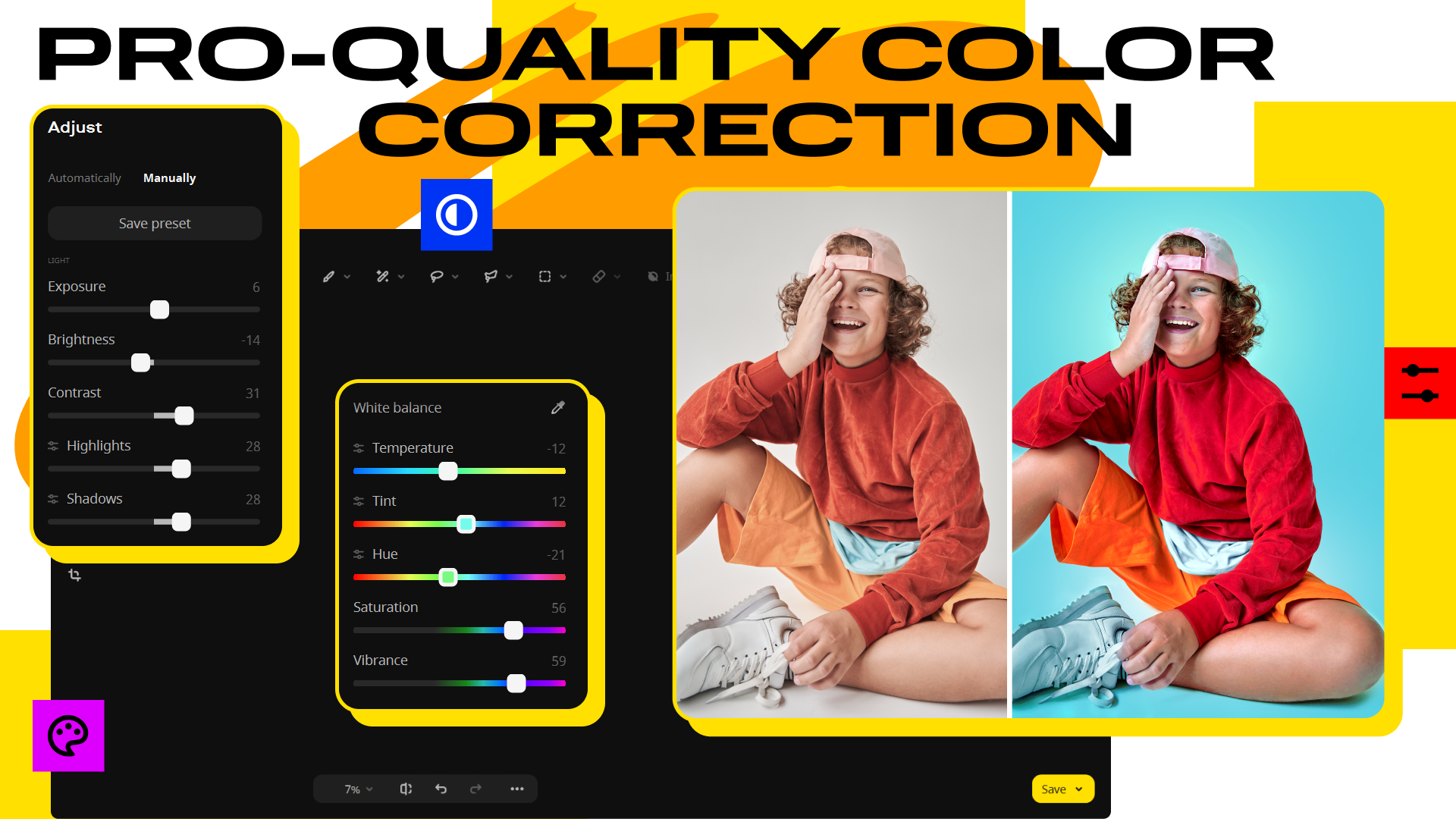
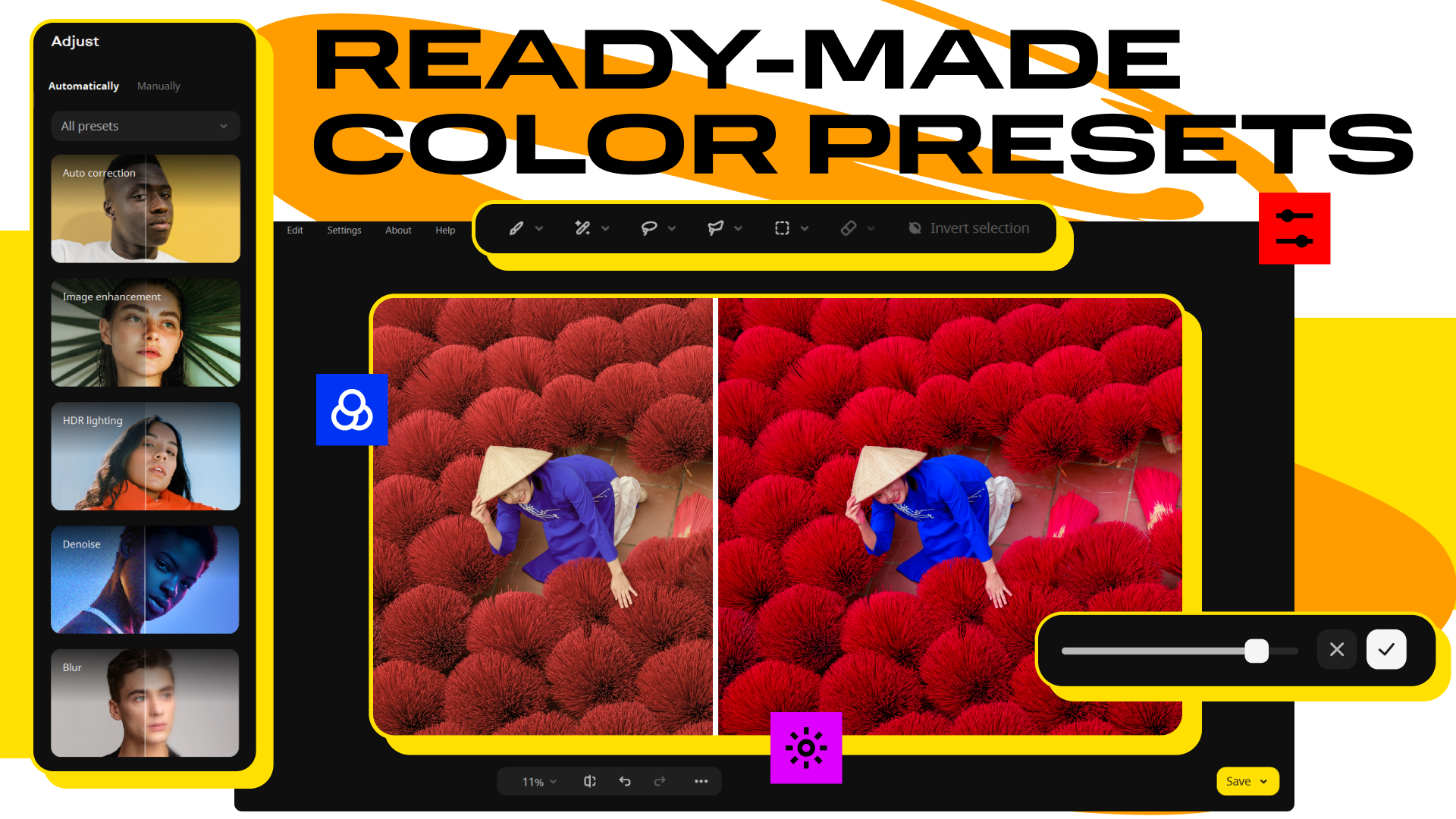
If you're pressed for time but still crave professional polish, the automatic enhancement function is your best friend. With a single click, this feature analyzes your photo and applies optimizations—such as adjusting brightness, contrast, and color saturation—to produce a vibrant, balanced image. It's akin to having a seasoned photographer quickly retouch your photos, saving you hours of manual editing. While powerful enough for most casual uses, it also allows fine-tuning afterward for those who want more control. This balance of simplicity and customization sets Movavi apart from some competitors that either have overly complicated workflows or lack a one-click push button.
User Experience: Smooth Sailing with a Friendly Interface
As you navigate through Movavi Photo Editor, you'll notice its clean, organized layout, akin to a well-kept workshop where everything is within arm's reach. Operations are impressively smooth; transitions between tools are seamless, and real-time previews help you make quick decisions. For newcomers, the learning curve is gentle—guided tutorials and straightforward controls mean you won't need a manual, just your creativity and a bit of curiosity. The software handles high-resolution images gracefully, making batch processing a breeze for bulk edits.
Differentiating Factors: What Sets Movavi Apart?
While many photo editors focus solely on providing a plethora of filters or complex layering options, Movavi emphasizes ease of use combined with core powerful features. Its standout is undoubtedly the intelligent object removal tool paired with automatic enhancement capabilities—tools that deliver professional results without the steep learning curve. Unlike some apps that fragment functionalities into separate modules, Movavi keeps things integrated, ensuring a fluid editing experience. For users seeking quick fixes or creative experimentation, this can be a game-changer, especially for those who want to achieve polished looks on the fly without getting lost in complex menus.
Final Verdict: A Worthwhile Choice for Everyday Photo Editing
Based on its intuitive interface, efficient core functions, and unique AI-powered tools, I would recommend Movavi Photo Editor as a solid option for casual users and budding photographers alike. Its slightly more advanced features like object removal and automatic enhancements offer clear advantages over simpler editing apps, making it suitable for those who want quick yet quality results. For anyone looking to add a creative touch to their photos without investing hours or steep learning curves, this software is worth trying out.
In summary, Movavi Photo Editor strikes a commendable balance between accessibility and functionality, making it a reliable companion for enhancing your visual stories with minimal fuss but impressive results.
Pros
- User-friendly interface
- Powerful editing tools
- Fast processing speed
- Wide range of presets
- Regular updates and improvements
Cons
- Limited free features
- Occasional stability issues
- Learning curve for advanced features
- Limited batch processing capabilities
- Few export format options











