

- Category Photo & video
- Developer Movavi Software
- Available on PC
- OS Windows 10 version 0.0 or higher
- Memory 2 GB
- languages English, Russian, German, Italian, French, Spanish, Dutch, Portuguese, Polish, Turkish, Korean, Japanese, Chinese (Simplified), Chinese (Traditional Chinese)
Introducing Movavi Slideshow Maker for Windows
Movavi Slideshow Maker for Windows is an intuitive yet powerful application designed for users who want to craft stunning photo and video slideshows effortlessly. Perfect for personal projects, professional presentations, or sharing memories with loved ones, this tool bridges the gap between simplicity and advanced features.
Developed by Movavi Software Limited
Movavi Software Limited, a reputable name in multimedia software development, brings its expertise to this slideshow creation tool, ensuring a user-friendly interface combined with robust functionality that caters to both novices and seasoned editors alike.
Key Features at a Glance
- Intuitive Drag-and-Drop Interface: Easily assemble and customize slideshows with minimal learning curve.
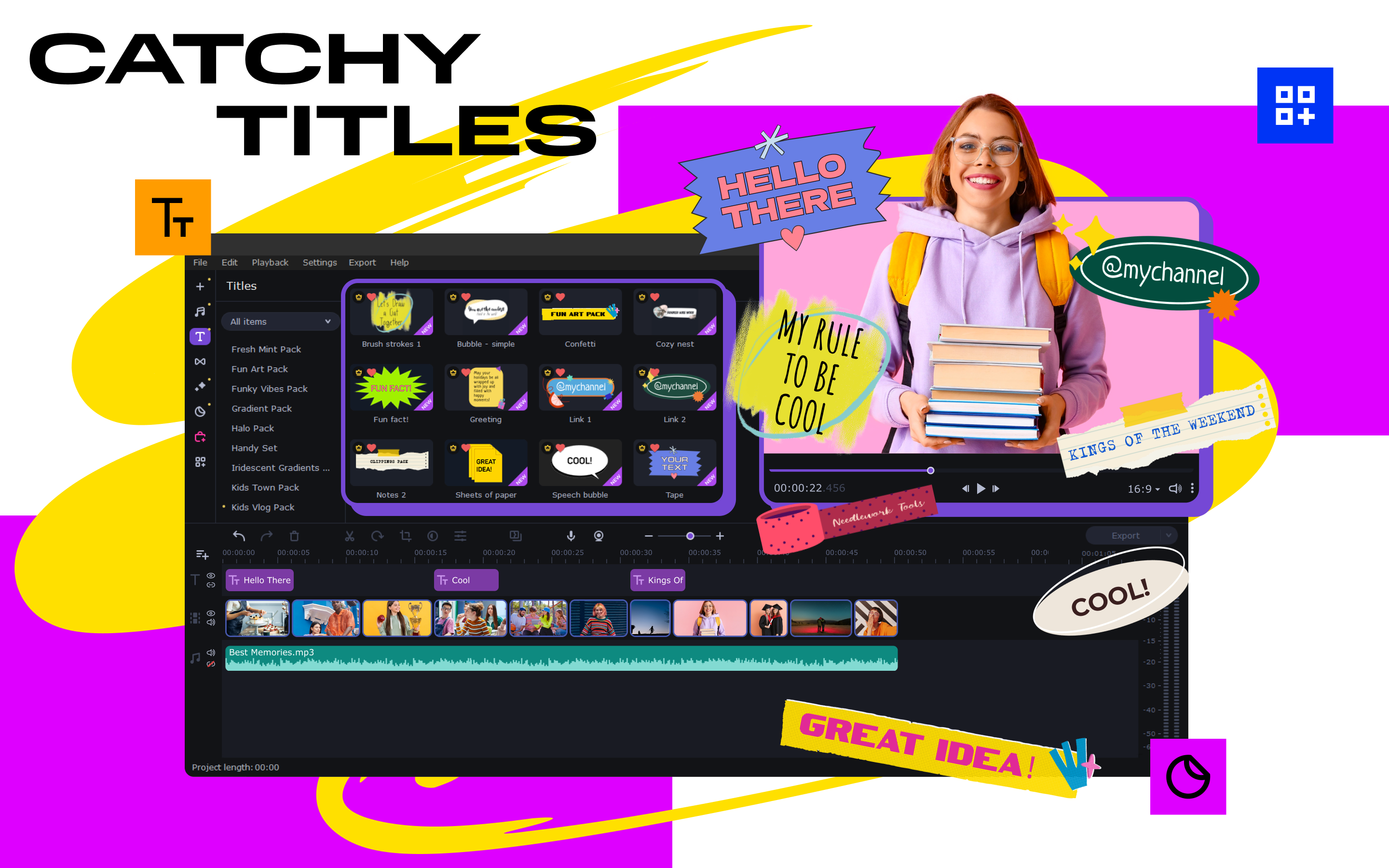
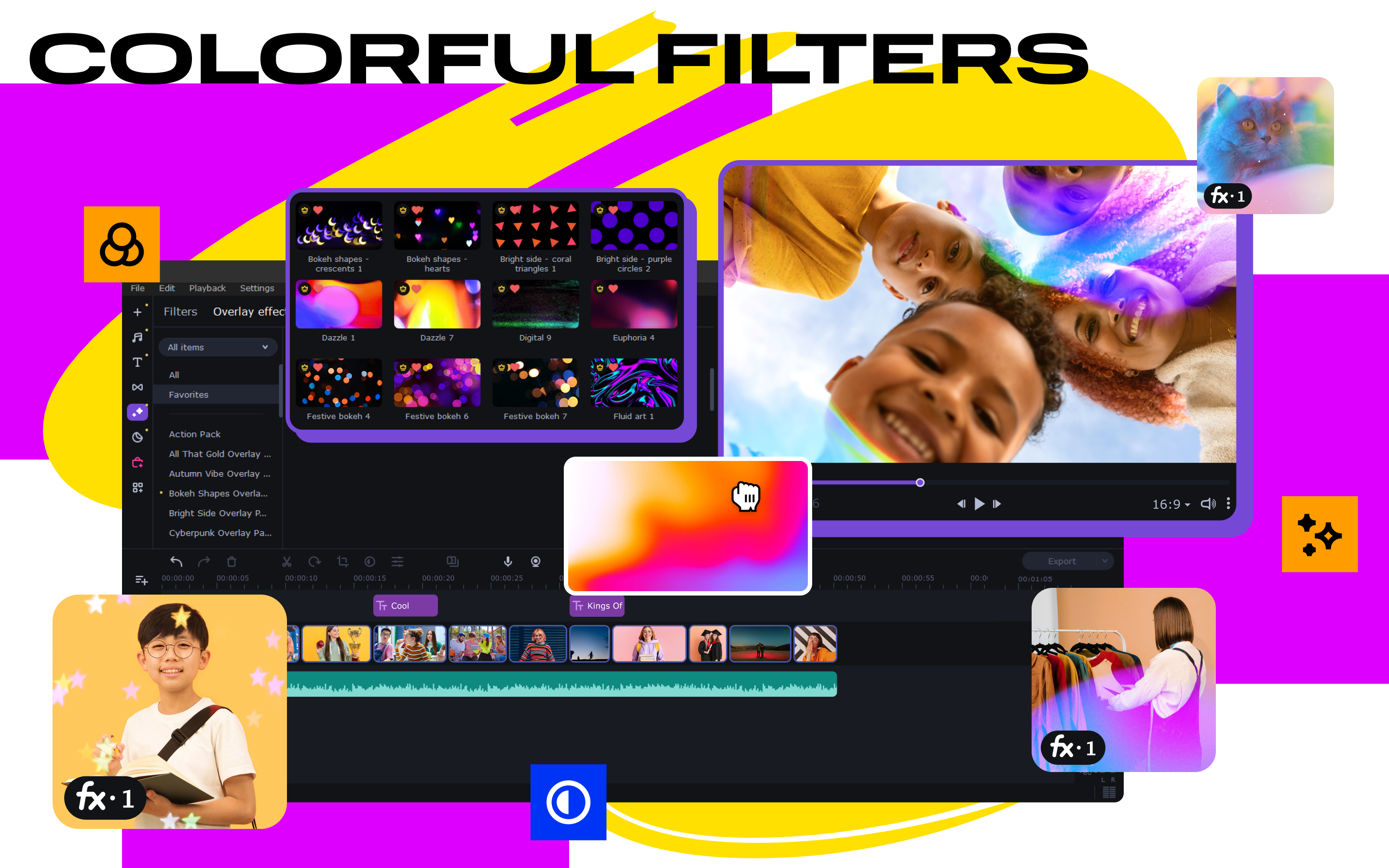
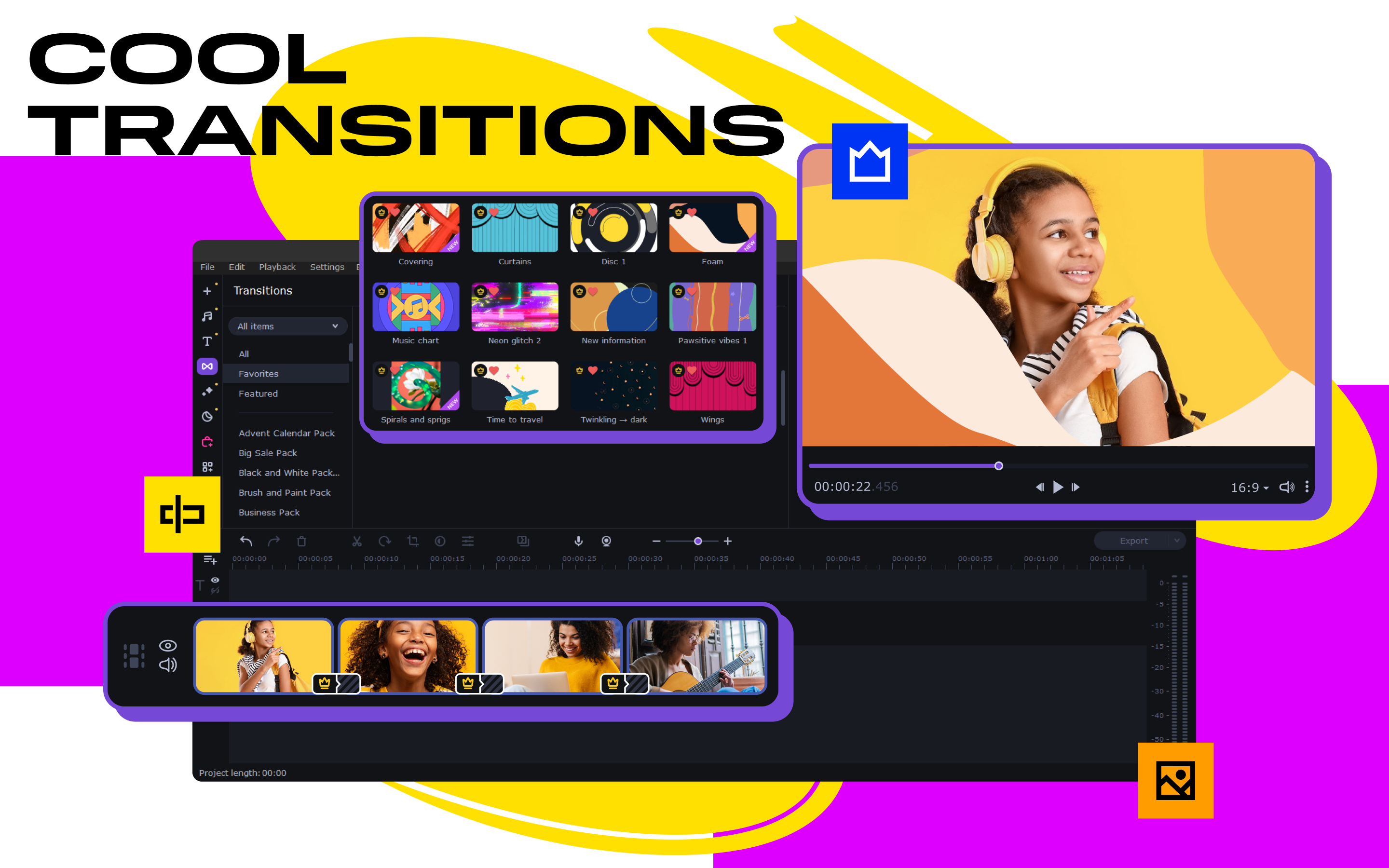
- Rich Library of Transitions and Effects: Enhance your videos with a variety of eye-catching transitions, filters, and titles.
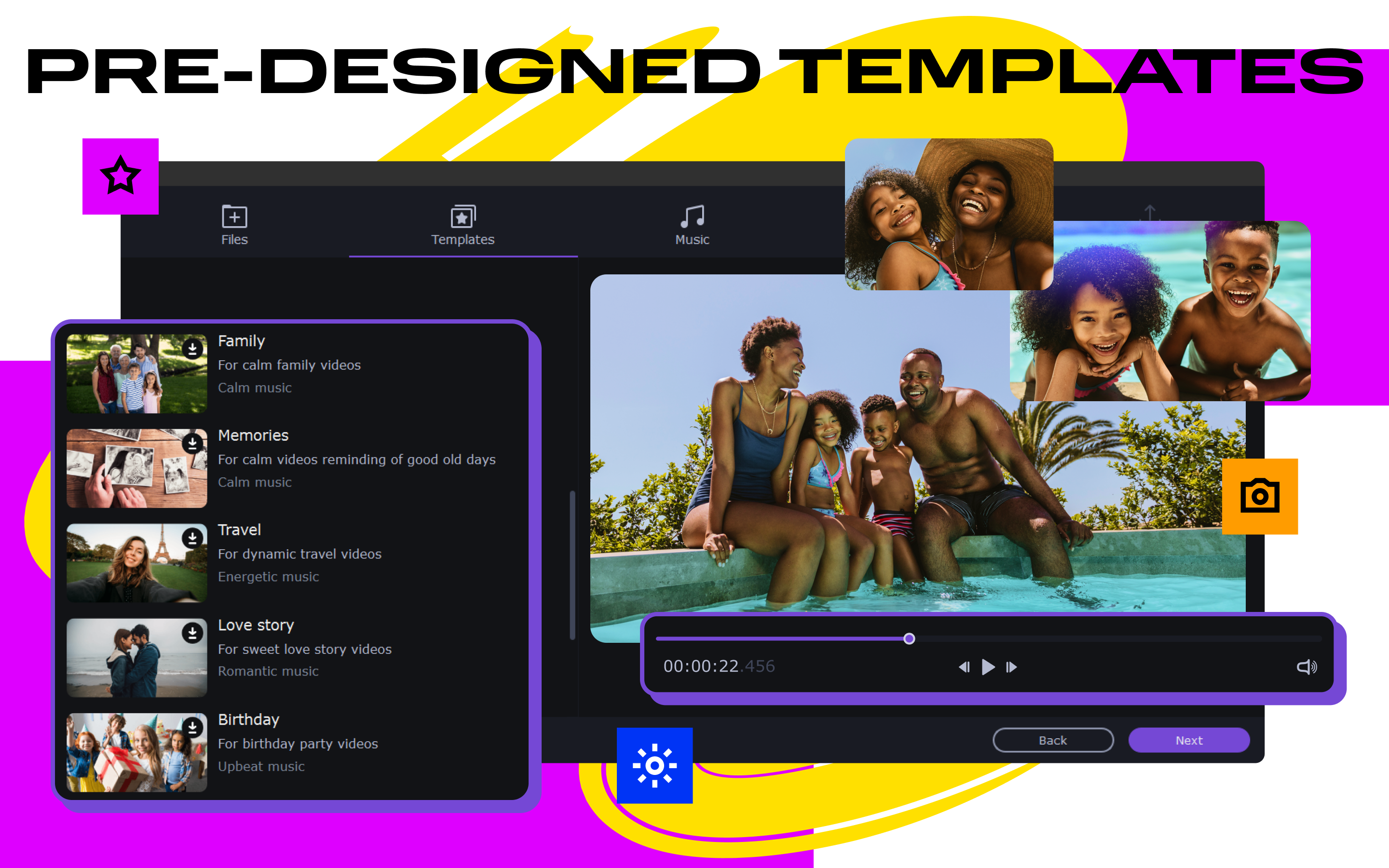
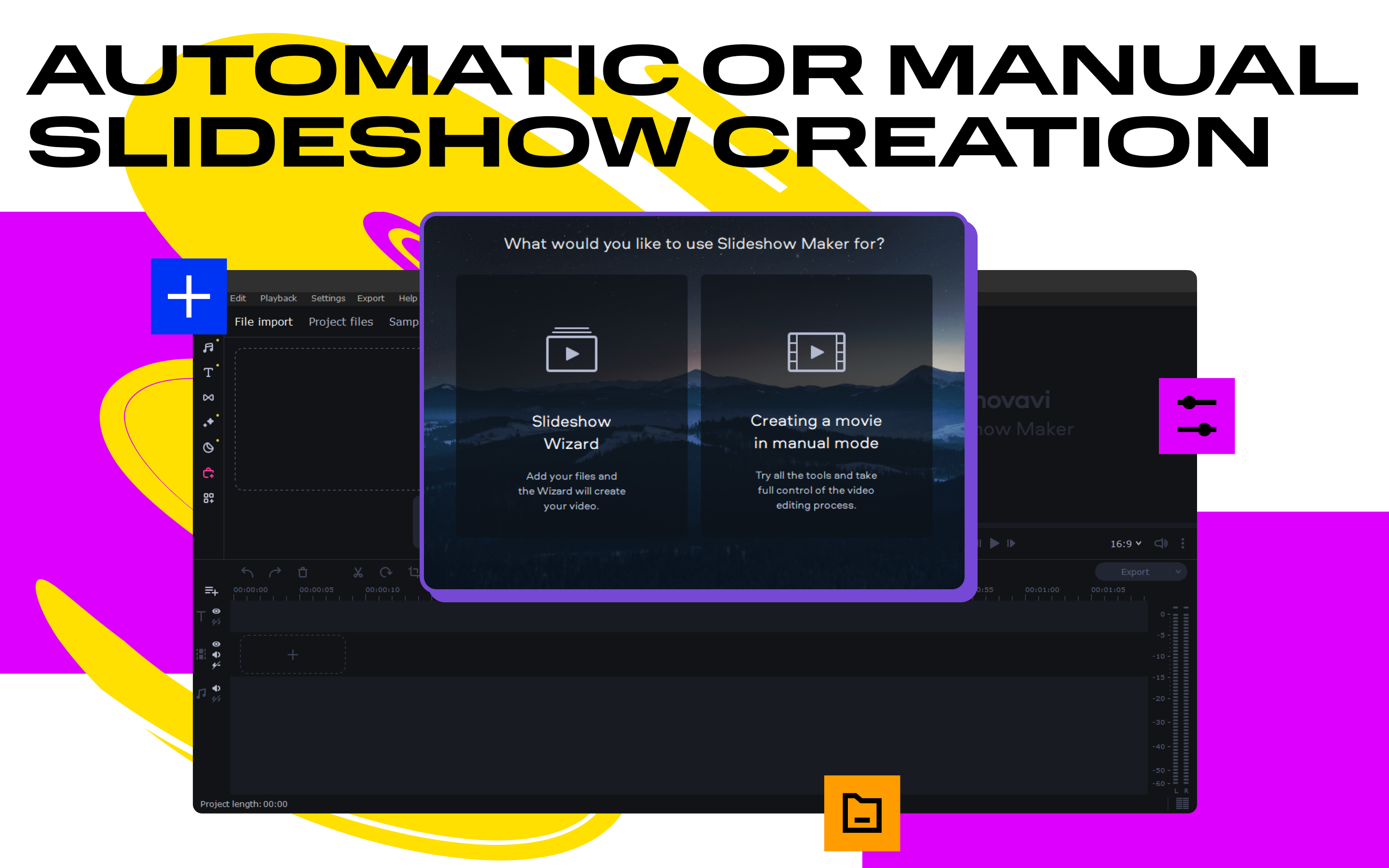
- Automatic Storyboard Creation: Generate professional-looking slideshows swiftly using smart templates and automated editing tools.
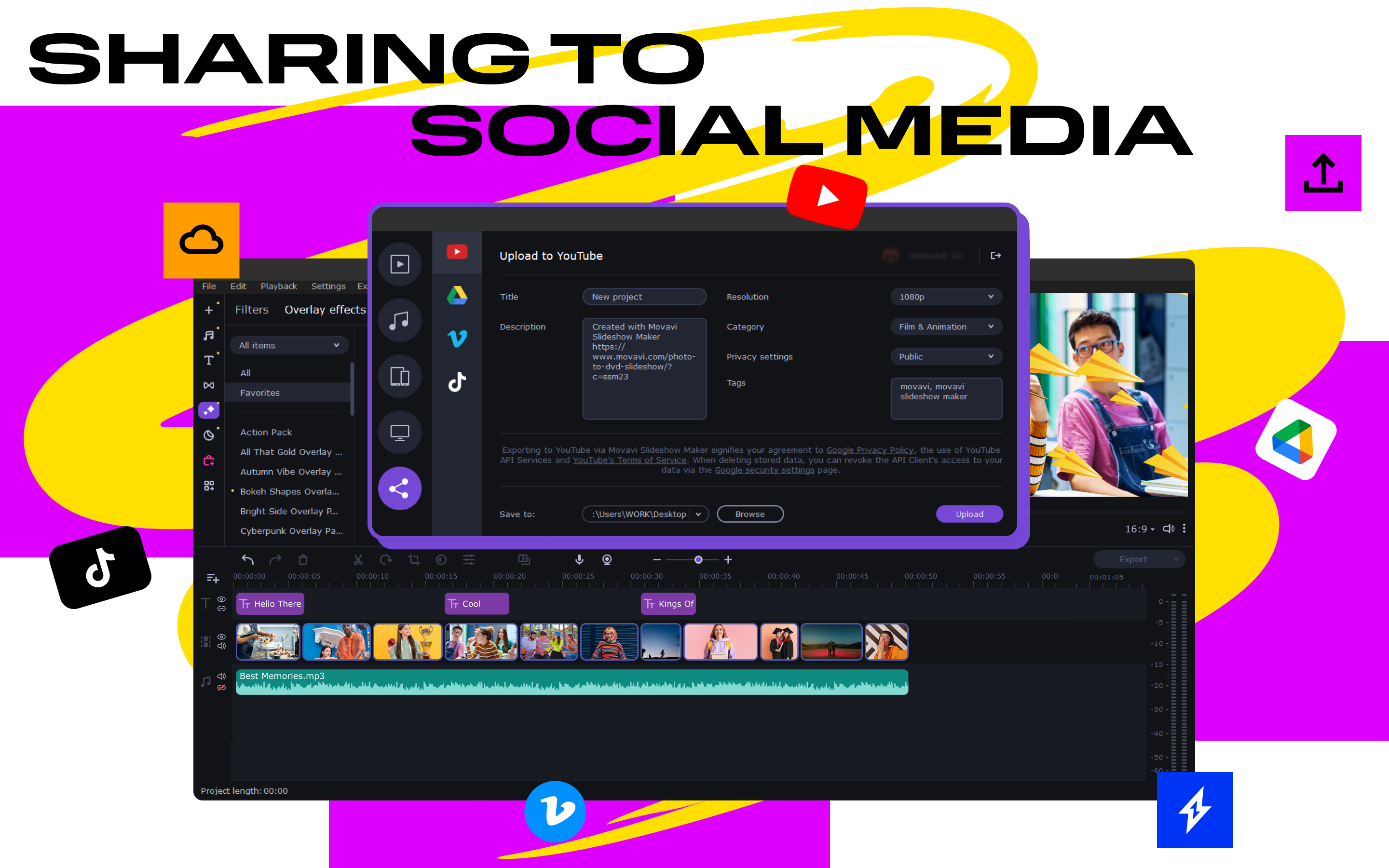
- Export Versatility: Save your projects in multiple formats optimized for social media, DVD, or high-definition playback.
Vibrant Opening: Turning Memories into Masterpieces
Imagine turning your countless gigabytes of photos and clips into a delightful story — no more painstaking editing or technical hurdles. Movavi Slideshow Maker makes this dream achievable like flicking a switch; its engaging design invites you in, promising a smooth journey from raw images to polished multimedia presentations. Whether it's vacation memories or birthday celebrations, this app offers a friendly hand, guiding you gently through each step.
Effortless Creation with Smart Templates and Transitions
One of the standout features is the built-in collection of customizable templates and transitions. Think of these as your creative palette — from cinematic fades to lively slides, the app's diverse effects help convey the mood and storyline effortlessly. The automatic storyboard function is akin to having an assistant who knows your style; it analyzes your media and suggests arrangements, significantly reducing editing time while maintaining professional quality. This makes it especially appealing to users who want quick results without compromising aesthetics.
User Experience: Navigating with Ease and Pleasure
The user interface of Movavi Slideshow Maker is akin to a well-organized craft workshop — clean, accessible, and inviting. The drag-and-drop feature makes adding photos, videos, and music feel as natural as arranging pictures on a scrapbook. The responsiveness of the interface ensures that your creative flow remains uninterrupted, with real-time preview capabilities allowing instant feedback. Learning curves are gentle; even beginners can pick up the process within minutes, while advanced users will appreciate the depth of customization available through detailed settings.
What Sets It Apart in a Crowded Market?
Compared to other photo and video editing apps, Movavi Slideshow Maker distinguishes itself through its focus on simplicity combined with robust automation. While many competitors require extensive manual editing, Movavi offers intelligent features like auto-generation and theme-based templates, enabling users to produce professional-looking slideshows rapidly. Its export options are also notably comprehensive, supporting a wide array of formats and devices, making it a practical choice for varied sharing needs.
Final Verdict & Recommendations
Overall, Movavi Slideshow Maker is a commendable choice for users seeking an accessible yet capable slideshow creation tool. Its most compelling feature is the automated storyboarding coupled with an intuitive interface that democratizes video editing, making it feasible even for those with little prior experience. I would recommend this app to casual users wanting to preserve memories stylishly, small business owners creating promotional content, or educators assembling visual materials.
While it might lack some of the advanced capabilities found in high-end editing software, its strength lies in user-centered design and automation. For anyone tired of complicated workflows but still desiring polished results, Movavi Slideshow Maker is a reliable partner. Consider it your digital scrapbook assistant, ready to turn your snapshots into engaging narratives with just a few clicks.
Pros
- Intuitive user interface
- Wide variety of templates and transitions
- Supports multiple media formats
- Fast rendering times
- Built-in music and effects
Cons
- Limited advanced editing features
- Occasional glitches when handling large projects
- Export options could be more versatile
- Limited audio editing capabilities
- Watermarking in free version











