


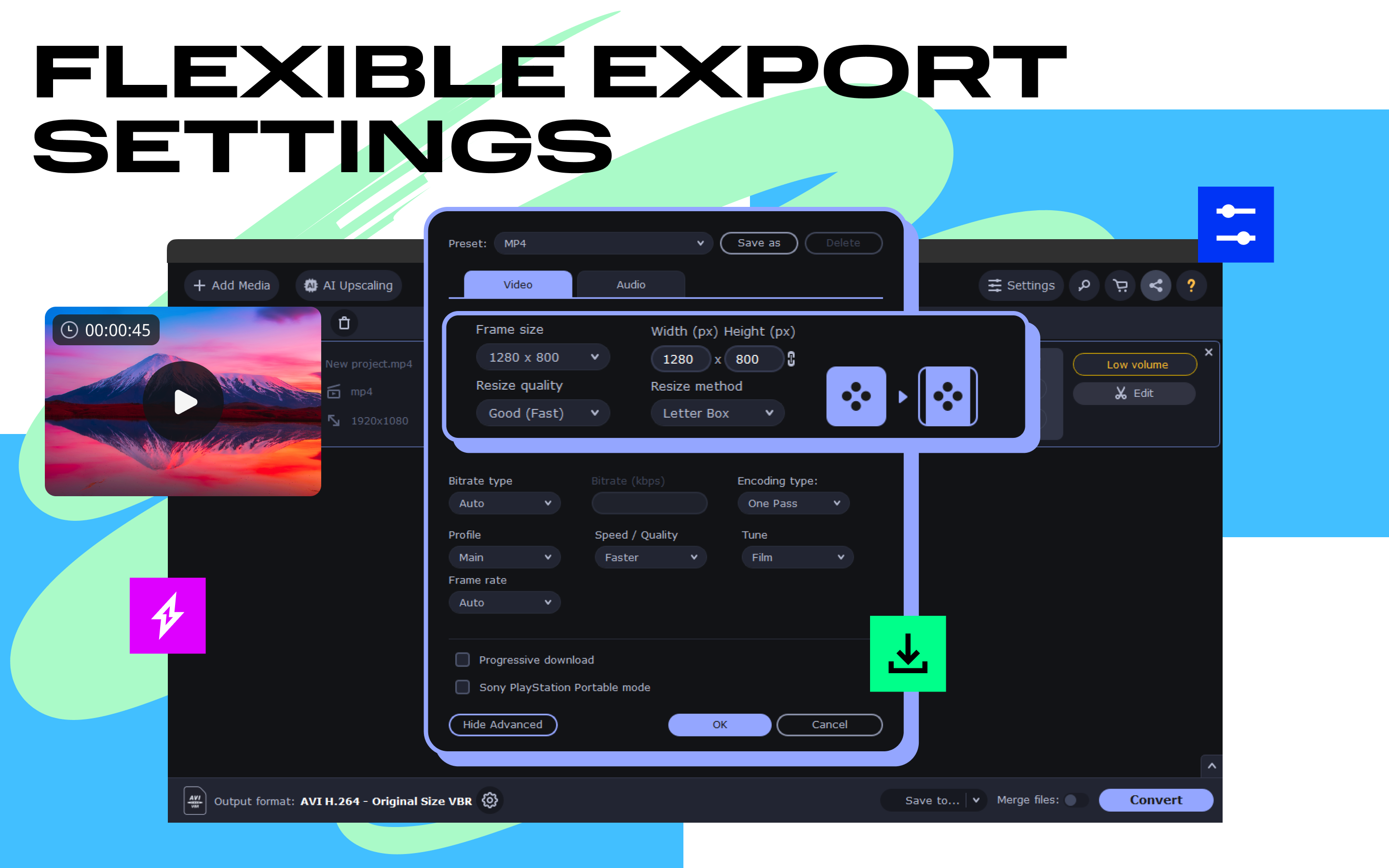
- Category Photo & video
- Developer Movavi Software
- Available on PC
- OS Windows 10 version 0.0 or higher
- Memory 2 GB
- languages English, German, French, Italian, Spanish, Dutch, Portuguese, Polish, Russian, Japanese, Turkish, Korean, Chinese (Simplified), Chinese (Traditional Chinese)
Transform Your Video Experience with Movavi Video Converter for Windows
In a world where capturing memories and creating content are more accessible than ever, a reliable and versatile video converter becomes an essential tool in your digital arsenal. Movavi Video Converter for Windows positions itself as a user-friendly solution that bridges the gap between raw footage and polished, share-worthy videos. With streamlined features and an intuitive interface, it's designed to make video conversion effortless, whether you're a casual creator or a professional editor looking for quick output.
A Comprehensive Tool Backed by Movavi's Expertise
Developed by Movavi Software, a reputable name in multimedia software, this application embodies the company's commitment to quality and usability. Movavi Video Converter focuses on delivering rapid conversions, supporting a wide array of formats, and simplifying complex editing tasks—all in one package. The software primarily targets users who need dependable conversions without the steep learning curve or unnecessary bloat—ideal for students, content creators, and small business owners alike.
Main features include:
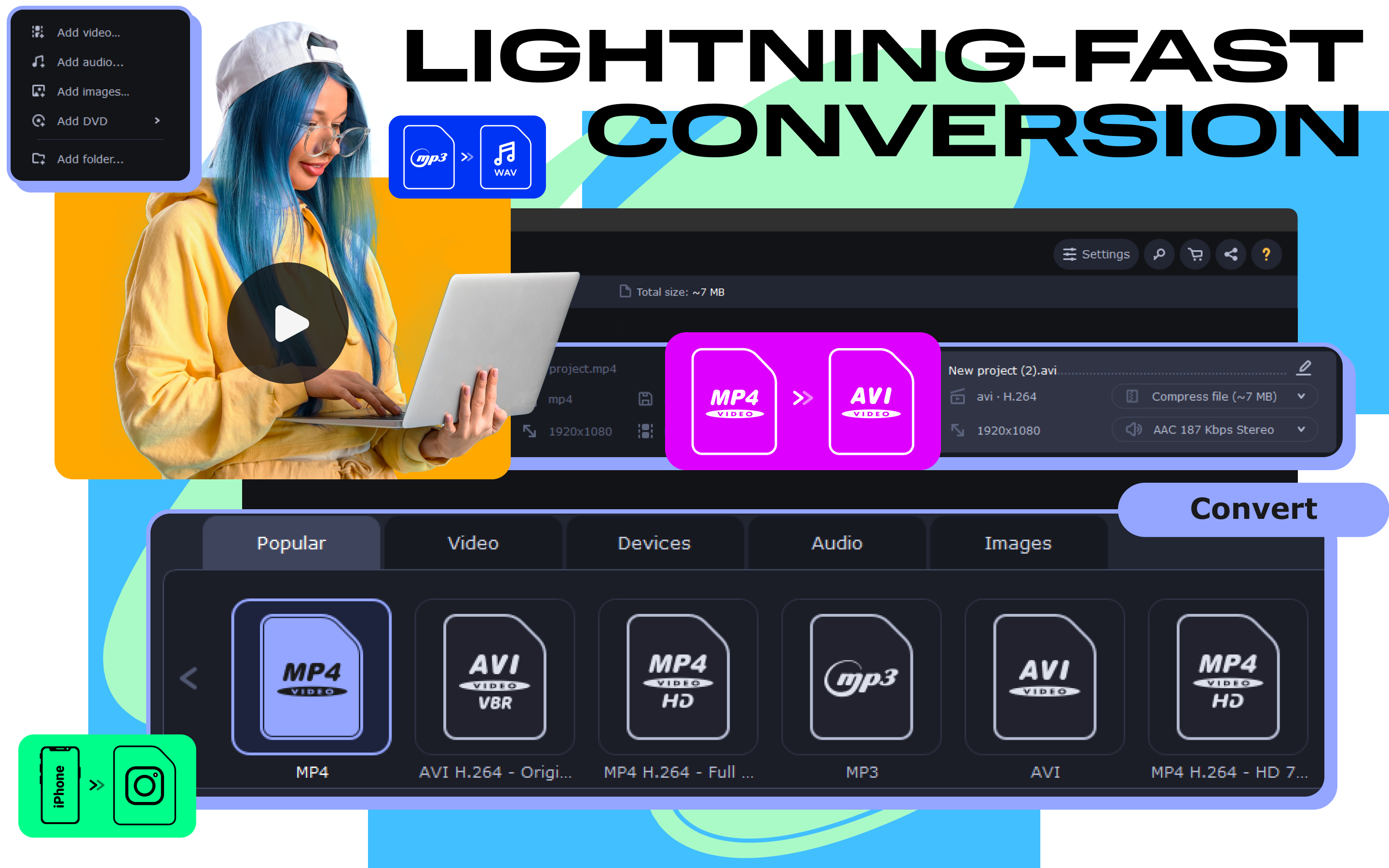
- Support for over 180 input and 200 output formats, covering virtually every multimedia need.
- Fast conversion speeds with hardware acceleration to save your precious time.
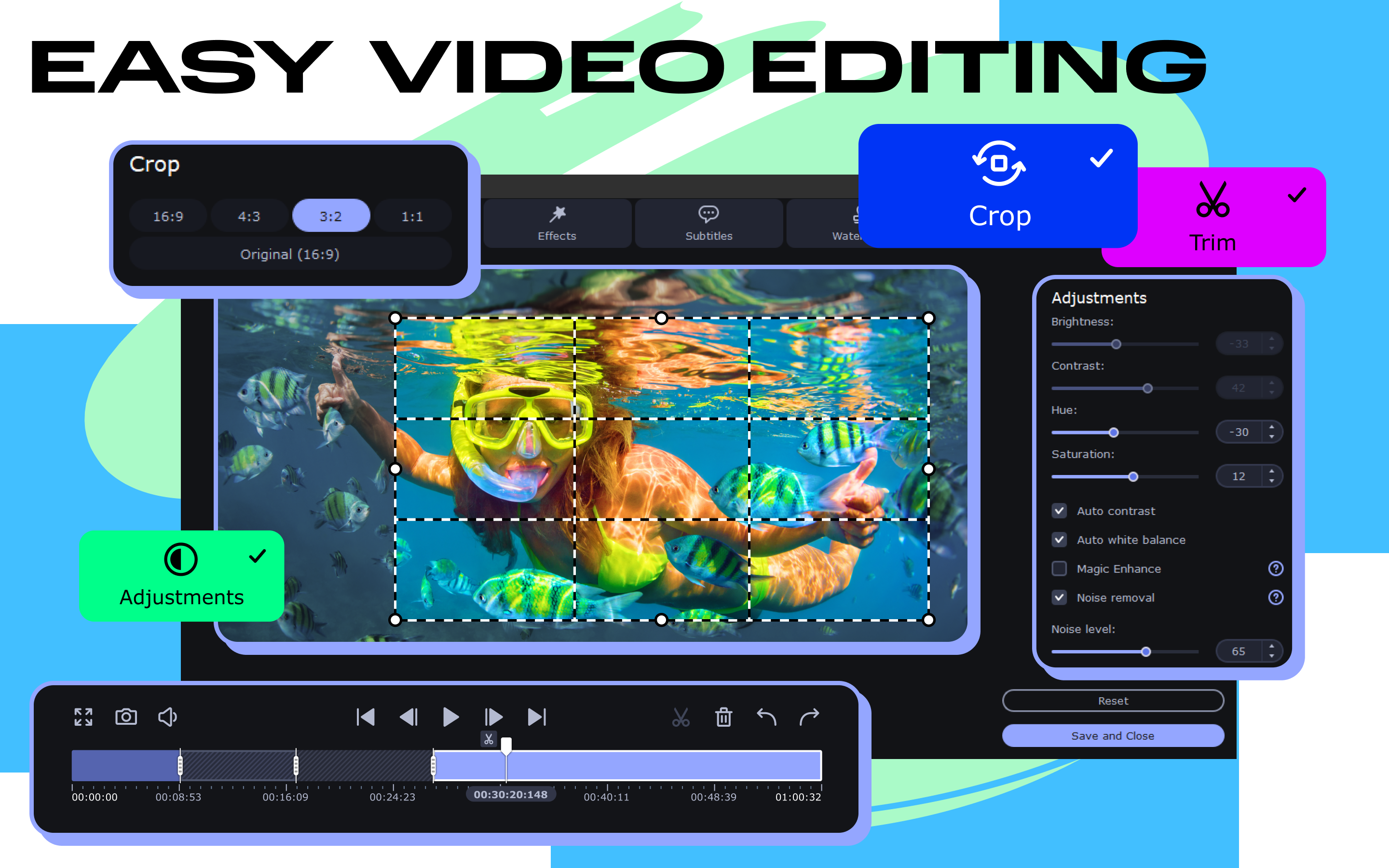
- Built-in basic editing tools like trimming, cropping, and adjusting video settings.
- Batch processing capabilities for handling multiple files simultaneously.
Unearthing the Core Features: Power and Simplicity in Harmony
Seamless Format Compatibility and Conversion Speed
Imagine trying to share your latest vacation footage on Instagram, but the file format isn't supported—frustrating, isn't it? Movavi Video Converter makes this a non-issue. Its extensive format support ensures that whatever your source file—be it a 4K raw clip or an older AVI video—you can convert it effortlessly to a compatible format. Thanks to hardware acceleration technologies like Intel, NVIDIA, and AMD, conversions happen in a flash, turning what used to take minutes into a matter of seconds. This speed doesn't just save time; it keeps your creative flow uninterrupted.
Intuitive Editing with a Few Clicks
While dedicated editing software can be intimidating, Movavi strikes a nice balance by integrating basic editing features within its converter. Think of it as a Swiss Army knife for videos—trim unwanted scenes, crop out black bars, or enhance video quality with minimal fuss. Even beginners can swiftly learn how to fine-tune their videos without sifting through complex menus. The interface is clean and organized, resembling a well-designed dashboard, which helps users navigate features smoothly and focus on their creative goals rather than wrestling with software.
Batch Processing and User Experience
Have you ever faced a mountain of videos to convert before a big presentation? Movavi's batch processing feature transforms this daunting task into a manageable workflow. Drag multiple files into the queue, select your output format, and let the program work its magic—freeing you up to grab a coffee or prepare your next video idea. The overall user experience is pleasant: the interface adapts well to both novice and experienced users, with straightforward controls and helpful prompts. Learning curve? Minimal—it's like learning to ride a bike with training wheels, then riding freely once accustomed.
A Unique Edge: Differentiation in a Crowded Market
While many media converters exist, Movavi Video Converter stands out with its combination of speed, format breadth, and simplicity. Unlike some competitors that either focus solely on professional-grade features or target casual users with limited capabilities, Movavi finds a harmonious middle ground. Its particularly notable feature is the smart conversion option, which automatically suggests optimal settings based on your target device or platform, reducing guesswork and optimizing output quality. Additionally, its integrated basic editing functions provide an all-in-one solution for quick content preparation, making it a flexible tool for diverse needs.
My Verdict: A Solid Pick for Everyday Video Conversion
In summary, I recommend Movavi Video Converter for Windows to users seeking a reliable, fast, and easy-to-navigate tool for their video processing tasks. While it may not replace high-end professional editors for complex projects, its strengths lie in delivering quick, high-quality results for everyday needs. Whether you're converting videos for social media, archiving family memories, or preparing clips for a presentation, this software offers a friendly and efficient experience. My advice? If you value speed, format versatility, and straightforward editing, give Movavi a try—it's like having a trusted digital assistant by your side, handling your conversions with ease and professionalism.
Pros
- Fast Conversion Speed
- User-Friendly Interface
- Wide Range of Supported Formats
- Batch Conversion Capability
- Basic Editing Tools Included
Cons
- Heavy Resource Usage
- Limited Advanced Editing Features
- Occasional Conversion Failures
- Watermark in Free Version
- Less Customization in Output Settings











