

- Category Photo & video
- Developer Movavi Software
- Available on PC
- OS Windows 10 version 0.0 or higher
- Memory 2 GB
- languages English, German, French, Italian, Spanish, Portuguese, Korean, Dutch, Polish, Russian, Turkish, Japanese, Chinese (Simplified), Chinese (Traditional Chinese)
A Friendly Deep Dive into Movavi Video Editor – A Solid Choice for Aspiring Creators
If you're on the hunt for an accessible yet powerful video editing tool that transforms your clips into polished stories without overwhelming complexity, Movavi Video Editor – Movie Maker for Windows might just be your new best friend. Designed with user-friendliness in mind, this app offers a balanced mix of features suitable for beginners and casual editors alike, making video creation feel like a creative breeze rather than a daunting task.
Meet the Makers Behind the Magic
Developed and published by Movavi Software Limited, a reputable name in multimedia software solutions, Movavi Video Editor benefits from years of experience in crafting user-centric tools. Their focus on intuitive interfaces coupled with robust functionalities has made Movavi a go-to brand for amateur videographers wanting to produce quality content with minimal fuss.
What Makes It Shine?
- Intuitive Interface with a Friendly Layout: Clear workflows and drag-and-drop features allow even beginners to start editing within minutes.
- Smart Scene Detection: Automatically identifies scene changes, making it easier to trim and organize footage seamlessly.
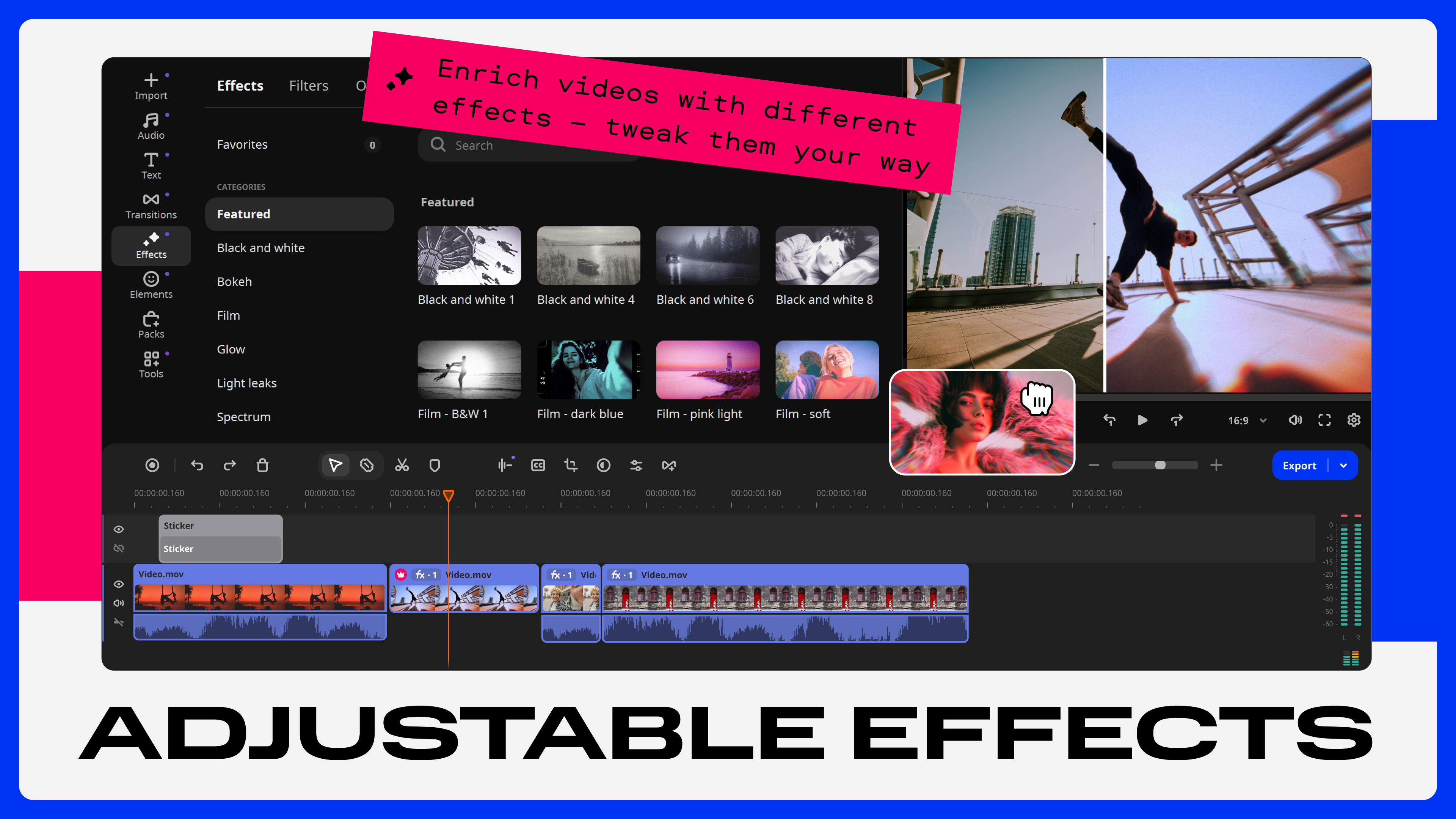
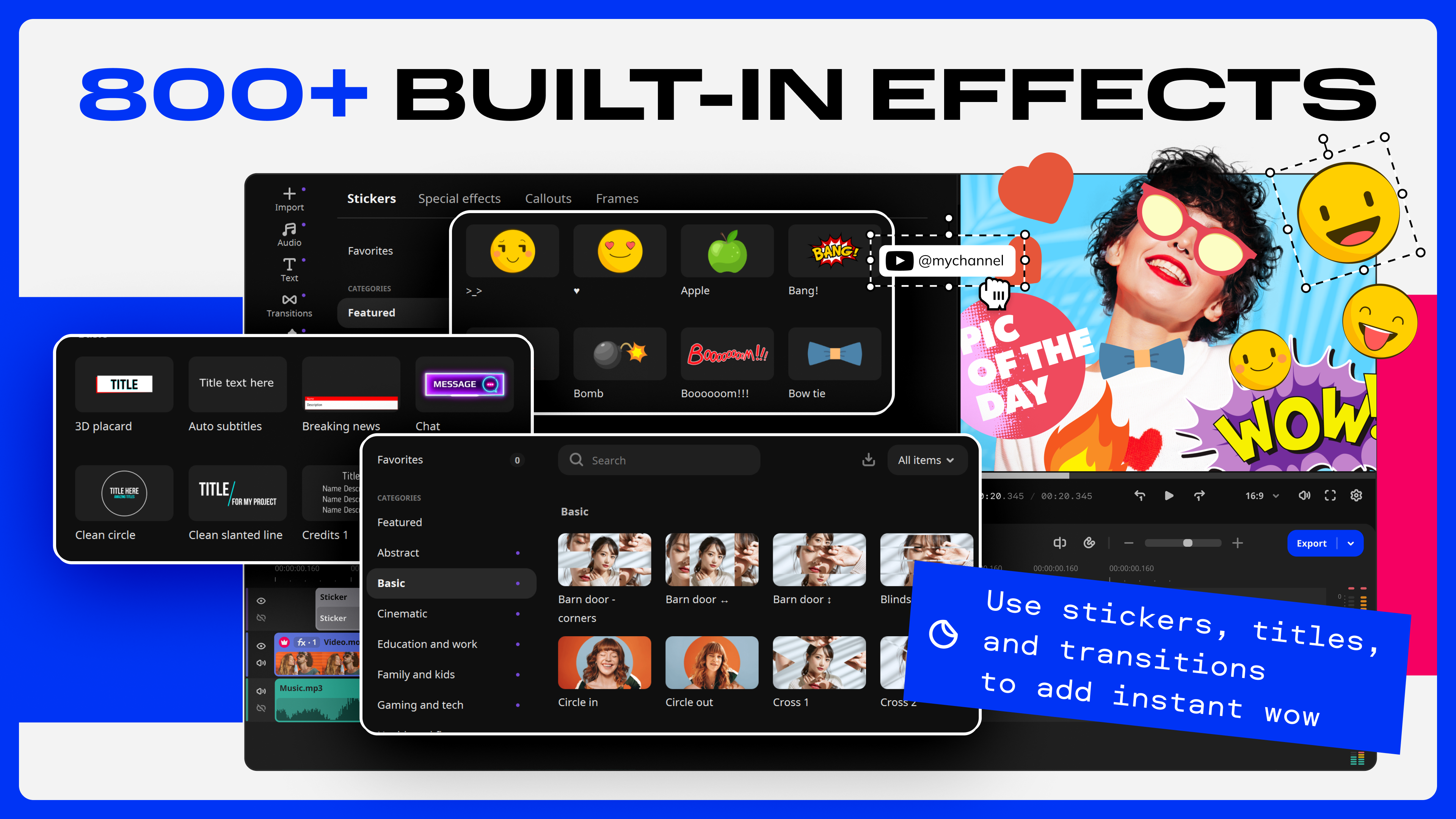
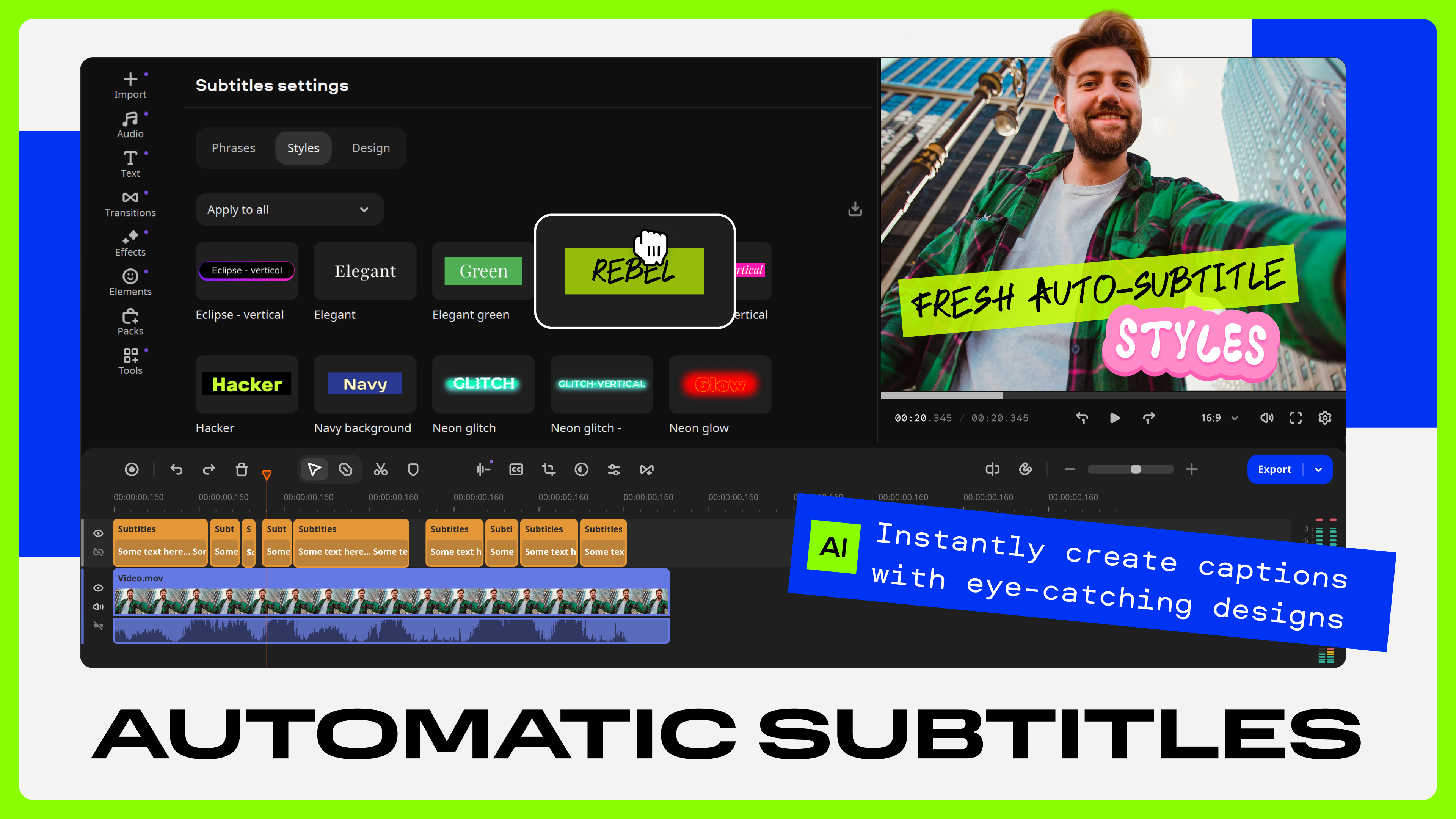
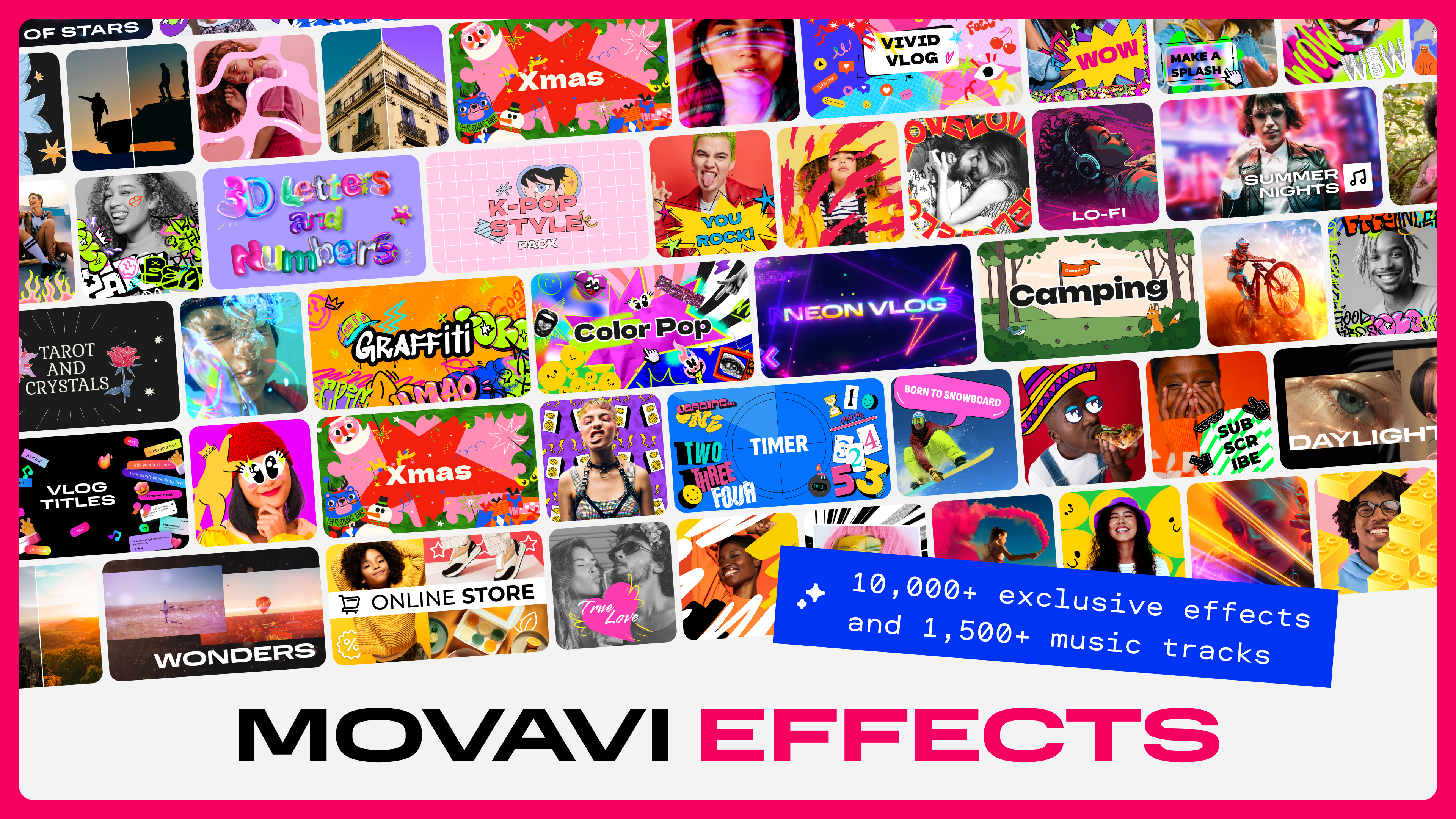
- Built-in Visual Effects and Transitions: A rich library of filters, titles, and transition effects to add professional flair effortlessly.
- Output Versatility: Supports multiple formats and resolutions, ensuring your creation looks great whether for social media, presentations, or personal archives.
Getting Your Creative Juices Flowing
Imagine sitting in your cozy home studio, ready to craft a memorable travel vlog or a heartfelt montage—Movavi Video Editor steps up as your loyal assistant, eager to turn your raw footage into a captivating story. The welcoming interface feels like the dashboard of a friendly spaceship, guiding you step-by-step through the editing galaxy. Whether it's trimming clips, adding music, or applying filters, the process feels fluid and straightforward—nothing more intimidating than assembling a puzzle.
Core Feature 1: Simplified Editing Workflow
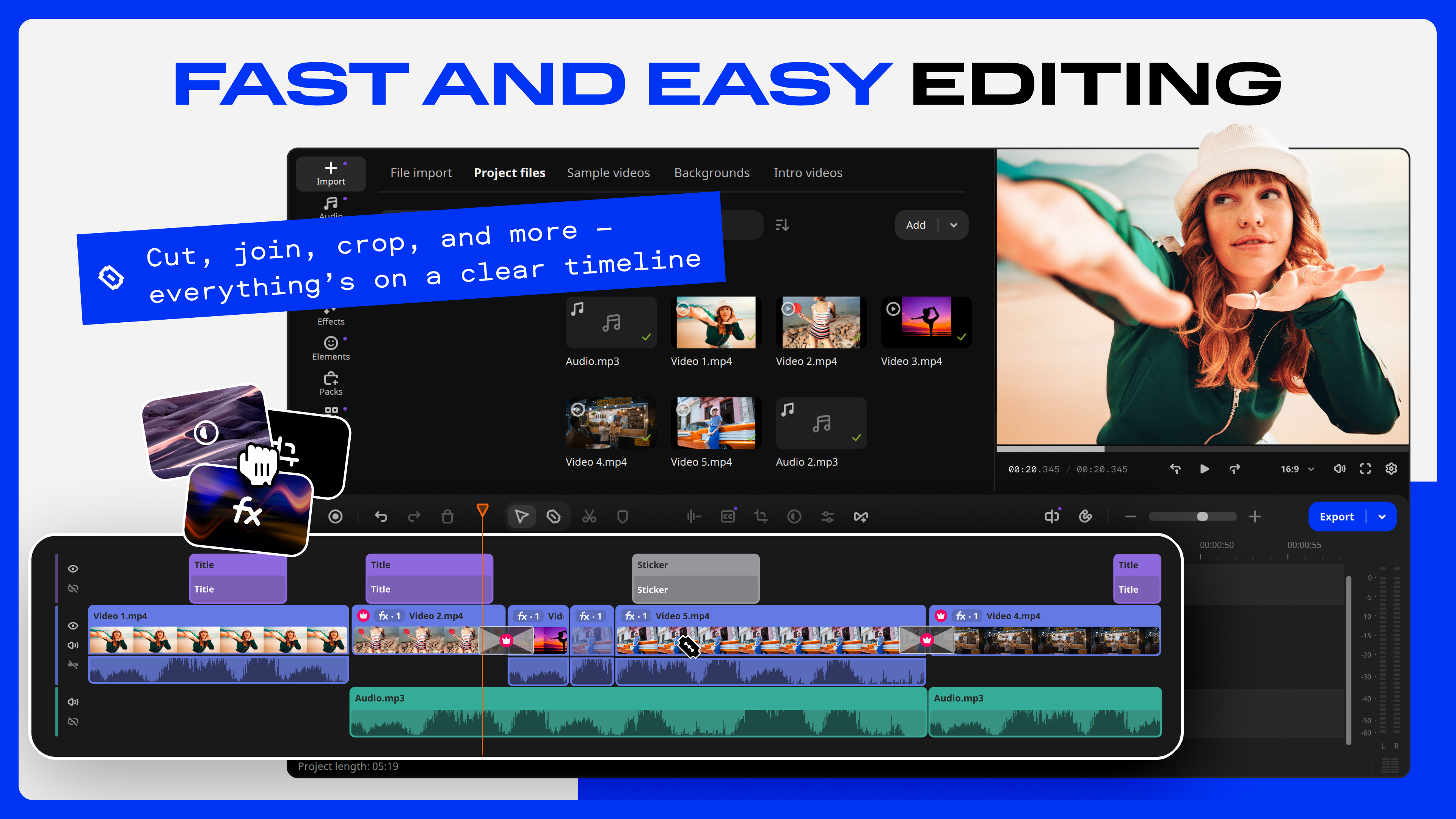
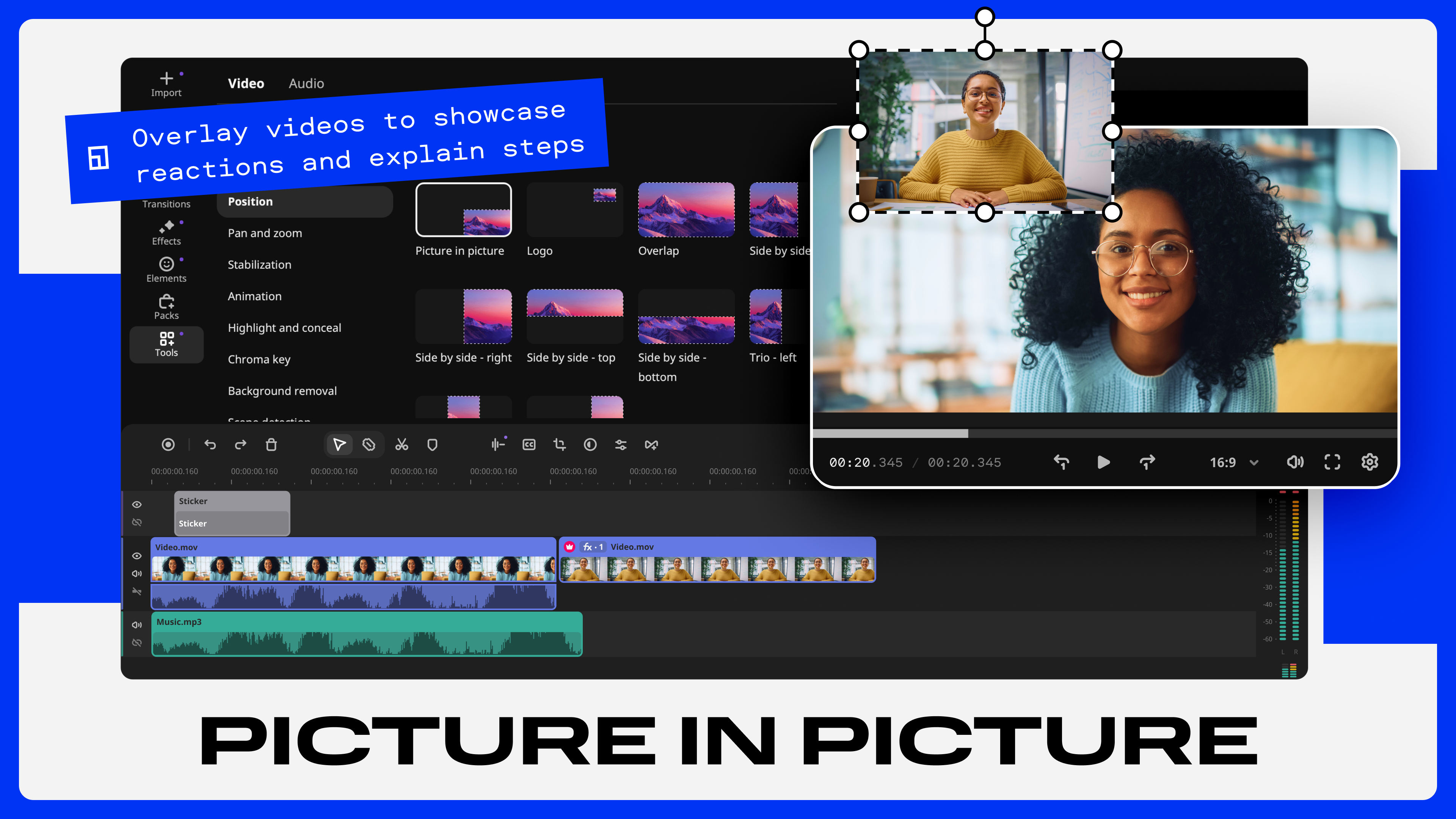
The app's timeline-based editing system is a breeze to navigate, with a minimalistic but comprehensive toolbar that makes accessing key functions feel like flipping through a well-organized scrapbook. The drag-and-drop functionality speeds up operations—just select your clip, drag it to the timeline, and start fine-tuning. Layering tracks for audio and overlays feels just as intuitive, eliminating the usual frustrations associated with more complex editors. Scene detection then helps split long recordings into manageable segments, saving you from tedious manual trimming.
Core Feature 2: Creative Effects Made Easy
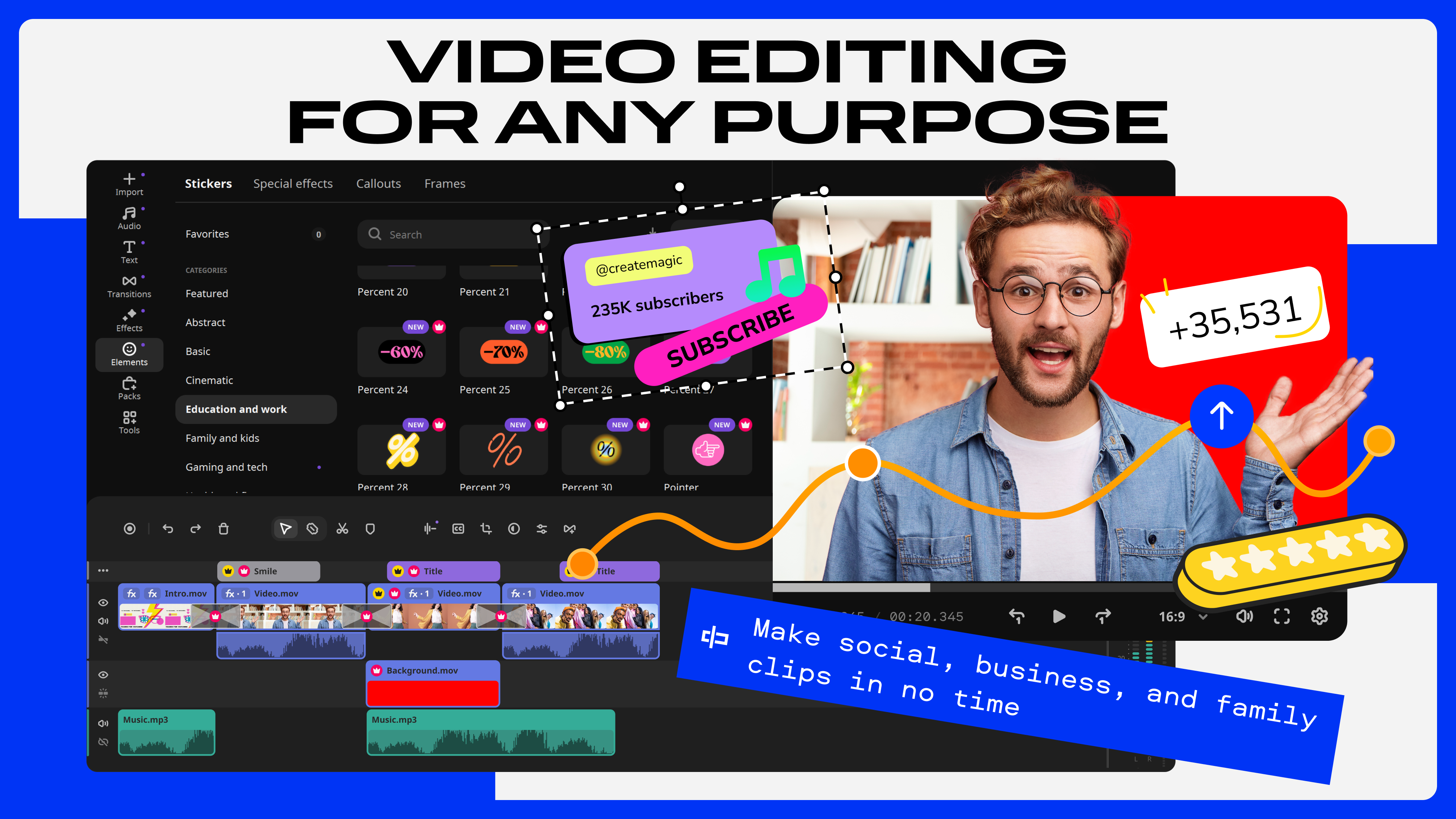
One standout aspect is how Movavi balances built-in creativity with simplicity. The extensive library of visual effects and transitions is organized into themed categories, making it easy to discover the perfect style—whether you're after a vintage sepia tone or a modern glitch effect. Adding animated titles and stylish filters refreshes videos with just a few clicks. Notably, the app supports keyframe animations, allowing users to craft nuanced effects that would typically require advanced knowledge, all within an approachable interface.
Exceptional User Experience and Unique Selling Points
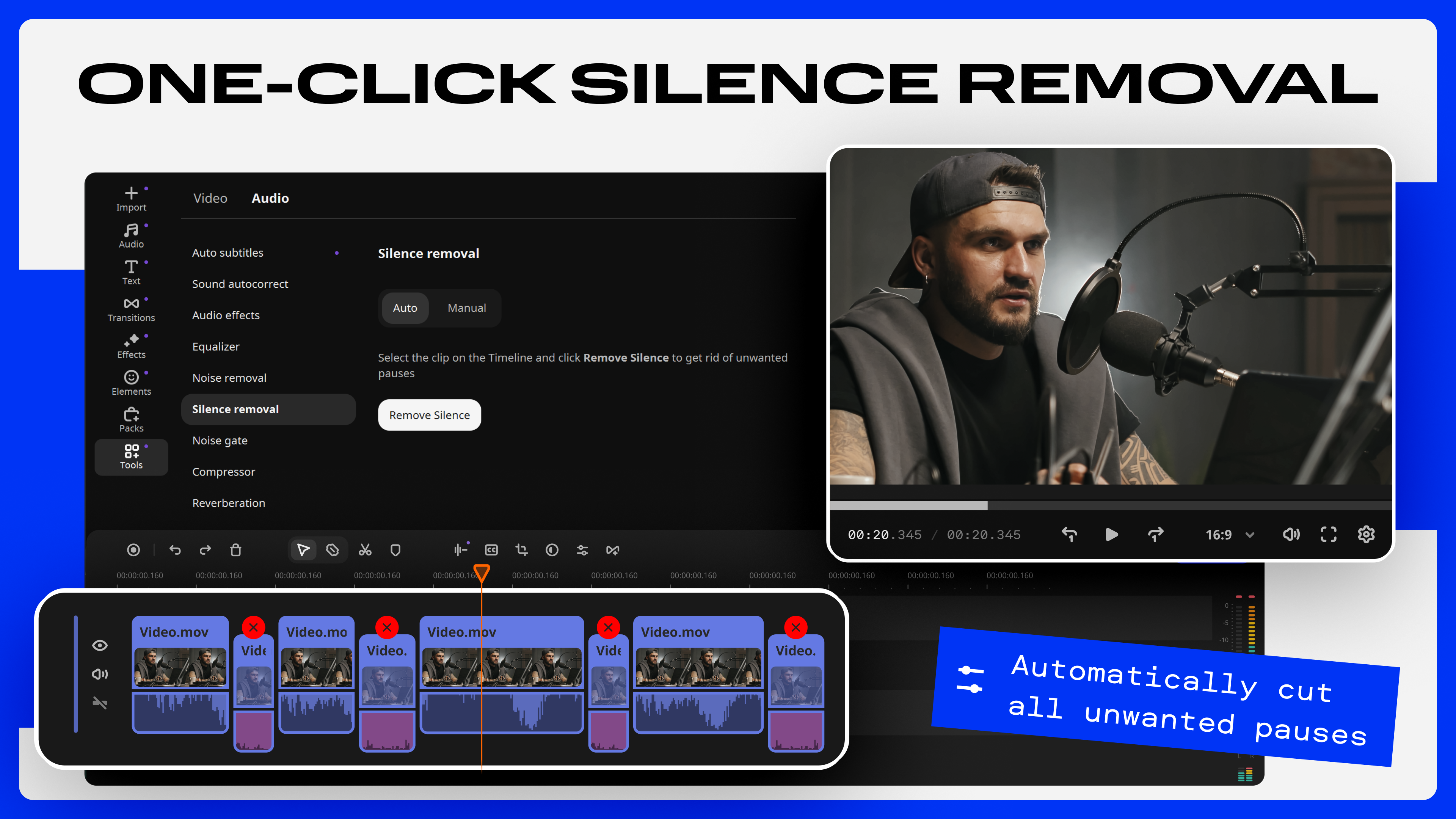
Compared to other video editors in the same price range, Movavi's standout feature is its blend of automation and creative control. Its smart scene detection reduces manual effort, automatically pinpointing changes in footage, akin to having a personal editing assistant highlighting the best moments. This feature is especially valuable for users with large video libraries or those new to editing, dramatically speeding up the post-production process.
Furthermore, Movavi Video Editor maintains a smooth and responsive editing experience, even with high-resolution footage. Its interface is designed to stay clutter-free, and the editing process feels seamless, like a well-tuned engine—an important advantage over some bulky, sluggish counterparts.
Final Verdict: A Worthy Companion for Your Video Creations
All in all, Movavi Video Editor strikes a compelling balance between simplicity and impressive functionality. If you're looking for a reliable, user-friendly tool that helps you turn everyday moments into polished videos, it's highly recommended. Its key features—particularly the intelligent scene detection and its elegant effect library—set it apart in the crowded space of casual video editors. While it may not replace professional-grade software for high-end productions, it excels as an accessible, all-in-one solution perfect for hobbyists, students, or small business owners eager to tell their stories creatively.
For those wanting an editor that feels more like a friendly partner than a complex machine, Movavi Video Editor is certainly worth trying out—and it might just inspire you to start your video journey today.
Pros
- Intuitive User Interface
- Wide Range of Editing Tools
- Fast Rendering Speed
- Supports Multiple Video Formats
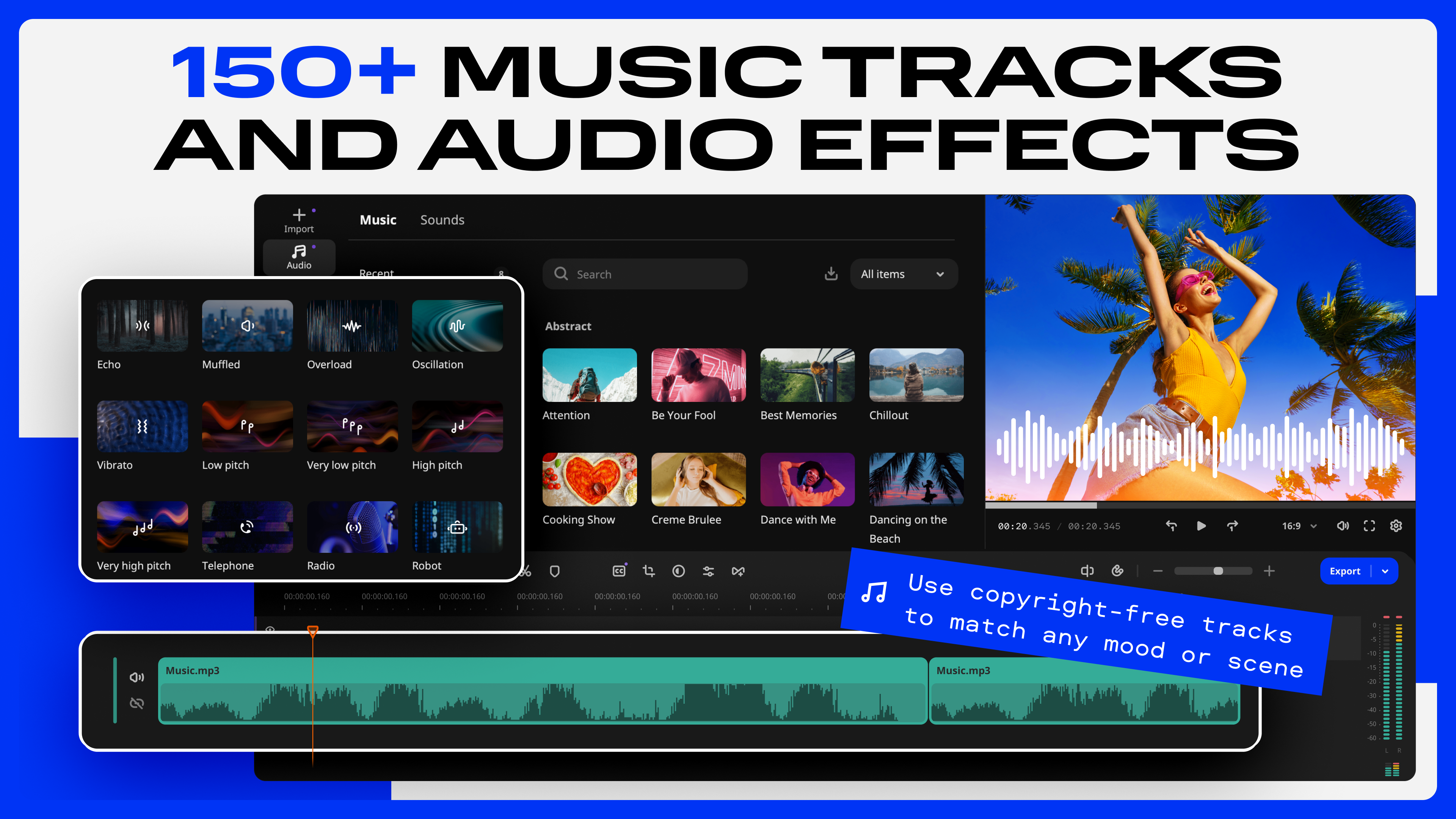
- Built-in Library of Effects and Music
Cons
- Limited Advanced Editing Features
- Occasional Software Crashes
- Watermark on Free Version
- Limited Customization of Effects
- Requires Relatively High System Resources











