

- Category Photo & video
- Developer Movie Maker
- Available on PC
- OS Windows 10 version 17134.0 or higher
- languages Arabic, Chinese (Simplified), Dutch, English (United States), French, German, Italian, Japanese, Korean, Korean , Portuguese, Portuguese (Brazil), Russian, Spanish, Spanish (Spain)
Transform Your Video Editing Experience with Movie Maker: Video Editor for Windows
Looking for an intuitive yet powerful tool to craft your videos without a steep learning curve? Movie Maker: Video Editor for Windows by FS Tech Media offers a straightforward solution that balances simplicity with a surprising depth of features. Whether you're a casual hobbyist or aspiring content creator, this app promises to turn your raw footage into polished videos with ease.
One App, Multiple Creative Tools
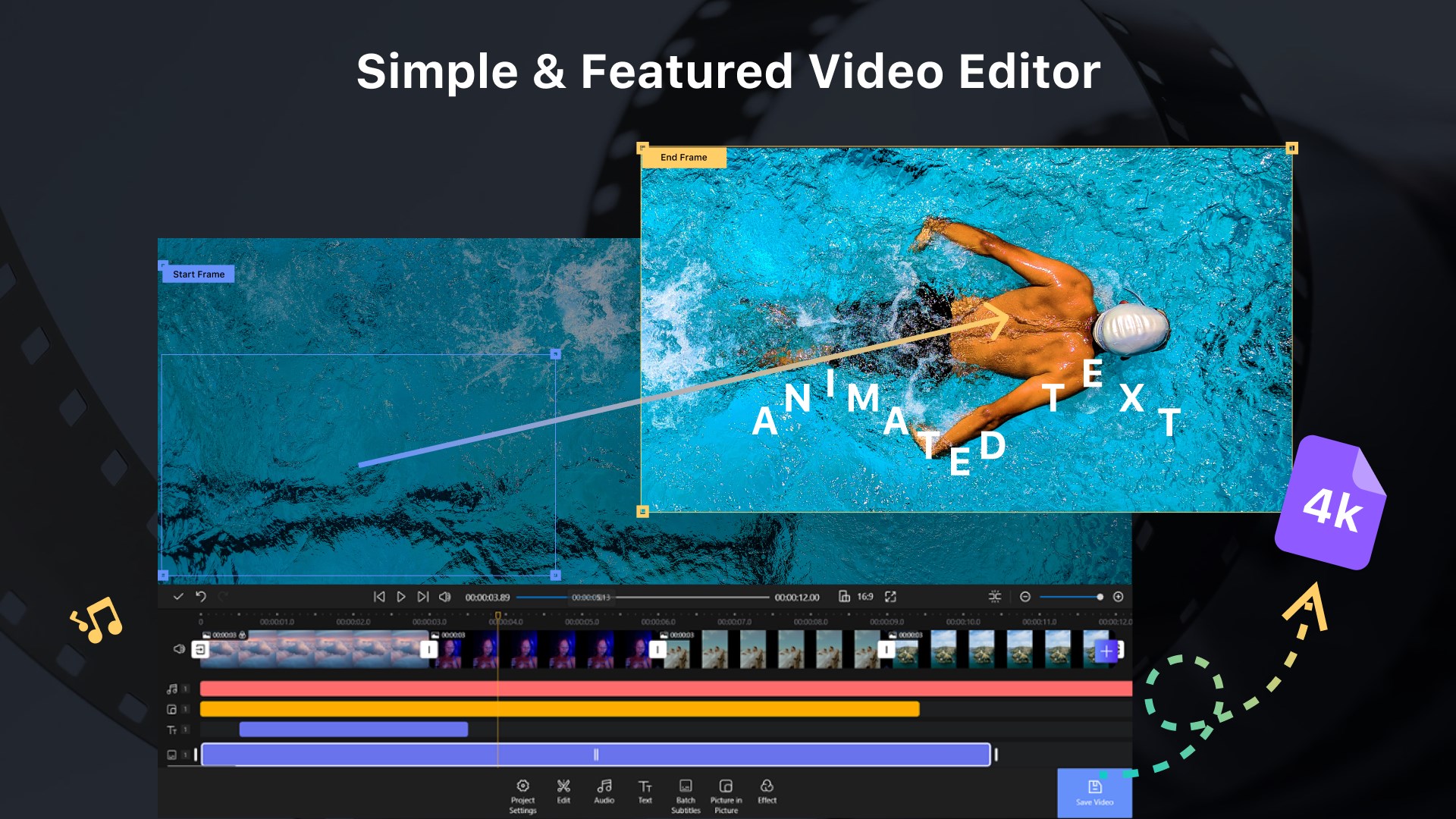
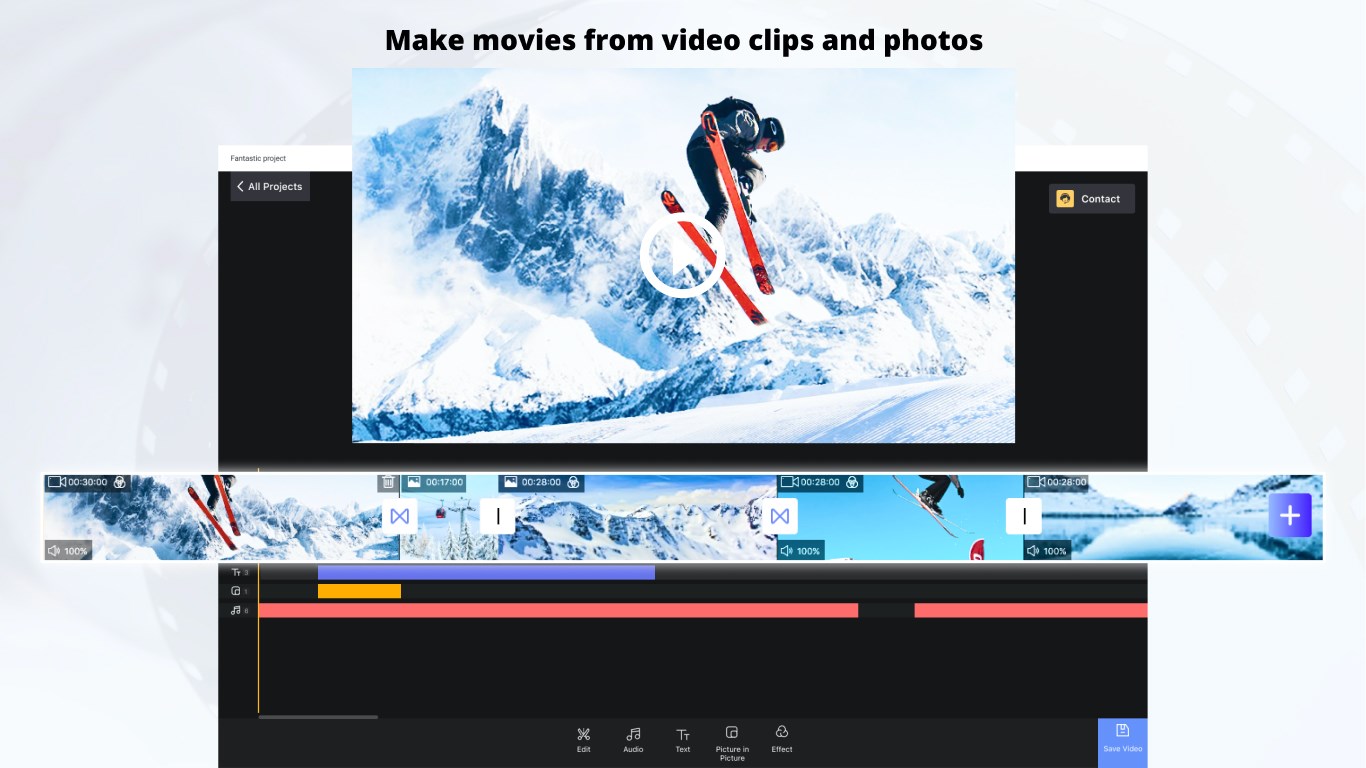
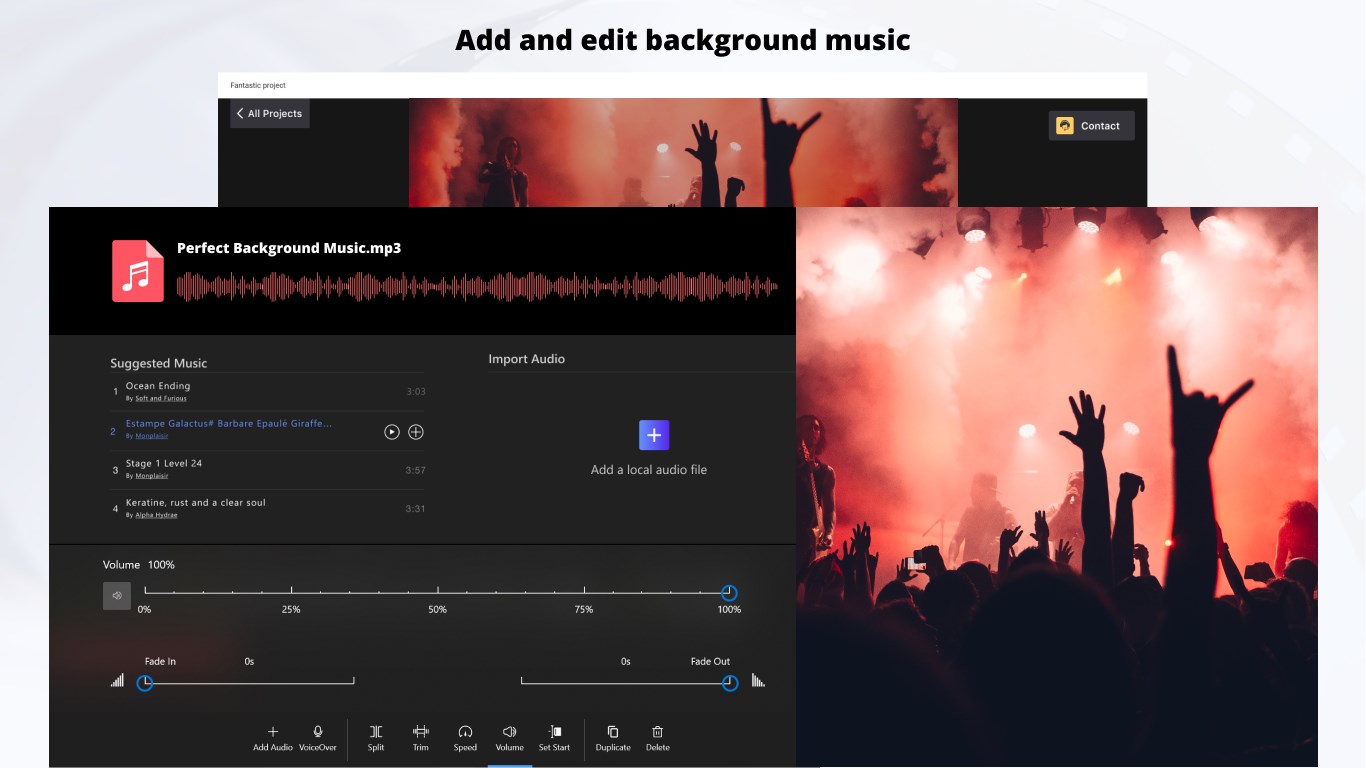
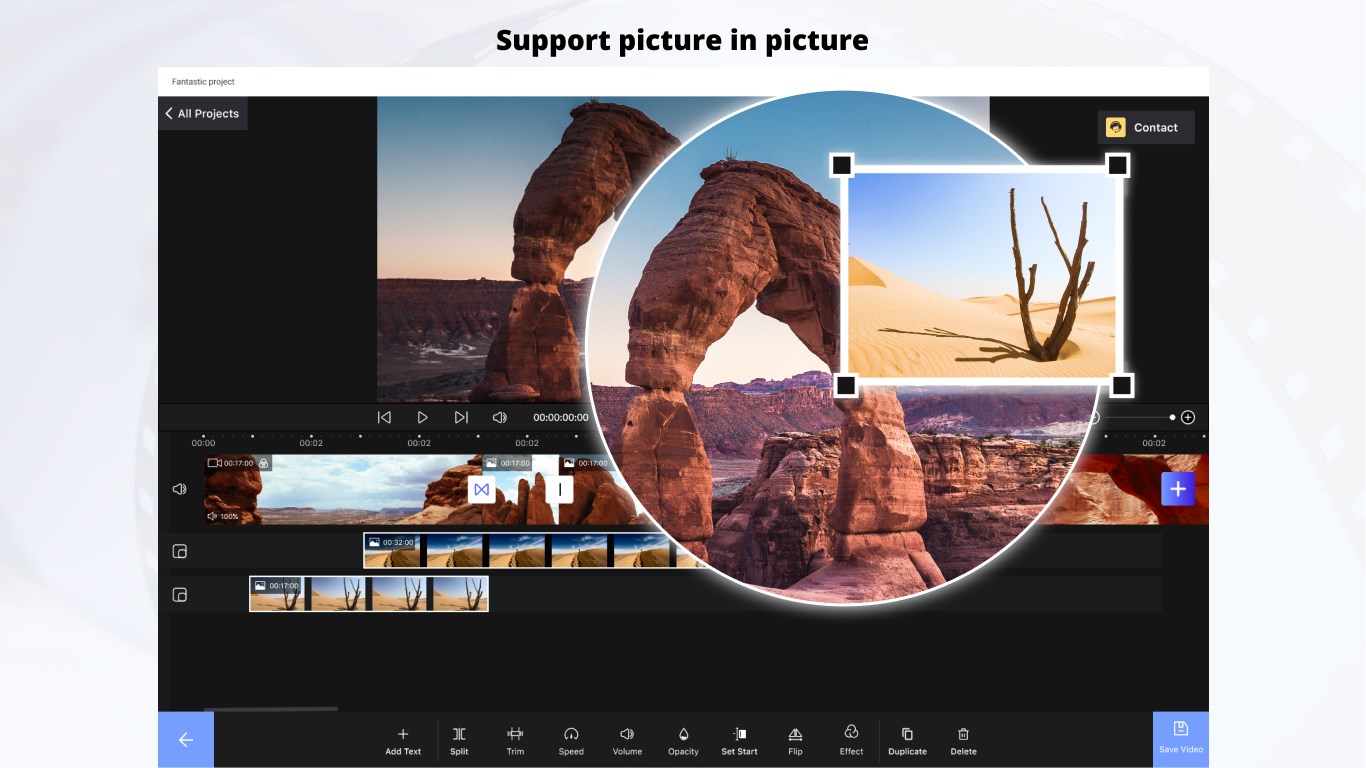
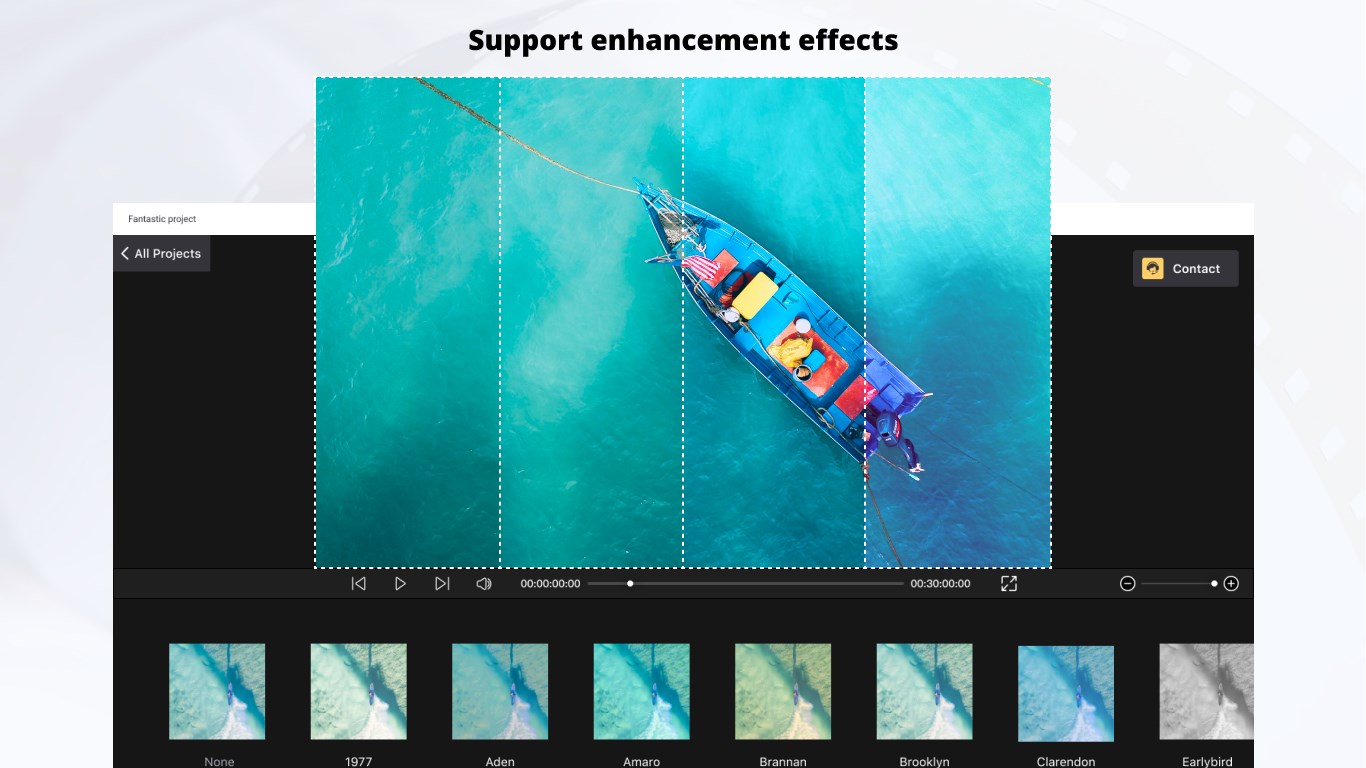
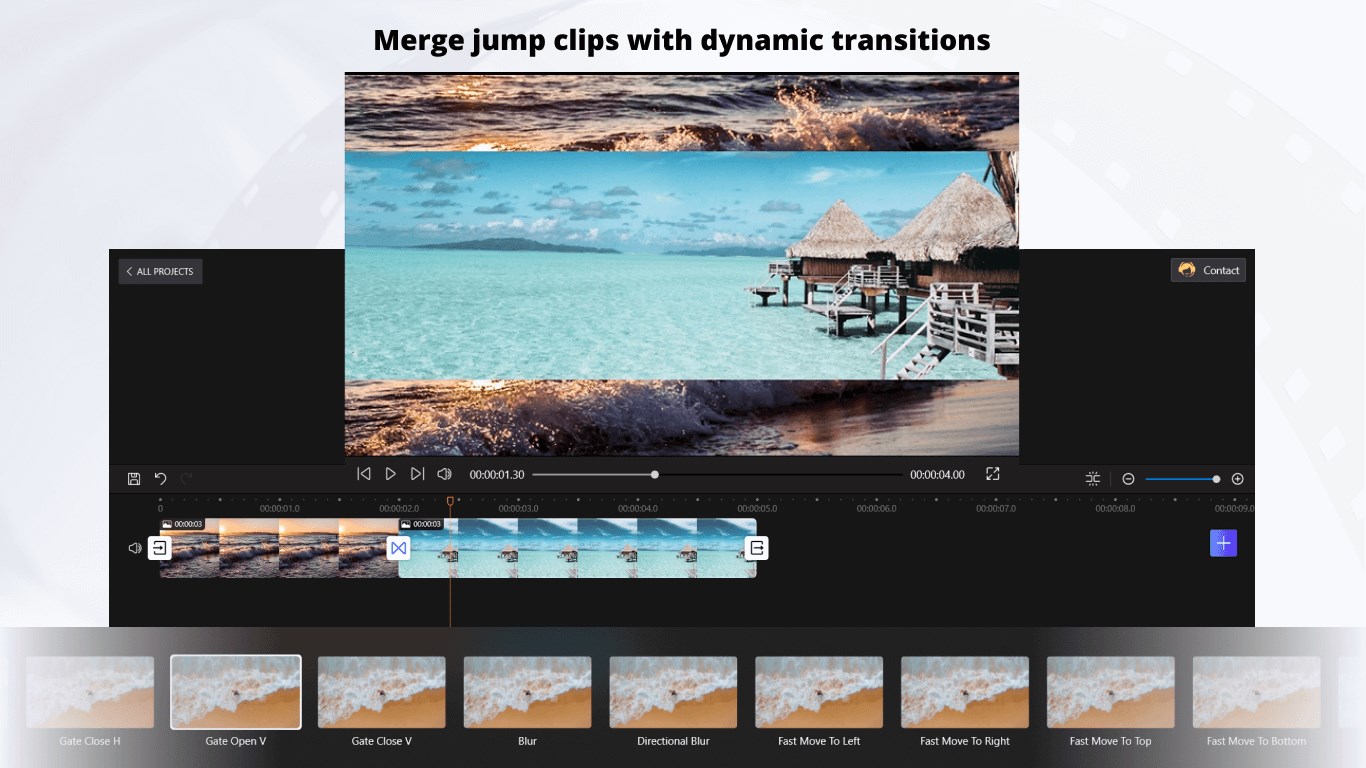
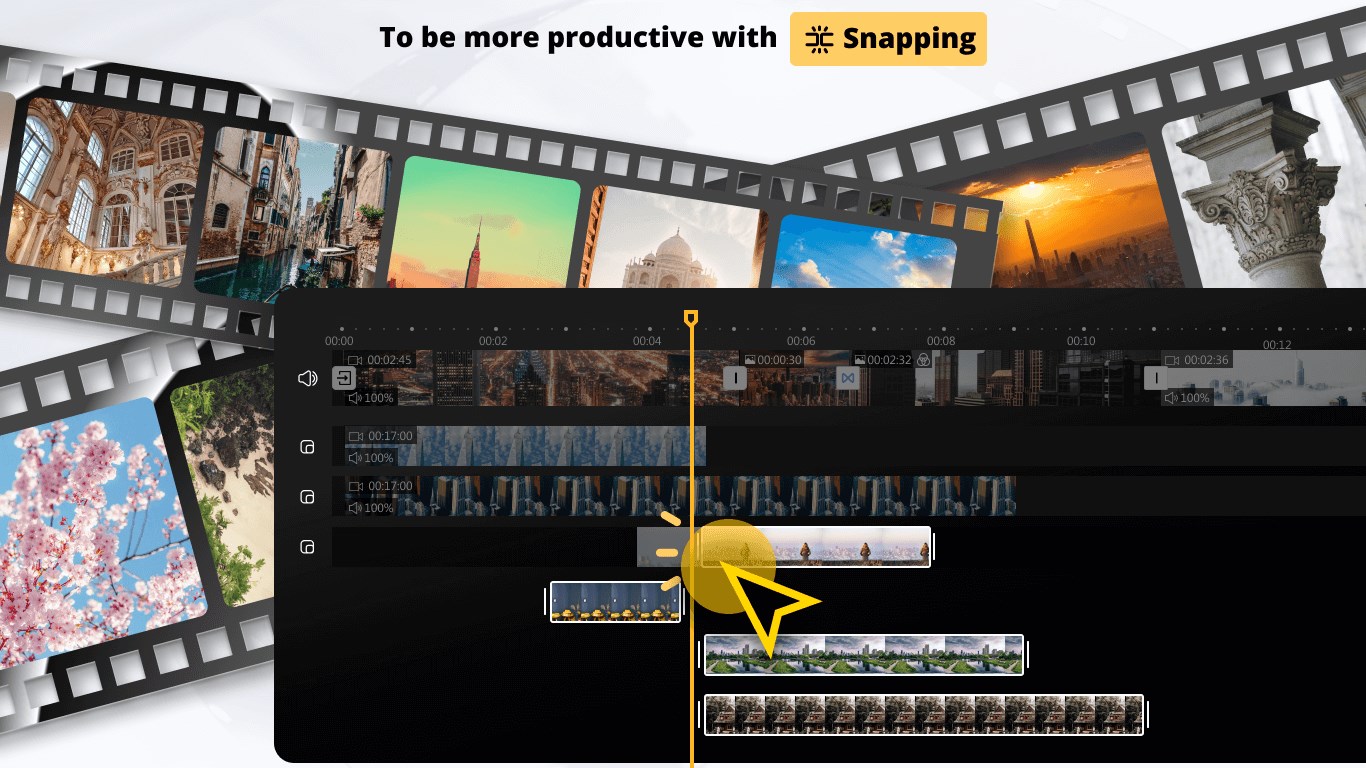
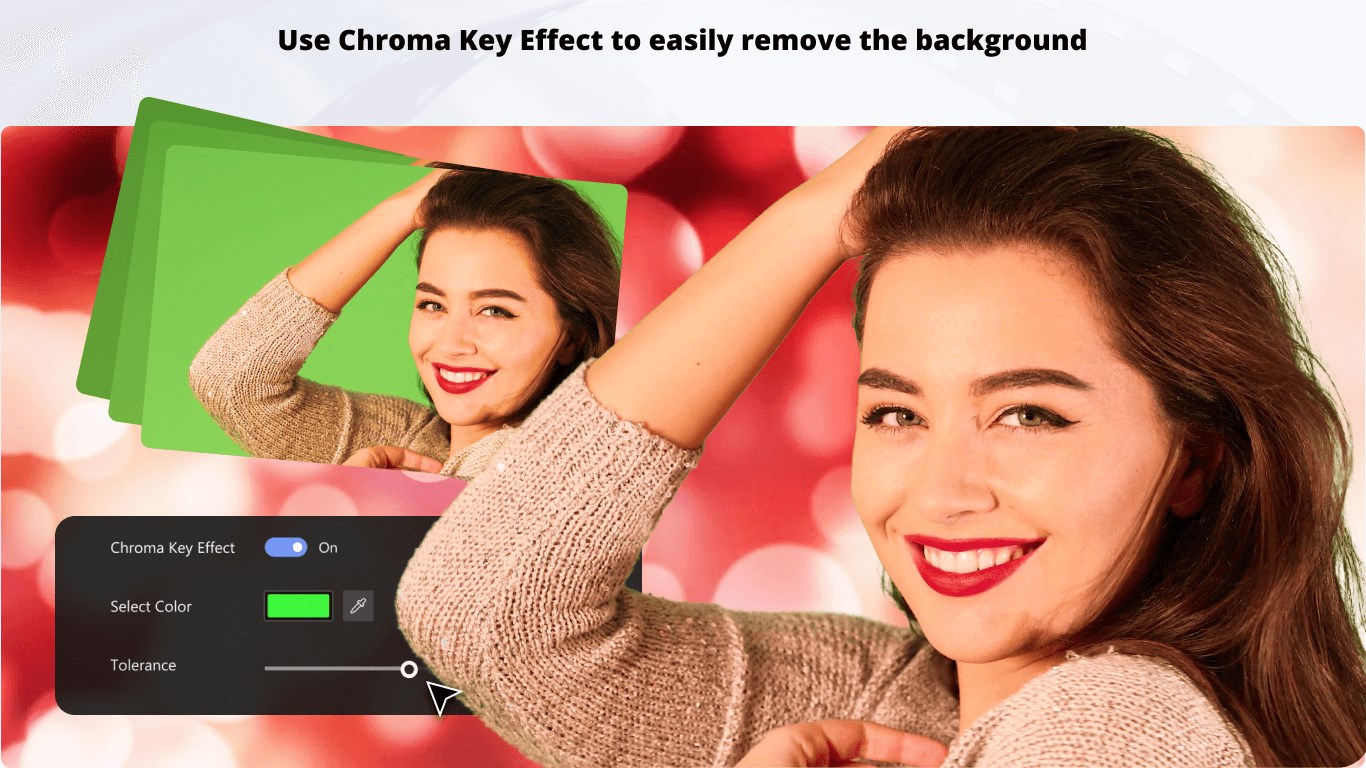
This application stands out with its suite of core features designed to streamline the editing process. First, its robust timeline editing engine allows for seamless trimming, cutting, and arranging clips, making it easy to build your story shot-by-shot. Second, the built-in effects and transitions give your videos that professional touch—think smooth fades, dynamic filters, and overlays—without requiring third-party plugins. Third, the app's audio editing capabilities are quite user-friendly, enabling you to add background music, sound effects, or voice-overs easily, which is essential for creating engaging content. Lastly, its export options support various formats and resolutions, ensuring your final product is ready for any platform or device.
User Interface and Workflow: Smooth Sailing from Start to Finish
Design-wise, Movie Maker offers a clean, modern interface that feels welcoming rather than intimidating—like stepping into a well-organized workshop. The layout is intuitive: clips and assets are accessible via a sidebar, while the timeline remains uncluttered, allowing you to focus on your creative flow. The app runs smoothly on Windows, with real-time previewing that keeps your editing process fluid, rather than frustratingly lagging behind your mouse movements. Learning curve-wise, it's friendly for beginners but also offers deeper functionality for those wanting more advanced editing, striking a good balance between accessibility and depth.
What Sets It Apart from Other Video Editors?
In a crowded market of video editing apps, Movie Maker distinguishes itself through its simplicity and its unique emphasis on quick, high-quality results. Unlike many competitors that bombard you with complex options, this app simplifies the process, emphasizing core editing functions that get you from footage to finished product swiftly. Its most notable feature is the “auto-edit” mode, which intelligently analyzes your clips to suggest optimal cuts and transitions—a real time-saver that's perfect for users who prefer to focus on storytelling rather than technical details. Furthermore, its emphasis on a clean, clutter-free workspace boosts productivity, making it feel more like working within a digital storyboard rather than navigating through layers of menus.
Recommendations and Usage Tips
If you're seeking a straightforward yet capable video editing tool for Windows, Movie Maker: Video Editor is a solid choice—especially if your projects involve quick turnarounds or you're new to editing. It's best suited for creating social media clips, family videos, or short presentations. For more advanced editing needs, such as multi-track compositing or special effects, you might find its features somewhat limited. However, for its target audience, it offers a refreshing blend of usability and quality, making it highly recommended for beginners and casual users alike. Just remember to explore its auto-edit feature early on—it can save you a lot of time and help you uncover how intuitive simple automation can be in creative workflows.
Pros
- User-friendly interface
- Basic editing features
- Fast rendering times
- Built-in transitions and effects
- Integration with Microsoft ecosystem
Cons
- Limited advanced editing options
- Occasional stability issues
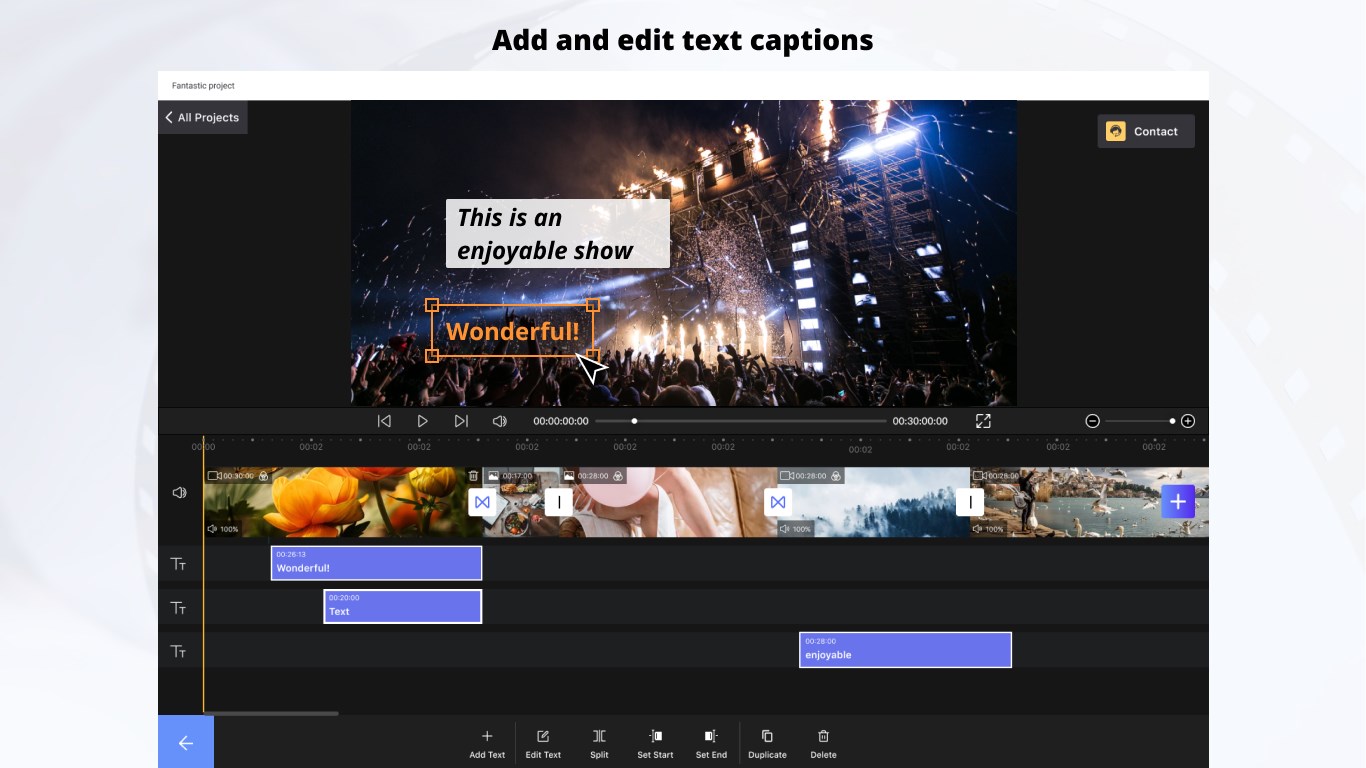
- Basic text and overlay options
- Audio editing capabilities are basic
- Limited export formats











