
- Category Photo & video
- Developer AI Photo Editor Lab
- Available on PC
- OS Windows 10 version 17763.0 or higher
- DirectX Version 9
- Memory 4 GB
- languages Arabic, Chinese (Simplified), Chinese (Traditional Chinese), Dutch, English (United States), French, German, Indonesian, Italian, Japanese, Korean, Polish, Portuguese (Brazil), Portuguese (Portugal), Russian, Spanish (Spain)
A Fresh Take on Video Editing: Movie Maker - Video Editor PRO for Windows
If you're looking for a straightforward yet powerful tool to craft your video stories with ease, Movie Maker - Video Editor PRO might just be your new best friend. Designed with both casual creators and hobbyists in mind, this application aims to streamline the editing process while offering enough features to produce polished results. Let's unpack what makes this app stand out and see if it deserves a spot in your digital toolkit.
What Is This App? Essential Info in a Nutshell
Movie Maker - Video Editor PRO is a Windows-based application developed by AI Photo Editor Lab that simplifies video editing with an intuitive interface and robust feature set. Its core mission is to transform raw footage into engaging videos without the steep learning curve typically associated with professional software.
- Developer & Publisher: AI Photo Editor Lab
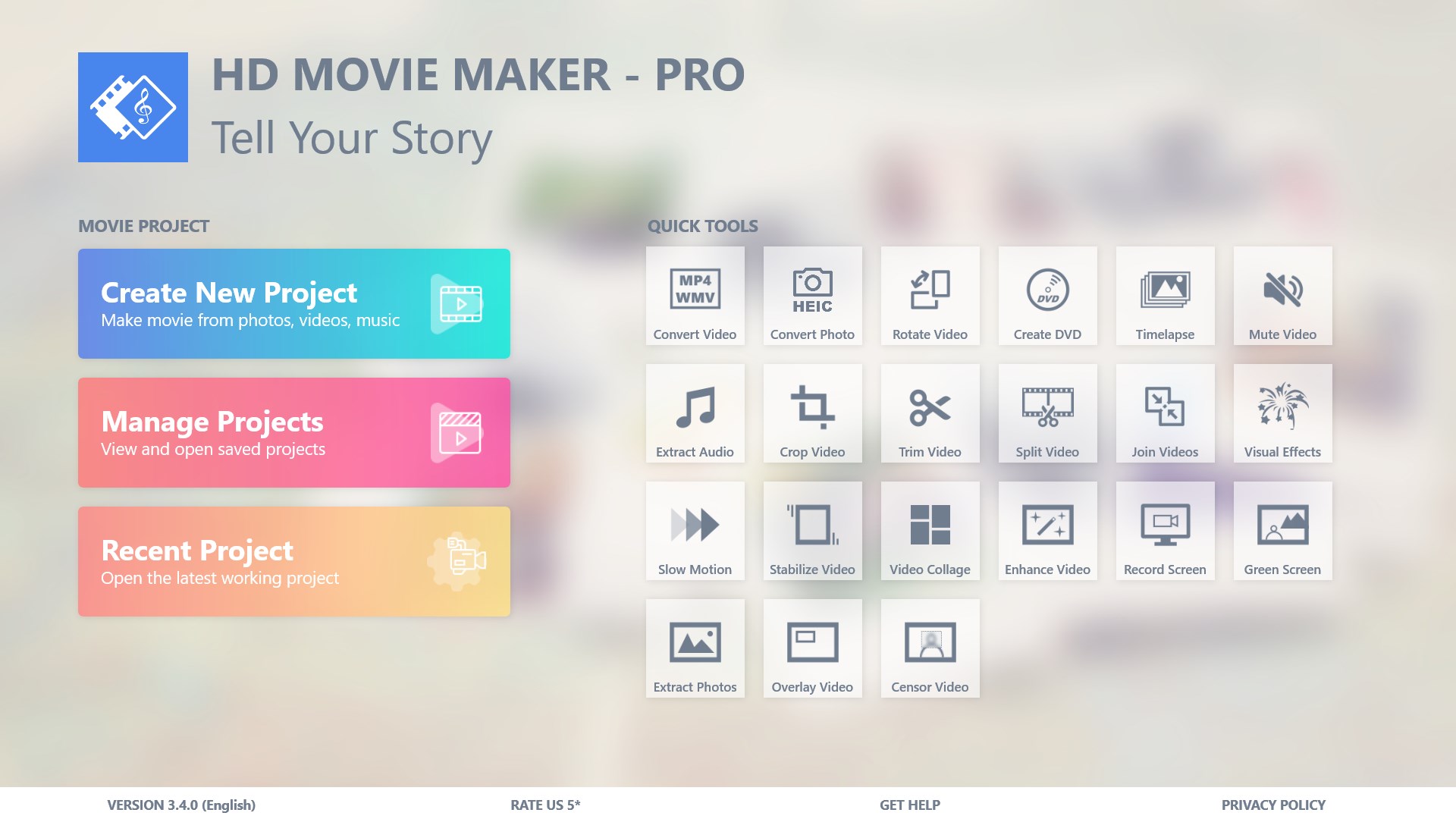
- Main Features Highlights: User-friendly timeline editing, a variety of pre-made templates, support for high-resolution exports, and integrated audio tools.
- Target Audience: Beginners and casual video enthusiasts seeking quick, high-quality results without complex workflows.
First Impressions: Easy, Friendly, Yet Capable
Stepping into Movie Maker - Video Editor PRO feels like entering a cozy, well-organized craft room. Everything is laid out clearly, with a friendly vibe that encourages exploration. There's no intimidation here—just a smooth pathway from raw clips to your final masterpiece. Whether you're editing clips of a family vacation or compiling short clips for social media, this app welcomes you with open arms. The interface's clean design simplifies navigation, making it accessible even for absolute beginners. The app responds quickly to commands, ensuring a seamless editing experience that doesn't drag on or frustrate.
Core Features That Make It Shine
Intuitive Timeline and Editing Tools
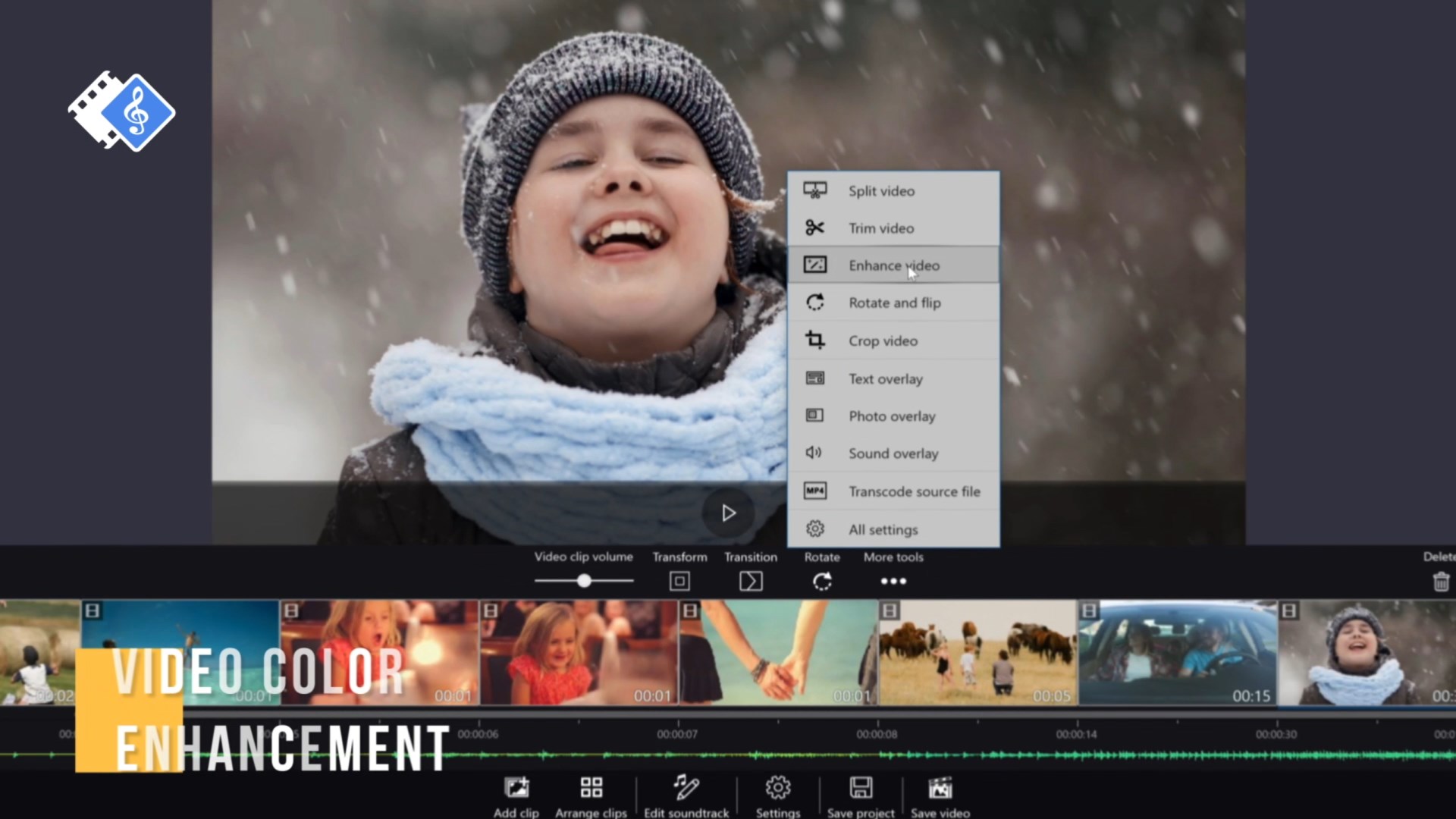
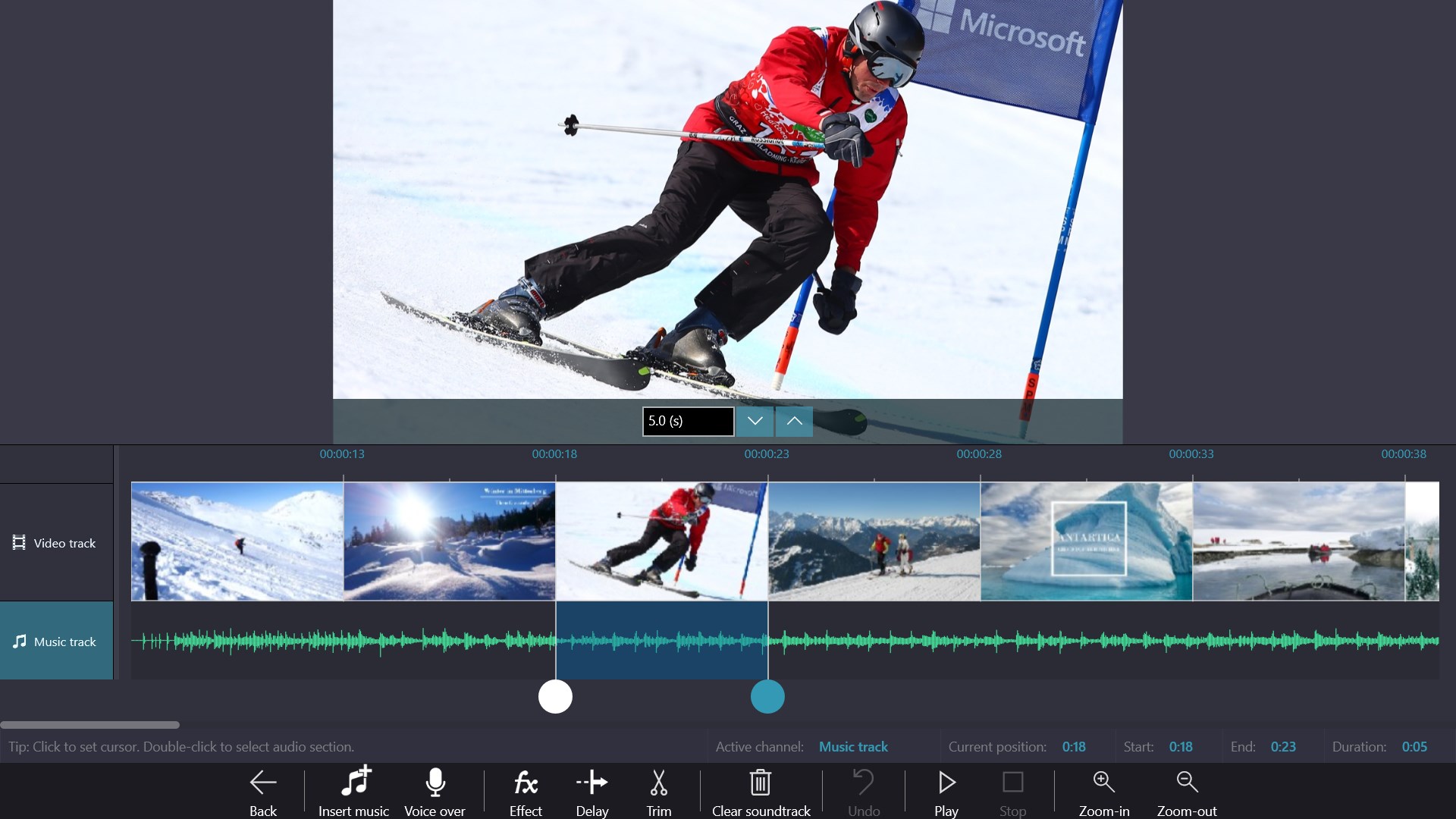
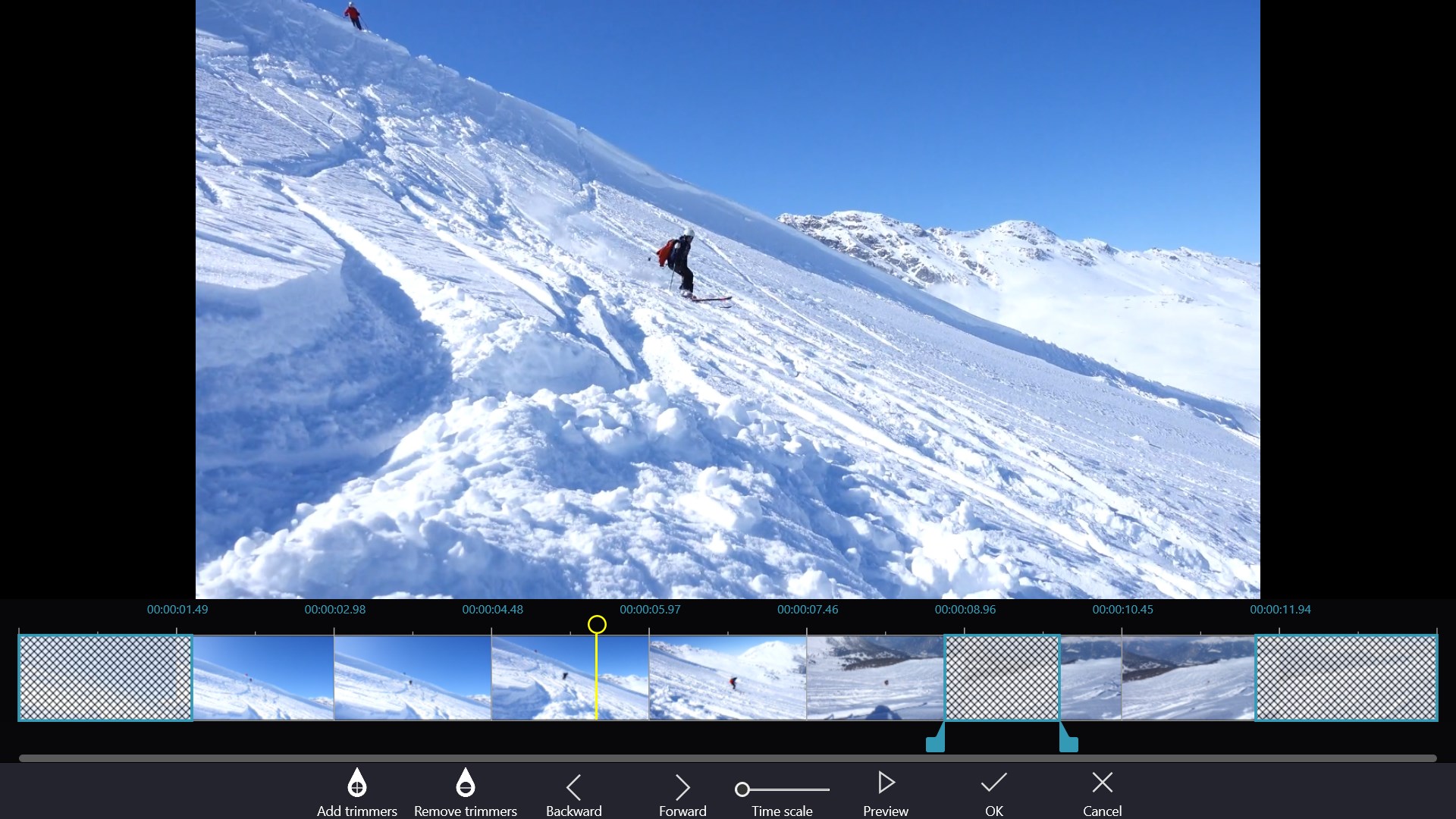
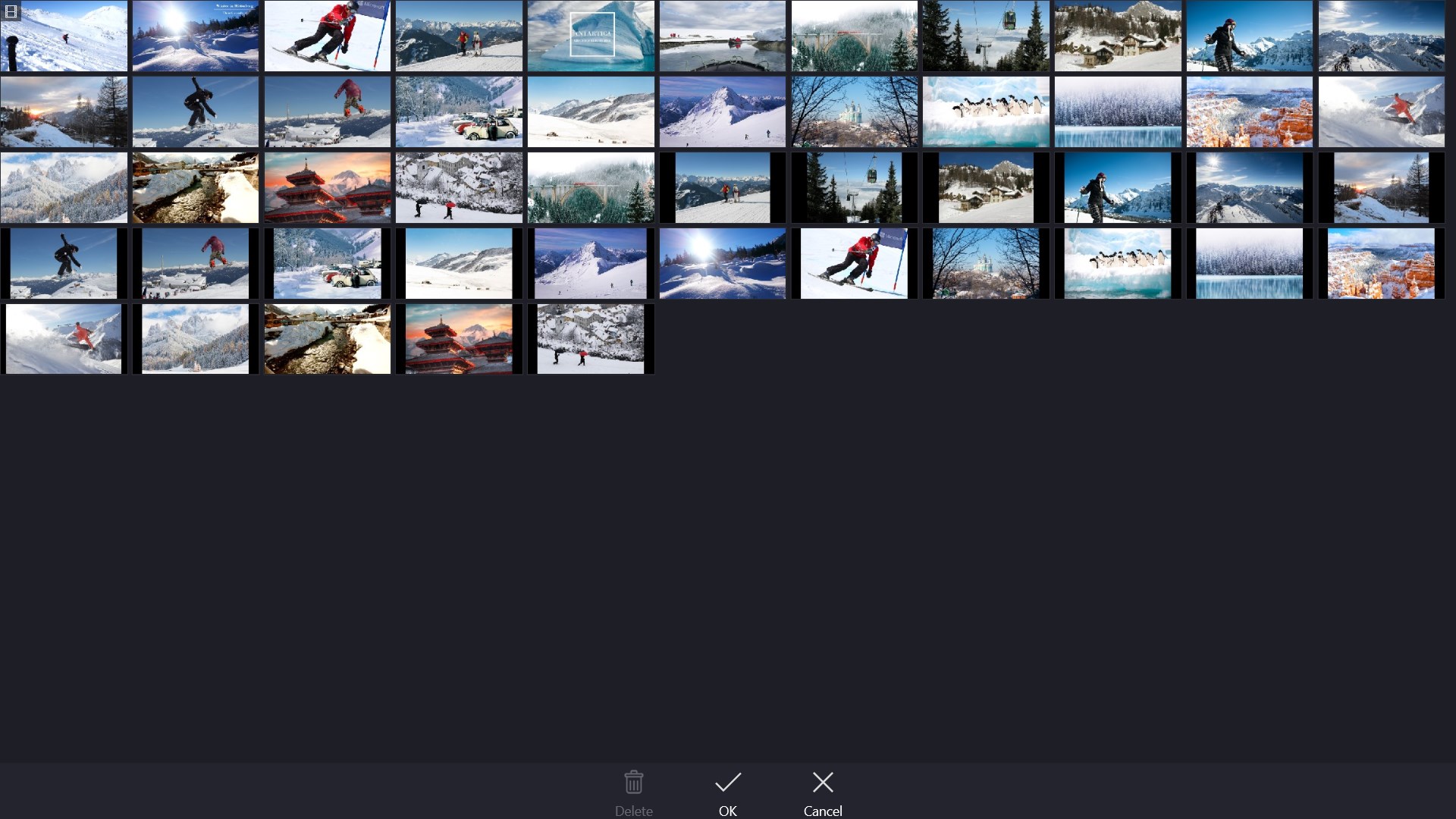
The core of any video editor is its timeline, and Movie Maker - Video Editor PRO excels here. It provides a drag-and-drop interface where clips, images, and audio seamlessly integrate. Cutting, trimming, and splitting videos are straightforward, akin to slicing through butter. The real appeal lies in its simplicity: users can swiftly assemble clips, add transitions, and sync audio without drowning in complicated menus. For users new to editing, this vibrant, uncluttered environment reduces the learning curve significantly.
Templates and Effects – Creative Spark at Your Fingertips
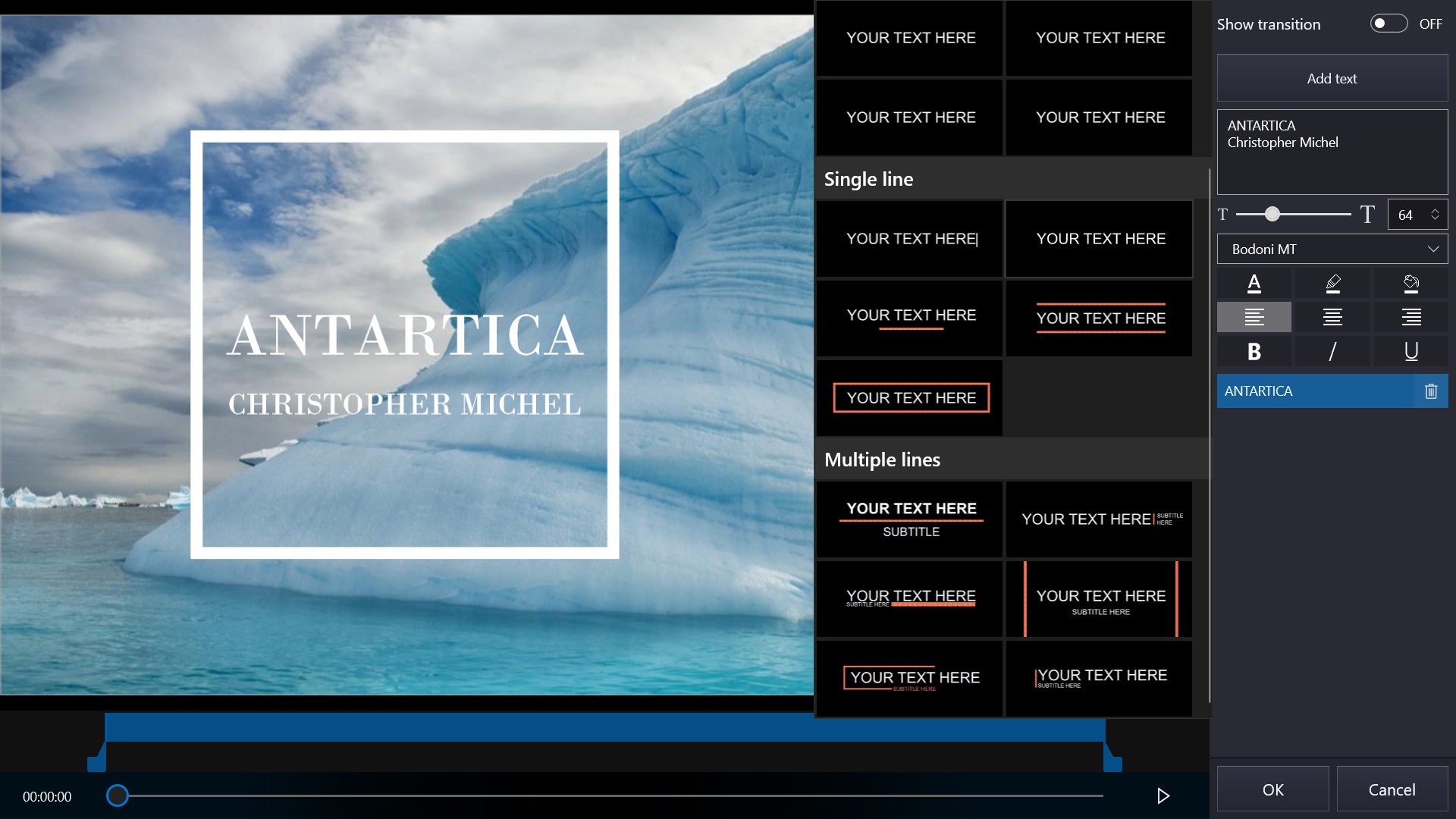
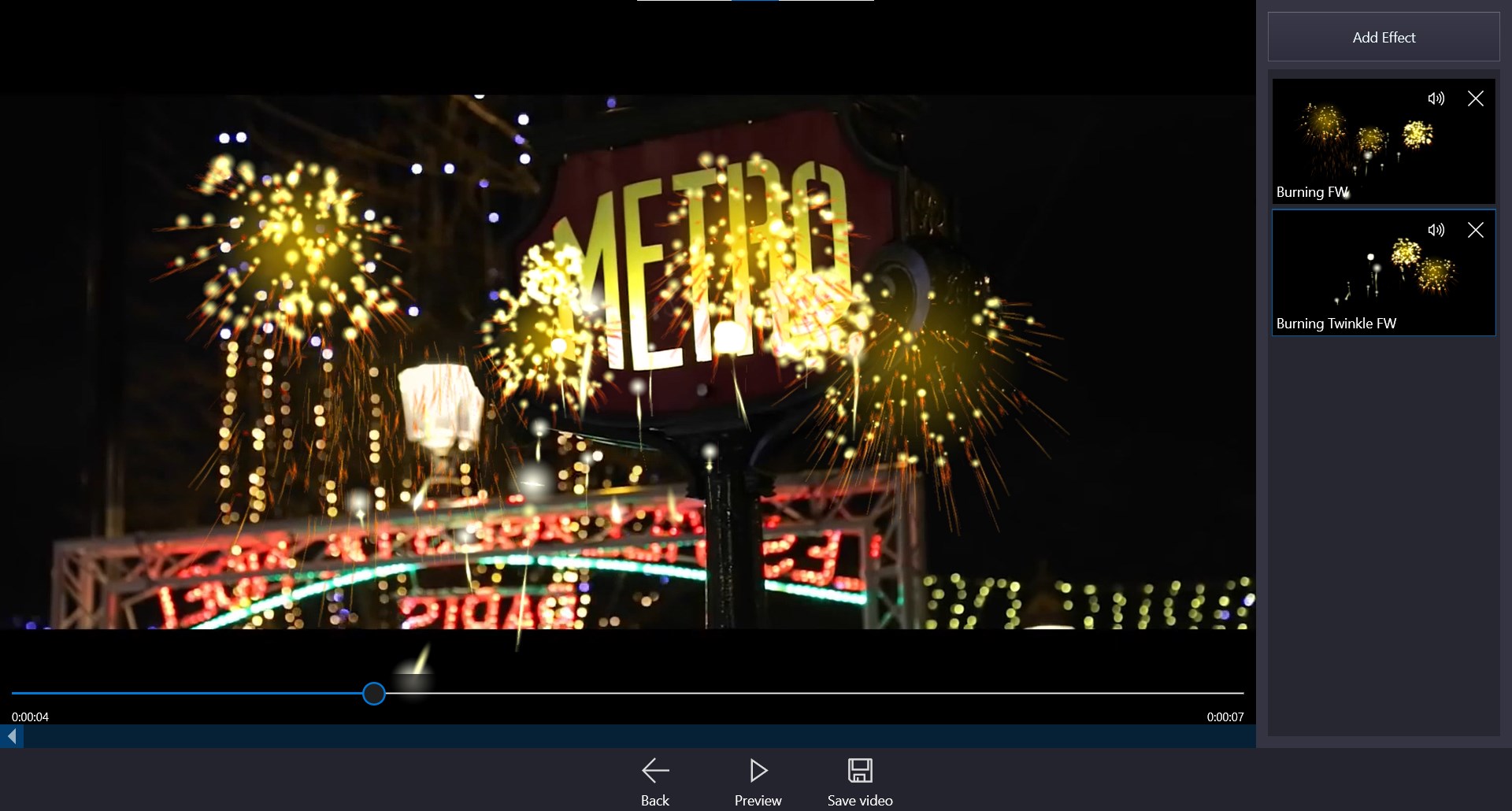
One of the most delightful features is the collection of ready-to-use templates and effects. Think of these as painting by numbers—guiding you to create professional-looking videos with flair. From animated titles to dynamic transitions, these elements infuse your projects with pizzazz without requiring you to be a design wizard. The templates also cater to various themes—be it festive, cinematic, or casual—making it easier to match the mood of your footage.
Audio Integration and Export Quality
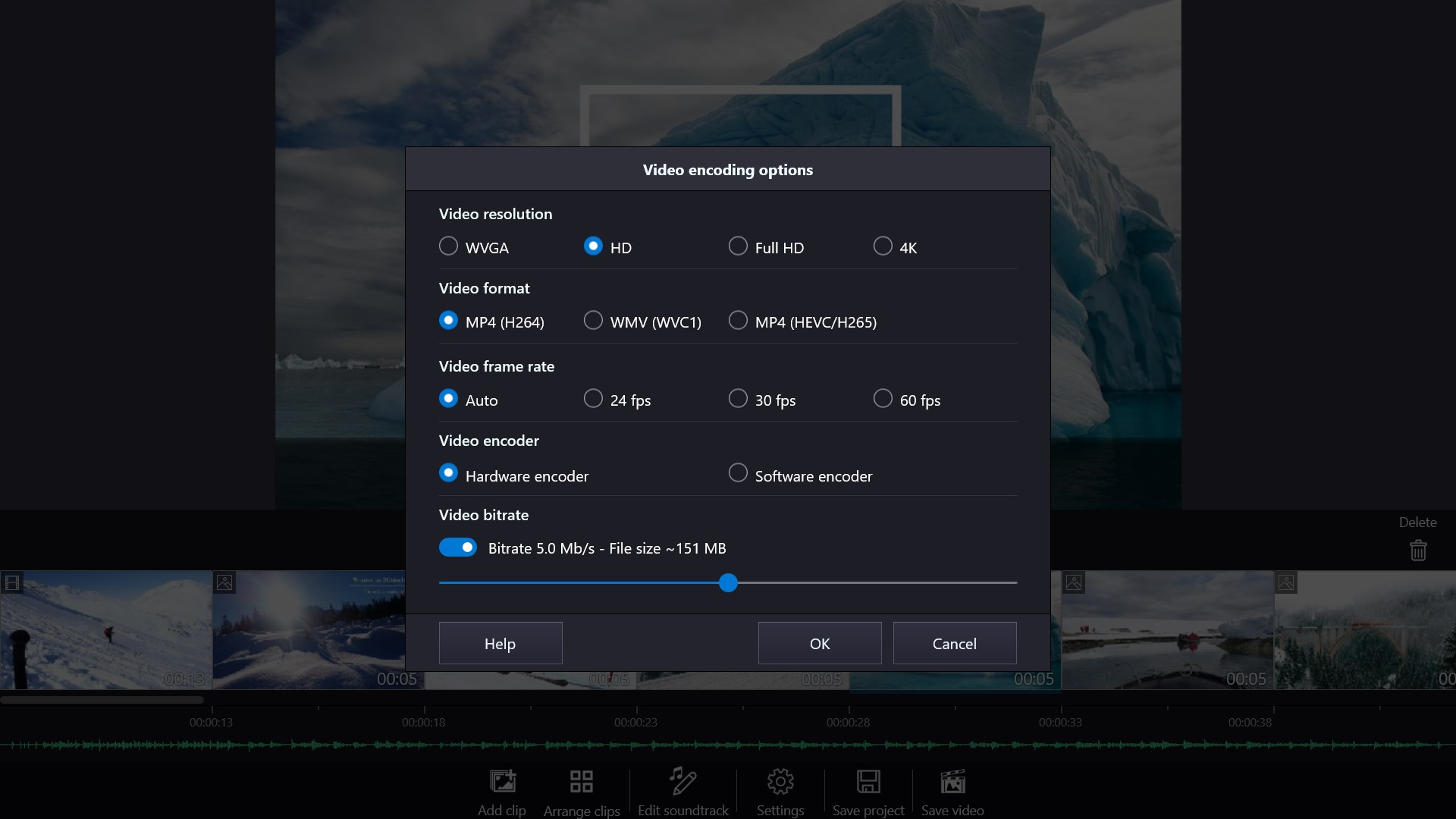
Sound can make or break a video, and Movie Maker - Video Editor PRO provides built-in audio tools for adding background music, voice-overs, or sound effects. It supports high-resolution exports, ensuring you're not limited to small files that sacrifice quality. Whether you want a crisp 4K output or a friendly 1080p, the app handles exports efficiently, preserving clarity and details. These features are particularly valuable for creators sharing content on platforms where quality matters.
Experience and Differentiation: What Sets It Apart?
Compared to other basic video editing apps, Movie Maker - Video Editor PRO's strength lies in its balance of simplicity and functionality. Its standout feature is the collection of pre-designed templates and animated effects, which accelerate the editing process while maintaining quality. Unlike more complex editors that often intimidate newcomers, this app acts as a friendly guide, helping users to produce visually appealing videos with minimal effort. Additionally, its smooth performance on Windows devices ensures that even lower-spec machines can run it without hiccups, making it accessible to a wide user base.
Should You Download It? Recommendations and Use Scenarios
If you prefer a lightweight, easy-to-master editor that allows you to quickly craft appealing videos, Movie Maker - Video Editor PRO is a solid choice. It's especially suitable for social media content creators, family video editors, or educators who need reliable tools without diving into complex software. However, for professional filmmakers or those requiring advanced color grading and multi-layer editing, more sophisticated options might be necessary. For casual users seeking an efficient, enjoyable editing experience combined with impressive templates and effects, I recommend giving it a try. It's a reliable companion that turns your footage into engaging stories without fuss.
Pros
- Intuitive user interface
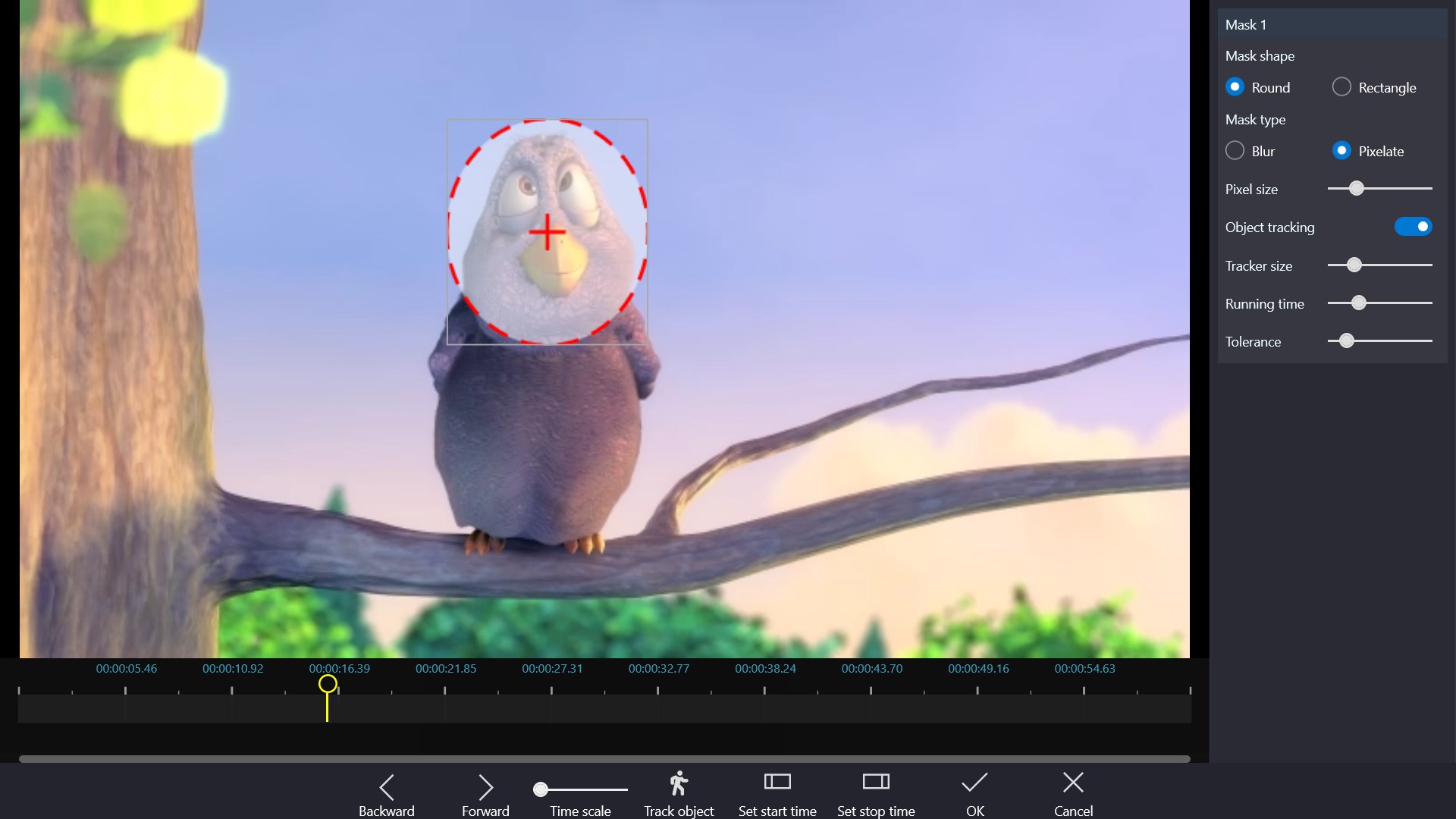
- Multiple editing tools
- Fast rendering speed
- Wide range of templates and effects
- Lightweight and stable
Cons
- Limited export formats
- Basic editing features only
- Occasional editing glitches
- Limited audio editing capabilities
- In-app ads and watermark











