

- Category Entertainment
- Developer Microsoft Corporation
- Available on PC, Mobile, Xbox console, HoloLens
- OS Windows 10 version 19042.0 or higher
- languages Afrikaans, Albanian, Amharic, Arabic, Armenian, Assamese, Azerbaijani, Bangla (Bangladesh), Bangla (India), Basque, Belarusian, Bosnian (Latin, Bosnia and Herzegovina), Bulgarian, Catalan, Central Kurdish (Iraq), Chinese (Simplified), Chinese (Traditional), Chinese (Traditional, Hong Kong SAR), Croatian, Czech, Danish, Dari, Dutch, English (United Kingdom), English (United States), Estonian, Filipino, Finnish, French, French (Canada), Galician , Georgian, German, Greek, Gujarati, Hausa (Latin), Hebrew, Hindi, Hungarian, Icelandic, Igbo, Indonesian, Irish, isiXhosa, IsiZulu, Italian, Japanese, K'iche' (Guatemala), Kannada, Kazakh, Khmer, Kinyarwanda, Kiswahili, Konkani, Korean , Kyrgyz, Lao, Latvian, Lithuanian, Luxembourgish, Macedonian, Malay, Malayalam, Maltese, Maori, Marathi, Mongolian (Mongolia), Nepali, Norwegian (Bokmål), Odia, Persian, Polish , Portuguese (Brazil), Portuguese (Portugal), Punjabi (Arabic), Punjabi (India), Quechua, Romanian, Russian, Scottish Gaelic, Serbian, Serbian (Cyrillic, Bosnia and Herzegovina), Serbian (Latin, Serbia), Sesotho sa Leboa, Setswana, Sindhi (Arabic), Sinhala, Slovak, Slovenian (Slovenia), Spanish (Mexico), Spanish (Spain), Swedish, Tajik, Tamil, Tatar, Telugu, Thai, Tigrinya, Turkish, Turkmen, Ukrainian, Urdu, Uyghur, Uzbek, Valencian, Vietnamese, Welsh, Wolof, Yoruba
A Comprehensive Look at Movies & TV for Windows
Navigating the vast world of streaming and entertainment can often feel like wandering through a neon-lit maze; luckily, Movies & TV for Windows aims to serve as your friendly, intelligent guide, offering a seamless way to access your favorite films and TV shows right on your desktop.
What is Movies & TV for Windows?
This is a versatile entertainment app developed and published by Microsoft Corporation, designed to aggregate your multimedia content with minimal fuss. Whether you're a casual viewer or a dedicated binge-watcher, it provides a straightforward platform to enjoy movies and TV programs without switching between multiple apps or browser tabs.
- Core Highlights:
- Intuitive interface with a focus on ease of navigation.
- Personalized content recommendations powered by smart algorithms.
- Integration with your Microsoft account and media library for seamless access.
- Support for both local media playback and streaming content.
The target audience primarily includes Windows users seeking a centralized hub for their entertainment needs—be they casual viewers, students, or even professionals looking for quick breaks during busy days.
Engaging Entry: Your Personal Theater Awaits
Imagine unwinding after a long day, sinking into the sofa, clicking open an app that instantly feels like your personal cinema. Movies & TV for Windows brings that experience to your fingertips—no clutter, no fuss, just your favorite stories ready to unfold in front of you. Whether it's catching up on recent releases, exploring hidden gems, or organizing your personal collection, this app turns your PC into a gateway of entertainment that's as simple as flipping a switch.
Powerful Content Discovery and Personalized Recommendations
One of the standout features of Movies & TV for Windows is its sophisticated content discovery algorithm. Unlike many generic media players, this app intelligently curates suggestions based on your viewing history and preferences. Think of it as having a savvy friend who always recommends movies that resonate with your tastes, filtering out the noise of countless options. This personalized approach enhances user engagement by making every browsing session feel tailored—and that's particularly crucial when you're faced with an ocean of options. It ensures you're not only finding something to watch but finding something you'll enjoy deeply.
User Experience: Sleek, Simple, and Swift
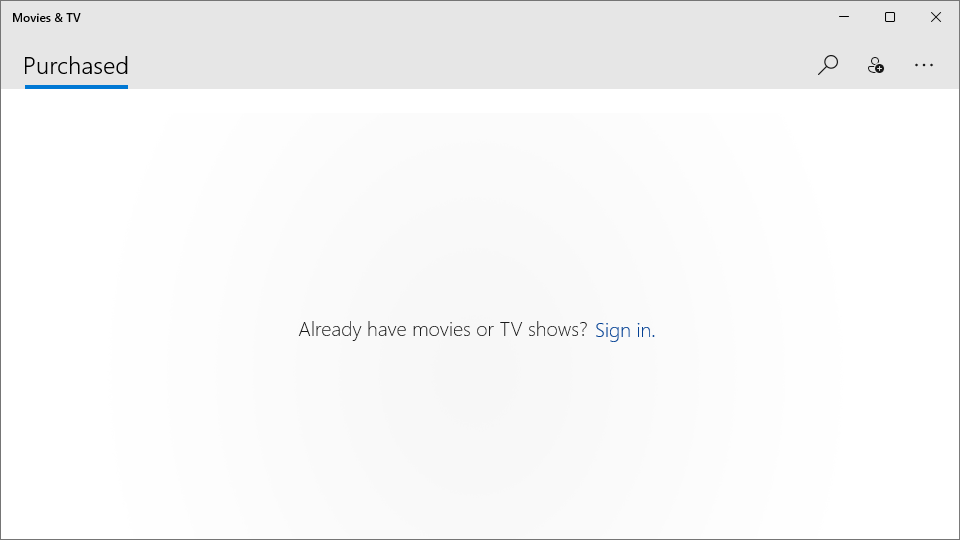
From a design perspective, Movies & TV for Windows sports a clean, modern interface that's friendly for both tech novices and seasoned users. The layout resembles a well-organized bookshelf rather than a cluttered junk drawer, allowing users to browse by categories like “Now Playing,” “Upcoming,” or personal collections with ease. Navigation feels natural, with smooth transitions and minimal lag—think of it like gliding down a freshly paved road rather than wrestling with potholes. Setup and onboarding are quick, with clear instructions, so even first-time users can start exploring within minutes. Overall, the app strikes a good balance between simplicity and functionality, lacking the steep learning curve often associated with more complex media platforms.
Unique Selling Points and Final Recommendations
What makes Movies & TV for Windows particularly compelling are its integrated recommendation system and seamless media management. Compared to other entertainment apps that simply list content, it actively predicts what you're likely to enjoy and presents it prominently—an intelligent assistant in your entertainment corner. Furthermore, its compatibility with your existing Microsoft ecosystem—like your OneDrive or Xbox profile—adds a layer of convenience that can't be easily matched elsewhere.
In terms of suitability, I'd recommend this app to Windows users who prefer a tidy, efficient way of managing and discovering media without the bloat or confusing menus of more complex services. It's ideal for those who value personalized suggestions and appreciate a straightforward interface. However, if you're looking for deep integrations with social features or a vast library comparable to premium streaming giants, you might want to explore additional platforms.
In conclusion, Movies & TV for Windows stands out as a well-crafted, intelligent media hub. Its most notable feature—the personalized, content discovery algorithm—transforms passive viewing into an engaging, curated experience, making it a smart choice for anyone seeking a fuss-free way to enjoy their favorite movies and shows.
Pros
- Extensive Library
- High-Quality Streaming
- Cross-Device Compatibility
- Offline Viewing
- User-Friendly Interface
Cons
- Limited Regional Content
- Subscription Cost
- App Stability Issues
- Limited Customization
- Search Functionality











