




- Category Productivity
- Available on PC
- OS Windows 10 version 17763.0 or higher
- languages Afrikaans, Albanian, Arabic, Armenian, Bangla, Basque, Belarusian, Bosnian (Latin), Bulgarian, Catalan, Chinese (Simplified), Chinese (Traditional), Croatian, Czech, Danish, Dutch, English (Canada), English (United Kingdom), English (United States), Estonian, Finnish, French, Galician, Georgian, German, Greek, Gujarati, Hebrew, Hindi, Hungarian, Icelandic, Indonesian, Irish, isiXhosa, Italian, Japanese, Kannada, Kazakh, Khmer, Korean, Latvian, Lithuanian, Macedonian, Malay, Marathi, Nepali, Norwegian (Bokmål), Persian/Farsi, Polish, Portuguese (Brazil), Portuguese (Portugal), Punjabi (India), Romanian, Russian, Sinhala, Slovak, Slovenian, Spanish (Argentina), Spanish (Chile), Spanish (Mexico), Spanish (Spain), Swedish, Tamil, Telugu, Thai, Turkish, Ukrainian, Urdu, Vietnamese, Welsh
Mozilla Firefox for Windows: A Sleek and Focused Browsing Experience
Mozilla Firefox for Windows stands out as a versatile and privacy-centric web browser designed to optimize your online activities with speed, security, and customization at its core. Whether you're a casual surfer or a power user, Firefox aims to provide an intuitive browsing environment with robust features.
Developed by Mozilla: A Legacy of Open-Source Innovation
Created and maintained by the Mozilla Corporation, a renowned open-source community committed to privacy, security, and user empowerment, Firefox for Windows benefits from extensive contributions from a global team dedicated to improving web standards and user experience.
Key Features That Elevate Your Browsing
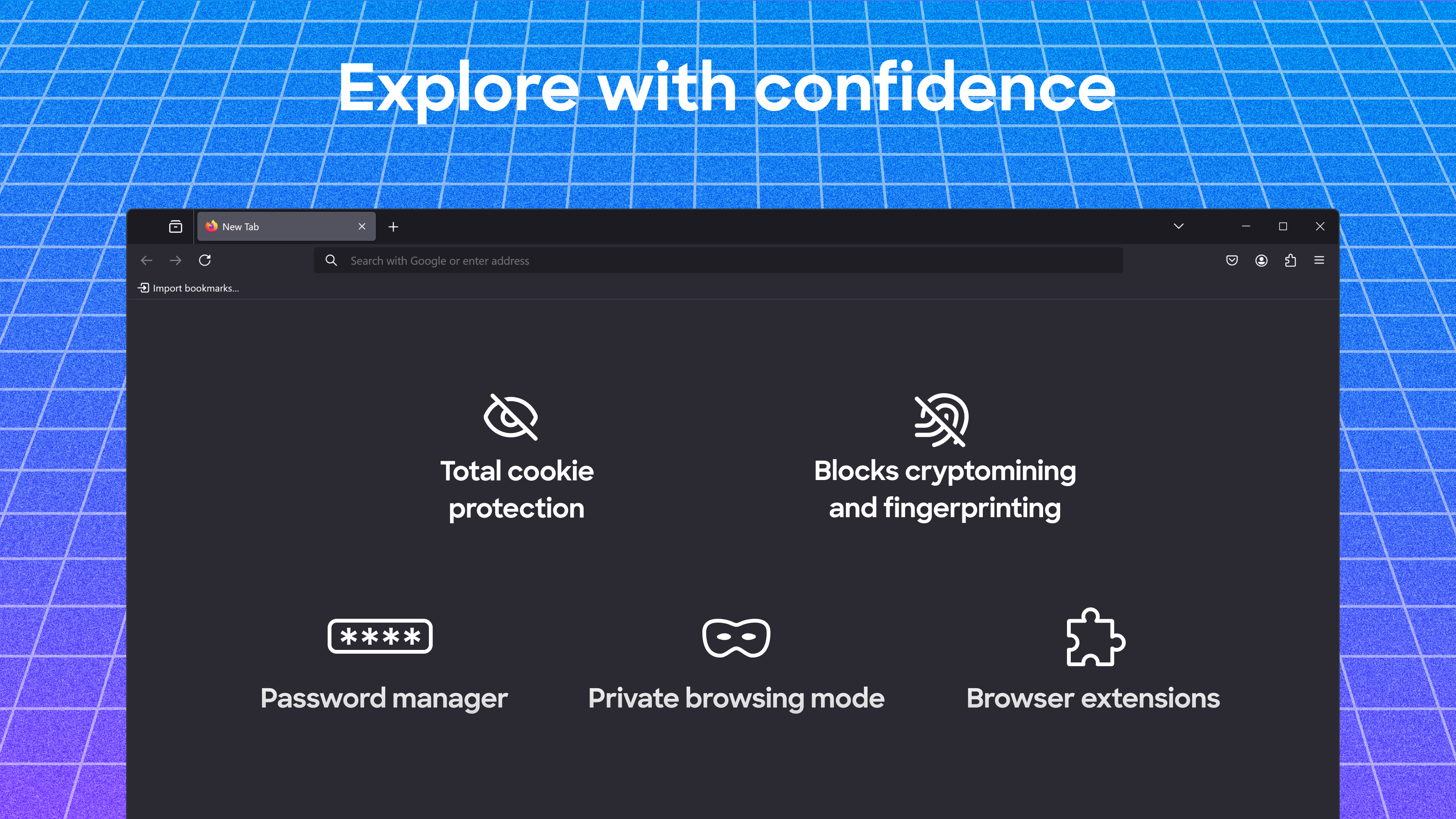
- Enhanced Privacy and Security: Built-in tracking protection, blocking of malicious sites, and regular security updates ensure your online footprint stays minimal and safe.
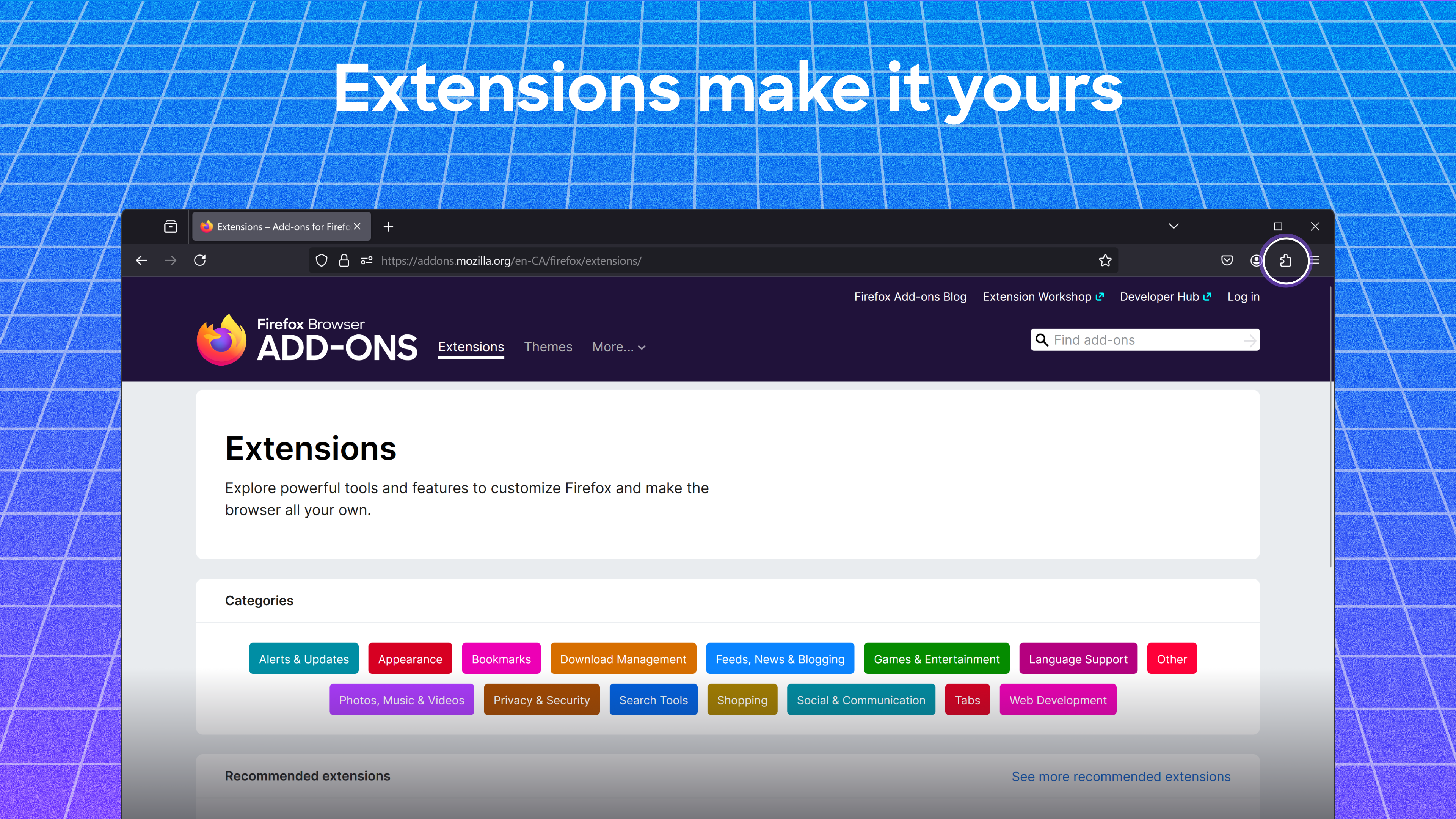
- Customizable Interface and Extensions: Extensive add-on support allows users to tailor their browsing environment, from themes to productivity tools.
- Performance Optimization: Features like Quantum engine accelerate page load times and ensure smoother multitasking, even with multiple tabs open.
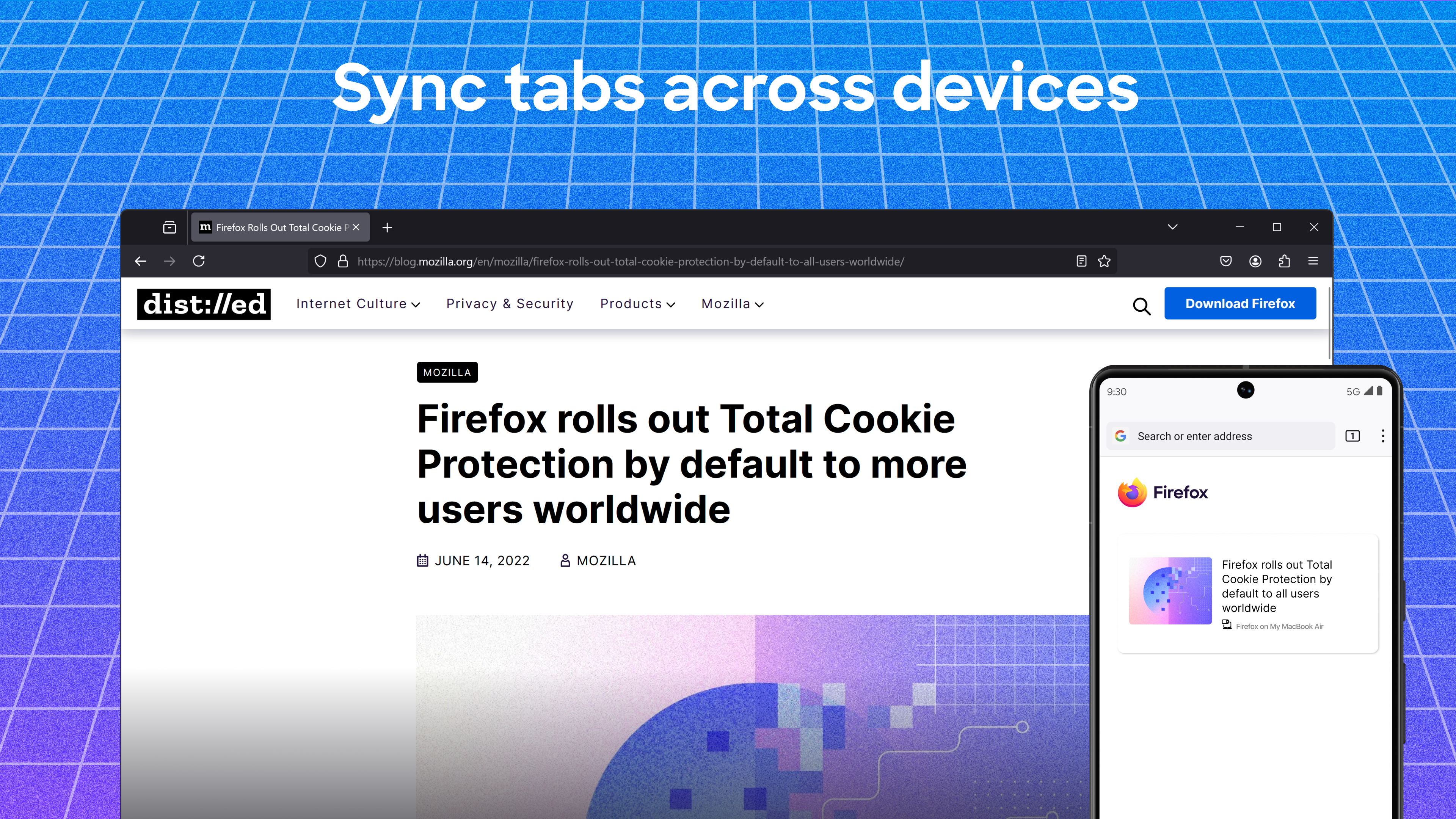
- Sync Across Devices: Seamlessly synchronize your bookmarks, passwords, and history across devices for a cohesive browsing experience.
Introduction: Why Firefox Could Be Your Browser of Choice
Imagine a browser that's not just a gateway to the web but a trusted companion that respects your privacy while making your digital life smoother and more productive. Firefox for Windows feels like a comfortable workspace where everything is in its right place, reducing clutter and cognitive load. Its intuitive design and robust security features make it a compelling choice whether you're researching, working, or just browsing for fun.
The Core Strengths: Speed, Privacy, and Customization
Speed and Performance: Lightning on Your Digital Road
Firefox's Quantum engine serves as the turbocharger in your browsing engine, dramatically decreasing load times and making navigation feel almost instantaneous. Heavy web pages, multimedia content, or multiple open tabs no longer cause sluggishness; instead, you enjoy a fluid experience that keeps up with your multitasking needs. This performance efficiency reduces frustration, much like driving a smooth, well-maintained car on a busy highway.
Privacy Centered Design: Your Digital Shield
One of Firefox's standout features is its robust privacy suite. Its tracking protection blocks invasive content from advertisers and data brokers, helping you maintain anonymity online. Plus, features like password management and fingerprint protection act as a digital shield, giving peace of mind without cumbersome configurations. This privacy focus acts as a mental relief, reducing the cognitive burden of worrying about data leaks and online tracking.
Customization and Extensions: Tailoring Your Browsing Environment
Firefox's open extension marketplace invites users to personalize every aspect of their browser, from visual themes to productivity tools. Want a dark mode that's easy on your eyes or a sidebar for quick note-taking? The depth of customization is akin to decorating your workspace — making it comfortable and efficient. This flexibility empowers users to craft a browsing experience that mirrors their workflow, minimizing unnecessary steps and distractions.
Ease of Use and User Experience
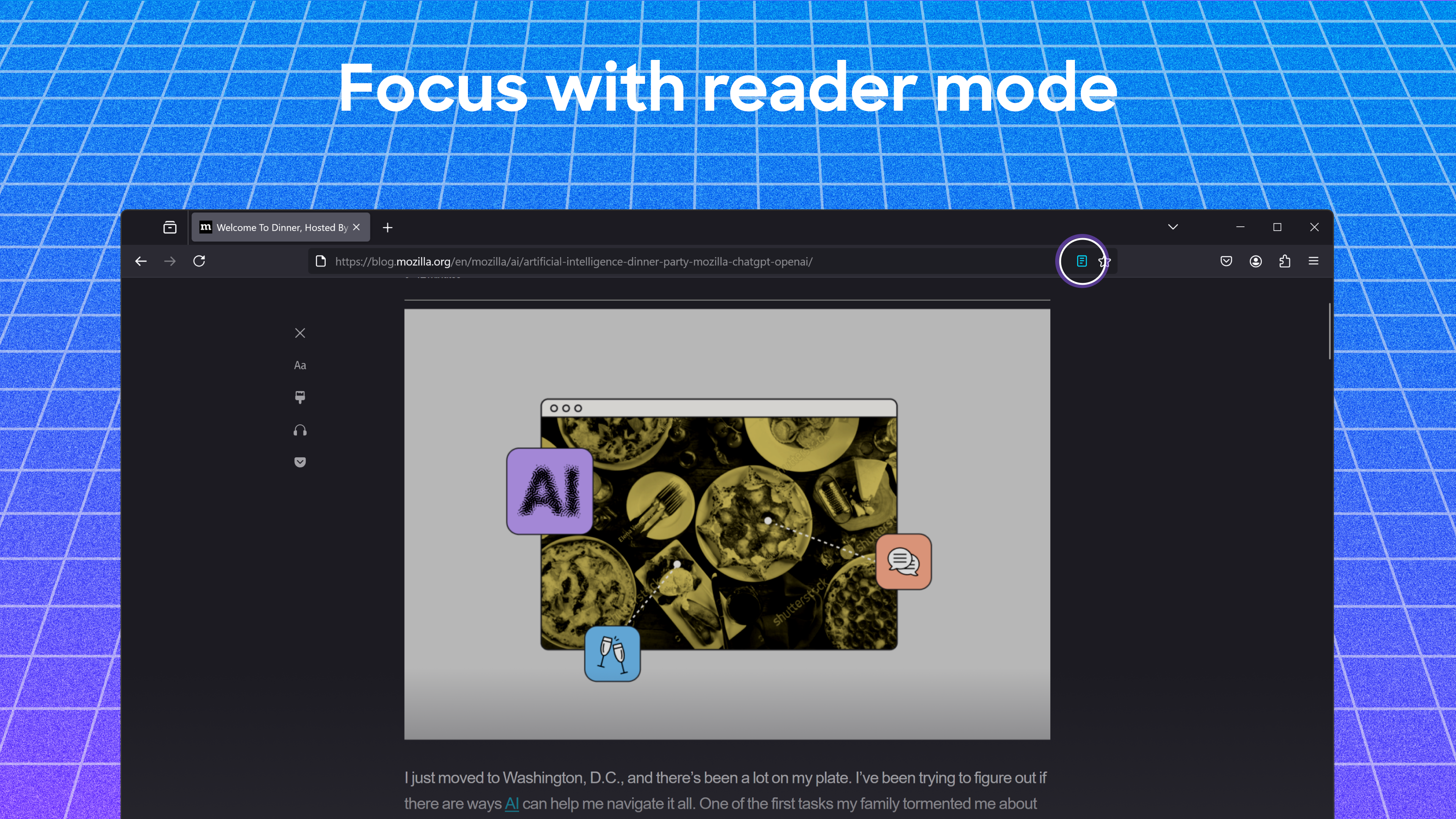
Handling Firefox feels like rolling out a well-designed workspace — clean, organized, and effortlessly accessible. Its interface is minimalistic yet informative, allowing for quick access to essential functions without overwhelming the user. The learning curve is gentle, mainly because the menu layout and shortcut keys are familiar for Windows users. Browsing feels like a natural extension of your daily routines, with intuitive controls and quick response times, reducing mental effort and fostering focus.
What Makes Firefox Truly Stand Out?
While many browsers offer similar features, Firefox's most distinctive trait lies in its unwavering commitment to privacy coupled with performance efficiency. The integration of its Quantum engine with advanced tracking protection creates a seamless, secure, and fast environment that is less about feature overload and more about effective workflow enhancement. It reduces the cognitive load often associated with managing privacy settings and optimizing browsing speed, offering a streamlined experience that doesn't sacrifice functionality for simplicity.
Final Verdict and Recommendations
I recommend Firefox for Windows to users seeking a reliable, privacy-conscious browser that performs well even under heavy multitasking. It suits those who value customization, security, and a neat interface that adapts to their workflow. Whether you're a professional wanting a distraction-free environment or a casual user wanting peace of mind, Firefox offers a balanced blend of features without unnecessary complexity. It's a trustworthy choice that emphasizes user control and smooth execution over gimmicks or bloatware.
Pros
- Strong privacy features
- Open-source nature
- Extensive add-on support
- High customization options
- Regular innovative updates
Cons
- Relatively high memory usage
- Slower startup time
- Compatibility issues with certain proprietary web services
- Update delays for some features
- Limited integration with Windows ecosystem











