

- Category Productivity
- Available on PC
- OS Windows 10 version 0.0 or higher
- languages English
Introduction: Simplifying Repetitive Clicking Tasks with MT Auto Clicker
If you've ever found yourself stuck in a cycle of repetitive mouse clicking—perhaps for gaming, data entry, or automation testing—MT Auto Clicker for Windows offers a straightforward solution to ease your workload. Equipped with an intuitive interface and powerful automation features, this app promises to make your daily digital routines smoother and more efficient.
About the Developer and Core Features
Developer: Web Treta
Web Treta is a software development team dedicated to creating user-friendly automation tools designed to streamline workflows and reduce manual effort. Their focus on minimalist yet effective applications makes them a notable presence in the productivity enhancement landscape.
Main Highlights:
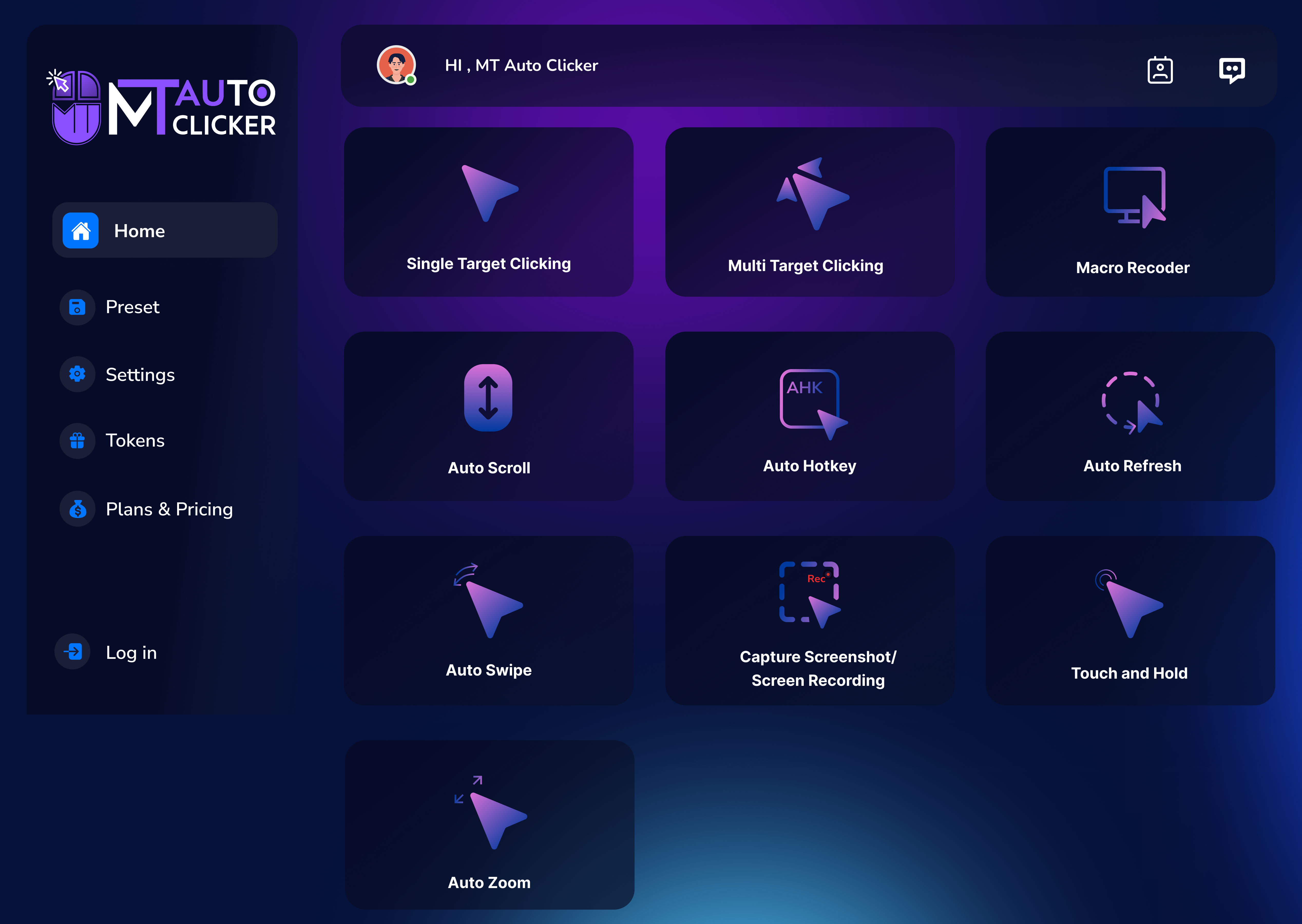
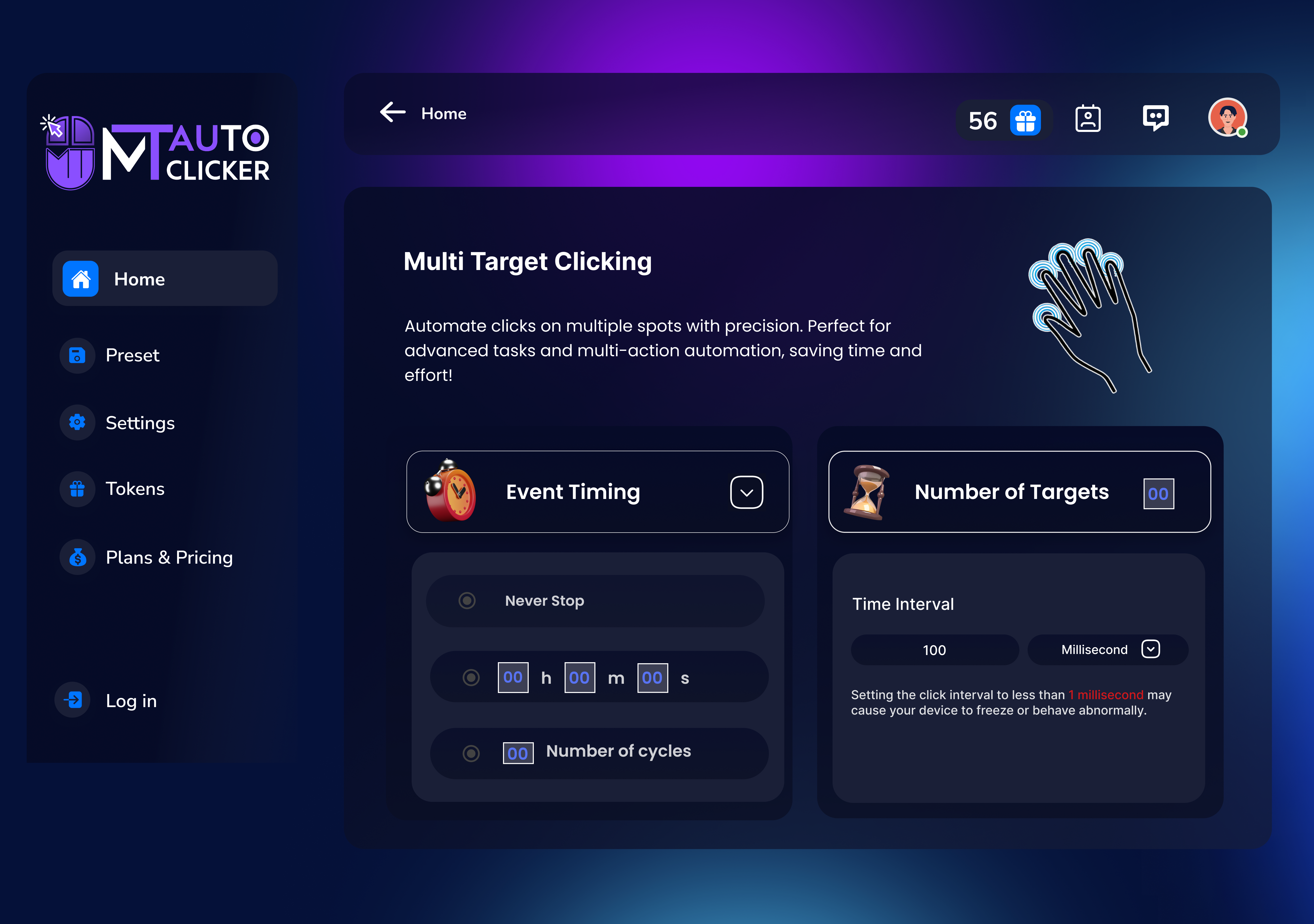
- Flexible Auto-Clicking Modes: Supports precise control over click locations, intervals, and click types (single or double clicks), adaptable for various tasks.
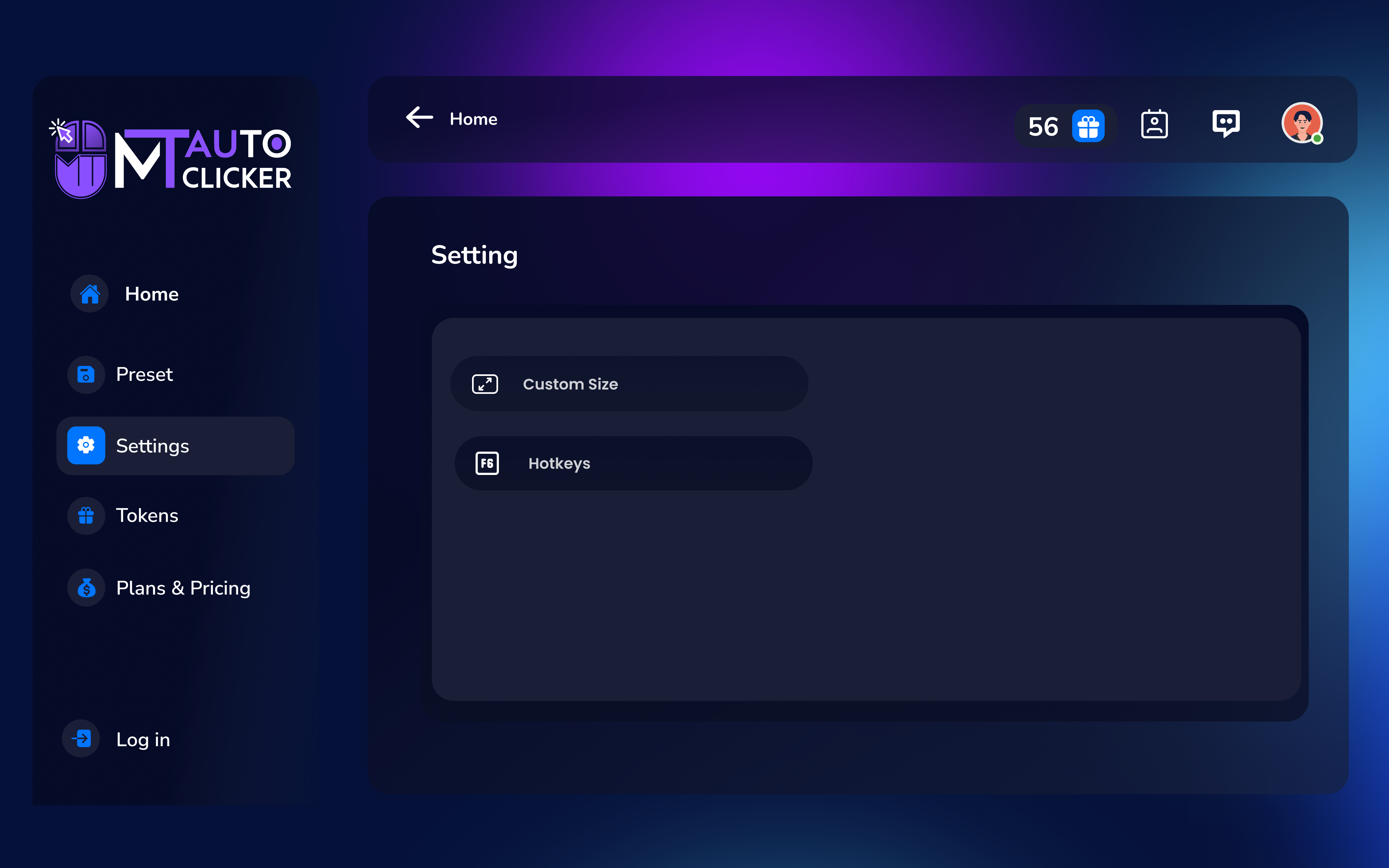
- Shortcut and Hotkey Customization: Allows quick activation/deactivation through customizable keyboard shortcuts, saving time and effort.
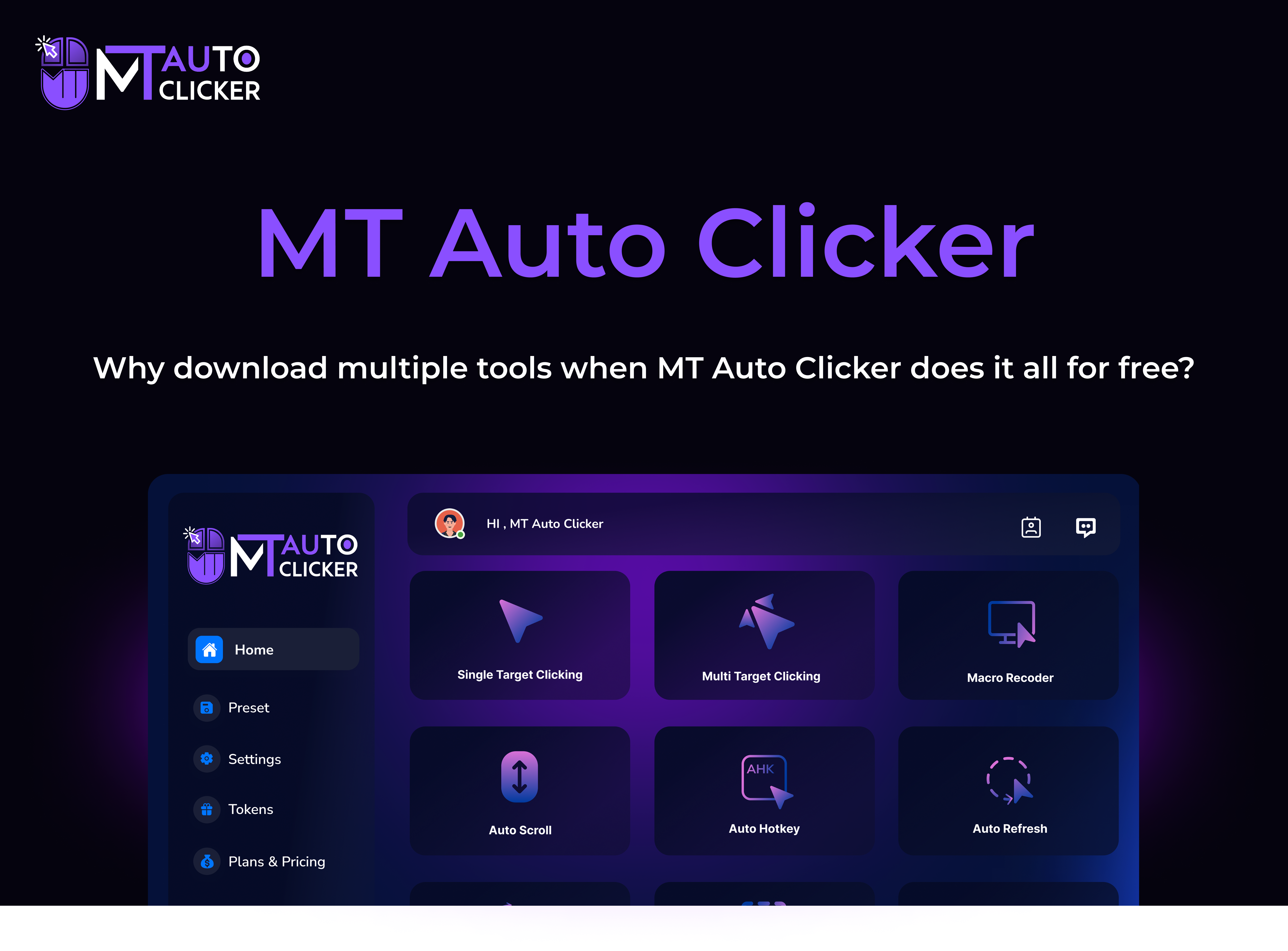
- Easy-to-Use Interface: Features a clean, straightforward layout that minimizes learning curve, making setup and operation accessible even for novices.
- Lightweight and Efficient: Designed to run seamlessly in the background without draining system resources.
Engaging Introduction: A Friend's View on Automation Ease
Imagine you're engrossed in a game, and an unavoidable task keeps nudging you to click the same spot over and over—sounds familiar? Now picture a friendly assistant sitting quietly in the background, ready to take over those dull, repetitive clicks with a simple keystroke. That's what MT Auto Clicker delivers—an unassuming yet powerful companion that transforms tedious chores into effortless automation, so you can focus on what truly matters or simply enjoy some well-deserved pause.
Core Functionality Deep Dive
Precision Auto-Clicking for Seamless Automation
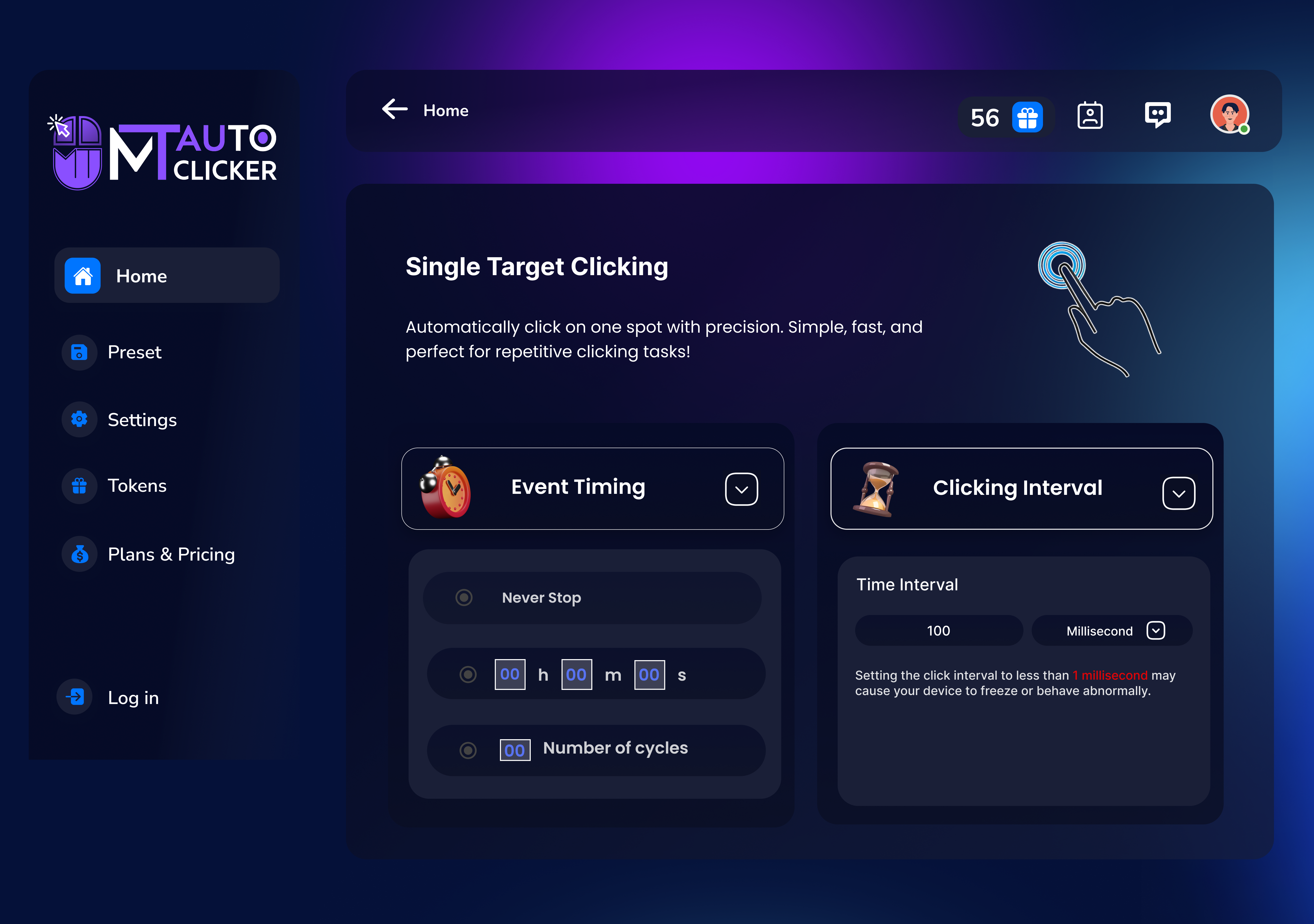
The heart of MT Auto Clicker lies in its ability to replicate mouse clicks with high precision. Users can specify exact coordinates on the screen, choose between single or double clicks, and set customizable intervals—like timing a finely tuned metronome. Whether you're automating repetitive data entry or gaming tasks, this feature ensures clicks happen exactly where and when needed, reducing the cognitive load of manual clicking. The tool's setup is straightforward, with visual markers helping you select click points effortlessly. Plus, you can save multiple configurations for different tasks, switching between them seamlessly, which significantly enhances workflow efficiency.
Hotkey Activation for Instant Control
One of the app's standout features is its hotkey support—think of it as a secret handshake to summon your automation friend instantly. Customizable keyboard shortcuts let you activate or pause auto-clicking without switching windows or navigating menus. This speeds up your workflow and minimizes disruptions, especially during tasks that require quick toggling. Setting up hotkeys is intuitive, requiring just a few clicks, and they work reliably across different applications, offering an elegant solution to streamline repetitive actions while maintaining focus on your primary tasks.
User Experience: Simple, Swift, and Effective
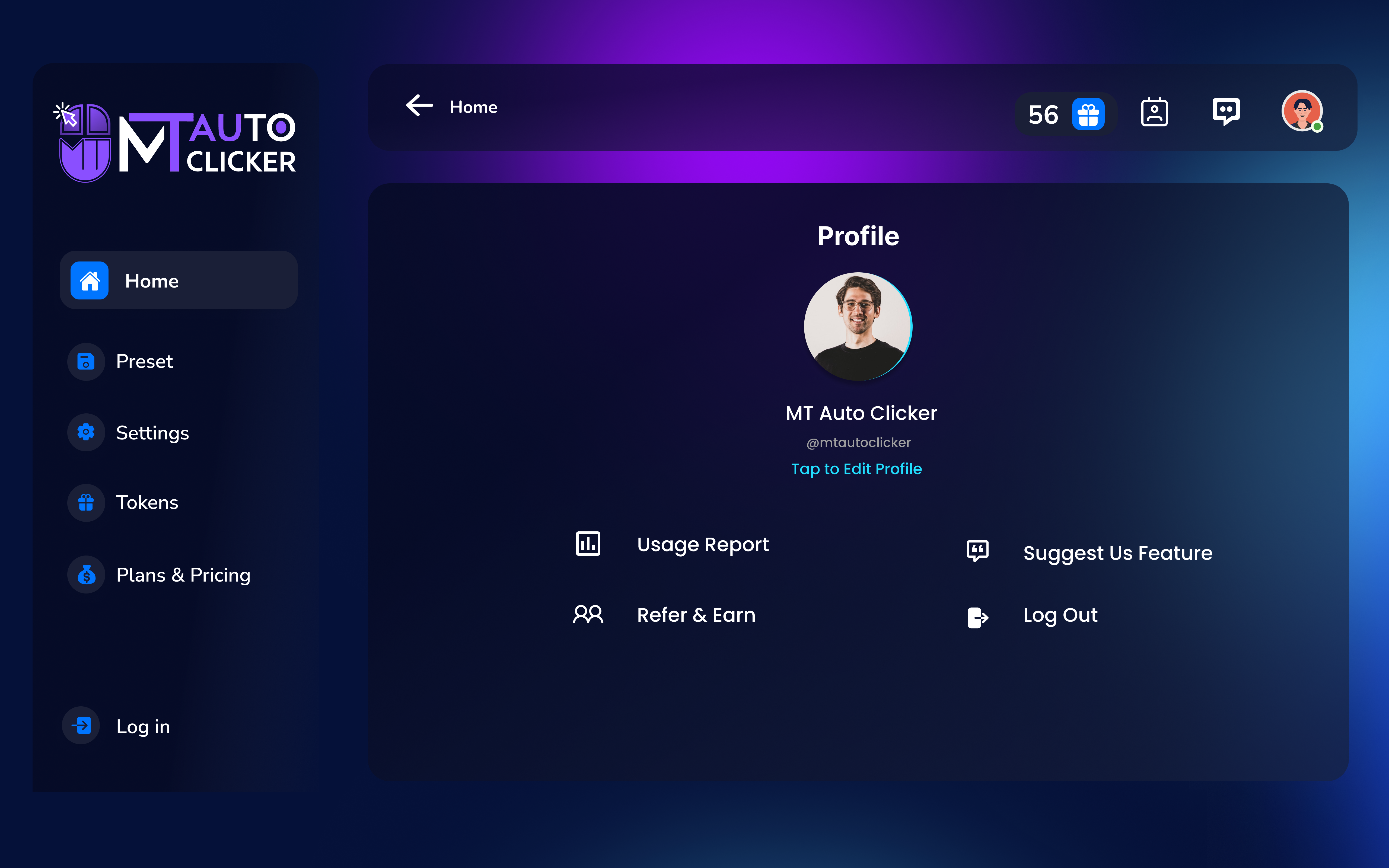
The user interface of MT Auto Clicker is a breath of fresh air—clean, uncluttered, and friendly to first-time users. It resembles a minimalist control panel, where all options are logically organized. The learning curve is minimal; most users can grasp and start using the app within minutes. The app runs smoothly without lag, and switching between functions is fluid. Such seamless operation ensures that users spend less time managing the tool and more time benefiting from automation.
What Sets It Apart? Focus on Workflow and Cognitive Load
Compared to some busy, feature-packed auto-clickers, MT Auto Clicker's standout advantage is its focus on reducing the user's cognitive load. It avoids complex scripting or confusing settings, instead offering just enough customization to make automation effortless. Its hotkey-based control and precise click positioning ensure it integrates smoothly into your workflow, minimizing interruptions and mental effort. This targeted simplicity enhances productivity without introducing unnecessary complexity, making it a trusty sidekick for repetitive tasks.
Final Thoughts & Recommendations
All in all, MT Auto Clicker is a solid, user-friendly automation tool that excels in its core mission: reducing repetitive manual clicking while maintaining ease of use. Its intuitive interface, combined with reliable performance and customizable hotkeys, makes it an excellent choice for gamers, data entry professionals, or anyone seeking to streamline repetitive mouse actions. While it may lack some advanced scripting features found in more complex auto-clickers, its straightforward approach is precisely what makes it so effective.
If your daily routine involves a significant amount of repetitive clicking, I recommend giving this app a try. It's particularly beneficial for those who prefer a minimalist tool that integrates seamlessly into their workflow, rather than a bloated application with unnecessary bells and whistles. MT Auto Clicker proves that sometimes, less truly is more—delivering automation efficiency with just a few clicks.
Pros
- User-friendly interface
- High customization options
- Lightweight and fast
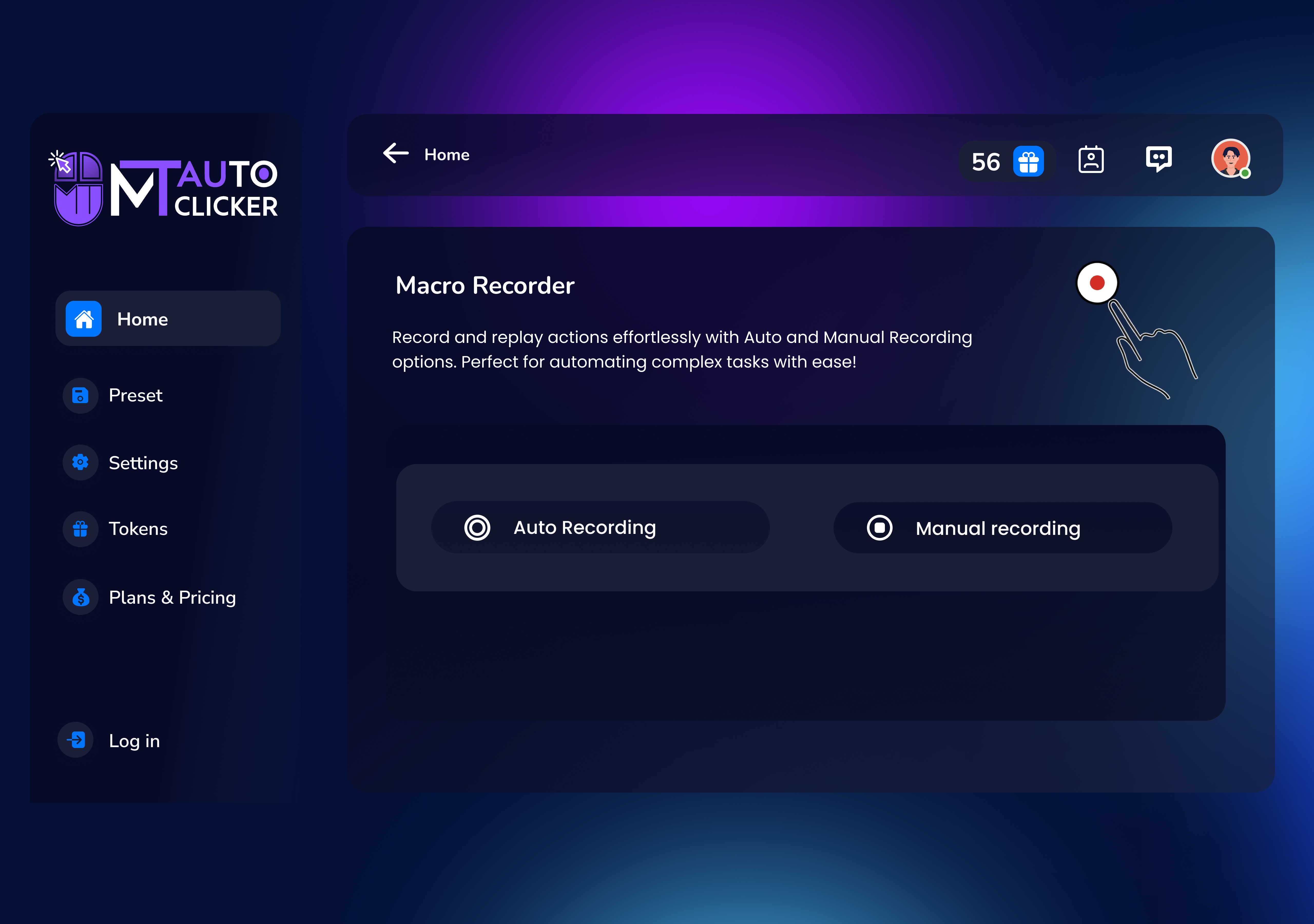
- Supports multiple automation modes
- No need for extensive technical knowledge
Cons
- Limited advanced features
- Occasional stabilization issues on certain PCs
- Basic logging and reporting functions
- Help documentation could be more comprehensive
- Potential detection by anti-cheat systems in gaming











