


- Category Social
- Developer CodeView
- Available on PC, Mobile, Surface Hub, HoloLens
- OS Windows 10 version 19041.0 or higher
- languages English (United States)
Multi Messenger Professional for Windows: Seamless Communication with a Professional Touch
Designed to streamline your messaging experience across multiple platforms, Multi Messenger Professional for Windows offers a comprehensive and user-friendly solution tailored for professionals, social enthusiasts, and anyone who values efficient communication in a unified environment.
About the Developer and Core Features
Developed by CodeView, a team dedicated to creating innovative communication tools, this application consolidates various messaging services into one cohesive interface. Its standout features include robust profile customization with authenticity verification, intelligent connection discovery, and multi-platform message management. These elements work together to promote genuine interactions and effortless connectivity, catering to a diverse range of users—from busy professionals to active social networkers.
Engaging and Intuitive User Experience
Stepping into Multi Messenger Professional is akin to entering a well-organized command center—it's sleek, intuitive, and immediately inviting. The interface design modernly balances function and form, with a clean layout that guides your eyes effortlessly across the dashboard. Users will appreciate the smoothness of interactions; clicking between chats or syncing accounts feels fluid, almost as if the app anticipates your next move. For those wary of steep learnings, the onboarding process is straightforward, offering helpful hints without overwhelming, making it suitable even for those less tech-savvy.
Core Functionalities Detailed
Authenticity Verification and Profile Customization
This feature sets Multi Messenger apart by prioritizing real identities, helping users distinguish genuine profiles from potential impersonators. When setting up your user profile, you can verify your identity through integrated authentication steps, which boosts trust in your interactions. Additionally, customization options—such as personalized avatars, bios, and status indicators—allow users to craft a distinctive digital presence, fostering more meaningful social exchanges.
Connection Discovery and Cross-Platform Management
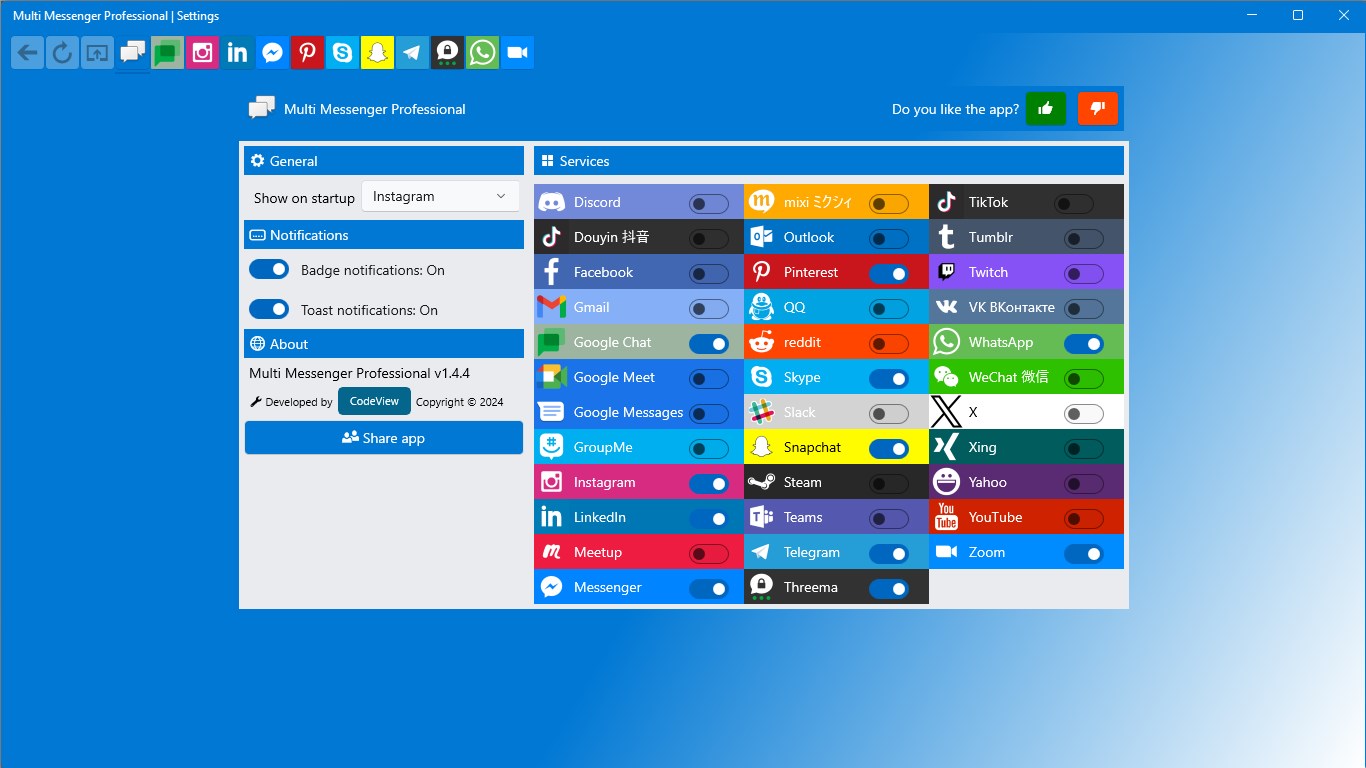
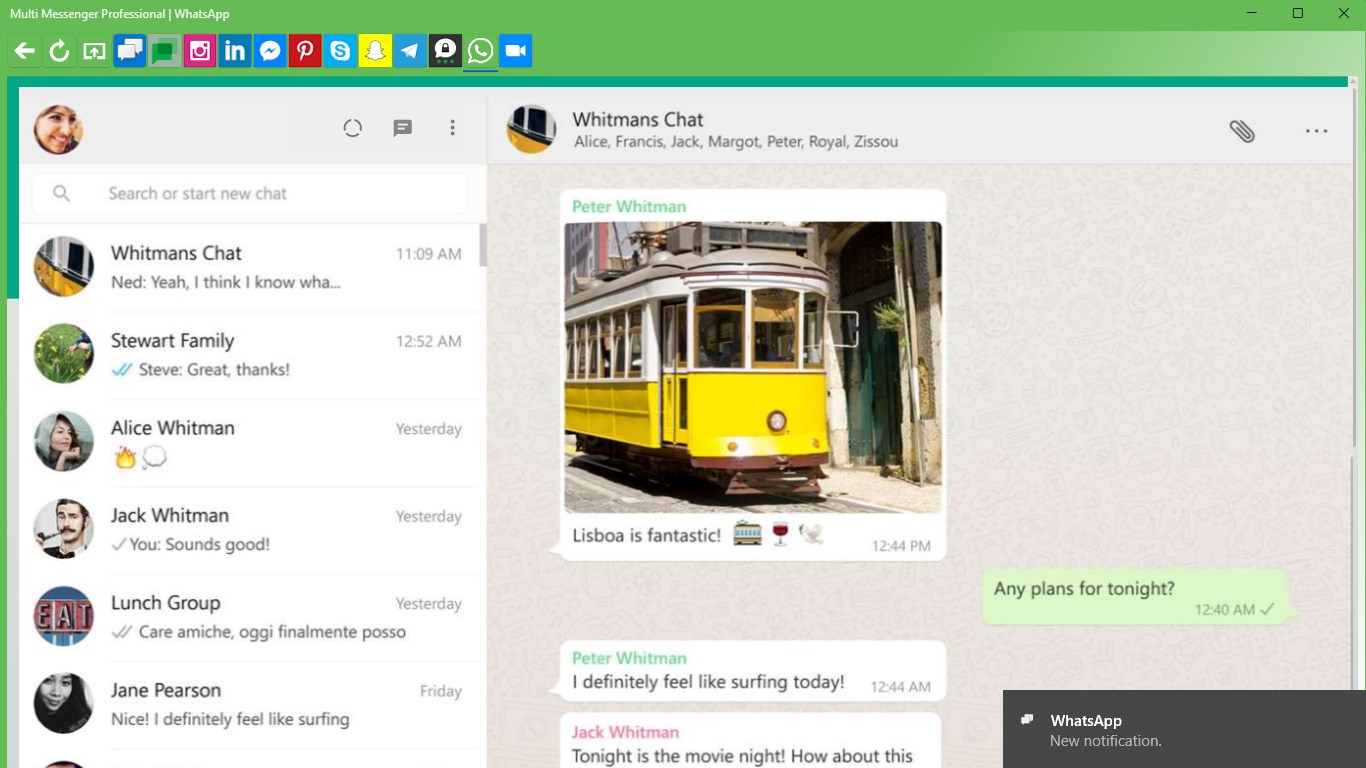
Imagine having a radar for new friends or professional contacts—you get that with this app's intelligent discovery function. It scours your existing contacts, social media accounts, or email to suggest potential connections, making networking feel like an explorative adventure rather than a chore. Managing conversations across different platforms—be it WhatsApp, Facebook Messenger, or Telegram—is streamlined into a single window, eliminating the tedious toggling of multiple apps. Here, messages are unified, so your communication history remains intact and accessible, regardless of the source service.
Comparison and Final Recommendations
Compared to traditional social messaging apps, Multi Messenger Professional's key differentiators are its authentication emphasis and connection discovery capabilities. Many apps focus solely on chat functionality or aesthetic appeal, but CodeView's approach adds a layer of trustworthiness and proactive networking—features that professionals and social butterflies find particularly valuable.
Calling this application a must-try for those seeking a more organized, reliable way to handle multi-platform communication is fair. Given its user-centric design, meaningful features, and focus on authenticity, I recommend it to anyone looking to elevate their messaging experience without sacrificing ease of use. Whether for personal networking or professional outreach, Multi Messenger Professional can serve as your digital communication hub.
Pros
- Unified Messaging Platform
- Multi-Account Support
- Customizable Notifications
- User-Friendly Interface
- Cross-Platform Compatibility
Cons
- Limited Free Features
- Occasional Connectivity Delays
- Privacy Concerns
- Limited Custom Themes
- Compatibility with Outdated Apps











