


- Category Productivity
- Developer Wuxxu
- Available on PC
- OS Windows 10 version 16299.0 or higher
- languages English (United States)
Streamlined Multi-Email Management: MultiMail on Windows
Navigating multiple email accounts can often feel like juggling flaming torches—exciting yet risky without the right tools. MultiMail aims to be your reliable assistant, simplifying this chaos into a smooth, organized workflow. Designed for professionals, digital nomads, or users overwhelmed by multiple inboxes, this Windows-based email client promises to centralize your communication process without the clutter.
Who's Behind MultiMail?
Developed and published by Wuxxu, MultiMail is crafted by a team dedicated to productivity and user-centric design. Their goal is to create intuitive applications that enhance efficiency, and MultiMail seems to be no exception. With a focus on seamless multi-account handling, Wuxxu's expertise manifests clearly throughout the app's thoughtful features and straightforward interface.
The Bright Spots: Key Features of MultiMail
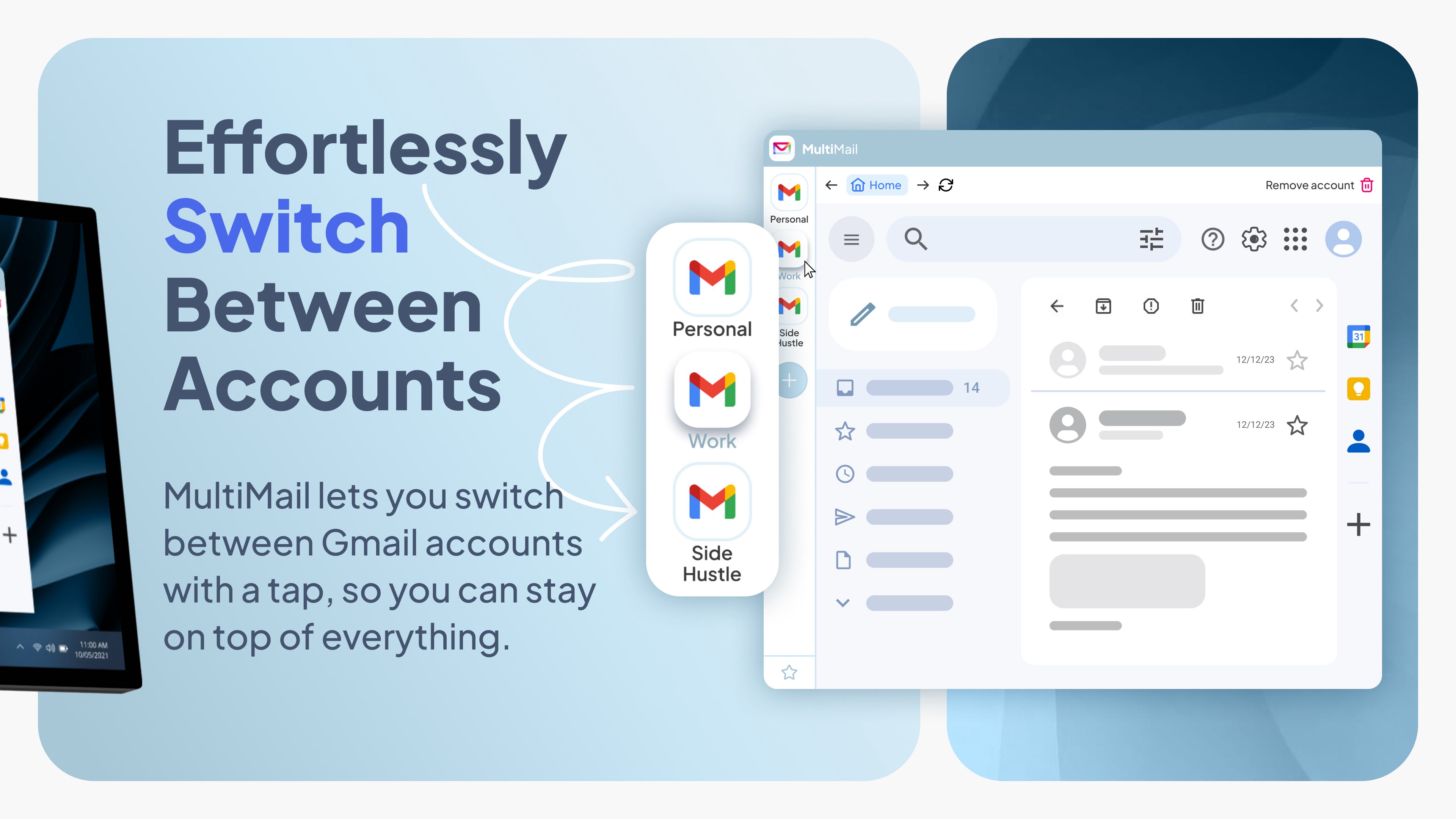
- Centralized Multi-Account Management: Easily add and switch between multiple email accounts—be it Gmail, Outlook, Yahoo, or others—without opening multiple browser tabs or applications. MultiMail consolidates all your messages into a unified view, reducing time wasted on account juggling.
- Unified Inbox with Filtering Options: The app offers a compelling unified inbox, where messages from different accounts are displayed together. Advanced filtering and sorting enable you to prioritize and organize emails effortlessly.
- Lightweight & Fast Performance: Despite managing various accounts, MultiMail maintains a smooth, lag-free experience. It's optimized for Windows, ensuring rapid access and minimal system resource consumption.
- Security and Privacy Focus: The app emphasizes secure login protocols and data privacy, ensuring your sensitive communications stay protected within your local environment.
Immersive User Experience and Design
Launching MultiMail feels akin to opening a well-organized desk drawer—everything you need is within reach, neatly categorized, and easy to access. The interface embraces minimalist aesthetics, with clean lines and intuitive icons that make navigation feel natural. Setting up multiple email accounts is straightforward; users are guided through simple prompts, akin to assembling a modular workspace. The responsiveness of the app enhances the flow of your day, allowing you to swiftly switch between accounts or email threads without hesitation.
From a usability standpoint, MultiMail strikes an admirable balance. Its learning curve is gentle enough for newcomers to pick up quickly, yet powerful enough for seasoned users to appreciate advanced filtering and management options. This thoughtful approach reduces the cognitive load—users spend less time deciphering controls and more on meaningful communication.
Standing Out in the Productivity Crowd
Compared to other multi-account email clients, MultiMail's standout feature is its focus on workflow efficiency without the baggage of unnecessary complexity. Unlike some tools that promise all-in-one solutions but drown you in features, MultiMail emphasizes simplicity and core functionality. Its ability to integrate multiple accounts seamlessly means you spend less time toggling and more time being productive—a true boon for busy professionals.
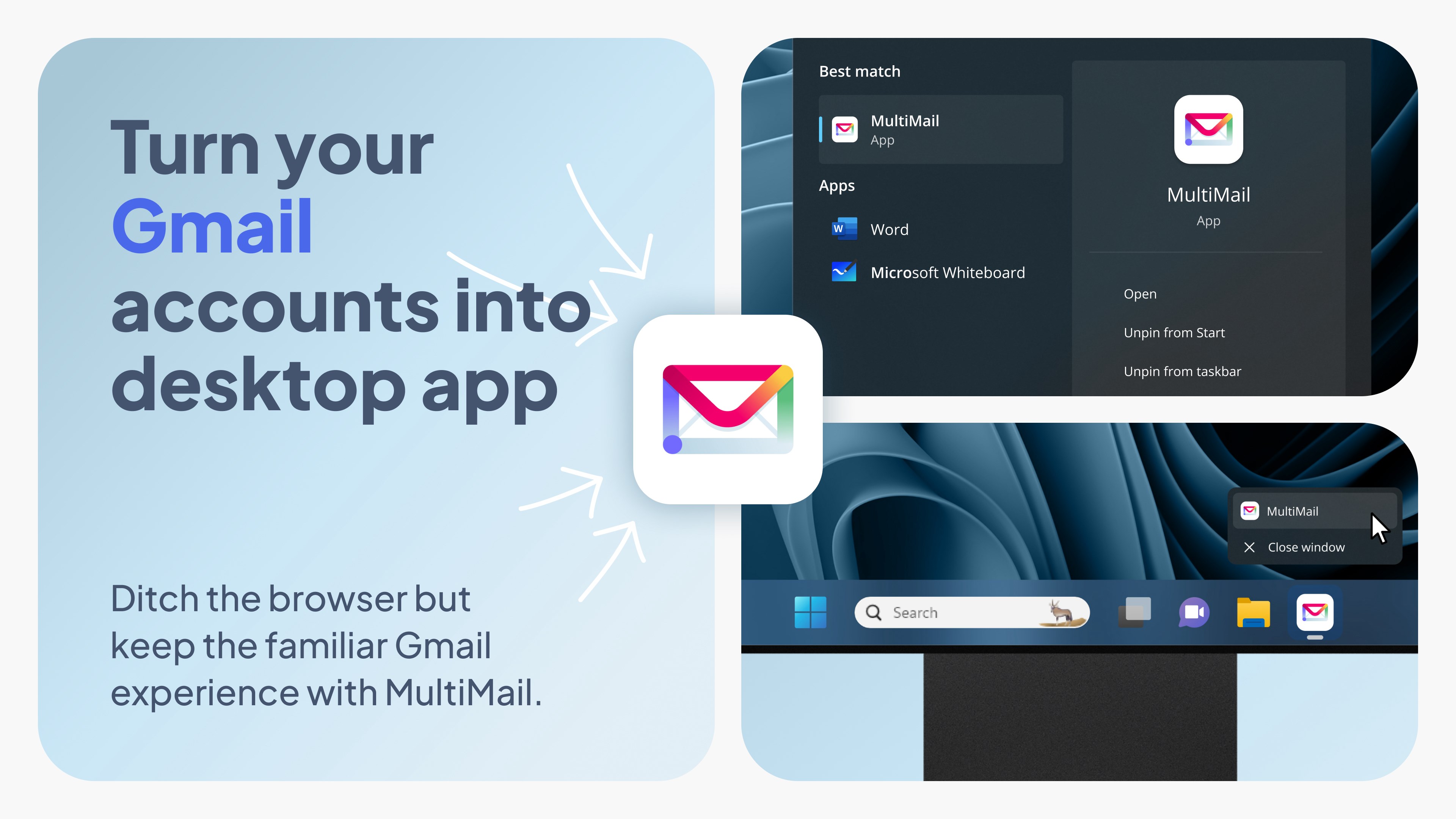
Furthermore, the app's design ensures less window clutter, reducing cognitive fatigue. Whether you're quickly scanning urgent messages or setting up filters for daily tasks, MultiMail facilitates an effortless email management experience, almost like having a personal assistant organizing your inbox behind the scenes.
Final Verdict: A Solid Choice for Focused Email Users
Overall, I recommend MultiMail to anyone looking to streamline their email workflow on Windows without sacrificing performance or ease of use. It's particularly suitable for users managing multiple accounts across different services, valuing simplicity, and seeking a clean interface that doesn't add cognitive stress. If your day-to-day email routine feels like a chaotic circus of tabs and apps, MultiMail might just be the orderly performer you need.
For best results, I suggest this app for professional environments where efficiency counts and you prefer a single, consolidated view. It's a reliable, unobtrusive tool that enriches your workflow, keeps your inbox under control, and allows you to focus on what truly matters. While it may not boast an arsenal of flashy features, its targeted strengths make it a practical addition to your productivity toolkit.
Pros
- Intuitive multi-account management
- Customizable notification settings
- Supports various email protocols
- Integrated calendar and contact features
- User-friendly interface with modern design
Cons
- Limited advanced filtering options
- Occasional synchronization delays
- Lack of split-view support for tablets
- Limited customization for themes and layouts
- No built-in spam filter customization











