

- Category Business
- Available on PC, Mobile
- OS Windows 10 version 17763.0 or higher
- Keyboard Integrated Keyboard
- Mouse Integrated Mouse
- languages English (United States)
Music Studio 8 for Windows: Your Creative Companion for Digital Music Production
Music Studio 8 is a versatile digital audio workstation (DAW) designed to help musicians, producers, and hobbyists craft professional-quality music on Windows. With a balance of powerful features and user-friendly interface, it aims to make music creation accessible without sacrificing depth or flexibility.
Developed by Wizard Software: A Focus on User-Centric Music Tools
Produced by Wizard Software, a team dedicated to developing intuitive audio applications, Music Studio 8 combines technical robustness with thoughtful design. Their goal appears to be bridging the gap between complex audio editing and ease of use, making it suitable for both beginners and experienced users.
Key Features That Make Music Studio 8 Stand Out
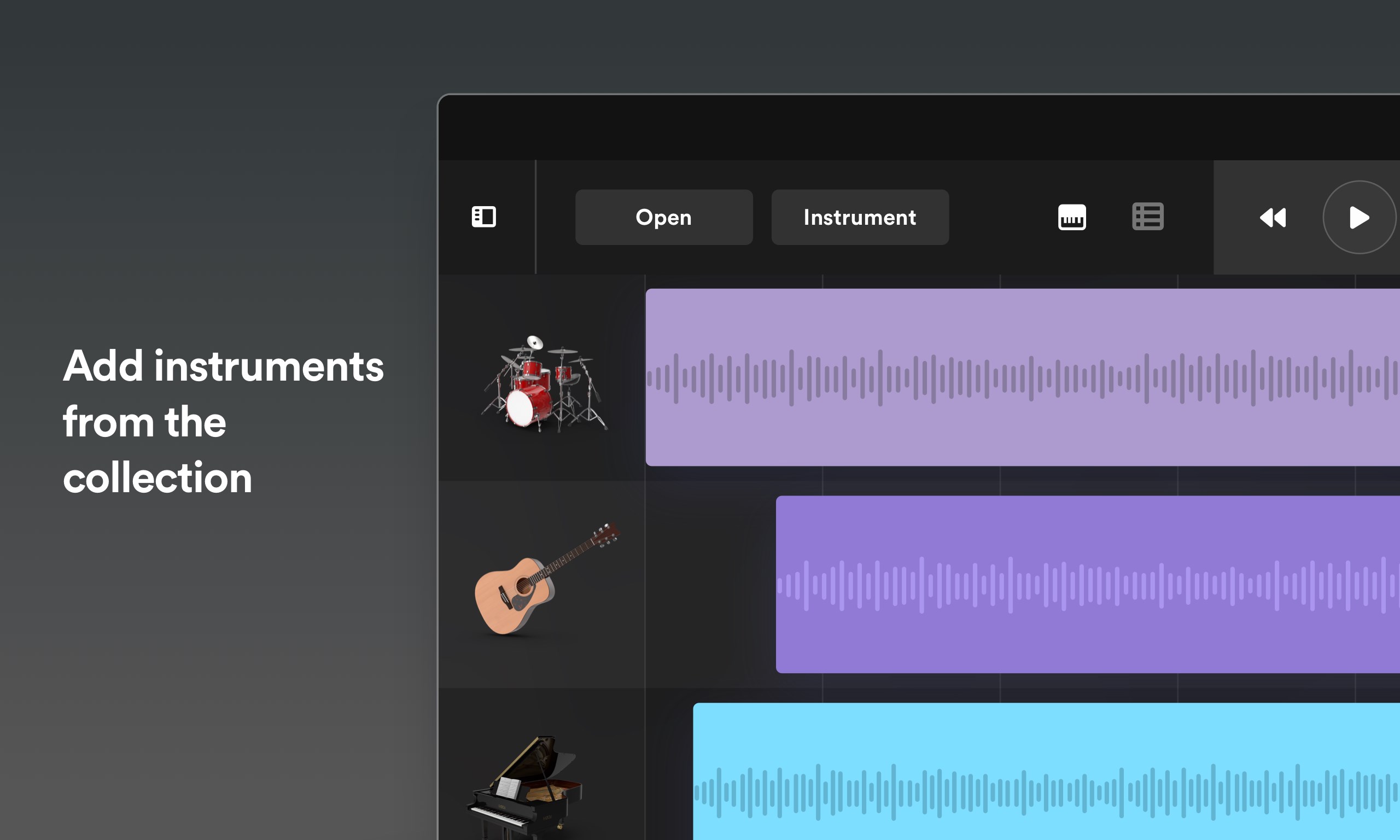
First, its intuitive multi-track recording capabilities enable users to layer sounds seamlessly, fostering a natural flow akin to working in a real studio. Second, its comprehensive library of instruments and effects offers a broad palette for creativity without needing external plugins. Third, the integrated collaboration tools facilitate sharing projects and ideas smoothly—making remote or team-based music production more accessible than ever. Lastly, its task management features, unusual for music software, help organize large projects by tracking progress and deadlines, appealing to serious creators managing multiple compositions.
A Creative Journey Through a Well-Designed Interface
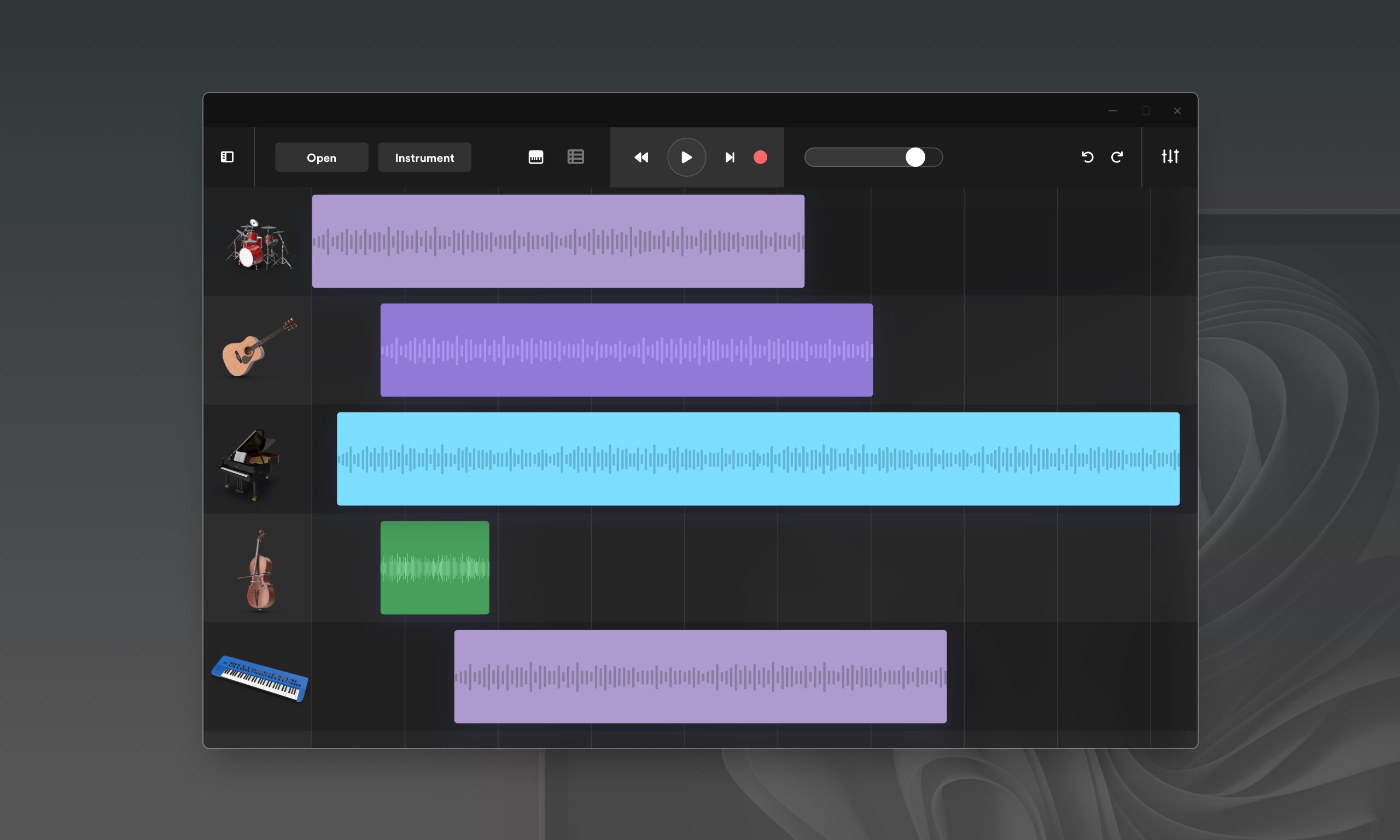
Opening Music Studio 8 feels like stepping into a modern, tidy workspace—clean lines, logical layout, and accessible controls create an inviting environment. The interface is simple enough for a newcomer to get started quickly but offers enough depth — such as customizable workspace views — for advanced users to tailor their workflow. Navigating between tracks, adding effects, or tweaking settings is fluid, thanks to responsive controls and well-placed menus. The learning curve is gentle; tutorials and context-aware tips help newcomers avoid feeling overwhelmed, while seasoned users appreciate the quick access to complex functions.
Core Functionality: From Composition to Collaboration
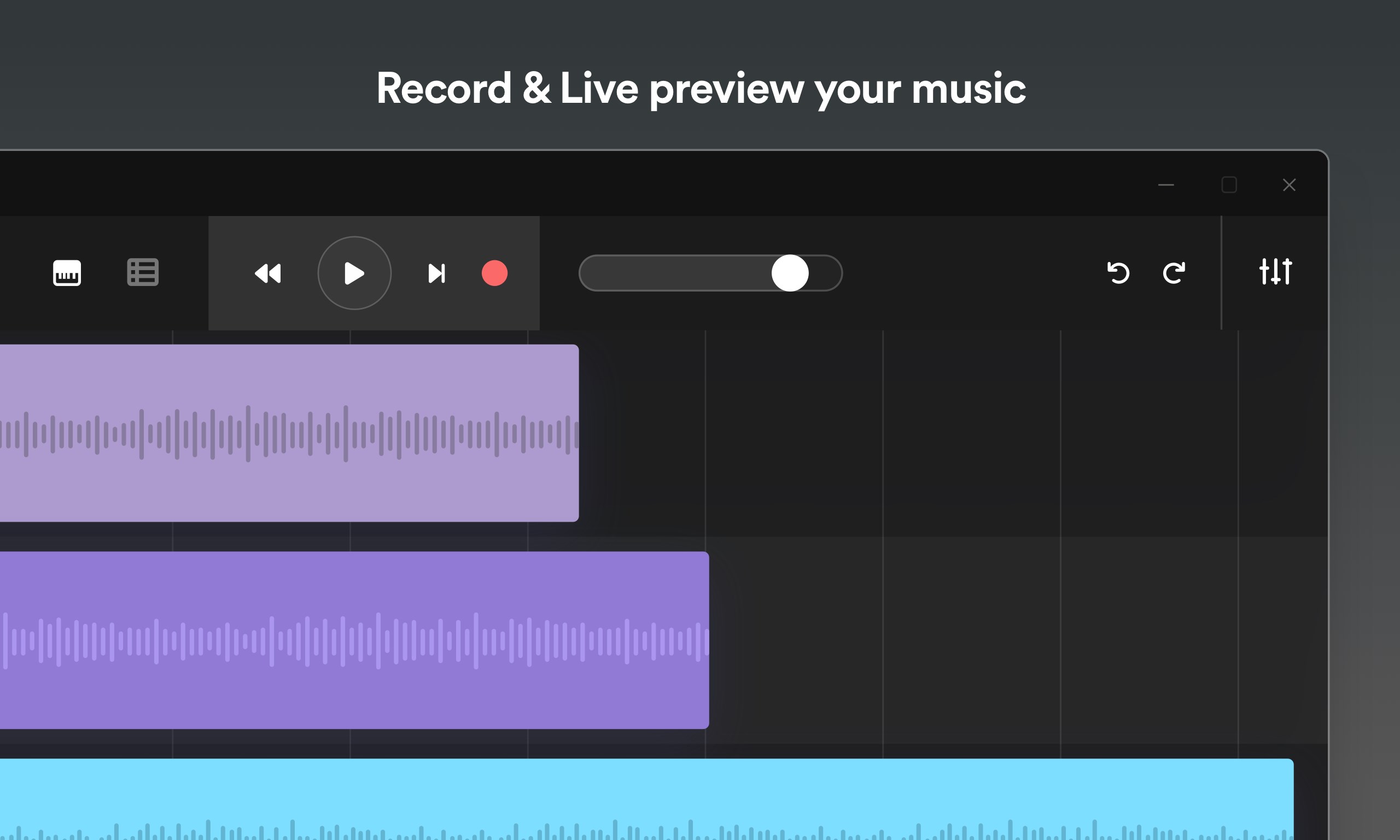
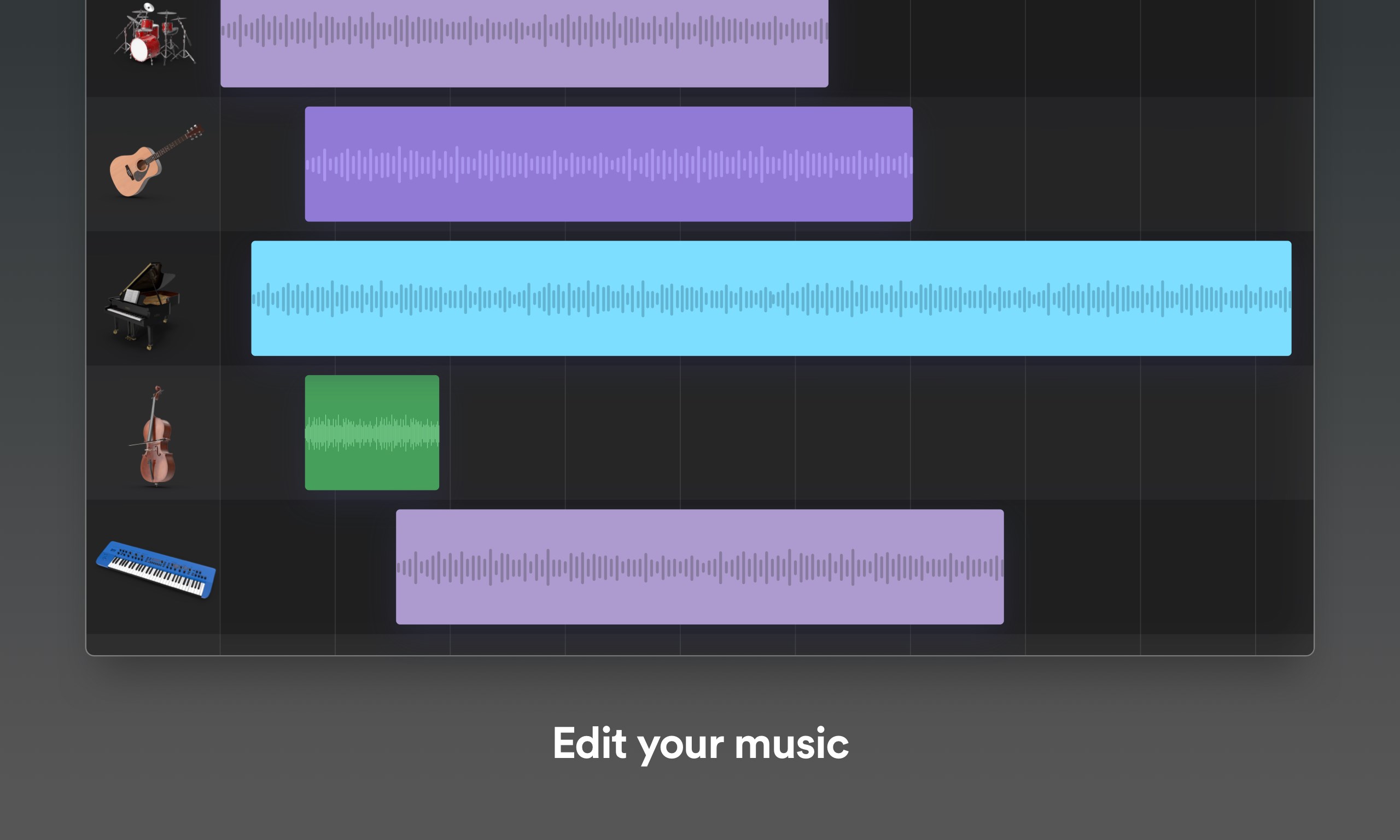
One of the application's strongest suits lies in its multi-track recording and editing. Whether laying down a guitar riff or layering synthesized melodies, Music Studio 8 provides precise control and high-quality sound rendering. Its influential feature is the real-time mixing console, which sounds complex but is surprisingly intuitive—think of it as adjusting an equalizer on your home stereo, but with professional-grade outputs and presets.
Another noteworthy aspect is its collaborative work feature. Unlike traditional DAWs that focus mainly on local editing, Music Studio 8 allows users to share projects via cloud storage. This enables multiple users—perhaps a guitarist in London and a vocalist in Tokyo—to work on the same track, leave comments, and make iterative adjustments. Such synergy streamlines remote collaborations, making the creative process more dynamic and less isolated.
Task management might seem unconventional for music software, yet it shines here as a tool to track production stages, assign deadlines, and organize stems and versions. For professional projects or teaching environments, this organizational layer provides a much-needed structure, ensuring no detail slips through the cracks amidst creative chaos.
Final Thoughts: Is Music Studio 8 a Must-Try?
For anyone looking to produce music with a tool that balances power and approachability, Music Studio 8 offers a compelling package. Its standout collaboration features and task management tools make it particularly appealing for teams and educational settings. While it might not replace high-end studios for large-scale professional recording, it certainly holds its own as a flexible, modern DAW that adapts to a variety of creative needs.
Overall, I recommend giving it a try if you're interested in an accessible yet robust music production environment—especially if remote collaboration and project organization are priorities in your workflow. Whether you're a hobbyist eager to experiment or a semi-professional aiming to streamline your projects, Music Studio 8 can be a helpful companion on your musical journey.
Pros
- User-friendly interface
- Wide range of virtual instruments
- Multi-track recording capability
- Built-in effects and audio filters
- Regular updates with new features
Cons
- Limited file export formats
- Occasional lag during complex projects
- Some virtual instruments lack realism
- Limited MIDI editing options
- Auto-save feature sometimes delays











