

- Category Productivity
- Available on PC, Mobile, Surface Hub, HoloLens
- OS Windows 10 version 17763.0 or higher
- languages Chinese (Simplified), Dutch, English (United States), Finnish, French, French (Canada), German, Hungarian, Italian, Polish , Portuguese, Portuguese (Brazil), Portuguese (Portugal), Russian, Spanish, Spanish (Mexico), Spanish (Spain)
My Calendar for Windows: A Sleek, Streamlined Scheduling Companion
My Calendar for Windows by KineApps positions itself as a user-friendly, efficient calendar tool designed to streamline your daily planning and enhance productivity without overwhelming you with features. It aims to be the dependable sidekick for busy professionals, students, and anyone seeking organized time management at their fingertips.
Meet the Team Behind the Calendar
Developed by KineApps, a dedicated software team committed to creating intuitive productivity tools, My Calendar for Windows reflects their focus on marrying simplicity with powerful functionality. With an emphasis on enhancing workflow efficiencies, KineApps leverages a user-centric design philosophy to craft applications that blend seamlessly into daily routines.
Key Features That Make a Difference
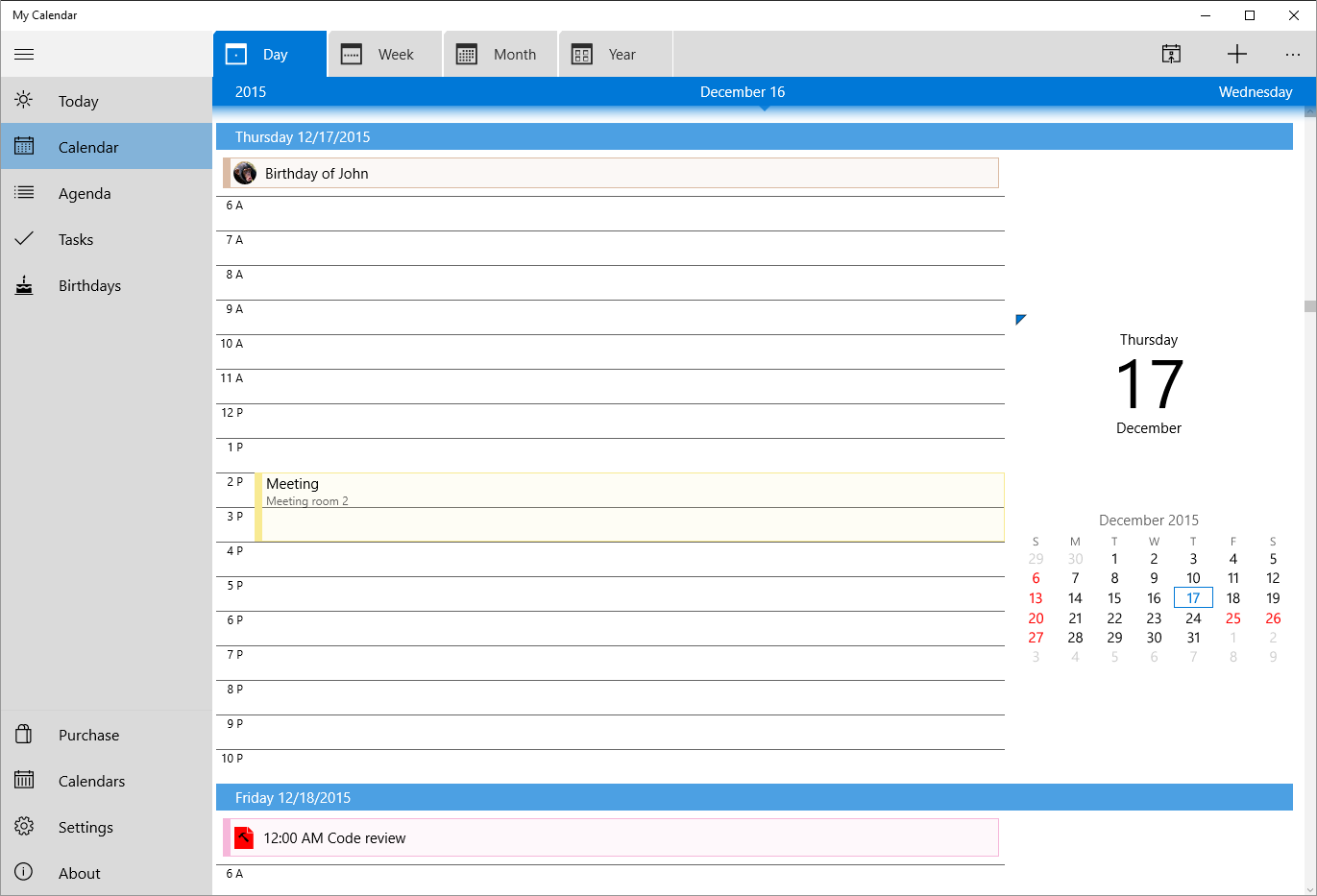
- Intuitive Event Management: Effortlessly add, edit, or delete events with a clean and responsive interface that feels natural and quick—think of it as the digital version of jotting notes on a well-organized desk.
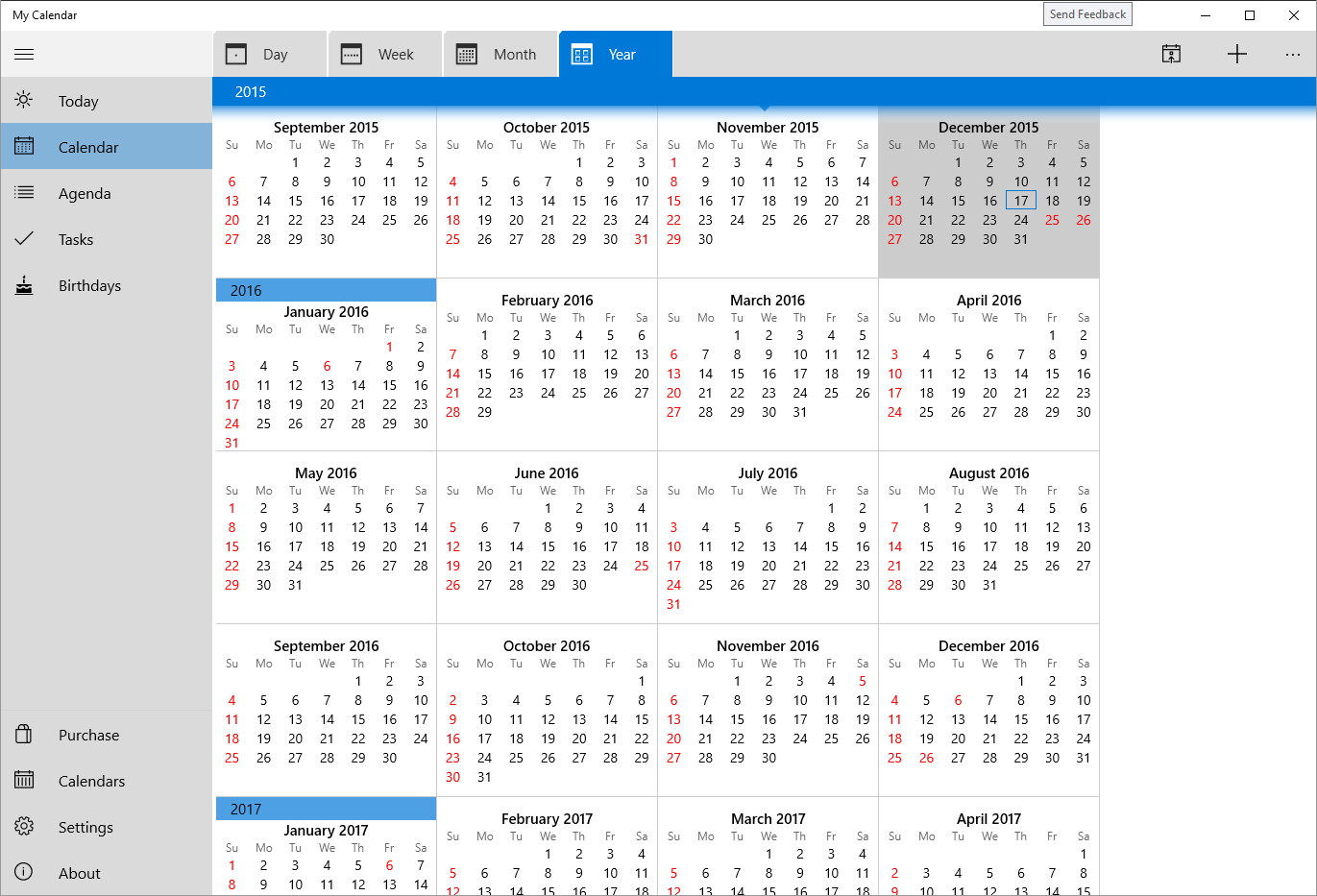
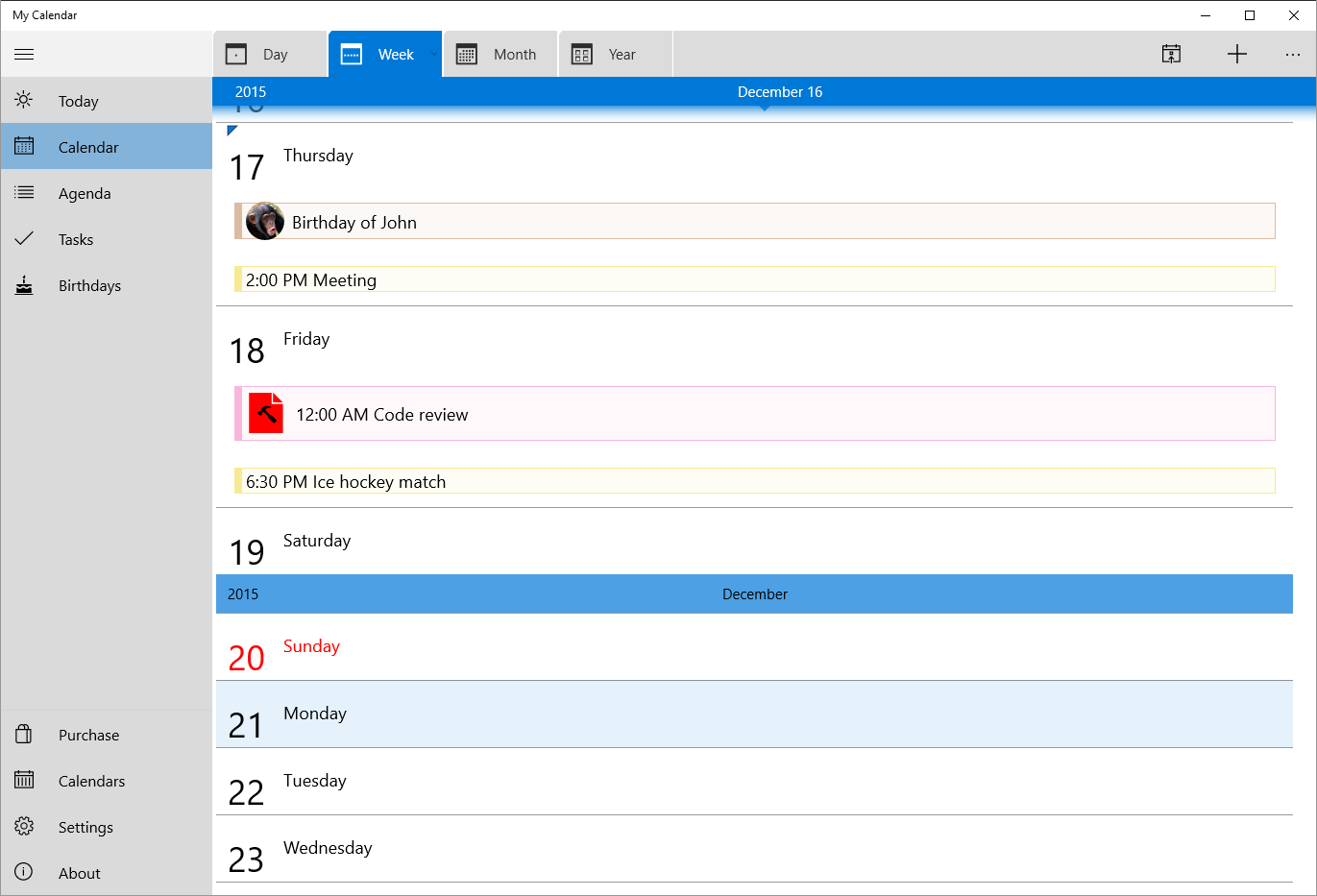
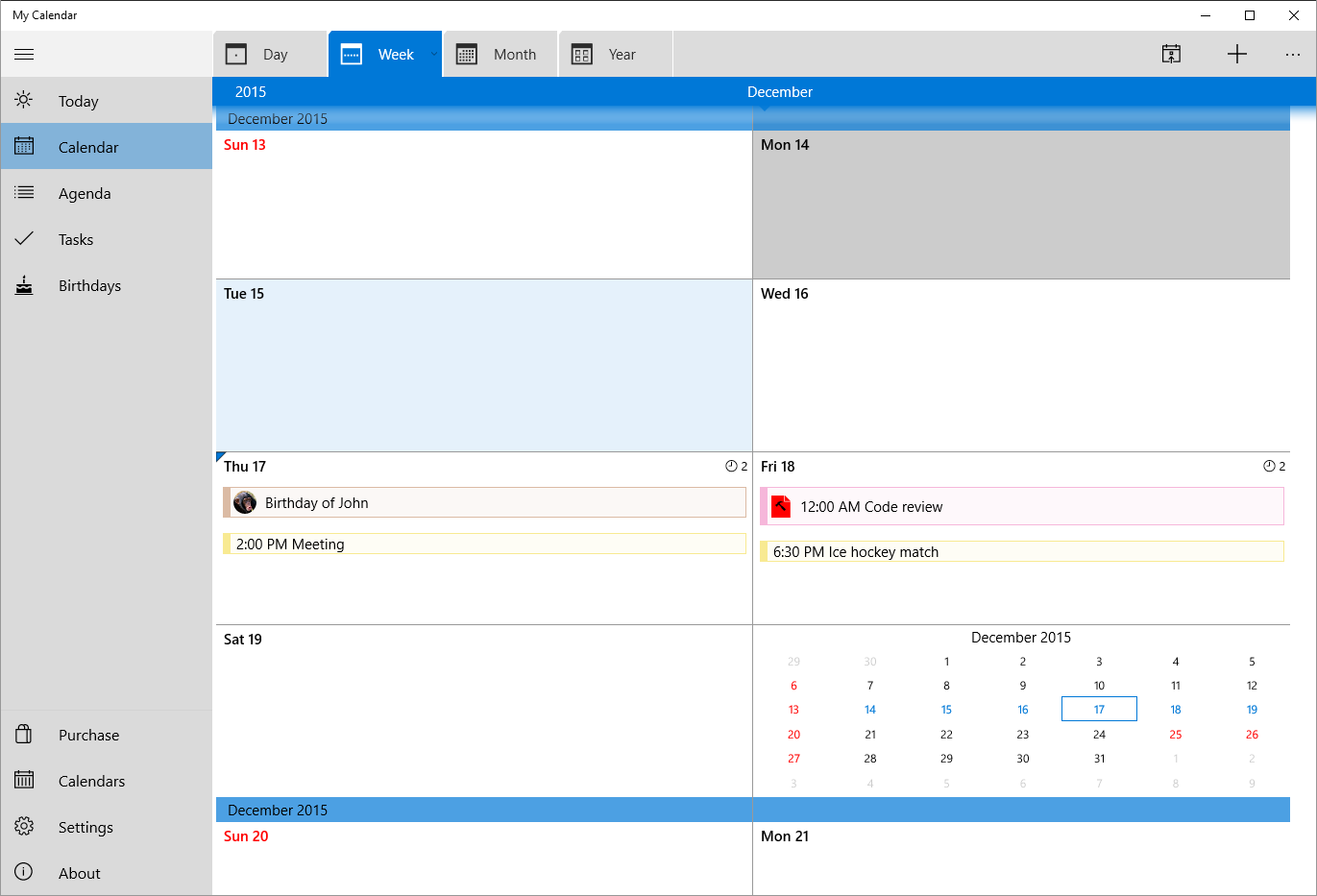
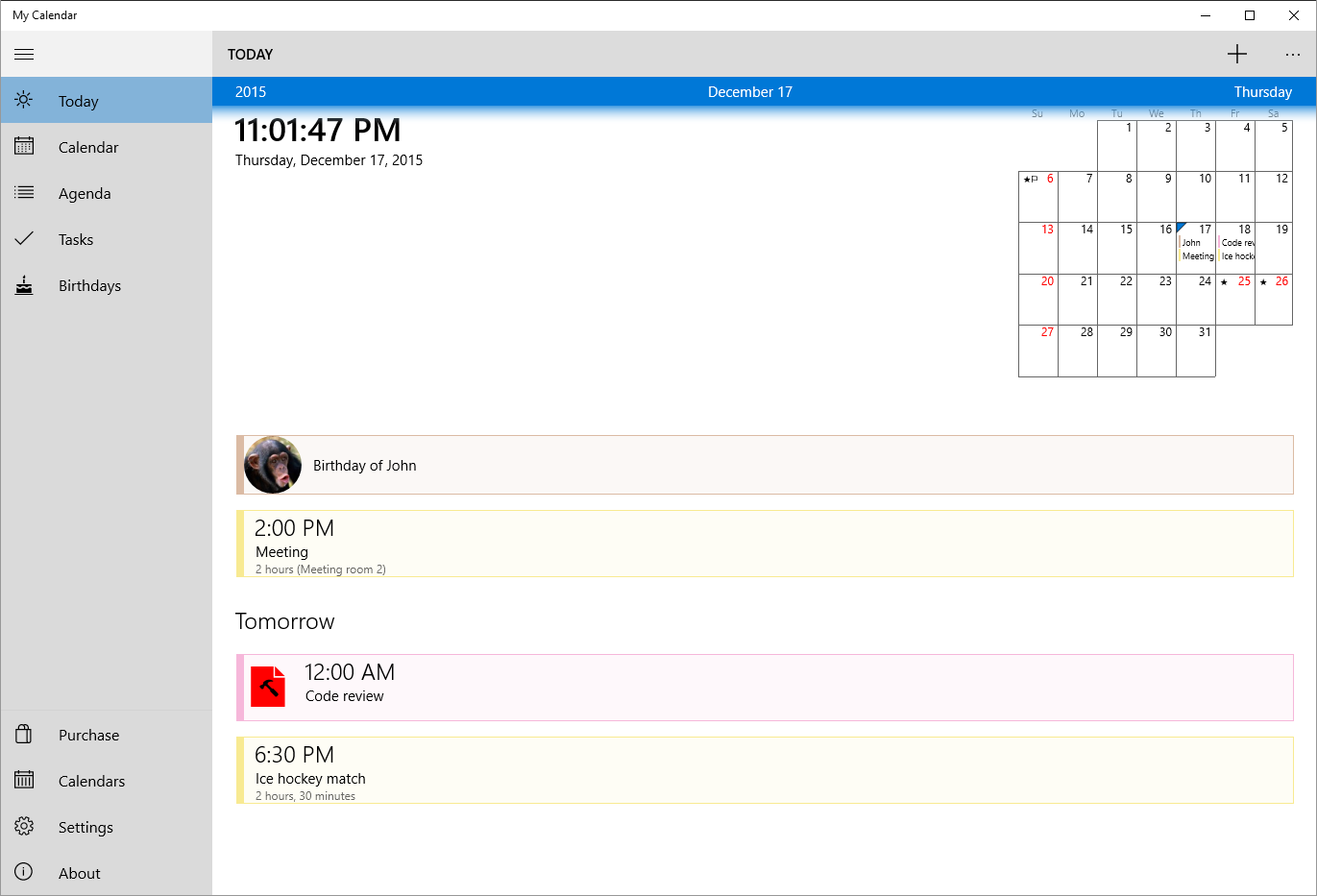
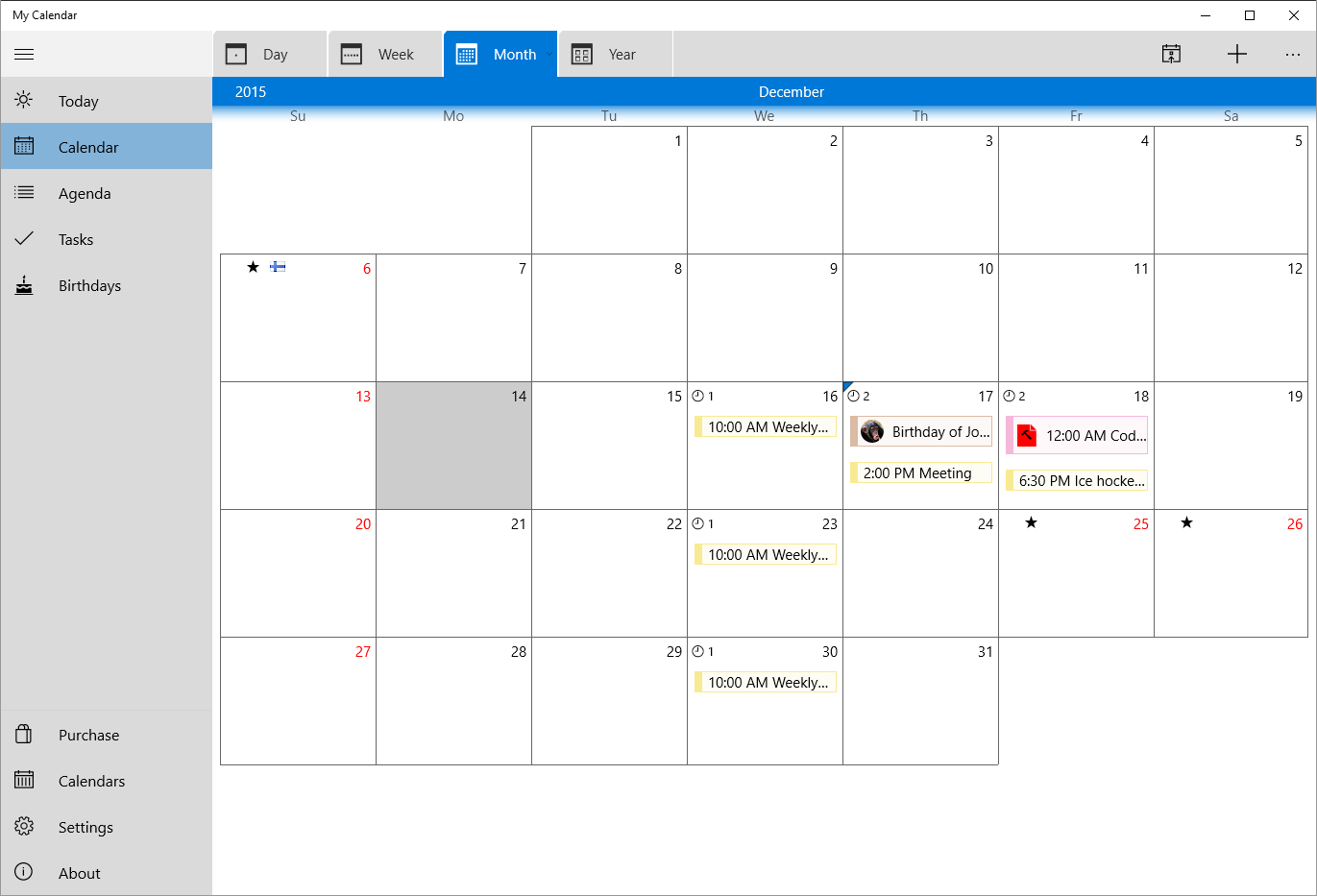
- Unified Calendar View: Whether you prefer daily, weekly, or monthly perspectives, the app allows smooth toggling between views, offering a comprehensive snapshot of your schedule at a glance.
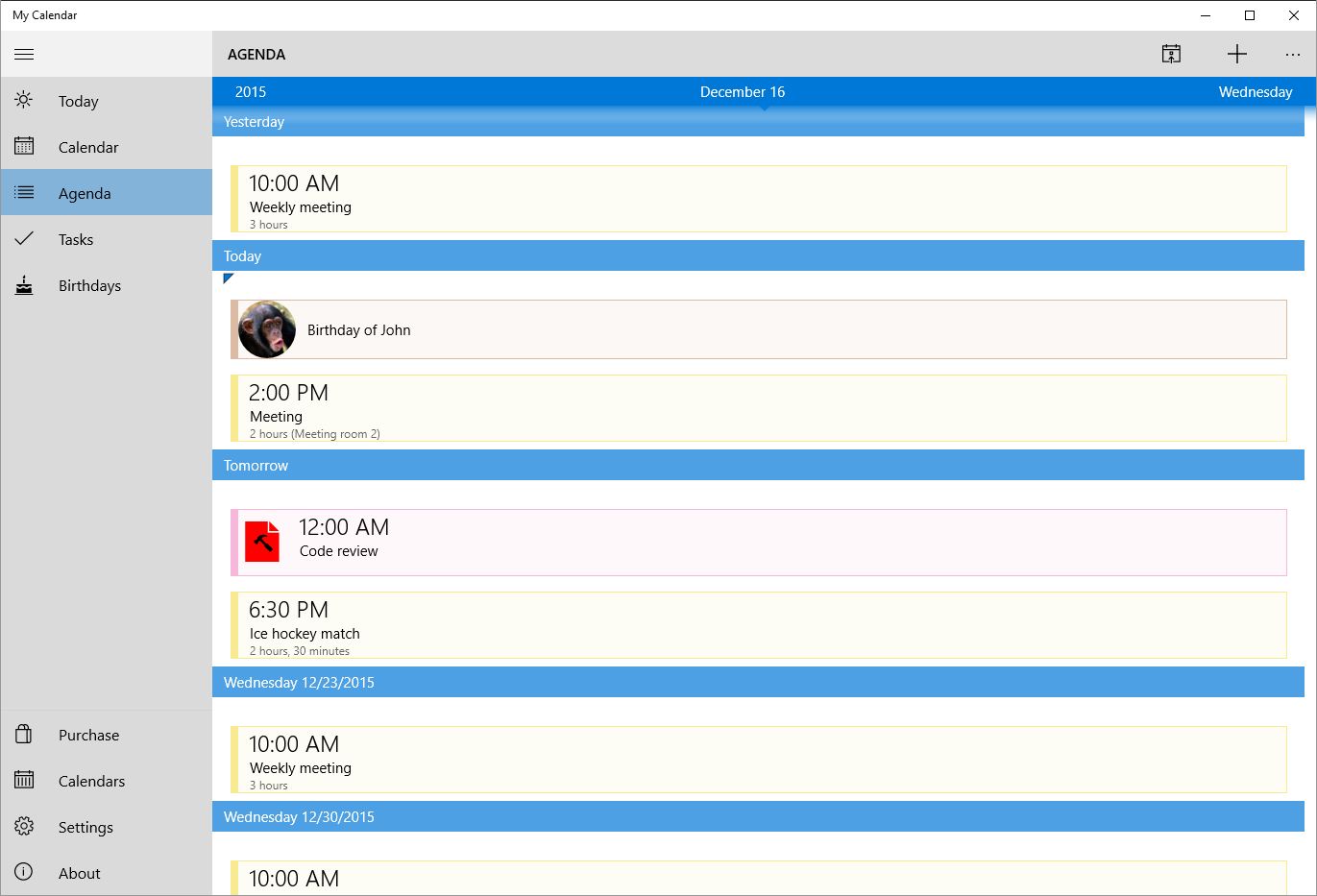
- To-Do List Integration: Seamlessly combine tasks and appointments in one place, reducing the cognitive load of switching between separate apps or notes.
- Real-Time Notifications: Stay on top of upcoming events with minimal interruptions—just enough to keep you informed without causing distraction.
An Engaging Dive Into the User Experience
Imagine this app as your well-organized digital diary—visual, approachable, and utterly reliable. The interface adopts a minimalist aesthetic, where clarity trumps clutter. Navigating through the app is like flipping through well-labelled, neatly arranged pages; it feels instinctive rather than daunting. The responsiveness of the interface ensures that adding events, adjusting schedules, or switching views happens smoothly, akin to turning a well-oiled page.
On the learning curve, My Calendar for Windows proves to be inviting rather than intimidating. Even new users will find themselves comfortably exploring core features after a few familiarization sessions. The app's straightforward design reduces unnecessary complexity, allowing users to spend more time managing their schedules rather than figuring out how to navigate the calendar.
What Sets It Apart: Workflow Efficiency & Cognitive Load Management
Unlike some competing productivity apps that pack in bloat and multi-layered features, My Calendar for Windows emphasizes reducing cognitive load. Its core strength lies in offering a streamlined, integrated view of tasks and appointments—akin to having a personal assistant who pre-sorts your day for you.
The app's tight integration of calendar and to-do list allows users to see all commitments without jumping between separate apps, fostering a smoother workflow. Its clear, simple interface minimizes distraction, enabling users to focus on what matters rather than deciphering complex menus. This focus on streamlined user interaction ensures that users don't feel overwhelmed by features, but instead, benefit from a tool that feels natural and unobtrusive—like a gentle hand guiding your schedule.
Final Thoughts: A Practical Choice for Daily Planning
All in all, My Calendar for Windows strikes a compelling balance between simplicity and functionality. It's especially recommended for those who value clarity and efficiency over feature clutter. If you're looking for a reliable, easy-to-use calendar that integrates your tasks seamlessly and keeps your mental workspace uncluttered, this app deserves a solid try. Its unique strength in workflow integration and cognitive load reduction makes it a handy companion rather than just another scheduling tool.
Pros
- Intuitive User Interface
- Seamless Microsoft Account Integration
- Customizable Calendar Views
- Clear Event Reminders
- Free to Use
Cons
- Limited Offline Functionality
- Lacks Advanced Task Management
- Occasional Sync Delays
- Minimal Customization Options
- Basic Search Functionality











