

- Category Productivity
- Developer ASUSTeK COMPUTER INC.
- Available on PC, Mobile, Xbox console, Surface Hub, HoloLens
- OS Windows 10 version 16299.0 or higher
- languages Arabic, Chinese (Simplified), Chinese (Simplified) (China), Chinese (Traditional Chinese), Chinese (Traditional), Chinese (Traditional) (Hong Kong), Chinese (Traditional, Hong Kong SAR), Czech, Danish, Dutch, English, English (United States), Finnish, French, German, Greek, Hebrew, Hungarian, Indonesian, Italian, Japanese, Korean, Korean , Norwegian (Bokmål), Polish, Polish , Portuguese (Brazil), Portuguese (Portugal), Romanian, Russian, Slovak, Spanish, Spanish (Spain), Swedish, Thai, Turkish, Ukrainian, Vietnamese
MyASUS for Windows: Your All-in-One Asus Companion
Designed to streamline your Asus device management, MyASUS for Windows offers a centralized hub to optimize performance, troubleshoot issues, and personalize your experience seamlessly.
Meet the Developer: ASUSTeK COMPUTER INC.
Created by the renowned Taiwanese tech giant ASUSTeK COMPUTER INC., this app embodies their commitment to enhancing user experience through integrated device management tools tailored for Asus users worldwide.
Key Features That Stand Out
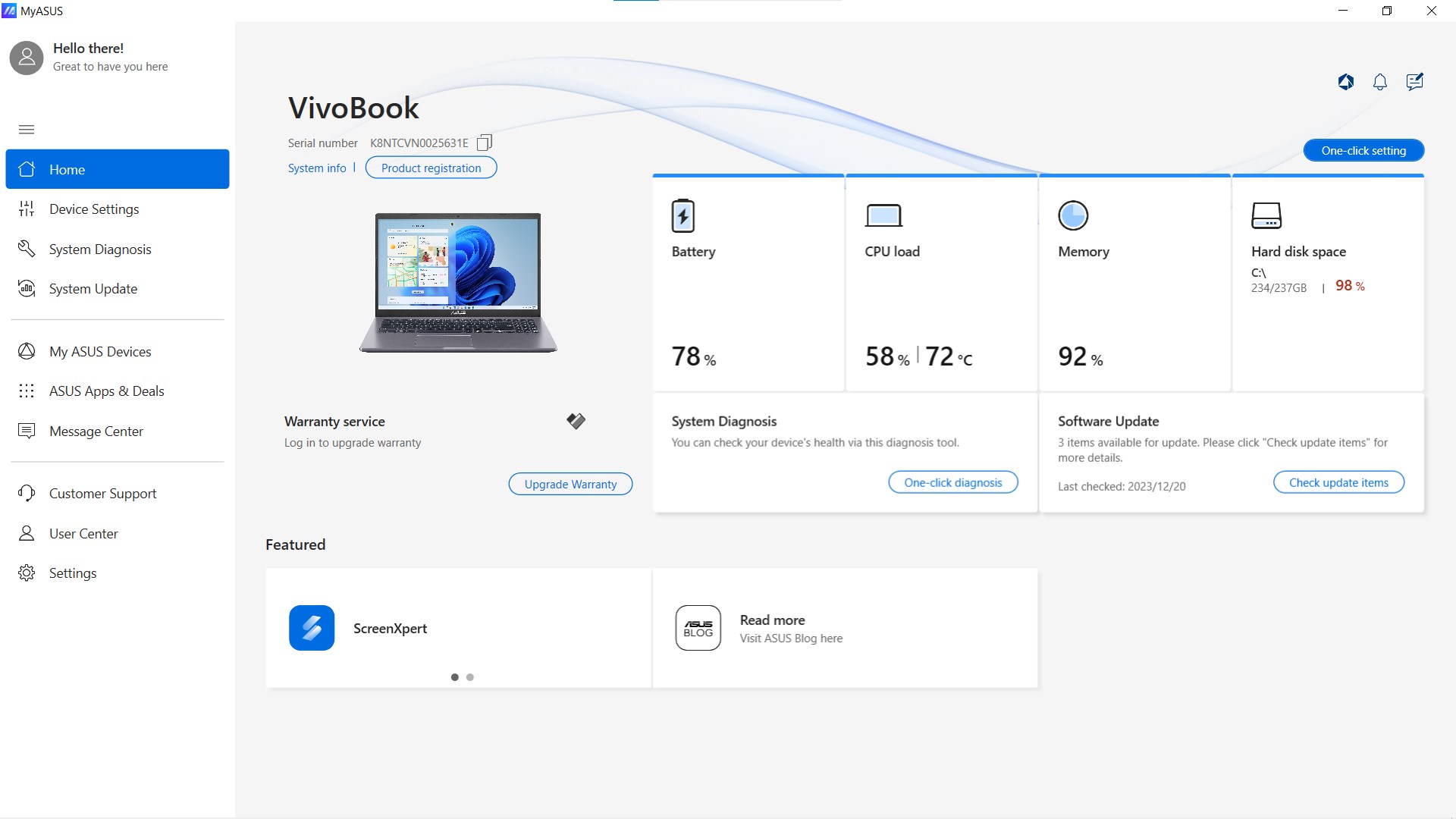
- One-Stop Device Management: Centralize your Asus laptop or PC settings, updates, and diagnostics to keep everything under control from a single interface.
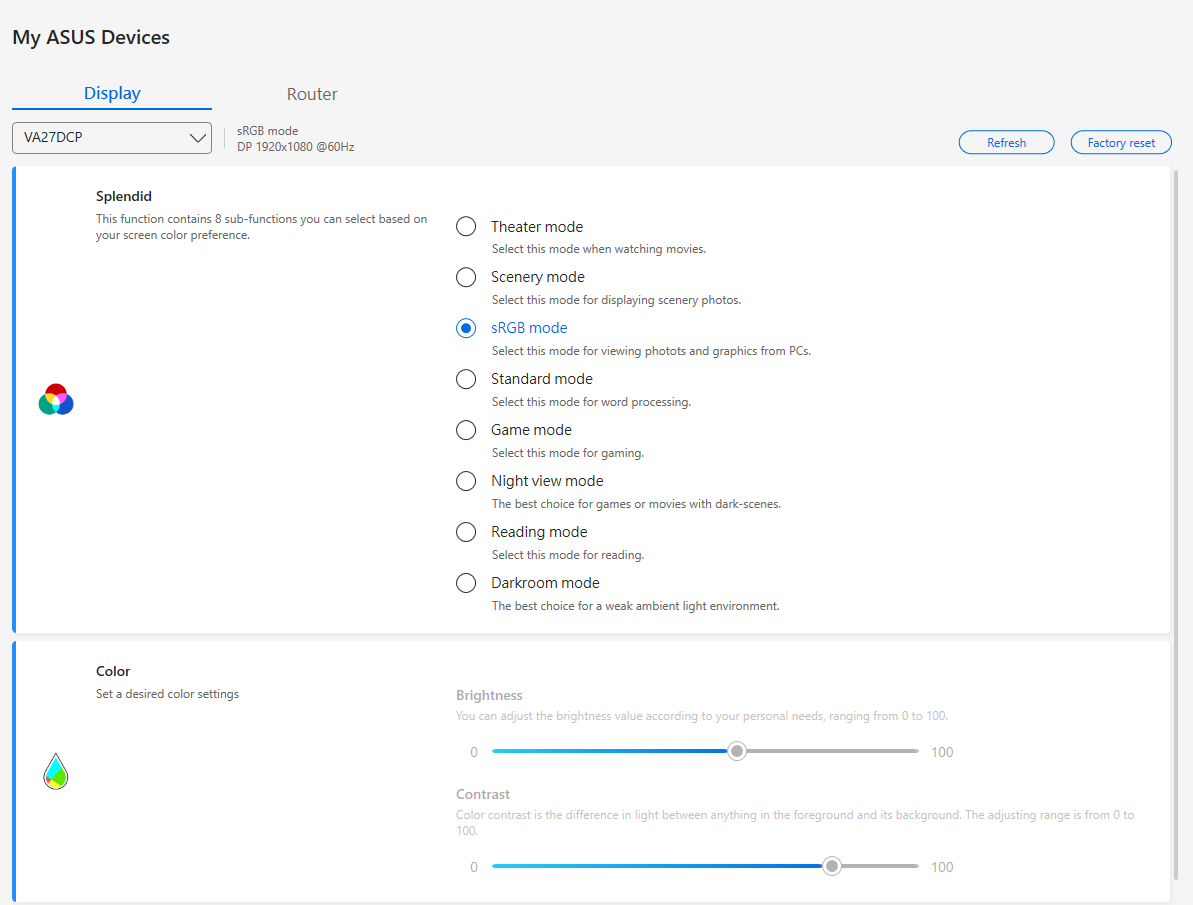
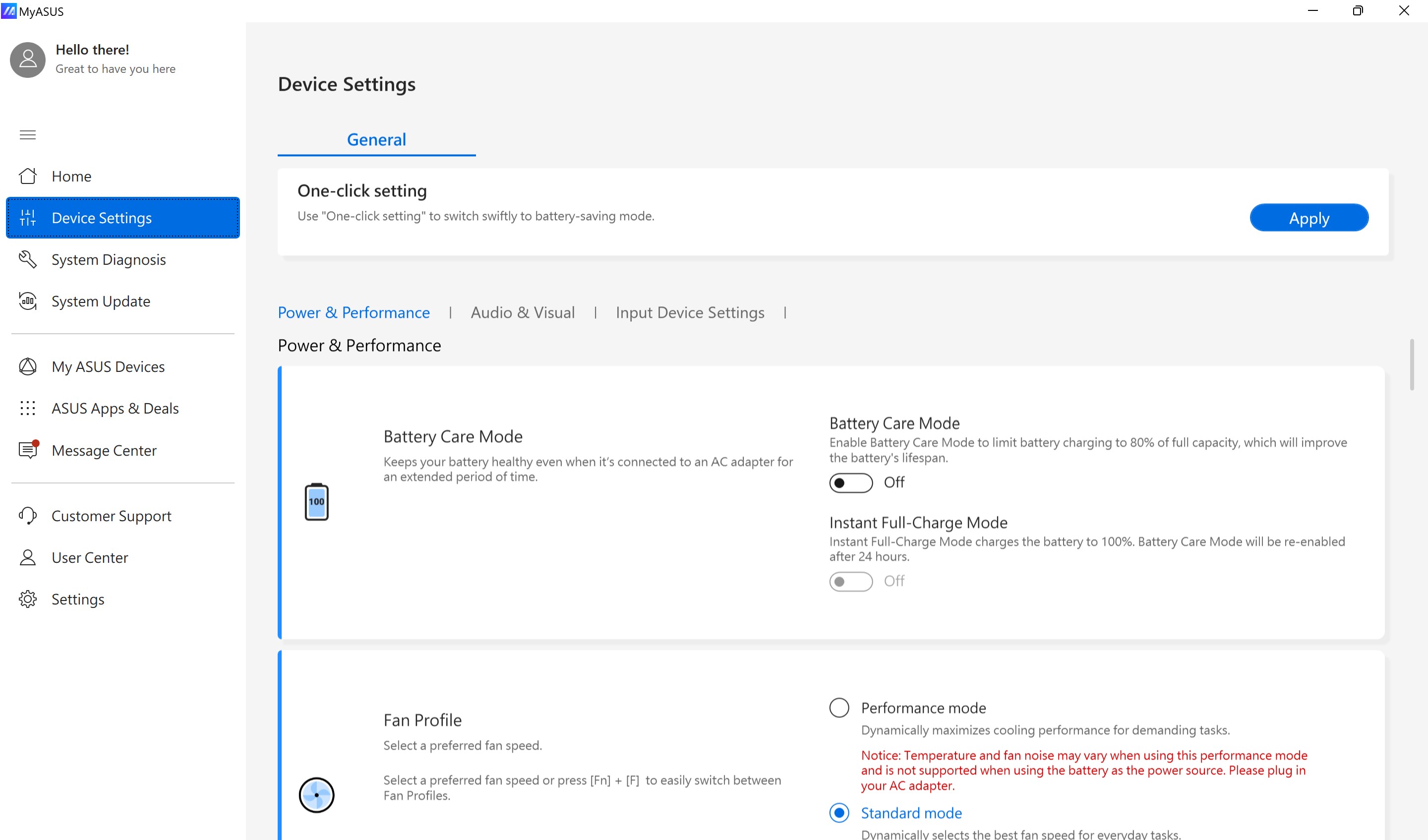
- Performance Optimization Tools: Easily access system tuning options to boost speed and efficiency without tinkering with complex settings.
- Personalized Support & Notifications: Receive tailored tips, updates, and troubleshooting assistance directly within the app to keep your device running smoothly.
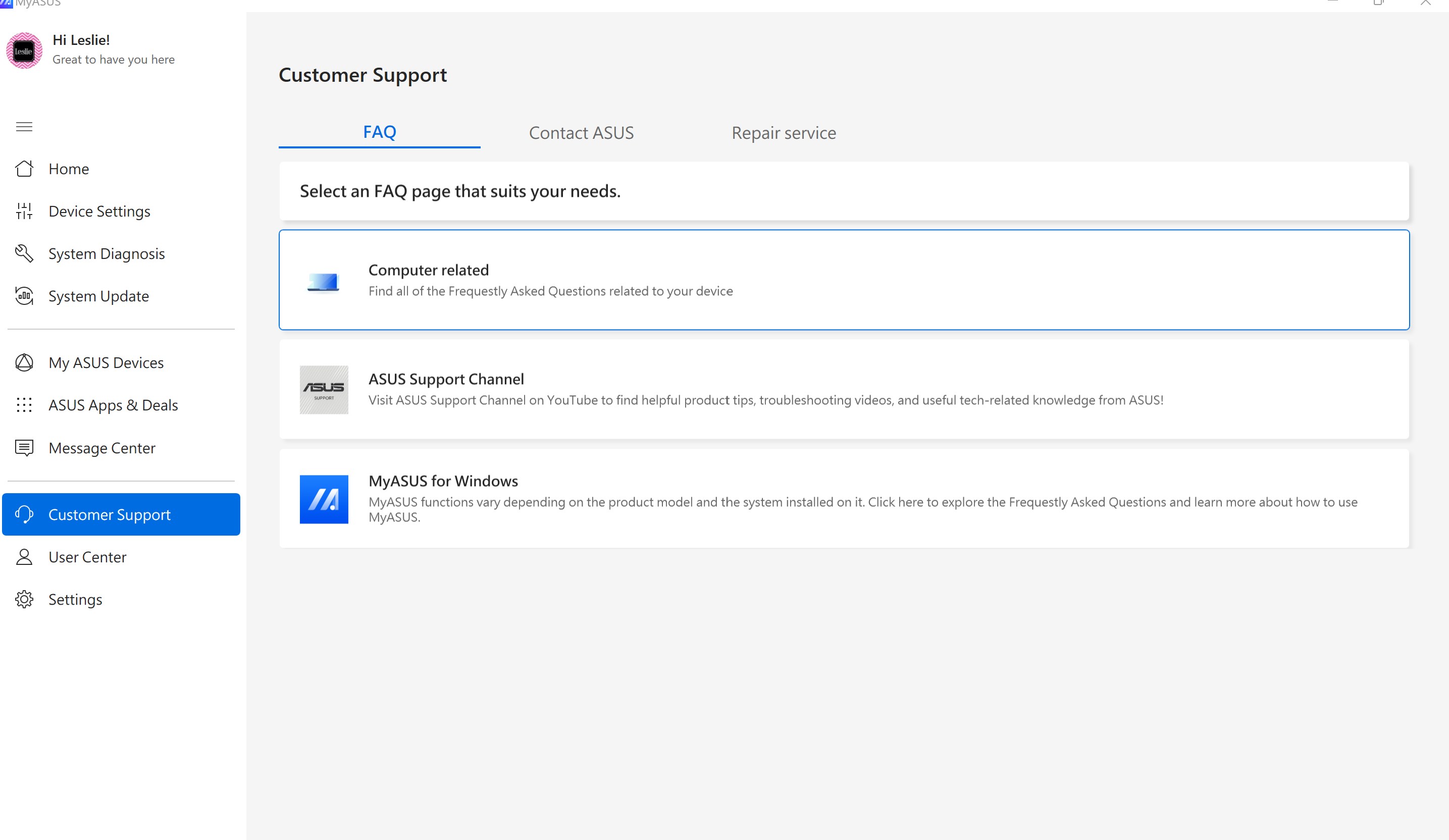
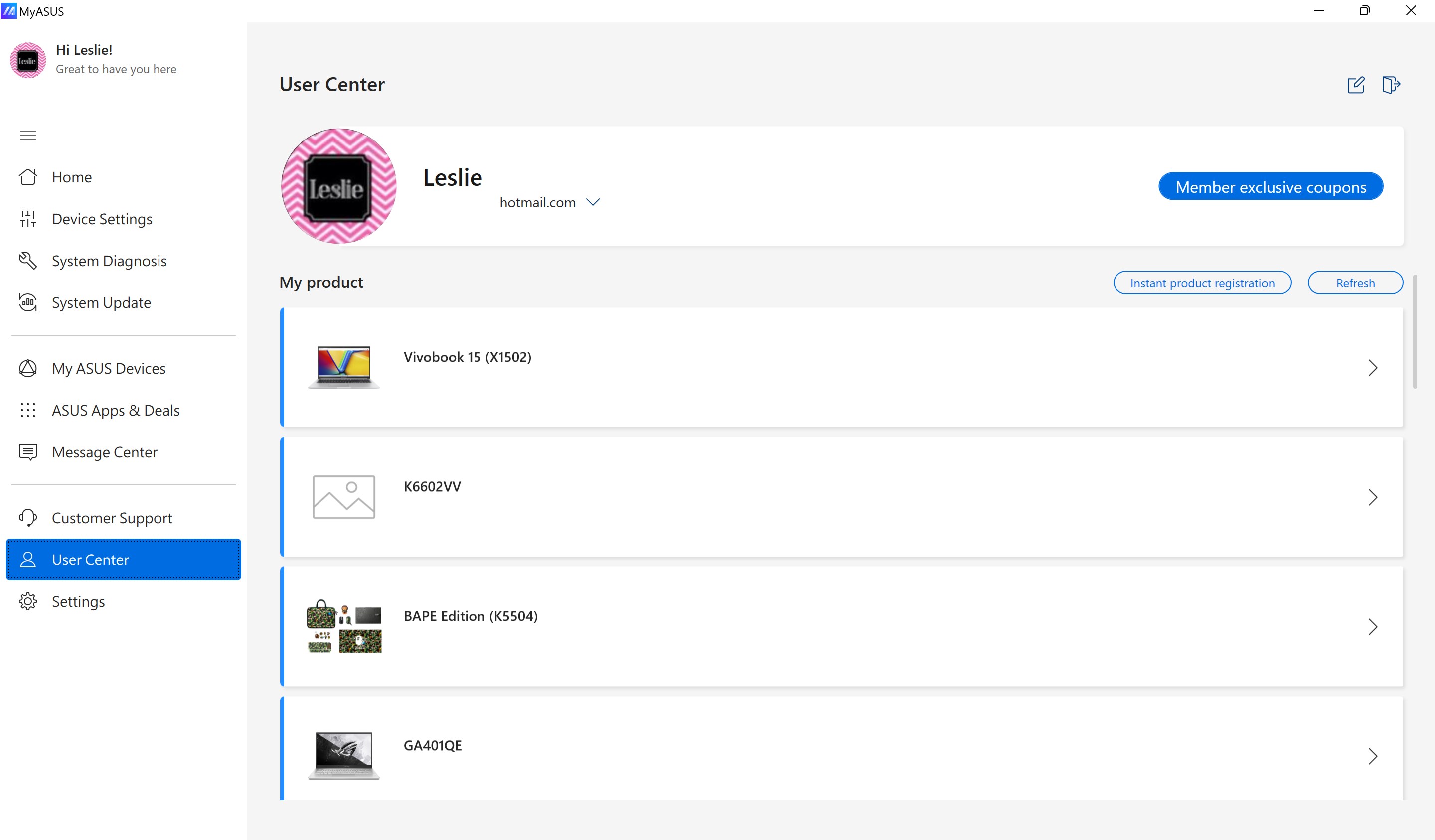
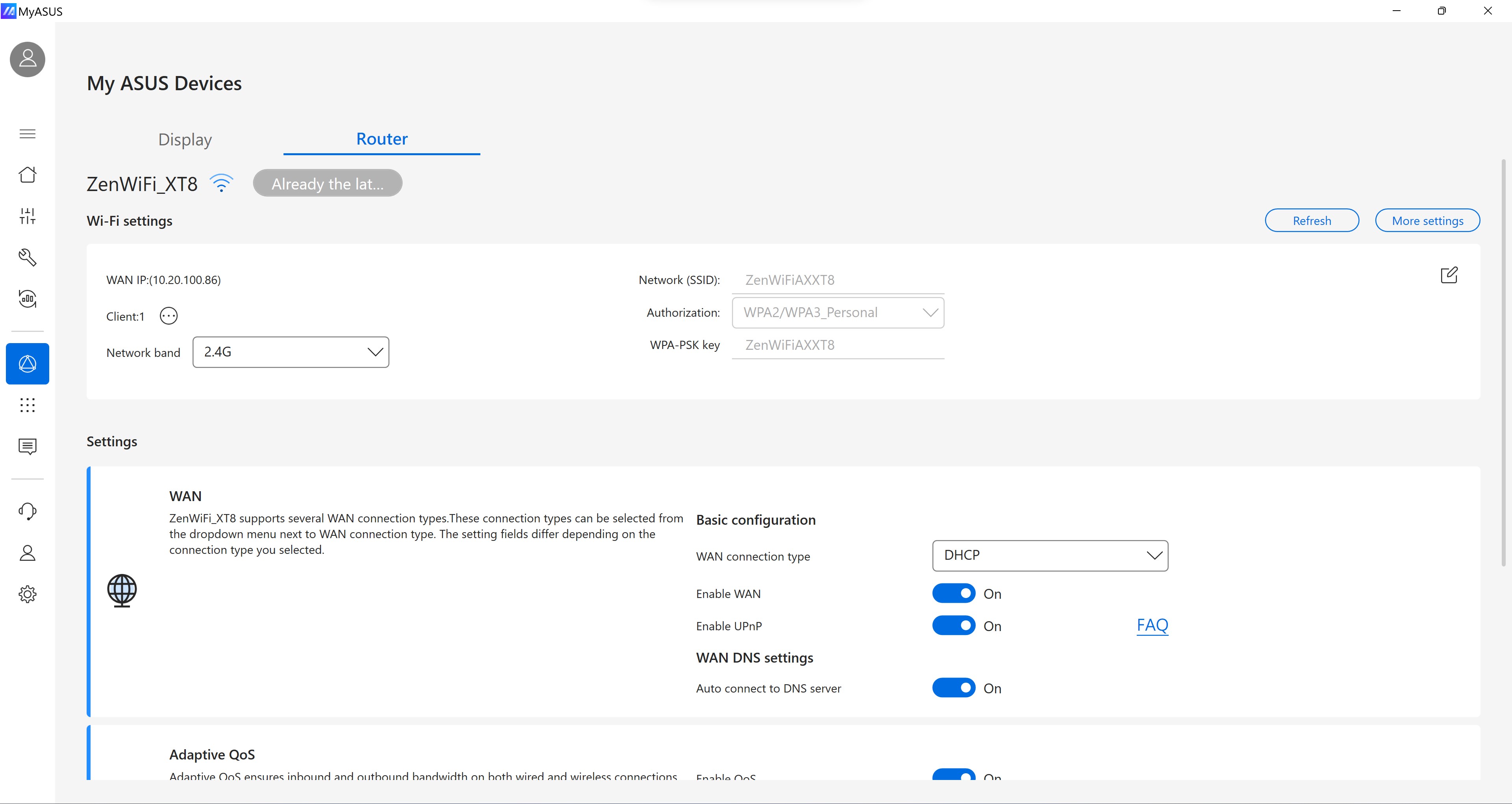
- Connectivity & Service Integration: Streamline connections to Asus services like MyASUS support, warranty info, and quick access to customer service channels.
Engaging Introduction: Your Digital Co-Pilot
Imagine having a seasoned pilot guiding your Asus device through every flight—handling routine checks, suggesting upgrades, and alerting you to possible turbulence before it happens. That's what MyASUS embodies for the tech-savvy user: a friendly yet powerful co-pilot that keeps your digital experience smooth and worry-free. Its intuitive design and proactive features make device management feel less like a chore and more like a trusted partnership.
Deep Dive into Core Functionalities
Unified System Control and Diagnostics
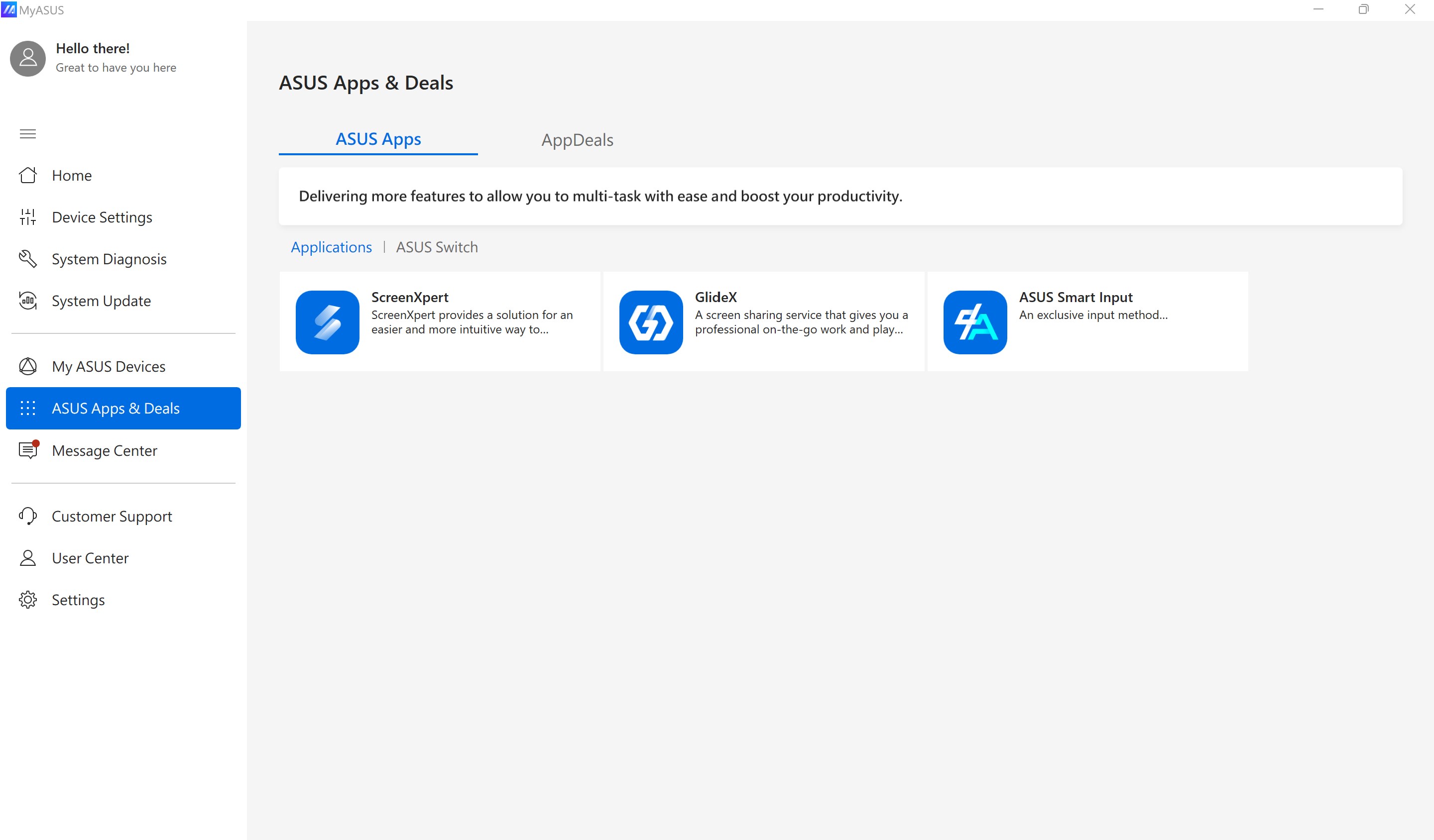
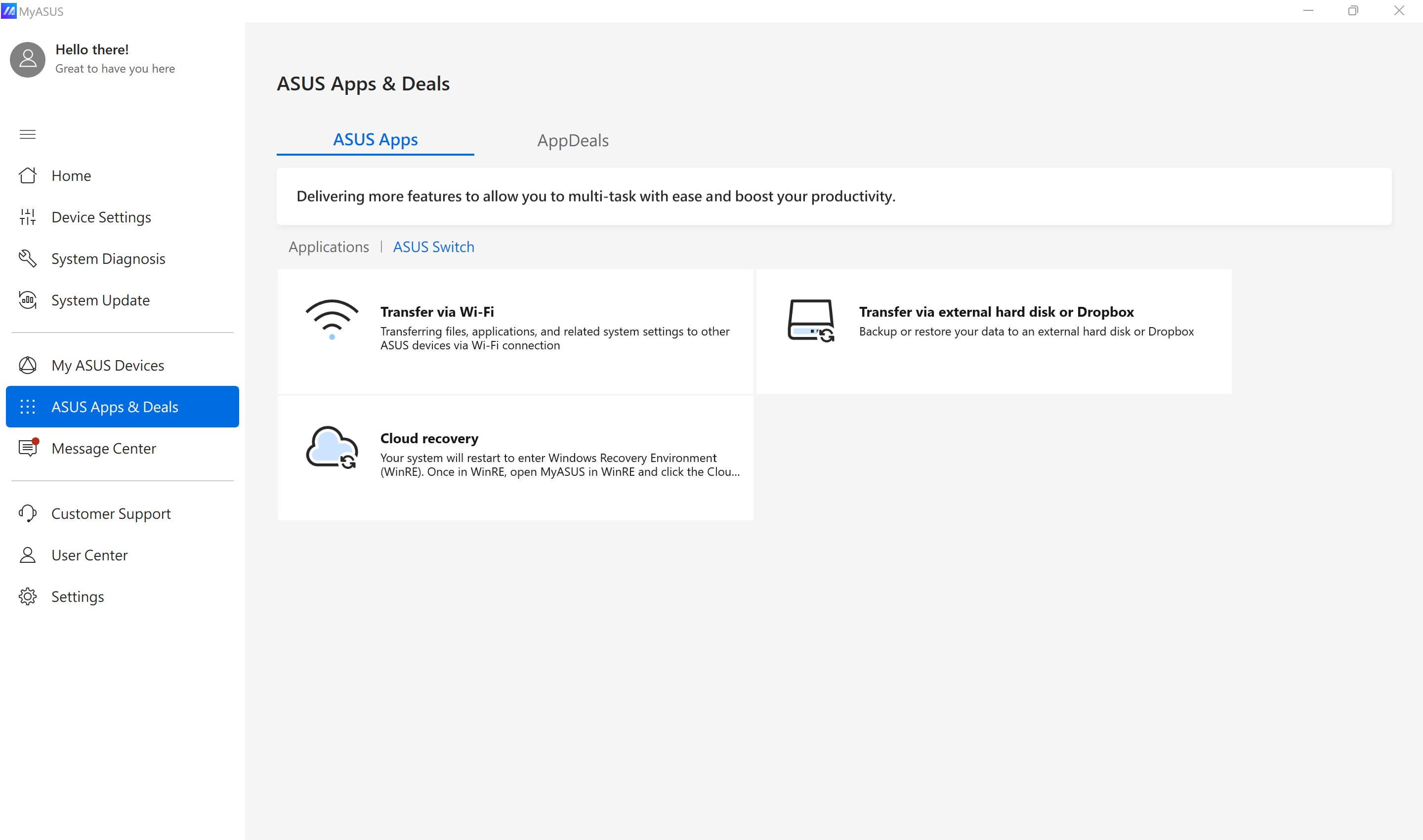
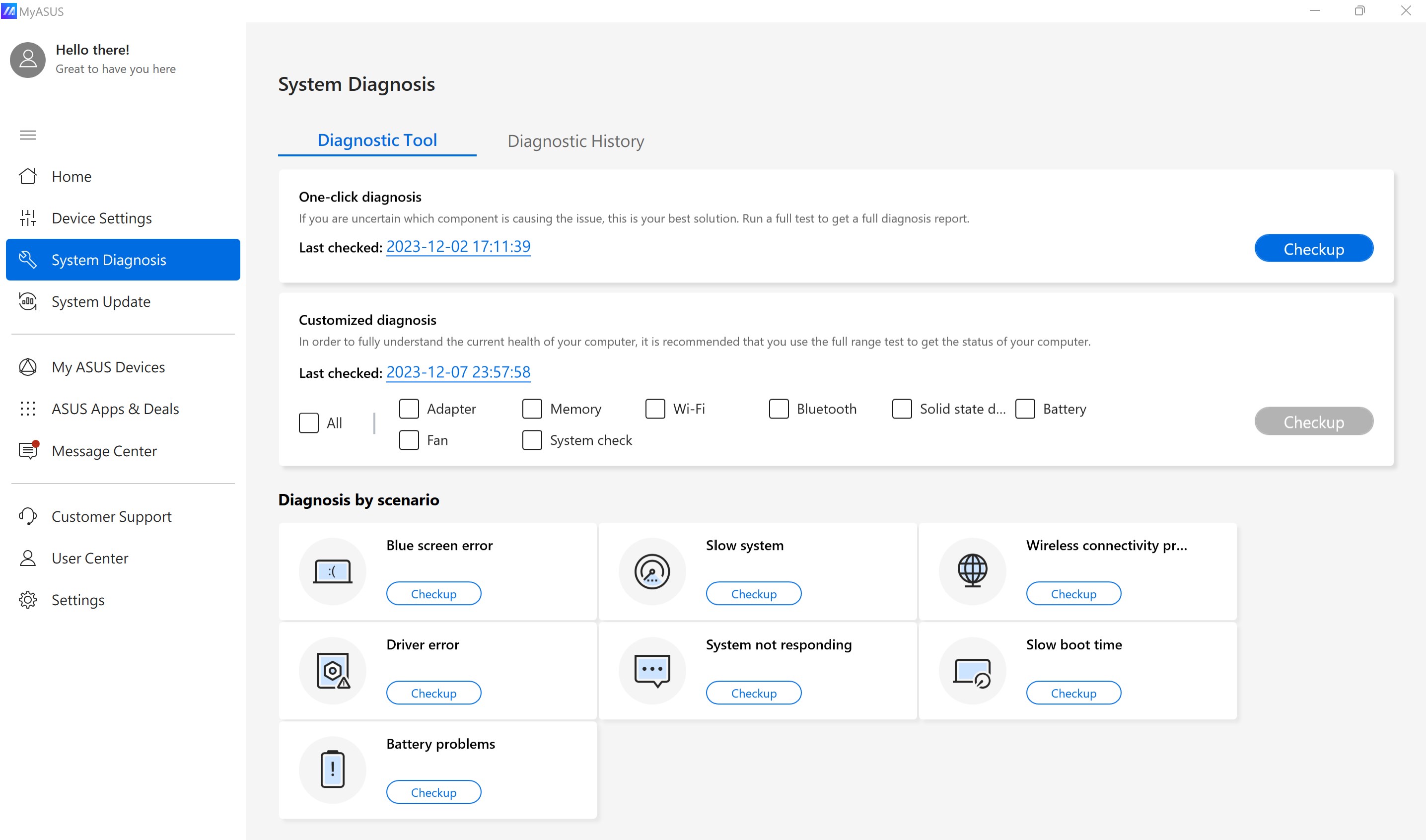
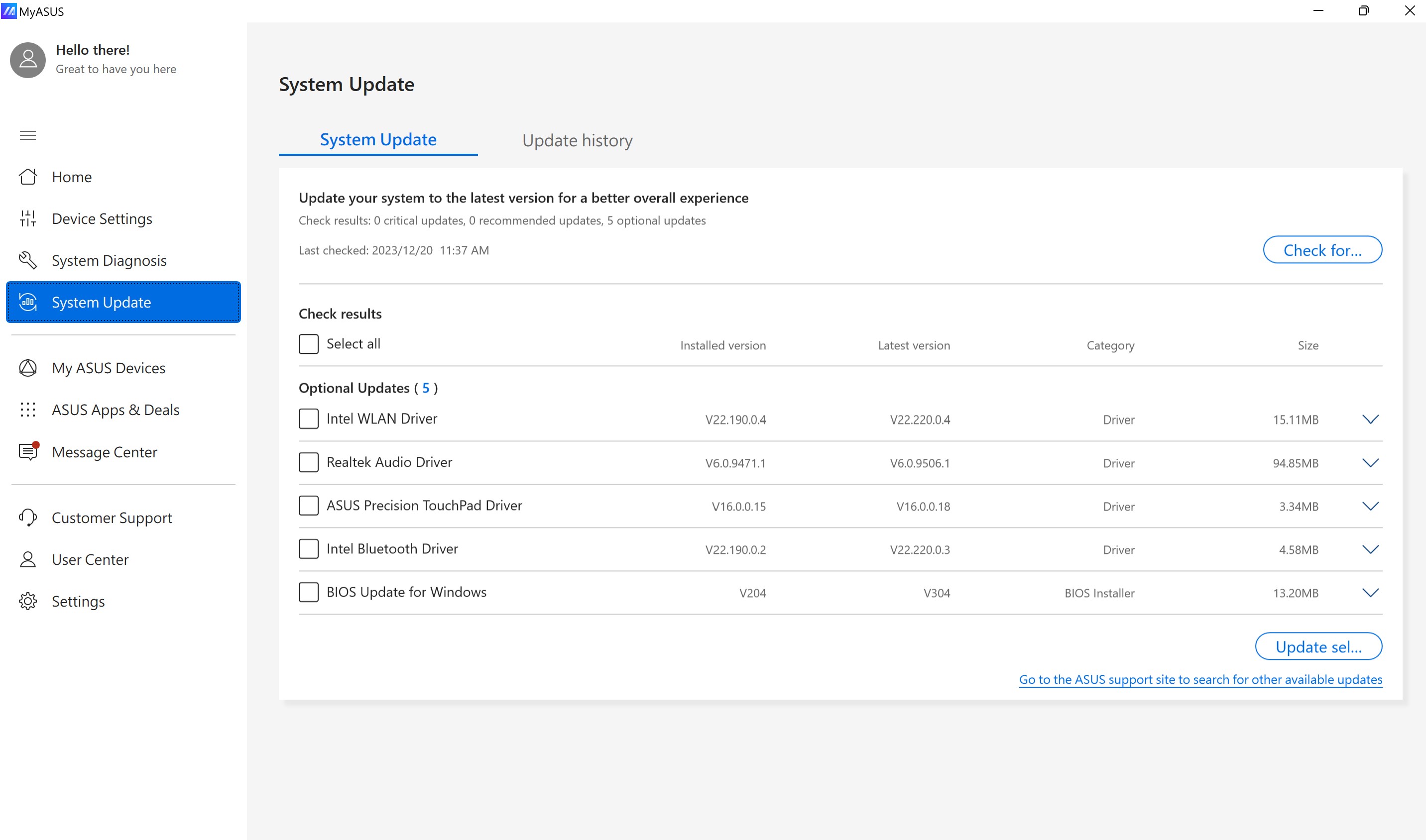
The app's core strength lies in its comprehensive control dashboard. Instead of juggling multiple utilities or digging through Windows settings, users are greeted with a clear, organized interface where they can monitor system health, update device drivers, and run diagnostic tests. This approach not only saves time but reduces the cognitive load often associated with troubleshooting complex problems.
Performance Tuning with Ease
Optimizing your device's performance is simplified via dedicated tools that recommend system tweaks based on your usage patterns. Whether you're gaming, working, or streaming, this feature helps tailor your device's behavior without requiring deep technical expertise. The app's smart suggestions seamlessly integrate into your workflow, minimizing interruptions and making performance boosts feel like a natural extension of your routine.
Tailored Support and Notifications
Perhaps the most compelling aspect is how MyASUS personalizes your support experience. Get notifications about critical updates or recommended actions, and access support resources directly from within the app. This reduces the mental clutter of searching for solutions and elevates user confidence in maintaining their device—transforming support from a faceless process into a friendly chat with your digital assistant.
Evaluating User Experience and Differentiators
The user interface strikes a balance between functionality and clarity, with a visually appealing layout that makes navigation effortless—think of it as a well-organized toolbox where every tool is at your fingertips. The app operates smoothly, with minimal lag, even when handling multiple tasks simultaneously, demonstrating thoughtful optimization. The learning curve is gentle; new users find it intuitive to explore core features without extensive tutorials.
Compared to other productivity or device management apps, MyASUS excels in its workflow integration. Unlike generic system tools that merely show diagnostics, MyASUS proactively suggests steps, automates routine tasks, and consolidates multiple functions within a unified environment. Its focus on reducing cognitive load—by presenting relevant information contextually and avoiding feature overload—sets it apart. You're not overwhelmed by options but guided through a coherent, efficient management experience.
Recommendation & Usage Scenarios
I'd confidently recommend MyASUS for everyday users and professionals alike who seek a dependable companion to maintain their Asus devices. It's particularly advantageous if you value simplicity, integration, and proactive support. Casual users will appreciate the straightforward diagnostics and updates, while power users can leverage performance tuning and in-depth device control.
If your workflow involves frequent device adjustments, troubleshooting, or optimizing system health without diving into technical weeds, this app offers a seamless, less stressful experience. For those looking for a holistic and intelligent management tool embedded in their device ecosystem, MyASUS stands out as a top choice—reliable, accessible, and thoughtfully designed to serve your needs.
Pros
- User-friendly interface
- Seamless device management
- Regular updates and improvements
- Effective troubleshooting features
- Additional service integrations
Cons
- Limited device compatibility
- Occasional app crashes
- Slow loading times on some devices
- Insufficient customization options
- Inconsistent notification alerts











