

- Category Productivity
- Developer MyLifeOrganized.net
- Available on PC
- OS Windows 10 version 0.0 or higher
- Keyboard Integrated Keyboard
- Mouse Integrated Mouse
- languages English, German, Spanish, Portuguese, Russian, Ukrainian, Chinese (Simplified)
Introducing MyLifeOrganized: A Robust To-Do List for Windows
MyLifeOrganized (MLO) is a versatile task management app designed to help individuals streamline their workflow and stay on top of their daily responsibilities seamlessly. As a professional productivity tool, it combines flexibility with depth, making it suitable for both casual users and professionals seeking a comprehensive task organizer.
Developers and Core Highlights
Developed by MyLifeOrganized.net and published by Andriy Tkachuk, this application offers a powerful set of features tailored for Windows users. Key highlights include customizable task hierarchies, smart filtering and scheduling options, and extensive automation capabilities. Its design emphasizes reducing cognitive load by organizing tasks efficiently without overwhelming the user with excessive features. Targeted at individuals, project managers, and anyone aiming to improve task organization, MLO balances complexity and ease of use effectively.
Engaging the Mind: Why MLO Stands Out
Imagine a personal assistant meticulously cataloging your to-do list, adjusting priorities on the fly, and reminding you of what truly matters—all without fuss. That's the experience MLO aims to deliver. Its interface feels like a well-organized desk—clean, responsive, and intuitive—making task management less of a chore and more of a strategic activity. Whether you're juggling professional deadlines or personal goals, MLO adapts elegantly to your workflow, reducing the mental clutter often associated with task management.
Powerful Task Hierarchies and Smart Scheduling
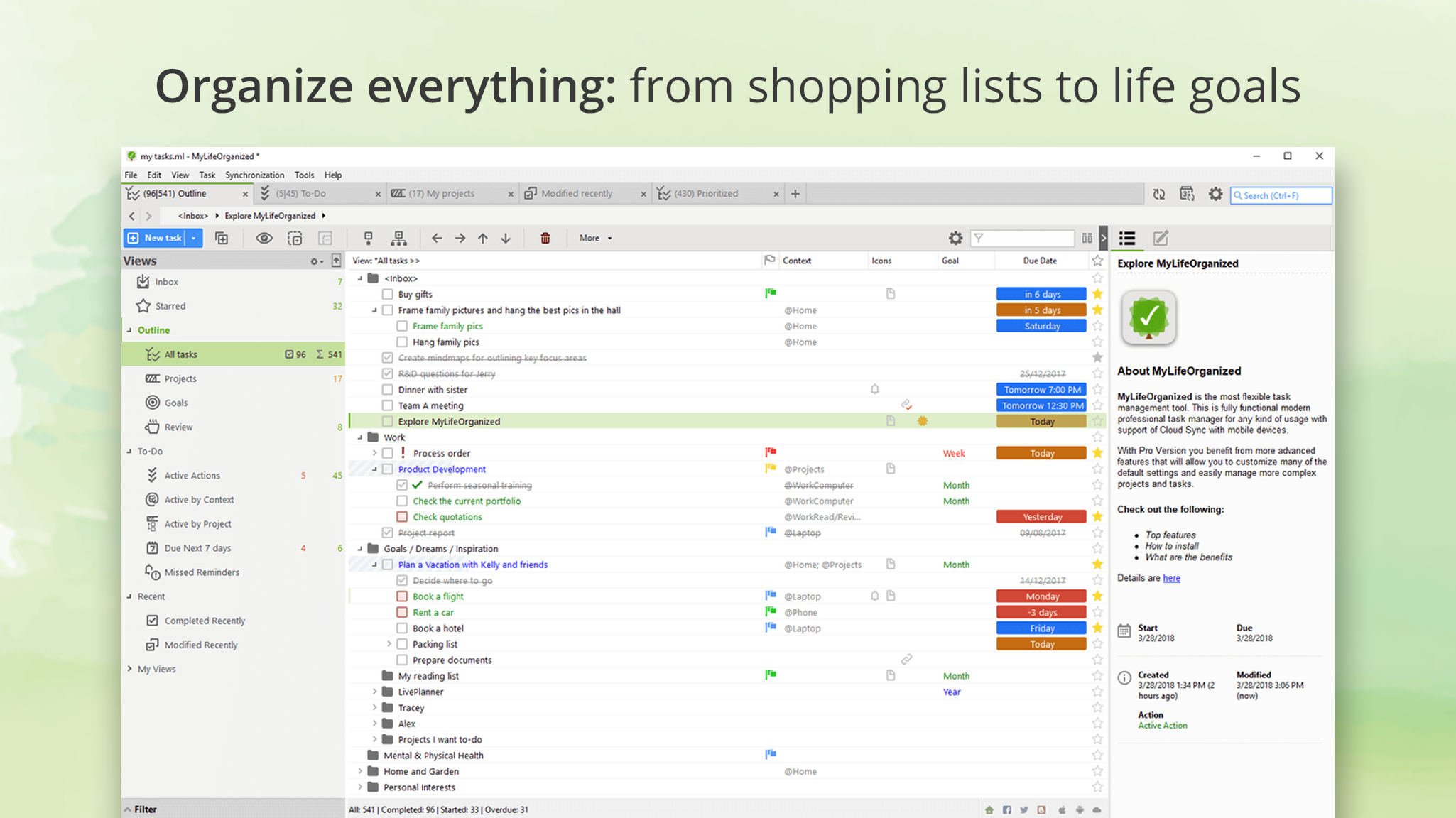
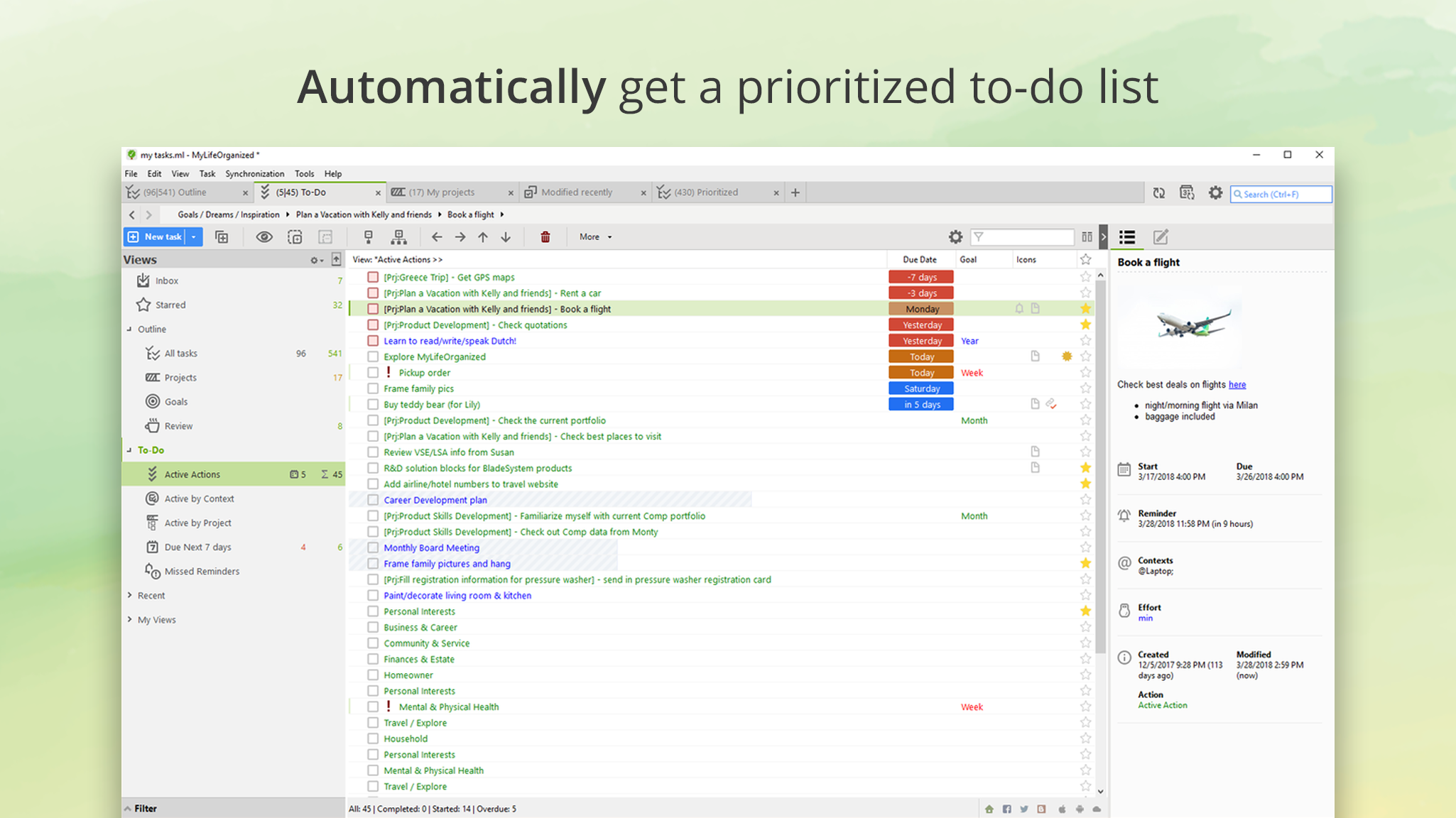
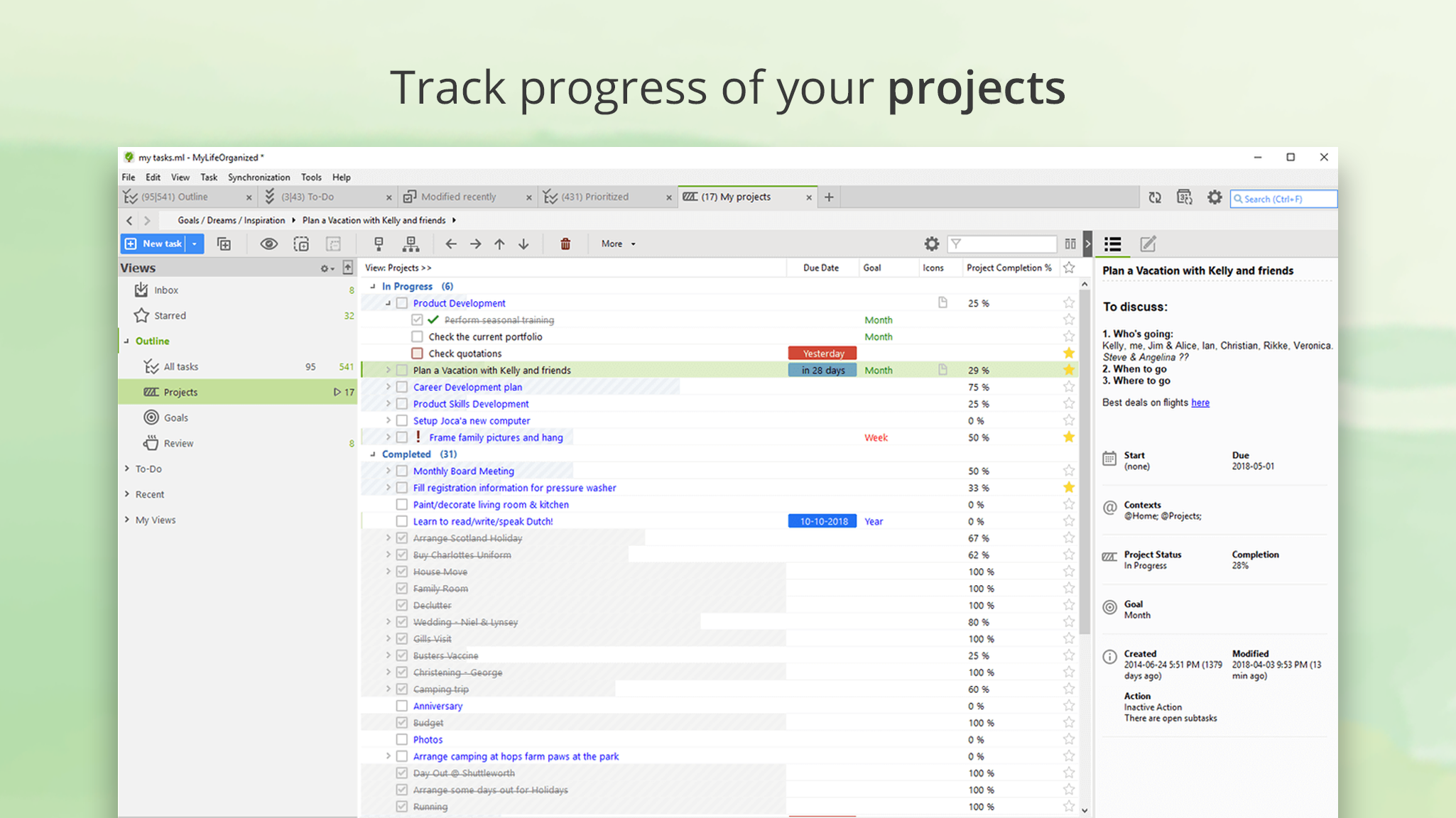
The core strength of MLO lies in its ability to organize tasks hierarchically. You can create multi-level projects, sub-tasks, and dependencies, enabling a clear visualization of your workflow. For example, planning a project becomes like laying out a detailed blueprint—each component logically connected, easy to track, and update. Complementing this, its sophisticated scheduling system allows users to assign flexible deadlines, recurring tasks, and priorities. The automation feature—such as automatic rescheduling or task prioritization—means less manual tweaking and more focus on execution. This blend of hierarchy and automation ensures that users don't get bogged down in micro-management, freeing up cognitive resources for strategic thinking.
Refined User Interface & Seamless Workflow
MLO sports a straightforward, user-friendly interface that balances visual clarity with functionality. The layout feels akin to a well-organized toolbox—everything you need is within reach, yet not overwhelming. The learning curve is moderate; once familiar, users find it easy to navigate and customize. The app's responsiveness is noticeable—clicks are smooth, and task updates are reflected instantly, facilitating a frictionless experience. For users transitioning from simpler to more advanced task managers, MLO's stepwise complexity allows gradual mastery, which is crucial for maintaining motivation and reducing frustration.
What Sets MLO Apart from Its Peers
Unlike many productivity apps that often prioritize flashy features over workflow efficiency, MLO emphasizes integrating task management deeply into your daily routine with minimal cognitive load. Its unique strength lies in balancing feature richness with usability. The app's design allows users to automate routine task adjustments and manage complex project dependencies transparently. This focus on reducing mental effort—by providing intelligent filters, views, and automation—distinguishes it from competitors more cluttered with features that can distract or overwhelm. Essentially, MLO functions like a seasoned conductor, orchestrating your daily tasks smoothly without demanding constant attention to the instrument itself.
Final Recommendation and Usage Tips
MyLifeOrganized earns a solid recommendation for users looking for a serious yet accessible task manager that can scale with their needs. It's particularly suited for those who appreciate hierarchical task structures and want automation to ease daily planning. While it might initially feel dense, investing some time to explore its features pays off in long-term productivity gains.
For newcomers, start with simple task hierarchies and gradually incorporate automation as comfort grows. Advanced users will value its depth and customization—perfect for managing complex projects or recurring workflows. Overall, MLO is a reliable, intelligent companion for those committed to mastering their routines without sacrificing clarity or ease of use.
Pros
- Robust task management features
- Customizable interface
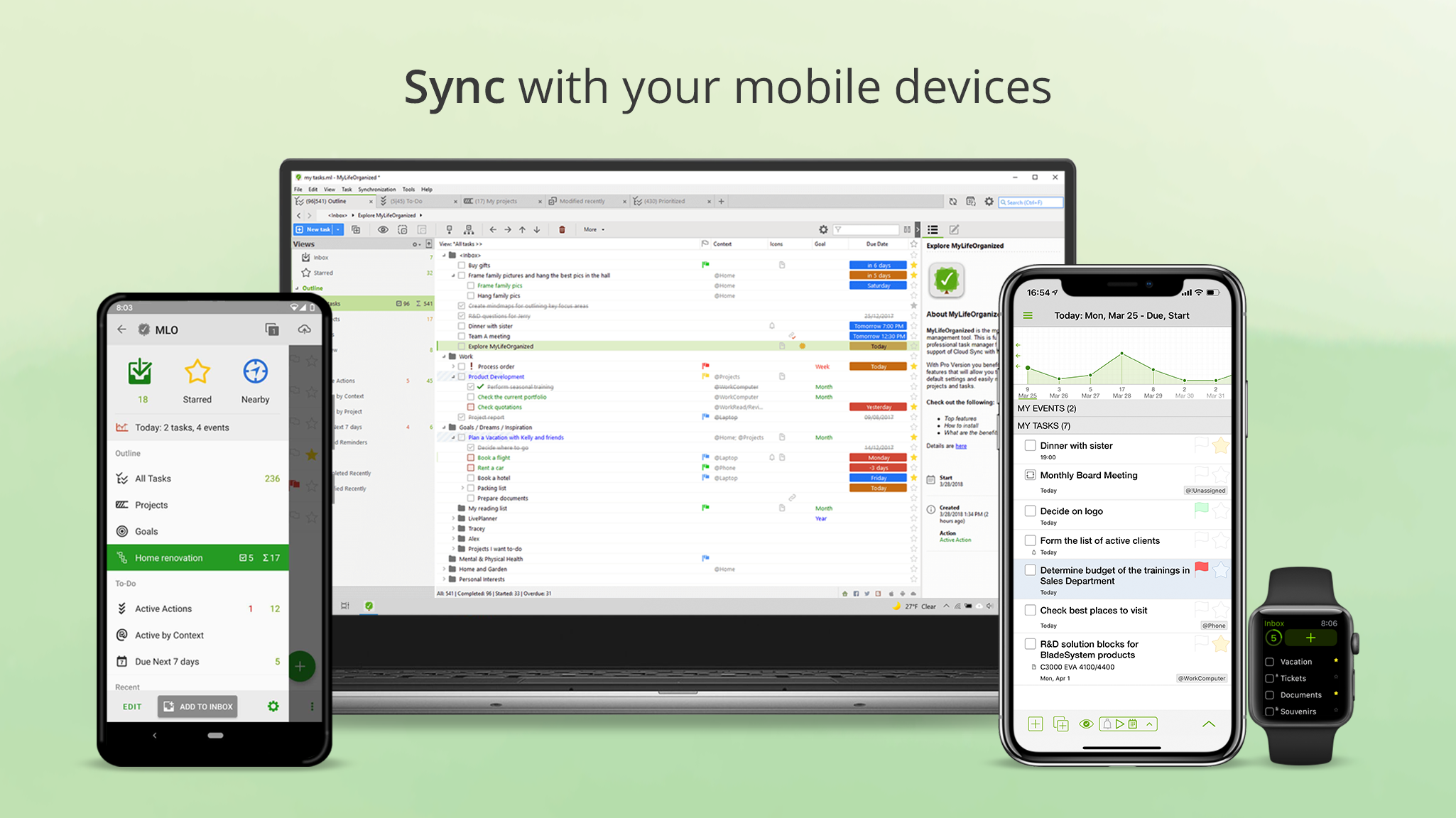
- Offline access and sync
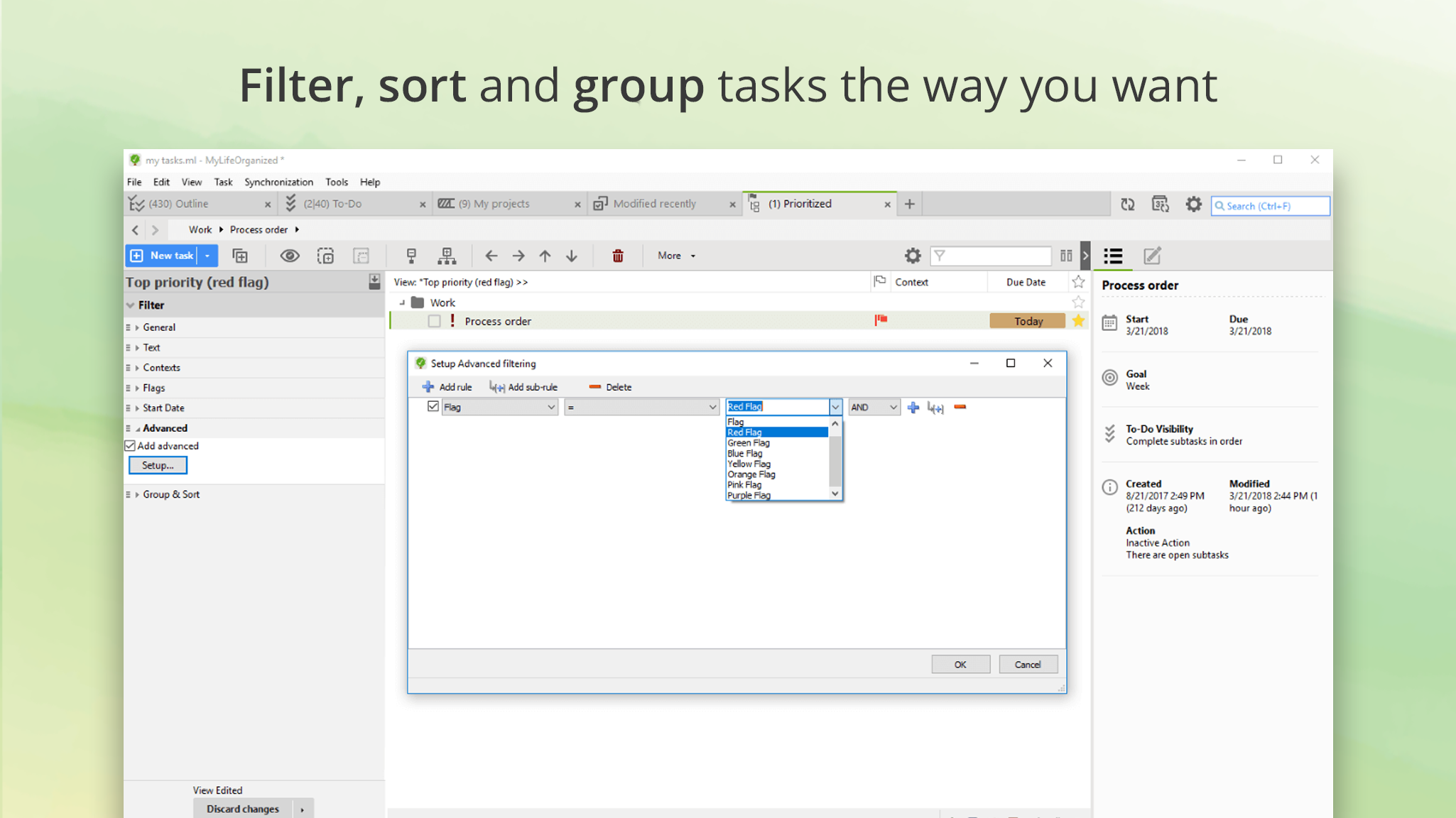
- Advanced filtering and sorting
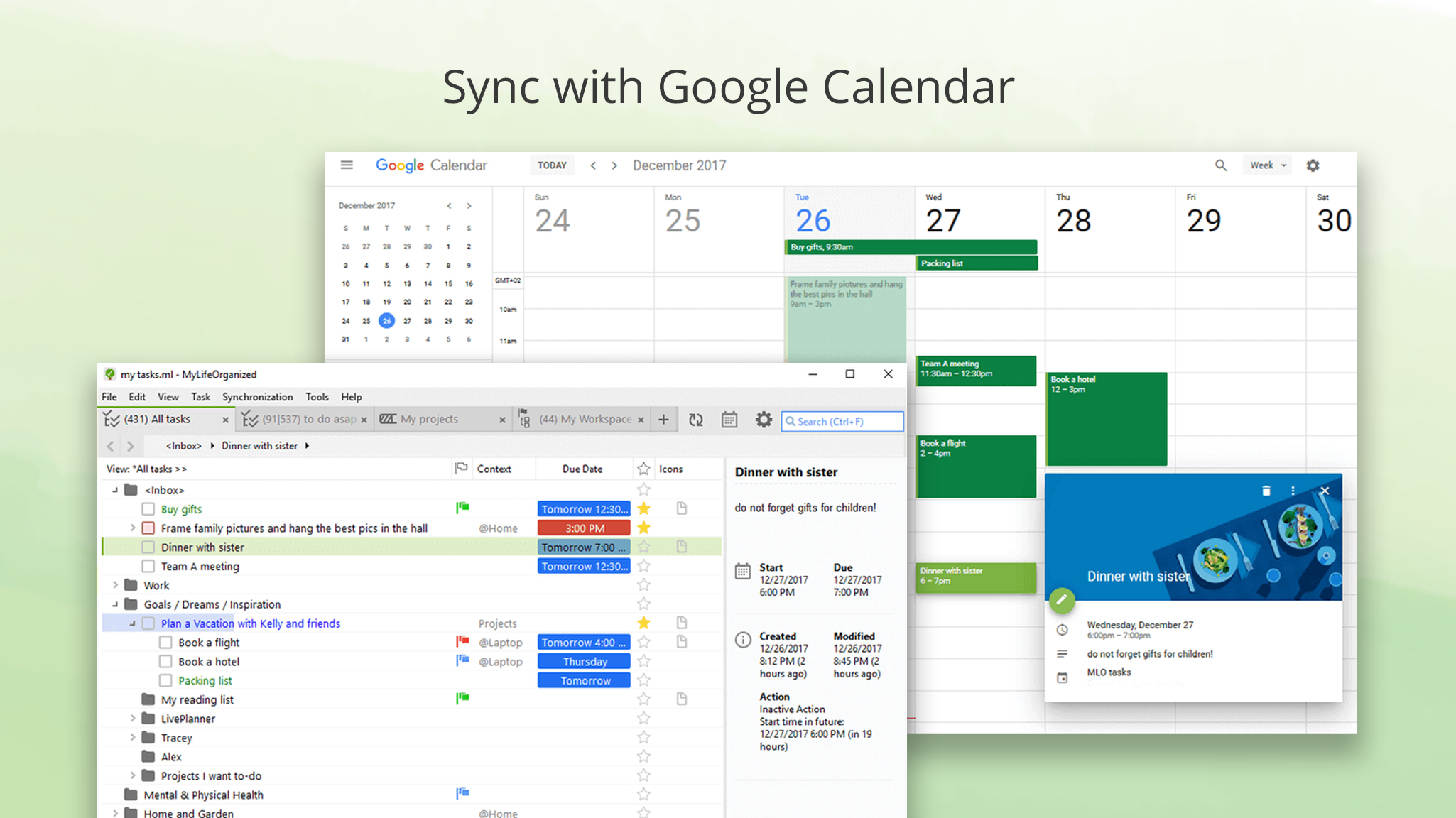
- Integration with Microsoft ecosystem
Cons
- Steep learning curve for new users
- Limited free features
- Occasional sync delays
- Design could be more modern
- Limited customization in notifications











