- Category News & weather
- Developer ACME AtronOmatic
- Available on PC
- OS Windows 10 version 19041.0 or higher
- languages English (United States), Spanish
MyRadar for Windows: Your Personal Weather Watcher
If you've ever wished for a weather app that not only provides accurate forecasts but also visualizes impending storms with stunning clarity, MyRadar for Windows might just be your new best friend. Combining crisp radar imagery with user-friendly features, this app aims to turn complex weather data into easily digestible visuals suitable for everyday use.
About the Developer and Core Features
Developed by ACME AtronOmatic, a team known for its focus on delivering reliable and visually appealing weather tools, MyRadar for Windows stands out for its practicality and user-centric design. Its main features include real-time animated radar maps, customizable weather alerts, and lightning detection—each crafted to give users an intuitive, comprehensive weather overview. The app is tailored primarily for outdoor enthusiasts, professionals who rely on weather data, and everyday users seeking reliable updates in a visually engaging format.
Engaging with MyRadar: Weather Made Visual
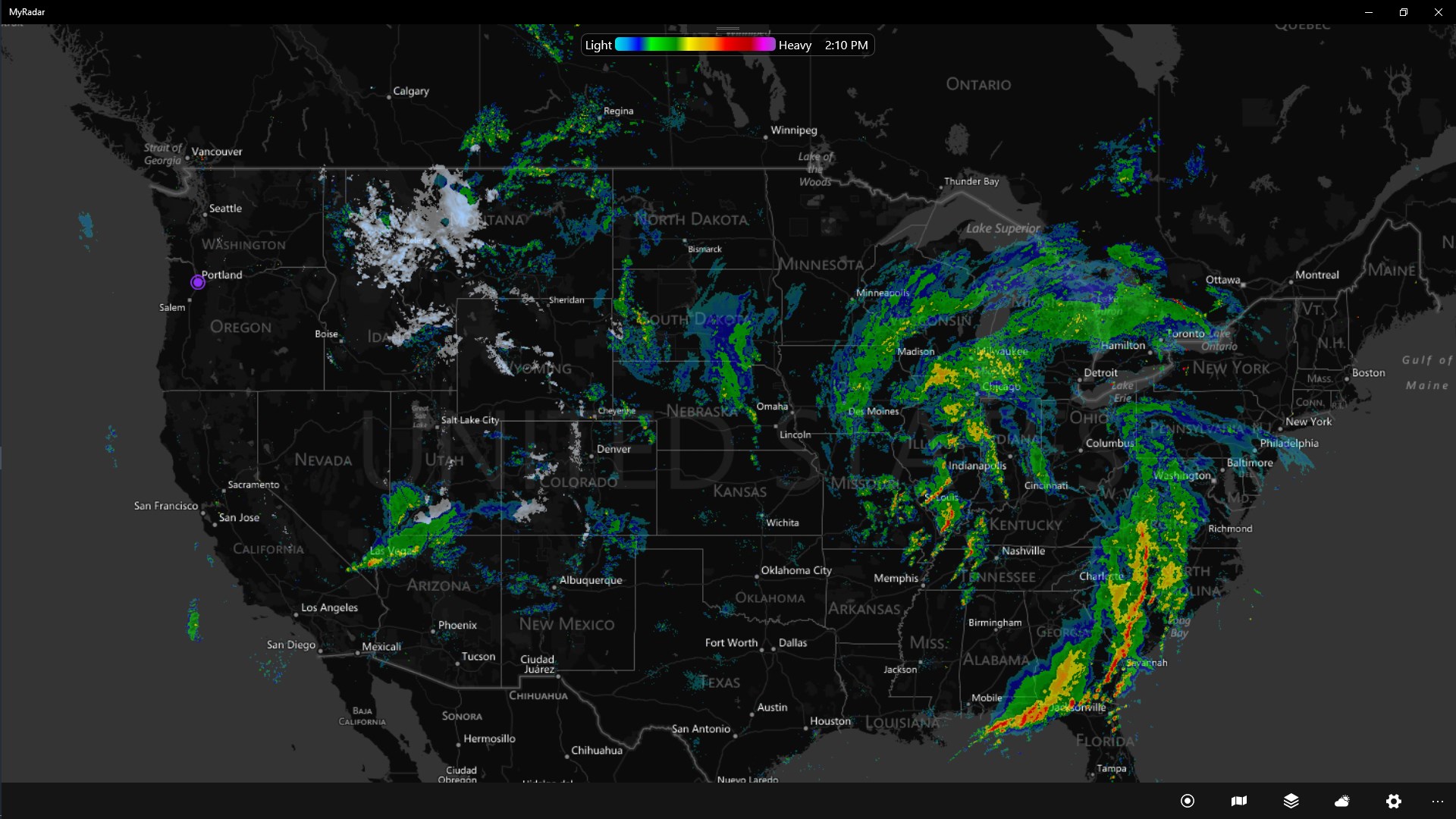
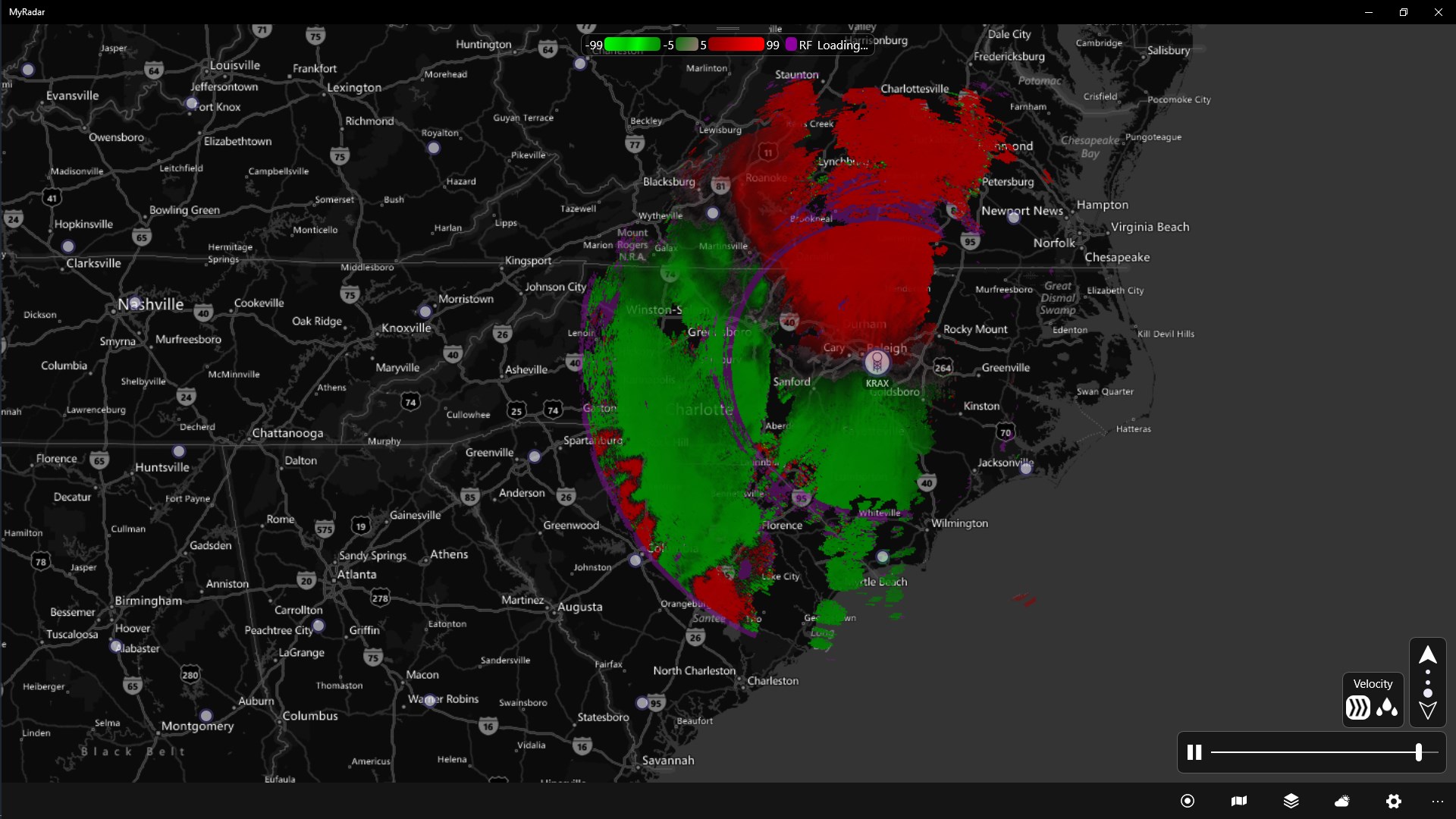
Imagine staring out your window, wondering whether that dark cloud threatening the horizon is just a passing shower or a brewing thunderstorm. That's the exact scenario where MyRadar shines. Its lively, animated radar maps are like a weather forecast in motion—transforming static data into a vivid, real-time weather story, much like flipping from a still photo to a dynamic movie. This visual element makes it far easier for users to interpret weather patterns at a glance, turning what used to be a dull informational app into an engaging experience.
Core Functionality Deep Dive
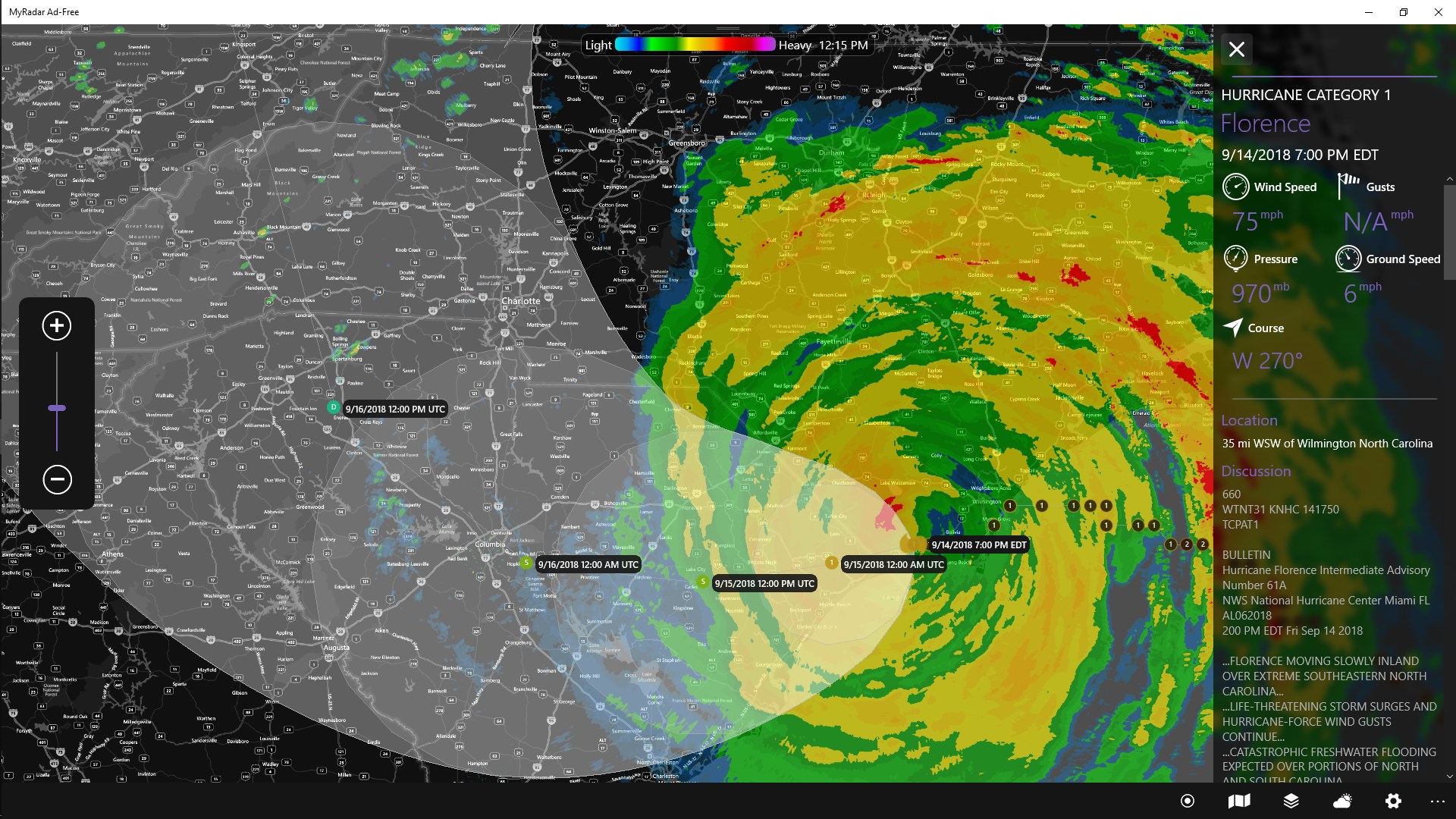
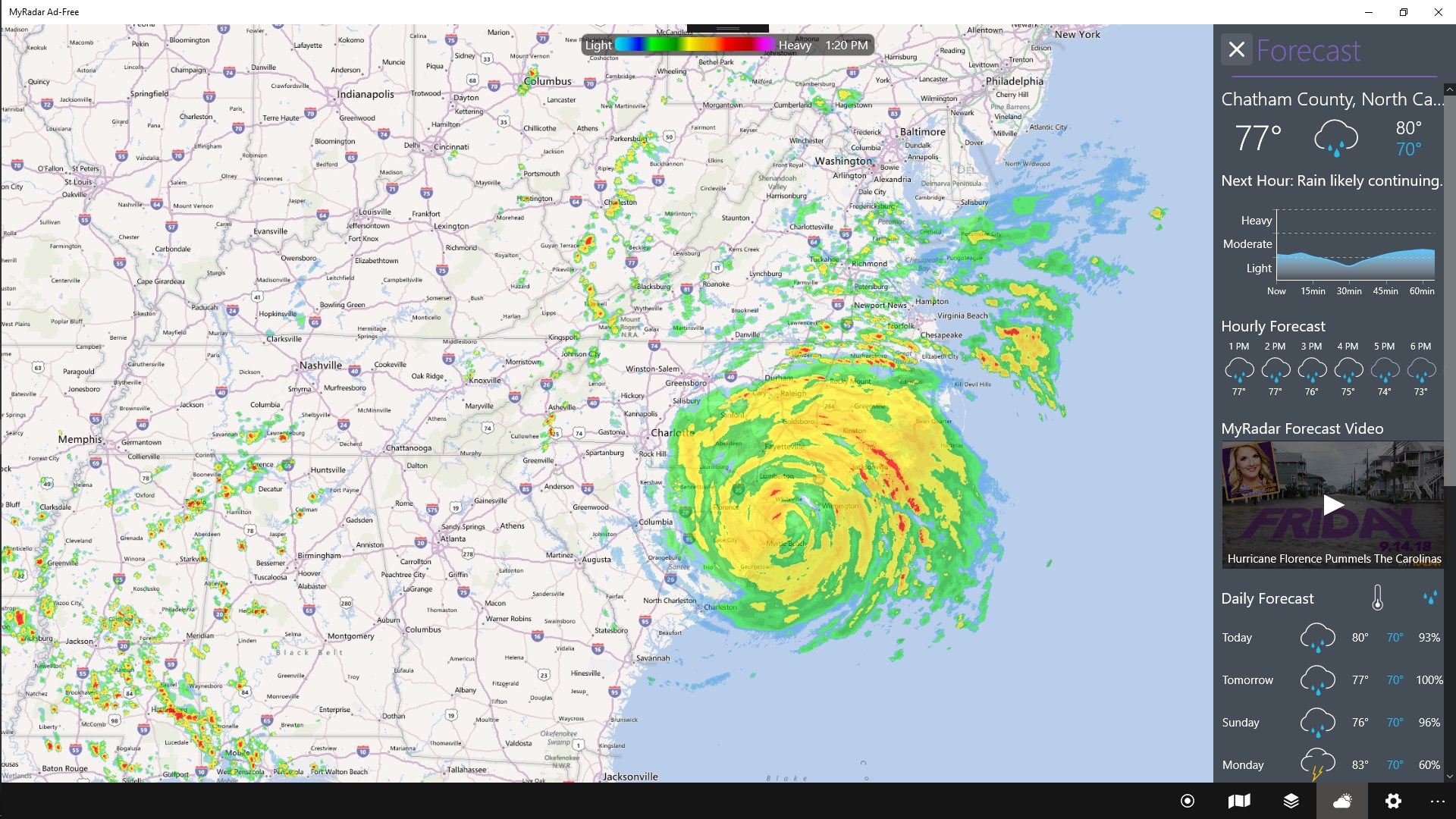
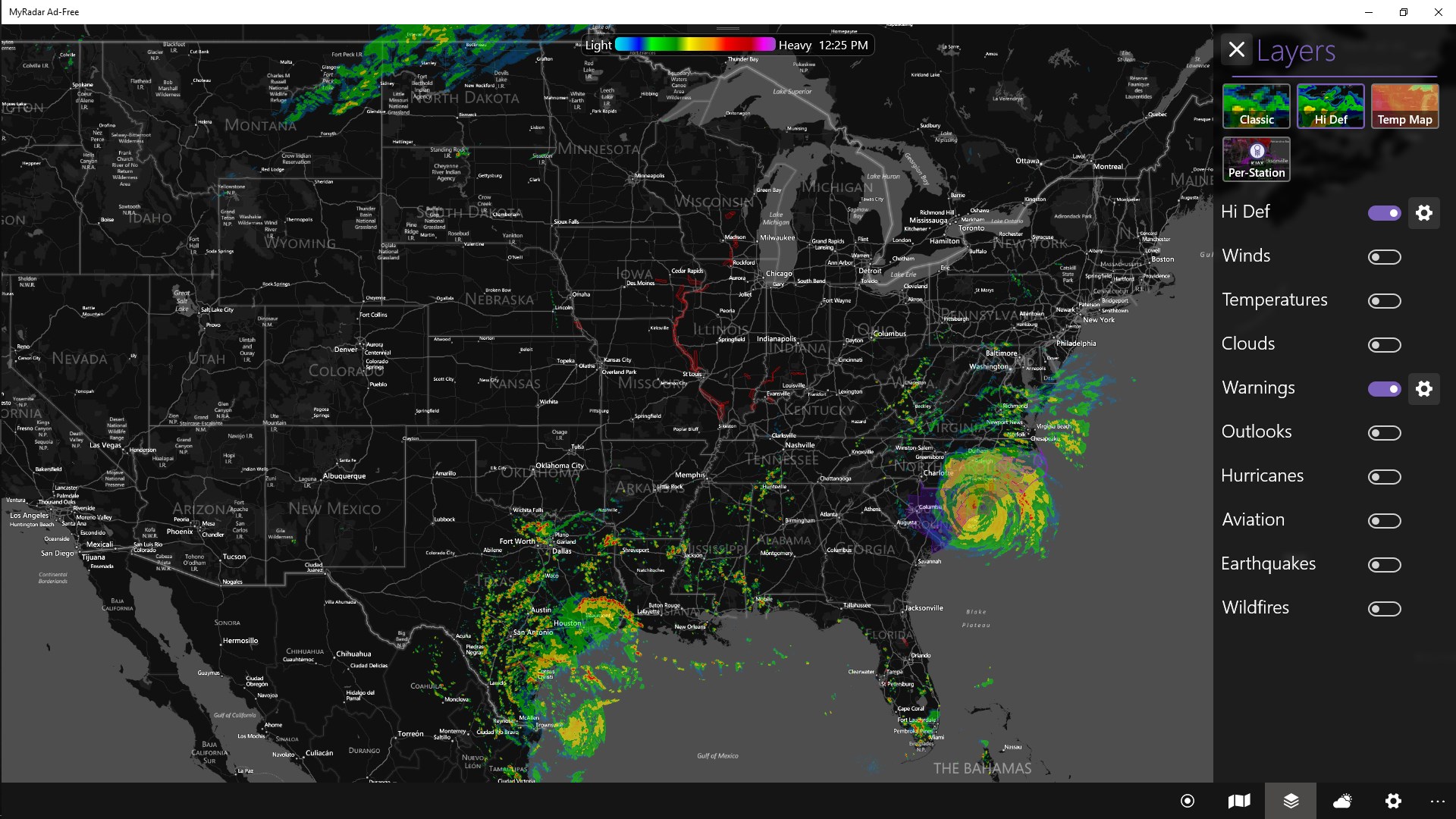
Dynamic Radar Maps: This is the heart of the app. With clear, color-coded weather radar, users can see precipitation patterns, storms, and frontal movements unfolding in real-time. The animation feature allows users to track storm movement, providing an almost cinematic view of weather progression, which is especially useful for planning outdoor activities or staying alert during severe weather events.
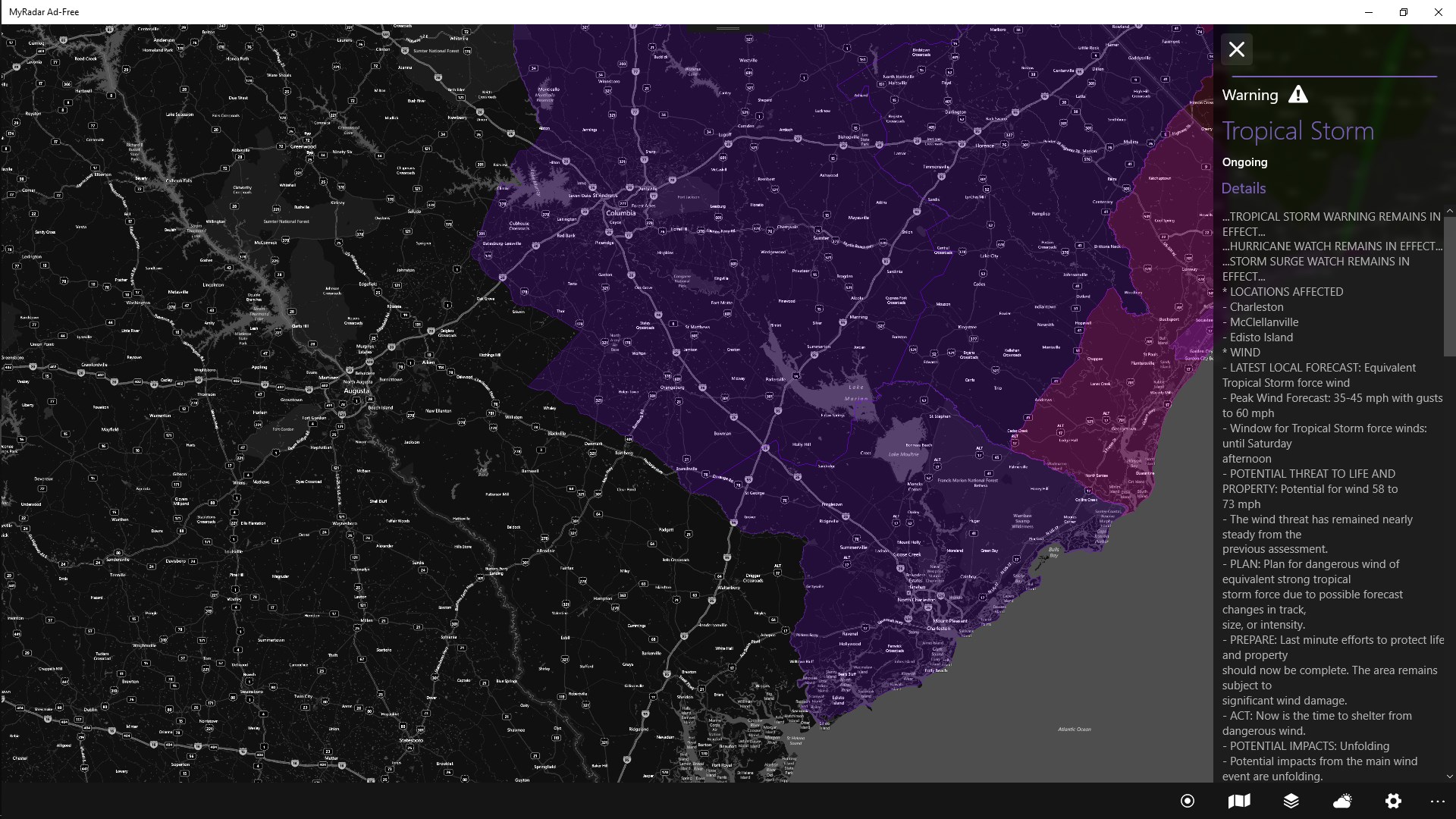
Custom Alerts and Notifications: MyRadar allows users to set personalized weather alerts, such as severe storm warnings or lightning activity. The app's alert system is responsive, so users are promptly notified about imminent weather changes. It functions like a vigilant guard, constantly monitoring the sky and sounding alarms when necessary—perfect for users who need timely updates without constantly checking the app.
Lightning Detection and Storm Insights: One of the app's standout features is its ability to detect lightning strikes in real time. This is especially useful for outdoor sports, boating, or even airport operations where lightning poses a safety hazard. The storm insights are presented visually, highlighting areas where lightning activity is detected, giving a layer of safety information often missing in other weather apps.
User Experience and Interface
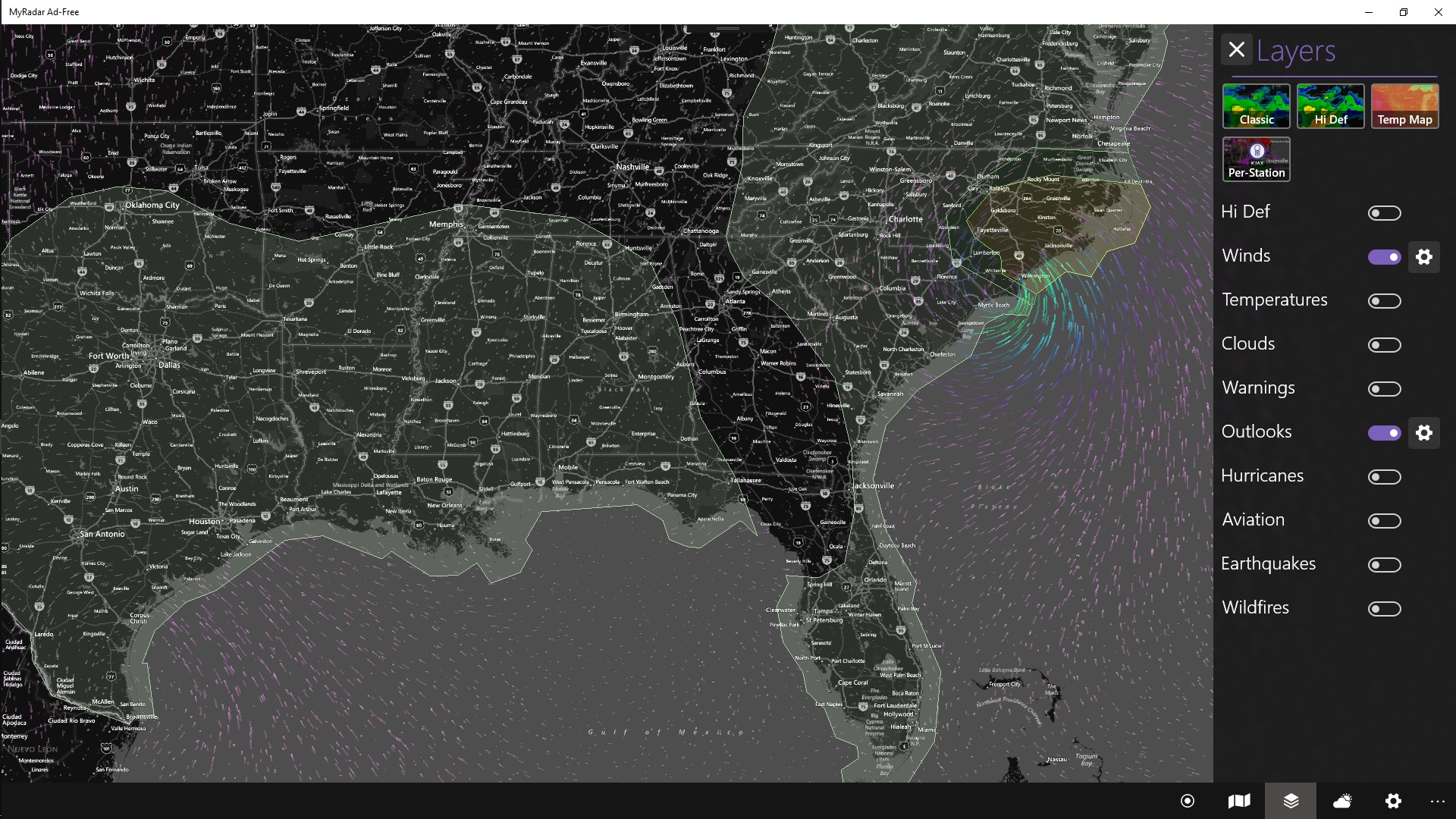
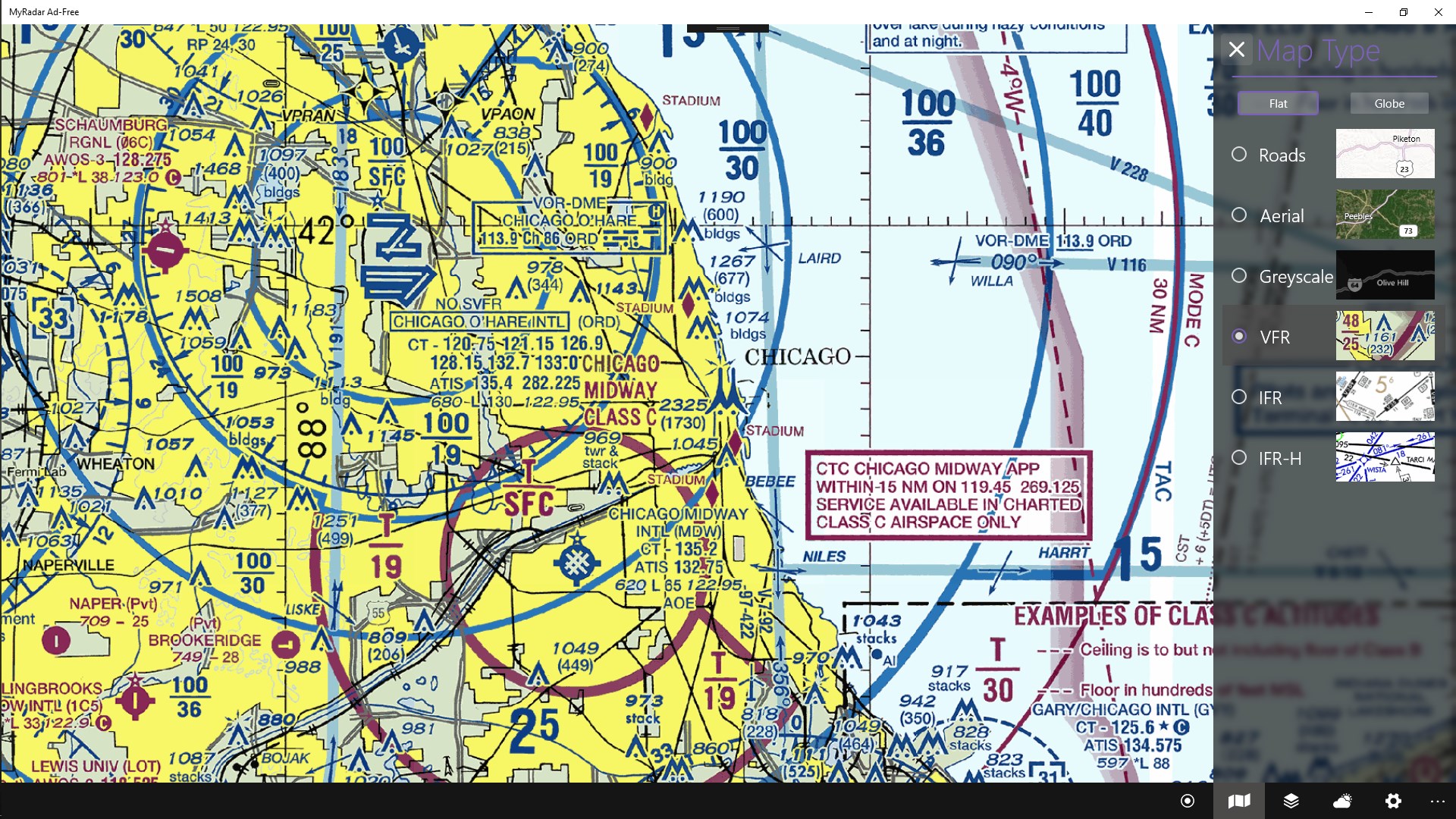
The app boasts a clean and intuitive interface, with a map-centric design that resembles a weather command center. Navigation feels smooth, with responsive controls that allow users to zoom, pan, or switch between radar layers effortlessly. The learning curve is gentle; even first-time users can quickly interpret radar visuals and set up alerts. For seasoned weather enthusiasts, customization options and detailed overlays add depth without cluttering the interface.
Unique Selling Points and Comparison
What truly differentiates MyRadar from similar applications is its emphasis on real-time, animated weather visualization combined with precise lightning detection. While many weather apps provide forecasts or static radar images, MyRadar's dynamic maps make weather interpretation more immediate and engaging—imagine watching a storm roll in as if it's happening in front of your eyes. Additionally, its lightweight design ensures it runs smoothly on a Windows device without hogging system resources, an aspect appreciated by users on various hardware setups.
Final Thoughts and Recommendations
For anyone who needs reliable, live weather updates presented in a visually compelling format, MyRadar is a solid choice. Its standout features—the animated radar and lightning detection—offer clear advantages over conventional weather apps. I'd recommend it for outdoor enthusiasts, professionals, or simply anyone who appreciates a more vivid understanding of the sky's mood. While it might not replace highly detailed forecast models for meteorologists, it perfectly hits the sweet spot of accessibility and informative visuals.
Overall, I'd give MyRadar for Windows a thumbs-up. Its ease of use, compelling visuals, and focused features make it a trustworthy companion for weather awareness—turning what could be a mundane forecast into an engaging visual narrative of the sky above.
Pros
- Accurate weather alerts
- User-friendly interface
- Detailed radar maps
- Customizable alerts
- Additional weather data
Cons
- Battery consumption
- Offline access limitations
- Learning curve for advanced features
- App size before installation
- Minor interface lag on older devices