

- Category Productivity
- Developer MyScript
- Available on PC, Mobile
- OS Windows 10 version 18362.0 or higher
- Memory 2 GB
- languages Chinese (Simplified), Chinese (Traditional), English, French, German, Italian, Japanese, Korean, Korean , Portuguese, Portuguese (Brazil), Russian, Spanish, Spanish (Spain)
Introducing Nebo for Windows: Your Digital Notebook Reinvented
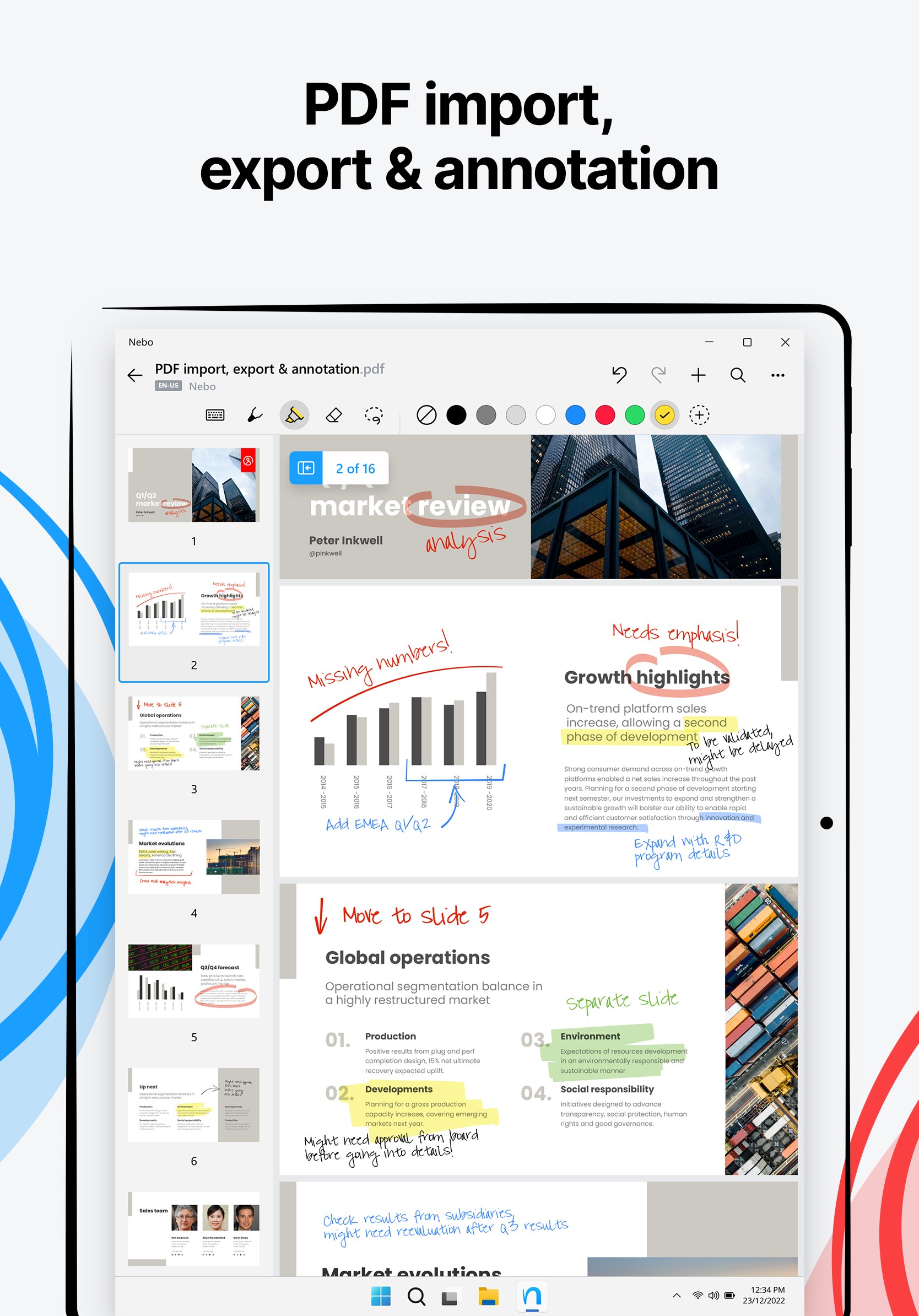
Nebo for Windows is a powerful note-taking application that transforms your tablet or PC into an intuitive digital handwriting and note management hub, seamlessly blending handwriting, typing, and calculation functionalities. Developed by MyScript, this app is designed to enhance productivity and creative expression for users who prefer the natural feel of handwriting combined with digital convenience.
Developer and Core Highlights
Founded by the innovative team at MyScript, Nebo for Windows brings advanced handwriting recognition and smart formatting directly to your desktop environment. Its main features include real-time handwriting conversion, interactive diagram and math support, and intelligent note organization. Designed with students, professionals, and creatives in mind, Nebo caters to anyone seeking a fluid and versatile note-taking experience that bridges analog and digital worlds.
Best Features and User-Centric Design
Fluid Handwriting Recognition and Conversion
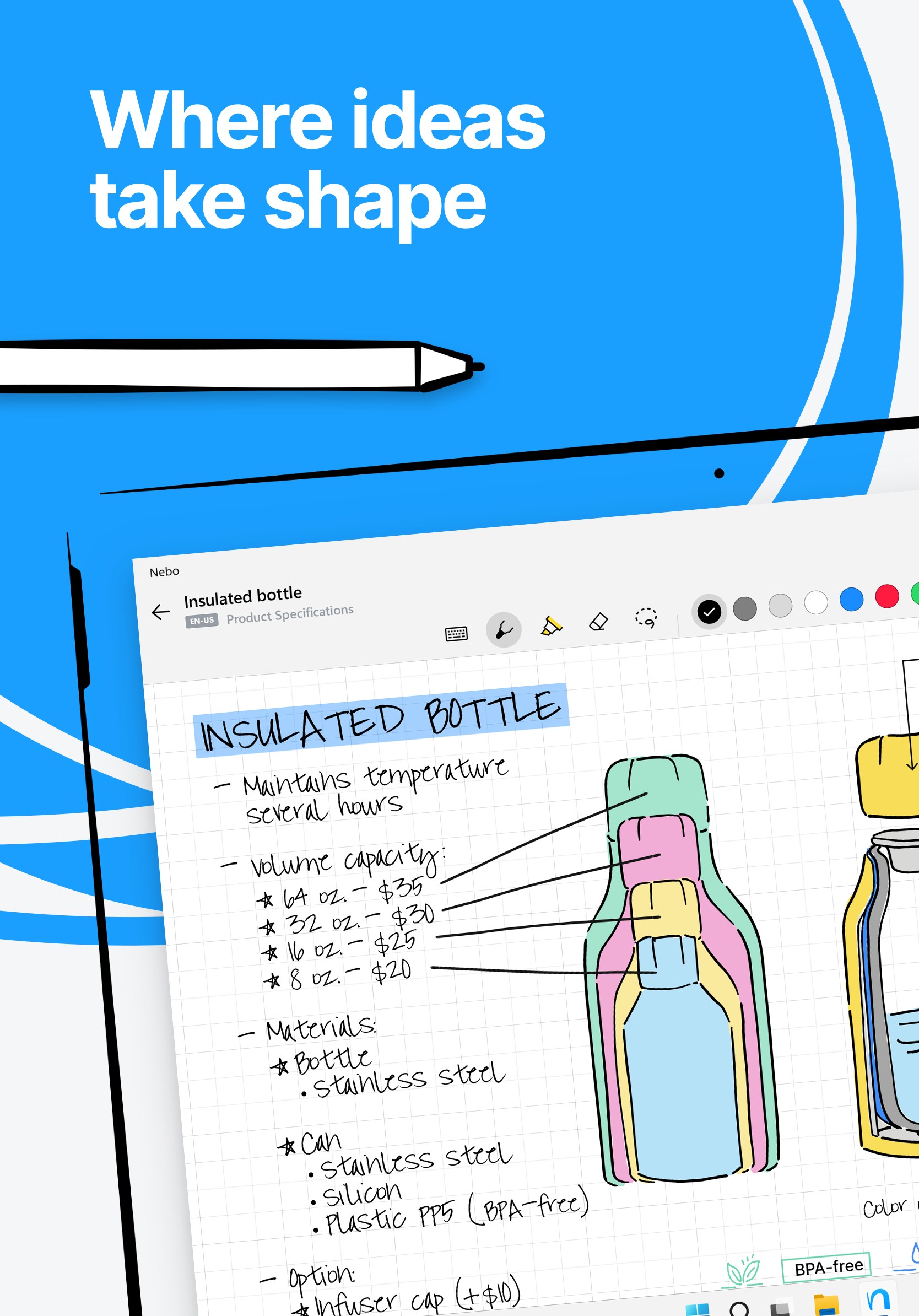
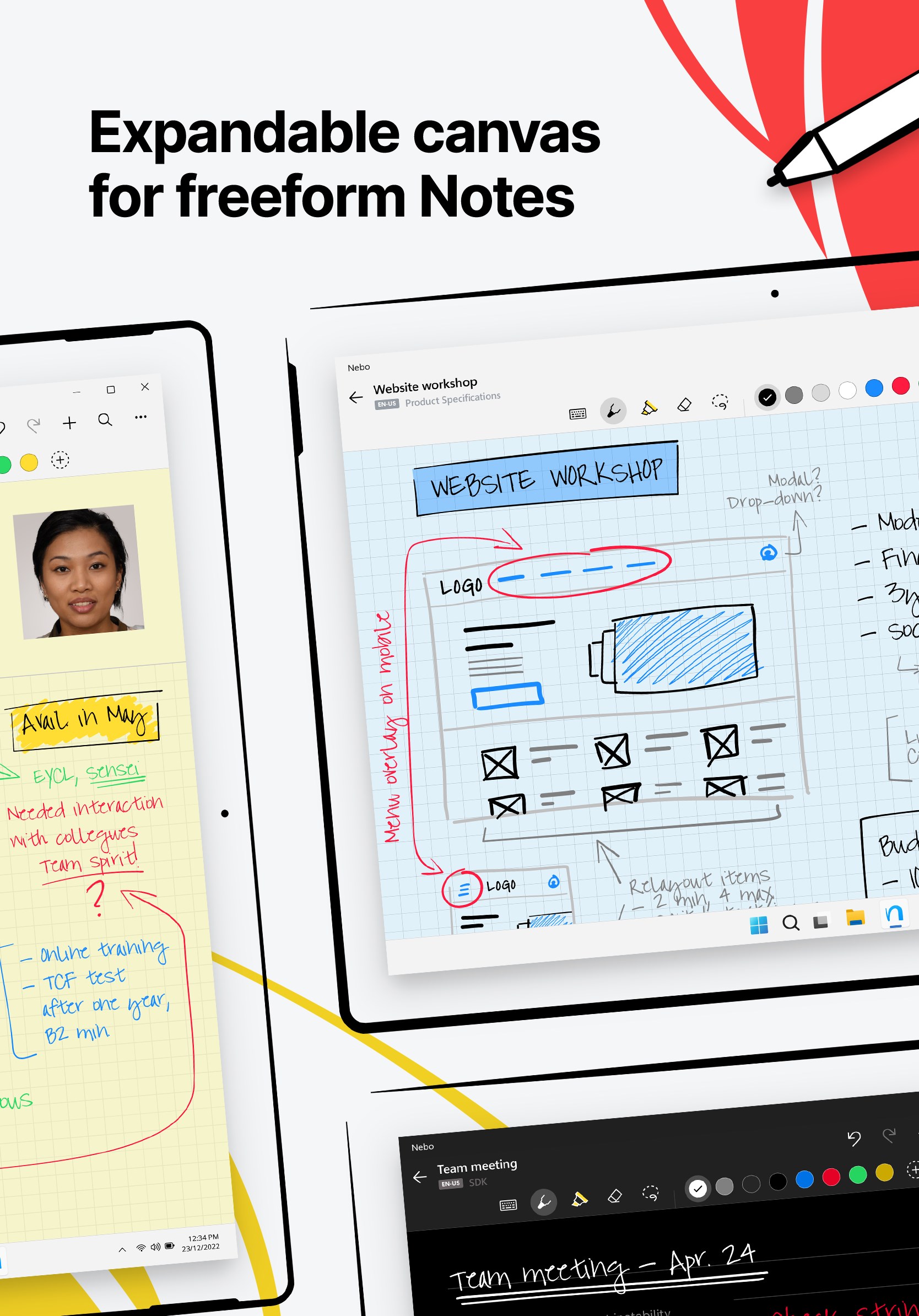
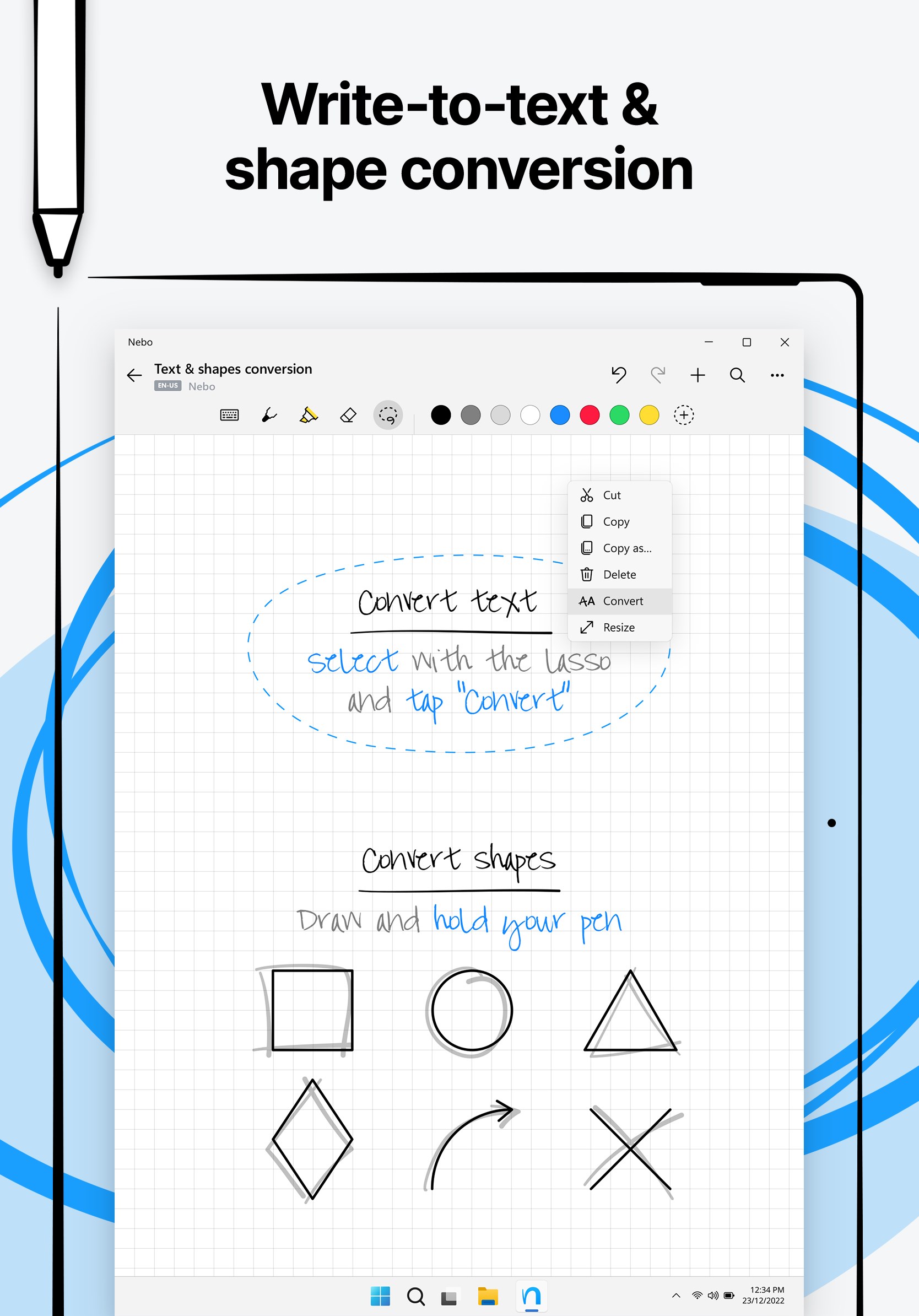
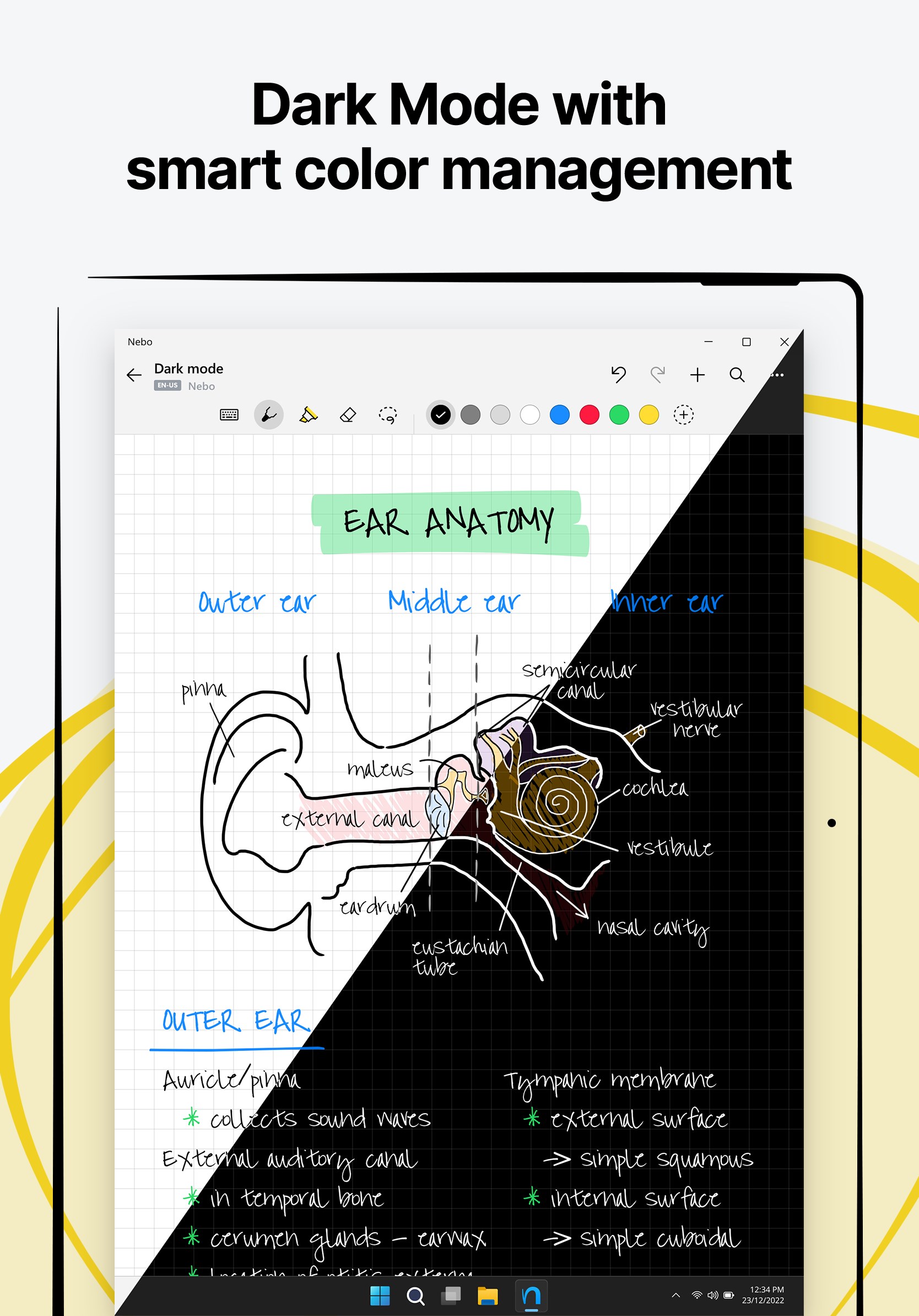
When you pick up a stylus and start writing in Nebo, it feels as natural as jotting on paper — ink flows smoothly, and the app captures your strokes with remarkable accuracy. What truly sets Nebo apart is its real-time conversion of handwritten notes into editable text, equations, or diagrams. This feature reduces the cognitive load significantly, letting you focus on ideas rather than formatting, and offers immediate digital editing without the fuss of manually retyping everything. Whether you're sketching a diagram or scribbling quick notes, the app's smart recognition adapts to your handwriting style seamlessly.
Interactive Math and Diagram Support
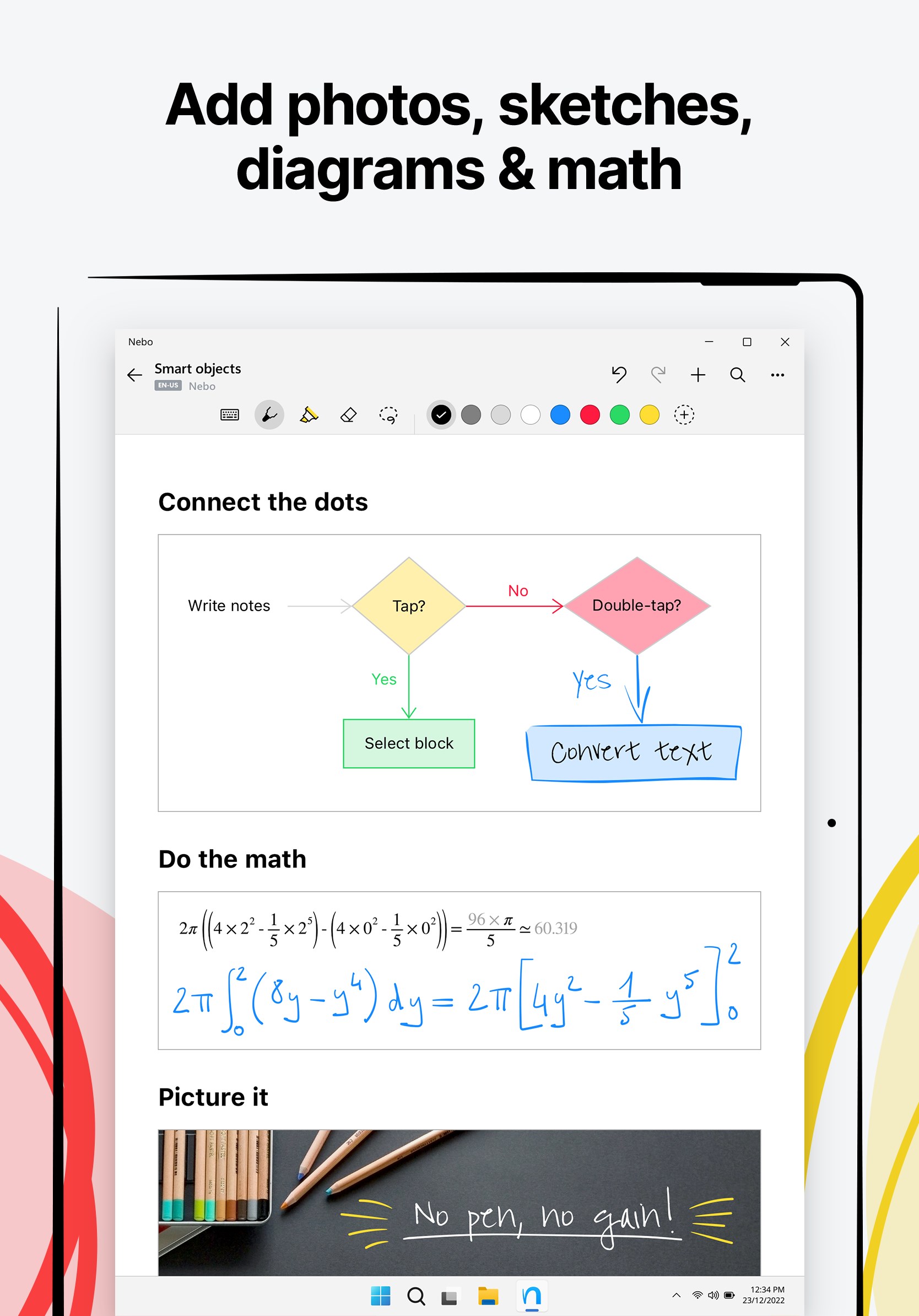
Nebo's standout feature is its ability to recognize and convert handwritten math equations into digital, editable expressions. This is perfect for students, educators, and engineers who often switch between jotting down ideas and performing calculations. Additionally, creating and editing diagrams is intuitive — drawings can be embedded directly into your notes, with the app intelligently understanding shapes and annotations. This blend of visual and textual information makes your notes more dynamic and effective, reducing the need for multiple apps or complex workflows.
Streamlined Workflow and User Experience
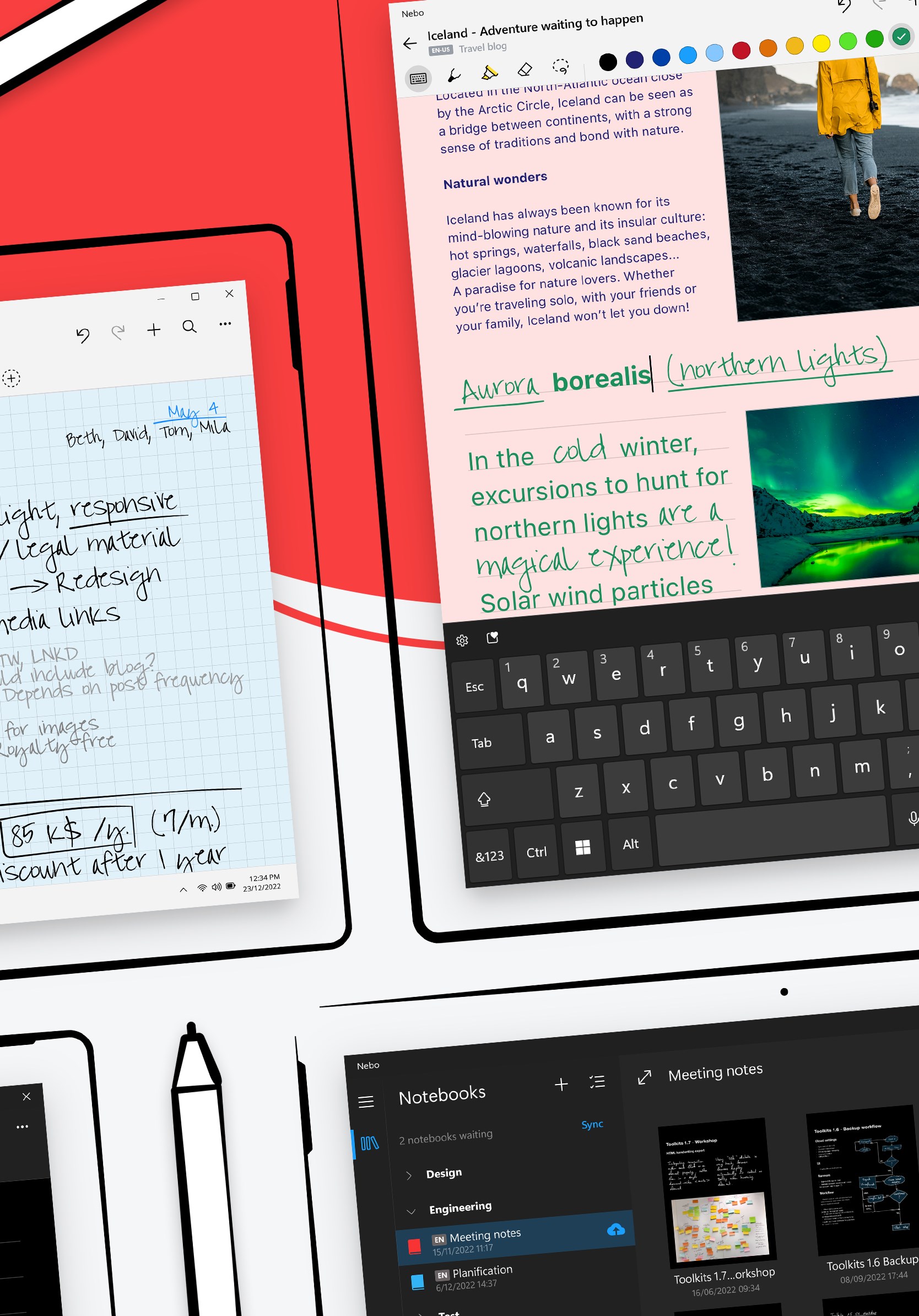
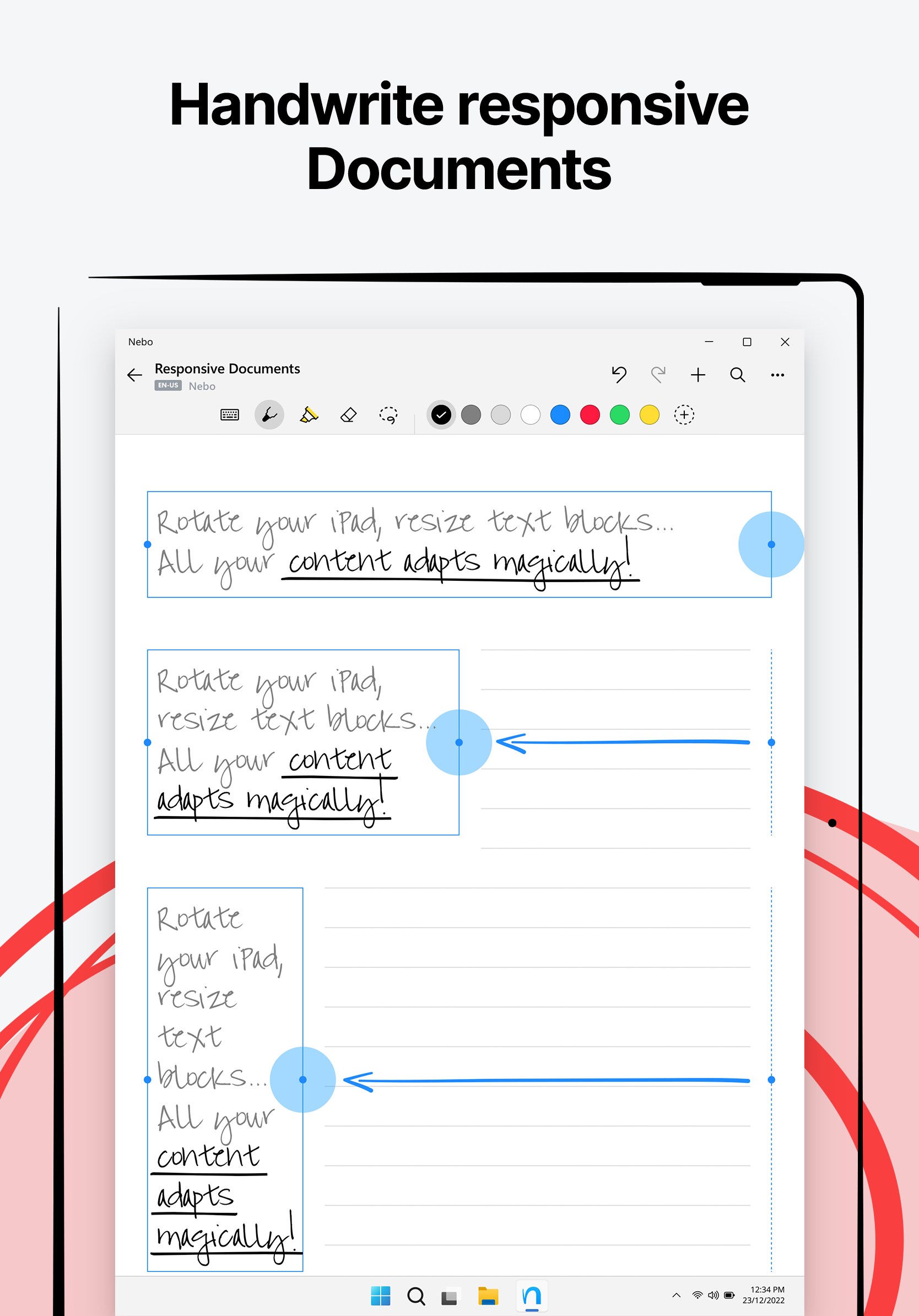
The interface of Nebo for Windows is clean, modern, and distraction-free, allowing you to focus on your content without clutter. The app's Responsiveness is impressive, with gestures and stylus input feeling natural and lag-free, akin to writing on paper in a cozy notebook. Its learning curve is gentle; new users quickly find their groove thanks to thoughtful tool organization and helpful tips. The seamless integration of handwriting, typing, and multimedia insertion makes transitioning from raw notes to polished documents effortless. Compared to other productivity tools, Nebo's emphasis on reducing cognitive load — avoiding overwhelming feature sets and unnecessary complexity — makes it not just a note app but a true productivity companion.
What Sets Nebo Apart from Similar Apps
While there are several note-taking solutions out there, Nebo's distinct advantage lies in its intelligent handwriting recognition combined with workflow-efficient features. Unlike traditional apps that treat handwriting and typing as separate modes, Nebo integrates them into a unified experience that preserves the natural writing feel while effortlessly transforming your handwritten content into editable, shareable digital text. This reduces the time and mental effort to convert, format, or organize notes, making it especially suitable for fast-paced environments where clarity and speed matter most. Additionally, its focus on reducing cognitive load — by offering simple tools that adapt to your style rather than forcing complex workflows — makes Nebo a smarter choice for users who value intuitiveness over overwhelming features.
Final Recommendation and Usage Suggestions
I would recommend Nebo for Windows to anyone seeking a versatile, intuitive note-taking app that bridges traditional handwriting with modern digital workflows. It's particularly beneficial for students, educators, and professionals who frequently juggle diagrams, equations, and handwritten notes within their projects. For best results, pair it with a high-quality stylus and a device with a responsive touch screen to fully enjoy the natural writing experience. While it might not replace traditional word processors for extensive document formatting, its strengths in quick note capture, conversion, and visual explanations make it a valuable addition to your productivity toolkit.
Overall, Nebo for Windows stands out for transforming the mundane act of note-taking into an engaging, efficient, and innovative process. It's a tool that respects the natural flow of ideas, reduces cognitive complexity, and integrates seamlessly into your workflow — making your digital notes feel as personal and effortless as scribbling on paper.
Pros
- Intuitive Handwriting Recognition
- Robust Note Organization Features
- Cross-Device Synchronization
- User-Friendly Interface
- Support for Multiple Input Types
Cons
- Limited Free Features
- Occasional Recognition Errors
- Limited Export Formats
- Overwhelming for New Users
- Syncing Delays on Some Devices











