

- Category Entertainment
- Available on PC, Xbox console
- OS Windows 10 version 19041.0 or higher
- languages English (United States)
Netflix for Windows: Your Personal Cinema Companion
Netflix for Windows offers a streamlined way to enjoy your favorite shows and movies right on your desktop, transforming your computer into a portable entertainment hub.
What Is It and Who Developed It?
This application is a dedicated Windows client designed to deliver seamless streaming of Netflix's vast library of content. Developed by Netflix, Inc., it ensures users can access their favorite entertainment with ease and reliability directly from their Windows devices.
- Main Highlights:
- Intuitive and clean user interface tailored for desktop use.
- High-quality video playback supporting HD content.
- Offline viewing option allowing downloads for on-the-go entertainment.
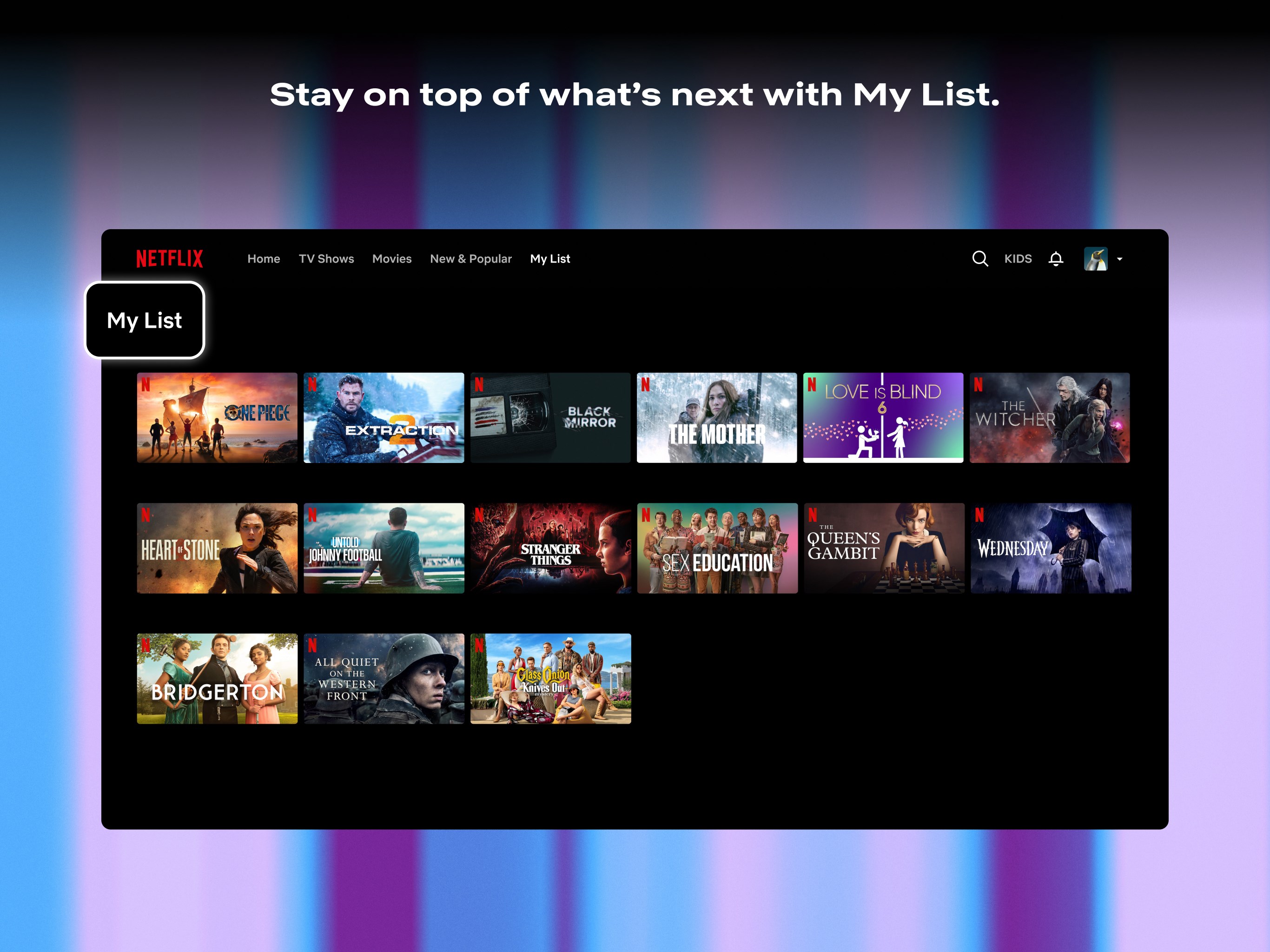
- Personalized content recommendations based on viewing habits.
The target audience includes Netflix subscribers who prefer watching on their desktops, students, professionals, or anyone looking for a convenient, desktop-focused entertainment solution.
Immersive Streaming Experience: A Fresh Look at Netflix on Your Desktop
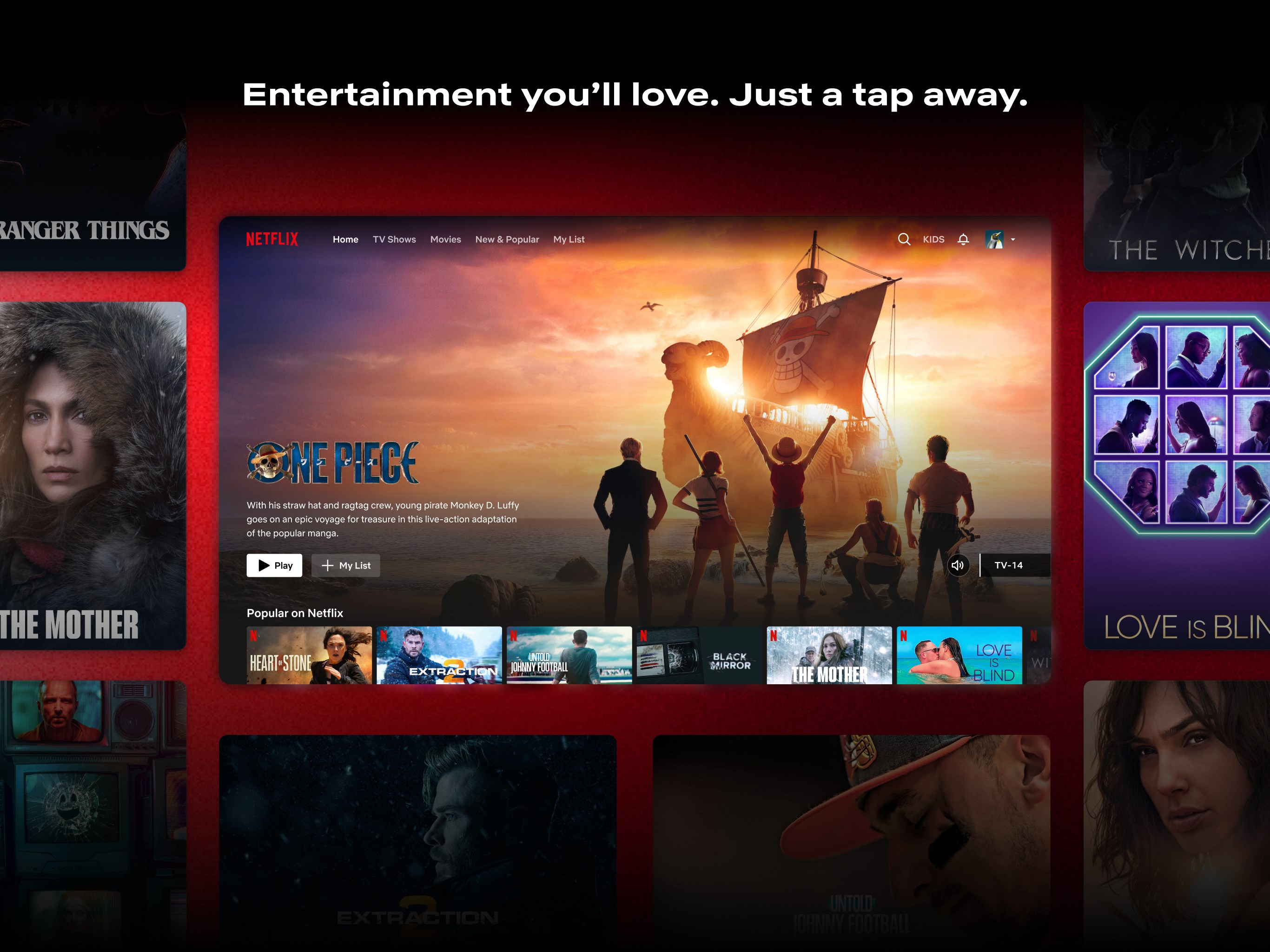
Imagine sitting comfortably at your desk with a curated playlist of your favorite shows displayed just a click away—Netflix for Windows transforms this scene into reality. The app's design emphasizes simplicity and accessibility, making browsing and watching as natural as flipping through a magazine.
While some desktop streaming apps might feel cluttered or overly complicated, Netflix for Windows keeps it minimalistic and straightforward. With large thumbnails and clear categories, it's like having your own personal media library ready to explore, whether you're on a quick coffee break or settling in for an evening binge.
Core Functionality: Content Discovery and Recommendations
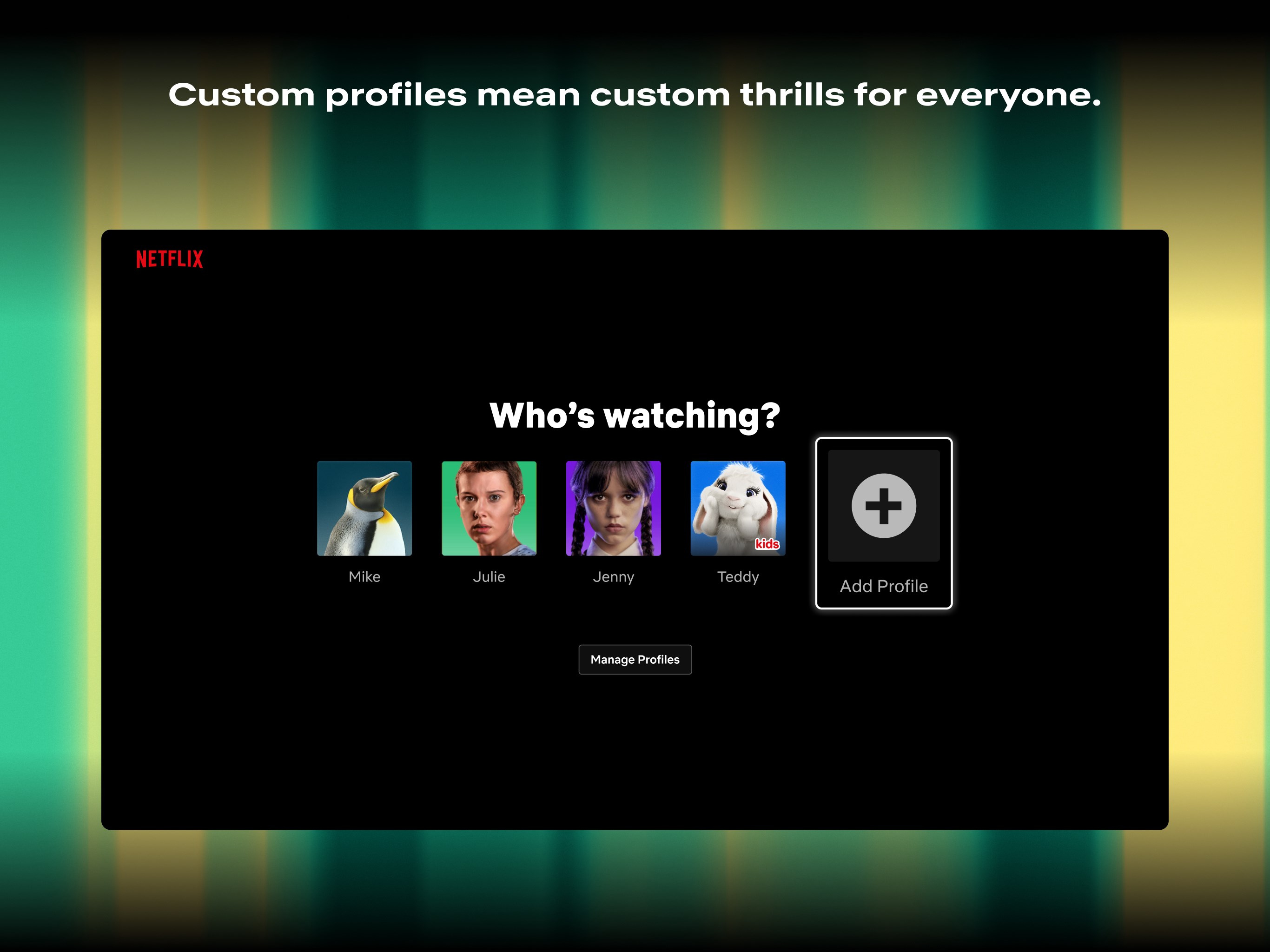
This is where Netflix for Windows truly shines. Its proprietary content discovery algorithms go beyond generic sorting—diving deep into your viewing history to craft a personalized experience. Unlike some entertainment apps that simply recommend popular titles, Netflix's system considers your preferences, viewing times, and even device usage patterns to surface content that feels handpicked just for you.
The app's recommendation engine is notably refined, offering relevance that keeps you engaged without endless scrolling. If you're tired of the one-size-fits-all approach, this personalized touch adds a layer of intimacy to your streaming journey—like having a friendly librarian who knows your tastes.
User Interface and Experience
Feeding into its user-centric design, Netflix for Windows boasts a sleek, dark-themed interface that's easy on the eyes—perfect for marathon sessions late at night. Navigation is smooth, thanks to snappy load times and intuitive controls. Switching between genres, searching for titles, or managing downloads feels effortless, even for first-time users.
The learning curve is shallow; most users will find themselves browsing and watching without needing a tutorial. The app's layout encourages exploration, making it simple to discover new content or revisit favorites with just a few clicks.
What Sets It Apart? The Netflix Difference
Among many entertainment apps, Netflix for Windows refines the experience with its smart algorithms for content discovery and highly relevant personalized recommendations. Unlike platforms that deliver random or heavily generalized suggestions, Netflix's system feels more like a conversation—understanding your preferences and adapting over time. This personalization makes the app especially compelling for users who value tailored content and efficient navigation.
Another notable feature is its download capability, enabling offline viewing that's perfect for traveling or areas with spotty internet connectivity. This combination of intelligent recommendations and offline access positions Netflix for Windows as a comprehensive desktop entertainment solution.
Final Verdict and Recommendations
Overall, Netflix for Windows is a well-crafted application that enhances the desktop entertainment experience. Its intelligent content algorithms and user-friendly design make it a recommended choice for existing Netflix subscribers seeking a more integrated desktop solution. Casual viewers will appreciate the ease of navigation and personalization, while power users will value the offline downloads and refined discovery features.
While it might lack some of the social or interactive features found in newer streaming platforms, its straightforward focus on quality content and personalized recommendations makes it a reliable, user-centric app. For anyone looking to turn their PC into a mini cinema, Netflix for Windows is worth installing and exploring.
Pros
- Extensive content library
- User-friendly interface
- Offline viewing option
- Personalized recommendations
- Multi-device compatibility
Cons
- Limited regional content in some areas
- Occasional app stability issues
- High data consumption during streaming
- Lack of live TV or sports content
- Some titles have regional restrictions on downloads











