
- Category Productivity
- Developer Art Group
- Available on PC, Mobile, Surface Hub, HoloLens
- OS Windows 10 version 17763.0 or higher
- languages Chinese (Simplified), Chinese (Traditional, Hong Kong SAR), English (United States), French, German, Hindi, Italian, Japanese, Korean , Polish , Portuguese (Portugal), Russian, Spanish (Spain), Ukrainian
Introducing Network Scanner Ultra for Windows
Network Scanner Ultra for Windows is a streamlined tool designed to efficiently detect and analyze devices within your network, making it an indispensable utility for IT professionals and tech enthusiasts alike.
About the Developer and Core Highlights
Developed and published by Art Group, this application aims to simplify network management with a focus on usability and precision. Its main features include rapid network discovery, detailed device information display, and seamless integration with existing workflows. Perfect for network administrators, cybersecurity experts, or anyone eager to get a clear snapshot of their network environment.
Captivating Opening: Why Network Scanner Ultra Stands Out
Imagine being able to peer into your network like a seasoned radar operator scanning for signals — that's what Network Scanner Ultra offers. Its intuitive design and powerful scanning capabilities make identifying rogue devices or managing your network layout feel less like a chore and more like a strategic game. Whether you're troubleshooting connectivity issues or preparing for a security audit, this app feels like your reliable navigator in the complex sea of network management.
Core Function 1: Fast and Reliable Network Discovery
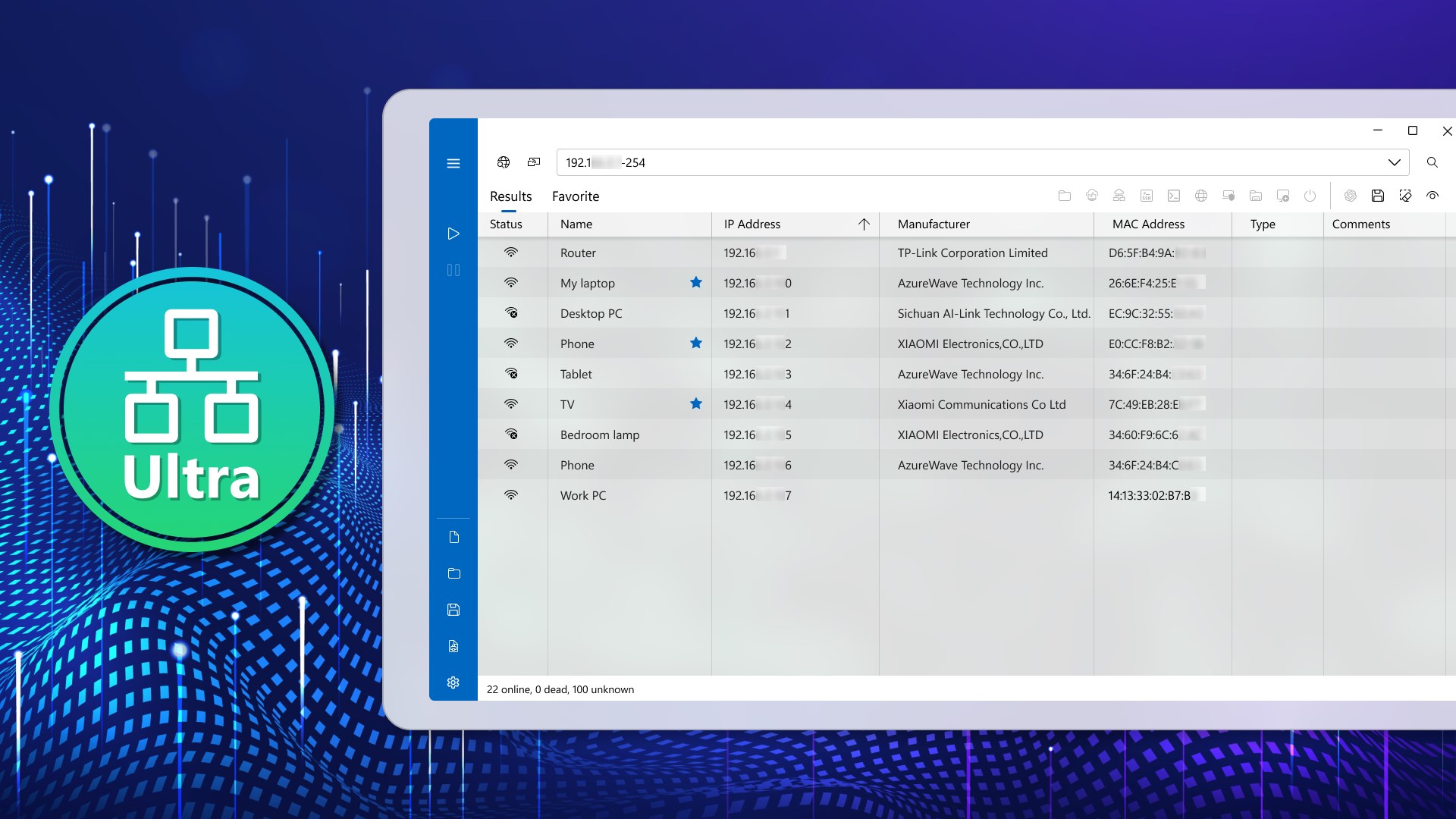
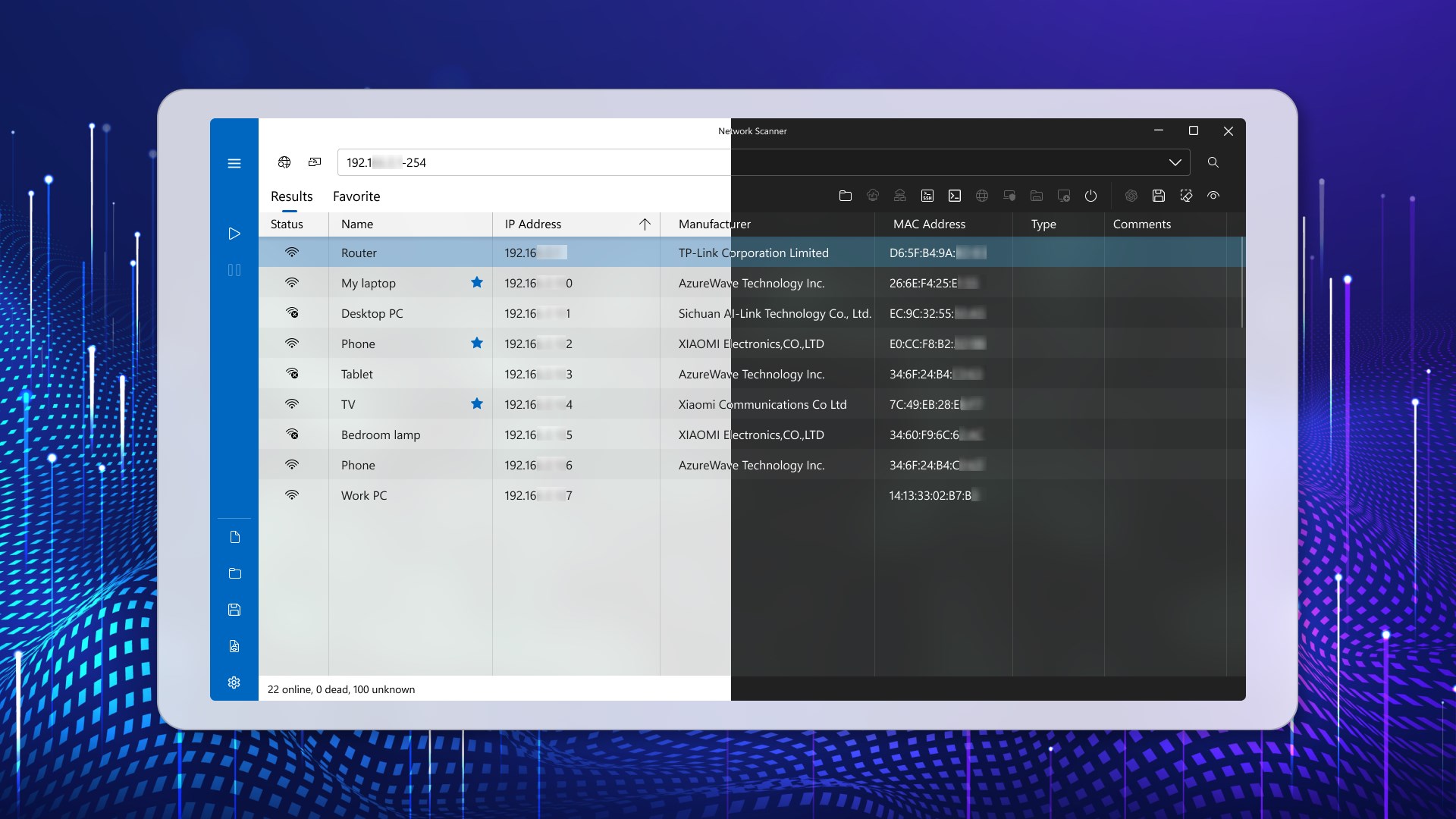
The backbone of Network Scanner Ultra is its rapid network discovery engine. It intelligently scans your subnet, hunting down connected devices with impressive speed, akin to a high-tech spider mapping out its web. The app presents a comprehensive list of active IP addresses, MAC addresses, and device names. Its accuracy reduces the cognitive load during troubleshooting sessions, as you're presented with all relevant data at a glance. The resonance of this feature lies in its balance of speed and detail, helping users avoid the trap of information overload while still capturing critical network details.
Core Function 2: Detailed Device Analysis and Insights
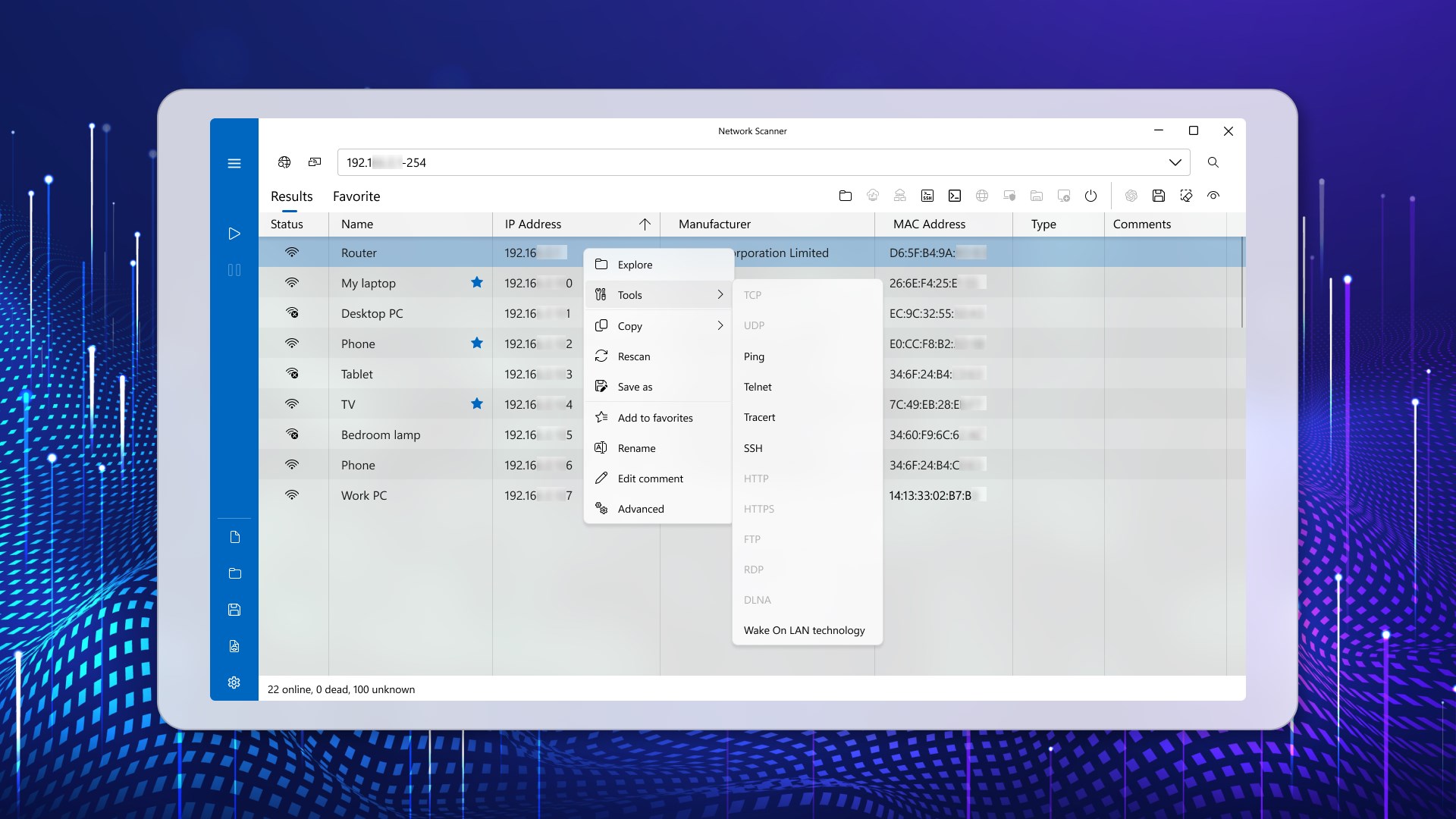
Beyond simple detection, Network Scanner Ultra dives deeper into each device's profile, providing detailed information such as device manufacturer, operating system, open ports, and even detected services. Think of it as a high-powered magnifying glass revealing the intimate secrets of every device lurking on your network. This level of insight is particularly valuable for security assessments and inventory management, where knowing the exact device type and status can prevent potential vulnerabilities. The interface allows easy filtering and exporting, making technical analysis straightforward and less daunting.
User Experience and Differentiating Factors
The app boasts a sleek and user-friendly interface that resembles the dashboard of a modern car—clear, intuitive, and designed to minimize driver fatigue. Navigation is smooth, with responsive controls that allow users to initiate scans or access device details within seconds. Compared to traditional network scanning tools that often appear cluttered or require steep learning curves, Network Scanner Ultra offers a guided experience that feels natural even to newcomers. Its true highlight lies in workflow integration: it allows users to incorporate scans seamlessly into their routine, reducing the cognitive load by consolidating all essential information in a single view without overwhelming the user with complex options. This aspect only enhances productivity, especially in fast-paced environments where quick, informed decisions are critical.
Recommendation and Usage Tips
I would confidently recommend Network Scanner Ultra for anyone who needs a quick, reliable, and easy-to-understand network scanning tool. It's especially beneficial for small to medium-sized networks, where detailed device insights help prevent security breaches and optimize network performance. For best results, pair it with routine monitoring practices, setting up scheduled scans and exporting reports for ongoing analysis. While it's not meant to replace comprehensive security suites, it excels as a first-line diagnostic tool that can save you precious time and mental effort.
Overall, Network Scanner Ultra manages the delicate balance between feature richness and ease of use remarkably well. Its standout capabilities are its speed in device detection and the depth of insights, making network management less like an obstacle course and more like a straightforward navigation task—friendly, efficient, and reliable.
Pros
- Comprehensive Network Scanning
- User-Friendly Interface
- Detailed Device Information
- Fast Scanning Speed
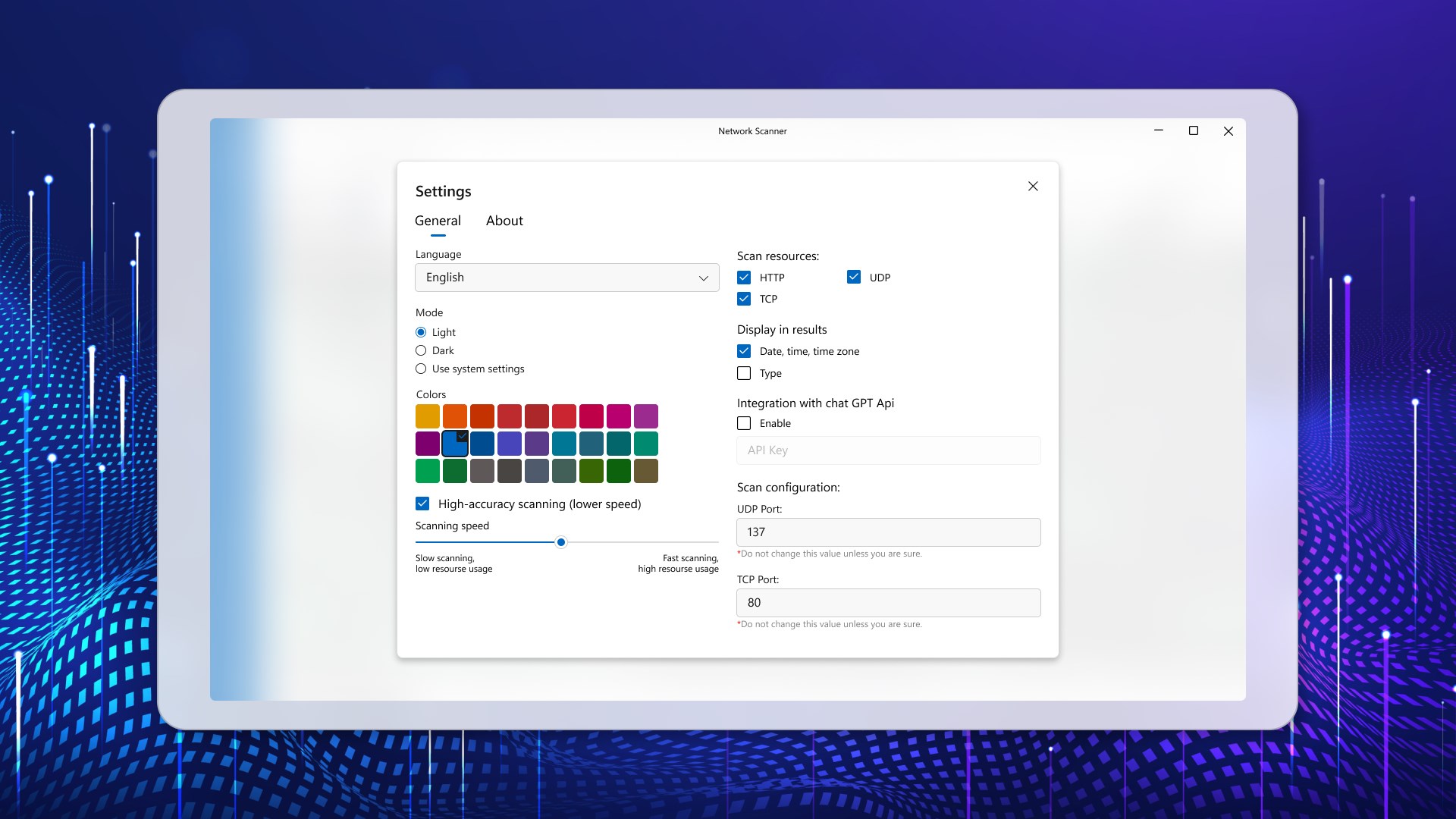
- Customizable Scan Settings
Cons
- Limited Free Version
- Occasional False Positives
- Requires Stable Network Connection
- Limited Device Compatibility
- Basic Reporting Features











