
- Category Developer tools
- Developer ngrok, inc.
- Available on PC
- OS Windows 10 version 17763.0 or higher
- Keyboard Not specified
- Memory Not specified
- languages English (United States)
A sleek gateway for debugging and exposing local servers effortlessly
Ngrok for Windows offers developers a seamless way to securely expose local servers to the internet, simplifying testing, debugging, and sharing web services without complex network configurations.
Who's Behind the Curtain: Developer & Core Highlights
Developed by ngrok, Inc., a pioneer in tunneling technology, this application combines robustness with user-friendliness. Its main features include instant local server exposure, secure tunnels with authentication, and effortless management of multiple tunnels. Designed primarily for developers, QA teams, and DevOps engineers, it aims to streamline workflows that involve sharing local development environments or testing webhooks in real-time.
Unveiling the Power of ngrok: Core Functionalities Explored
1. Quick and Easy Tunnel Creation
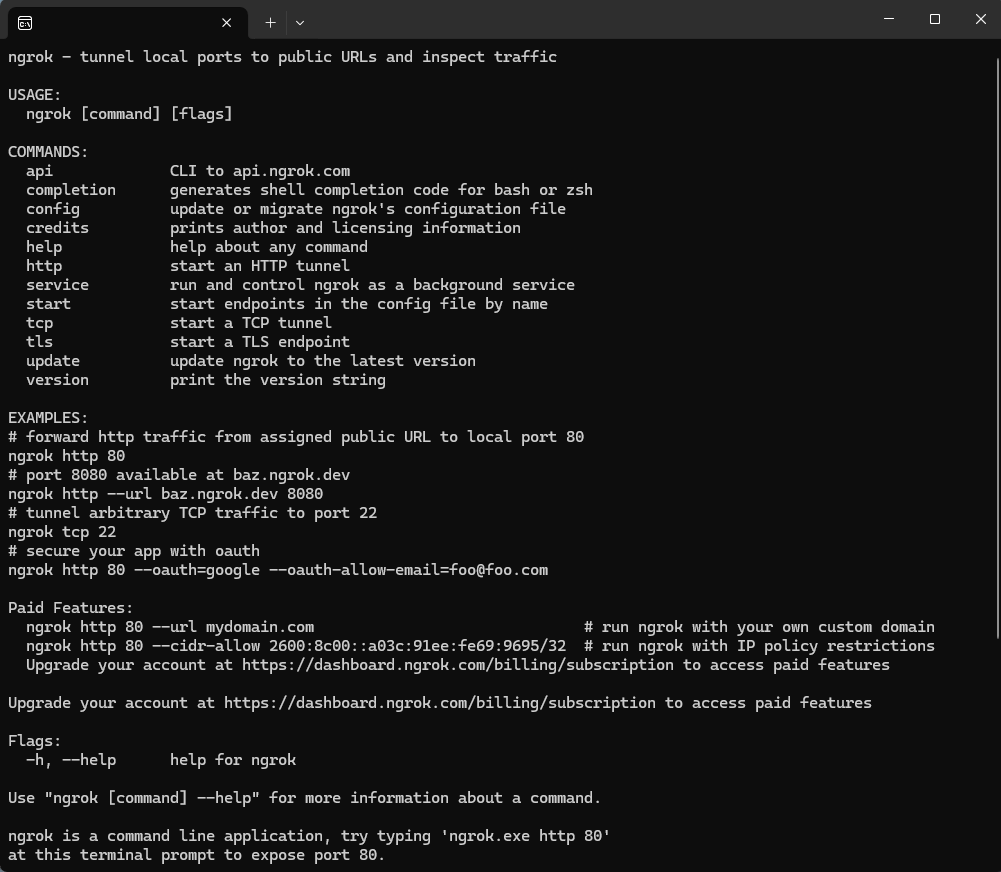
Imagine needing to share a local API or web app with a remote colleague—ngrok makes this as simple as clicking a button. With its command-line interface and straightforward GUI, creating a secure tunnel from your local host to the internet is intuitive, often taking less than a minute to set up. This immediate accessibility is akin to turning a local playground into a public park within moments.
2. Robust Security and Authentication
Security is paramount when exposing local servers online. Ngrok provides built-in HTTPS tunneling, ensuring encrypted data transmission. Additionally, it supports basic auth and IP whitelisting, protecting your development environment from unwanted visitors. These features give users peace of mind, much like having a virtual bouncer guarding a private event.
3. Multi-Tunnel Management and Custom Domains
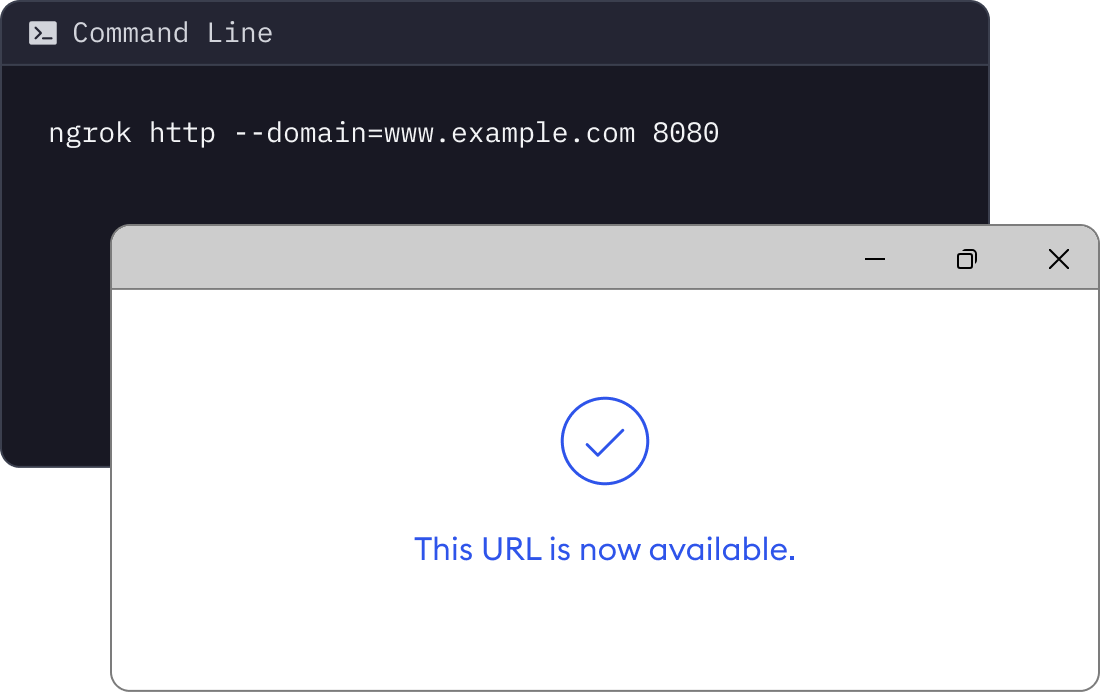
For teams working on complex projects, managing multiple tunnels can be cumbersome. Ngrok excels by allowing simultaneous tunnels, each with unique subdomains or custom domains, facilitating organized workflows. Moreover, its web dashboard offers a real-time view of traffic and logs, enabling efficient debugging and monitoring without digging through endless log files—like having a control tower overseeing multiple flights at once.
User Experience: Friendly, Fluid, and Learning-Friendly
The application's interface strikes a balance between simplicity and sophistication. It sports a clean, modern look that reduces clutter and makes navigation feel like a breeze, even for newcomers. The setup process is straightforward—install, authenticate, and run—removing typical hurdles associated with network configurations. Operation flow is smooth, with minimal latency and quick responsiveness, making the user feel like steering a well-tuned vehicle rather than grappling with rough terrain. For beginners, the clear documentation and community support act as friendly guides, smoothing the learning curve significantly.
What Sets Ngrok Apart: The Unique Advantages
While other developer tools offer tunneling capabilities, ngrok's standout feature is its combination of security, simplicity, and powerful management tools. Its ability to rapidly generate unique subdomains on demand, paired with a robust web dashboard, positions it ahead of many competitors. Moreover, its seamless integration with various development environments and support for custom domains create a flexible ecosystem that adapts to professional workflows. Unlike some lighter or more generic tunneling tools, ngrok's focus on secure, reliable, and easy-to-manage tunnels makes it a go-to solution for those who need a dependable, no-fuss tool.
Recommendation & Usage Tips
I would confidently recommend ngrok for Windows to developers seeking a reliable way to expose local servers securely and quickly. It's especially useful during development, testing webhooks, or demonstrating projects to clients remotely. For optimal experience, familiarize yourself with its command-line options and dashboard features—these are game-changers for managing multiple tunnels or troubleshooting in real-time. While the free tier is sufficient for casual use, consider the paid plans for advanced features like custom domains and enhanced security. Overall, ngrok stands out as a professional-grade, user-friendly tool, perfect for reducing the fuss involved in exposing local environments to the digital world.
Pros
- Easy Setup and User-Friendly Interface
- Robust Tunneling Capabilities
- Cross-Platform Compatibility
- Advanced Security Features
- Comprehensive Monitoring and Analytics
Cons
- Limited Free Tier Usage Quota
- Requires Account Sign-In
- Occasional Connection Latency Issues
- Limited Custom Domain Support in Free Version
- Basic Documentation Could Be More Detailed











