
Frequently Asked Questions
How do I start playing Nickelodeon All-Star Brawl 2 for the first time?
Download the app, open it, and select 'New Game' to begin. Follow the on-screen tutorial for basic controls and gameplay understanding.
Can I play Nickelodeon All-Star Brawl 2 offline?
Yes, the game features single-player campaigns that can be played offline once downloaded. However, multiplayer modes require an internet connection.
What are the main features of Nickelodeon All-Star Brawl 2?
It includes a new single-player campaign, upgraded visuals and mechanics, cinematic supers, and a diverse roster of characters including new and returning favorites.
How do I learn to master each character's move set?
Practice in the training mode or select characters in fights to explore their moves. The game also provides tutorials and tips for mastering characters.
What are 'cinematic supers' and how do I use them?
Cinematic supers are powerful animated finishing moves. Charge your super meter during fights and press the designated button combination when available to unleash them.
How do I customize my character or gameplay settings?
Go to Settings > Gameplay or Characters menu to customize controls, fighters, and game preferences according to your liking.
Are there any in-app purchases or subscriptions needed to enjoy the full game?
The game offers optional in-app purchases for cosmetic items and additional content. Check Settings > Store for available purchases.
How do I upgrade or unlock new fighters in Nickelodeon All-Star Brawl 2?
Unlock fighters by progressing through the campaign, completing challenges, or purchasing via in-game store under Settings > Store.
Can I recover my progress if I uninstall and reinstall the game?
Yes, if linked to your account (Google, Apple ID, etc.), your progress can be restored during reinstallation via account login.
What should I do if the game crashes or freezes?
Try restarting the device, ensure the app is updated, and check for device compatibility. Contact support if issues persist through Settings > Support.
You May Like
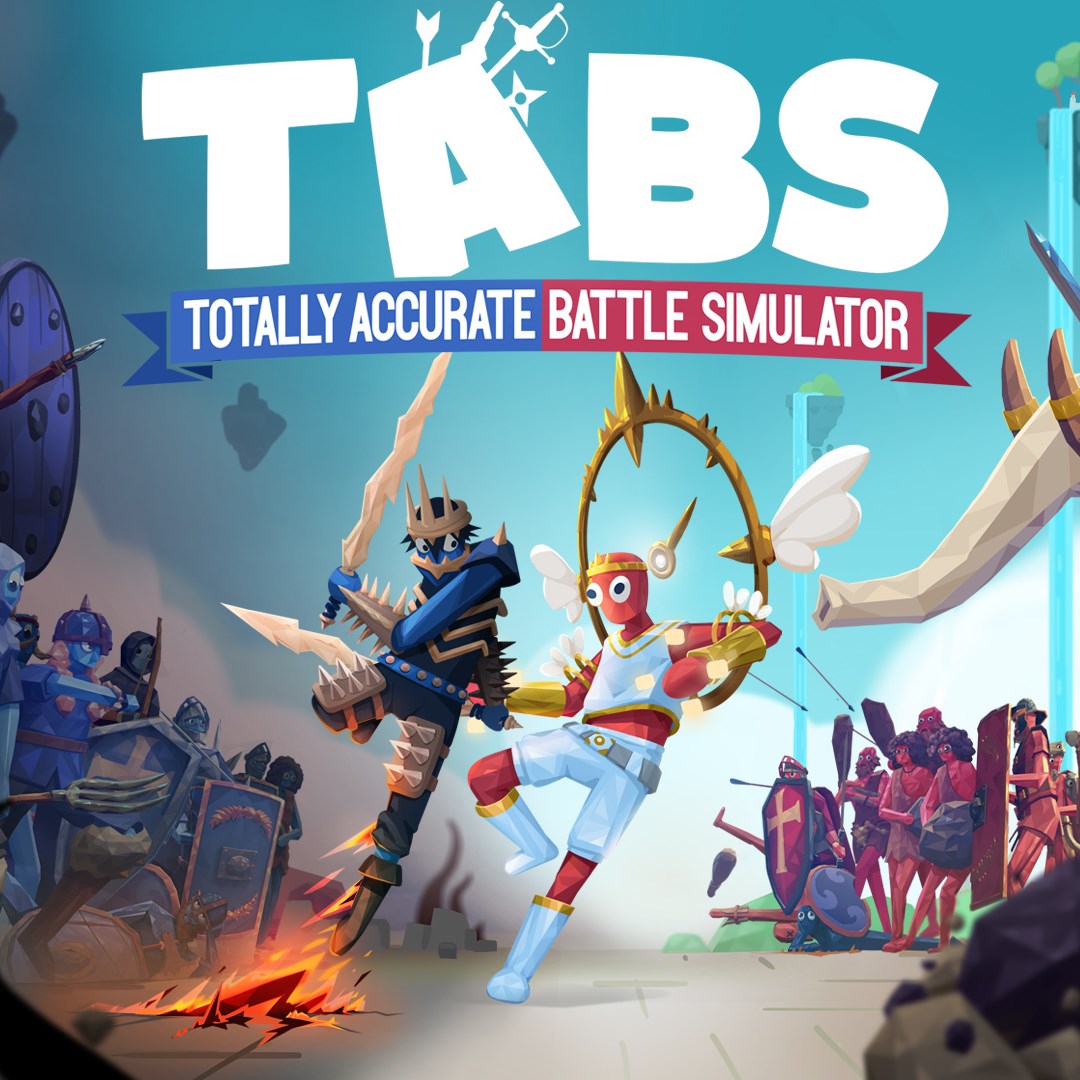
Totally Accurate Battle Simulator
for Windows
4.7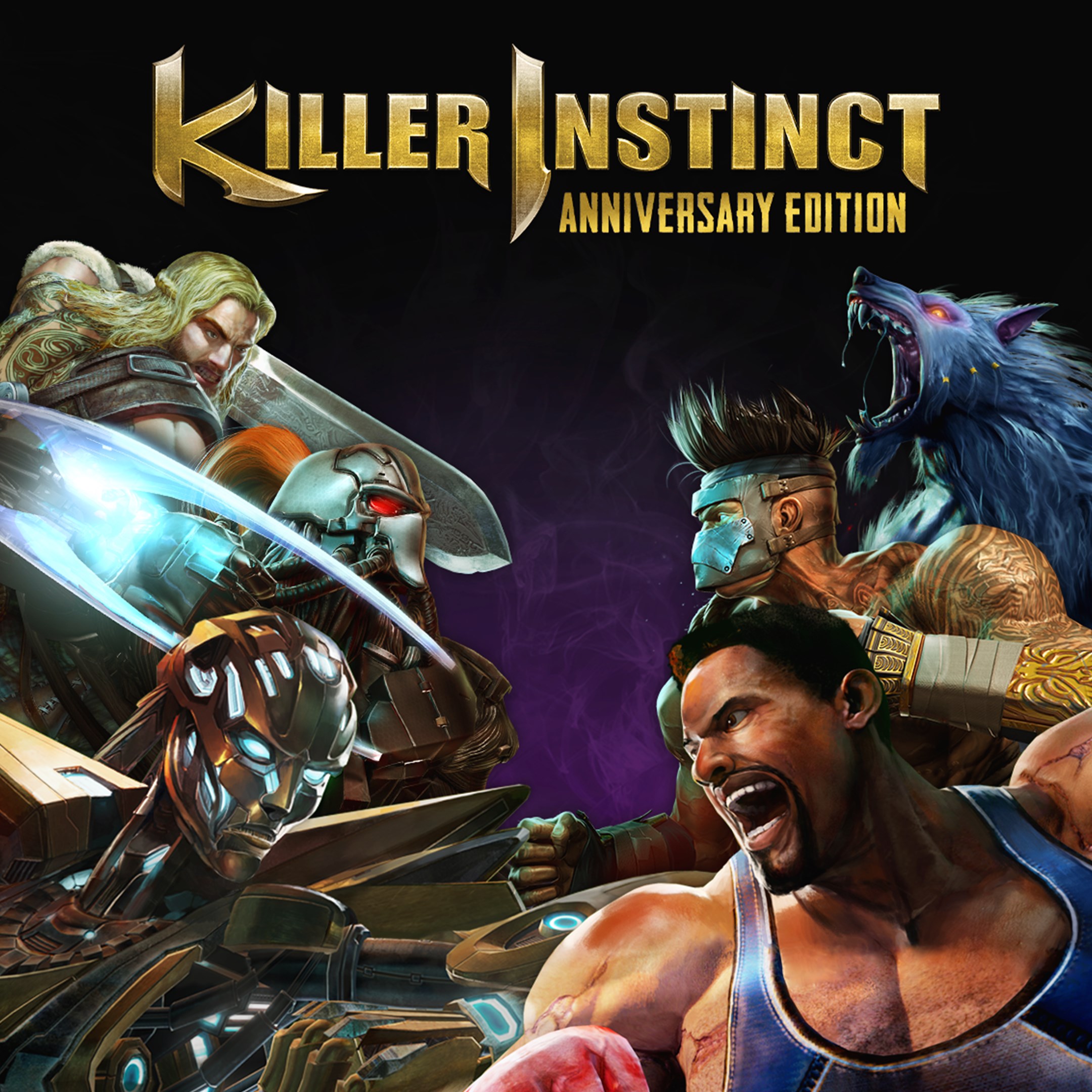
Killer Instinct: Anniversary Edition
for Windows
4.4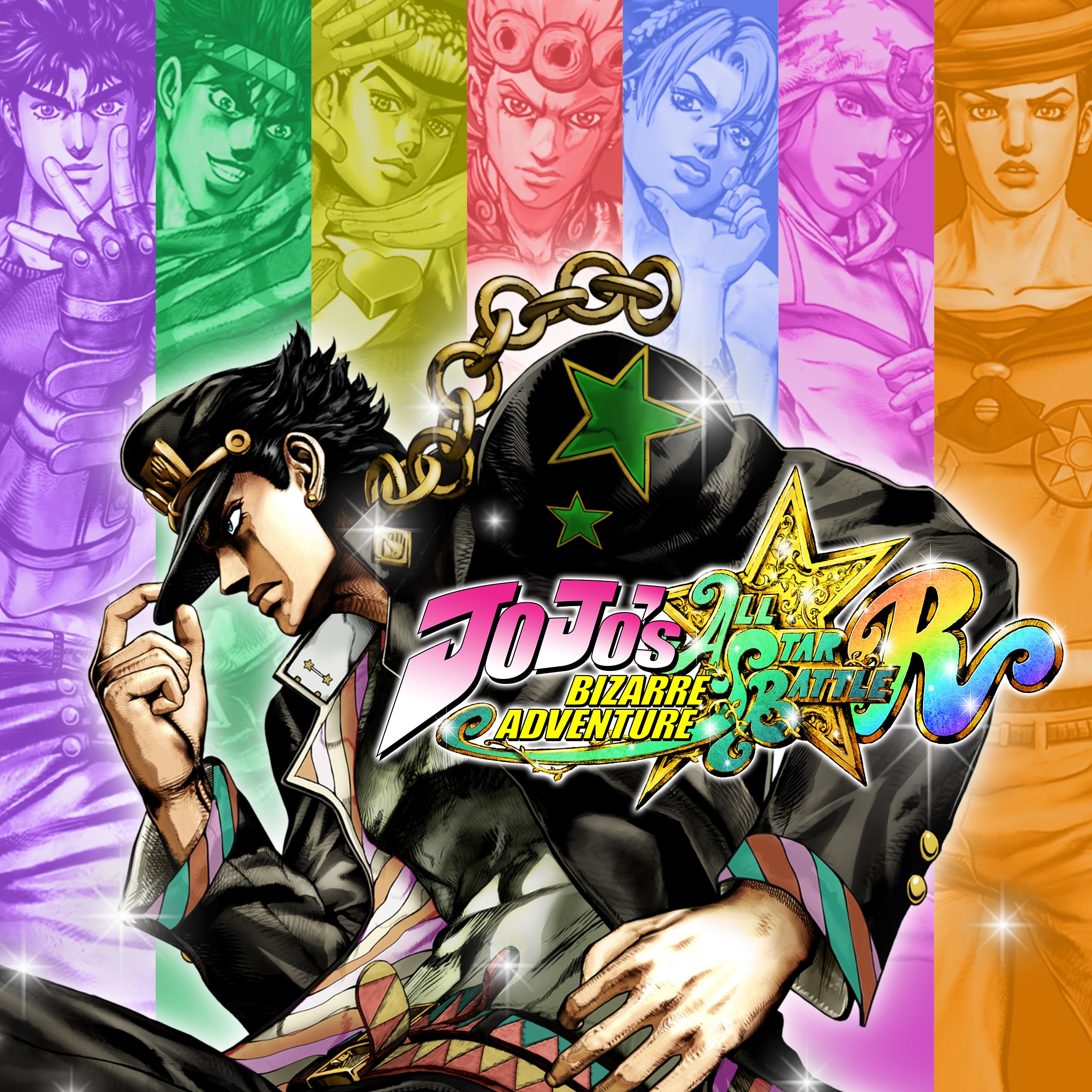
JoJo's Bizarre Adventure: All-Star Battle R
for Windows
4.3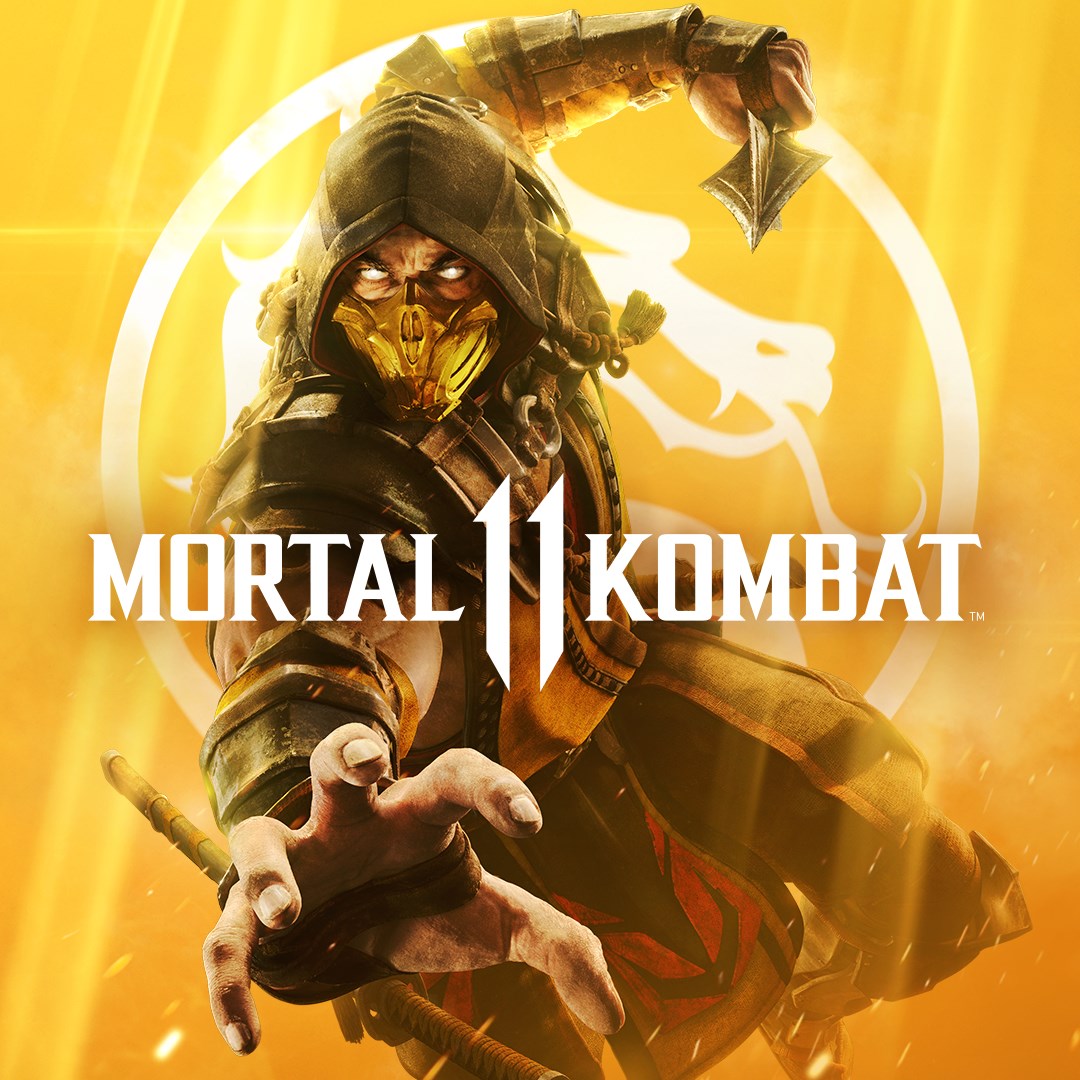
Mortal Kombat 11
for Windows
4.3
Mortal Kombat 11 Ultimate
for Windows
4.3
Guilty Gear -Strive-
for Windows
4.3
Killer Instinct
for Windows
4.3
Gang Beasts
for Windows
4.3
Injustice™ 2 - Standard Edition
for Windows
3.7
MARVEL VS. CAPCOM: INFINITE
for Windows
3.5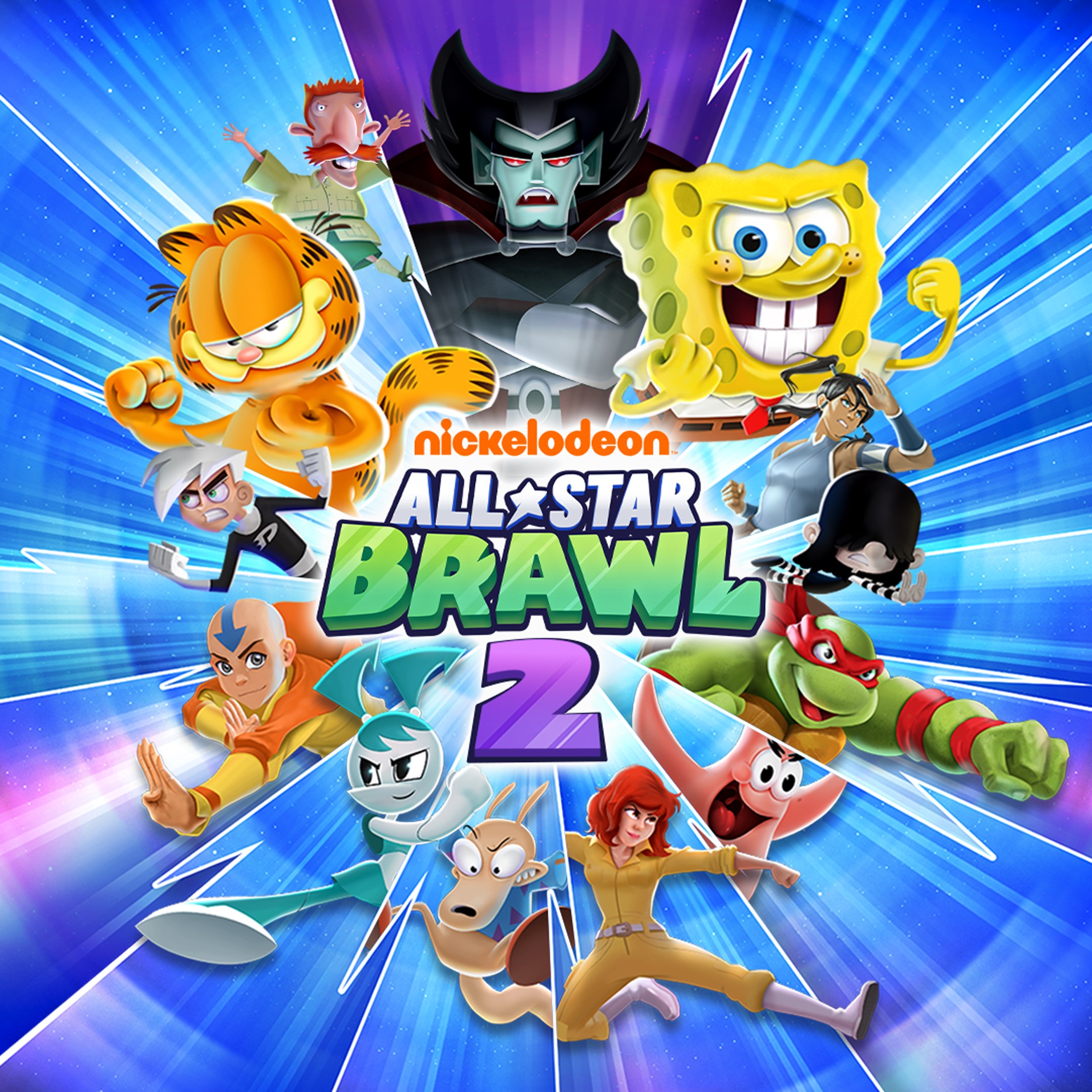
Nickelodeon All-Star Brawl 2
for Windows
3.1
Mortal Kombat™ 1: Definitive Edition
for Windows
2.9