



- Category Personalization
- Available on PC
- OS Windows 10 version 14951.0 or higher
- languages English (United States)
Discover the Night Skies for Windows: A Serene Astronomical Escape
Night Skies for Windows is an aesthetically pleasing application that transforms your desktop into a tranquil night sky scene, perfect for astronomy enthusiasts and casual stargazers alike. Developed by Microsoft Corporation, this app offers an immersive experience that blends visual serenity with customizable features tailored for those who appreciate the beauty of celestial phenomena.
Core Features that Make Night Skies Shine
1. Stunning Visuals with Realistic Starfields
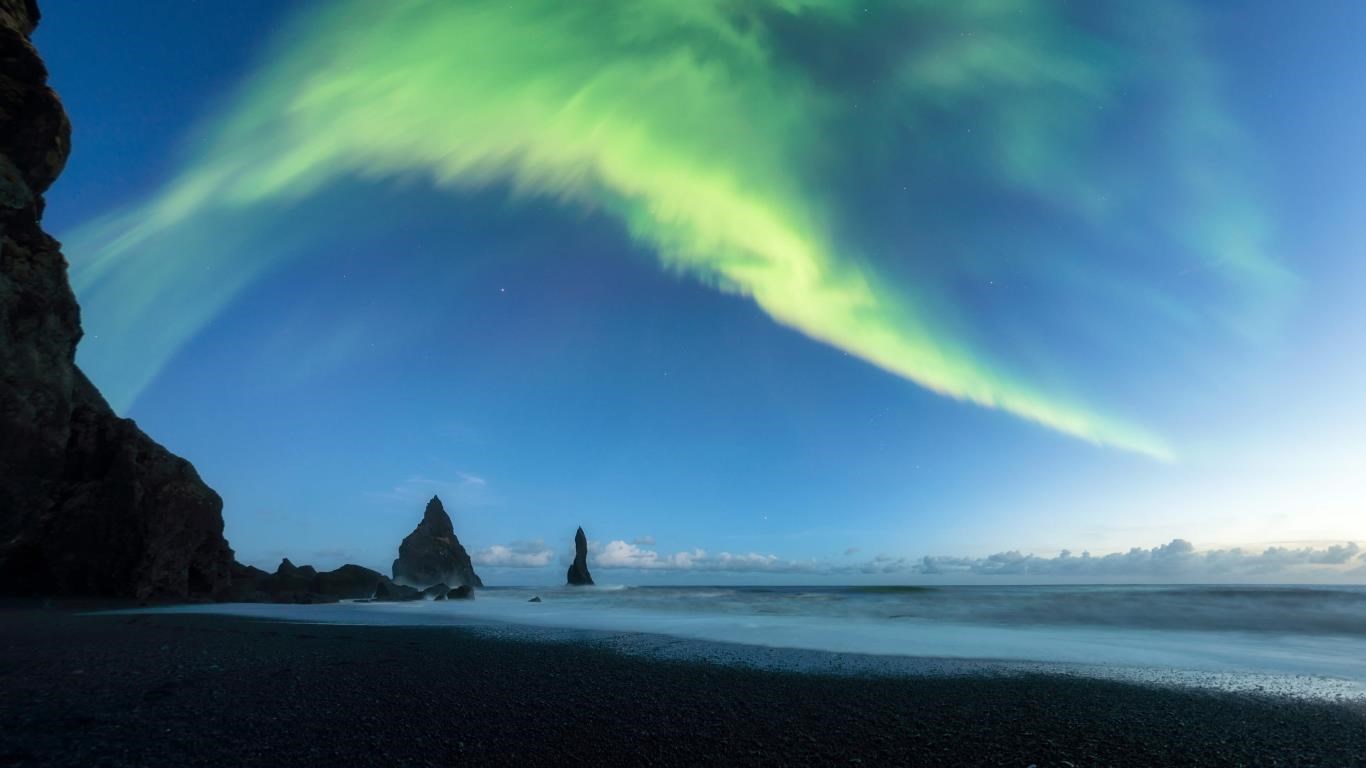
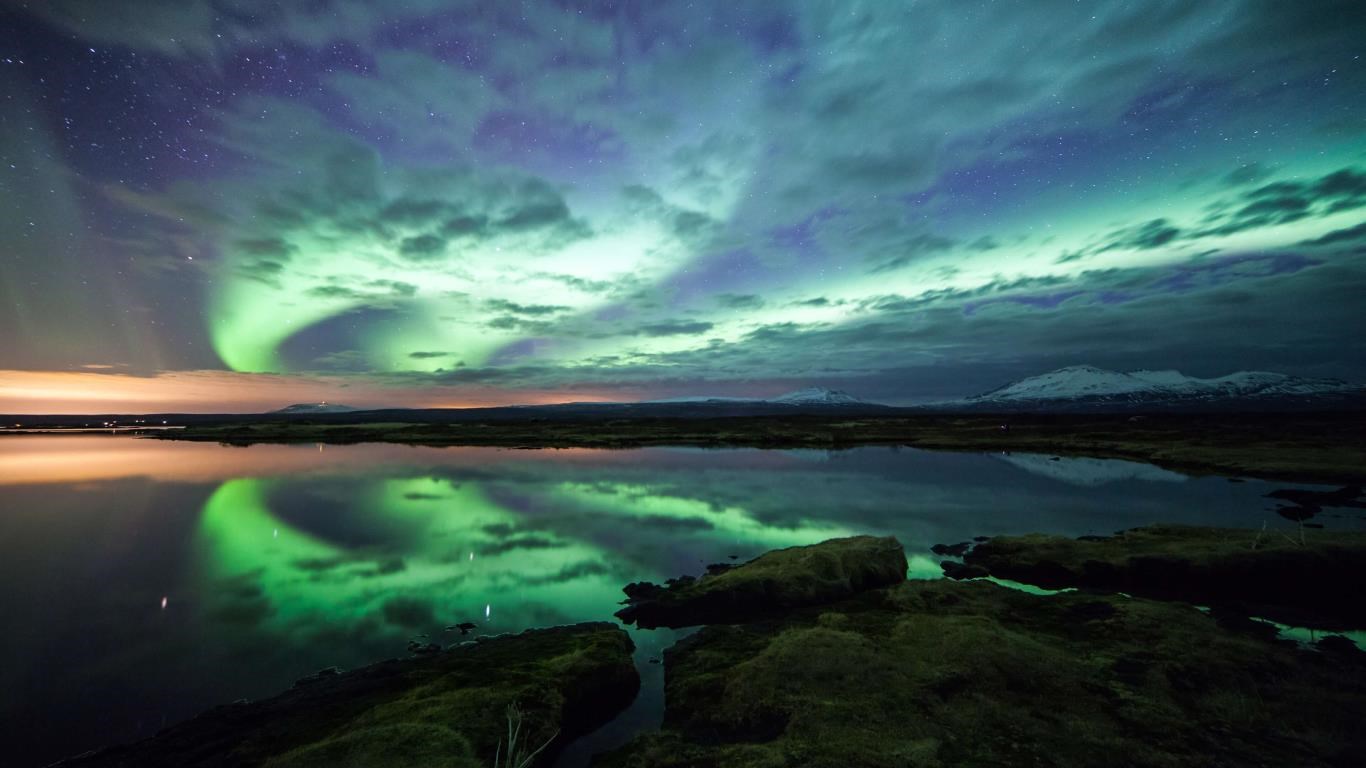
The app boasts beautifully rendered night sky scenes, complete with twinkling stars, glowing nebulae, and occasional shooting stars. Its high-quality graphics create an almost tangible feeling of gazing into a clear, tranquil night. Users can choose different sky themes based on various locations or celestial events, making each viewing experience fresh and engaging. Whether you're working late or relaxing, the starry displays are both calming and mesmerizing.
2. Highly Customizable Sky Scenes
One of Night Skies' flagship features is its robust customization options. Users can adjust the time and date, simulating star positions for specific moments or future dates. The app also allows tweaking the density of stars, the brightness, and even the inclusion of planets and satellites. This degree of personalization transforms your desktop into a virtual planetarium, offering a tailored celestial experience suited to your curiosity or aesthetic preference.
3. Seamless User Experience & Interface Design
The interface strikes a balance between elegance and simplicity. The clean layout makes navigation intuitive, even for beginners. Transitioning between different sky themes or adjusting settings is fluid, with responsive controls that respond immediately to user input. Learning curve minimal—most users can dive right in and start exploring, making it an accessible tool for all levels of interest.
Experience and Unique Selling Points
Night Skies for Windows stands out among personalization apps due to its focus on realistic celestial simulation combined with elegant aesthetics. Unlike many wallpaper or static background apps, Night Skies offers dynamic, animated star fields that can be manipulated in real-time. Its ability to accurately reflect celestial positions based on geographic and temporal settings provides an engaging educational facet for astronomy buffs wanting to understand celestial movements better. Moreover, its theme compatibility ensures it integrates smoothly with various desktop environments, preserving aesthetic harmony.
Final Thoughts and Recommendations
Overall, Night Skies for Windows is a thoughtfully designed application that provides a calming visual escape right on your desktop. It's particularly recommended for users who enjoy the beauty of space and seek an easy-to-use yet customizable visual enhancement. If you appreciate detailed control over celestial scenes and prefer an app that meshes well with different desktop themes, this is a compelling choice. For casual users seeking a peaceful background or those with a budding interest in astronomy, Night Skies offers a delightful and informative experience without overwhelming complexity.
Pros
- Stunning Night Sky Visuals
- Rich Educational Content
- User-Friendly Interface
- Customizable Viewing Options
- Regular Updates with New Features
Cons
- High Battery Consumption
- Limited Offline Functionality
- Occasional Lag on Older Devices
- In-App Purchases for Extra Content
- Learning Curve for Advanced Features











