





- Category Security
- Developer Gen Digital Inc.
- Available on PC
- OS Windows 10 version 0.0 or higher
- Keyboard Integrated Keyboard
- Mouse Integrated Mouse
- Memory 2 GB
- languages English
Introduction to Norton 360 for Windows
Norton 360 for Windows is a comprehensive cybersecurity suite designed to safeguard your digital life seamlessly. Developed by Gen Digital Inc., this application combines robust protection features with an intuitive user experience, making it suitable for everyday users who value both security and ease of use.
Developer and Core Features
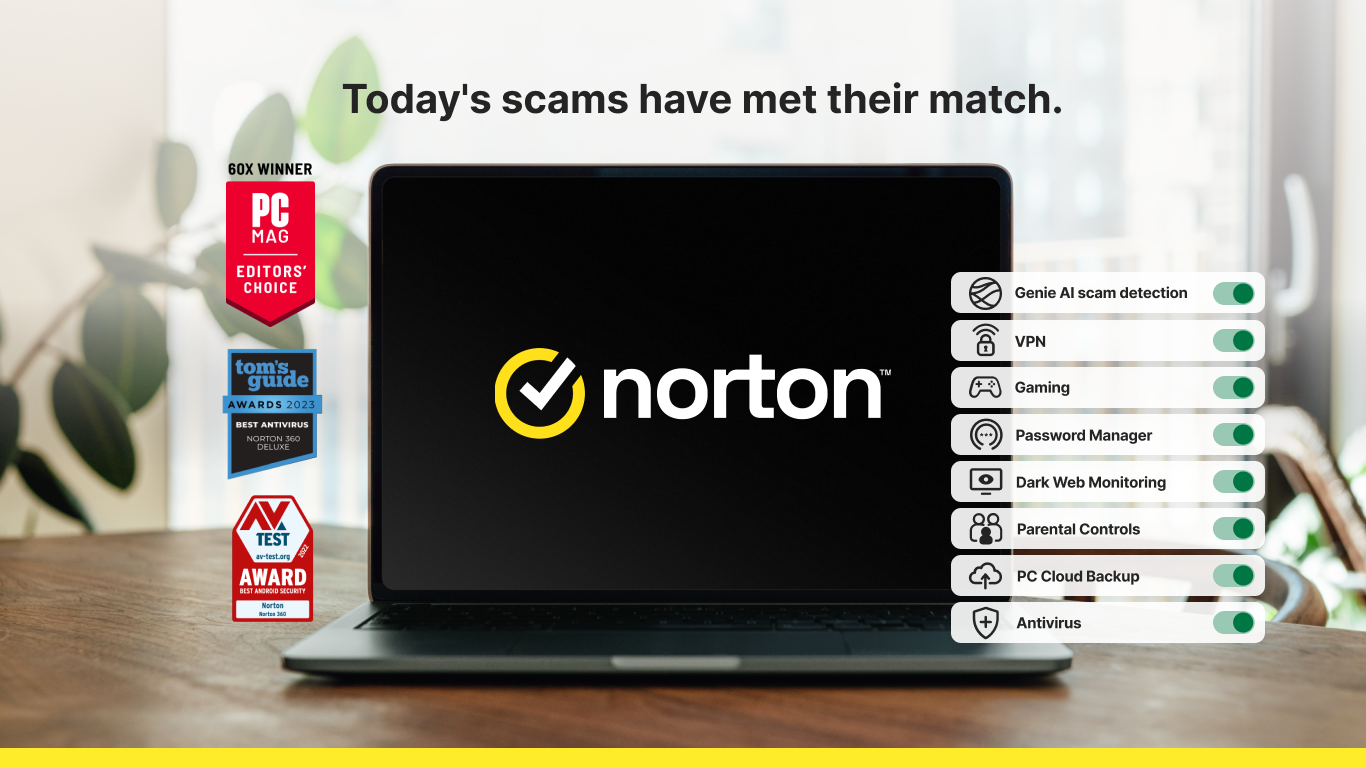
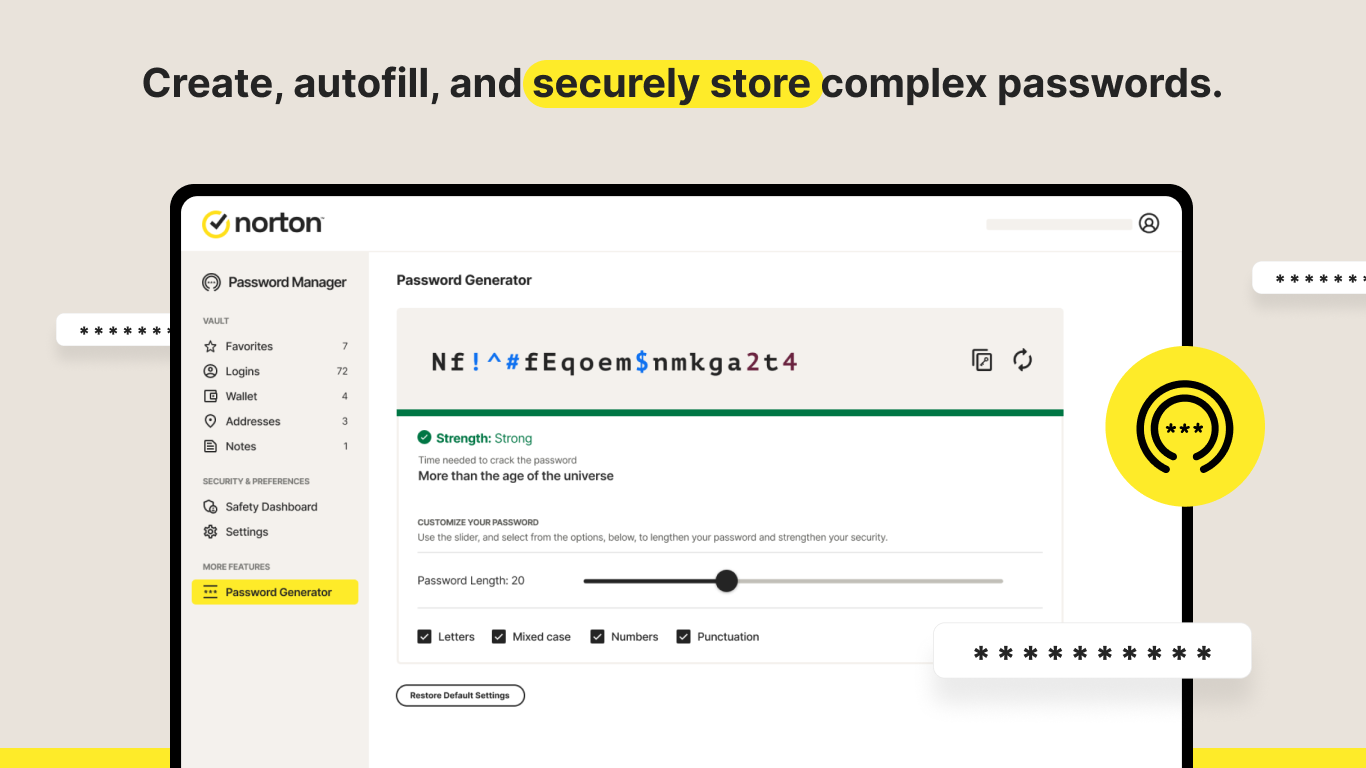
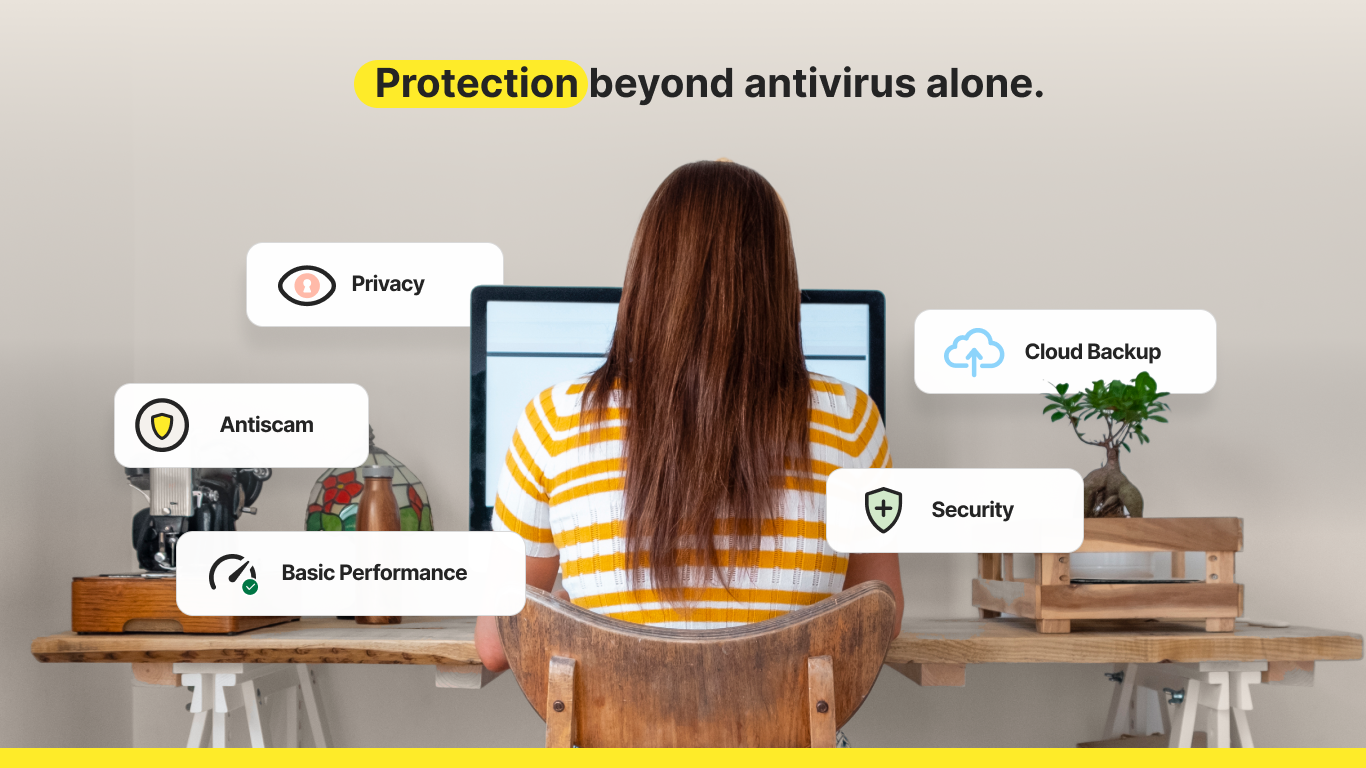
Produced by Gen Digital Inc. and published under NortonLifeLock Inc., Norton 360 for Windows boasts a suite of tools aimed at shielding your device from malware, phishing, and other threats. Key highlights include real-time threat detection, VPN for online privacy, password management, and device optimization. These features collectively deliver a holistic approach to cybersecurity, catering to a broad spectrum of user needs.
Engaging and User-Friendly Interface
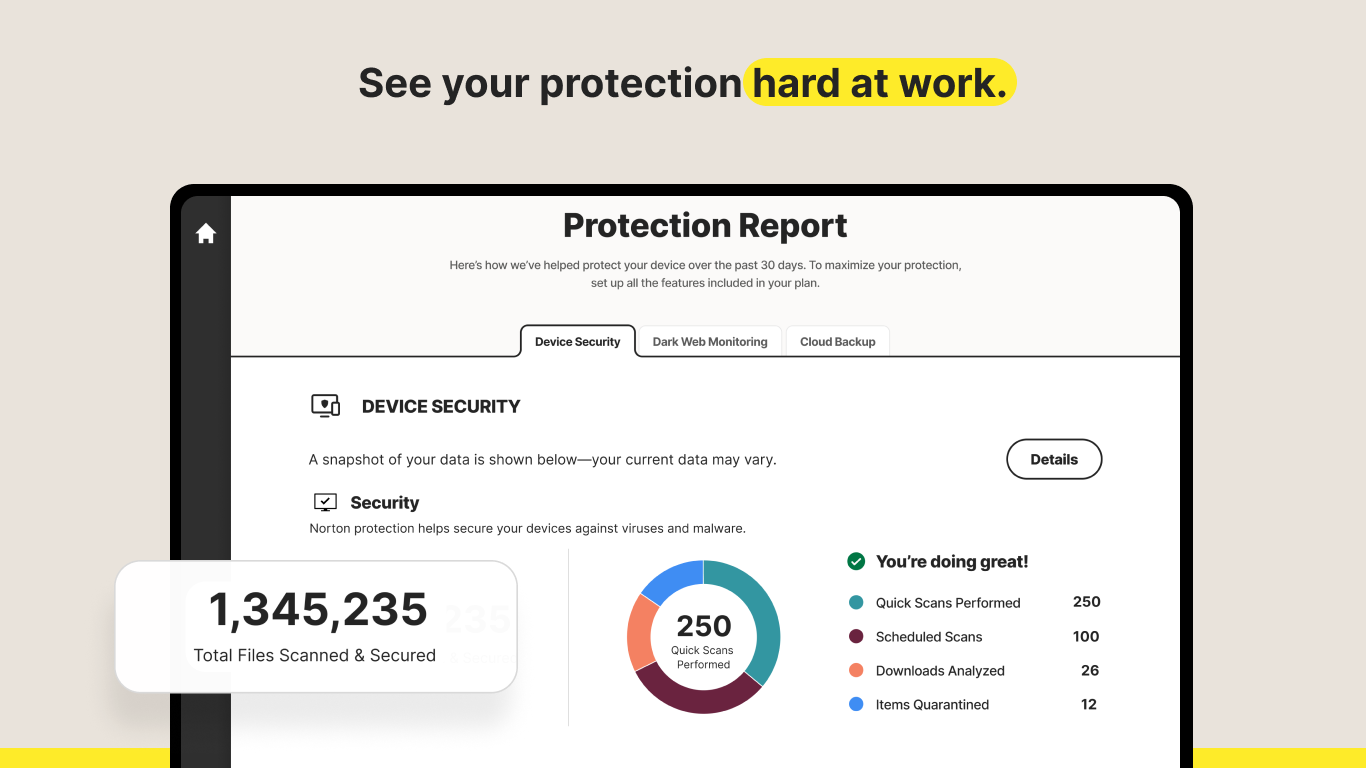
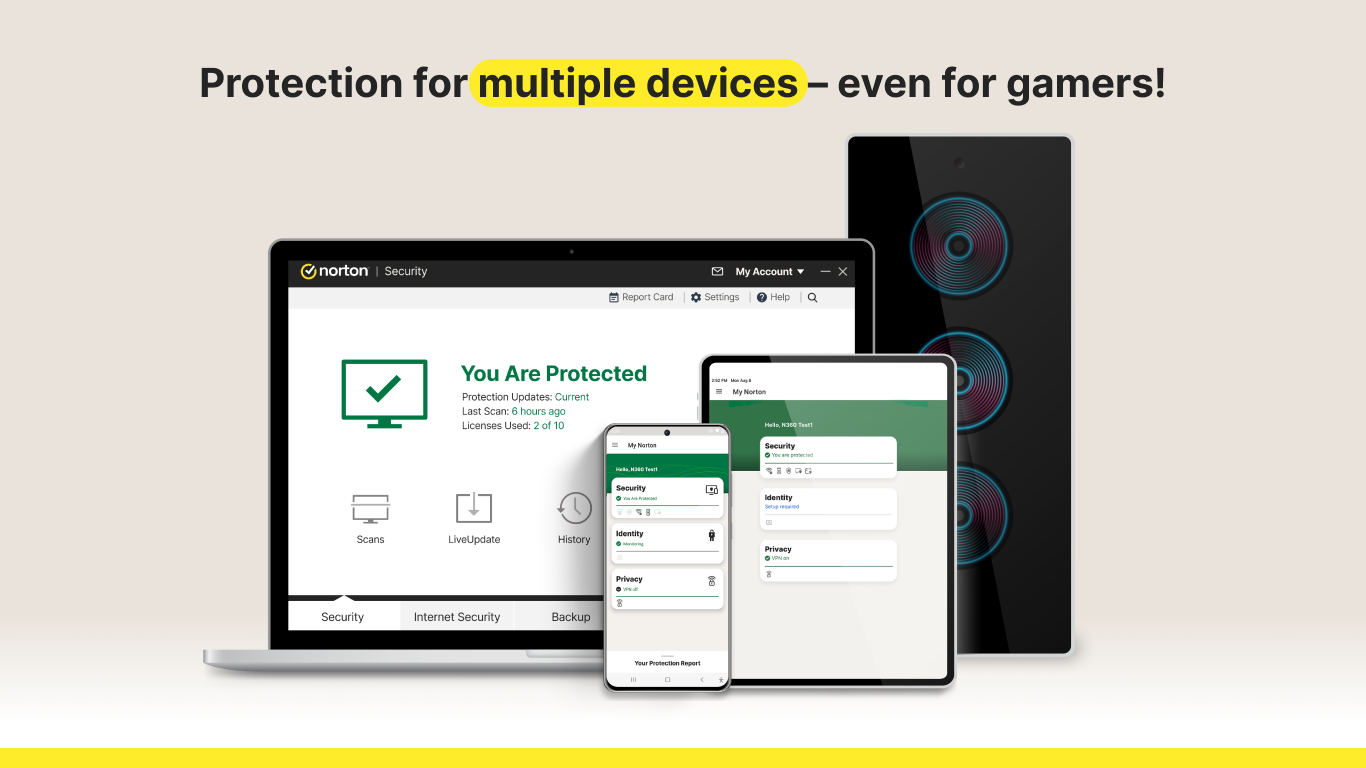
From the moment you launch Norton 360, you'll notice its clean, modern interface—a dashboard that feels like a control room for your digital safety. The design is uncluttered, with clearly labeled sections that make navigation feel like a breeze, even for those not overly tech-savvy. The operation flow is smooth, with minimal lag and quick access to essential features. Navigating between scanning, VPN activation, or checking security status is intuitive—almost as simple as flipping a switch. The learning curve is shallow, thanks to helpful prompts and straightforward options, truly lowering barriers for beginners while satisfying power users.
Unique Features That Make a Difference
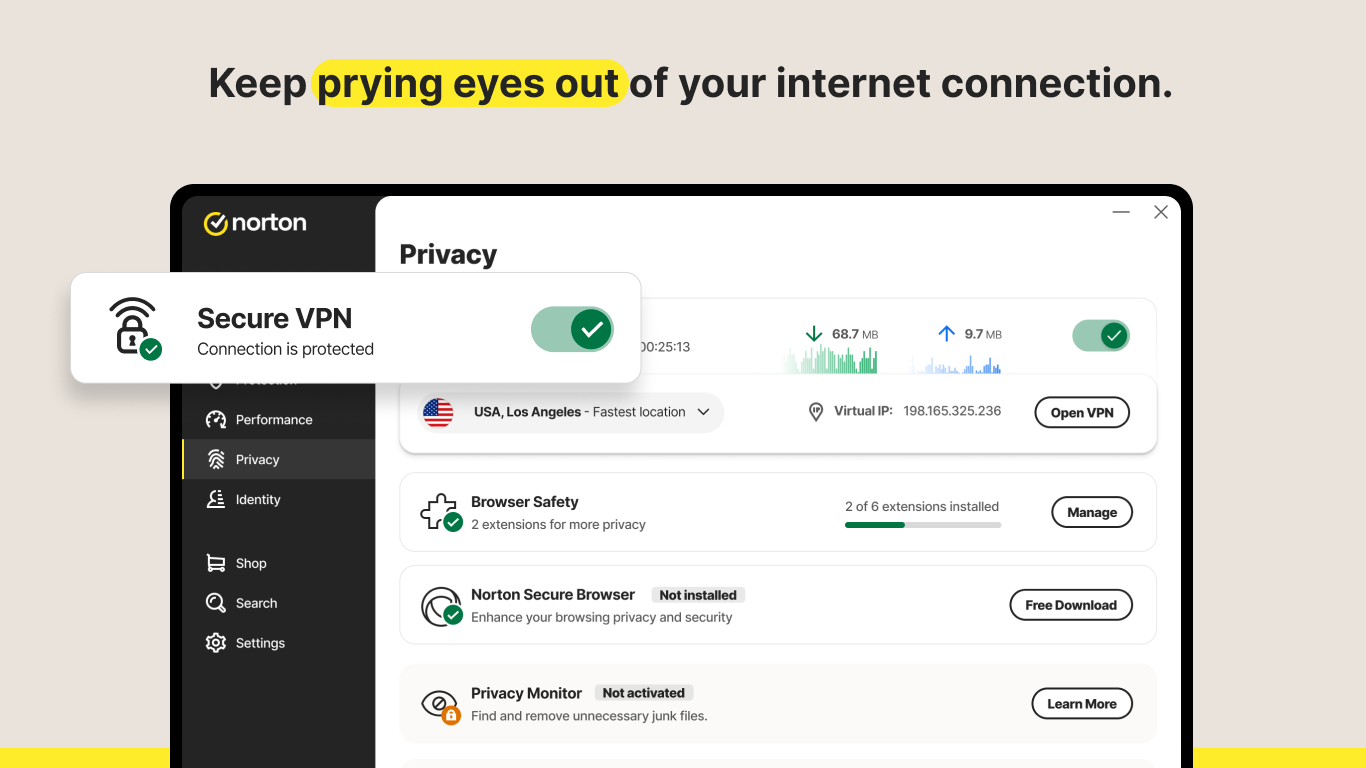
Among the various cybersecurity solutions on the market, Norton 360 stands out primarily because of its integrated VPN and advanced threat protection. The VPN feature offers a worry-free online experience by encrypting your internet connection, akin to wearing an invisibility cloak in the digital realm—perfect for safe browsing on public Wi-Fi or streaming content securely. What truly sets Norton apart is its in-depth malware detection coupled with a real-time threat intelligence network that continuously updates, acting like a vigilant security guard patrolling your digital perimeter. This dual-layered approach ensures that threats are caught before they can cause harm, giving users peace of mind.
Performance and Compatibility
Norton 360 operates smoothly on Windows, with minimal impact on system performance. It runs quietly in the background, rarely consuming excessive resources—much like a silent guardian in your PC. The interface adapts well to different screen sizes and resolutions, providing a consistent experience. Setup is straightforward, with clear instructions guiding new users through installation and initial scans. Updates are frequent but unobtrusive, keeping the protection up-to-date without annoying pop-ups or interruptions.
Final Recommendation and Usage Tips
Overall, Norton 360 for Windows earns a solid recommendation for users seeking reliable, all-in-one cybersecurity coverage. Its especially standout features—the integrated VPN and proactive malware protection—offer tangible advantages for privacy-conscious users and those exposed to frequent online threats. For best results, consider enabling automatic scans and utilizing the VPN when browsing public networks. While it may be slightly more resource-demanding than some lightweight security solutions, its comprehensive protection justifies the overhead. If you're in search of a trusted, easy-to-use security suite that combines multiple protective layers, Norton 360 is definitely worth exploring.
Pros
- Comprehensive Security Features
- User-Friendly Interface
- Real-Time Threat Detection
- Automatic Updates
- Encrypted Backup Options
Cons
- Resource Intensive
- High Subscription Cost
- False Positives Occur Occasionally
- Interface Can Be Overwhelming
- VPN Speed Variability











