
- Category Security
- Developer NortonLifeLock
- Available on PC
- OS Windows 10 version 0.0 or higher
- Keyboard Integrated Keyboard
- Mouse Integrated Mouse
- languages English, French (Canada), Japanese, Japanese, German, German, German (Austria), German (Switzerland), French, French (Belgium), Portuguese, Portuguese (Brazil), Italian, Italian, Italian (Switzerland), Dutch, Dutch (Belgium), Dutch, Spanish, Spanish (Chile), Spanish (Mexico), Spanish (Spain), Polish, Polish , Swedish, Swedish, Danish, Danish, Spanish (Argentina), Spanish (Colombia), Norwegian, Norwegian (Nynorsk)
Unlocking Privacy: An In-Depth Look at Norton AntiTrack for Windows
In a digital landscape where online privacy feels like a constantly shifting fortress, Norton AntiTrack for Windows emerges as a reliable sentry guarding your personal browsing environment. Designed by NortonLifeLock, a recognized leader in cybersecurity, this application promises to help users stay anonymous and protect their browsing history from prying eyes. But does it deliver on its promise? Let's delve into the features, design, and overall experience to find out.
Core Highlights and Target Audience
Norton AntiTrack is crafted for anyone eager to reclaim control over their online footprint—whether you're a casual browser, a privacy-conscious professional, or someone who just values peace of mind when surfing the web. Its main features include robust anti-tracking mechanisms, easy-to-use privacy controls, and real-time protection against tracking cookies and fingerprinting techniques. Developed by NortonLifeLock, renowned for their comprehensive security solutions, the app integrates seamlessly into users' daily routines, offering a straightforward shield against invasive tracking.
Engaging, Friendly, and Functional: The User Experience
Launching Norton AntiTrack feels akin to slipping on a well-fitted pair of privacy gloves—immediately, it signals user-friendliness paired with potent protection. The interface boasts a clean, modern aesthetic with intuitive icons and minimal clutter, making navigation feel like a breeze—even for those less tech-savvy. Setting up the app requires only a few clicks, and the dashboard provides a clear overview of your privacy status.
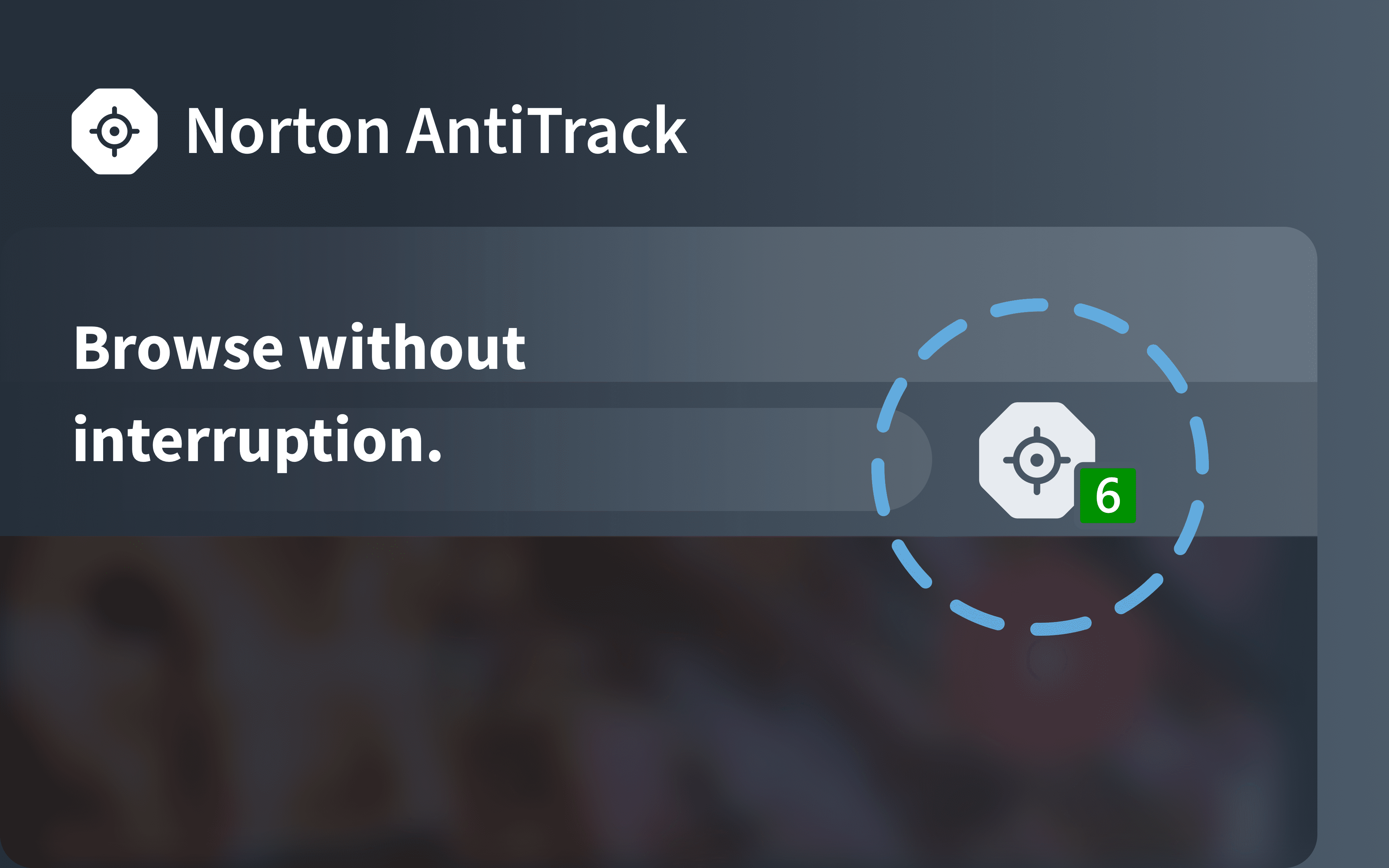
The operation is smooth—clicking on buttons results in instant responses, and the real-time tracking prevention runs behind the scenes, quietly working without interrupting your browsing flow. Learning curve? Minimal. Most users will find themselves up and running within minutes, thanks to clear instructions and automatic configurations designed to suit common browsing habits.
The Two Most Notable Differentiators
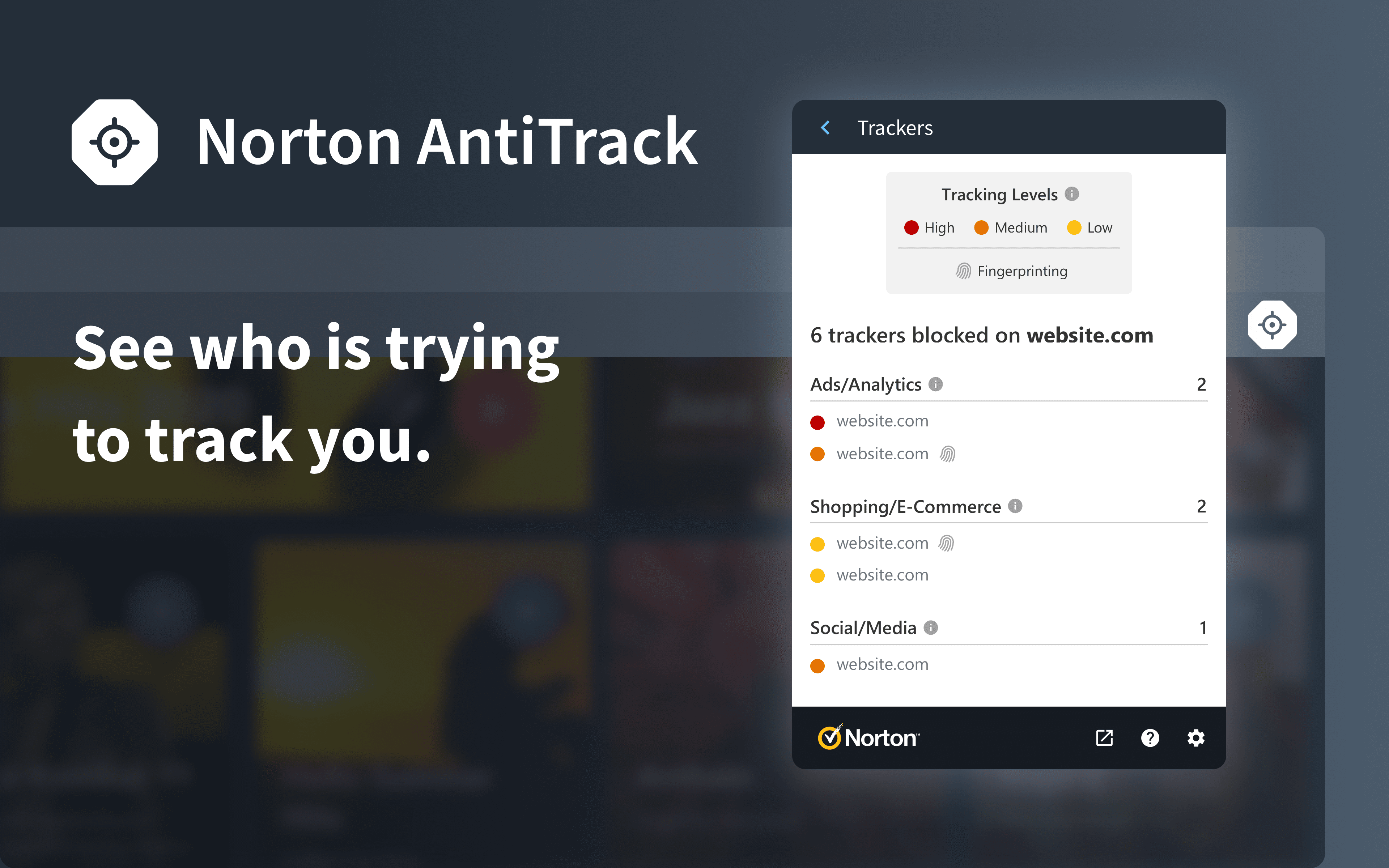
While many privacy tools promise to block trackers, Norton AntiTrack sets itself apart with its comprehensive anti-fingerprinting technology and its proactive detection of trackers in real-time. Unlike traditional ad blockers or basic privacy extensions, Norton AntiTrack actively detects and blocks sophisticated fingerprinting techniques that attempt to identify your device through unique characteristics. This feature acts like an invisibility cloak, making you a faceless, untraceable presence on the web.
Another unique aspect is its ease of use combined with insightful analytics. The app not only blocks trackers but also provides reports on what has been blocked, giving users transparency and peace of mind. These insights help users understand just how much of their online activity is being monitored and the effectiveness of the app's measures.
Final Verdict: Is It Worth Your Privacy Shield?
All in all, Norton AntiTrack offers a streamlined, effective layer of privacy protection suitable for both beginners and seasoned privacy enthusiasts. Its standout features—advanced fingerprinting defense and informative tracking reports—address gaps often left by other privacy tools. The app's user-friendly design and seamless operation make it an approachable yet powerful addition to any privacy arsenal.
For those seeking a dedicated, easy-to-navigate privacy shield that goes beyond basic ad-blocking, Norton AntiTrack is a compelling choice. I recommend it especially for users who prioritize transparency and want proactive, behind-the-scenes protection without complicating their browsing routine.
Pros
- Comprehensive Privacy Protection
- User-Friendly Interface
- Automatic Trackers Removal
- Compatibility with Major Browsers
- Additional Privacy Features
Cons
- Limited Free Version
- Occasional False Positives
- Performance Slightly Affects Browsing Speed
- Room for Improvement in Customization
- Limited Mobile Support











