
- Category Productivity
- Developer Antigravity_skseo
- Available on PC
- OS Windows 10 version 14316.0 or higher
- Keyboard Integrated Keyboard
- Mouse Integrated Mouse
- Memory 4 GB
- languages English (United States), Korean
A Streamlined Multi-Window Management Tool for Windows: Notebook LM MV Splitter
In today's fast-paced digital workspace, juggling multiple applications and windows seamlessly can make all the difference. Notebook LM MV Splitter offers a straightforward solution to enhance your multitasking prowess without adding unnecessary complexity.
About the Developer and Core Highlights
Developed and published by Antigravity_skseo, this application is tailored to users seeking efficient window management on Windows devices. Its main features include intuitive splitting of the screen into multiple sections, customizable layouts, and quick reset options—designed to optimize your workflow. Targeted at power users, students, and professionals who deal with multitasking daily, it promises to turn your screen into an organized command center.
Why This App Stands Out: Making Multitasking a Breeze
Imagine being able to arrange your numerous open documents, spreadsheets, or chat windows effortlessly—like arranging puzzle pieces precisely where they belong. Notebook LM MV Splitter simplifies this process by allowing you to split your screen into predefined or custom sections, eliminating the chaos of overlapping windows and endless clicking.
This app shines particularly in its focus on workflow integration efficiency. Unlike many window management tools overwhelmed by an abundance of features, Notebook LM MV Splitter emphasizes reducing cognitive load and streamlining your environment. Its straightforward interface ensures that you spend less time fiddling with settings and more time focusing on your tasks.
Core Features Explored
1. Dynamic Split Layouts
The core functionality allows users to split their monitor into multiple sections—be it two, four, or complex multi-panel arrangements. The tool offers quick preset layouts as well as customizable options, akin to snapping puzzle pieces into place effortlessly. This flexibility enables users to tailor their workspace precisely to their needs—whether for coding, designing, or managing multiple communication channels.
2. Seamless Window Management
Once the layout is selected, the app intelligently handles the placement and resizing of open windows, snapping them neatly into designated sections. This automation minimizes manual dragging and resizing, akin to having an invisible assistant who reorganizes your screen with a flick of a switch. The smoothness in operation ensures a distraction-free environment, supporting sustained focus and productivity.
3. Quick Reset and Customization
Sometimes, your workspace needs a fresh start—Notebook LM MV Splitter makes this effortless with one-click resetting to default or custom layouts. Users can save preferred configurations for different workflows, making adaptation for varied tasks simple and efficient—like switching gears smoothly without missing a beat.
Intuitive User Experience and Design
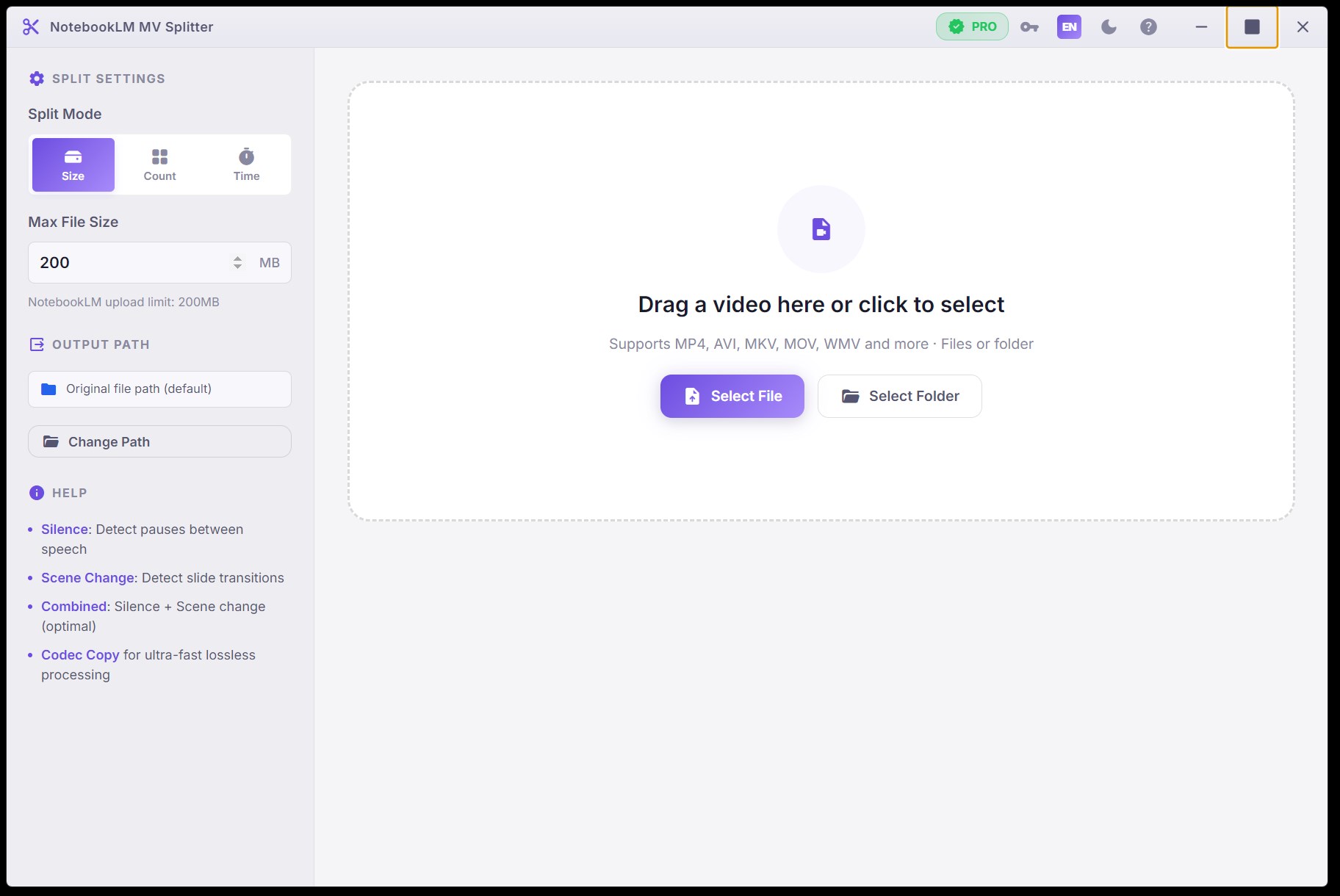
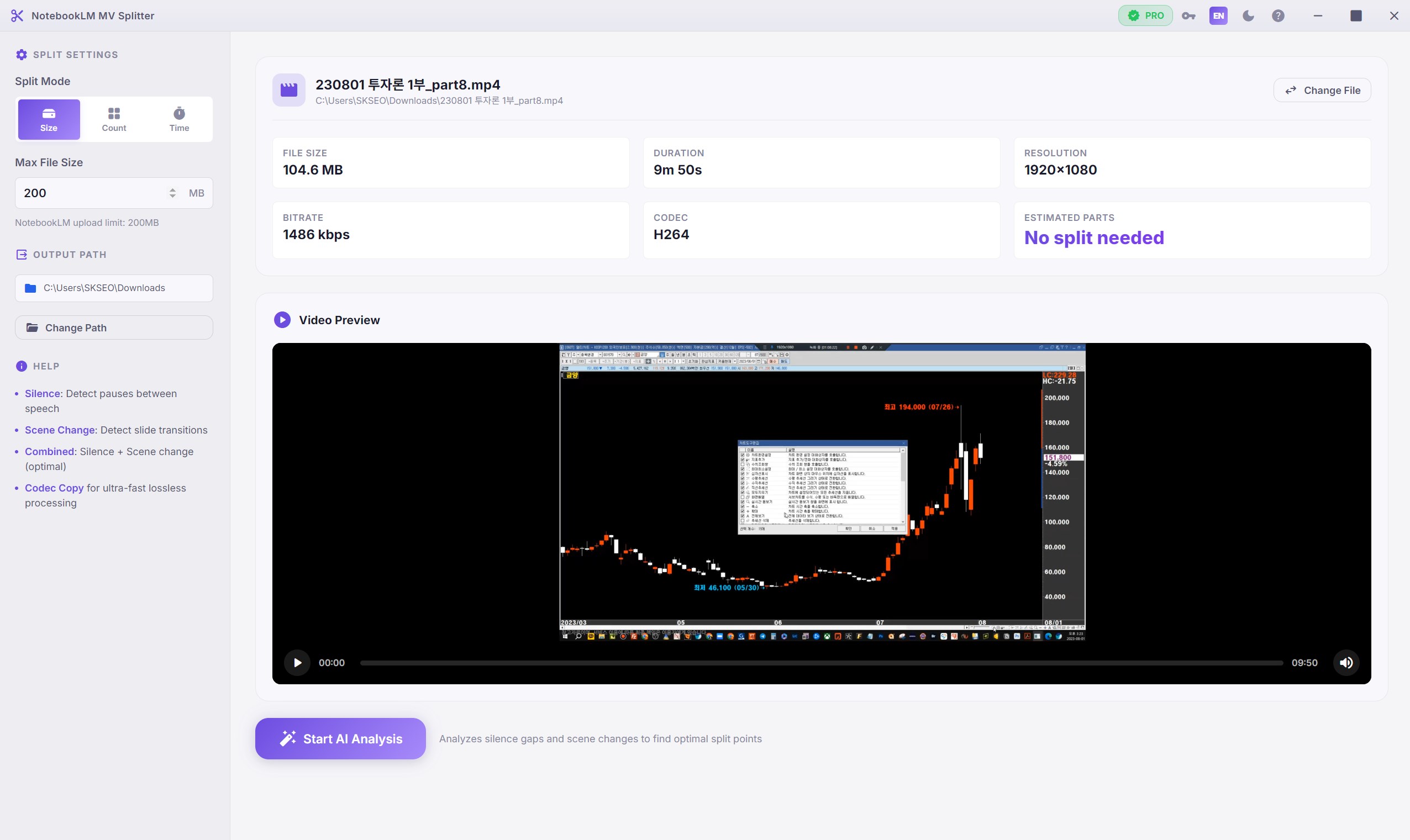
The interface of Notebook LM MV Splitter is minimalistic but thoughtful. The clean layout with clear icons invites immediate familiarity, similar to an uncluttered toolbox ready for action. The app's responsiveness is impressive; window snapping and layout adjustments happen swiftly, without lags or hiccups. Its learning curve is shallow—users familiar with basic window management will find it almost intuitive, making adoption quick and painless.
Differentiation and Unique Strengths
Compared with other productivity tools, Notebook LM MV Splitter's standout attribute is its laser focus on reducing workflow complexity. While some applications try to cram in myriad features—sometimes obscuring usability—this app hones in on core window management that enhances workflow efficiency. Its ability to seamlessly integrate with the Windows environment minimizes user effort and cognitive load—it's as if the app acts as a silent conductor orchestrating your windows harmoniously.
This clarity and purposefulness make it particularly effective for users who prioritize a distraction-free workspace and need swift, reliable window arrangement without a steep learning curve or feature bloat.
Recommendation and Usage Suggestions
For anyone seeking to improve their multitasking environment on Windows, Notebook LM MV Splitter presents a compelling, no-nonsense option. It's especially recommended for users who value simplicity and workflow efficiency over overly complex features. Whether working on multiple projects, engaging in research, or managing several communication apps simultaneously, this app will serve as a helpful assistant.
While it might not replace more comprehensive window management suites for advanced workflows, its focused approach makes it a valuable addition to your productivity toolkit. For best results, pair it with habitual layout saving and experiment with preset configurations tailored to your daily tasks. It's a small investment that can yield noticeable improvements in your screen management and overall focus.
Pros
- Enhanced Multitasking Efficiency
- User-Friendly Interface
- Customizable Layouts
- Compatibility with Multiple Monitors
- Quick Snap and Resize Features
Cons
- Limited Free Version Features
- Occasional Lag During Heavy Usage
- Minor Bugs in Window Detection
- Limited Customization Options in Free Version
- Compatibility Issues with Older Windows Versions











