
- Category Productivity
- Developer Zoho Corporation
- Available on PC
- OS Windows 10 version 14316.0 or higher
- languages English (United States)
Introducing Notebook - Notes & To-Do for Windows
In a crowded landscape of productivity tools, Notebook by Zoho Corporation emerges as a thoughtfully designed notes and task management app tailored for Windows users seeking a streamlined workflow. It combines note-taking with task organization in a simple, integrated environment, promising to reduce cognitive load and enhance daily productivity without the bloat.
Designed by a Trusted Name in Tech: Zoho Corporation
Produced by Zoho Corporation, a well-established name in business and productivity applications, Notebook benefits from their expertise in creating tools that balance user needs with functionality. The developer's focus on seamless integration and user-centric design shines through in this app.
Highlighting Major Features: Simplified Workflow, Rich Note Templating, and Cross-Device Sync
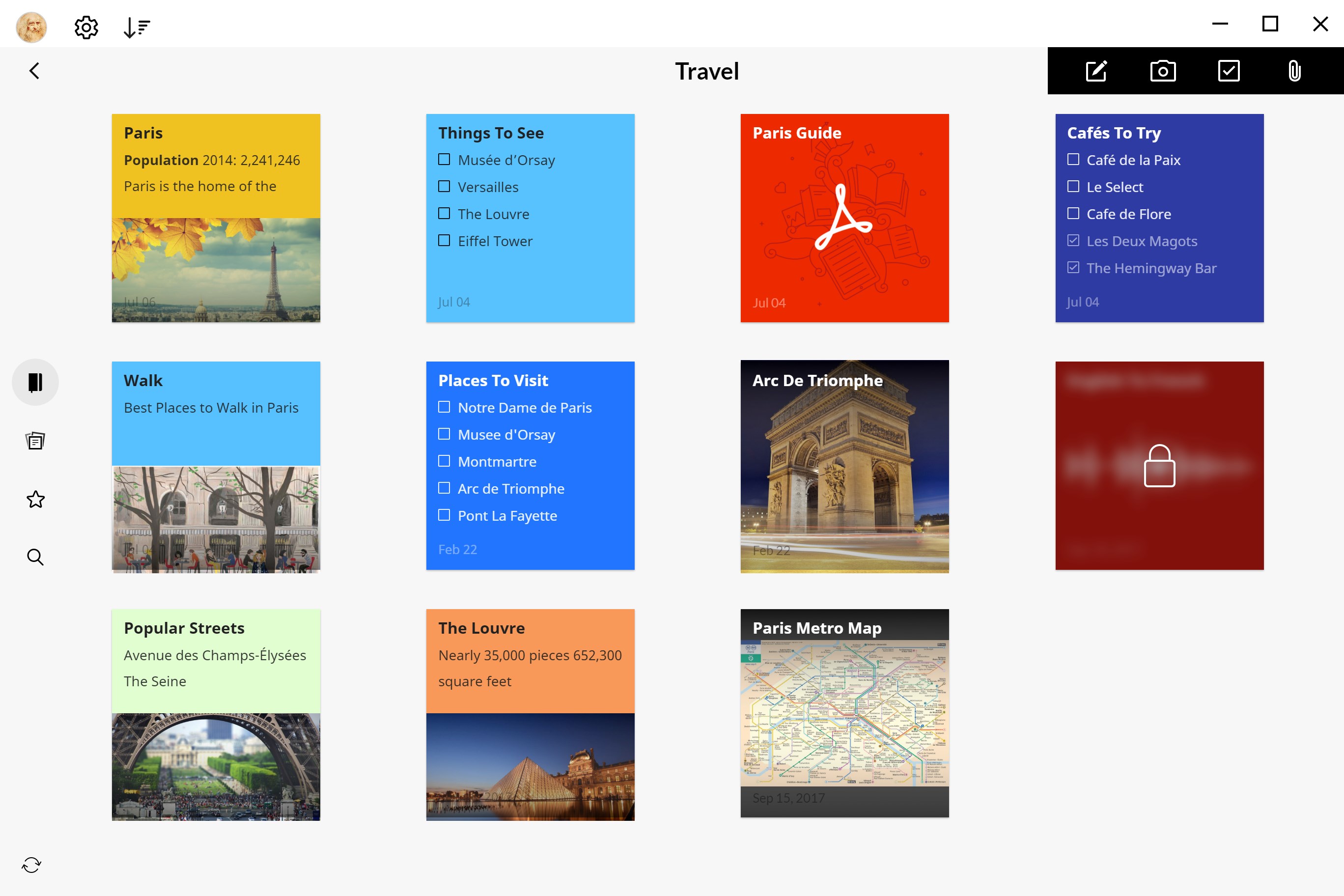
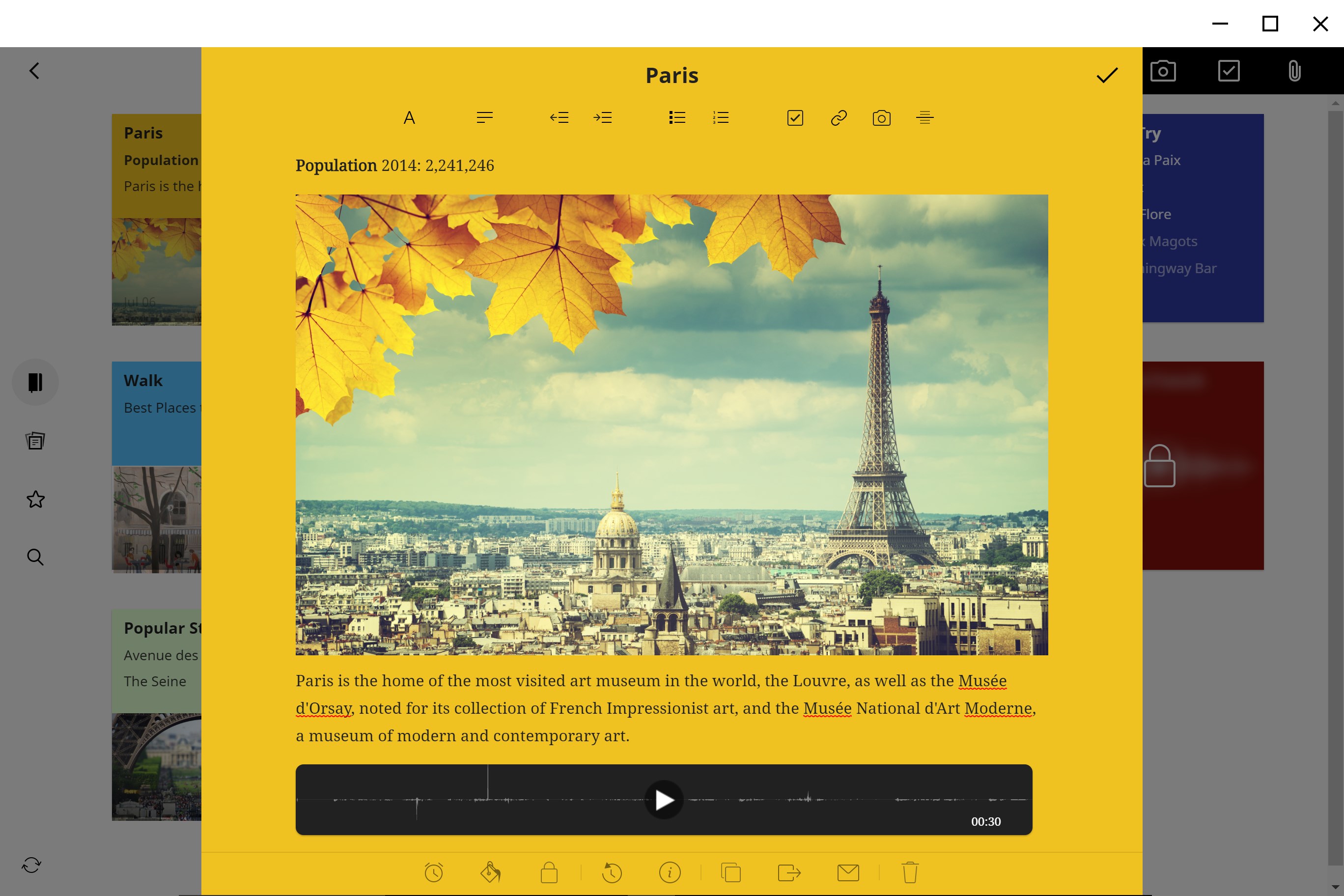
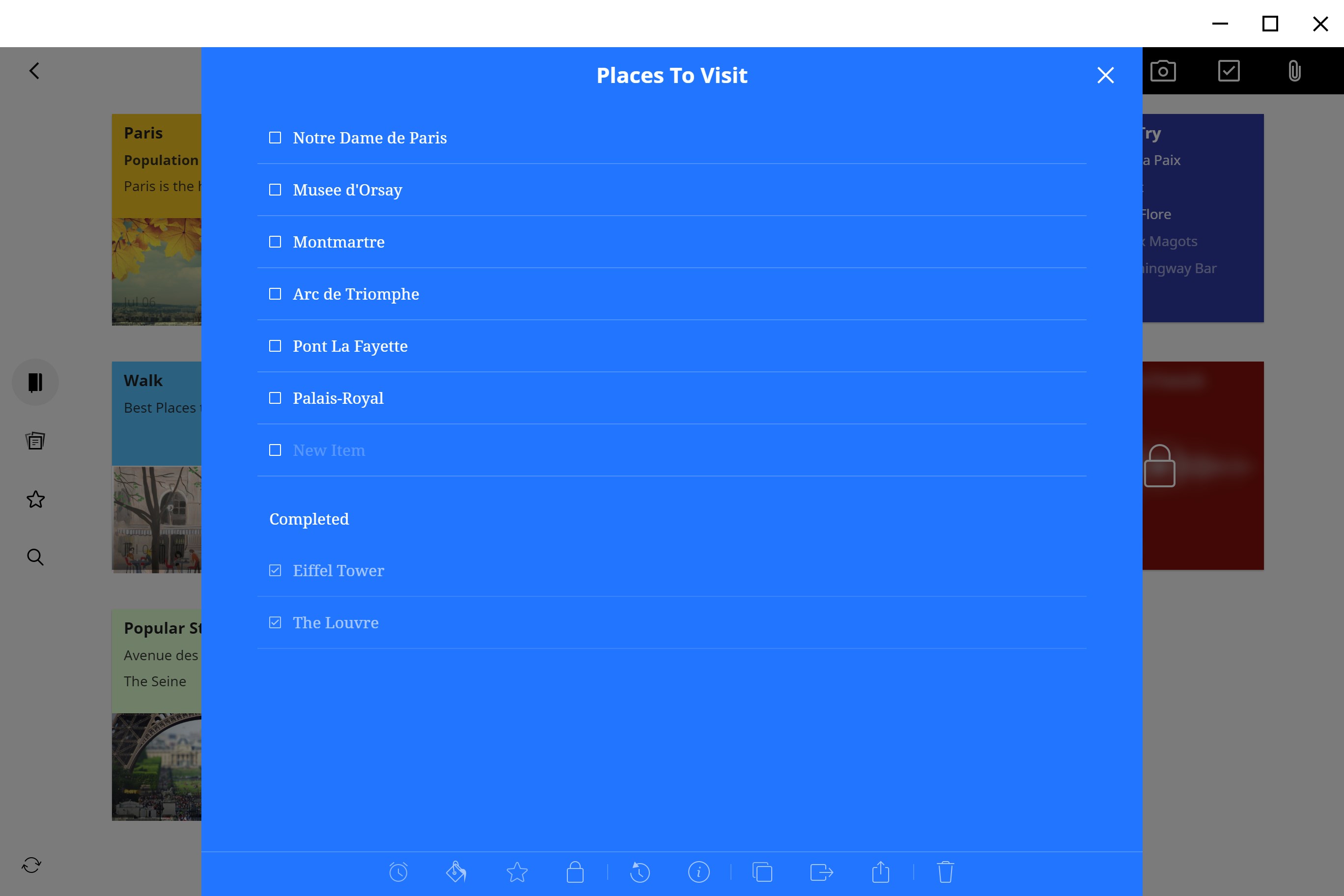
Notebook's main strengths lie in its ability to streamline your daily work with minimal fuss. First, it offers intuitive note and to-do list organization, enabling users to capture ideas quickly and keep tasks front-and-center. Second, it provides rich formatting options, including checklists, tables, and multimedia embeds, turning plain notes into dynamic, interactive records. Third, with cross-device synchronization, it ensures your to-dos and notes are always at your fingertips, whether on Windows, mobile, or web. Lastly, its smart reminders and categorization tools help users maintain focus without overwhelming them with options.
A Friendly Dive into the App: Boosting Your Workflow Without the Clutter
Imagine a cozy workspace where your thoughts, ideas, and reminders sit neatly in front of you—Notebook aims to replicate this calm, organized environment on your digital desktop. From the moment you open it, the interface feels welcoming without unnecessary frills, focusing instead on core functionalities that matter. It's like having an organized workspace on your desktop—neat, accessible, and tailored to your needs.
Core Functionality: Seamless Note-Taking and To-Do Management
The heart of Notebook is its central hub where notes and to-dos are created, edited, and organized effortlessly. The app supports rich text formatting, attachments, and multimedia, making it more than just a plain text editor—it's a versatile canvas for capturing ideas. Its simple drag-and-drop interface lets you reorganize your notes and tasks adaptively, like sorting papers on a tidy desk.
This functionality emphasizes reducing cognitive load; instead of juggling multiple apps, everything is consolidated, visually clear, and easy to access. The app ensures users don't get bogged down by complex features—it's about making your workflow smoother, akin to having a digital notebook that opens instantly and responds precisely when you need it.
Intuitive Interface and User Experience
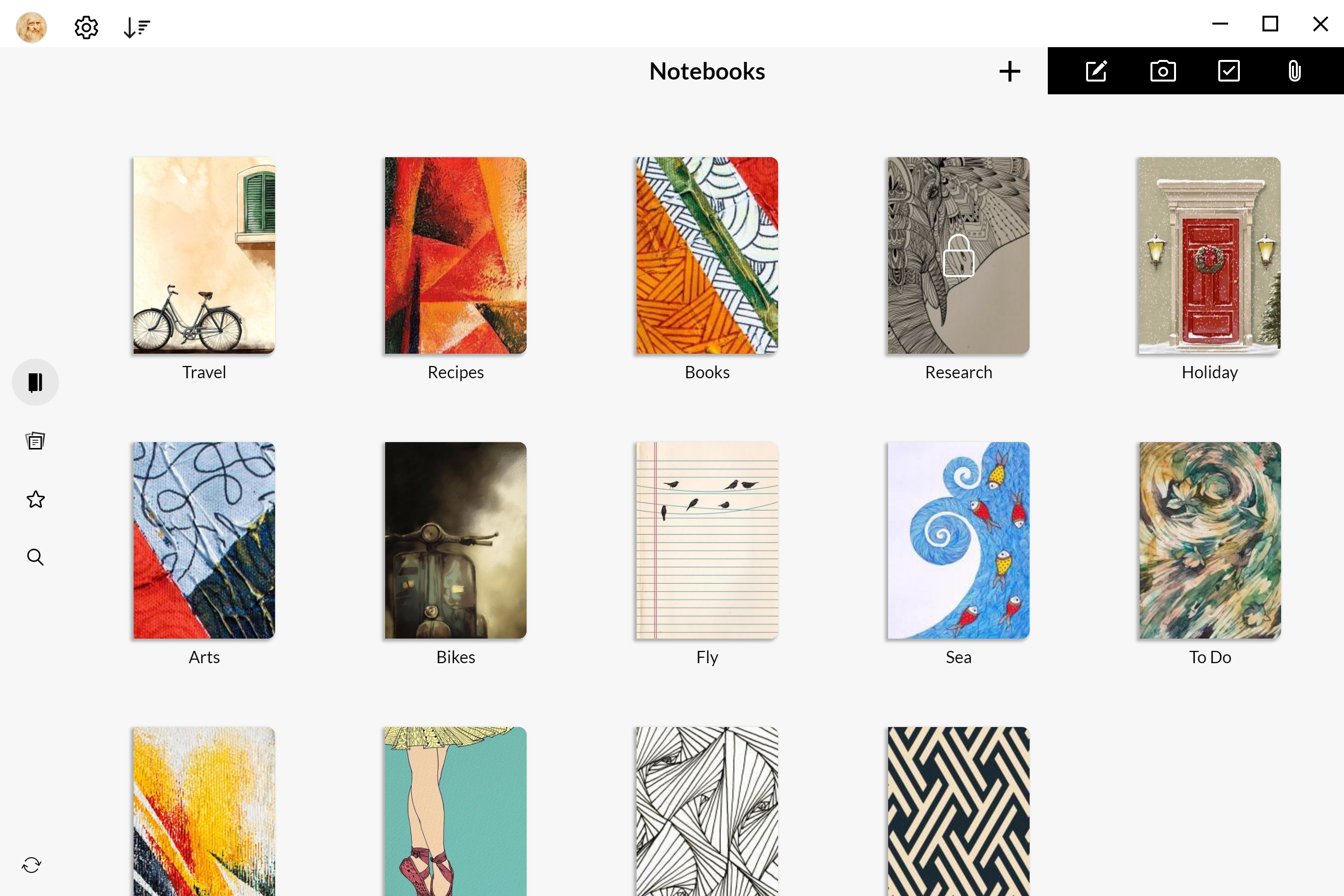
One of Notebook's strongest points is its clean, minimalistic design. The layout is uncluttered, with a sidebar for quick navigation and a distraction-free workspace. This interface design fosters focus—it's like working in a well-organized office where everything you need is within arm's reach. The app responds smoothly to commands and navigates swiftly, providing a satisfying user experience that encourages consistent use without frustrations or steep learning curves.
For new users, the onboarding is straightforward, with tooltips and helpful prompts that gently guide them through features without overwhelming. Longtime users will appreciate how effortlessly they can adapt their workflow within this environment.
Differentiation: Workflow Efficiency vs. Feature Overload
Where Notebook truly shines compared to other productivity apps is in its focus on enhancing workflow efficiency while minimizing unnecessary complexity. Unlike some tools that try to be all things at once, this app emphasizes essential functions—note-taking, task management, reminders—that work seamlessly together. Its intelligent design reduces the cognitive load by hiding advanced features behind simple controls, much like a well-organized toolbox that only reveals specific tools when needed. This approach enables users to stay focused on their tasks, avoiding the trap of feature fatigue common in bloated apps.
Furthermore, its deep integration with the Windows ecosystem ensures smooth operation within your existing environment, making it better suited for quick task execution and mental clarity than overly complicated platforms.
Final Verdict: A Practical Choice for Focused Productivity
Overall, Notebook by Zoho is a commendable app that prioritizes core productivity functions with a user-friendly, clutter-free design. It's especially recommended for those who want a reliable tool that reduces mental clutter without sacrificing flexibility. If your workflow demands quick note capture, task organization, and cross-device access delivered in a straightforward package, this app warrants a serious look.
While it may not offer the extensive feature set of more complex apps, its focus on workflow efficiency and cognitive simplicity makes it an ideal companion for everyday task management, especially for users seeking a calm, organized digital workspace.
Pros
- User-Friendly Interface
- Cross-Device Synchronization
- Built-in Reminder and Due Date Features
- Rich Text Formatting Options
- Integration with Microsoft Ecosystem
Cons
- Limited Offline Functionality
- Basic Task Management Features
- UI Customization Is Minimal
- Limited Export Options
- Occasional Sync Delays











